No products in the cart.

-23%
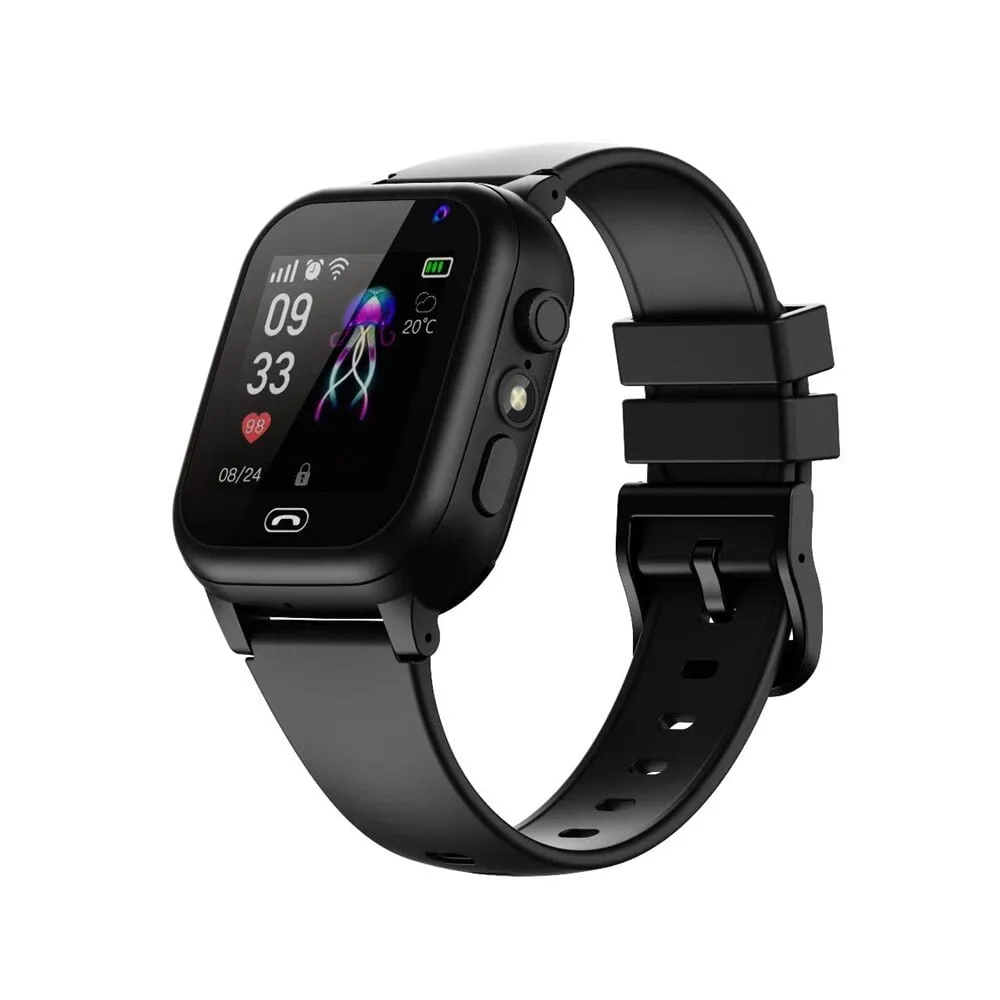



The Smartberry C005 smart watch is a black kids smart watch that the listing describes as SIM supported, with calling support, and it suits parents and guardians in Bangladesh who want a wearable that can make calls. This guide sets out what the listing says, what it leaves open, and how to check the details before you order.
- Overview
- Key features
- Specifications
- How to use and set up
- Compatibility and what is in the box
- Who should buy it in Bangladesh
- Alternatives in our store
- Warranty and support
- Delivery, returns and ordering
- Frequently asked questions
Smartberry C005 smart watch overview
The Smartberry C005 smart watch is listed by the store as a SIM supported kids smart watch with calling support. According to the listing, the tracking function is only available on a Grameenphone SIM card, so check that detail first if tracking matters to you. The model number is C005 and the colour listed is black. The full product name is SIM Supported Kids Smart Watch (Smartberry C005) – Black Color, so the model number is the key identifier when you compare listings.
The watch sits in our Smart Watches category, alongside other wearables sold to Bangladeshi buyers. Shoppers often search for the model number alone, so the name C005 may appear on several listings. Read the product name and colour carefully before you add anything to your basket. A Smartberry C005 smart watch suits families who want a wearable with a SIM card and a calling function. For background on the wider device type, read the Wikipedia overview of smartwatches, which explains the category in general terms.
Families in Dhaka and other cities plan their days around school runs, tuition and traffic, and a kids smart watch can become part of that routine. Many buyers want a simple way to stay in touch with a child, which is why the calling and tracking lines in the listing matter. Parents who have not bought a SIM supported wearable before will find the Smartberry C005 smart watch easier to judge if they read the listing line by line. It should be judged on those listed points, not on general assumptions about every smart watch.
Key features
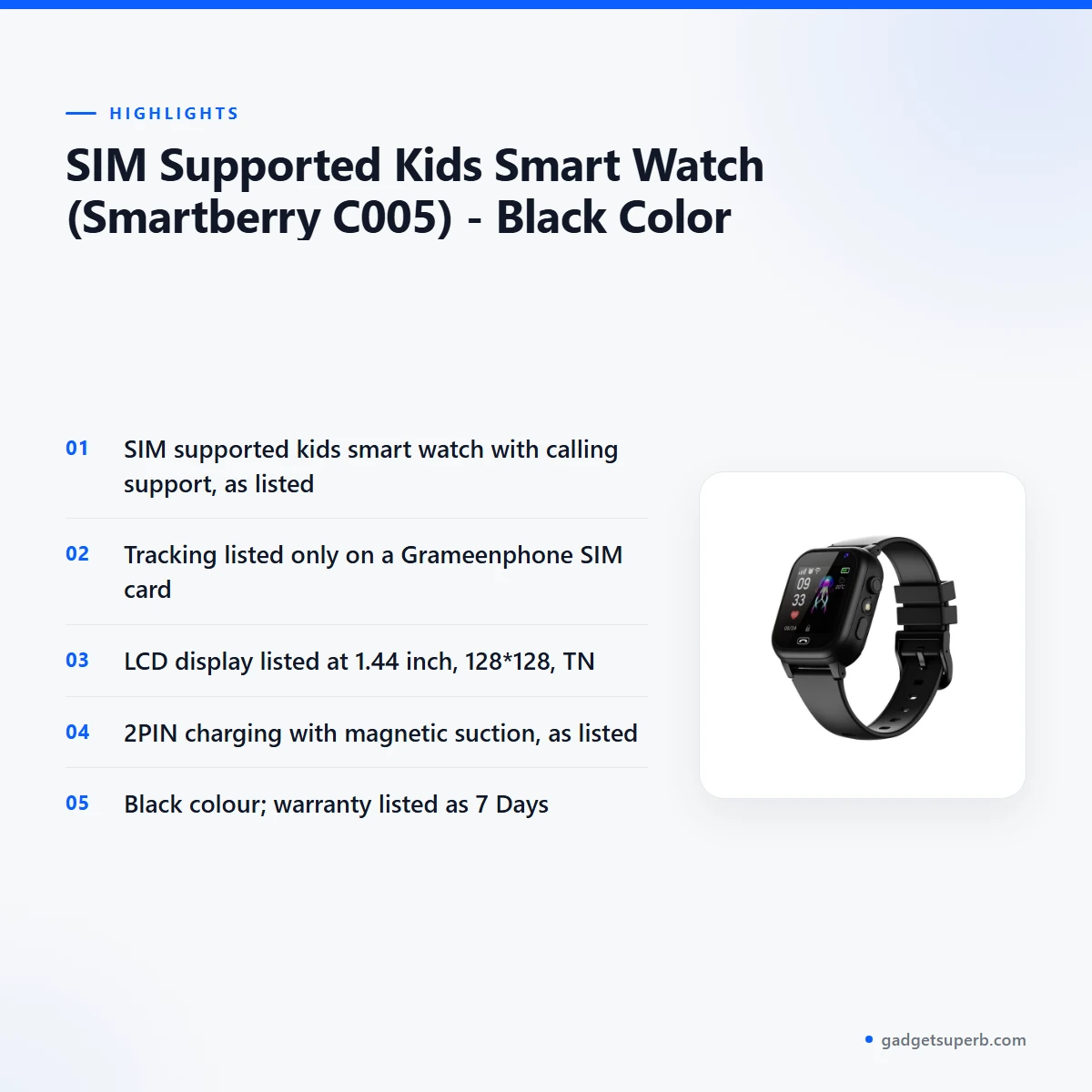
The listing names three main features for this model, followed by its display and charging details. Each point below repeats only what the maker lists for the Smartberry C005 smart watch.
SIM support
The listing gives SIM support as the first key feature of the Smartberry C005 smart watch. The listing describes this model as SIM supported, which means it is listed as taking a mobile SIM card. That is the feature that separates it from a basic wearable with no phone connection. Many parents in Bangladesh look for a kids wearable of this type when they want a watch that works with a mobile SIM. The listing does not name which SIM sizes or networks are accepted beyond the Grameenphone note on tracking. Follow the maker’s instructions when you insert the card, and ask us if you are unsure which SIM details matter for your watch.
Calling support
The listing shows calling support for the Smartberry C005 smart watch, so calling is a central feature rather than an extra. The maker lists calling alongside SIM support, so the two appear together in the listing. Once the watch is set up, make a trial call with a family member before you rely on it. Keep the contact list short at first, so the routine stays simple for a child. If you are unsure whether calls are included in your mobile plan, speak with your operator before you order this kids smart watch.
Grameenphone tracking
The tracking function is listed as available only on a Grameenphone SIM card, which is the most important limit in the listing for this model. A buyer on another network should not assume tracking will work with the Smartberry C005 smart watch. The listing ties the tracking function to that specific SIM, so confirm your mobile operator before you order. If you already use Grameenphone, check your plan details with the operator directly. The listing does not describe how tracking works in day-to-day use, so this page does not go further.
Display
The listing describes the display as an LCD with a size of 1.44 inch, a 128*128 figure and a TN type. These are the figures the maker lists, and this page repeats them without adding comparisons. The listing does not describe brightness, touch behaviour or what appears on the screen. If those points affect your choice, ask us before ordering. Note the display details in your order record so you can check them against the product you receive.
Charging and battery
The listing describes the charging type of this model as 2PIN charging with magnetic suction. The battery is listed as built-in, with wire bonding and 520mA. The listing does not give charging times or battery life, so this page does not state them. Charge the Smartberry C005 smart watch fully before first use. If your area has load-shedding, plan charging around those hours so the watch is ready when you need it. Keep a charging routine that suits your household, so that charging becomes a habit rather than a last-minute task.
Specifications
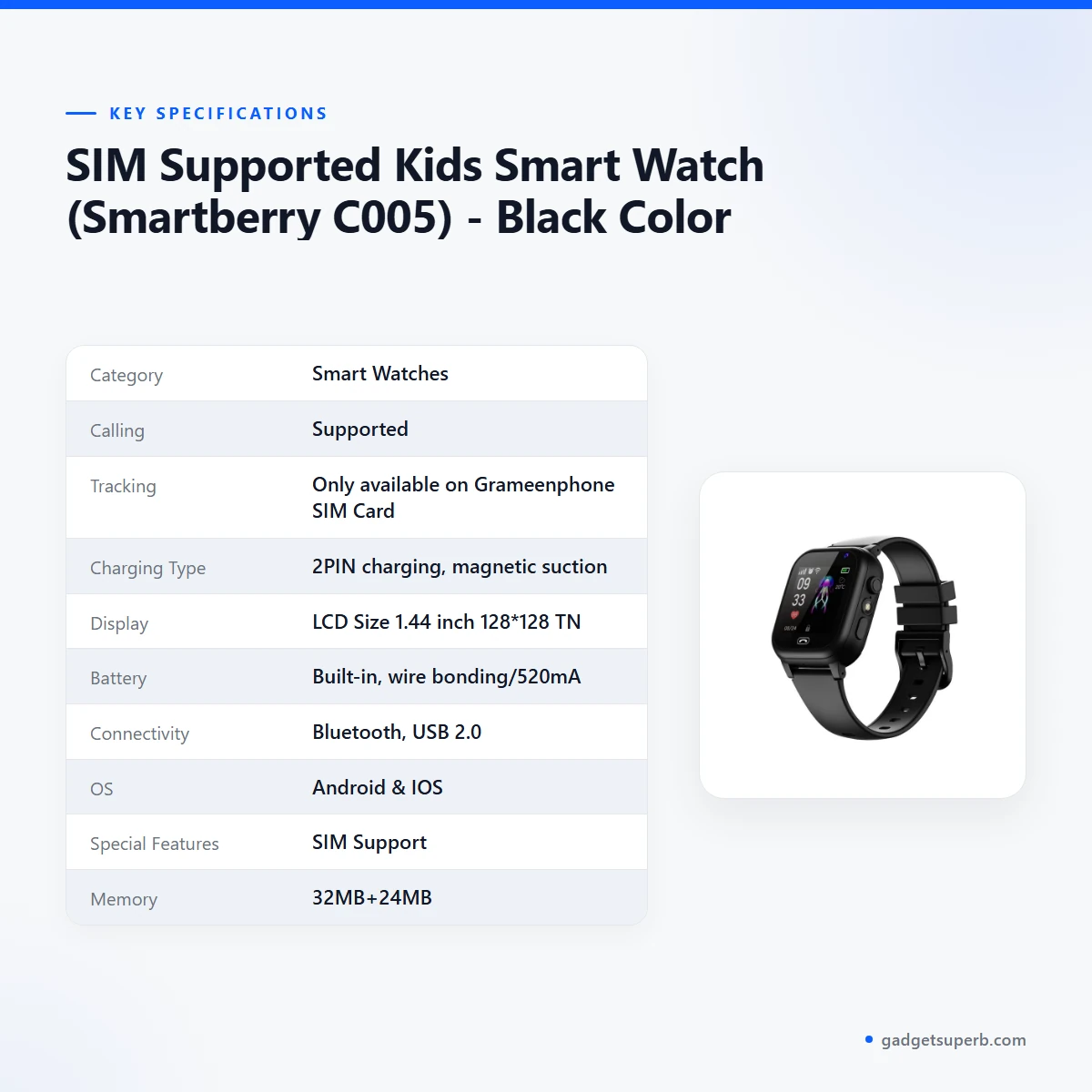
The Smartberry C005 smart watch specifications below are the figures shown in the product listing, arranged as a simple table for quick reading.
| Category | Smart Watches |
| Calling | Supported |
| Tracking | Only available on Grameenphone SIM Card |
| Charging Type | 2PIN charging, magnetic suction |
| Display | LCD Size 1.44 inch 128*128 TN |
| Battery | Built-in, wire bonding/520mA |
| Connectivity | Bluetooth, USB 2.0 |
| OS | Android & IOS |
| Special Features | SIM Support |
| Memory | 32MB+24MB |
| Processor | RDA8955 |
| Color | Black |
| Warranty | 7 Days |
These are listed specifications from the product listing.
How to use and set up
Setting up a Smartberry C005 smart watch is simpler when you follow a clear order. Start by reading the maker’s instructions at a table with good light, before you change any setting. Keep the product page open so that you can check the listed details against what you have.
- Read the maker’s instructions for the watch from start to finish.
- Charge fully before first use, using the 2PIN charging method listed.
- Insert the SIM card as the maker’s instructions describe, if you plan to use calling.
- Check that the SIM is a Grameenphone card if you want the tracking function.
- Make a trial call with a trusted adult before handing the watch to a child.
Load-shedding is a practical concern in many parts of Bangladesh, so plan the first full charge of your Smartberry C005 smart watch for a time when power is steady. Once the watch is running, keep a written note of the model name and SIM details with your order record. Write down the questions that came up during setup, so that you can send them to us in one message.
The best time to set up the Smartberry C005 smart watch is a calm moment, not the hour before school. Read the whole listing first, then follow the maker’s instructions in order, one step at a time.
Humidity is common across Bangladesh for much of the year. After outdoor use in humid weather, avoid leaving the watch in a damp bag. These habits are general advice rather than figures from the listing, so follow the maker’s instructions if they differ.
Store the watch in a dry drawer when it is not in use, away from direct sun and heat. Keep your charging setup in one place so that the next charge is easy to plan. Wipe the watch gently and let it dry fully before the next wear. Regular, gentle care is the simplest way to keep a child’s watch looking tidy through daily use.
Plan the first week around short, supervised trials. Let a parent or guardian handle the first calls and any tracking checks, so that questions about the listing are answered before the watch goes to school. A short trial also shows whether the charging routine fits your household.
Agree on simple rules with your child before the watch becomes part of daily life. Decide when the watch should be charged, when a call should be answered, and who the child should contact if the watch is lost or stops working. Revisit those rules after two weeks, and adjust them if the routine is not working for your family.
Compatibility and what is in the box
The listing lists SIM support, calling support and Android & IOS as the operating systems for the Smartberry C005 smart watch. Those are the compatibility points given by the maker, and this page does not add to them.
The listing also gives Bluetooth and USB 2.0 as connectivity. It does not list the Android or iOS version numbers, so check your phone model with us if your phone runs an older version. Before you rely on the watch with a phone, confirm the operating system listed on the product page.
What is in the box is not confirmed by the listing, including any accessories, cables or manuals. Ask us before ordering if you need that detail, and we will tell you what we can confirm from the product listing.
Compatibility with a particular phone model, network plan or regional SIM is not described in the listing for the Smartberry C005 smart watch. Keep your phone and operator details ready when you message us, so we can answer your question in one reply.
Who should buy it in Bangladesh
A parent in Dhaka who wants a kids wearable with SIM support and calling support is the main buyer for the Smartberry C005 smart watch. Dhaka traffic can make school runs unpredictable, and a child who needs to call home at those moments is the situation this model is listed for. This is the scenario the listing points to most clearly.
A parent outside Dhaka should check the network first. Because the tracking function is listed as available only on a Grameenphone SIM card, a family on another operator may still value the calling function but should not buy it for tracking alone. Confirm the SIM situation before you commit.
A grandparent or relative buying a gift should confirm the model and the SIM plan before ordering the Smartberry C005 smart watch. The gift works best when the recipient’s phone number and network are known in advance. A short message to the family before ordering can save a second trip or an unnecessary return.
Parents who already use a Grameenphone line for a child may find the Smartberry C005 smart watch simpler to plan around. The tracking function is listed for that network, so the family’s existing setup is the starting point.
A parent who works long hours and wants a simple way to reach a child after school may find the calling function useful, once the SIM and plan are confirmed for this model. The watch is a practical choice only when that routine is agreed in advance between parent and child.
A family in Chattogram or Sylhet, where delivery takes longer, should plan for the outside Dhaka window before the watch is needed. Allow a few extra days for the first charge as well.
Buyers who want a smart watch for an adult, rather than a kids model, may prefer one of the alternatives in our range listed below. The listing presents this model as a kids smart watch, so an adult searching for a general wearable may find another item in our Smart Watches category a closer match.
Shoppers who only want a watch for its look, and not for calling or tracking, may find the listed features do not match their needs. For that purpose, the Smartberry C005 smart watch may not be the right choice. Browse the category and read the details on each model’s own page before you decide.
Before you choose, list the three things you need most: SIM support, calling support, or tracking on a Grameenphone SIM card. If all three matter to you, the Smartberry C005 smart watch lines up with the listing. If you need a different operator for tracking, a different model in our range may be a better fit for your household.
Alternatives in our store
Compared with the Smartberry C005 smart watch, the options below are described only by name and category. If it is not the right fit, you can compare other wearables in our range, and open each product page for its listed details.
Try HK9 Ultra smartwatch, another smart watch in our range.
Consider SIM Supported Kids Smart Watch (Smart2023 C005), another kids smart watch in our range.
Also see SIM Supported Kids Smart Watch (Smart2023 C005), a kids smart watch in our range.
Finally, B14 Smart Watch is another smart watch in our range.
Each of these links opens its own product page, so you can compare the Smartberry C005 smart watch with other models in the same range.
To browse everything in this group, visit our Smart Watches category. Each product page holds its own listed details, so read those before you choose between models.
Warranty and support
Warranty: 7 Days seller warranty.
Delivery, returns and ordering
Ordering the Smartberry C005 smart watch is straightforward. We deliver all over Bangladesh and you pay cash on delivery.
Delivery usually takes 1–3 days inside Dhaka city and 2–5 days outside Dhaka, so plan the arrival of the watch around those windows. If you need it for a specific school day or family event, order with that date in mind.
You can return it within 7 days of delivery (see our Delivery & Returns policy). Read the policy page before you order so you know the steps, and keep your delivery details handy.
Questions before ordering: call 09638054751, message us on Facebook Messenger or email care@gadgetsuperb.com. Our full policy page is at https://gadgetsuperb.com/delivery-returns/.
When your order arrives, check the model name against the Smartberry C005 smart watch listing before you pay on delivery. If something does not match, message us before you accept the parcel.
If you are unsure whether the Smartberry C005 smart watch suits your needs, message us before ordering rather than after delivery. A short question now is easier than a return later, and it lets us answer the points the listing leaves open.
Cash on delivery means you pay when the parcel reaches you, as the policy states. If you are ordering for a child in another city, include a full delivery address and a working contact number, so the delivery can reach the right person.
Keep your order details in one place, including the model name, the black colour and the warranty line, so you can quote them if you call us. Clear details make it quicker for our team to answer your questions about the listing.
Frequently asked questions
Is the Smartberry C005 smart watch a kids smart watch?
Yes, the listing presents the Smartberry C005 smart watch as a SIM supported kids smart watch in black. It is aimed at children and parents who want calling support on a wearable.
Does the Smartberry C005 smart watch support SIM cards?
Yes, according to the listing the watch is SIM supported. The listing does not state which SIM sizes or networks other than Grameenphone are accepted.
Does calling work on this model?
The listing shows calling support for this model. Check your SIM and plan details with your operator before you rely on calls.
Is tracking on the Smartberry C005 smart watch available with any SIM card?
No, the listing says the tracking function is only available on a Grameenphone SIM card. Confirm your operator before you order if tracking matters to you.
What is the screen size of the Smartberry C005 smart watch?
The listing gives the Smartberry C005 smart watch an LCD size of 1.44 inch with 128*128 and a TN type. The listing does not add more display detail.
What charging method does this watch use?
The listing describes 2PIN charging with magnetic suction. Charge the Smartberry C005 smart watch fully before first use, following the maker’s instructions.
Does this watch have a warranty?
Yes, the listing gives a warranty of 7 Days. Ask us if you need more detail before ordering.
Can I return this watch?
Yes, you can return it within 7 days of delivery. The full terms are on our Delivery & Returns policy page.
How long does delivery take?
Delivery usually takes 1–3 days inside Dhaka city and 2–5 days outside Dhaka. We deliver all over Bangladesh and you pay cash on delivery.
Can I ask questions before I order?
Yes, call 09638054751, message us on Facebook Messenger or email care@gadgetsuperb.com.
Is battery life stated in the listing?
No, the listing gives the battery as built-in, wire bonding and 520mA, but it does not state battery life or charging times.
Which operating systems does this watch list?
The listing gives Android & IOS as the operating systems. It does not list version numbers, so check your phone with us before ordering.
Related products
-27%
50 in stock


JOYROOM FT3 Smart Watch – Dark Gray Color
Original price was: ৳ 4,110.৳ 3,000Current price is: ৳ 3,000.-28%
47 in stock
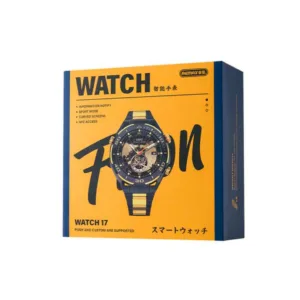
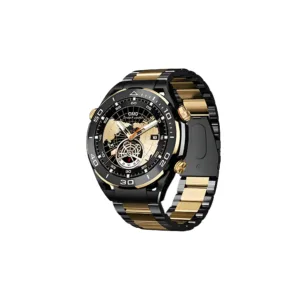
Remax Watch 17 Bluetooth calling Smartwatch (Black/Gold)
Original price was: ৳ 5,690.৳ 4,090Current price is: ৳ 4,090.-28%
43 in stock

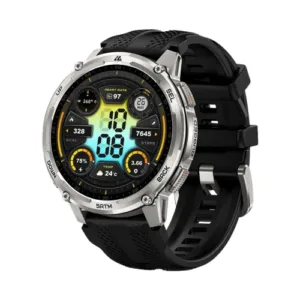
KOSPET TANK T4C – Silver
Original price was: ৳ 17,440.৳ 12,540Current price is: ৳ 12,540. SIM Supported Kids Smart Watch...
 Original price was: ৳ 1,360.৳ 1,040Current price is: ৳ 1,040.
451 in stock
Reviews
There are no reviews yet.