No products in the cart.

-27%
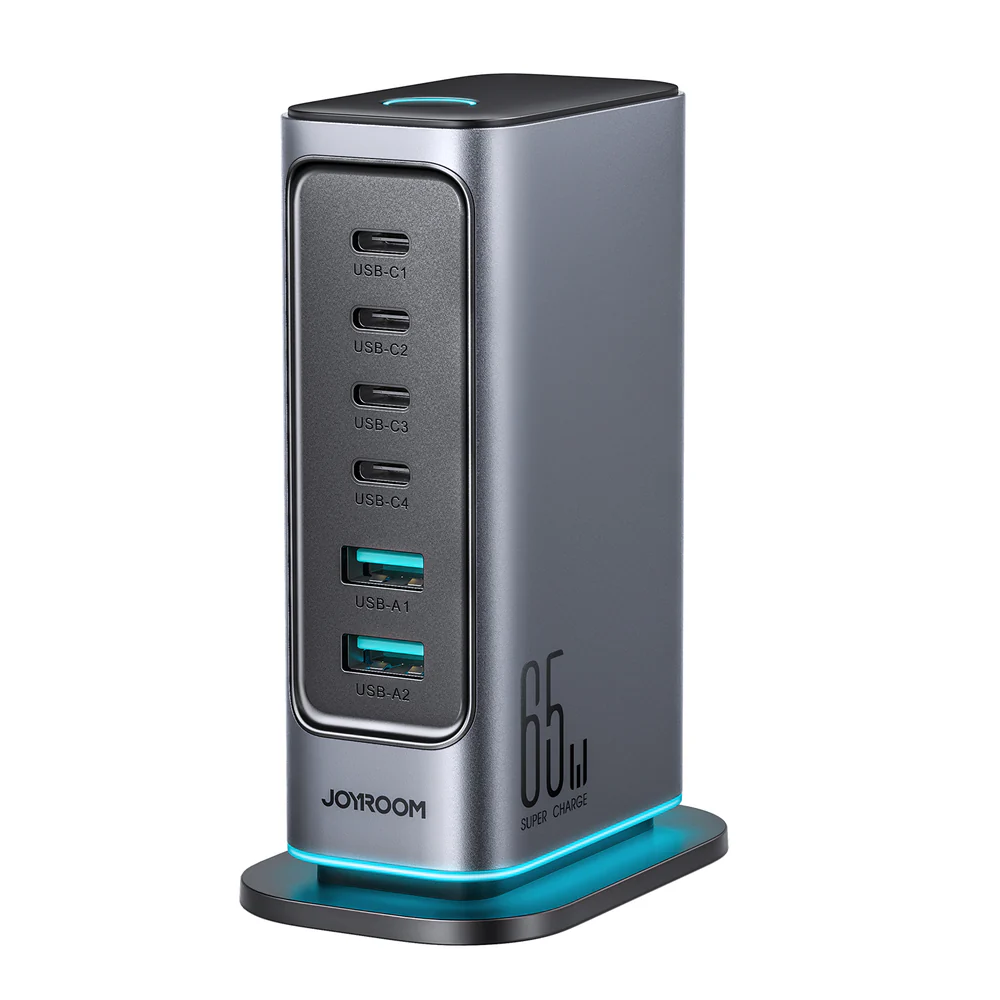
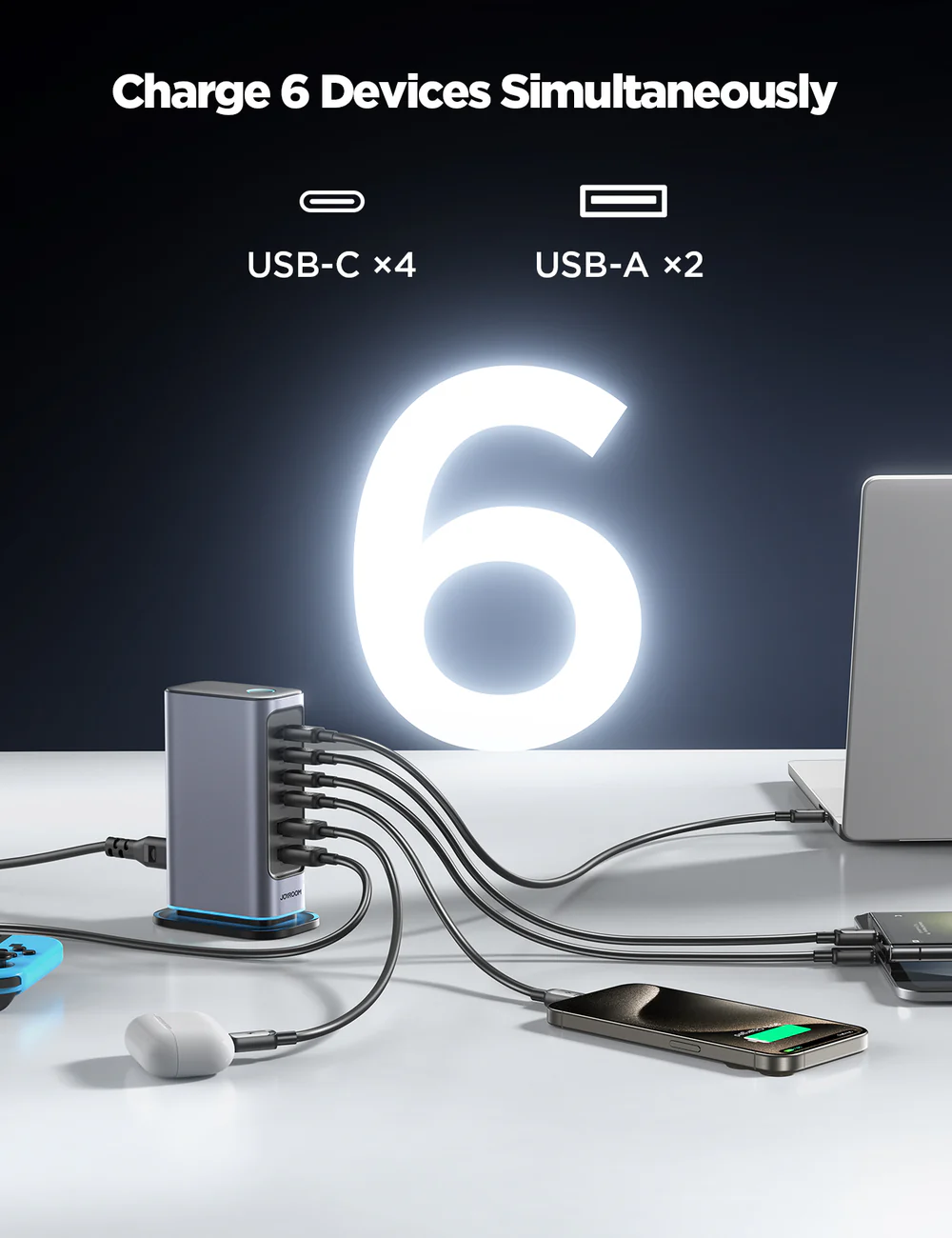
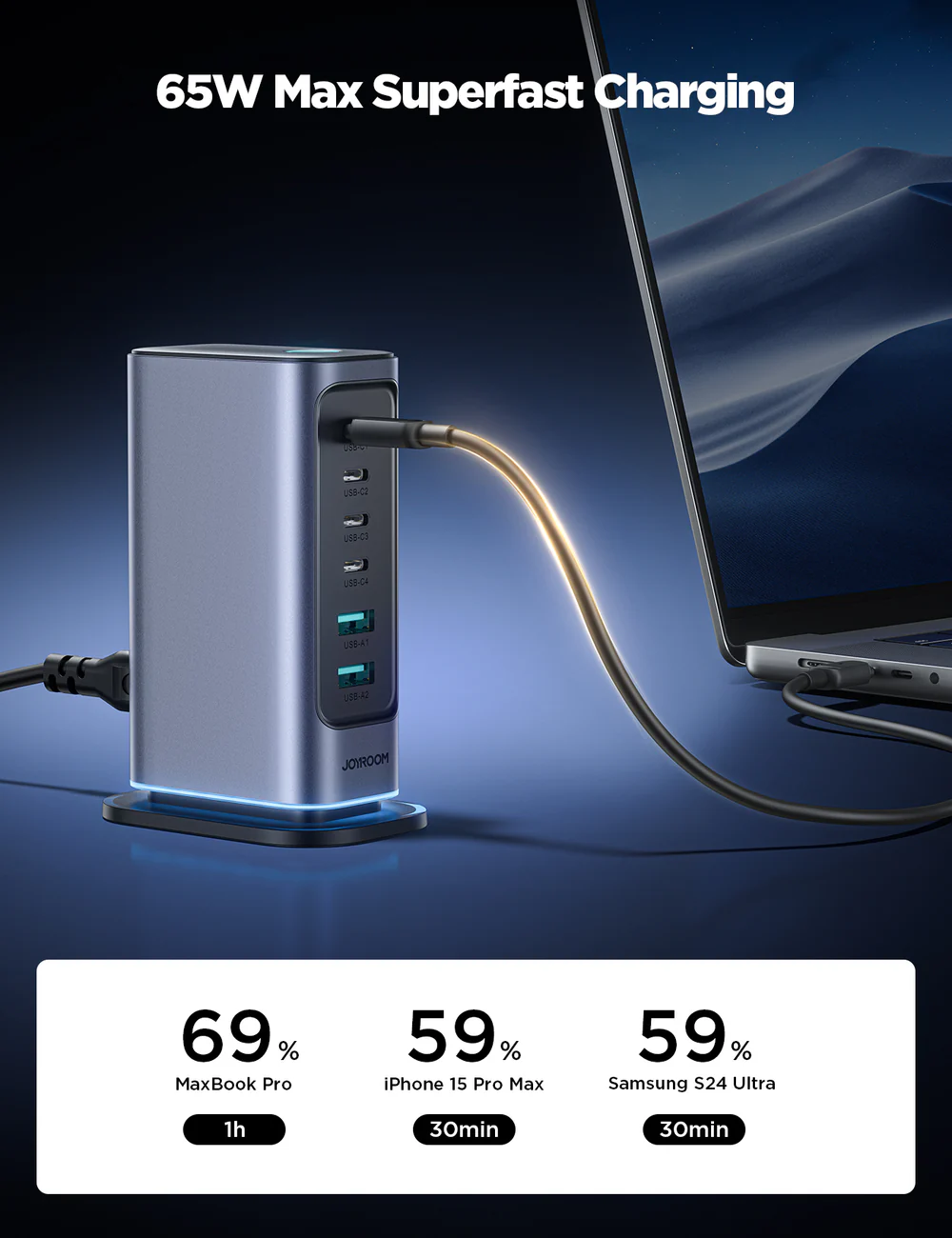
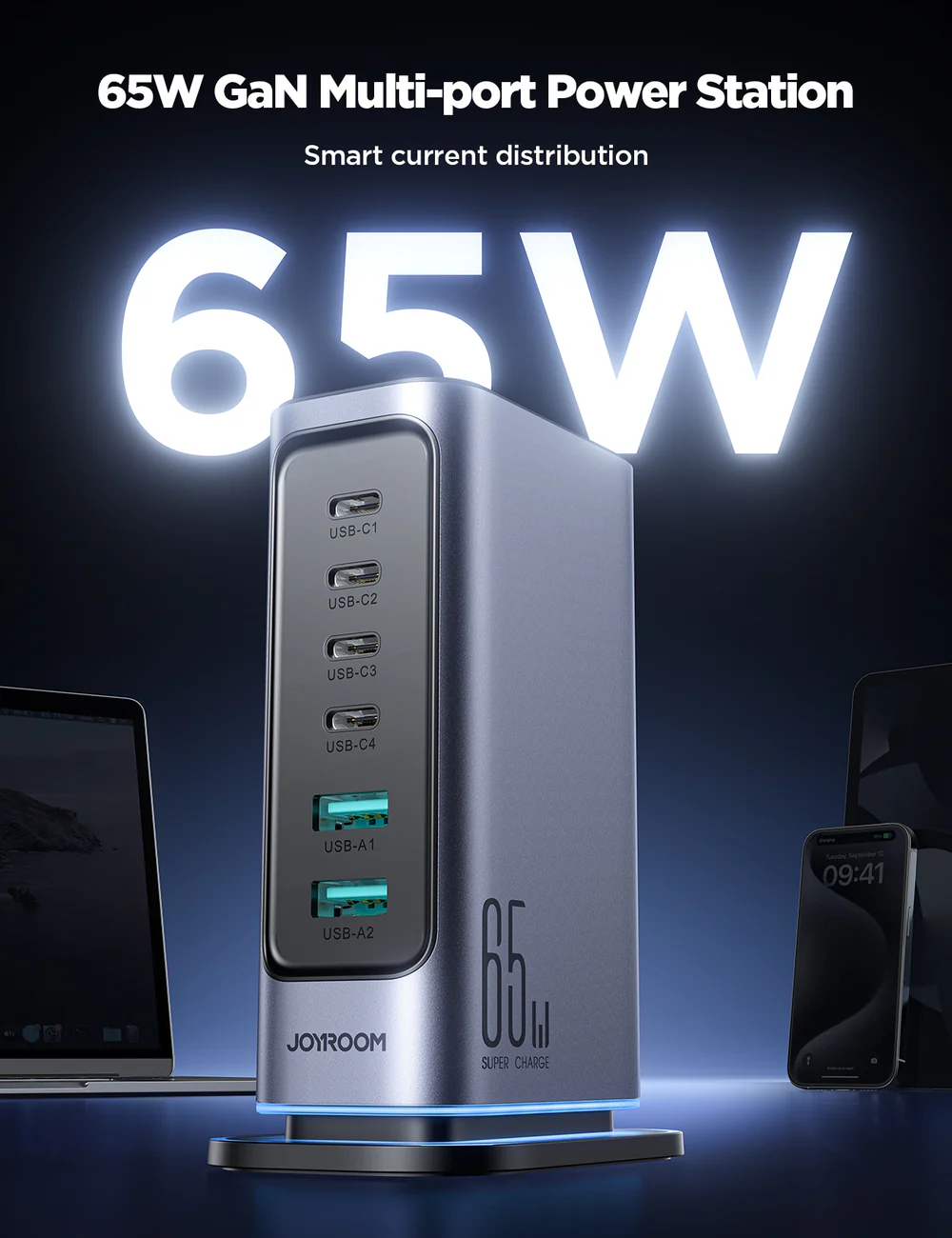
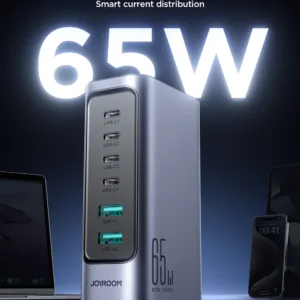
The jr-tcm02 charger is a 65W multi-port charger listed by the maker with four USB-C ports and two USB-A ports. It suits Bangladeshi households and small offices that need to charge a phone, tablet, laptop and more from one socket at the same time. This page explains what the listing confirms, what it does not, and how to choose.
- What the jr-tcm02 charger is
- Key features
- Specifications
- How to use / set up
- Compatibility and what is in the box
- Who should buy it in Bangladesh
- Alternatives in our store
- Warranty and support
- Delivery, returns and ordering
- Frequently asked questions
What the jr-tcm02 charger is
The jr-tcm02 charger is listed by the maker as the JOYROOM JR-TCM02 65W GaN Multi-port Power Station, with four USB-C and two USB-A ports and an EU plug. The listing gives a total output of 65W maximum, shared across the ports. In our store the product is named JR-TCM02 65W Multi-Port Charger and sits in Chargers & Adapters.
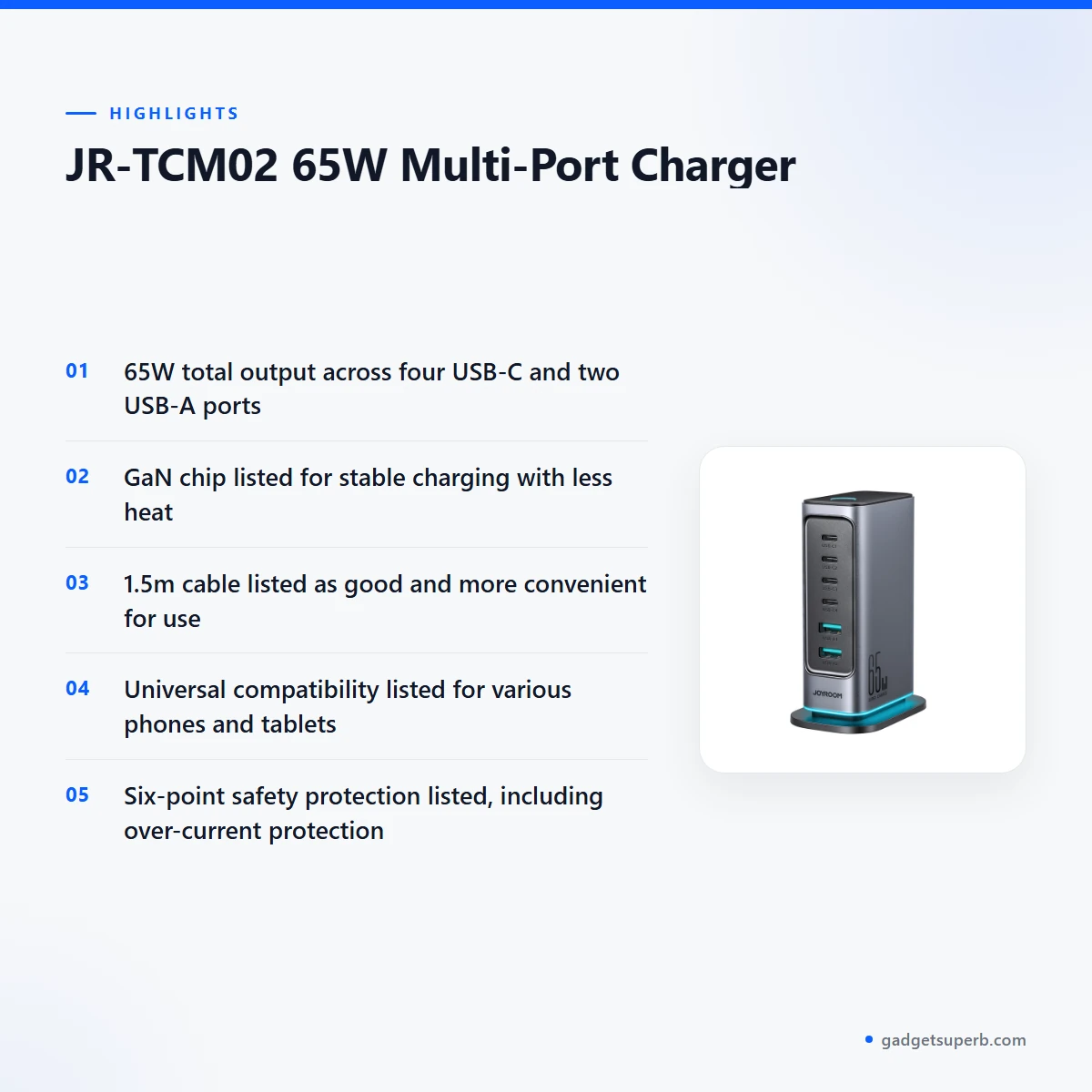
A jr-tcm02 charger suits anyone who needs one unit for several devices in the same place. Many Bangladeshi homes share a single socket between a phone, a tablet and a laptop, and a multi-port unit can reduce the number of adapters on a desk or bedside table. According to the listing, all six ports can charge at the same time, although the output for each port changes with the combination of devices you connect.
The listing also describes high-speed charging of USB-C notebooks through the 65W USB-C port. Before you order, check that your laptop and phones use USB-C and that the output you need appears in the output table in the specifications section. Some households find one well-planned jr-tcm02 charger easier to manage than several separate adapters. For background on how battery chargers work in general, read what a battery charger does, which is a general reference rather than a product source.
Daily life in Dhaka often means a crowded desk, a shared socket and a phone that needs topping up before a commute. Charging several devices from one unit keeps the work area tidy and reduces the number of plugs in use. The listing does not describe any specific use case, so the scenarios on this page are practical guidance, not claims made by the maker. Read the total output figure first, then decide whether the unit fits your routine.
Key features
High-speed USB-C charging for notebooks
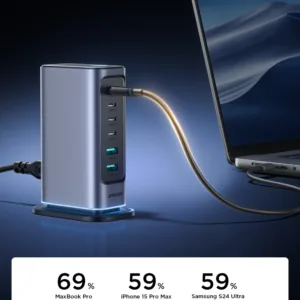
The listing states that you can charge USB-C notebooks at high speed through the 65W USB-C port. That port is the feature to check first if a laptop is part of your daily routine. Confirm that your laptop accepts USB-C charging, and read its own charging requirements before you connect it. Match the output table in the specifications section to what your laptop asks for, rather than assuming every notebook will draw the full output. Many people working from a home office in Dhaka use a laptop for hours at a time, so a clear view of the listed output helps you plan. The jr-tcm02 charger is most useful when a USB-C laptop and several small devices share one desk.
Six ports for a shared desk
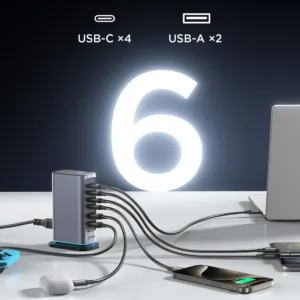
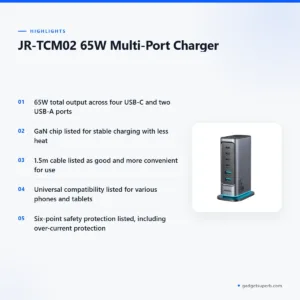
According to the listing, the unit has four USB-C ports and two USB-A ports, giving six outputs in total. The maker says a jr-tcm02 charger can charge a phone, tablet, laptop and more at the same time. On a shared desk this means fewer adapters on the table and fewer sockets in use. The output table shows that the combined limit is 65W maximum, so heavy use on every port at once will share that total among the connected devices. Plan your connections around the devices that matter most, such as a laptop that needs a steady supply during work. Keep a short note of which port serves which device, so the arrangement stays the same from one day to the next and nobody has to guess.
GaN chip and less heat
The listing says the product adopts the latest GaN chip, which the maker presents as ensuring stable charging with less heat. This page repeats that wording and adds no figures of its own. For everyday use, place the jr-tcm02 charger on a hard, open surface rather than under bedding or cloth, which is sensible for any charger in a humid Dhaka room. Unplug it when you are not using it, and let it cool if it feels warm during a long session. The listing also describes charging with less heat as safer to use, so keep the unit in a dry place and avoid loading a socket with other heavy appliances.
The 1.5m cable for convenient use
For a jr-tcm02 charger placed on a floor socket, the listed 1.5m length gives room to reach a bedside table, a desk or a sofa. The listing describes this length as good and more convenient for use. A 1.5m lead can make it easier to keep the unit off the floor while still reaching your devices. The listing does not describe the cable’s material or any further cable details, so this page does not add them. If the cable length matters for your room layout, measure the distance from the socket to your desk, and allow for the cable running behind furniture. Leave a little slack at the plug so the cable is not pulled tight when a device moves.
Universal compatibility and six-point protection
The listing says the product offers universal compatibility for various phones and tablets. It also lists six-point safety protection, including over-current protection and over-voltage protection. The listing does not name specific phone or tablet models, so this page does not confirm which devices charge at full speed. A jr-tcm02 charger is a practical choice when you want one unit for mixed devices, but the outputs in the table are the best guide to what each port supplies. Keep the charger clear of damp surfaces, and do not use it with a damaged cable. If a cable or the unit looks worn, stop using it and contact us.
Plug and input details
The listing gives the plug as an EU Plug and the input as AC 100-240V ~ 50/60Hz 1.5A(Max). Those two details tell you what to check before you plug in. Before you use the jr-tcm02 charger, confirm that the plug suits your socket arrangement and that the input rating matches the supply you plan to use. Load-shedding can interrupt power in parts of Bangladesh, so plan charging for the hours when your supply is on. Avoid sharing one socket with several large appliances, and keep the plug fully seated so the connection stays firm.
Specifications
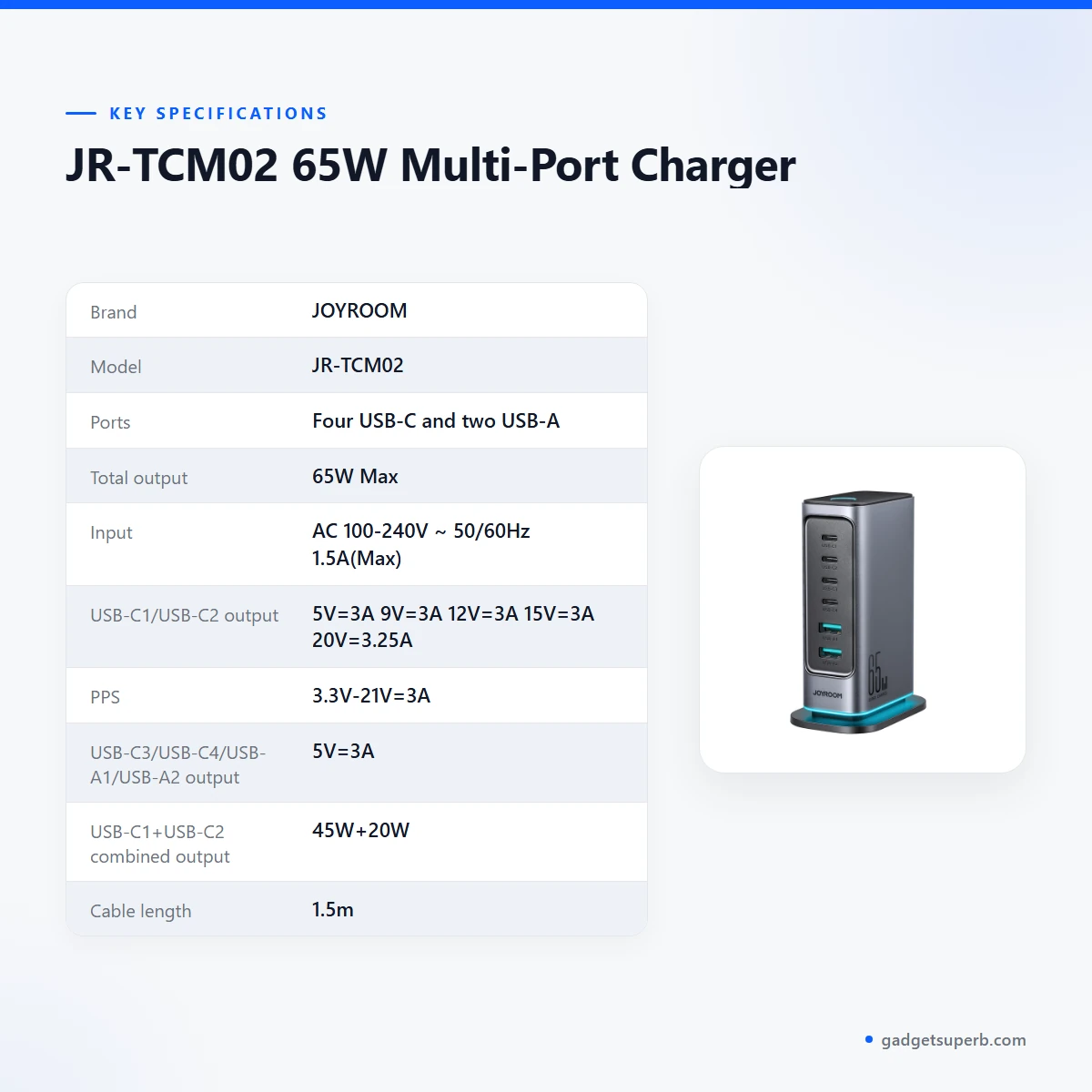
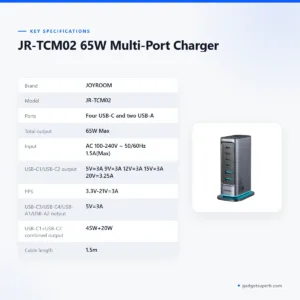
The table below shows the specifications of the jr-tcm02 charger exactly as the product listing gives them.
| Label | Value |
|---|---|
| Brand | JOYROOM |
| Model | JR-TCM02 |
| Ports | Four USB-C and two USB-A |
| Total output | 65W Max |
| Input | AC 100-240V ~ 50/60Hz 1.5A(Max) |
| USB-C1/USB-C2 output | 5V=3A 9V=3A 12V=3A 15V=3A 20V=3.25A |
| PPS | 3.3V-21V=3A |
| USB-C3/USB-C4/USB-A1/USB-A2 output | 5V=3A |
| USB-C1+USB-C2 combined output | 45W+20W |
| Cable length | 1.5m |
| Plug type | EU Plug |
| Chip | GaN chip (latest, as listed) |
| Safety protection | 6-point, including over-current and over-voltage protection |
| Warranty | 7 Days |
These are listed specifications from the product listing.
How to use / set up
Setting up a jr-tcm02 charger is straightforward, but a few generic steps help you avoid trouble. Start with the plug. The listing gives the plug as an EU Plug, so confirm it suits your wall socket before you plug anything in. This is the one caution you should not skip.
Charge fully before first use, as with most new devices. Then connect one device at a time and check that it starts charging before you add the next. This approach makes it easier to see which port suits which device. Use cables you already own that suit each device’s connector, because the listing does not confirm which cables come with the unit.
If your package includes a manual, follow it. For a jr-tcm02 charger in daily use, keep the unit on a dry, ventilated shelf, away from bathroom humidity, and unplug it when you leave for long periods. If the unit or cable becomes damaged, stop using it and contact us before you try another unit.
Think about load on the total output when you set up the unit on a desk. If you connect a laptop to the 65W USB-C port and then add several phones, the output for each device will change according to the combinations in the table. Start with the devices you charge most often, and add others only after you know how the unit responds. Note which port serves which device so that you can reuse the same layout each day.
Generic care helps any charger last. Wipe the outer surface with a dry cloth when it is switched off and disconnected. Avoid solvents and wet cloths. Keep the cable free of sharp bends at the plug and at the unit, and do not wrap it tightly around the body of the jr-tcm02 charger.
For storage, coil the cable loosely and keep the unit in a dry drawer or bag when you travel or go away for several days. Avoid leaving it in a closed car or a very hot room for long periods. A tidy storage spot also protects the plug, which is the part that takes the most handling.
During load-shedding, unplug the unit from the socket once the power has gone, and reconnect it when supply returns. Turn off the devices you do not need before you start a long charge session, so the total output goes to the devices that matter most. Keep the cables together with the charger so they are ready when you need them.
Compatibility and what is in the box
The listing for this jr-tcm02 charger describes universal compatibility for various phones and tablets. It does not list individual models, so we cannot say which exact phone, tablet or laptop will charge at its top speed. Your device requests the output it needs from each port, and the unit supplies what the output table allows.
The listing says the unit has USB-C and USB-A ports and an EU plug, and it gives the input as AC 100-240V ~ 50/60Hz 1.5A(Max). Those are the confirmed items. Anything else you see in a photo or on a box is not confirmed by the listing for this jr-tcm02 charger, including any cable, adapter or manual.
If you need to check a specific device, use the output table for this jr-tcm02 charger as a guide and compare it with your device’s own charging specification. Our team can answer questions about the listing using the contact details in the delivery section below.
Laptops, phones and tablets differ in what they request, so there is no single answer that covers every device in a Bangladeshi home. A sensible habit is to note each device’s charging figures from its own documents, then check them against the table. That habit is more reliable than any general claim, including the claims on this page.
Who should buy a jr-tcm02 charger in Bangladesh
A family in Dhaka with several phones, a tablet and a shared laptop may find a jr-tcm02 charger useful on a living-room table. One charger can serve the whole group, which reduces the number of wall adapters on show. Some households prefer one charging point because it keeps cables tidy.
A home-based seller or small office might keep a jr-tcm02 charger at a reception or work desk. Staff who charge a laptop and two phones at once can use one unit instead of several adapters. Because the listing gives a 65W total limit, heavy simultaneous use on every port will share that output, so plan which devices charge first.
Students in a shared flat, where one socket must serve several devices at a study desk, may also find this type useful. A commuter who travels with a laptop might prefer a separate travel unit, because the listing does not describe travel use. Buyers who mainly need a single phone charger may find a jr-tcm02 charger more than they need, and the alternatives section below shows other products in our range.
A household with a bedroom study and a living room may want two sets of cables, one at each location. The 1.5m cable can reach a desk from a floor socket in many rooms, but measure first. Keep the laptop on the desk and place phones on a bedside table, using the same charger and a clear plan for each port.
A small shop or tea stall that charges customers’ phones may consider one unit for a counter. Check the output table first, because the 65W total is shared when several devices draw power at once. Think about whether one dedicated unit per counter suits you better than a single shared one.
When you compare chargers, look first at the total output, the number and type of ports, and the cable length. For the jr-tcm02 charger, the listed figures are 65W maximum total output, four USB-C and two USB-A ports, and a 1.5m cable. Match these to your own list of devices, and write down the charging needs of your laptop before you buy.
Alternatives in our store
If the jr-tcm02 charger does not match your needs, browse other options in our range. Compare it with LDNIO SC10610 30W 6-Port USB Charger Power Strip, another power strip in our range; Mcdodo CH-4200 Gana Ultra Series 70W 2C1A Smart Charger with TFT Display, another charger in our range; Anker 623 MagGo Magnetic Wireless Charger, another wireless charger in our range; and Momax 1-World+ 70W GaN 3 Port + AC Travel Adapter with USB-C Cable, another travel adapter in our range. For the full selection, see our Chargers & Adapters category.
Compare the jr-tcm02 charger with each alternative by reading the listed outputs on its own page. Match the port count, total output and cable length to your devices, then choose the option that fits your desk or travel plan.
Warranty and support
Warranty: 7 Days seller warranty.
Delivery, returns and ordering
Ordering a jr-tcm02 charger is simple, and the store policy below applies to every order. We deliver all over Bangladesh and you pay cash on delivery. Delivery usually takes 1–3 days inside Dhaka city and 2–5 days outside Dhaka.
You can return it within 7 days of delivery; see our Delivery and Returns policy for the full terms. Questions before ordering: call 09638054751, message us on Facebook Messenger or email care@gadgetsuperb.com.
Keep your order details ready when you call, including the model JR-TCM02 and the number of ports you need, so our team can answer quickly. If you are ordering a jr-tcm02 charger for someone outside Dhaka, allow for the 2–5 day window when you plan the purchase.
When you pay cash on delivery, check the parcel before you accept it, so any issue can be raised at once. Keep the order details and any delivery message in case you need them later.
Frequently asked questions
What is the jr-tcm02 charger?
The jr-tcm02 charger is listed as a 65W multi-port charger with four USB-C ports and two USB-A ports. Our store names it JR-TCM02 65W Multi-Port Charger.
Is this charger suitable for laptops?
The listing says you can charge USB-C notebooks at high speed through the 65W USB-C port. Check your laptop’s own requirements against the output table before you connect it.
How many devices can a jr-tcm02 charger charge at once?
According to the listing, all six ports can charge at the same time. The total output is 65W maximum, so the output per port depends on the combination you use.
What is the cable length of the jr-tcm02 charger?
The listing gives the cable length as 1.5m and describes it as good and more convenient for use. The listing does not describe other cable details.
Does the jr-tcm02 charger include a cable?
The listing does not confirm what is in the box, including whether a cable is included. Ask our team about the package contents through the contact details in the delivery section.
Is the jr-tcm02 charger safe to use?
The listing describes six-point safety protection, including over-current protection and over-voltage protection. It also says the unit gives charging with less heat, which the maker presents as safer to use.
What warranty does this charger have?
Our store lists a 7 Days warranty for this product. Contact us if you have questions before ordering.
How long does delivery take?
Delivery usually takes 1–3 days inside Dhaka city and 2–5 days outside Dhaka. We deliver all over Bangladesh and you pay cash on delivery.
Can I return a jr-tcm02 charger?
You can return it within 7 days of delivery. See our Delivery and Returns policy for the full terms.
Is this charger compatible with my phone?
The listing describes universal compatibility for various phones and tablets, but it does not name specific models. Your device’s own charging specification is the best guide, and the output table shows what each port supplies.
What plug does the jr-tcm02 charger use?
The listing gives the plug as an EU Plug. Confirm that it suits your wall socket before you plug the jr-tcm02 charger in.
Can I ask questions about the jr-tcm02 charger before ordering?
Yes. Call 09638054751, message us on Facebook Messenger or email care@gadgetsuperb.com before you order.
Related products
-23%
50 in stock
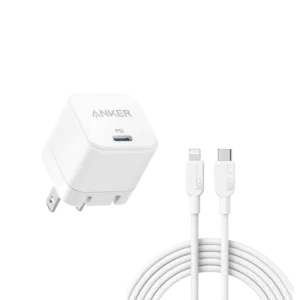
Anker PowerPort 20W USB-C Adapter with USB-C to Lightning Cable
Original price was: ৳ 2,540.৳ 1,950Current price is: ৳ 1,950.-20%
245 in stock
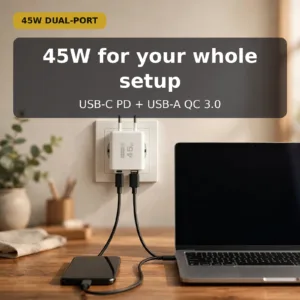
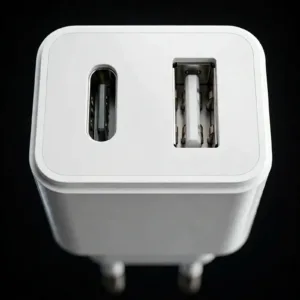
GearUP GP007 45W Fast Charging PD 3.0+ QC 3.0 USB Wall Charge
Original price was: ৳ 690.৳ 550Current price is: ৳ 550.-20%
100 in stock
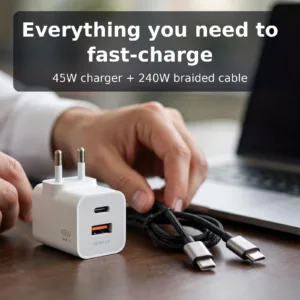
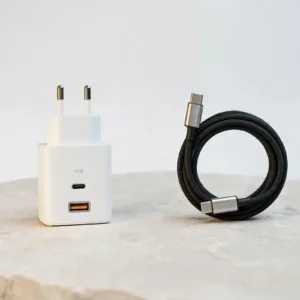
GearUP GP007 45W Fast PD Charger & GearUP CC24015 Type-C to Type-C 240W PD cable Combo
Original price was: ৳ 1,100.৳ 880Current price is: ৳ 880.-20%
132 in stock

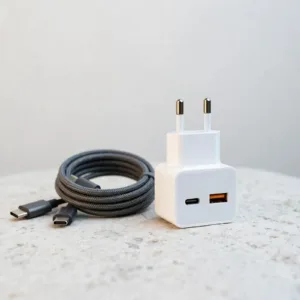
GearUP GP007 45W Fast PD Charger & GearUP CC6015 Type-C to C 60W PD cable Combo
Original price was: ৳ 920.৳ 730Current price is: ৳ 730.-26%
401 in stock
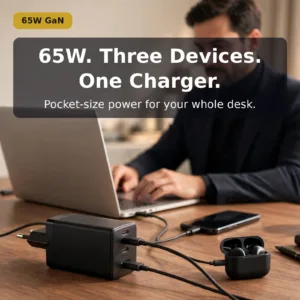
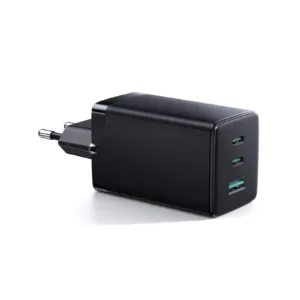
Joyroom JR-TCG01 65W Fast Charger with 1.2m C to C Cable
Original price was: ৳ 2,870.৳ 2,120Current price is: ৳ 2,120.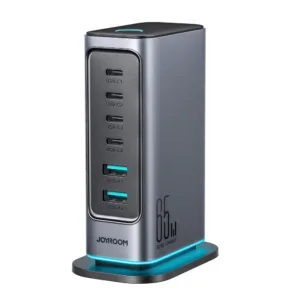 JR-TCM02 65W Multi-Port Charge...
Original price was: ৳ 4,420.৳ 3,220Current price is: ৳ 3,220.
18 in stock
Reviews
There are no reviews yet.