No products in the cart.

-23%
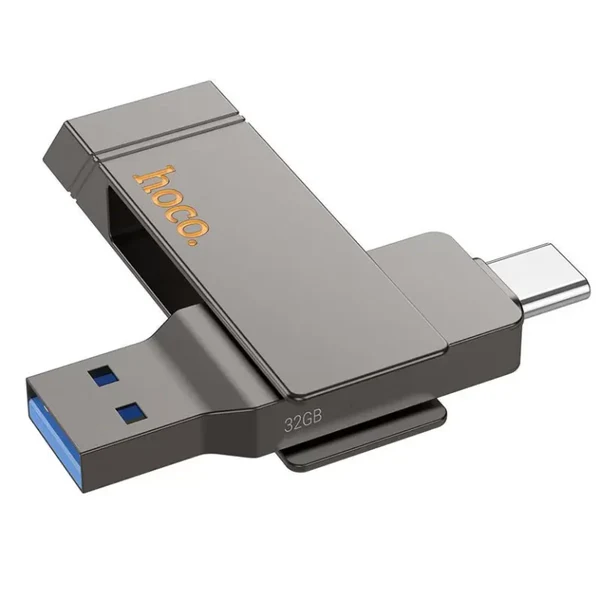

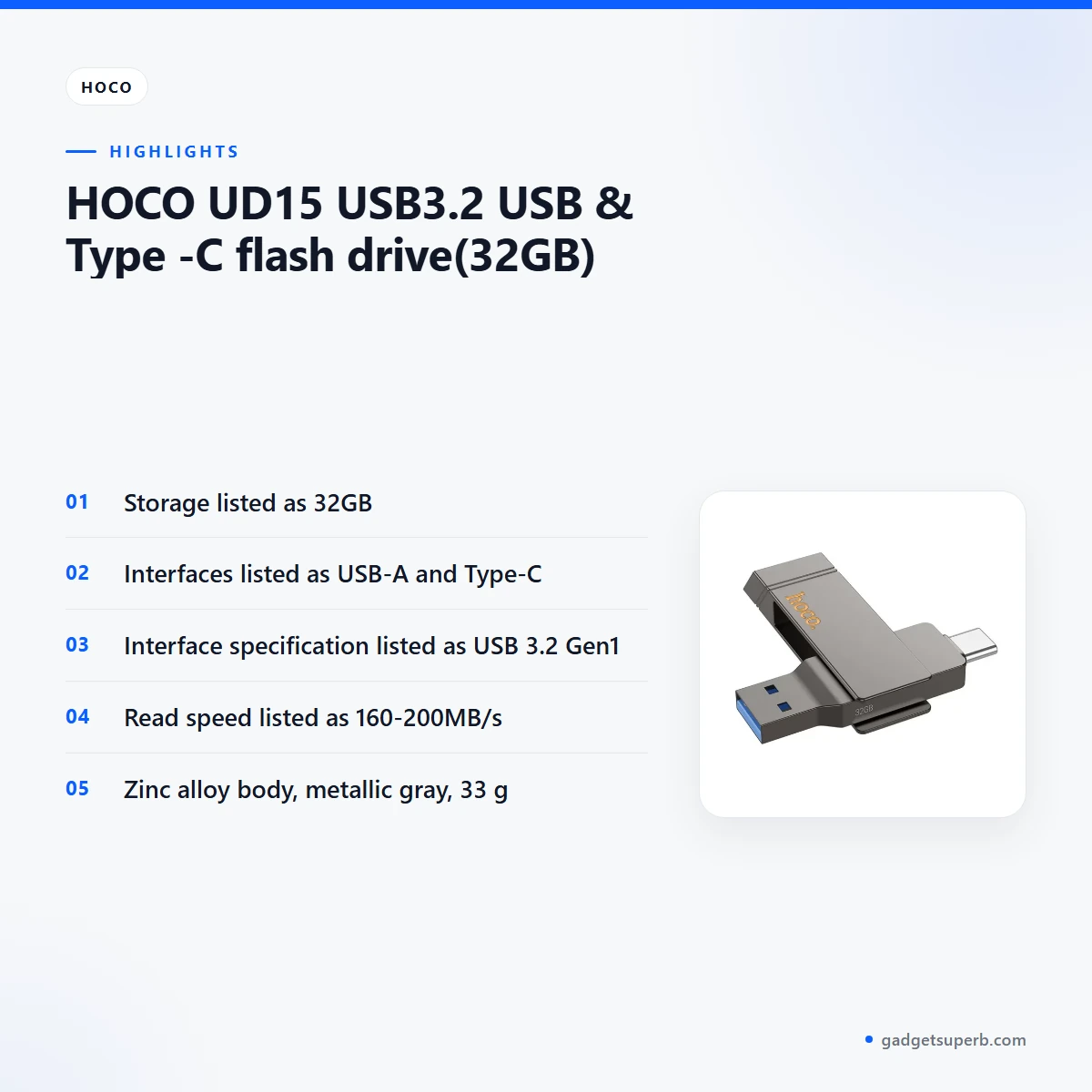

The Hoco UD15 flash drive is a 32GB USB storage stick with USB-A and Type-C connectors, made for people who want a simple way to move files between a computer and a device with a Type-C port. It suits students, office workers and families in Dhaka and beyond who need a small, portable backup for documents, photos and study material.
- Overview
- Key features
- Specifications
- How to use / set up
- Compatibility and what is in the box
- Who should buy it in Bangladesh
- Alternatives in our store
- Warranty and support
- Delivery, returns and ordering
- Frequently asked questions
Hoco UD15 flash drive overview
The listing describes this Hoco UD15 flash drive as a USB3.2 USB and Type-C stick with 32GB of storage. The maker lists the brand as Hoco and the model as UD15, and the interface as USB-A plus Type-C, with USB 3.2 Gen1 as the interface specification. Check these facts against your own device before you order.
Most buyers will use a Hoco UD15 flash drive for simple tasks: carrying assignments to college, moving photos from a phone to a laptop, or keeping a second copy of study notes. Because the listing gives both a USB-A and a Type-C connector, the same stick can be plugged into either kind of port, as far as the listing describes. Your own device settings and port type decide the rest.
For the maker’s own product information, visit the maker’s website. The listing does not confirm which devices or operating systems the Hoco UD15 flash drive supports, so treat that question as open until you check your device.
Buying guidance starts with the port. Look at the devices you use most often, note whether they have a USB-A socket, a Type-C socket or both, and decide which connector you will use most. The listing gives both connectors for this Hoco UD15 flash drive, so the choice is less about the drive and more about the port you prefer day to day.
Capacity is the second point to think about. The listing gives 32GB for the Hoco UD15 flash drive. Estimate how many documents, photos or videos you plan to carry at one time, and leave some room free for new files, because a nearly full drive leaves little space for new work. If you expect to carry large video collections, read the alternatives section below before you commit.
Think about how you will use the drive day to day. A stick that is always in a pocket will see more handling than one that lives in a drawer. If you plan to carry it in wet weather, the listing does not confirm how the casing handles water, so keep it in a sealed bag during the monsoon.
Key features
USB-A and Type-C connectors
The listing gives the interface of this Hoco UD15 flash drive as USB-A plus Type-C. In plain terms, one end suits a standard USB-A port, which is still common on desktop computers and older laptops, and the other end suits a Type-C port, which many newer devices use. Many households in Dhaka run a mix of older and newer equipment, so a stick with both connectors can save you from carrying an adapter. Whether a particular port works with the drive depends on the device, so check the port type on your machine before you order. The listing does not describe any adapter or extra cable, so do not assume one is needed.
USB 3.2 Gen1 interface
The listing gives the interface specification as USB 3.2 Gen1. For a buyer, the practical step is to match the Hoco UD15 flash drive to a port that uses the same standard, and to look up the port in your computer’s specification sheet if you are not sure which one it is. The speeds listed for this stick are the maker’s figures, so read the next section with that in mind. Choosing the port you use with care is the simplest way to keep transfers predictable, and it is worth a minute of checking before a large copy.
Read and write speeds as listed
The listing gives the write speed as 40-80MB/s and the read speed as 160-200MB/s. These are the maker’s figures, and real results depend on the device, the port and the files you copy. For a Hoco UD15 flash drive used for documents and photos, speed matters most when you move large folders, such as a set of wedding photos or a batch of lecture videos. Plan some extra time for big transfers, and keep a second copy of anything you cannot afford to lose. Speed figures are not a guarantee for any single transfer.
Zinc alloy body in metallic gray
The listing gives the material as zinc alloy and the colour as metallic gray, with a weight of 33 g. A metal body suits a stick that lives on a keyring or in a bag, but the listing does not say how the casing handles knocks, bending or pressure. Keep it in a pocket or pouch with your keys rather than loose in a bag with heavy items. Avoid leaving it on a dashboard or in a hot car, because heat is hard on any storage device. A soft pouch also reduces the chance of scratches on the metal surface.
Listed size and weight
For this Hoco UD15 flash drive, the listing gives the size as 73mm*16mm*9mm and the weight as 33 g. Those figures help you judge whether the stick fits a card wallet, a pencil case or a small pocket before you buy. The listing gives no other dimensions, so if fit is critical for your use, measure the space you plan to use with a ruler first and compare it with the figures above. Keep the measurement written down next to your bag or desk so you can check quickly.
Specifications
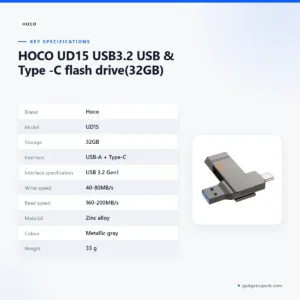
The table below lists the specifications for the Hoco UD15 flash drive exactly as the product listing gives them.
| Brand | Hoco |
| Model | UD15 |
| Storage | 32GB |
| Interface | USB-A + Type-C |
| Interface specification | USB 3.2 Gen1 |
| Write speed | 40-80MB/s |
| Read speed | 160-200MB/s |
| Material | Zinc alloy |
| Colour | Metallic gray |
| Weight | 33 g |
| Size | 73mm*16mm*9mm |
These are the listed specifications from the product listing for the Hoco UD15 flash drive, so check them against your own needs.
How to use / set up
Setting up a Hoco UD15 flash drive is straightforward. Start by checking which port your computer or device has, because the listing gives the interface as USB-A plus Type-C. Then follow the maker’s instructions for your device and plug the drive into a free port that matches. Give your computer a moment to recognise the drive before you copy files, and follow any on-screen prompts your system shows.
Good habits make the Hoco UD15 flash drive more useful over time. Keep a copy of important files on a second device, use clear folder names, and avoid pulling the stick out while a transfer is still running. Safely ejecting the drive through your operating system before removal is the usual practice, so use the eject option on your computer where it is offered.
Before you copy anything, decide on a folder structure. Name folders by subject or date so that you can find a file quickly later. This helps most when the same Hoco UD15 flash drive moves between a home computer and an office machine, because you will not need to search through loose files on either side.
Power cuts and load-shedding are common in many parts of Bangladesh, so avoid starting a long copy when the supply may drop. If a transfer stops, reconnect the drive and check the files before you rely on them. Humidity in the monsoon season can be hard on electronics, so store the drive in a dry drawer or box rather than in a damp bag.
Make a habit of checking the drive after each important transfer. Open two or three files to confirm that they look right, particularly documents and photos. If something looks wrong, copy the file again from your phone or computer rather than trying to repair the copy on the drive.
When you finish a session, check that the files you need are on the drive and that you have a copy elsewhere. A short check at the end of each day takes less time than recovering a lost folder later. Keep a short note of what the drive holds on your phone so that you can find things without plugging the stick in again.
Compatibility and what is in the box
The listing confirms two interface facts for the Hoco UD15 flash drive: USB-A and Type-C connectors, and USB 3.2 Gen1 as the interface specification. Those are the points you can rely on from the listing alone. Everything else about compatibility is not confirmed by the listing, including which phones, tablets, televisions, game consoles or operating systems it supports.
The listing does not describe the package contents, so it is not confirmed what comes with the Hoco UD15 flash drive. If you need a specific accessory, such as a cable, a case or a lanyard, ask us before ordering so that you know what to expect.
If you are unsure whether your device has a USB-A or a Type-C port, look at the socket shape on the device itself and check its documentation. Do not rely on the drive’s connector shape alone to confirm that the device will read it.
For a Hoco UD15 flash drive used with a printer, a smart television or an in-car system, check the device manual and the port first, because the listing does not address those uses. Treat those uses as outside what the listing confirms.
Who should buy it in Bangladesh
A Hoco UD15 flash drive suits people who want a small, dedicated store for files they carry around. Students in Dhaka and other cities are a natural fit. A student who moves assignments between a hostel desktop, a laptop in the library and a phone for photographs will value a stick with both connectors.
Office workers form another group. If you travel between a home computer and an office machine every day, a Hoco UD15 flash drive gives you a quick way to carry a working file. Keep file names short and the folder structure simple so that the drive stays easy to navigate.
Families who share photos from a phone to a laptop, or who need a simple way to move school documents, can use a Hoco UD15 flash drive as a practical extra copy. It is not a replacement for a proper backup plan, so keep the main copy on your phone or computer as well.
Commuters who switch between a home computer, an office desk and a client’s machine may prefer a small stick to a bag full of cables. Keep it in a fixed pocket so that it is not lost on a crowded bus.
Parents helping children with school projects often need to move files between a shared family computer and a classroom printout. Agree a simple naming rule so that files do not get mixed up, and check the drive before you hand it to a child.
If the Hoco UD15 flash drive does not match your needs for capacity or format, the alternatives section below lists other options in our store.
Alternatives in our store
If the Hoco UD15 flash drive is not the right fit, you may find these options useful. HOCO UD15 USB3.2 USB & Type -C flash drive(64GB) is another USB flash drive in our range. Hoco UD15 Type-C USB 3.2 Dual-Port Flash Drive 256GB is another USB flash drive in our range. Hoco MicroSD Memory Card 256GB is a memory card in our range. Hoco UD11 USB 3.0 USB Flash Drive is another USB flash drive in our range.
When you compare these listings, start with the connector your devices use, then look at the type of storage you need. A memory card and a USB flash drive suit different habits, so decide how you move files before you choose. You can browse the full Storage category to see everything we stock.
Each product page in our store gives the details for that item, so you can read them before you decide. Compare the connector, the storage size and the listed speeds for each option rather than relying on the names alone, and ask us if a detail is missing.
Some buyers end up with more than one stick, one for daily work and one for archive copies. If that suits you, a stick like this can sit alongside another item from the category.
Warranty and support
Warranty: 7 Days seller warranty.
Delivery, returns and ordering
Ordering your Hoco UD15 flash drive is simple because we deliver all over Bangladesh and you pay cash on delivery. Delivery usually takes 1–3 days inside Dhaka city and 2–5 days outside Dhaka.
If the stick is not what you expected, you can return it within 7 days of delivery (see our Delivery & Returns policy). Questions before ordering: call 09638054751, message us on Facebook Messenger or email care@gadgetsuperb.com.
If you need the drive by a particular date, tell us before you order so that we can set expectations against the delivery times above. Keep your delivery address and a contact number ready so the delivery can be arranged without delay.
Frequently asked questions
Is the Hoco UD15 flash drive 32GB?
Yes, the listing gives the storage of the Hoco UD15 flash drive as 32GB.
Does the Hoco UD15 flash drive have USB-A and Type-C?
Yes, the listing gives the interface as USB-A plus Type-C.
Which USB standard does the Hoco UD15 flash drive use?
The listing gives the interface specification as USB 3.2 Gen1 for this Hoco UD15 flash drive.
What speeds does the Hoco UD15 flash drive list?
The listing gives the write speed as 40-80MB/s and the read speed as 160-200MB/s. These are the maker’s figures, and results depend on your device and port. The figures are not a promise for any single transfer.
What material is the Hoco UD15 flash drive made from?
The listing gives the material as zinc alloy, in metallic gray.
How long is the warranty on the Hoco UD15 flash drive?
Warranty: 7 Days seller warranty. This is the warranty value listed for the Hoco UD15 flash drive in our store.
Can I pay cash on delivery for the Hoco UD15 flash drive?
Yes, we deliver all over Bangladesh and you pay cash on delivery.
How long does delivery take?
Delivery usually takes 1–3 days inside Dhaka city and 2–5 days outside Dhaka. These are usual timings, not a guarantee.
Can I return the Hoco UD15 flash drive?
Yes, you can return it within 7 days of delivery, as set out in our Delivery and Returns policy.
Does the listing confirm which devices the Hoco UD15 flash drive works with?
No, the listing does not confirm which devices or operating systems it supports, so check your device’s port first.
How can I ask a question before ordering?
Call 09638054751, message us on Facebook Messenger or email care@gadgetsuperb.com.
Related products
-26%
50 in stock
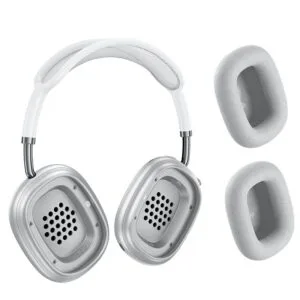

Hoco W65 Plus ANC Wireless Bluetooth Headphone
Original price was: ৳ 2,950.৳ 2,180Current price is: ৳ 2,180.-26%
50 in stock
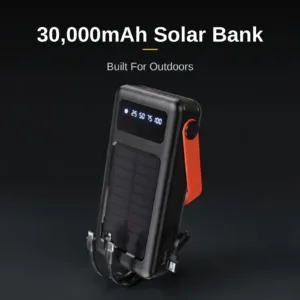
Hoco DB33 Plus 30000mAh Solar Power Bank
Original price was: ৳ 3,990.৳ 2,950Current price is: ৳ 2,950.-23%
53 in stock
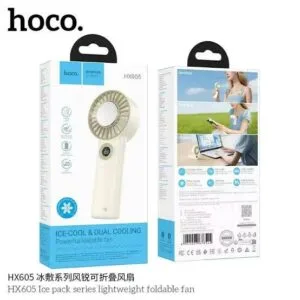
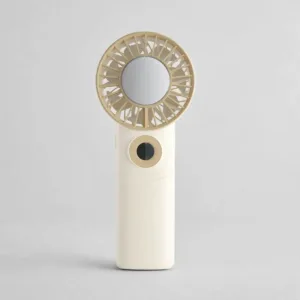
Hoco HX605 Ice Pack Series Foldable Fan 3600mAh
Original price was: ৳ 2,230.৳ 1,710Current price is: ৳ 1,710.-23%
47 in stock


-20%
100 in stock


 HOCO UD15 USB3.2 USB & Typ...
 Original price was: ৳ 1,580.৳ 1,210Current price is: ৳ 1,210.
48 in stock
Reviews
There are no reviews yet.