No products in the cart.

-23%

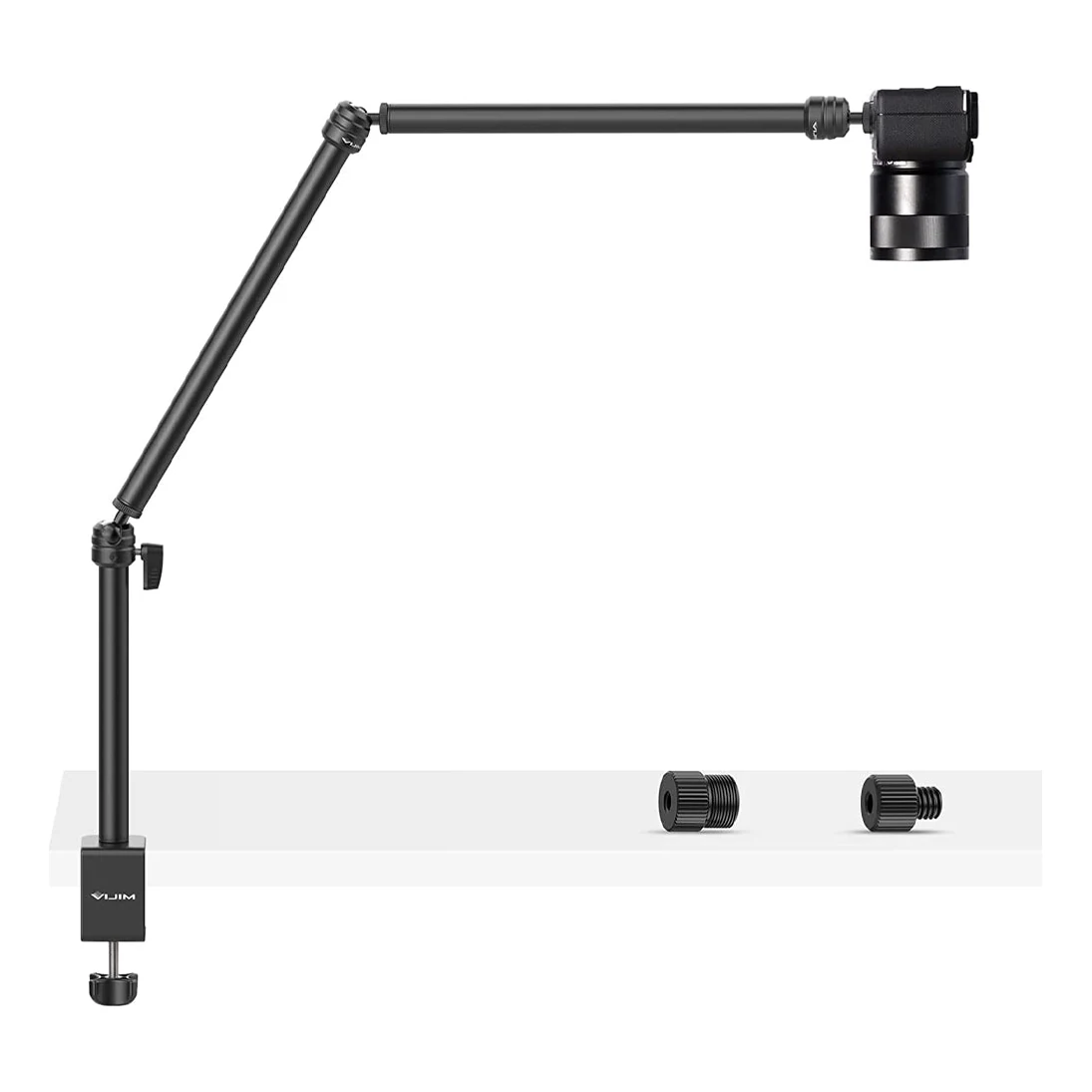





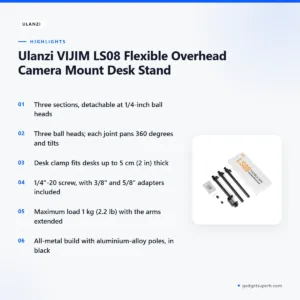
The Ulanzi LS08 is a desk-clamp overhead camera mount for creators who film cooking, crafts, unboxings or desk live streams from above or from the side. It suits home makers, small studios and anyone who needs a camera, webcam or light held over a table without a floor tripod. The listing calls it the VIJIM LS08 Flexible Overhead Camera Mount Desk Stand.
- Overview
- Key features
- Specifications
- How to use and set up
- Compatibility and what is in the box
- Who should buy it in Bangladesh
- Alternatives in our store
- Warranty and support
- Delivery, returns and ordering
- Frequently asked questions
What Is the Ulanzi LS08?
The Ulanzi LS08 is listed by the maker as a desk-clamp overhead camera mount. A C-clamp holds an upright base pole, and two extension arms join it at ball heads. According to the listing, VIJIM is a Ulanzi brand, and Ulanzi’s item number for this stand is 2666.
Ulanzi has listed the product under two names: VIJIM LS08 Flexible Arm Professional Live Streaming Stand Equipment and VIJIM LS08 Flexible Overhead Camera Mount Desk Stand. Both names describe the same desk-clamp arm, so search results may show either title. Use the Ulanzi LS08 name when you compare it with other stands, and check item number 2666 on the listing before you buy.
Use the Ulanzi LS08 when the shot comes from above or from the side. Cooking and craft videos, unboxings, art, phone photography and desk live streams are the uses the listing gives. The stand can also hold a webcam, microphone or light, but the maximum load is 1 kg (2.2 lb) with the arms extended, so it suits lightweight gear rather than a heavy camera and lens.
If you are comparing it with a tripod, note the difference: the Ulanzi LS08 is a desk arm, not a floor stand. It needs a desk edge to clamp onto. If your desk is the wrong shape or you need to film a wide room, a floor tripod may suit you better, and we list several in the links further down this page.
This page sets out the listed facts for the stand, the checks to make before you buy, and the situations where it is a good match. Where the listing does not give a figure, we say so rather than fill the gap. If you are choosing between a desk arm and a floor tripod, read the fit checks in the how-to section first.
Key features
Three sections you can rearrange
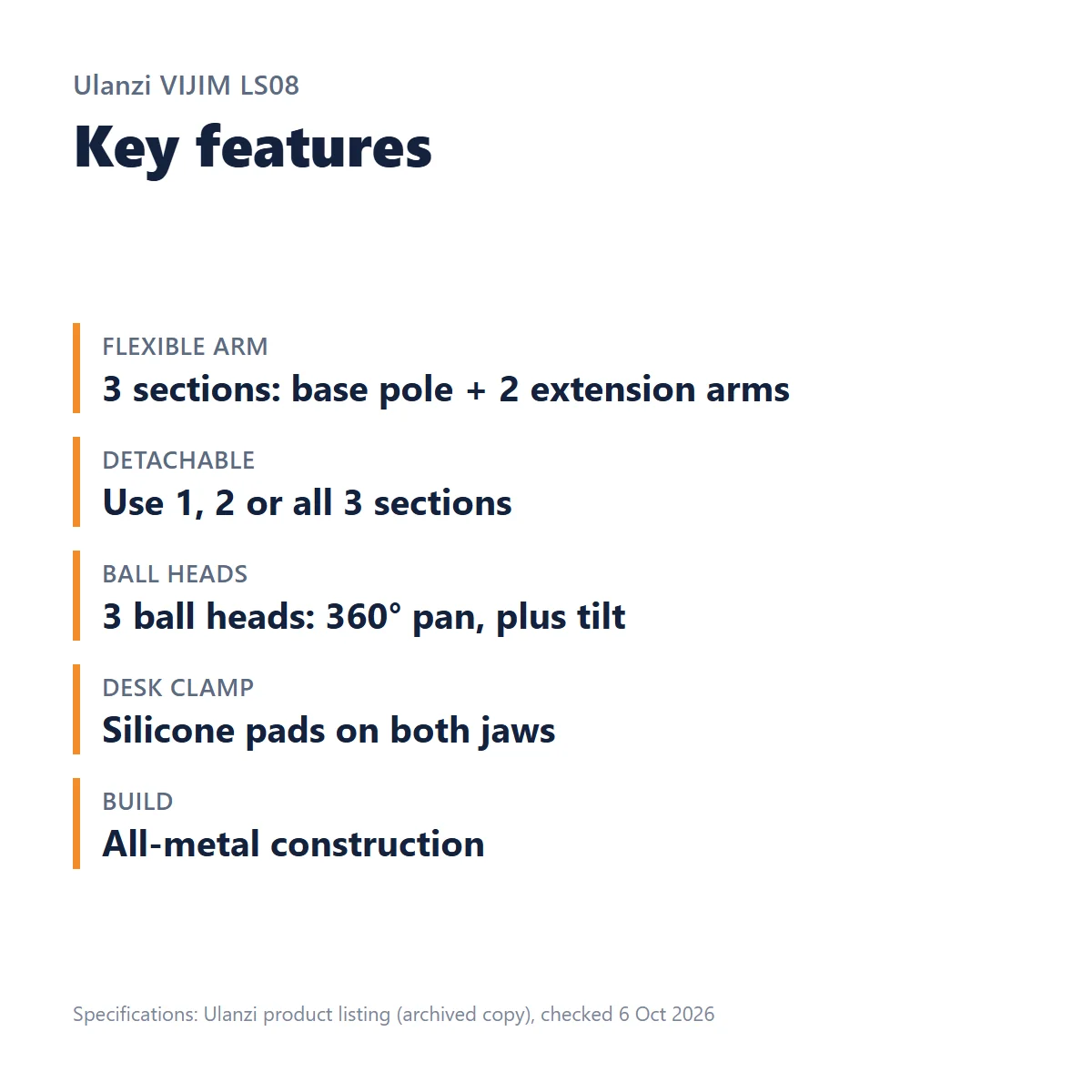
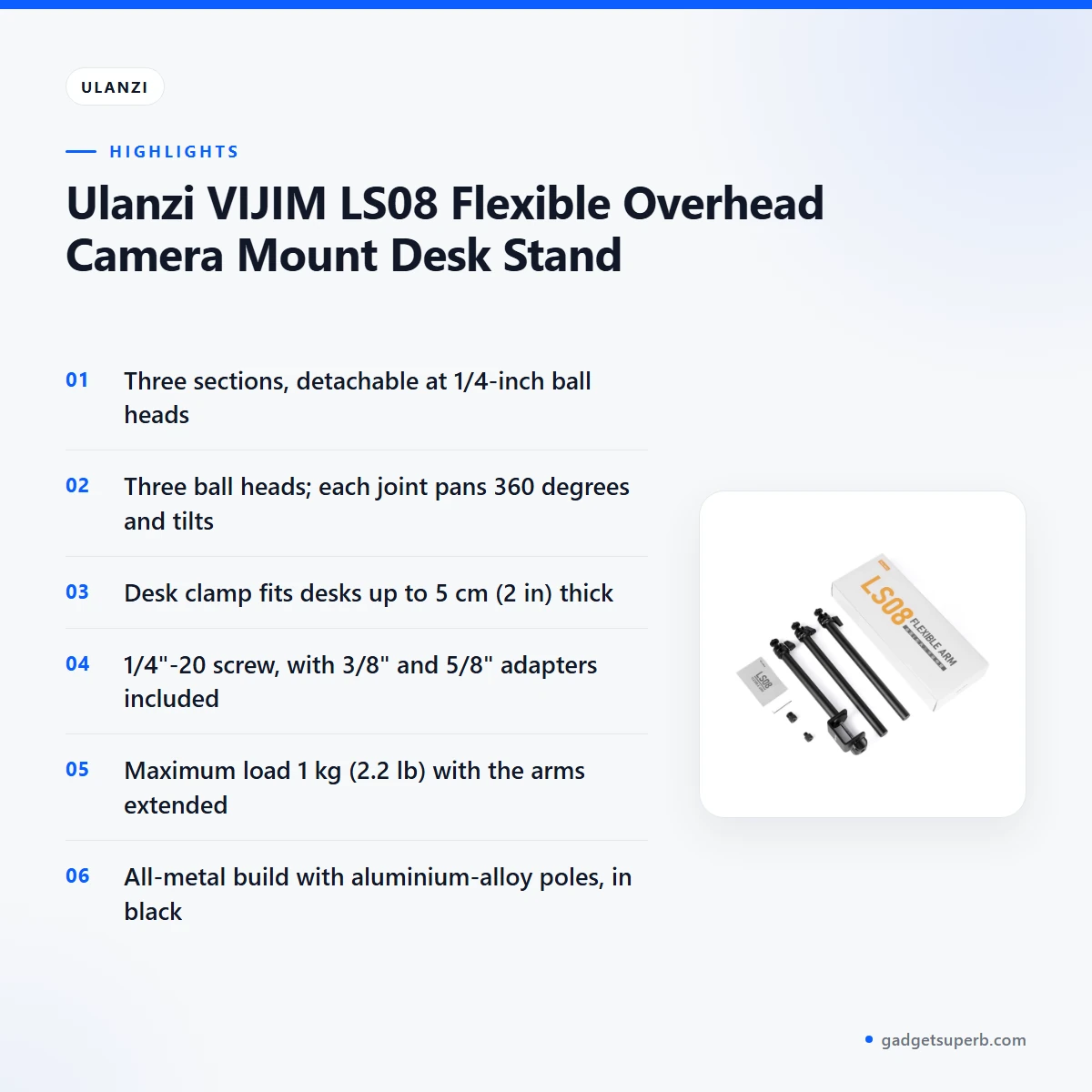
The Ulanzi LS08 arm has three sections: a base pole on the desk clamp plus two extension arms. The listing says each section detaches at a 1/4-inch ball head, so you can run the stand with one, two or all three sections.
That gives you control over the working length of the arm, which matters because a longer arm puts more leverage on the joints. For a phone or a small webcam at close range, the base pole and one arm may be enough. For a camera pointed down at a large craft board, the full set gives the most length.
The listing does not confirm arm length or horizontal reach, so measure your shooting space with a tape measure before you choose a set-up.
A ball head at every joint
There are three ball heads on the Ulanzi LS08, and the listing says every joint pans 360 degrees and tilts. You set the angle at each section. That is how you point a camera straight down for a top-down shot of your hands and work surface, or turn a light toward your face for a desk live stream.
Set each joint lightly first, frame the shot on your camera or phone screen, then tighten the joints. Check the frame again after you add your lens, light or microphone, because the extra weight can change the angle. Taking a few minutes over this step saves retakes during a long recording.
Desk clamp with silicone pads
The C-clamp fits desks and tabletops up to 5 cm (2 in) thick, according to the listing. Silicone pads on both jaws help protect the desk surface and improve grip.
Measure the edge where you plan to fix the clamp, including any frame or lip under the top. Tables come in many materials, so check the top and edge before you fix the clamp to a valuable piece of furniture.
The listing does not say which finishes suit the pads best, so take extra care with polished or delicate surfaces.
Standard camera thread, plus microphone adapters
Each ball head has a standard 1/4″-20 camera screw, which the listing describes as the common tripod-screw size. Two adapters convert the 1/4″ screw to 3/8″ and to 5/8″, so microphones and shock mounts with those threads can fit, according to the listing.
This matters for desk streamers who want a microphone beside a camera on the same Ulanzi LS08 arm. Keep the microphone and its mount within the 1 kg (2.2 lb) maximum load.
Check the thread on your microphone or shock mount before you order, because the adapters cover only the two sizes named in the listing.
Metal build
The Ulanzi LS08 is all metal, with aluminium-alloy poles, and the listing gives its colour as black. Ulanzi lists its weight as 737 g, which is the manufacturer’s specification.
Metal construction is the main build detail the listing gives, so ask us before you order if you need more information about finish or fittings. Whatever the build, the 1 kg (2.2 lb) maximum load applies to the gear you mount, so keep your camera, lens, holder and light within that limit.
Maximum load of 1 kg
The listing gives a maximum load of 1 kg (2.2 lb) with the arms extended. That is the limit for the Ulanzi LS08 as a whole, so add the camera, lens, phone holder, microphone and light together before you mount them.
A longer arm puts more leverage on the joints, so heavier gear is easier to hold with one or two sections than with all three. Plan your rig around the lightest setup that still gives the shot you need.
If you are unsure of the total, weigh each item separately and add the figures before you clamp anything.
Specifications
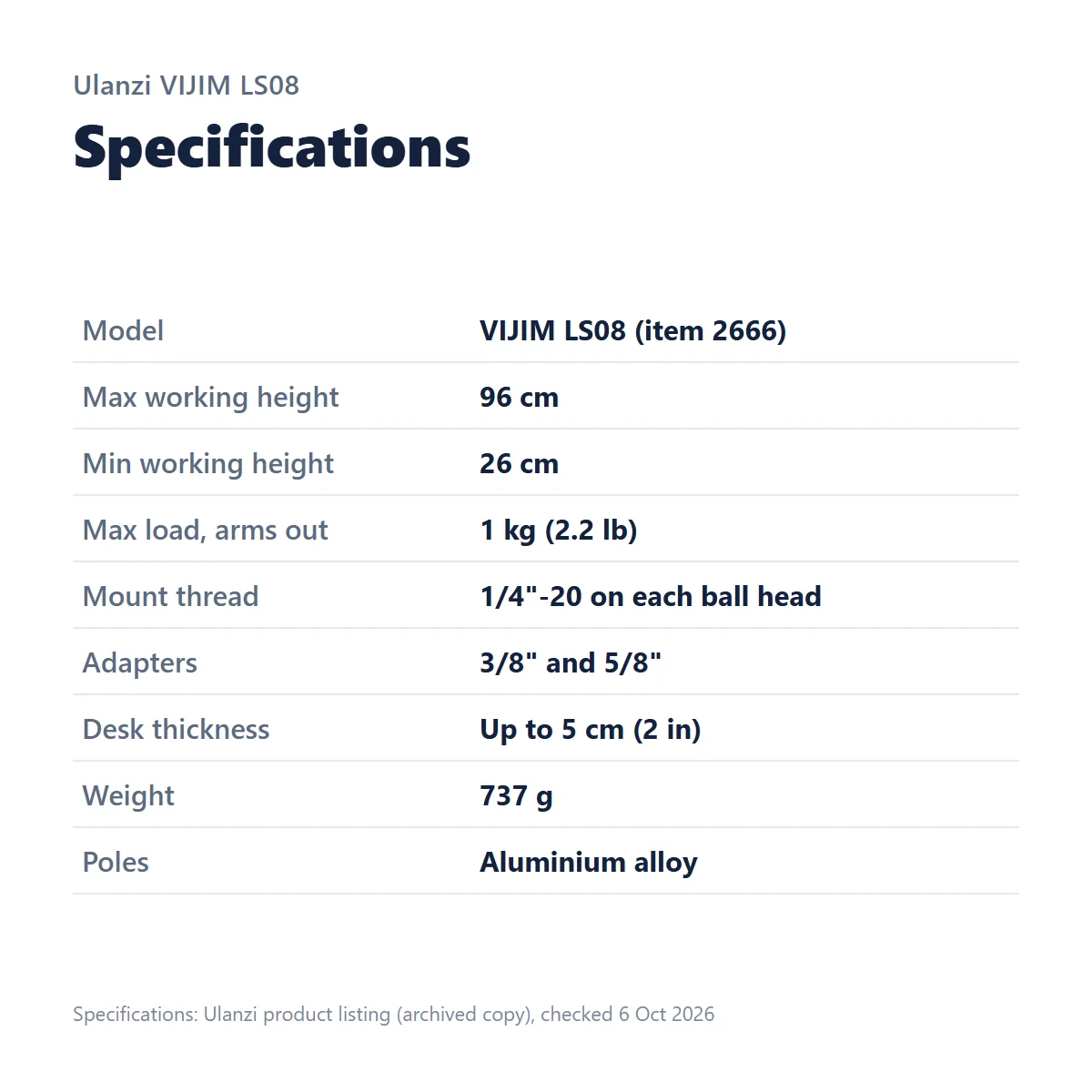
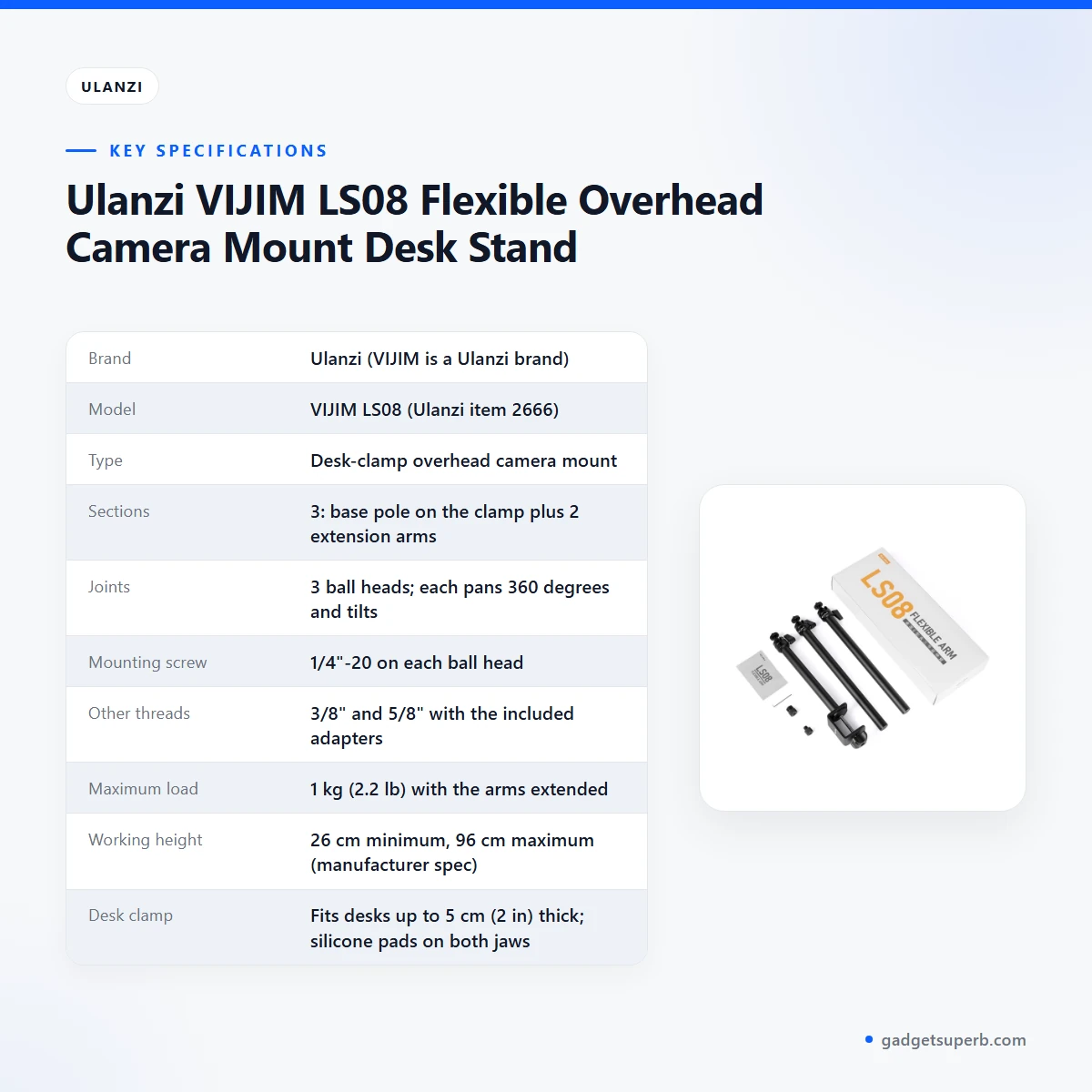
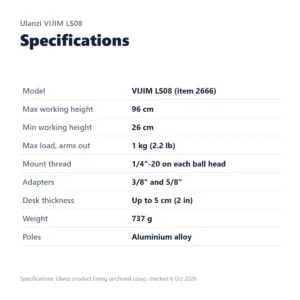
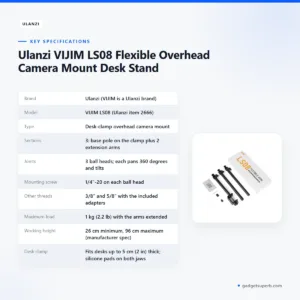
The table below lists the specifications for the Ulanzi LS08 as given in the product listing. The listing says these specifications were checked against Ulanzi on 6 October 2026.
| Brand | Ulanzi (VIJIM is a Ulanzi brand) |
|---|---|
| Model | VIJIM LS08 (Ulanzi item 2666) |
| Type | Desk-clamp overhead camera mount |
| Sections | 3: base pole on the clamp plus 2 extension arms |
| Joints | 3 ball heads; each pans 360 degrees and tilts |
| Mounting screw | 1/4″-20 on each ball head |
| Other threads | 3/8″ and 5/8″ with the included adapters |
| Maximum load | 1 kg (2.2 lb) with the arms extended |
| Working height | 26 cm minimum, 96 cm maximum (manufacturer spec) |
| Desk clamp | Fits desks up to 5 cm (2 in) thick; silicone pads on both jaws |
| Material | Metal; aluminium-alloy poles |
| Weight | 737 g (manufacturer spec) |
| Colour | Black |
These are listed specifications from the product listing for the Ulanzi LS08.
How to use and set up
Start by measuring the desk edge where you plan to fix the Ulanzi LS08 clamp. The listing gives a limit of 5 cm (2 in) for desk thickness, so confirm that your edge fits before you do anything else. Next, decide which gear you will mount and add up its weight, including the holder, lens and any microphone or light. Keep the total under the 1 kg (2.2 lb) maximum with the arms extended.
Charge fully before first use if your gear has a battery, and follow the maker’s instructions for your camera, light or microphone. Fix the clamp to the desk, then attach the base pole and extension arms in the order that suits your shot.
Start with the fewest sections you need, and extend only as far as the picture requires. Once the Ulanzi LS08 is fixed to the desk, add your gear to the arm and check the balance before you tighten anything else.
On the Ulanzi LS08, set each ball head lightly, frame the shot on your camera or phone screen, and then tighten the joints. Check the picture again after you add the lens or light, because the added weight can shift the angle. Recheck the clamp after a few days of use, since a loose clamp can move the arm.
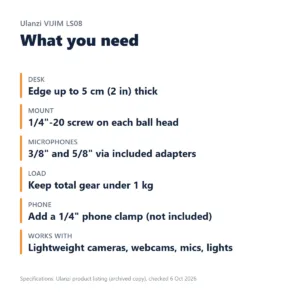
Three checks before you buy. First, confirm that your desk edge is up to 5 cm (2 in) thick. Second, add up the gear you plan to mount and keep the total within 1 kg (2.2 lb) with the arms extended. Third, if you want to mount a phone, plan a separate phone clamp with a 1/4″ thread, because no phone holder is included.
The listing gives a working height of 26 cm minimum and 96 cm maximum. Measure from your desk surface to the spot where you want the camera, then compare that figure with the range before you set the arm. When you finish a session, detach the gear before you move the stand, and keep the sections together so the arm is easy to store.
Compatibility and what is in the box
The Ulanzi LS08 is listed with a 1/4″-20 screw on each ball head, and with 3/8″ and 5/8″ threads available through the included adapters. Ulanzi lists these items in the box: a desk clamp with base pole and ball head, two extension arms each with a ball head, an adapter for 3/8″ threads (1/4″ to 3/8″), an adapter for 5/8″ threads (1/4″ to 5/8″), an Allen key and a manual.
The listing states that the phone holder, camera, microphone, webcam, lights, ring light and phone are not included. Product photos that show these items are for illustration only. A phone needs a separate clamp with a 1/4″ thread.
Compatibility for the Ulanzi LS08 is confirmed only for the threads and items named in the listing. The listing does not confirm arm length, horizontal reach or compatibility with specific camera models, so ask us before ordering if you need a particular model to fit.
If you use a microphone, check which thread it uses. The listed options are 1/4″, 3/8″ and 5/8″, so a mount with another size is not covered by the adapters in the listing.
Who should buy it in Bangladesh
Start with a home cook in Dhaka who films hands and ingredients from above on a dining table. The Ulanzi LS08 clamps to the table edge, so you do not need a floor stand in the kitchen. The sections let you place the camera over a cutting board one day and move the arm aside the next.
Craft makers and art students form the next group. A jewellery maker, painter or paper crafter who needs a top-down view of the desk can use a lightweight camera on a stand like this, provided the total stays under 1 kg (2.2 lb).
The listing names cooking and craft videos, art and unboxings among the intended uses. A craft maker using the Ulanzi LS08 should weigh the camera, lens and any light before clamping anything.
Desk streamers and remote workers can place a webcam or microphone on the arm beside the screen. The listing confirms that the stand can hold a webcam and a microphone within the load limit, and a microphone with a 3/8″ or 5/8″ thread can use the included adapters.
Desk streamers who pair the Ulanzi LS08 with a webcam should add up the webcam, its mount and any light before fixing the clamp.
Vloggers who film at a desk and want a phone on the arm should buy a phone clamp with a 1/4″ thread separately, because no phone holder is included. The listing gives no phone clamp model, so check the thread before you buy.
A household with one good desk can share the stand between a study session and a cooking video, as long as the desk edge stays within the 5 cm (2 in) limit and each setup stays under the 1 kg (2.2 lb) rating.
Who should look elsewhere: anyone who needs a floor tripod, a wide shot from across a room, or a heavy camera and lens above the 1 kg (2.2 lb) rating. If your camera and lens together are heavier than the Ulanzi LS08 rating, look at other options. A floor tripod from our tripods and stands range is a better starting point in those cases.
If you film in more than one room, measure the edge of each desk where you plan to clamp, because the 5 cm (2 in) limit applies to each one. Keep a note of your camera weight and the rated maximum where you can check it before each shoot.
Alternatives in our store
If the Ulanzi LS08 does not suit your desk or your gear, browse the other options in our store. The JMARY KP-2206 Camera And Phone Selfie Stick Tripod, the Jmary MT29 Portable Mini Tripod, the Jmary KP-2207 Portable Aluminum Tripod and the YUFENG-3388 Professional Foldable Heavy-Duty Tripod are all in our tripods and stands range. Browse the full set in our Tripods & Stands category.
Warranty and support
Warranty: 4 Days seller warranty.
Delivery, returns and ordering
We deliver all over Bangladesh and you pay cash on delivery. Delivery usually takes 1–3 days inside Dhaka city and 2–5 days outside Dhaka. You can return it within 7 days of delivery (see our Delivery & Returns policy). Read the full terms on our Delivery & Returns policy page before you order.
Because orders are paid cash on delivery, keep the exact amount ready when the courier arrives, and check the parcel before you sign for it. If anything about the Ulanzi LS08 is unclear on arrival, contact us using the details below before you use it.
Questions before ordering the Ulanzi LS08? Call 09638054751, message us on Facebook Messenger or email care@gadgetsuperb.com. We can answer questions about desk thickness, load and threads using the listing facts on this page.
Frequently asked questions
Will the Ulanzi LS08 hold my mirrorless camera?
Only if the camera, lens and accessories together weigh under 1 kg (2.2 lb), the maximum load with the arms extended. Weigh your setup before you mount it on the Ulanzi LS08.
What is the thickest desk the Ulanzi LS08 clamp fits?
The C-clamp fits desks and tabletops up to 5 cm (2 in) thick. Measure your desk edge before you order.
Does the Ulanzi LS08 come with a phone holder, camera or light?
No. The listing says you get the stand, two screw adapters, an Allen key and a manual. To use a phone, add a phone clamp with a 1/4″ thread.
Can I mount a microphone on the Ulanzi LS08?
Yes, according to the listing. Each ball head has a 1/4″-20 screw, and the included adapters fit a mic or shock mount with a 3/8″ or 5/8″ thread. Keep the mic and its mount under 1 kg (2.2 lb).
How high can the Ulanzi LS08 go above the desk?
The listing gives a working height of 26 cm minimum and 96 cm maximum.
How do I keep a camera steady pointing straight down on the Ulanzi LS08?
Keep the camera, lens and accessories under 1 kg (2.2 lb), the rated maximum with the arms extended. For gear close to that weight on the Ulanzi LS08, use one or two sections rather than all three, because a shorter arm puts less leverage on the joints.
Will the Ulanzi LS08 clamp mark my desk?
Both jaws have silicone pads that help protect the desk surface and improve grip. The listing does not say how the pads perform on every finish.
What warranty and returns apply to the Ulanzi LS08?
It comes with a 4-day seller warranty, and you can return it within 7 days of delivery. For details or a warranty claim, see our Delivery & Returns policy.
Is the Ulanzi LS08 a floor tripod?
No. The listing describes it as a desk-clamp mount that needs a desk edge to clamp onto, so it is not a floor stand or a tripod.
Which screw thread does the Ulanzi LS08 use?
Each ball head has a standard 1/4″-20 camera screw, the common tripod-screw size. The two included adapters convert it to 3/8″ and 5/8″.
Can I run the Ulanzi LS08 with one or two sections?
Yes. Each section detaches at a 1/4-inch ball head, so you can use one, two or all three sections.
For more on the maker, see the maker’s website.
Related products
-23%
50 in stock
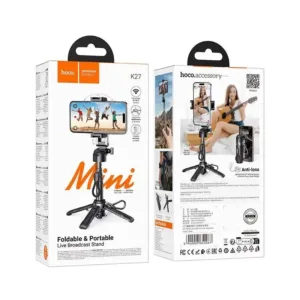
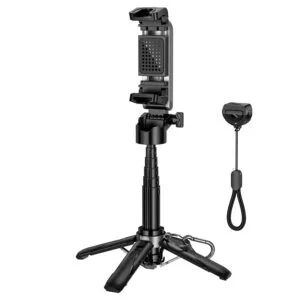
Hoco K27 Magic Mini Foldable & Portable Live Broadcast Stand Selfie Stick
Original price was: ৳ 1,770.৳ 1,360Current price is: ৳ 1,360.-20%
353 in stock

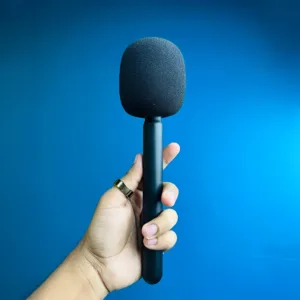
GearUP Wireless Microphone Holder for Interview (Microphone not included)
Original price was: ৳ 750.৳ 600Current price is: ৳ 600.-23%
458 in stock

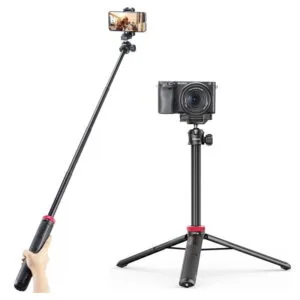
Ulanzi MT44 Extendable Vlog Tripod With 360° Ball Head – Black Color
Original price was: ৳ 1,850.৳ 1,420Current price is: ৳ 1,420.-23%
200 in stock
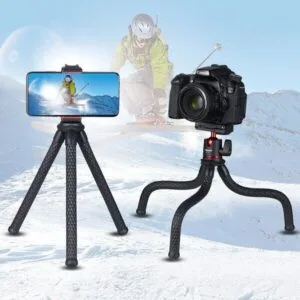
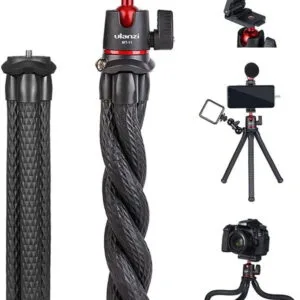
Ulanzi MT11 Octopus Tripod For DSLR Camera & Smartphones
Original price was: ৳ 1,540.৳ 1,180Current price is: ৳ 1,180.-21%
352 in stock


Q07 Bluetooth Selfie Stick And Bluetooth Remote Control (with light)
Original price was: ৳ 330.৳ 260Current price is: ৳ 260. Ulanzi VIJIM LS08 Flexible Ove...
 Original price was: ৳ 2,460.৳ 1,890Current price is: ৳ 1,890.
165 in stock
Reviews
There are no reviews yet.