No products in the cart.

-20%
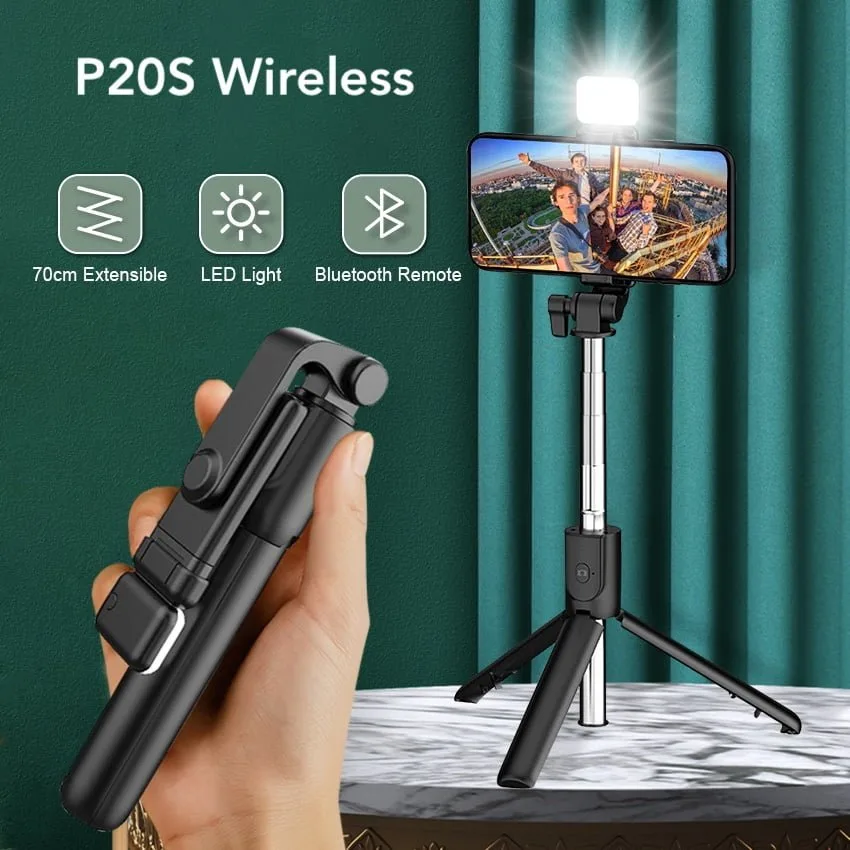
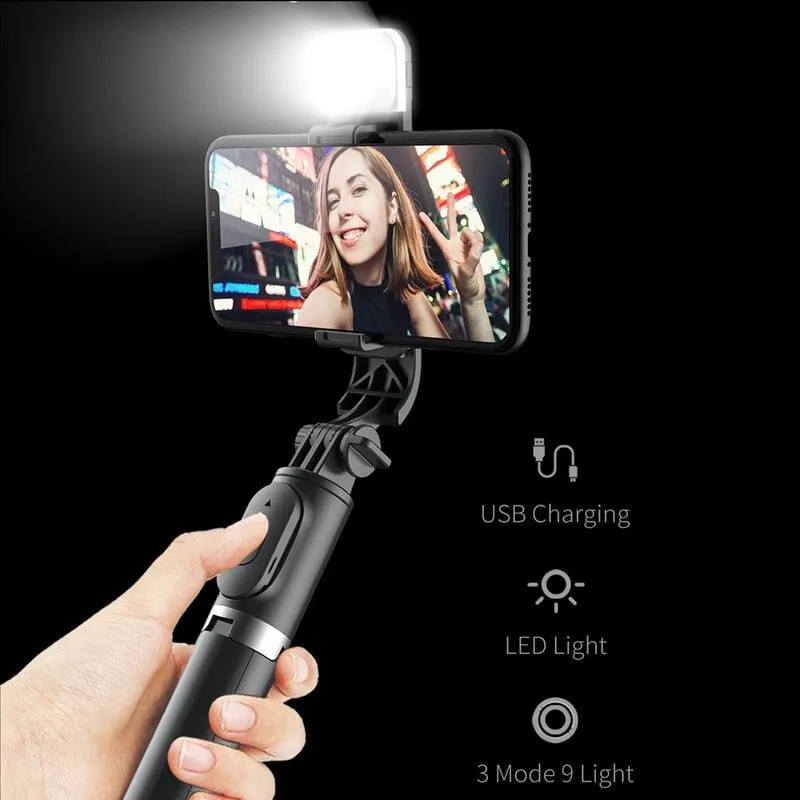
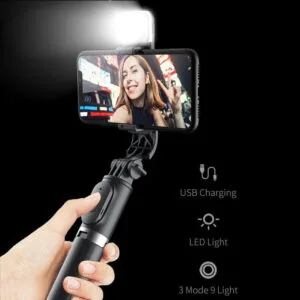
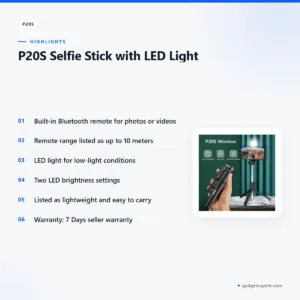
The P20S selfie stick is a wireless selfie stick with an LED light and a built-in Bluetooth remote, according to the product listing. It is aimed at Bangladeshi buyers who want to take photos or videos from a distance, whether they vlog, travel or photograph family events. This guide explains the listed features, specifications, setup, delivery and our store policies.
- About the P20S selfie stick
- Key features
- Specifications
- How to use and set up
- Compatibility and what is in the box
- Who should buy it in Bangladesh
- Alternatives in our store
- Warranty and support
- Delivery, returns and ordering
- Frequently asked questions
About the P20S selfie stick
The P20S selfie stick is listed as a wireless selfie stick with an LED light. The product listing describes a built-in Bluetooth remote that lets you take photos or videos without having to touch your phone. For many buyers in Bangladesh, that remote is the main reason to consider a P20S selfie stick over a plain pole, because it means you can step back into the frame and still control the shot.
Selfie sticks and tripod-style supports have a long history in everyday photography. If you want background on what a tripod does for a camera and why stable support matters, read background on tripods used in photography. The listing for the P20S selfie stick mentions a tripod and phone holder in its package, so the product sits between a handheld pole and a simple stand. That mix suits people who shoot in more than one way, such as a quick self-portrait on a walk in Gulshan and a steadier group shot at home.
Whether a P20S selfie stick is the right choice depends on how you shoot. Check that your phone or camera fits the holder, because the listing does not give holder dimensions or a list of supported devices. Our team can help with that question on 09638054751. Think about how far you will stand from the frame, how much light you have and whether you need a stable stand for fixed shots. Those three points will tell you more than any headline feature. Ask yourself which listed features you will use every week, then decide whether the P20S selfie stick matches that routine.
Key features
The listing highlights a small set of features for the P20S selfie stick. Each one is described below using the maker’s wording, with practical notes on how it may suit everyday use in Bangladesh.
Built-in Bluetooth remote
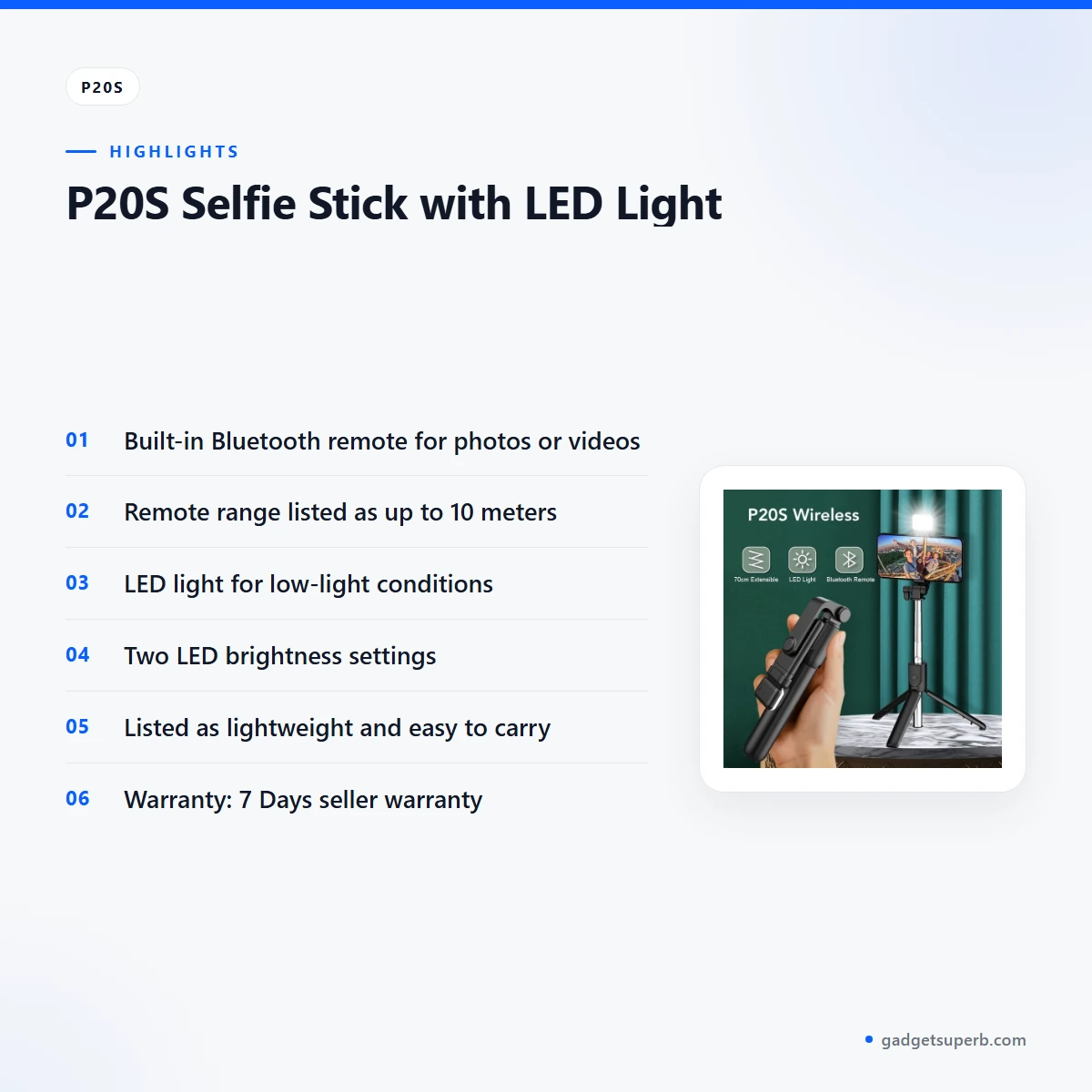
The P20S selfie stick has a built-in Bluetooth remote, which the listing says lets you take photos or videos without having to touch your phone. That matters when you are standing back from the frame, holding a pole at arm’s length or trying to shoot a group photo on a busy street in Dhaka. A P20S selfie stick with this remote is best suited to people who shoot often from a distance. Keep the remote in a pocket or bag so it does not get lost between shoots, and follow the maker’s instructions for connecting it to your phone. Treat the remote as an essential part of the setup rather than an extra.
Range of up to 10 meters
The listing gives the remote range as up to 10 meters. Use that figure as the planning limit, rather than assuming the remote will work at a longer distance in every setting. Walls, crowds and other wireless devices can affect a connection in practice, so check the remote in the spot you plan to use before an important event. A P20S selfie stick gives you room to move around the frame, which helps with wide group shots at family gatherings, outdoor events and travel photos. Stay within the listed range while you shoot, and keep your phone charged so the connection is not interrupted by a flat battery.
LED light for low-light shots
According to the listing, the LED light on the P20S selfie stick can illuminate your subject in low-light conditions. That is useful for evening meals, indoor gatherings with weak lighting and early mornings or late afternoons when the sun is low. In Bangladesh, many households face load-shedding, so a light you can use without relying on a room lamp can be a handy extra. Point the light at your subject rather than straight into the lens, and check the maker’s instructions for use. The P20S selfie stick light is a supplement to good daylight or a well-lit room, not a replacement for either.
Two brightness settings
The listing says the LED light has two brightness settings, so you can adjust it to your liking. A lower setting may suit close portraits, while a higher one can help when the subject sits further from the light. Try both settings before a shoot so you know which one suits your phone and surroundings. The listing does not describe how strong each setting is, so treat the two levels as a starting point and compare them on your own phone screen. Taking a few test shots first is the simplest way to decide, and it helps you learn how the P20S selfie stick handles your usual backgrounds.
Lightweight, durable build
The listing describes the P20S selfie stick as made of high-quality materials, very durable, lightweight and easy to carry. Those are the maker’s words. The listing does not give a weight, length or material breakdown, so read the description as a guide rather than a measurement. For travellers moving between Dhaka and other districts, a stick described as easy to carry is practical in a shoulder bag. Keep the joints clean and dry after use, handle the pole gently, and follow the maker’s care instructions. A little regular care helps any P20S selfie stick stay in good order through a long season of use.
Travel and everyday use
The listing presents the P20S selfie stick as a companion for travel. In practice, that can mean a quick self-portrait at a tea stall, a view from a rooftop or a short video for a social channel. Pack it with the remote so you do not have to hunt for it at the moment you need it. Humidity in Bangladesh can make surfaces feel sticky, so wipe the handle and phone holder with a dry cloth after use. Keep the stick out of direct sun when it is not in use, and avoid leaving it in a hot car for long periods. These simple habits help your P20S selfie stick stay ready for the next trip.
Specifications
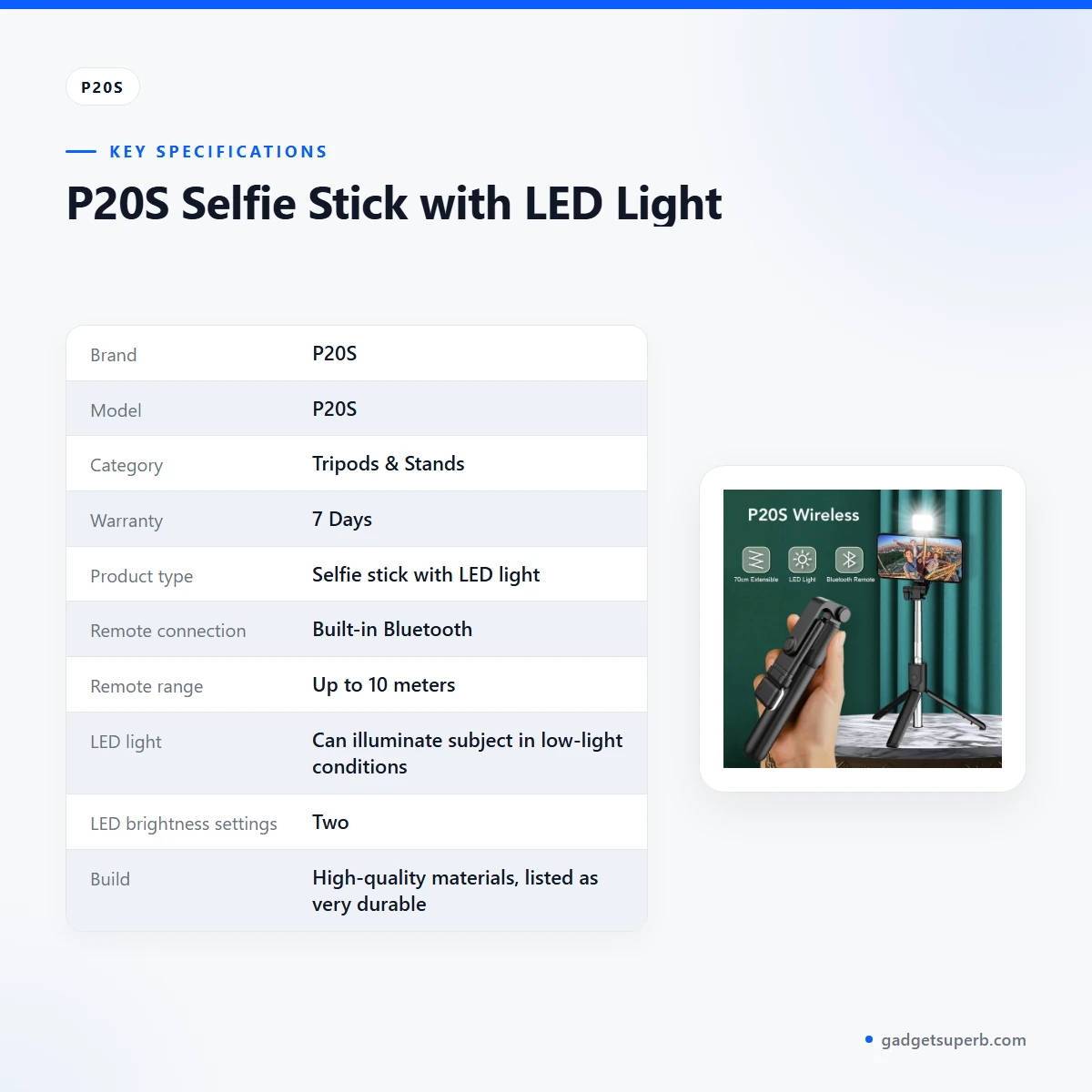
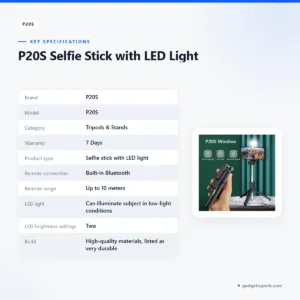
Here are the listed specifications for the P20S selfie stick, copied from the product listing rather than measured by us.
| Label | Value |
|---|---|
| Brand | P20S |
| Model | P20S |
| Category | Tripods & Stands |
| Warranty | 7 Days |
| Product type | Selfie stick with LED light |
| Remote connection | Built-in Bluetooth |
| Remote range | Up to 10 meters |
| LED light | Can illuminate subject in low-light conditions |
| LED brightness settings | Two |
| Build | High-quality materials, listed as very durable |
| Design | Wireless, listed as lightweight and easy to carry |
| Package included (as listed) | Selfie stick with tripod and phone holder; remote controller |
These are listed specifications from the product listing. Where the listing is silent, such as weight, length or supported phone sizes, we have not added figures.
How to use and set up
Start by reading the maker’s instructions that come with your P20S selfie stick, and charge fully before first use if the instructions ask for it. Setting up in a quiet room before you go out lets you learn the parts without the pressure of a crowd. Keep the packaging and any printed guidance somewhere safe for later reference.
Next, fit your phone into the phone holder and tighten it until the phone sits firmly without wobbling. Extend the pole to a comfortable length, and do not extend it beyond what the maker’s instructions allow. A firm grip keeps your P20S selfie stick steady, so check the holder before each shot.
Then prepare the remote. The listing says the remote is built in and uses Bluetooth. Connect the remote for your P20S selfie stick by following the maker’s instructions, and keep it within the listed range of up to 10 meters during shooting. If the connection drops, move closer to the phone and try again before you change any other setting.
Before an important shot, take a few test photos or short videos to check framing, lighting and how the remote responds in your location. Adjust the LED light to one of its two brightness settings, and compare the results on your screen. Keep notes on what works at your usual spots, so the next session takes less time. Every P20S selfie stick user will develop a personal routine, and a little practice makes that routine smooth.
After use, wipe the handle and phone holder with a dry cloth, let the parts dry, and store the stick in a dry bag away from direct sun and heavy rain. Keep the remote with the stick so you always know where it is. In humid weather, check the joints for moisture before packing it away.
Compatibility and what is in the box
According to the listing, the package includes a selfie stick with tripod and phone holder and a remote controller. We are presenting those items as the maker describes them, so ask us if you need anything beyond what the listing names.
The listing does not state which phone or camera models the P20S selfie stick works with, so compatibility is not confirmed by the listing. Phone widths vary, and some cases are thicker than others, so check your phone’s width against the holder before you rely on it for a shoot.
The remote is listed as Bluetooth, but the listing does not name the Bluetooth version or the phone operating systems it supports. Treat those points as unconfirmed. If you use an older phone or an unusual model, ask our team to check the details by phone or Facebook Messenger before you rely on the remote for a special occasion.
The listing also describes the LED light and its two brightness settings, but it does not give the light’s output or colour options. Use the light as a practical helper rather than a studio lamp.
Who should buy it in Bangladesh
The P20S selfie stick suits buyers who take frequent self-portraits, short videos or group photos and want to control the shutter from a distance. The scenarios below are realistic examples rather than claims from the listing.
For a Dhaka vlogger who records on the commute or in a busy market, the P20S selfie stick may be useful when the remote lets them stand a few steps from the camera. The listed range of up to 10 meters gives room to frame the shot without crowding the lens. The LED light can add fill in a dim lane or a shop doorway, although results will vary with the surroundings.
A family planning group photos at an Eid gathering, a wedding or a birthday can use a selfie stick to fit everyone into the frame without asking a stranger for help. The P20S selfie stick is quick to set up for those moments, and the LED light may help when the room is dimly lit or the evening runs late.
A traveller visiting Sylhet, Cox’s Bazar or Rajshahi may value a stick described as easy to carry. Pack it with the remote, keep the joints clean in humid weather, and use the tripod and phone holder for a steady frame at a viewpoint or a hotel balcony.
A student or home business owner shooting product clips during load-shedding may find the LED light handy when a room is dim. The P20S selfie stick is not a studio light, so it suits close, practical shots more than large set-ups. Compare the features against your routine before you decide.
Buyers who need a fixed tripod for a heavy camera, or a stand for a large set-up, should look at the alternatives below and check the details carefully. The P20S selfie stick is not described for those uses, and the listing does not give a maximum load or height, so these uses are not confirmed by the listing.
Alternatives in our store
If the P20S selfie stick does not match your plans, compare it with other options in our range. The JMARY KP-2206 Camera And Phone Selfie Stick Tripod is another selfie stick in our range, while the Jmary MT29 Portable Mini Tripod is another tripod in our range. Both are worth checking against your routine before you settle on a P20S selfie stick, so compare the listed features on each product page.
For a different style of support, look at the Jmary KP-2207 Portable Aluminum Tripod, which is another tripod in our range, or the YUFENG-3388 Professional Foldable Heavy-Duty Tripod, another tripod in our range. You can browse the whole Tripods & Stands category to see the rest of our range.
Warranty and support
Warranty: 7 Days seller warranty.
Delivery, returns and ordering
We deliver all over Bangladesh and you pay cash on delivery. Delivery usually takes 1–3 days inside Dhaka city and 2–5 days outside Dhaka. You can return it within 7 days of delivery (see our Delivery & Returns policy).
Questions before ordering: call 09638054751, message us on Facebook Messenger or email care@gadgetsuperb.com. If you are ready to order the P20S selfie stick, read the listing and this page first, then contact us with any remaining questions about your phone or your location.
Read the full Delivery & Returns policy on our policy page before you place your order.
Frequently asked questions
What is the P20S selfie stick?
The P20S selfie stick is a wireless selfie stick with an LED light and a built-in Bluetooth remote, according to the product listing.
Does the P20S selfie stick have a remote?
Yes. The listing says the P20S selfie stick has a built-in Bluetooth remote that can take photos or videos without touching your phone.
How far does the P20S selfie stick remote work?
The listing says the remote has a range of up to 10 meters. Stay within that distance while you shoot.
Does the P20S selfie stick LED light help at night?
The listing says the LED light can illuminate your subject in low-light conditions and has two brightness settings.
Does the P20S selfie stick fit my phone?
The listing includes a phone holder but does not list supported phone sizes, so ask us about your model.
What comes with the P20S selfie stick?
According to the listing, the package includes a selfie stick with tripod and phone holder and a remote controller.
Is the P20S selfie stick lightweight?
The listing describes it as lightweight and easy to carry, but it does not give a weight.
How long is the warranty on the P20S selfie stick?
Warranty: 7 Days seller warranty.
Can I pay cash on delivery for the P20S selfie stick?
Yes. We deliver all over Bangladesh and you pay cash on delivery.
Can I return the P20S selfie stick?
Yes. You can return it within 7 days of delivery, as set out in our Delivery & Returns policy.
Related products
-23%
458 in stock

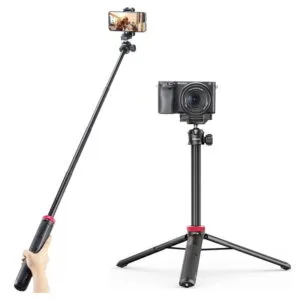
Ulanzi MT44 Extendable Vlog Tripod With 360° Ball Head – Black Color
Original price was: ৳ 1,850.৳ 1,420Current price is: ৳ 1,420.-23%
48 in stock

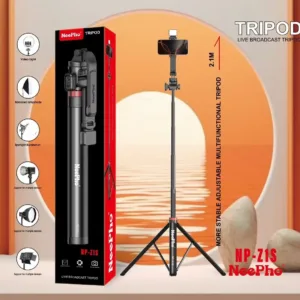
NeePho NP-Z1S Tripod for Live Broadcast and Video Recording
Original price was: ৳ 2,540.৳ 1,950Current price is: ৳ 1,950.-23%
100 in stock


BOYA BY-K171 Adjustable Desk-Mount Arm Stand for USB Microphones
Original price was: ৳ 1,850.৳ 1,420Current price is: ৳ 1,420.-23%
191 in stock
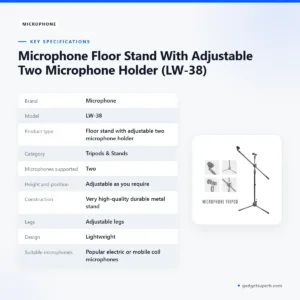

Microphone Floor Stand With Adjustable Two Microphone Holder (LW-38)
Original price was: ৳ 2,310.৳ 1,770Current price is: ৳ 1,770.-23%
159 in stock
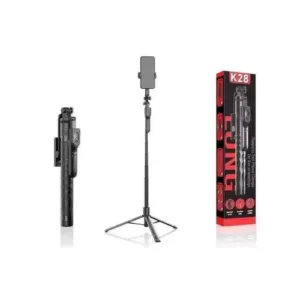
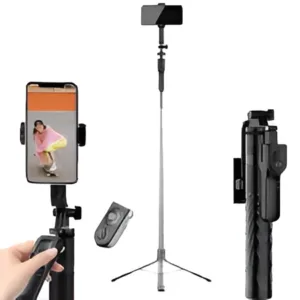
K28 Long Wireless Selfie Stick
Original price was: ৳ 1,620.৳ 1,240Current price is: ৳ 1,240.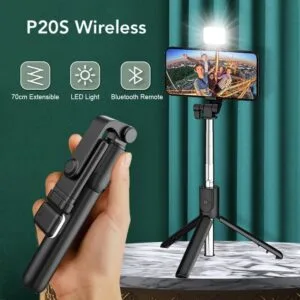 P20S Selfie Stick with LED Lig...
Original price was: ৳ 450.৳ 360Current price is: ৳ 360.
100 in stock
Reviews
There are no reviews yet.