No products in the cart.

-23%
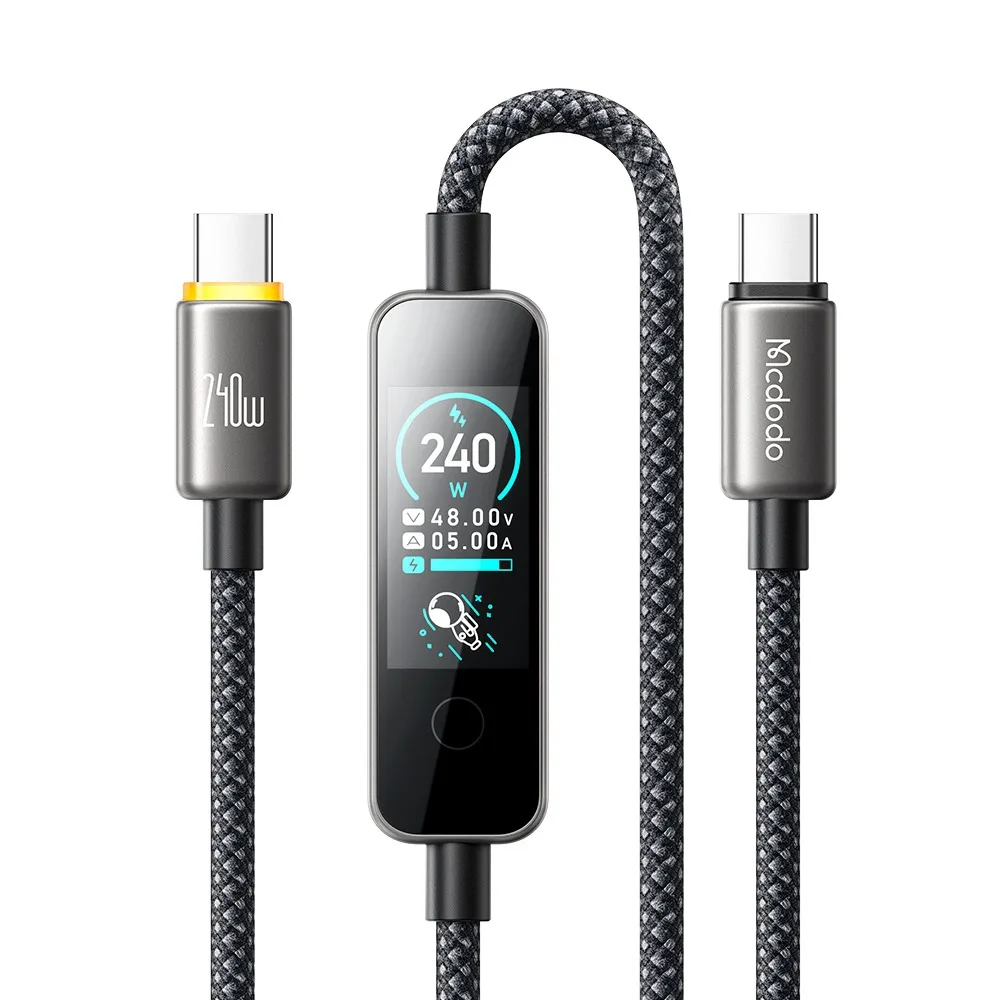

The mcdodo ca-8750 is a USB-C to USB-C cable with a color TFT screen display, listed with a 240W maximum power output and a length of 1.2 meters. It suits Bangladeshi buyers who want one USB-C cable with a display that the listing says shows power, voltage and current. This guide covers the listed specifications, setup and delivery.
- An overview of the mcdodo ca-8750
- Key features
- Specifications
- How to use and set up
- Compatibility and what is in the box
- Who should buy it in Bangladesh
- Alternatives in our store
- Warranty and support
- Delivery, returns and ordering
- Frequently asked questions
An overview of the mcdodo ca-8750
The listing describes the mcdodo ca-8750 as a cable, so you still need a USB-C power source that you already own. The maker lists it with a 240W maximum power output (48V / 5A) and PD 3.1 / EPR support. Before you buy, check that your charger and your device both support the power level and standard you need. Your charger and device also shape the result, so treat the mcdodo ca-8750 as one link in a complete setup.
Bangladeshi households often juggle several devices, deal with load-shedding and humid weather, and travel long distances across Dhaka. In that setting, a single cable that you can keep at a desk, in a bag or beside the bed is practical. The listing gives the length of the mcdodo ca-8750 as 1.2 meters, which suits a desk or bedside table. For a longer run, measure first. If you want background on the wider category of power accessories, read the general background on battery chargers for context.
The listing also gives the data transmission as 480Mbps and the warranty as 18 Months. It does not describe the build materials or the box contents in detail, so those points are not confirmed by the listing. If you need them before ordering, ask us using the contact options near the end of this page. Read the rest of this guide to see how the listed values apply to everyday use.
When you compare listings in Bangladesh, start with the three lines that decide fit: the interface, the power output and the cable length. Those lines tell you whether the connector ends match and whether the cable can reach your socket and device. Once those match, look at the extra details such as the display and the data rating. Keep a note of the figures you check, so that you can compare them against the device manual later.
Key features
Each feature below is taken from the product listing, with notes on how it fits everyday use in Bangladesh.
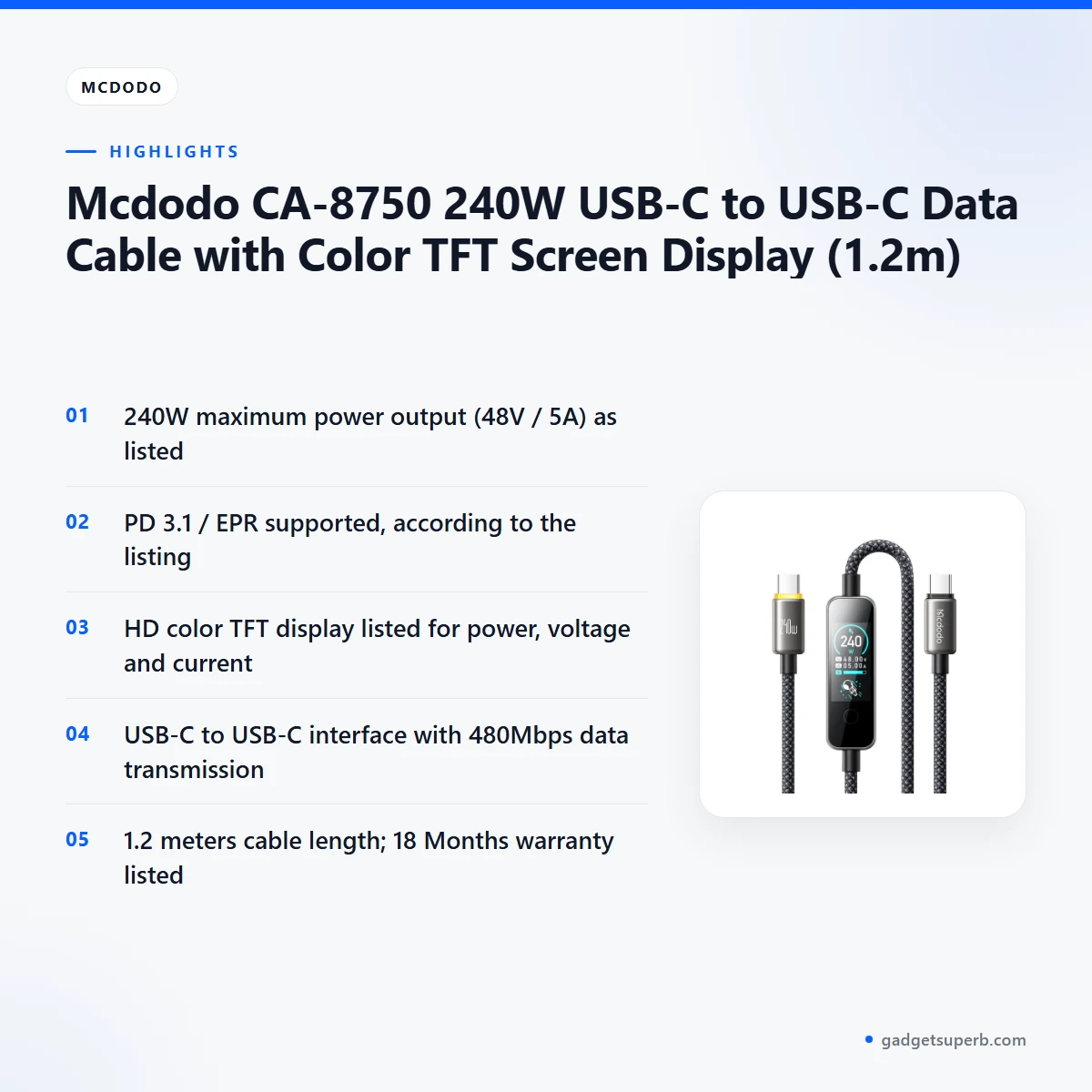
240W maximum power output
The listing gives the power output as 240W maximum at 48V / 5A, and it states that PD 3.1 / EPR is supported. This is the headline figure for the mcdodo ca-8750, so check it first against your charger and device. The listing gives a maximum rating only and does not say which devices reach it. Confirm the power level that your own charger and device use before you connect them. Keeping the cable and charger together as a matched pair saves time and avoids confusion at home.
Color TFT screen display
According to the listing, the mcdodo ca-8750 has an HD color TFT screen display that monitors power, voltage and current. That can be useful if you want to see readings at a glance while charging overnight or working at a desk. The listing does not describe the screen layout, the menus or how to move between readings, so this guide does not go into those details. If a manual comes with your unit, follow it for how the display works. The display is listed as a monitoring feature, and that is all this page claims about it.
USB-C to USB-C interface
The listing gives the interface of the mcdodo ca-8750 as USB-C to USB-C, so both ends use the same connector type. That makes it a one-cable option for devices that have a USB-C port at each end, and it removes the need for a separate adapter in that case. Households often mix older and newer chargers, so label the cable and keep it with the device it serves. The listing does not mention other connector types, so do not assume the mcdodo ca-8750 works with Lightning or USB-A ports. Check each port on your own equipment before you plug in.
480Mbps data transmission
The listing gives data transmission as 480Mbps for the mcdodo ca-8750. That is the figure to read when you look at the cable’s data capability. Actual transfer speed depends on the devices, the ports on each side, the software and the files you move, so the cable is only one part of the chain. If you copy photos or documents between a phone and a computer, check the port support on both devices as well. The listing does not give further data standards, so none are described here.
1.2 meter cable length
The listing states a cable length of 1.2 meters for the mcdodo ca-8750. For many homes that length suits a desk, a bedside table or a socket beside a sofa, where the cable may need to reach without strain. Measure the distance from your socket to your device, and allow for the route the cable takes around furniture. Measure twice before you order, because a length that looks right on a product page can feel short in a real room. Ask us if you need help deciding on a length.
Length also affects how the cable is handled. A loose cable on the floor can be stepped on or pulled, so route it along a wall or under a desk edge where possible. This is a general handling point rather than a listed feature.
Specifications
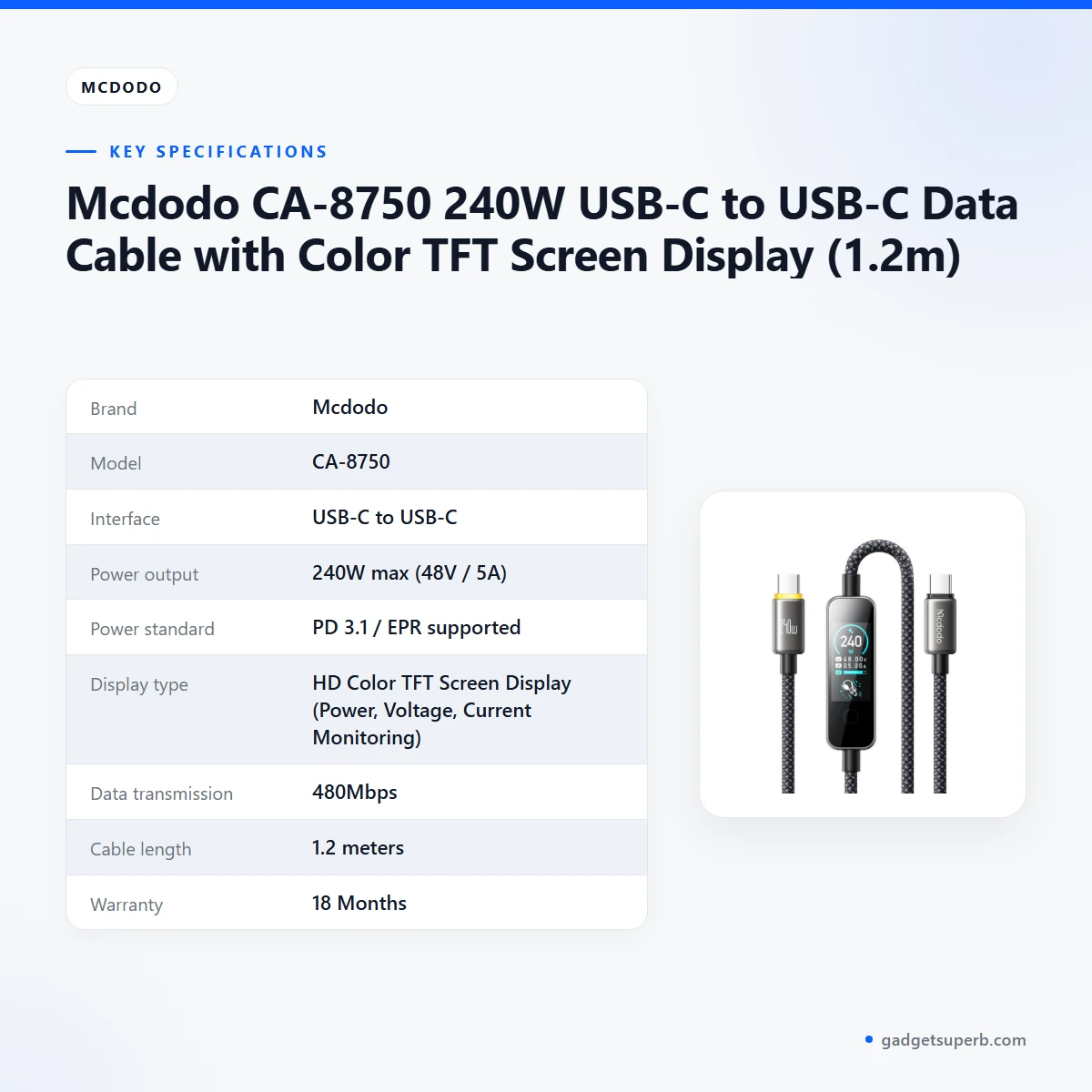
The table below sets out the mcdodo ca-8750 specifications as they appear in the listing. Each row is copied from the listed values, so you can check them against your device before you order.
| Brand | Mcdodo |
|---|---|
| Model | CA-8750 |
| Interface | USB-C to USB-C |
| Power output | 240W max (48V / 5A) |
| Power standard | PD 3.1 / EPR supported |
| Display type | HD Color TFT Screen Display (Power, Voltage, Current Monitoring) |
| Data transmission | 480Mbps |
| Cable length | 1.2 meters |
| Warranty | 18 Months |
These are listed specifications from the product listing.
For most buyers, the interface and power rows decide whether the cable fits a setup, so read those first. The display and data rows describe extra features, and the length row helps you plan where the cable will sit.
How to use and set up
Start by checking that the mcdodo ca-8750 matches the ports on your charger and device. Confirm the connector type at each end, the listed power output and the cable length before you plug anything in. This quick check helps you avoid mistakes, especially when you have several cables of similar appearance at home.
Charge fully before first use if your power source allows it. Then connect one end of the mcdodo ca-8750 to the charger or power source and the other end to your device, making sure both connections are firm. Follow the included manual, if one is supplied, for any device-specific steps. Keep the cable away from heat sources and do not bend the connectors sharply.
Use the mcdodo ca-8750 with a power source and device that both support the power level you expect. If your device seems to charge more slowly than you expected, check the charger, the cable, the port and the device settings in that order. The listing does not describe on-screen steps, so avoid guessing at menus. Keep the cable in a dry place when it is not in use, and avoid damp shelves and bags.
For ongoing care, store the cable out of direct sun, avoid pulling on the cable itself, and check the connectors now and then for loose fittings. Loop the cable loosely rather than wrapping it tightly around your hand, which is gentler on the cable over time. Wipe the connectors with a dry cloth if they collect dust.
A simple routine helps. Keep the mcdodo ca-8750 in a labelled pouch or a drawer, and keep the matching charger nearby so the pair stays together. This is especially useful in a busy home with several chargers that look similar.
Power cuts and load-shedding can interrupt charging, so plan your charging time around scheduled outages where you can. If you use a backup power source, confirm that its output port and the mcdodo ca-8750 suit each other before you rely on it during an outage. Charge before the outage starts if you can, so your devices have more power when the lights go off.
If you use the cable for data transfer, disconnect it safely through your device before you unplug it. Avoid leaving the cable loose on the floor, where it may be stepped on or pulled. Humidity in Dhaka can be high during the rainy months, so keep connectors dry and do not leave the cable in a damp bag for long periods.
Compatibility and what is in the box
The listing confirms the following for the mcdodo ca-8750: a USB-C to USB-C interface, a 240W maximum power output (48V / 5A), PD 3.1 / EPR support, an HD color TFT screen display, 480Mbps data transmission, a 1.2 meter length and an 18 Months warranty. These are the points you can rely on when you check compatibility.
Compatibility beyond these points is not confirmed by the listing. That includes which phones, tablets, laptops or monitors work with the mcdodo ca-8750, and whether a given device will accept the full 240W. Check your device manual and the port specification on each side before you buy. If you are unsure, ask us and include the device model.
The listing does not state what is in the box for the mcdodo ca-8750. It does not say whether a power adapter, a manual or other accessories are included, so do not assume a charger comes with the order. Ask us before ordering if the box contents affect your decision.
Because the listing gives both ends as USB-C, the cable itself is the main item to check. Your charger and device make up the rest of the setup, and their port support decides how the pair works together.
Who should buy it in Bangladesh
The mcdodo ca-8750 suits buyers who want a USB-C to USB-C cable with a display that the listing says monitors power, voltage and current. Below are realistic scenarios that fit the listing, with the checks each buyer should make.
For a student or remote worker who uses a laptop on a desk near a wall socket, the 1.2 meter length and the USB-C to USB-C interface may suit the setup, provided the laptop and charger support the listed power standard. Check the laptop manual first, because the cable alone does not decide compatibility. This is the scenario where the mcdodo ca-8750 is most likely to fit a daily routine.
For a family with several phones and tablets, the mcdodo ca-8750 can serve as a spare cable for a device that uses USB-C at both ends. Label it so it does not get mixed up with cables for older devices, and keep track of which charger it is paired with. A clear label saves time during load-shedding, when people reach for whatever cable is nearest.
For a commuter in Dhaka who charges a phone during a long day, the mcdodo ca-8750 can be easy to keep in a bag. The listing does not describe how the cable behaves in vehicles or in heat, so test it with your own routine first. A cable does not replace a power bank, so consider both if you are often away from a socket.
For a small office or shop owner who wants staff to see power, voltage and current readings, the mcdodo ca-8750 display may help, since the listing says it monitors those values. Test the cable with your own charger and device before you rely on it for regular work. Keep a record of which cable is used for which equipment, so that a problem can be traced quickly.
For a hobbyist who likes to check how much power a connected device is drawing, the listed display may be the main attraction. The listing does not give the accuracy of the readings, so treat the display as a monitoring feature rather than a precision instrument.
For a household that loses cables often, a labelled spare for USB-C devices can reduce the search time. Keeping a labelled mcdodo ca-8750 with the device it serves makes it easier to find the right cable on a busy morning.
Buyers who need a cable for a device with a different connector, such as Lightning, should look at the alternatives in our store listed further down this page.
Alternatives in our store
If the mcdodo ca-8750 does not match your device or the connector you need, you may want to look at other options in our range. We describe each one only by its name and category, so please read the product page for full details. The Geeoo DC 201 Type C To Lightning 33w PD Charging Cable is another cable in our range for buyers looking at a different connector. The DC Y Cable to use 2 Devices on WGP/ SKE mini UPS is a Y cable in our range. The U-Shape Converter- 3.5mm Audio Splitter For Headphone and Microphone- White is an audio adapter in our range, and the Geeoo DC27 Fast Charging 1M Long 30W (PD-L) Data Cable is another data cable in our range.
You can browse the full Cables & Adapters category to see the rest of the range before you decide.
Warranty and support
Warranty: 18 Months seller warranty.
Delivery, returns and ordering
We deliver all over Bangladesh and you pay cash on delivery. Delivery usually takes 1–3 days inside Dhaka city and 2–5 days outside Dhaka, so plan around those windows if you need the mcdodo ca-8750 for a specific date.
You can return the mcdodo ca-8750 within 7 days of delivery. For the full terms, read our Delivery and Returns policy before you order, and keep your order details in a safe place.
Questions before ordering: call 09638054751, message us on Facebook Messenger or email care@gadgetsuperb.com. Our team can help with questions about this cable and the other products in our range.
When you order, check the cable length, the interface and the warranty figure against this page, since those are the points most buyers ask about. The delivery windows above are usual times rather than fixed dates, so allow a little extra time if your order is needed for an event.
Frequently asked questions
What is the mcdodo ca-8750?
The mcdodo ca-8750 is a USB-C to USB-C data cable listed with a 240W maximum power output, a color TFT screen display and a length of 1.2 meters.
Is the mcdodo ca-8750 rated for 240W?
The listing gives the power output as 240W maximum (48V / 5A) with PD 3.1 / EPR supported. Check that your charger and device support the same power standard before you connect them.
What does the display on the mcdodo ca-8750 show?
According to the listing, the display monitors power, voltage and current. The listing does not describe the screen layout, so follow any manual supplied with your unit.
Does the mcdodo ca-8750 have a Lightning connector?
The listing gives the interface as USB-C to USB-C and does not list a Lightning connector for this cable. Check your device port before you order.
What data transmission speed is listed for the mcdodo ca-8750?
The listing gives data transmission as 480Mbps. Actual transfer speed also depends on your devices, ports and software.
Is the 1.2 meter cable long enough for my desk?
The listing gives the length as 1.2 meters. Measure from your socket to your device before you order, because the route the cable takes matters.
What warranty is listed for this cable?
The listing gives the warranty as 18 Months. The warranty section of this page gives the same figure.
Can I pay cash on delivery?
Yes. We deliver all over Bangladesh and you pay cash on delivery.
How long does delivery of the mcdodo ca-8750 take?
Delivery usually takes 1–3 days inside Dhaka city and 2–5 days outside Dhaka.
Can I return it?
Yes, you can return it within 7 days of delivery. Read our Delivery and Returns policy for the full terms.
Does the box include a charger?
The listing does not state what is in the box, so it does not confirm whether a power adapter is included. Ask us before you order.
Where can I ask questions before I order?
Call 09638054751, message us on Facebook Messenger or email care@gadgetsuperb.com.
Related products
-20%
100 in stock
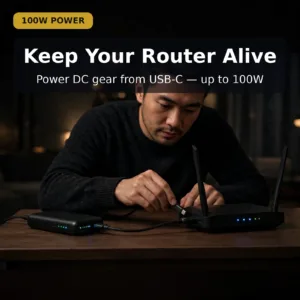
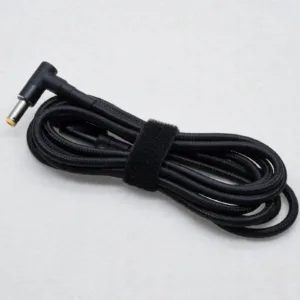
Type-C to DC Cable for Laptop, BLDC Fan, Router etc. (100W, 5.9 feet, Port 55*25)
Original price was: ৳ 740.৳ 590Current price is: ৳ 590.-20%
70 in stock

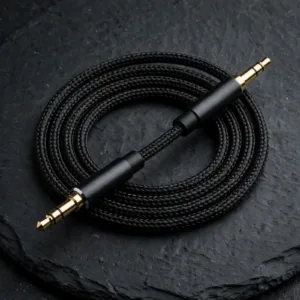
Vention BAWBG Cotton Braided 3.5mm Male Audio Cable – 1.5M
Original price was: ৳ 400.৳ 320Current price is: ৳ 320.-20%
72 in stock
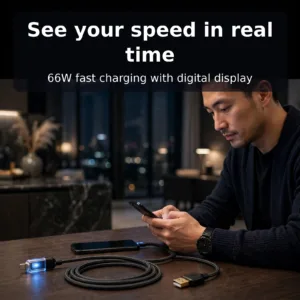
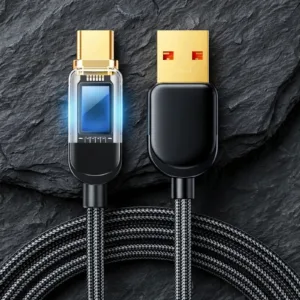
Joyroom S-AC066A4 66W Type C Fast Charging Cable With Digital Display
Original price was: ৳ 820.৳ 650Current price is: ৳ 650.-20%
64 in stock

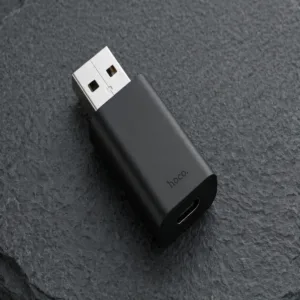
HOCO UA17 USB Male to Type C Female Adapter
Original price was: ৳ 240.৳ 190Current price is: ৳ 190.-20%
47 in stock
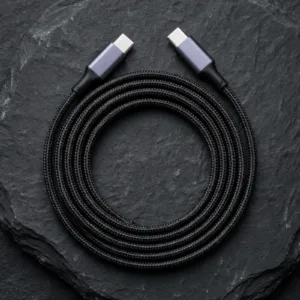
UGREEN US334 (70643) USB Type-C to Type-C Cable – 1m
Original price was: ৳ 870.৳ 690Current price is: ৳ 690. Mcdodo CA-8750 240W USB-C to U...
Original price was: ৳ 2,330.৳ 1,790Current price is: ৳ 1,790.
70 in stock
Reviews
There are no reviews yet.