No products in the cart.

-20%



Power Your DC Devices from Any USB-C Source
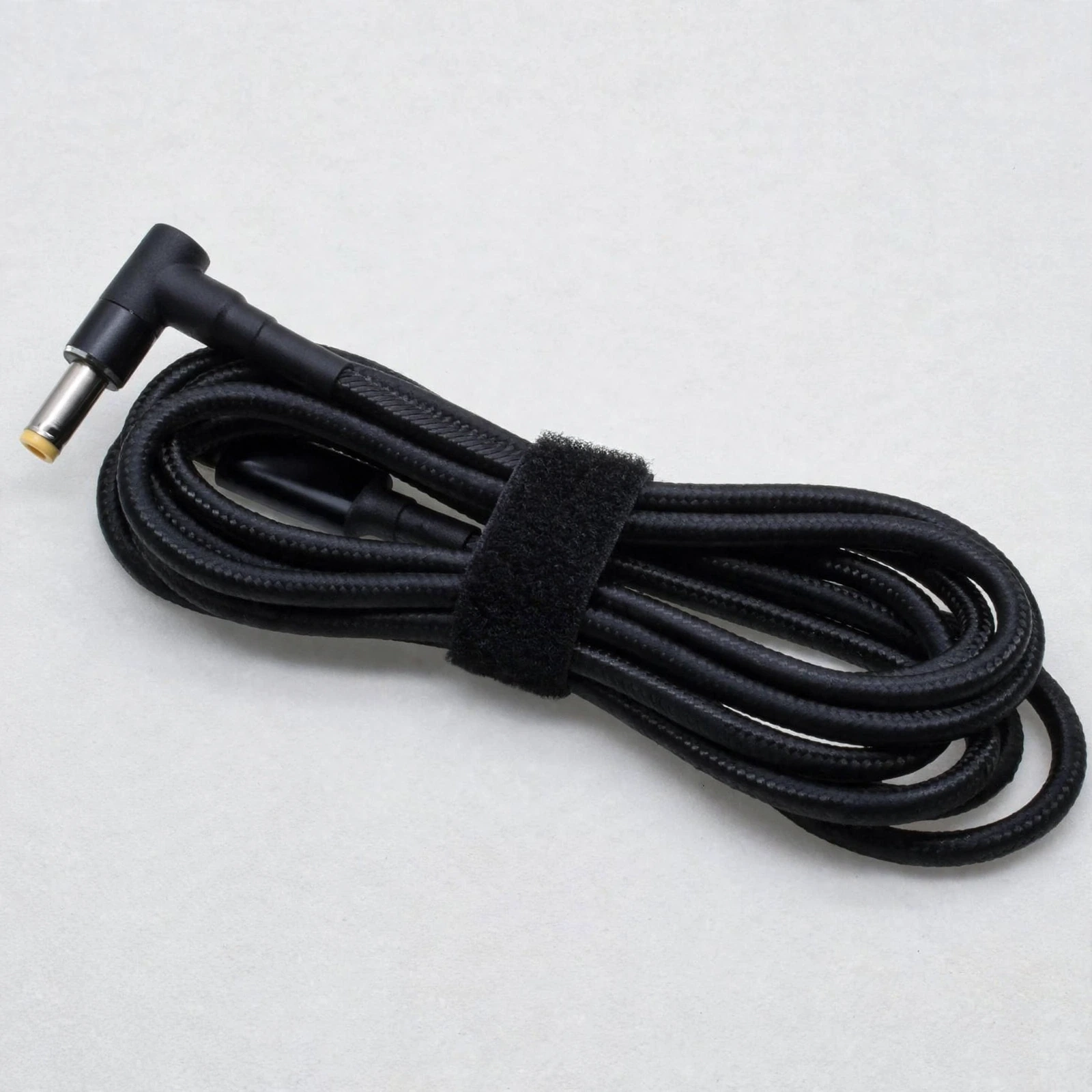
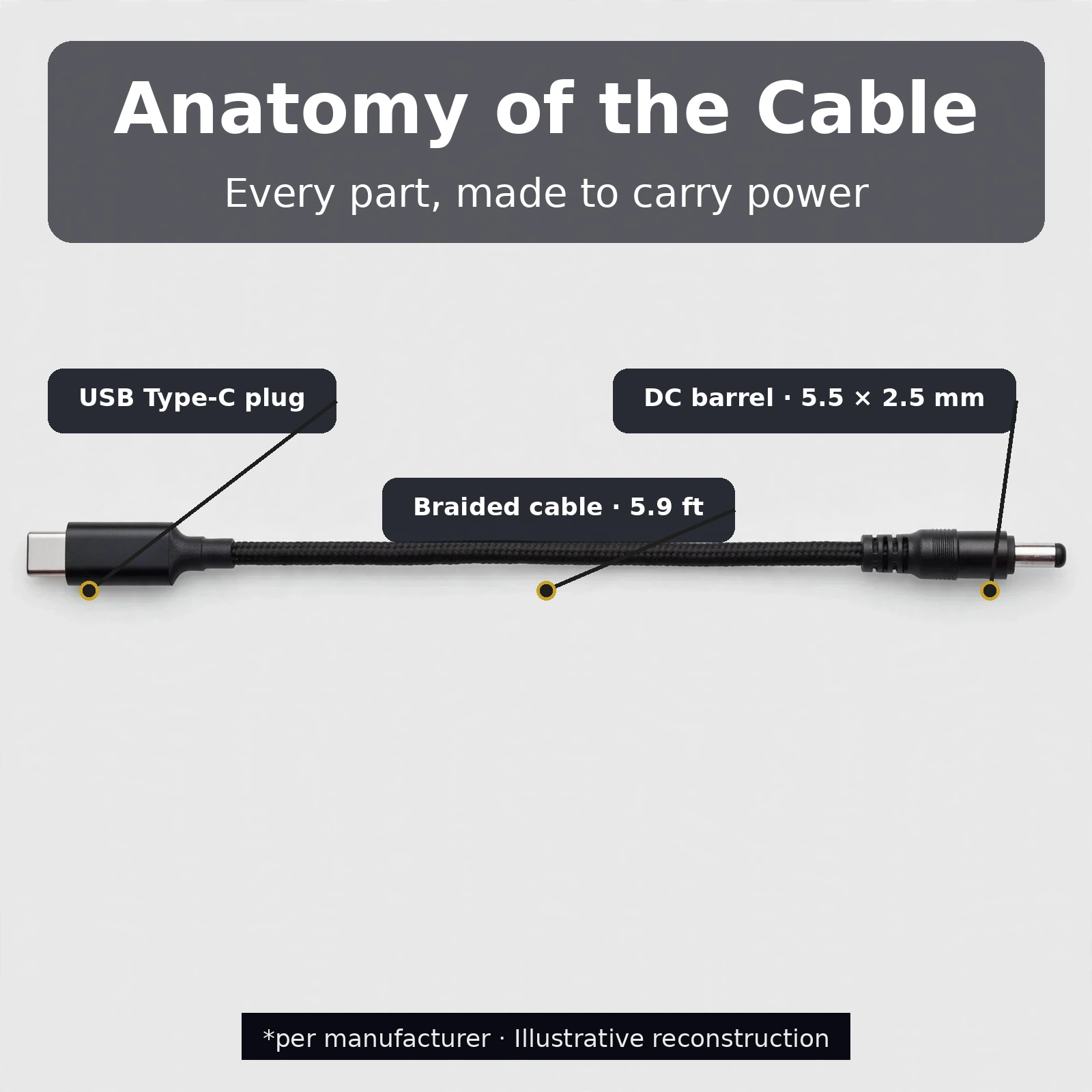
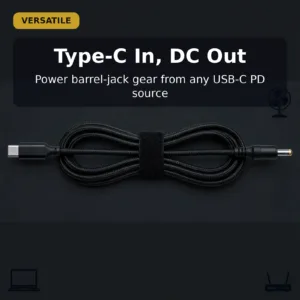
Meet the Type-C to DC 5.5×2.5mm cable 100W — a simple, practical way to run the DC-powered gear you already own from a modern USB-C charger or power bank. One end plugs into a USB-C PD source, and the other end is a standard 5.5 × 2.5 mm DC barrel plug that fits laptops, BLDC fans, routers and many other devices with a 5525 DC jack. Instead of carrying a separate bulky adapter for every device, this single cable lets your existing USB-C power gear do the job.
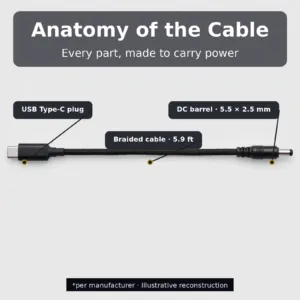
This is the kind of cable that earns a permanent spot in your bag. When the power cuts out in the middle of a work call, when your BLDC fan’s adapter is in another room, or when a router needs backup power from a power bank, the Type-C to DC 5.5×2.5mm cable 100W bridges the gap between your USB-C world and your DC-jack world. It is rated up to 100W, measures a generous 5.9 feet long, and uses the most common barrel plug size in consumer electronics — the 5.5 × 2.5 mm (5525) jack found on a huge range of laptops, fans, routers and similar equipment.
Gadget Superb brings this cable to Bangladesh with cash on delivery nationwide and a 7-day warranty, so you can order with confidence. Keep reading for the full specifications, compatibility notes, delivery information and answers to the most common questions.
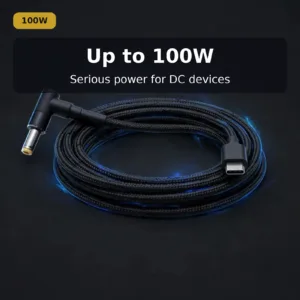
Up to 100W — Serious Power for DC Gear
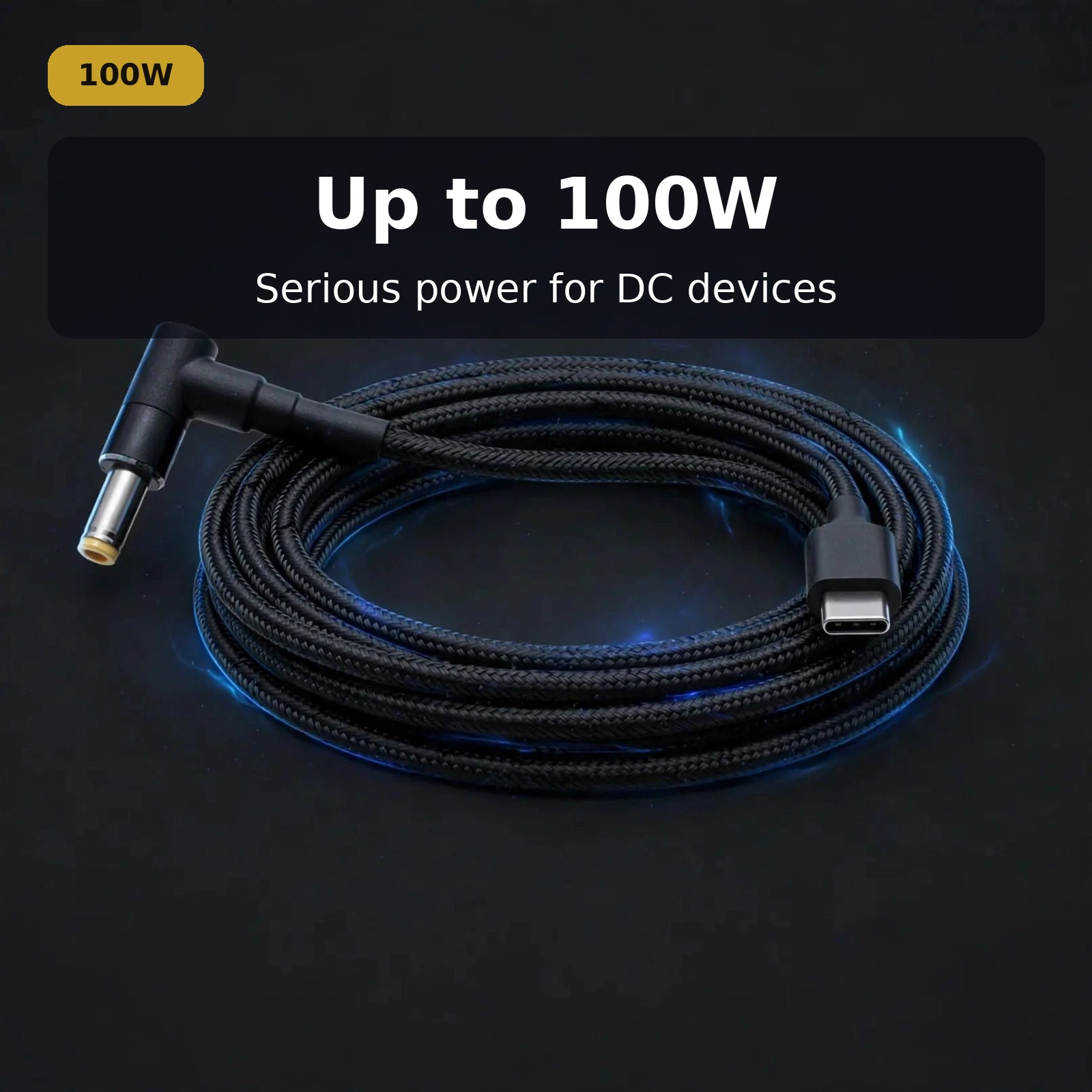
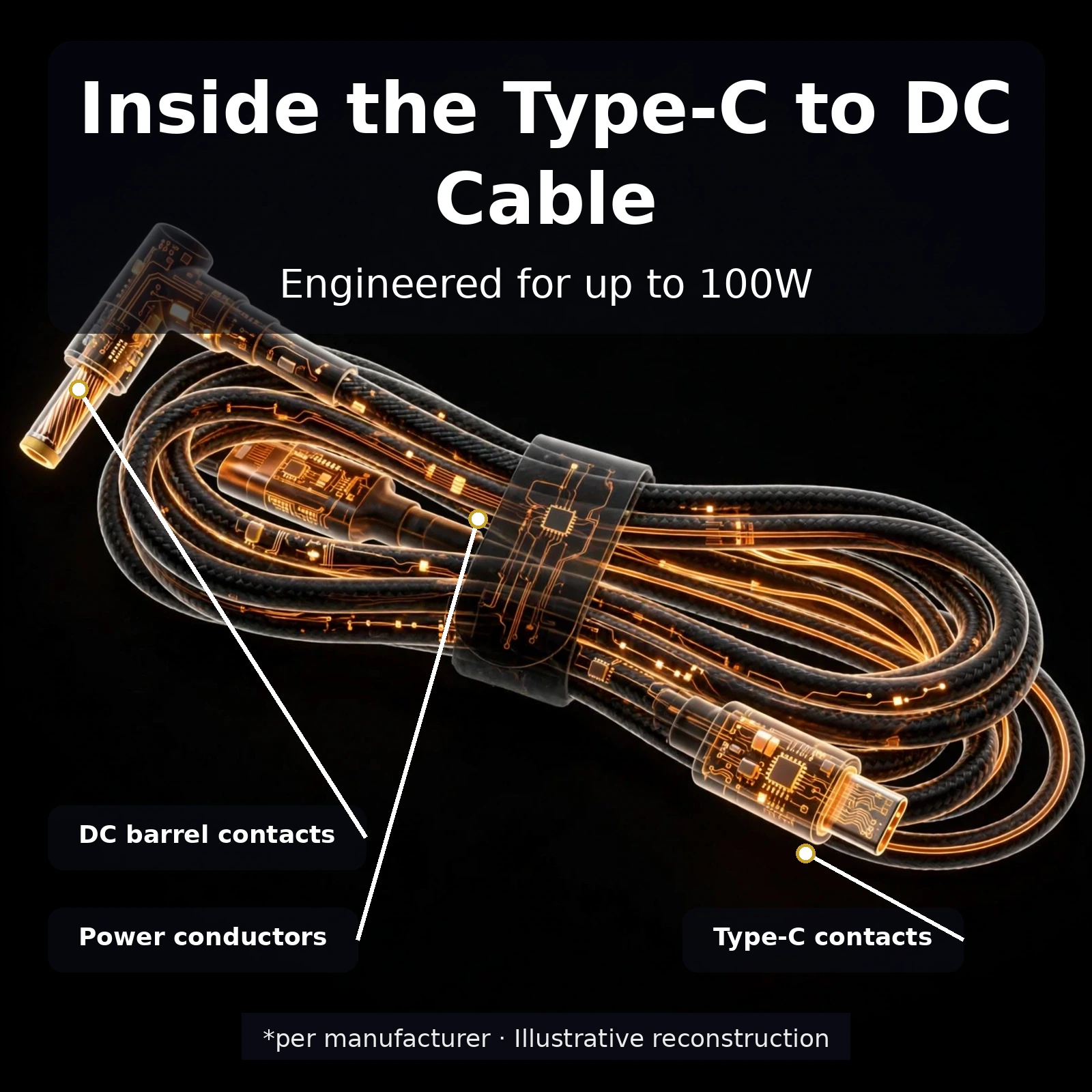
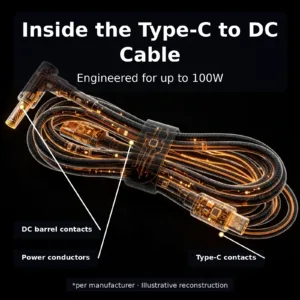
The headline specification of the Type-C to DC 5.5×2.5mm cable 100W is its 100W power rating. That ceiling covers demanding DC devices such as laptops, which typically draw far more than the small ratings of phone chargers. By pairing the cable with a sufficiently capable USB-C PD charger or power bank, you can deliver the power your device actually needs — the cable itself is built to handle loads up to 100W without breaking a sweat.
Remember that the actual power delivered depends on your USB-C source and your device’s requirements, not on the cable alone. The 100W rating simply means the cable is not the bottleneck: choose a USB-C PD charger or power bank whose output matches what your laptop, fan or router asks for, and the Type-C to DC 5.5×2.5mm cable 100W will carry it through. This headroom also makes the cable future-proof — as you upgrade to stronger USB-C chargers, the same cable keeps up.
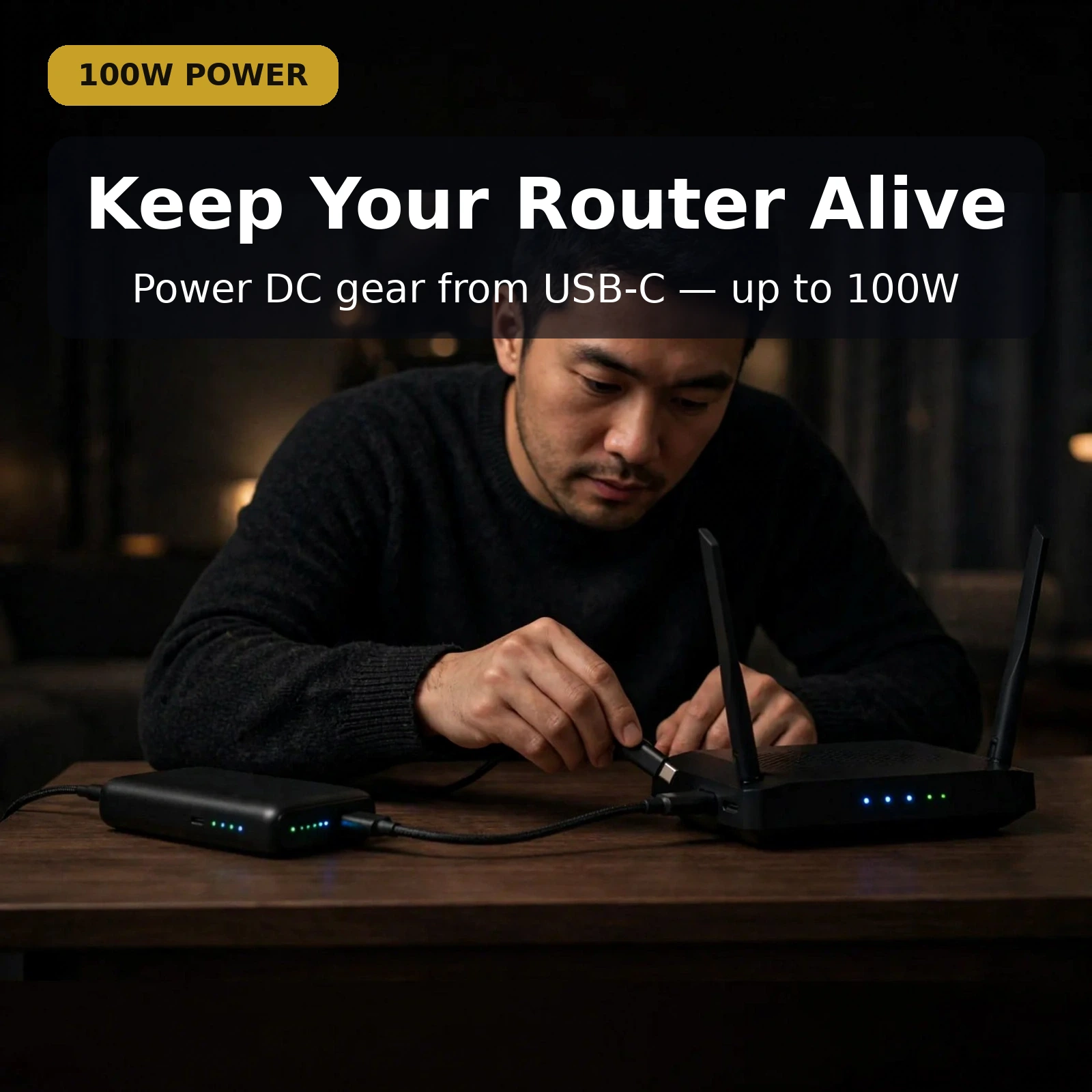
For Bangladesh’s load-shedding reality, this matters. A high-capacity USB-C power bank plus this cable becomes an instant backup-power kit for your router, keeping your Wi-Fi alive while the mains are down. One cable, one power bank, and your essential gear stays on.
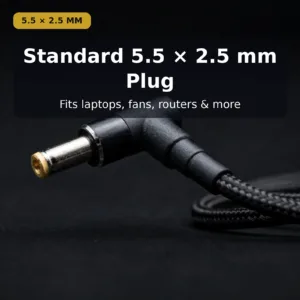
Standard 5.5 × 2.5 mm Plug — The Universal Fit
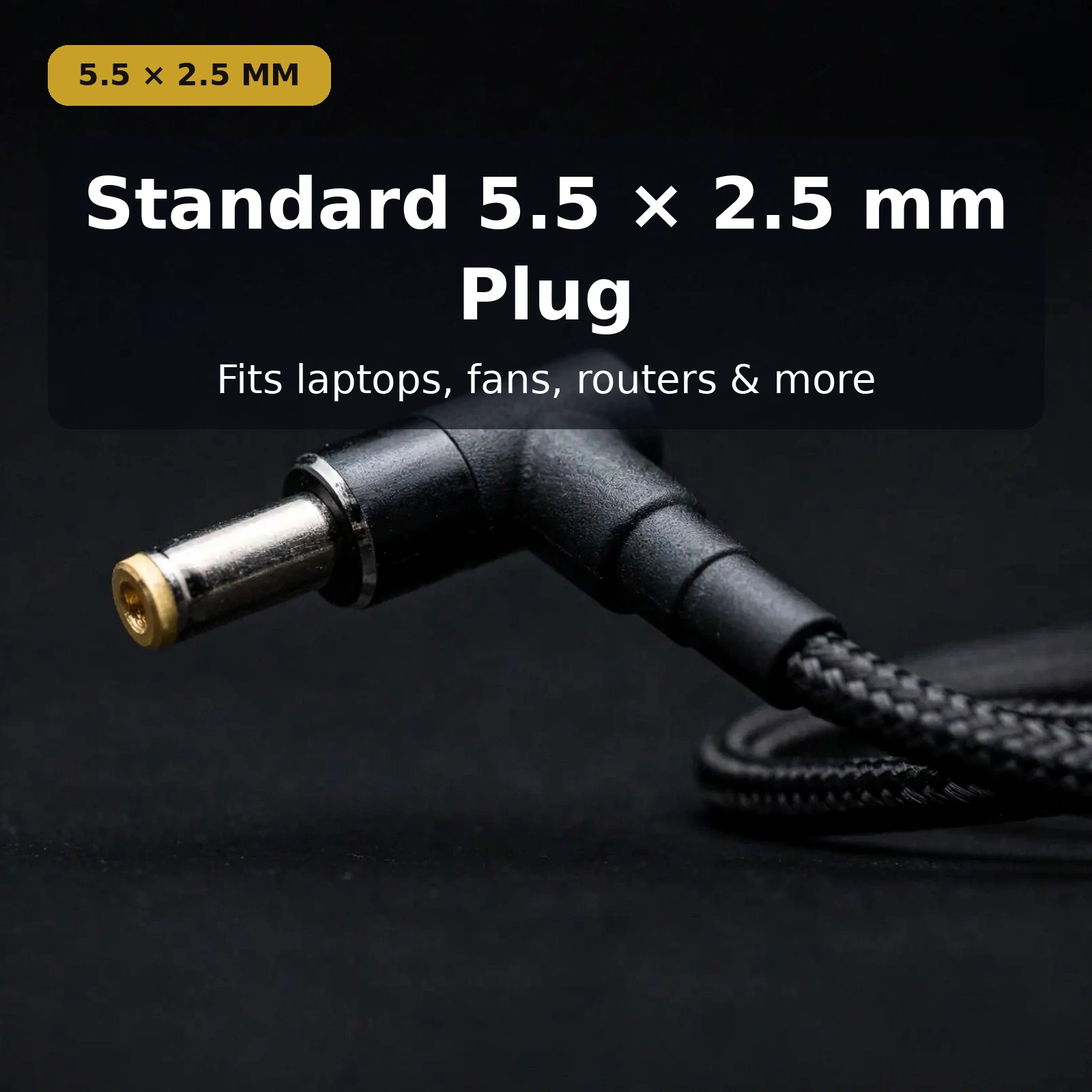
The DC end of the cable is a standard 5.5 × 2.5 mm barrel plug (often written as 5525). This is the single most common DC jack size across consumer electronics: countless laptops, LED drivers, BLDC fans, routers, CCTV accessories, mini PCs and musical instruments use exactly this plug. If your device’s jack is a 5525 barrel, this cable plugs straight in — no adapters, no guesswork.
Checking fit is easy. Look at your device’s original adapter: if its DC plug is marked 5.5 × 2.5 mm or 5525, or if the device’s jack measures the standard 5525 size, the Type-C to DC 5.5×2.5mm cable 100W is the right connector. When in doubt, compare the plug against your current adapter before ordering — a snug, secure friction fit is what you want, and the 5525 standard delivers exactly that across brands.
Because the plug is angled at a right angle, it also sits neatly against your device instead of sticking straight out, which keeps the connection tidy on a desk and reduces strain on the jack — a small design detail that makes daily use more comfortable.
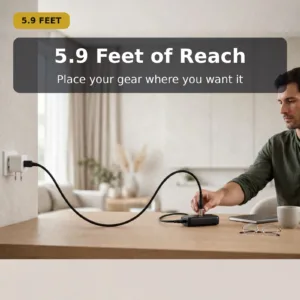
5.9 Feet of Reach — Place Gear Where You Want It
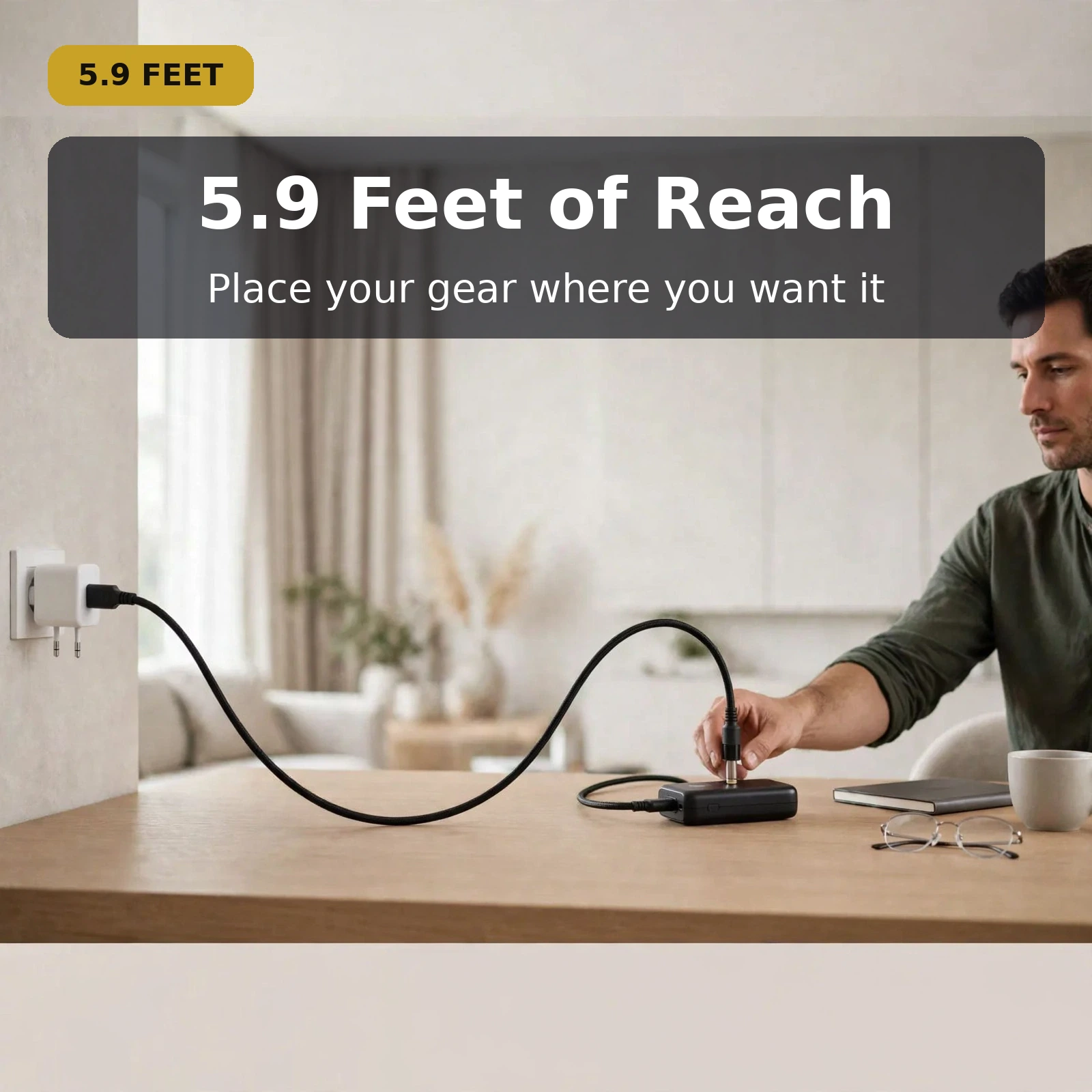
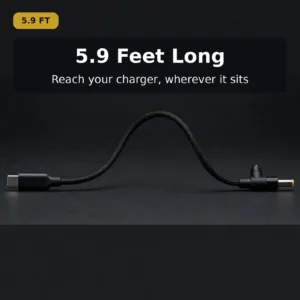
At 5.9 feet (about 1.8 metres), this cable is long enough for real-world setups. Run it from a charger across the desk to your laptop, from a power bank on a side table to a BLDC fan on the bed, or from a wall charger to a router mounted high on a shelf. The extra length removes the awkward tugging and stretched taut runs that short cables force on you.
The length is especially handy for backup-power setups. During load-shedding you may want your power bank on the floor or a side table while your router sits on a shelf or your fan sits by the bed — the 5.9-foot Type-C to DC 5.5×2.5mm cable 100W covers that distance comfortably. A hook-and-loop strap keeps the cable neatly coiled for travel and storage when you are not using its full length.
Despite its length, the cable stays easy to manage. The braided outer jacket resists tangling far better than smooth plastic cables, so it unfurls cleanly each time you reach for it and coils back down without fighting you.
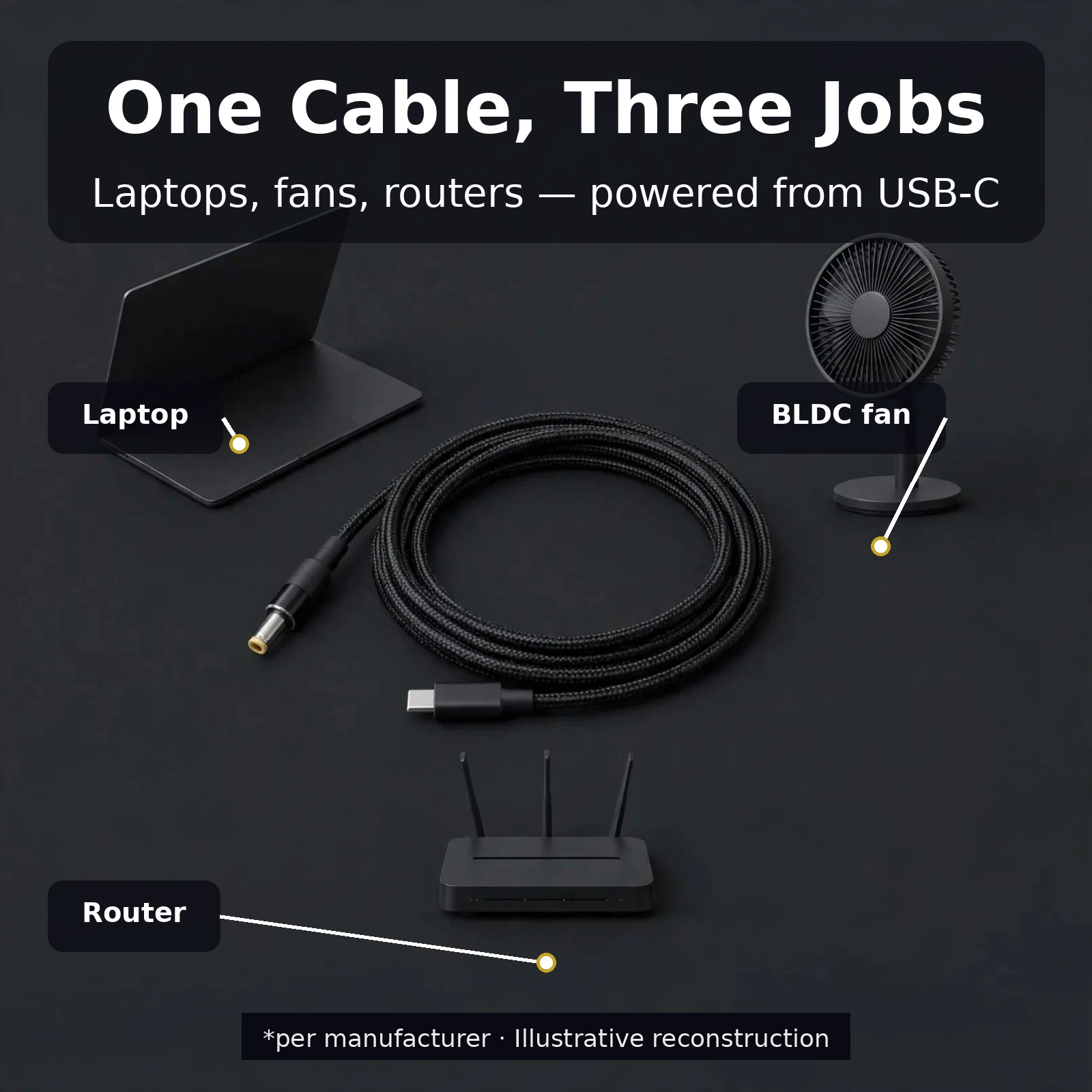
One Cable, Three Jobs — Laptops, Fans, Routers
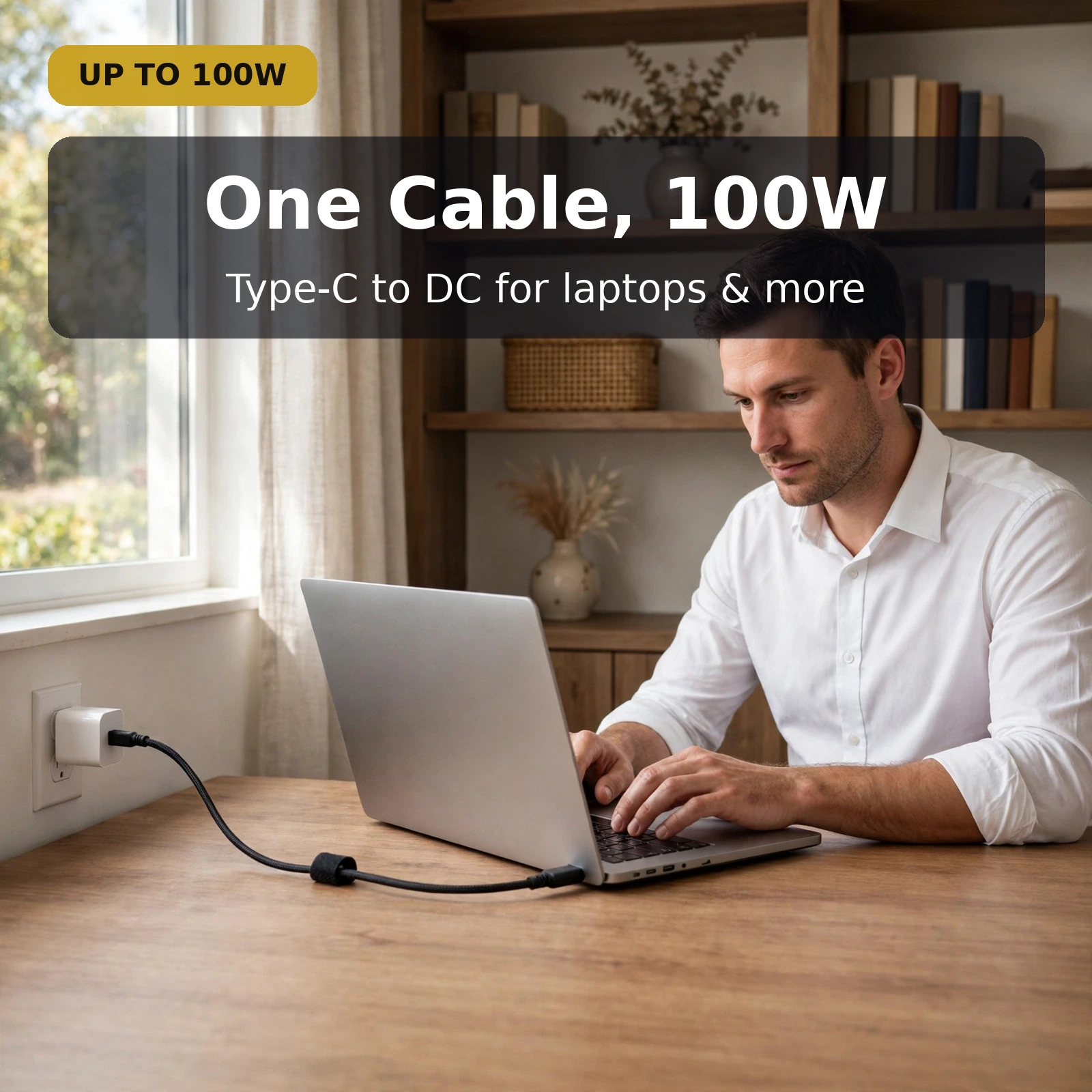
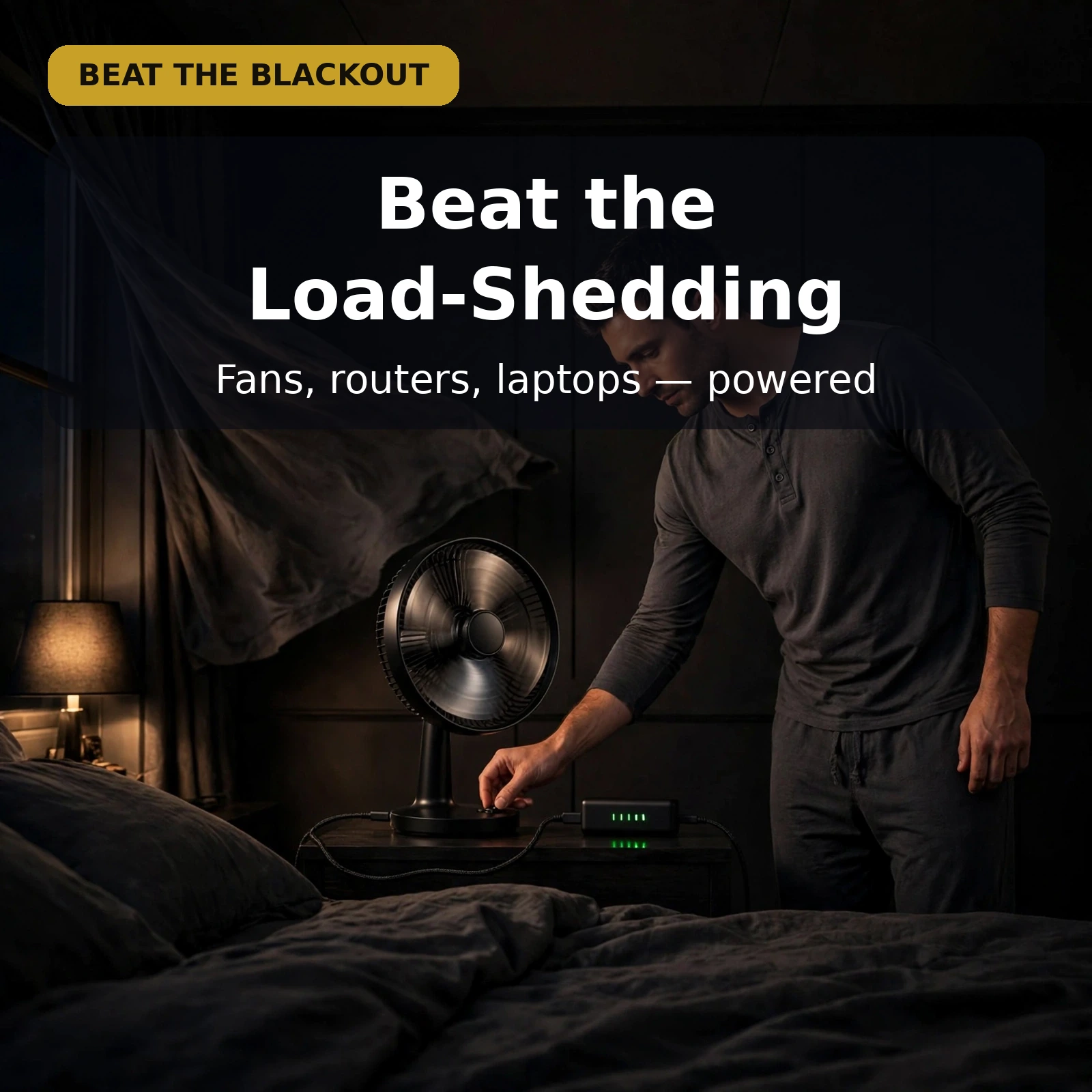
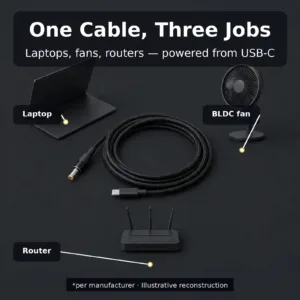
The Type-C to DC 5.5×2.5mm cable 100W shines across three everyday jobs. For laptops, it lets a single USB-C PD charger or power bank stand in for a bulky laptop adapter — a genuine space-saver for commuters and students. For BLDC fans, it turns a power bank into a cordless power source during load-shedding, so you get airflow even when the mains are down. For routers, it keeps your Wi-Fi alive on backup power through any outage.
The formula is simple: Type-C in, DC out. Connect the USB-C end to any USB-C PD charger or power bank and the 5525 barrel end to your device’s DC jack, and power flows from the modern USB-C ecosystem into the vast installed base of barrel-jack devices. Your USB-C Power Delivery source does the heavy lifting; the cable simply makes the connection possible. You can read more about how USB-C Power Delivery works at the official USB Implementers Forum page.
That versatility also simplifies your kit. One cable replaces the need to match multiple proprietary adapters when you move between laptop, fan and router — grab the Type-C to DC 5.5×2.5mm cable 100W and you are covered for any 5525-jack device you own.
Pair It With a USB-C PD Source
To get the most from this cable, pair it with a capable USB-C PD charger or power bank you already own. Gadget Superb stocks several USB-C chargers that make natural companions, such as the Vention FAKB0-EU 30W USB-C GaN Charger for compact travel setups, the Samsung TA800 25W USB-C PD Charger for everyday devices, or the Valdus VL33 33W GaN Universal Travel Adapter when you need one adapter for every country. Match the source’s output to your device’s power needs; the Type-C to DC 5.5×2.5mm cable 100W handles everything up to 100W.
How to Use It
Using the cable takes three steps. First, confirm your device uses a 5.5 × 2.5 mm (5525) DC jack — check the original adapter’s label or the device’s specifications. Second, plug the USB-C end into a USB-C PD charger or power bank with enough output for your device. Third, plug the DC barrel end into your device. That is it: no settings, no buttons, no configuration.
A few practical tips keep things smooth. Use a source whose output meets or exceeds what your device draws; an underpowered charger may run a router or fan but struggle with a laptop under load. Keep the barrel plug fully seated for a solid connection — the right-angle plug makes this easy. And when coiling the 5.9-foot cable for travel, use the included strap rather than tight knots to protect the braided jacket.
Specifications
| Field | Value |
|---|---|
| Cable type | USB Type-C to DC barrel (trigger-style cable) |
| Input | USB Type-C (USB-C PD source) |
| Output | DC barrel plug 5.5 × 2.5 mm (5525) |
| Power rating | Up to 100W |
| Length | 5.9 feet (approx. 1.8 m) |
| Intended use | Laptops, BLDC fans, routers and other devices with a 5525 DC jack |
| Build | Braided cable with hook-and-loop strap; right-angle DC plug |
| SKU | TYPEC-TO-DC-100 |
| Warranty | 7 Days |
Type-C to DC 5.5×2.5mm Cable 100W in Everyday Use
Think about where a cable like this actually earns its keep day to day. On a work desk, the Type-C to DC 5.5×2.5mm cable 100W connects a laptop to the same USB-C PD charger you already use for your phone, so one charger covers two jobs. At home, the Type-C to DC 5.5×2.5mm cable 100W moves just as easily to a router that needs to stay online. Because the Type-C to DC 5.5×2.5mm cable 100W follows the standard 5525 fit, moving it between devices takes seconds. Keep the Type-C to DC 5.5×2.5mm cable 100W in your everyday bag and the right connection is always within reach.
Made for Load-Shedding Backup Power
Load-shedding is exactly the situation this cable was made for. When the mains go down, the Type-C to DC 5.5×2.5mm cable 100W lets a USB-C power bank take over for your router, so calls, classes and work sessions carry on. The same setup keeps a BLDC fan turning through an outage. With the Type-C to DC 5.5×2.5mm cable 100W already plugged in, switching to backup power is a single swap at the source end. Households across Bangladesh rely on the Type-C to DC 5.5×2.5mm cable 100W for precisely this routine, and the Type-C to DC 5.5×2.5mm cable 100W handles it with no settings and no fuss.
Braided Build, Right-Angle Plug, Tidy Storage
Daily handling is where build quality shows. The Type-C to DC 5.5×2.5mm cable 100W uses a braided outer jacket that resists tangling when you pull it from a bag. The right-angle DC plug on the Type-C to DC 5.5×2.5mm cable 100W sits flush against your device, keeping desks tidy and easing strain on the jack. A hook-and-loop strap keeps the Type-C to DC 5.5×2.5mm cable 100W neatly coiled between uses. Choose the Type-C to DC 5.5×2.5mm cable 100W for a setup that stays organised, and the Type-C to DC 5.5×2.5mm cable 100W will reward you with clean, reliable connections every day.
Checking the 5525 Fit Before You Order
A minute of checking before you order guarantees the right fit. Compare your current adapter plug with the Type-C to DC 5.5×2.5mm cable 100W: if the markings read 5.5 × 2.5 mm or 5525, you have a match. The Type-C to DC 5.5×2.5mm cable 100W is built to that single standard size, so there are no variants to confuse. If your device lists a 5525 jack in its specifications, the Type-C to DC 5.5×2.5mm cable 100W plugs straight in. Order the Type-C to DC 5.5×2.5mm cable 100W with that check done, and the Type-C to DC 5.5×2.5mm cable 100W arrives ready to use.
One Cable for Work, Study and Travel
For students and commuters, carrying less matters. The Type-C to DC 5.5×2.5mm cable 100W replaces a separate bulky adapter when a USB-C PD charger is already in your bag. At a study desk, the Type-C to DC 5.5×2.5mm cable 100W reaches comfortably from charger to laptop across its 5.9 feet. On the move, the Type-C to DC 5.5×2.5mm cable 100W coils down neatly with its strap. Wherever a 5525-jack device travels with you, the Type-C to DC 5.5×2.5mm cable 100W keeps it powered from modern USB-C sources, and the Type-C to DC 5.5×2.5mm cable 100W does it without extra bulk.
Warranty
This cable is covered by a 7-day warranty from Gadget Superb. If your cable arrives faulty or stops working within 7 days of delivery under normal use, contact support on the hotline 09638054751 or email care@gadgetsuperb.com and the team will help you with a replacement or refund. Keep your order details handy when you call or write.
Delivery & Returns
Delivery is fast and affordable anywhere in Bangladesh: ৳70 inside Dhaka (1–3 working days) or ৳120 outside Dhaka (2–5 working days). Cash on delivery is available nationwide, and you may inspect your parcel at the time of delivery where the courier permits it. Not happy with your purchase? Gadget Superb offers easy 7-day returns. For questions about your order, call 09638054751 or email care@gadgetsuperb.com.
Frequently Asked Questions
1. What does the Type-C to DC 5.5×2.5mm cable 100W do?
The Type-C to DC 5.5×2.5mm cable 100W lets you power a DC-jack device from a USB-C PD charger or power bank. Plug the USB-C end into the source and the 5.5 × 2.5 mm barrel end into your laptop, BLDC fan, router or other 5525-jack device — the cable carries the power between them.
2. Which devices is this cable compatible with?
It is made for devices with a standard 5.5 × 2.5 mm (5525) DC jack — including many laptops, BLDC fans, routers, LED drivers, mini PCs and similar DC-powered gear. Check your device’s original adapter or specifications for a 5525 / 5.5 × 2.5 mm plug size before ordering.
3. How do I know if the 5.5 × 2.5 mm plug fits my device?
Look at your device’s original power adapter: its DC plug is usually marked with its size (for example “5.5 × 2.5 mm” or “5525”), or the device manual lists the DC jack size. If it matches, this cable fits. A quick side-by-side comparison with your existing plug confirms the size visually.
4. What does the 100W rating mean?
The cable is rated to carry up to 100W, so it will not be the limiting factor when powering demanding DC devices like laptops. The actual power delivered depends on your USB-C source and your device’s draw — choose a USB-C PD charger or power bank whose output matches your device’s needs.
5. Can I use this cable with a power bank?
Yes. A USB-C PD power bank works well as a source — this is exactly how many users keep routers or BLDC fans running during load-shedding. Just make sure the power bank’s USB-C PD output is sufficient for your device.
6. How long is the cable?
The cable is 5.9 feet long (about 1.8 metres), giving you plenty of reach from a charger or power bank to your device. It coils neatly and includes a hook-and-loop strap for tidy storage.
7. Is the cable braided?
Yes — the cable uses a braided outer jacket that resists tangling and stands up to daily bending better than plain plastic-sheathed cables.
8. Does the DC plug angle help?
The DC barrel end uses a right-angle plug, so it sits flush against your device rather than sticking straight out. This keeps the setup tidy and reduces strain on the device’s DC jack.
9. Will it charge my laptop at full speed?
It depends on your USB-C source, not just the cable. The Type-C to DC 5.5×2.5mm cable 100W supports up to 100W, so pair it with a USB-C PD charger or power bank that meets your laptop’s power requirements for the best results.
10. What is the warranty on this cable?
Gadget Superb provides a 7-day warranty on this cable. If it arrives faulty or fails within 7 days of delivery under normal use, contact 09638054751 or care@gadgetsuperb.com for a replacement or refund.
11. How much is delivery and how long does it take?
Delivery costs ৳70 inside Dhaka (1–3 working days) or ৳120 outside Dhaka (2–5 working days). Cash on delivery is available across Bangladesh, and inspection is allowed at delivery where the courier permits it.
12. Can I return the cable if it does not fit?
Yes. Gadget Superb offers 7-day easy returns. If the plug does not fit your device or you change your mind, reach out within 7 days on 09638054751 or care@gadgetsuperb.com to arrange a return.
Related products
-20%
100 in stock
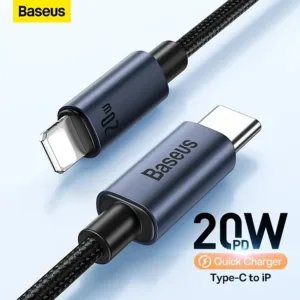
Baseus CAJY010101 Minimalist Type-C to Lightning Fast Charging Data Cable
Original price was: ৳ 670.৳ 530Current price is: ৳ 530.-20%
444 in stock
GearUP CL2715 Type-C to LIghtning 27W PD Fast Charging Cable & Data Cable 1.5m
Original price was: ৳ 480.৳ 380Current price is: ৳ 380.-20%
468 in stock

GearUP CC24015 Type-C to Type-C 240W PD Fast Charging Cable & Data Cable 1.5m
Original price was: ৳ 530.৳ 420Current price is: ৳ 420.-20%
171 in stock
Anker Zolo 240W USB C to USB C Cable for iPhone 16 Series, MacBook & Android Phones – 1.5 Meter, Black Color
Original price was: ৳ 790.৳ 630Current price is: ৳ 630.-20%
302 in stock
Baseus Two-for-Three Fast Charging Cable 100W
Original price was: ৳ 1,120.৳ 890Current price is: ৳ 890.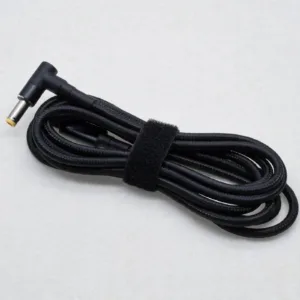 Type-C to DC Cable for Laptop,...
 Original price was: ৳ 740.৳ 590Current price is: ৳ 590.
100 in stock
Reviews
There are no reviews yet.