No products in the cart.

-20%
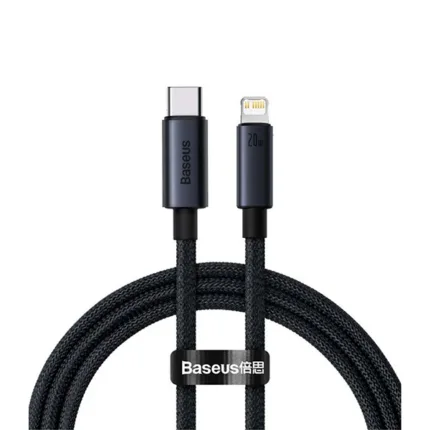

The Mcdodo CA-5610 is a 1.2 metre USB-C to USB-C data cable with a 100W maximum power output and a horizontal LED digital power display, according to the listing. It is aimed at Bangladeshi buyers who want one cable for a laptop, tablet, phone or power bank. This page covers the listed specifications, compatibility, setup and ordering from Gadget Superb.
- Overview
- Key features
- Specifications
- How to use / set up
- Compatibility and what is in the box
- Who should buy it in Bangladesh
- Alternatives in our store
- Warranty and support
- Delivery, returns and ordering
- Frequently asked questions
Mcdodo CA-5610 overview
The Mcdodo CA-5610 is listed by the maker as a USB-C to USB-C data cable in the Cables and Adapters category. The listing gives an interface of USB-C to USB-C, a maximum power output of 100W (20V / 5A), and a data transfer rate of 480Mbps. It is also listed with a horizontal LED digital power display, a cable length of 1.2 metres, and a material described as aluminum alloy with high-density nylon braid.
Many people in Dhaka and other cities now carry USB-C devices, from newer Android phones to laptops, tablets and power banks. Older chargers and cables often sit in a household drawer as well, so it is worth checking the connector type on both ends before you buy. The Mcdodo CA-5610 is a USB-C to USB-C cable, which means it suits devices that already use a USB-C port at both ends. It is not a converter for older plugs, and the listing does not mention an adapter for them.
Load-shedding is a daily reality in many parts of the country, and during an outage a power bank may be the only charging point in the house. A cable that stays with the power bank in a bag or on a bedside table is a practical companion, and the Mcdodo CA-5610 can fill that role. The maker lists a 1.2 metre length, which suits a desk, a bed or a sofa placed near a socket. The listing does not mention an extension, so plan your layout around the length you have. Humidity is also common across Bangladesh for much of the year, so keep cables in a dry box rather than a damp bag.
Key features
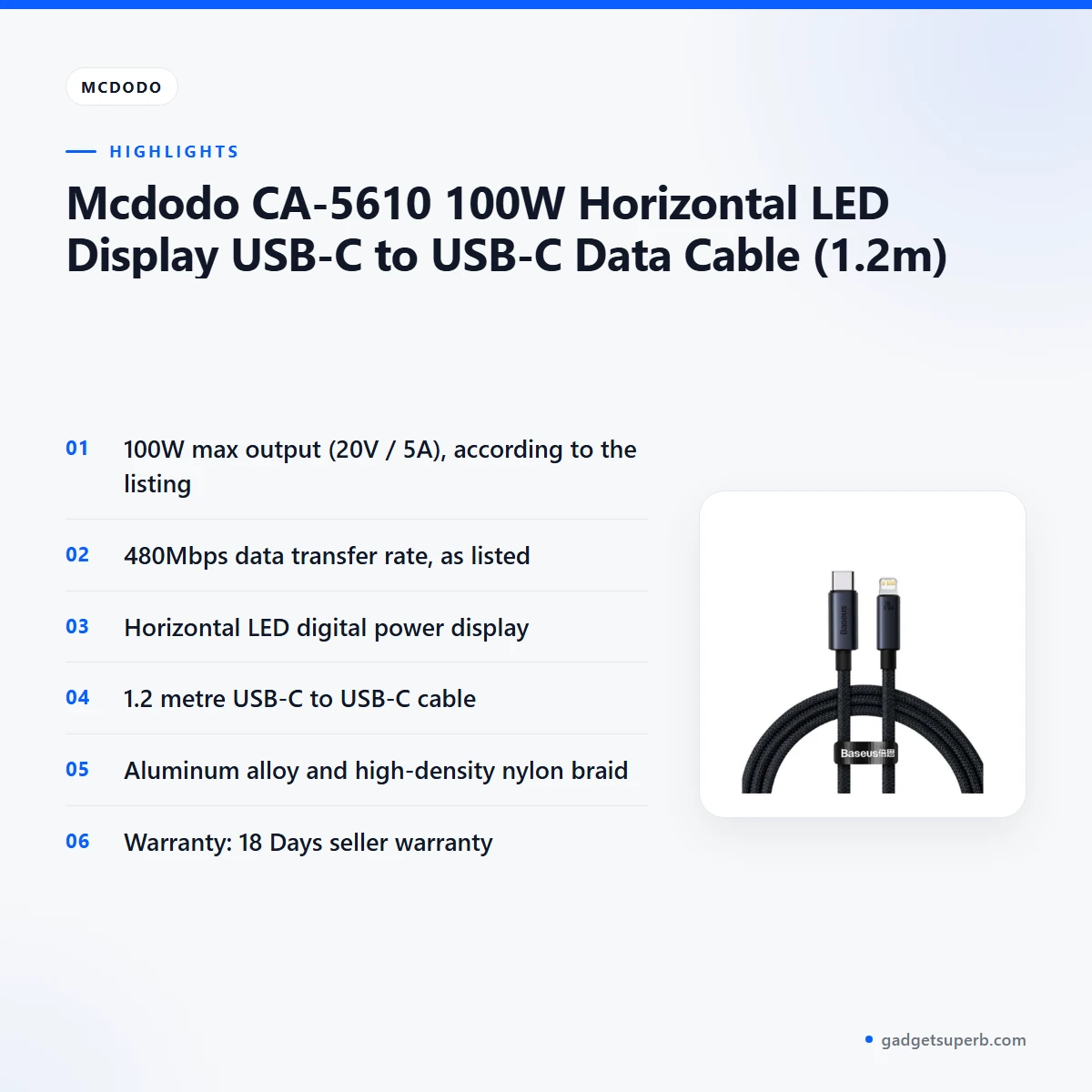
100W maximum power output
According to the listing, the Mcdodo CA-5610 has a maximum power output of 100W at 20V and 5A. The maker lists this as the top figure for the cable, so it is the number to compare with the input rating of your device or power bank. Many devices accept less than the cable’s maximum, so the listed figure describes the upper limit of the cable rather than the draw of every device. The listing gives no further detail on how that figure is reached. Check your device’s manual for its supported input before you connect it, and check the manual for any power bank you use with the cable.
480Mbps data transfer rate
The listing gives a data transfer rate of 480Mbps for the Mcdodo CA-5610. That is the figure the maker lists, and it is useful when you move photos, videos or documents between a phone and a laptop. Real transfer speed also depends on the devices at each end and the files you copy. If you mainly charge a device, the data rate matters less than the power output. The listing does not describe any test or method behind the number, so treat it as the maker’s figure.
Horizontal LED digital power display
The listing describes this cable with a horizontal LED digital power display, presented as a digital power display in a horizontal design. The listing does not say what the display shows or how to read it, so this page does not explain its readings. A visible display can be a convenient addition when the cable sits in a bag or on a bedside table. Check your device’s own battery screen for charging progress, since the cable’s display is not described further in the listing.
1.2 metre length for desks and bedsides
The listed cable length is 1.2 metres. For many Bangladeshi homes, that is a practical reach from a socket or power bank to a desk, a bedside table or a sofa. Measure the distance from your socket to your device before you order, and allow a little slack so the cable sits without strain. The length is given as a single figure in the listing, so this page does not describe how the cable coils or packs.
Aluminum alloy and nylon braid build
The listing gives the material as aluminum alloy and high-density nylon braid. Those are the words the maker uses, and the listing does not give further detail on the grade of either material. The braided outer layer is the listed finish, and this page cannot confirm how the Mcdodo CA-5610 performs over years of daily use. To get the most from any cable, keep it out of sharp bends, avoid pulling it by the cord when you unplug it, and coil it loosely for storage.
Compatibility with USB-C devices
The Mcdodo CA-5610 is listed as compatible with MacBooks, Type-C laptops, iPads, Android smartphones, power banks and all USB-C devices. That list is the maker’s statement, so check the port and the maximum input of your own device before you order. Phones, tablets and laptops differ in how much power they accept, so a cable rated for 100W does not mean every device will draw 100W. In a Dhaka home or office, one cable for several devices can reduce the number of leads you carry, provided each device’s port and power level match the cable.
Specifications
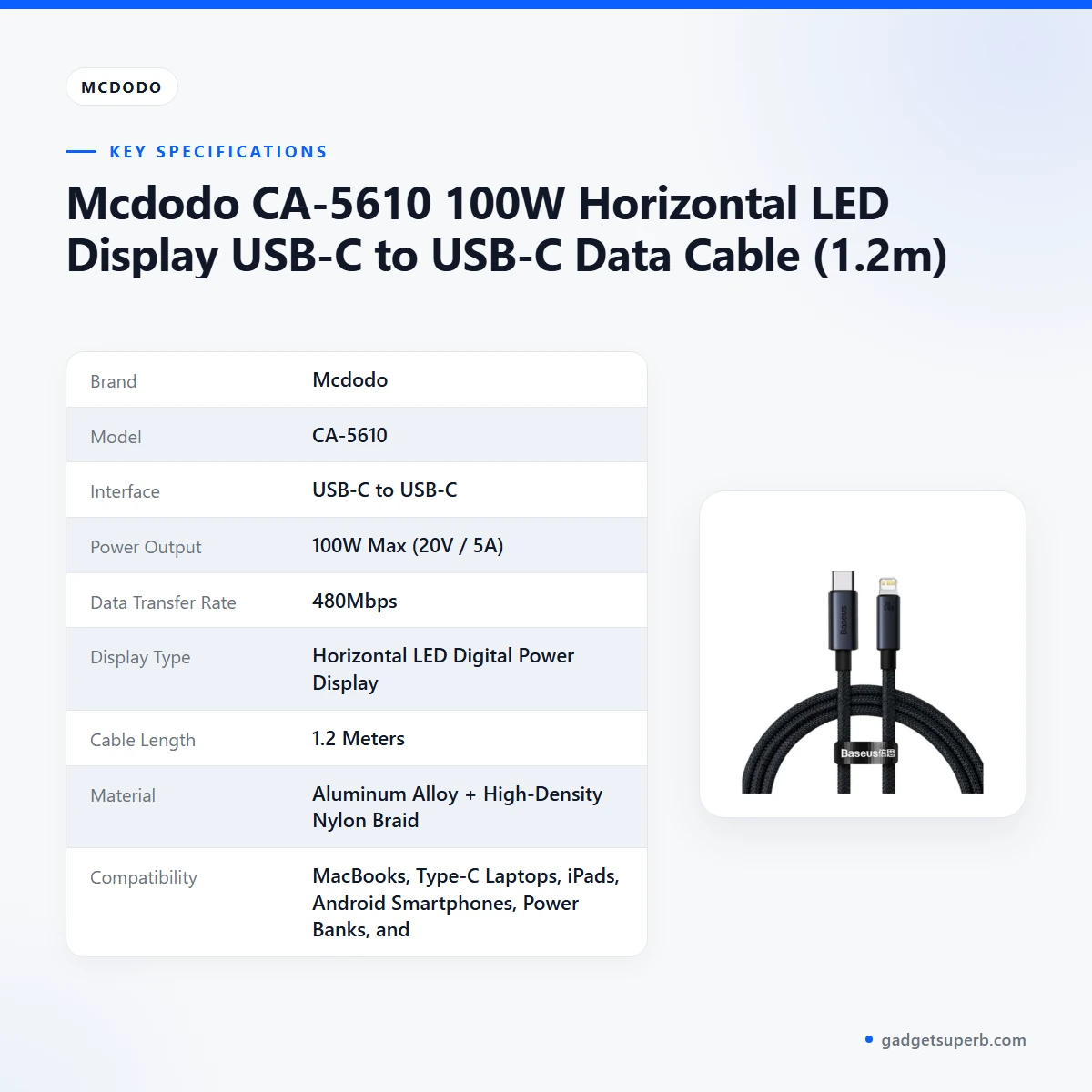
The table below sets out the specifications for the Mcdodo CA-5610 exactly as the product listing gives them.
| Brand | Mcdodo |
|---|---|
| Model | CA-5610 |
| Interface | USB-C to USB-C |
| Power Output | 100W Max (20V / 5A) |
| Data Transfer Rate | 480Mbps |
| Display Type | Horizontal LED Digital Power Display |
| Cable Length | 1.2 Meters |
| Material | Aluminum Alloy + High-Density Nylon Braid |
| Compatibility | MacBooks, Type-C Laptops, iPads, Android Smartphones, Power Banks, and all USB-C devices. |
These are listed specifications from the product listing for the Mcdodo CA-5610.
How to use / set up
Start by checking that both ends of the Mcdodo CA-5610 are USB-C, because the listing describes a USB-C to USB-C interface. Older connector types need a different cable or a converter, and the listing does not mention either option. Once the ends match, connect one end to the charger, power bank or computer and the other end to your device.
Follow the manual that came with your device or power bank for any further steps. If you are using the Mcdodo CA-5610 with a power bank, check that the power bank’s own output and the device’s input suit the cable’s listed 100W maximum. Where the figures differ, check your device’s manual for guidance rather than guessing.
Plug the cable in gently and avoid forcing the connector. A snug fit is normal, but a connector that will not seat easily should be checked before you push harder. The Mcdodo CA-5610 should never be forced into a port, and a connector that is visibly damaged should not be used.
Keep the cable away from heat sources, and do not wrap it tightly around a charger while it is in use. Let the cable and charger cool before you pack them away, especially after a long charging session on a hot afternoon.
Store the cable somewhere dry. Humidity is common in Bangladesh, so a drawer, a zipped pouch or a closed box is a sensible place for cables when they are not in use. Keep the cable away from damp bathroom shelves and from direct sunlight on a windowsill.
Care for a cable is mostly about habits. Unplug it by the connector rather than the cord, avoid leaving it under furniture where it can be crushed, and do not run it under a rug where people walk on it. Loose coils are easier to unwind than tight wraps, which can strain the cable near the ends.
During load-shedding, unplug devices once they are charged and keep the power bank topped up when the mains is available. The Mcdodo CA-5610 is the lead between the two, so the habits that matter most are the ones you apply to the charger and the bank. Keep the Mcdodo CA-5610 with the bank so you do not search for it in the dark.
A simple routine helps. Check both ends for visible damage before each use, wipe the outside with a dry cloth, and store the cable the same way each time so it is easy to find. Avoid cleaning any part of the cable with liquids.
For background on how battery chargers work in general, read the Wikipedia article on battery chargers. It does not describe this product, but it can help you understand the terms used on charger packaging.
Compatibility and what is in the box
The listing names the following as compatible: MacBooks, Type-C laptops, iPads, Android smartphones, power banks, and all USB-C devices. The Mcdodo CA-5610 is listed for these devices, and the maker’s wording is the only source for this list.
What is in the box is not confirmed by the listing. The source information does not list accessories, a charger, a pouch or a manual, so please do not assume any extra items are included. Ask us before you order if the box contents matter for your purchase.
Compatibility depends on the port and the power level of each device. If your laptop or tablet has a specific charging requirement, confirm your model before you order, and check the device’s manual for its maximum input. The Mcdodo CA-5610 matches the connector, but it does not change how much power a device chooses to draw.
A USB-C to USB-C cable is the right choice when both ends of your setup use USB-C ports. The Mcdodo CA-5610 does not add ports or change the connector on a device, so older equipment will still need its own cable or adapter. The listing does not mention any adapter for that purpose.
If you are not sure whether your devices match, contact us before you order using the details in the delivery section below.
Who should buy it in Bangladesh
The Mcdodo CA-5610 suits buyers who want a single USB-C to USB-C lead for several devices. The scenarios below are realistic examples in Bangladesh, based only on the listed features.
University students in Dhaka who carry a laptop, a phone and a power bank to campus may find a 1.2 metre cable useful in a shared room or a library with limited sockets. The listed compatibility with laptops, phones and power banks makes the Mcdodo CA-5610 a sensible choice for that bag, provided the rest of the kit is USB-C.
Freelancers and office workers who use a Type-C laptop at a desk can use the cable for charging and for data transfer at the listed 480Mbps. The listed 1.2 metres of reach suits many desks, so the Mcdodo CA-5610 is worth a look for a tidy workstation.
Families who rely on a power bank during load-shedding can keep one Mcdodo CA-5610 with the bank and another with the phone, so both are ready when the lights go out. The cable is listed as compatible with power banks, which makes it a candidate for that role in the home.
Commuters and travellers between districts may appreciate a cable with a visible LED digital power display and a braided outer layer. The Mcdodo CA-5610 is listed in those terms, although this page cannot confirm how it handles daily wear on a long journey.
Households with several family members often share one charger. A Mcdodo CA-5610 can sit in a shared drawer as a spare, so that a missing lead does not stop a phone charging at night.
Small shop owners and mobile repair counters that serve USB-C phones may keep a spare cable at the counter for quick checks. This works best when each customer’s device matches the cable’s listed compatibility.
Buyers who still need a USB-A or older connector will need a different cable, because this one is USB-C at both ends. Check your current plugs before you order, and ask us if your device has a special power requirement.
Users who charge a laptop at a desk and also move large files between devices may find the listed 480Mbps and 100W figures useful. They should check their device’s manual for supported input before relying on the Mcdodo CA-5610 for both jobs.
Alternatives in our store
If the Mcdodo CA-5610 is not the right fit, these options from our store may help. Geeoo DC 201 Type C To Lightning 33w PD Charging Cable is a charging cable in our range. DC Y Cable to use 2 Devices on WGP/ SKE mini UPS is a cable in our range for a different purpose. U-Shape Converter- 3.5mm Audio Splitter For Headphone and Microphone- White is an audio accessory in our range rather than a charging cable. Geeoo DC27 Fast Charging 1M Long 30W (PD-L) Data Cable is another data cable in our range. To compare the wider selection, browse Cables & Adapters in our store. Each option is a different product, so check the listing details on each page before you choose, and compare them with the Mcdodo CA-5610 on the points that matter to you.
Warranty and support
Warranty: 18 Days seller warranty.
Delivery, returns and ordering
We deliver all over Bangladesh and you pay cash on delivery. Delivery usually takes 1–3 days inside Dhaka city and 2–5 days outside Dhaka.
You can return it within 7 days of delivery (see our Delivery & Returns policy). Read the full terms on our Delivery & Returns page before you order the Mcdodo CA-5610.
Questions before ordering: call 09638054751, message us on Facebook Messenger or email care@gadgetsuperb.com.
Ordering is simple, and cash on delivery means you pay when the parcel arrives. Before you place an order for this cable, check the compatibility notes above and make sure your delivery address is complete, so the parcel reaches you without delay.
If you need a cable quickly in Dhaka, the 1–3 day window applies inside the city, while areas outside Dhaka should allow 2–5 days. Keep your phone reachable on delivery day so the courier can confirm the order with you.
Frequently asked questions
What is the Mcdodo CA-5610?
The Mcdodo CA-5610 is a 1.2 metre USB-C to USB-C data cable with a 100W maximum power output and a horizontal LED digital power display, according to the listing.
Is the Mcdodo CA-5610 compatible with MacBooks?
The listing names MacBooks and Type-C laptops among compatible devices. Check the port and power requirements of your own device before you buy.
How long is the Mcdodo CA-5610?
The listing gives the cable length as 1.2 Meters. Measure the distance from your socket to your device before you order.
Does the Mcdodo CA-5610 come with a charger?
What is in the box is not confirmed by the listing, so please ask us before you order.
Can I return the Mcdodo CA-5610?
Yes, you can return it within 7 days of delivery, as set out in our Delivery and Returns policy.
Does the Mcdodo CA-5610 have a warranty?
Yes, the listing gives 18 Days as the warranty, which is a seller warranty.
Do you deliver outside Dhaka?
Yes, we deliver all over Bangladesh and you pay cash on delivery. Delivery usually takes 2–5 days outside Dhaka.
Is the Mcdodo CA-5610 suitable for power banks?
The listing names power banks among compatible devices. This cable uses USB-C at both ends, so check that your power bank has a USB-C port.
Can the Mcdodo CA-5610 help during load-shedding?
A power bank paired with the Mcdodo CA-5610 can be a practical charging setup during load-shedding, and the listing names power banks as compatible. Charge the bank when mains power is available.
How do I ask a question before I order the Mcdodo CA-5610?
Call 09638054751, message us on Facebook Messenger, or email care@gadgetsuperb.com before you order.
Can I use this cable for data transfer?
The listing gives a data transfer rate of 480Mbps. Real transfer speed also depends on the devices at each end and the files you copy.
Is the cable suitable for an office desk?
The listed length of 1.2 metres suits many desks, but check how far the desk sits from the socket before you decide.
Related products
-20%
100 in stock
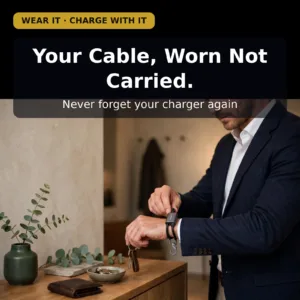
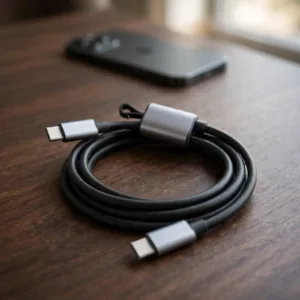
USAMS SJ784 U97 60W Type-C to Type-C Lanyard Fast Charging Data Cable (30cm)
Original price was: ৳ 630.৳ 500Current price is: ৳ 500.-20%
100 in stock
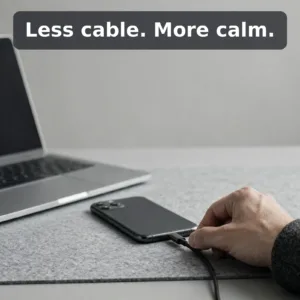
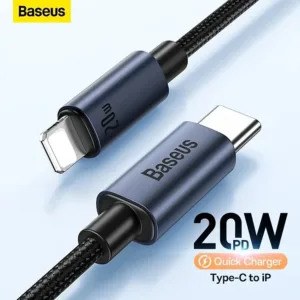
Baseus CAJY010101 Minimalist Type-C to Lightning Fast Charging Data Cable
Original price was: ৳ 670.৳ 530Current price is: ৳ 530.-21%
464 in stock
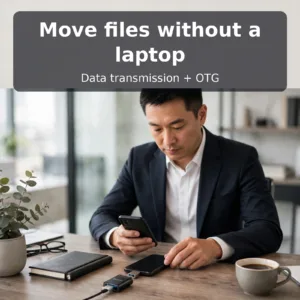
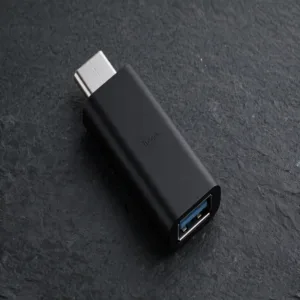
Hoco UA17 Type-C Male to USB 3.0 Female Adapter
Original price was: ৳ 190.৳ 150Current price is: ৳ 150.-20%
72 in stock
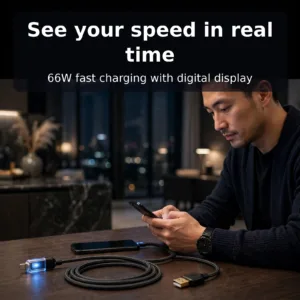
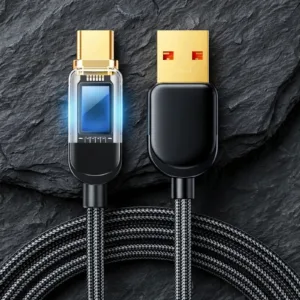
Joyroom S-AC066A4 66W Type C Fast Charging Cable With Digital Display
Original price was: ৳ 820.৳ 650Current price is: ৳ 650.-20%
64 in stock

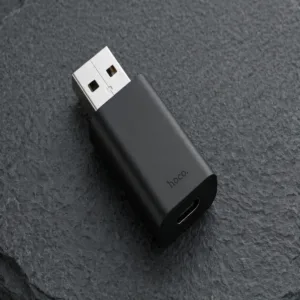
HOCO UA17 USB Male to Type C Female Adapter
Original price was: ৳ 240.৳ 190Current price is: ৳ 190.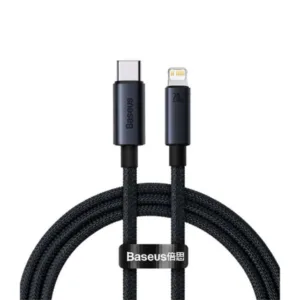 Mcdodo CA-5610 100W Horizontal...
Original price was: ৳ 1,020.৳ 810Current price is: ৳ 810.
100 in stock
Reviews
There are no reviews yet.