No products in the cart.

-21%

Give Your Phone a Full-Size USB Port
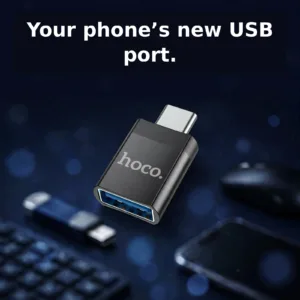
Most modern phones have moved to USB-C, but the world of USB accessories still lives on the classic USB-A plug: pen drives, keyboards, mice, card readers and countless charging cables. The Hoco UA17 USB-C OTG adapter bridges that gap in a body barely bigger than your thumb. Plug its Type-C male end into your phone, and you instantly gain a USB-A female port ready for real accessories.
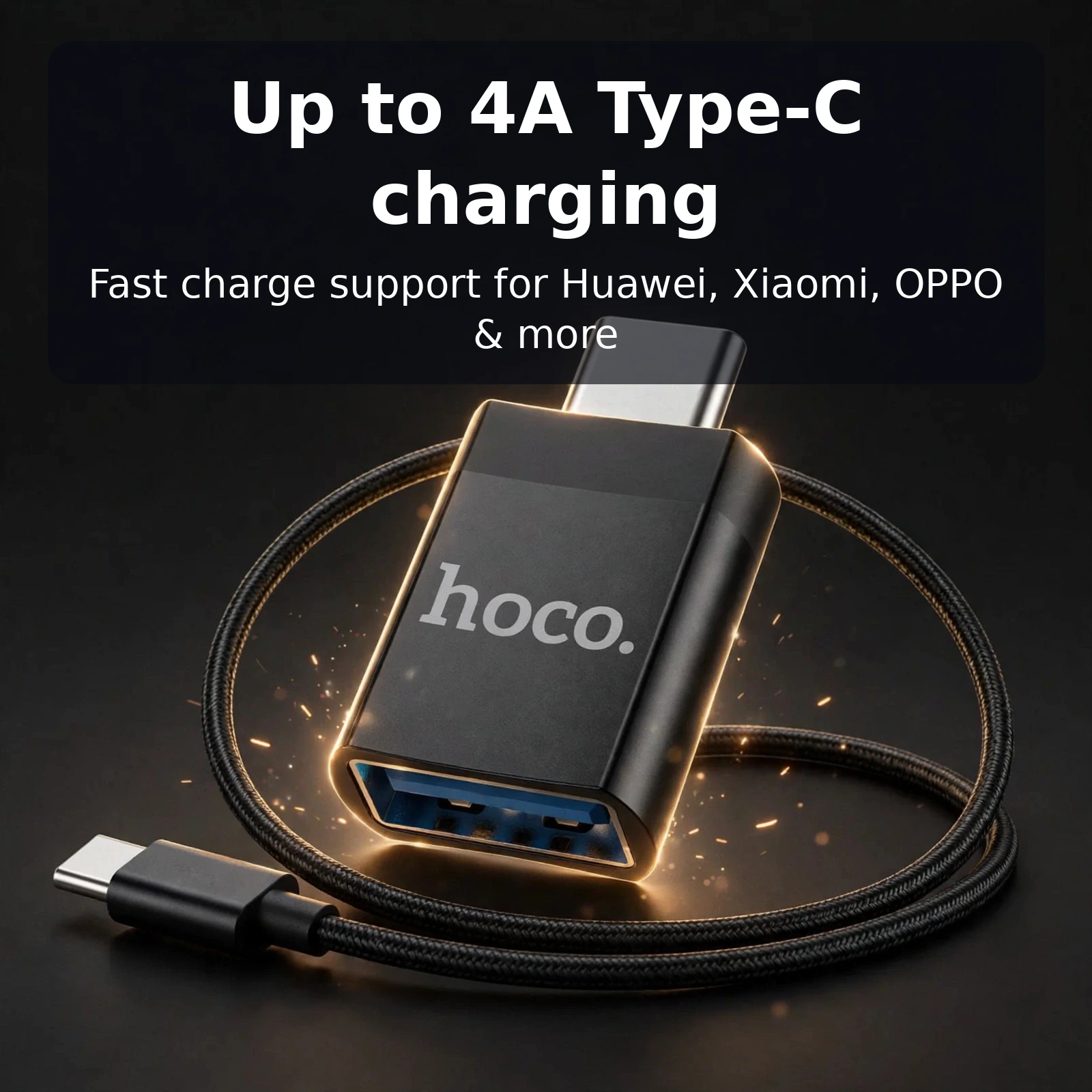
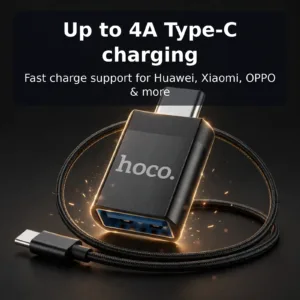
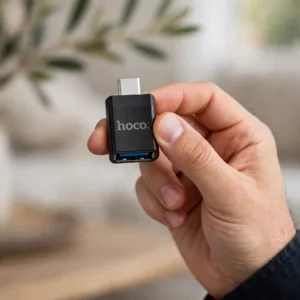
This is not a cable you have to untangle or a dongle that dangles. The UA17 is a compact, single-piece adapter that sits almost flush against your device, so it travels in a pocket, a laptop sleeve or a cable pouch without fuss. Hoco built it for two jobs: data and charging. On the data side it supports USB OTG, which means your Type-C phone can host standard USB peripherals directly. On the power side it passes charging current to Type-C devices at up to 4A, with fast-charge support for Huawei, Xiaomi, OPPO and more handsets that rely on higher-current charging.
What This USB-C OTG Adapter Does
OTG: pen drives, keyboards and more
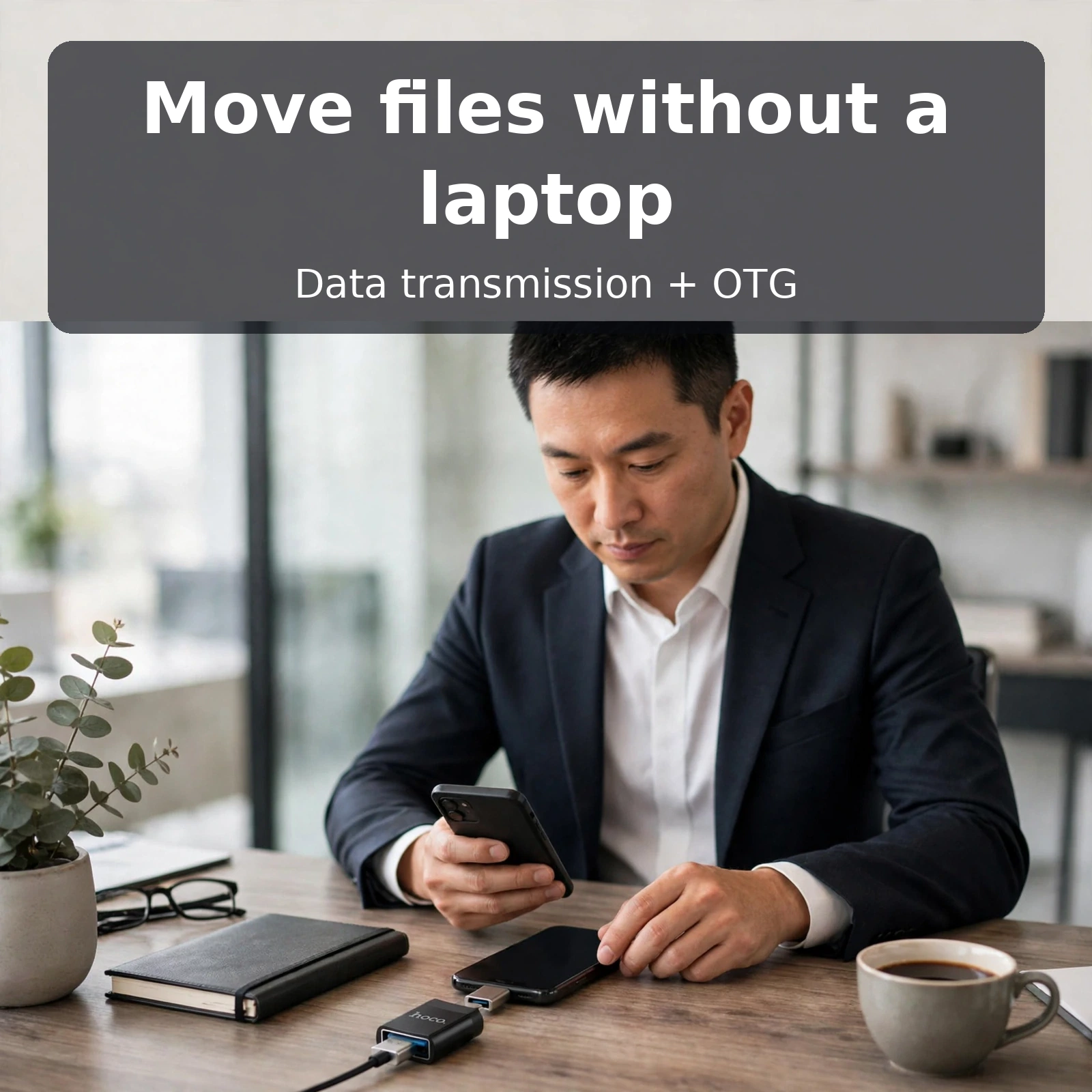
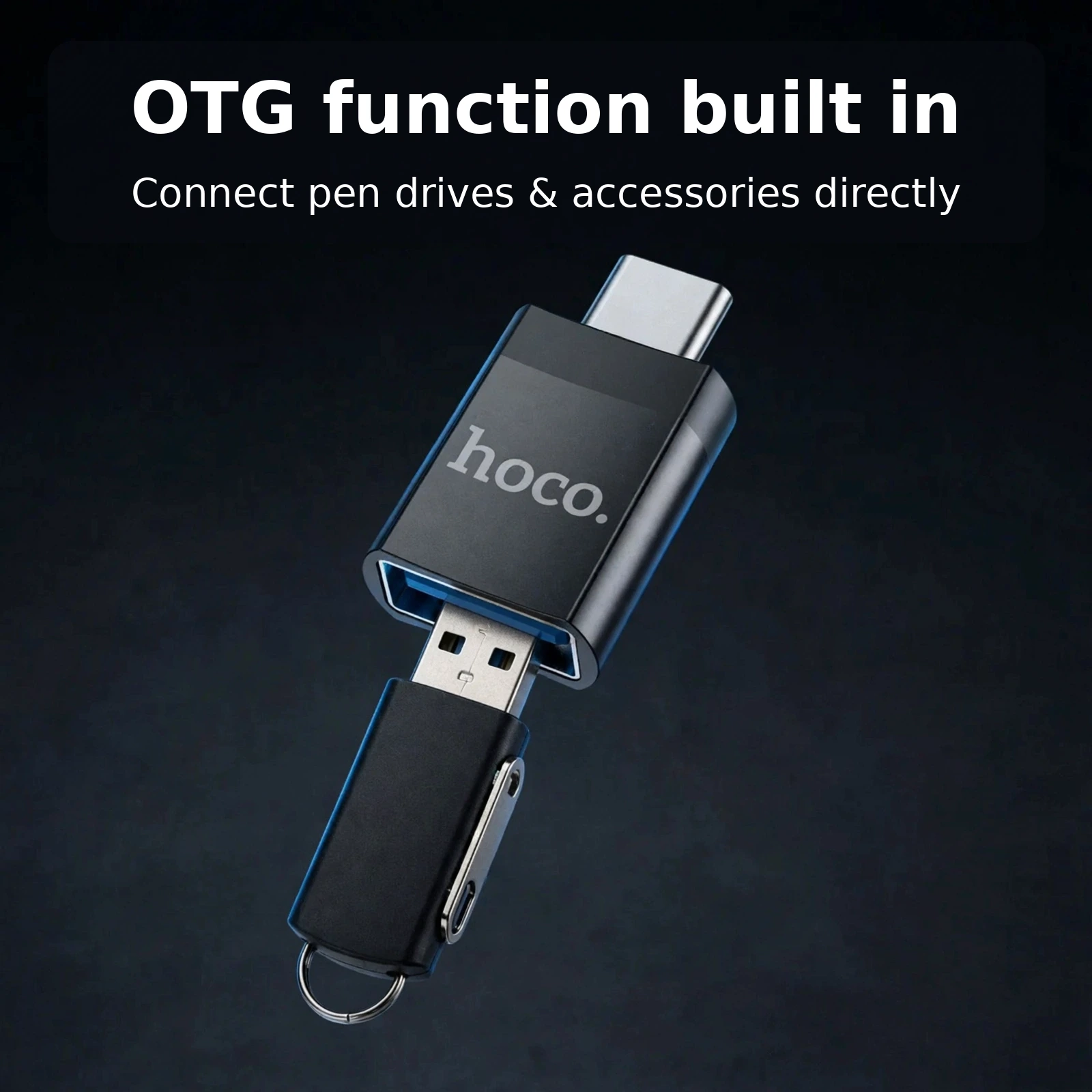
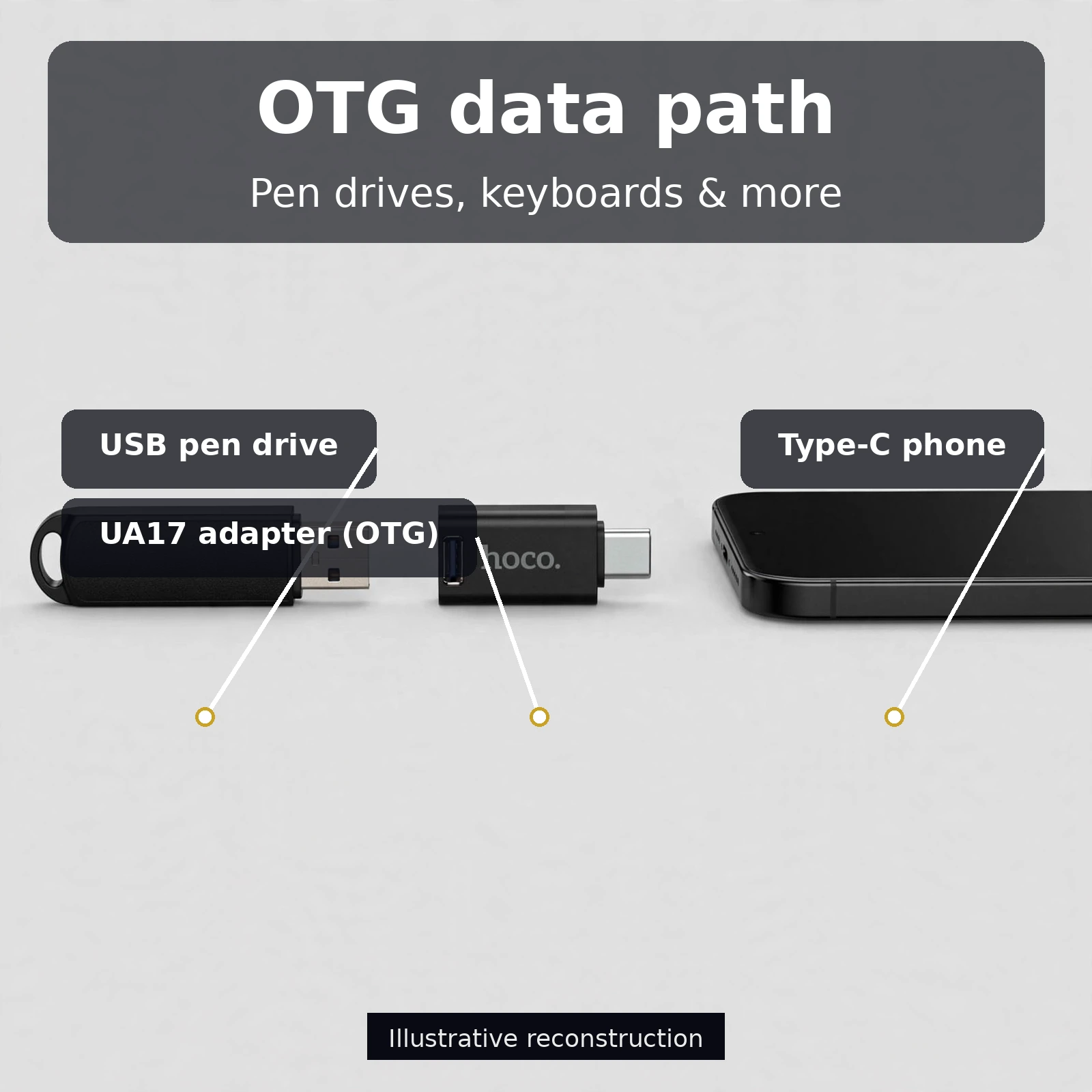
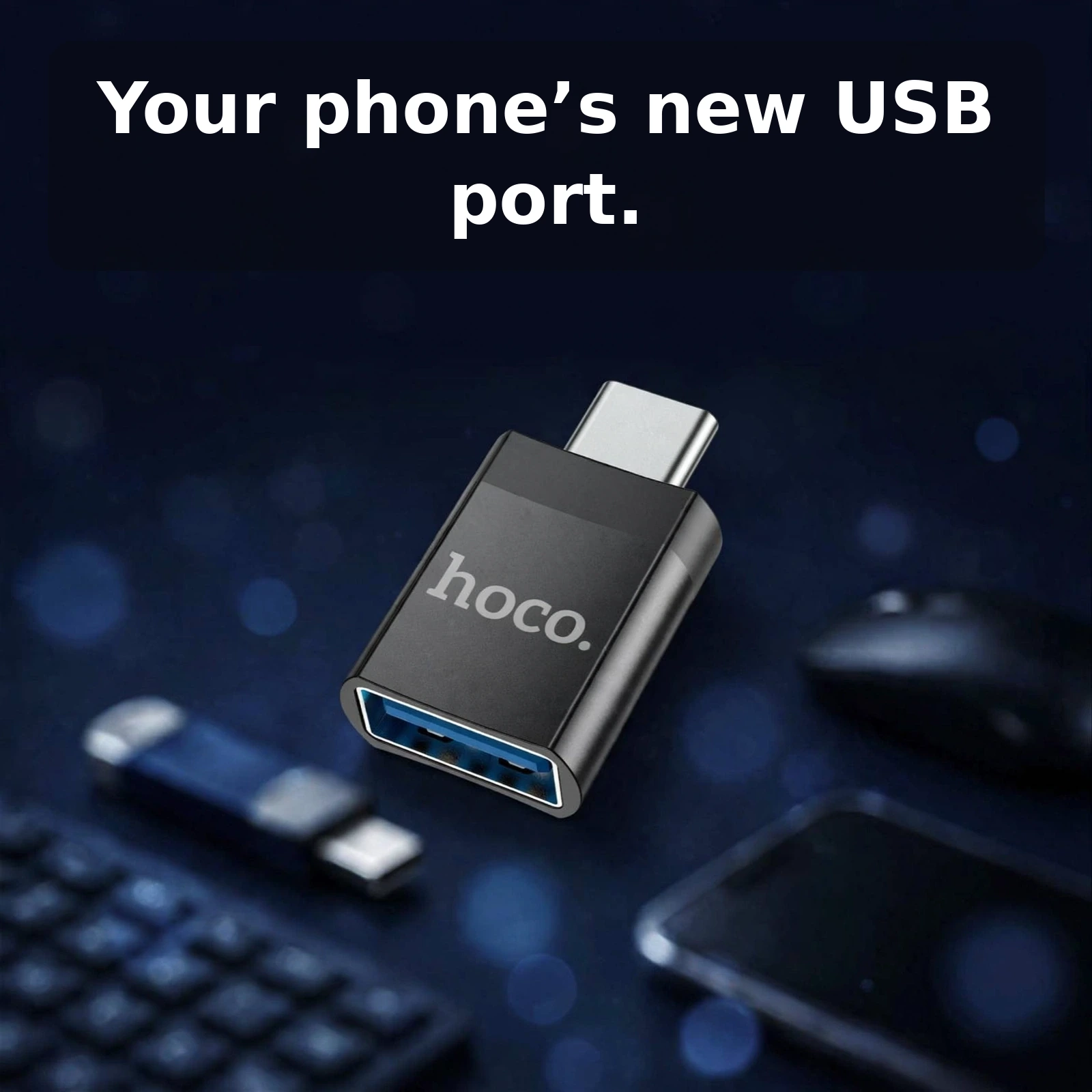
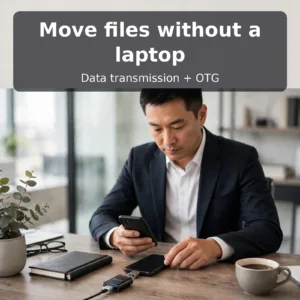
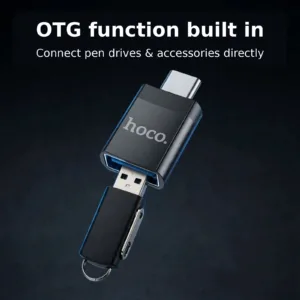
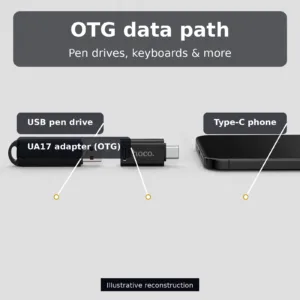
OTG (USB On-The-Go) lets your phone act as the host in a USB connection. With the UA17 plugged in, you can attach a pen drive and browse files straight from your phone’s file manager — no laptop, no cloud upload, no waiting. It works the same way with wired keyboards and mice, which is genuinely useful for long typing sessions, spreadsheet work or gaming where touch controls feel imprecise.
Because the adapter’s USB-A port is a standard female receptacle, anything that plugs into a normal USB port plugs in here. Card readers for camera memory cards, USB hubs, even some game controllers connect the same way. Your phone’s own OTG support is the only requirement, and most Type-C Android phones sold in the last several years include it.
Data transmission, not just storage
The UA17 supports full data transmission alongside OTG, so transfers run in both directions. Copy photos and videos off your phone to a pen drive to free up space, or pull a presentation onto your phone from a colleague’s USB stick at a meeting. The connection behaves exactly like plugging into a computer’s USB port — your phone simply becomes the computer.
Charging pass-through up to 4A
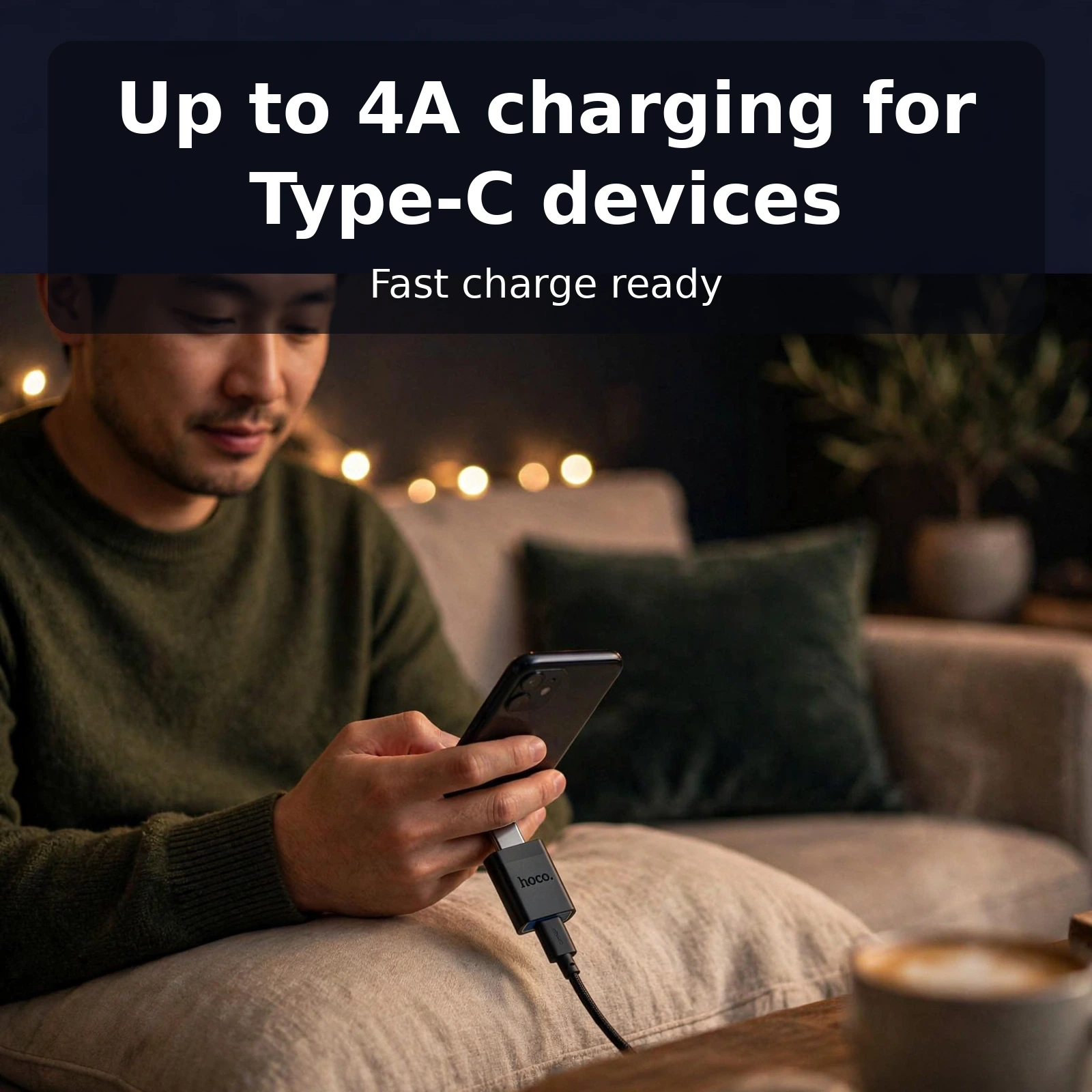
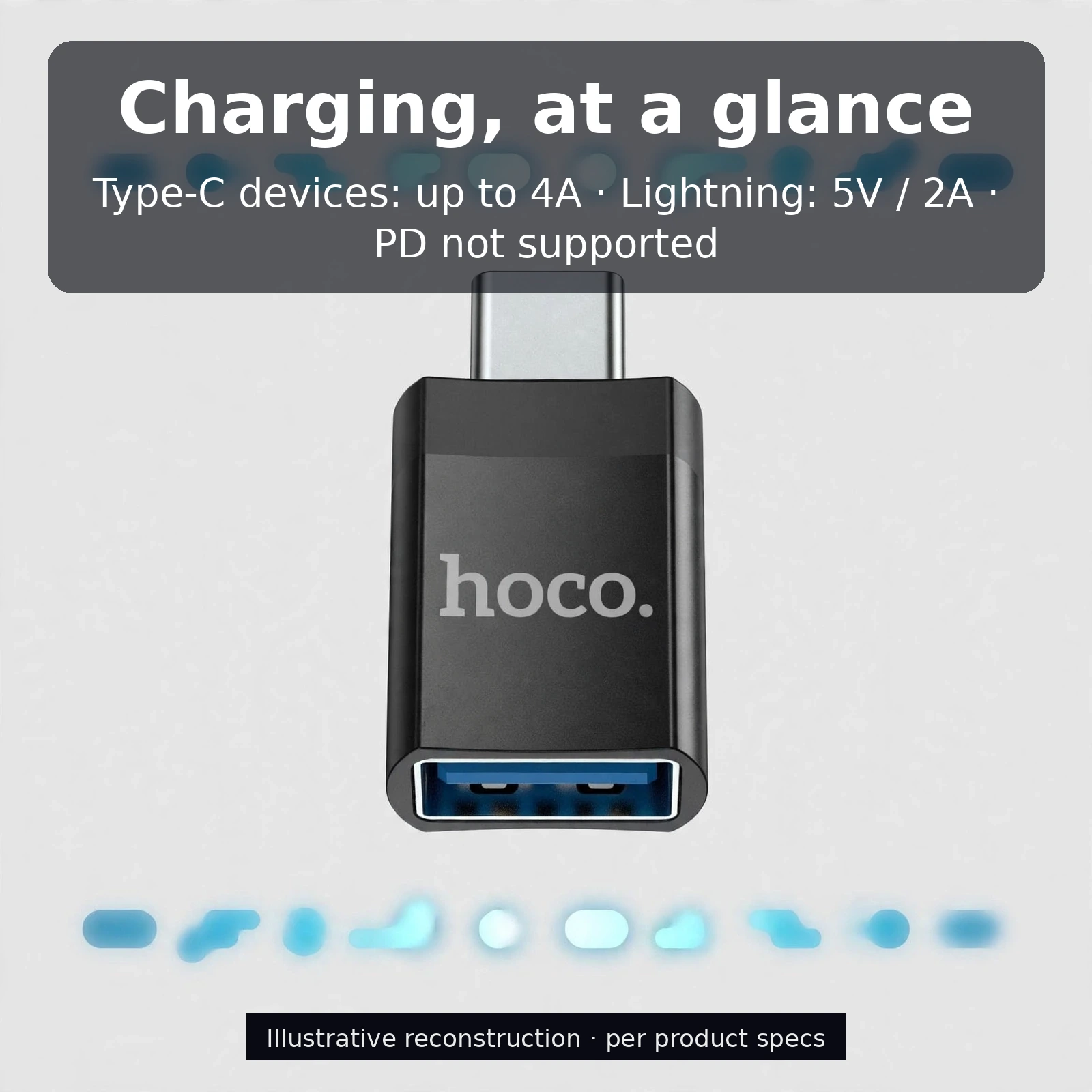
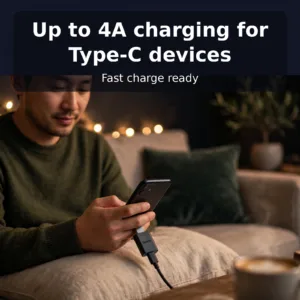
Adapters in this class usually sacrifice charging, but the UA17 carries serious current. Connect it to a Type-C device with a USB-to-Type-C cable and it supports charging currents up to 4A — enough to feed the fast-charge modes on Huawei, Xiaomi, OPPO and other phones that charge above standard USB rates. It turns the adapter into a compact link in a high-current charging chain.
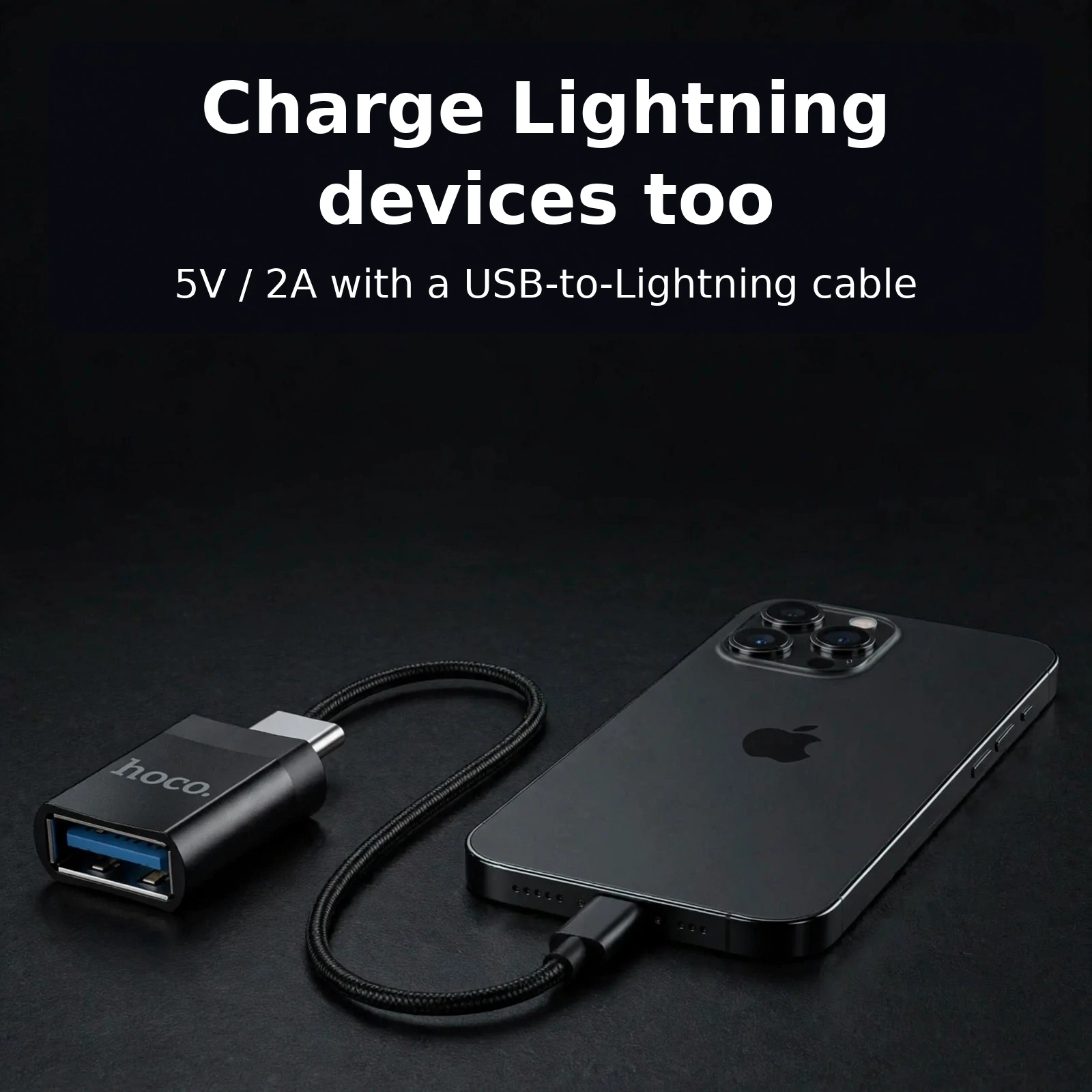
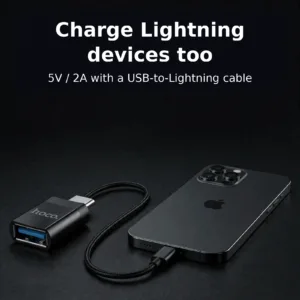
Lightning devices are covered too. Pair the UA17 with a USB-to-Lightning cable and it charges Lightning-interface devices at 5V / 2A. One thing to note honestly: PD (Power Delivery) fast charging is not supported, so Lightning devices charge at standard 5V / 2A rates rather than Apple’s faster PD modes.
Type-C Male to USB-A Female: A Closer Look
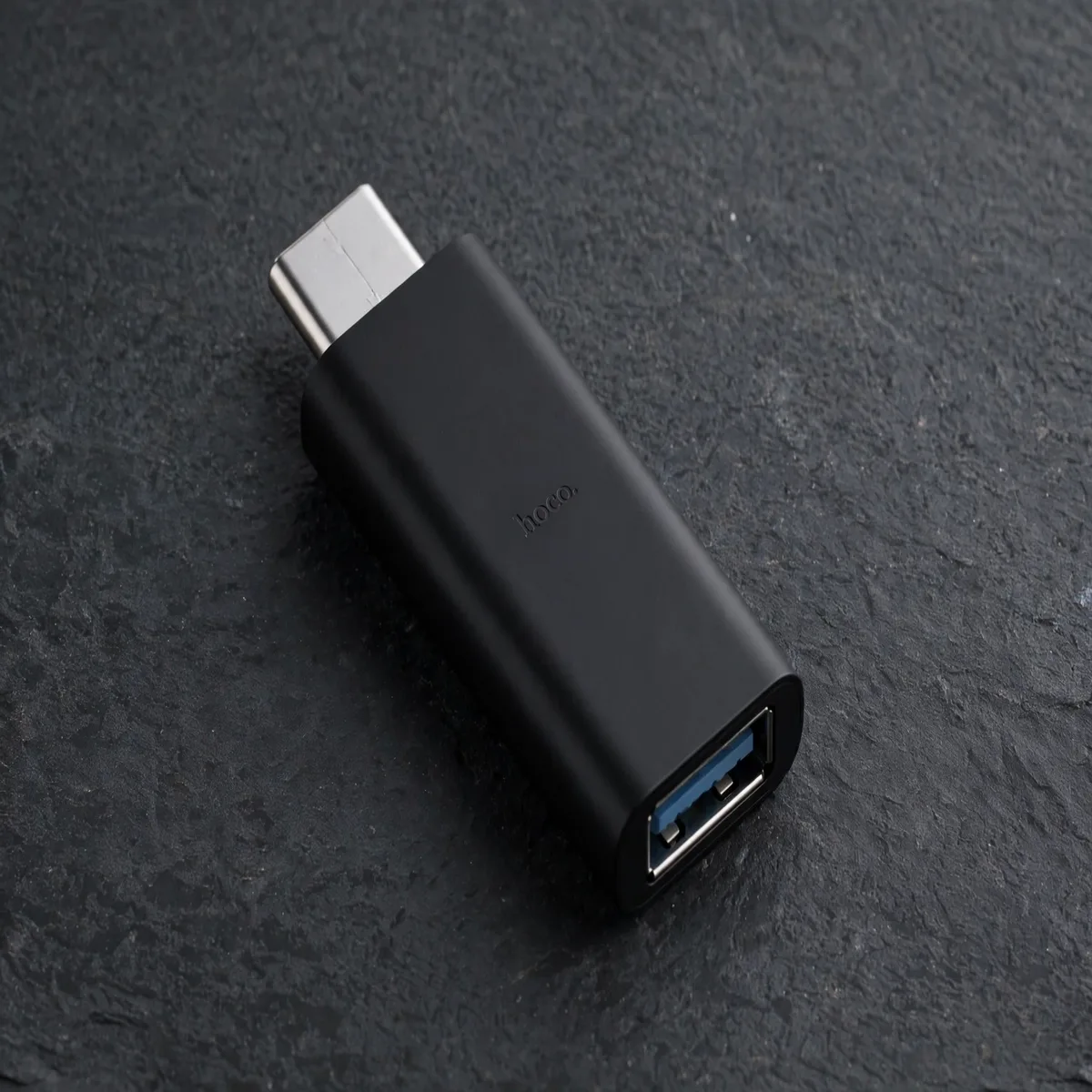
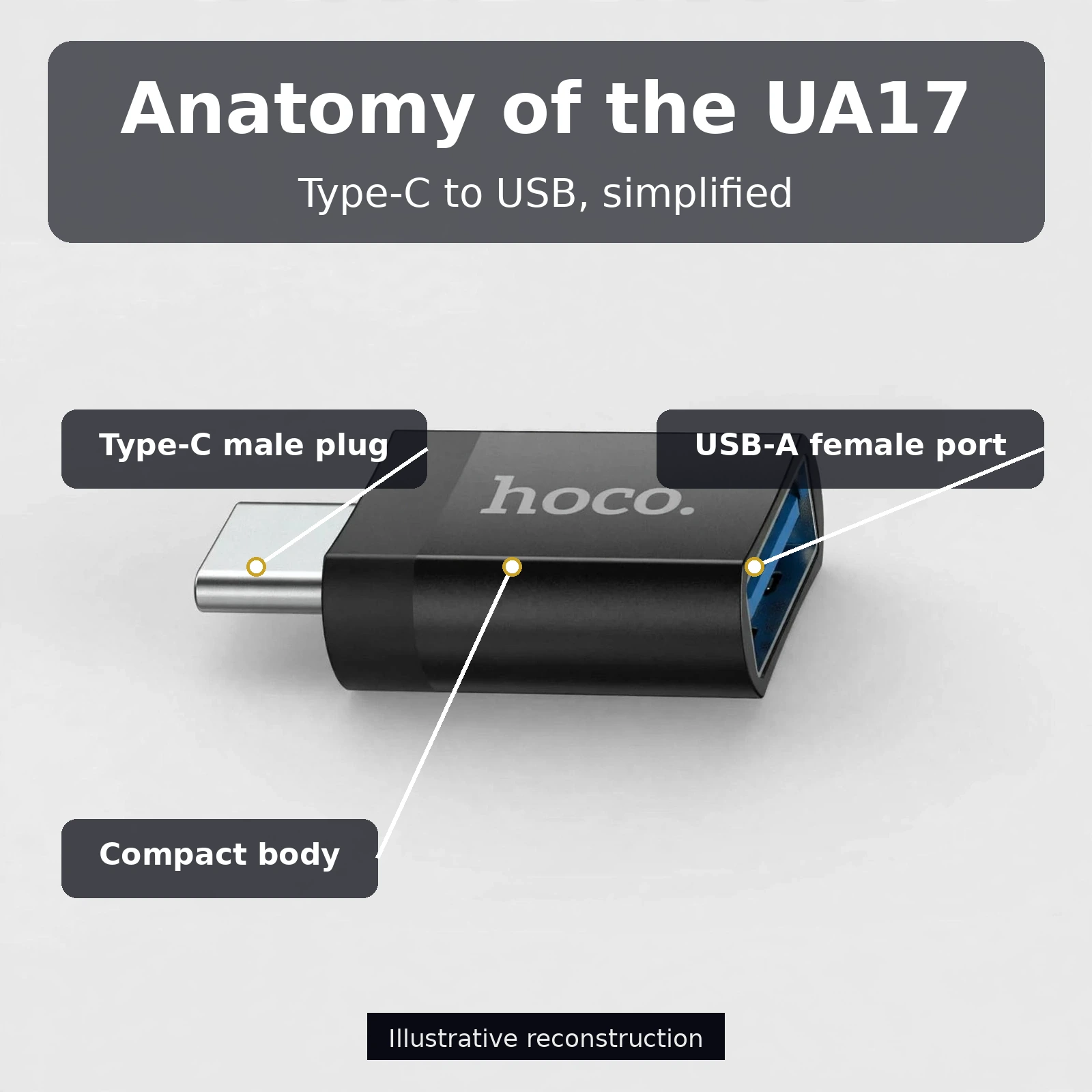
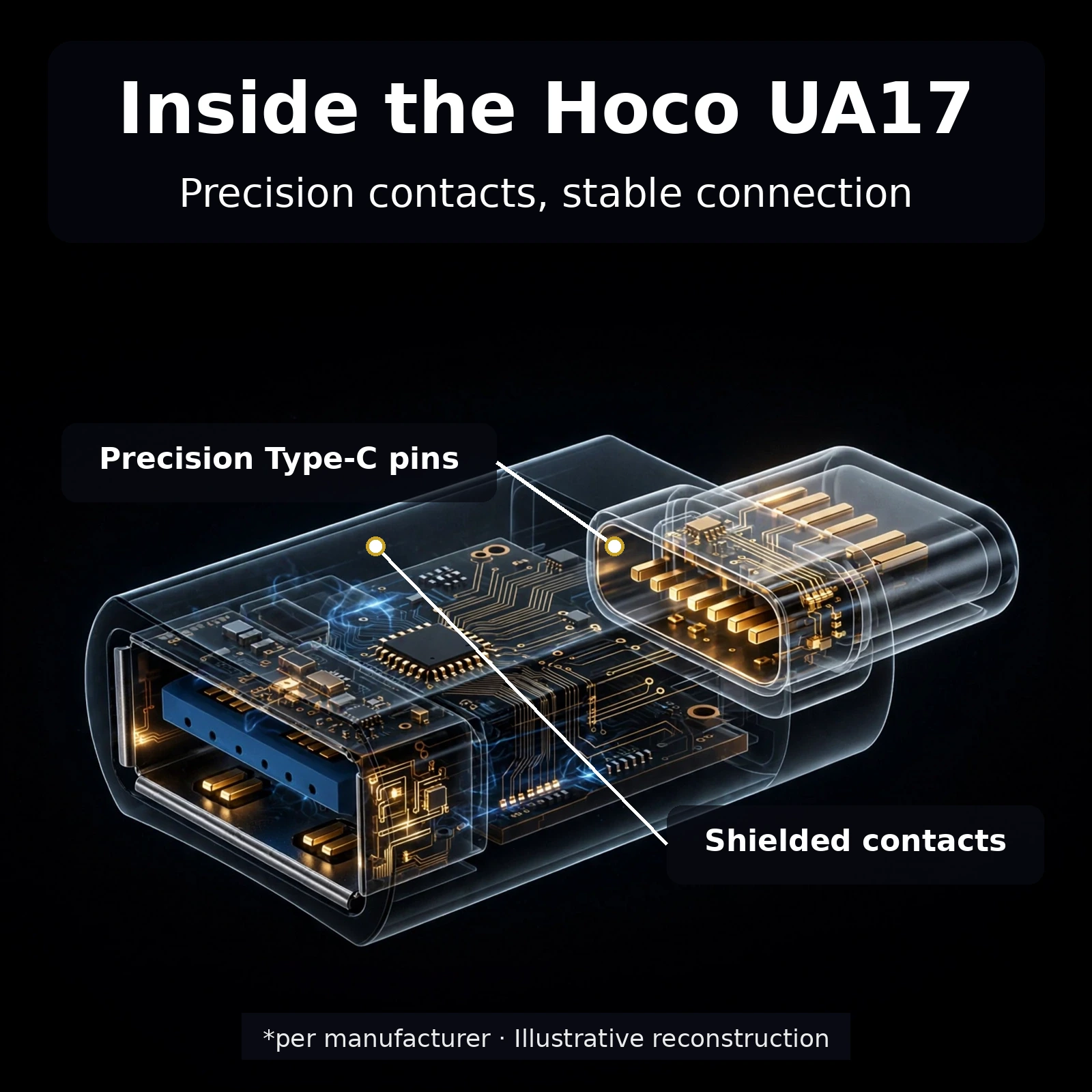
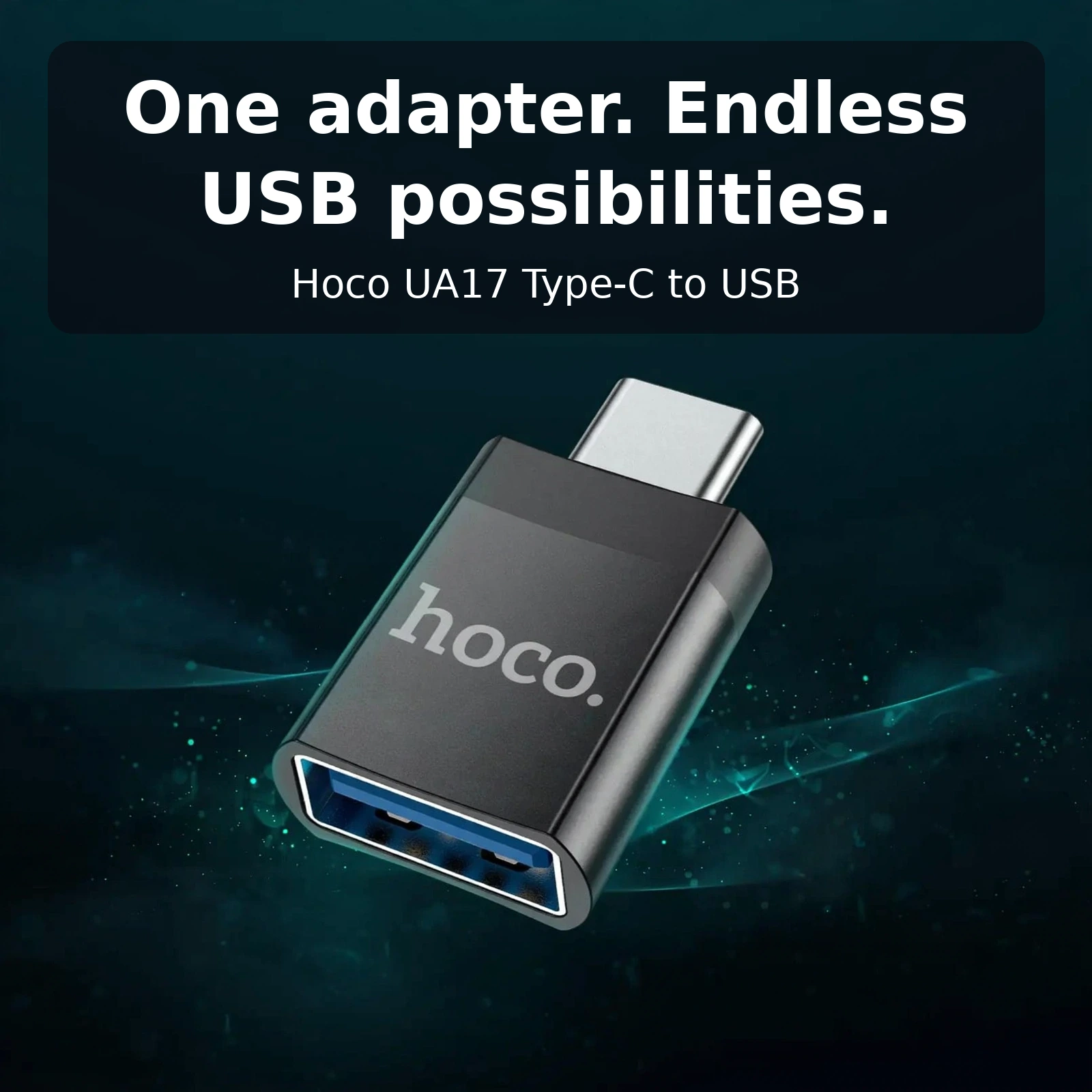
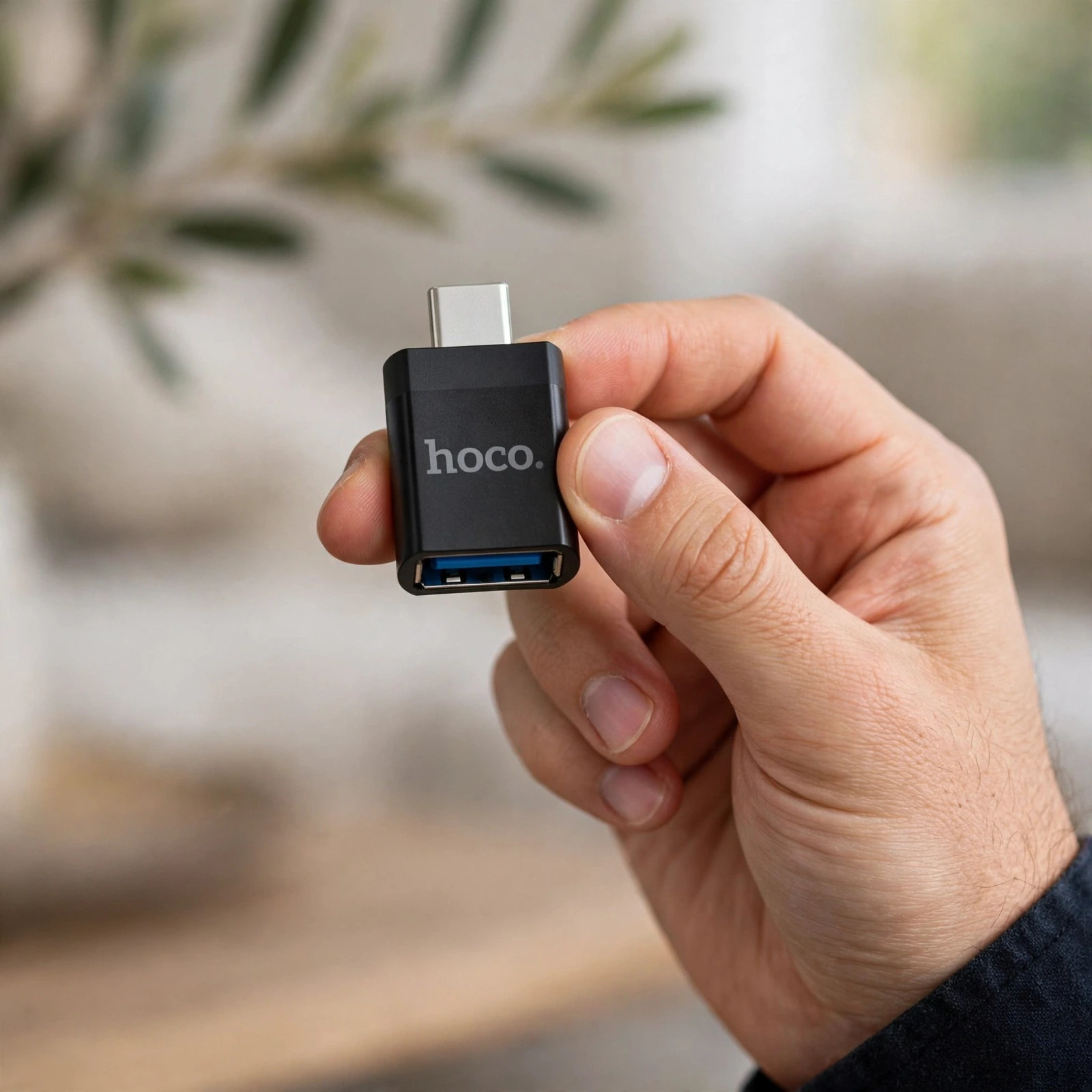
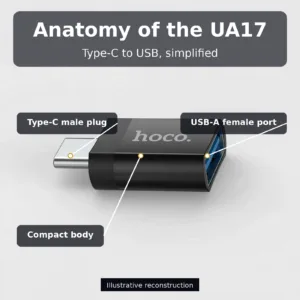
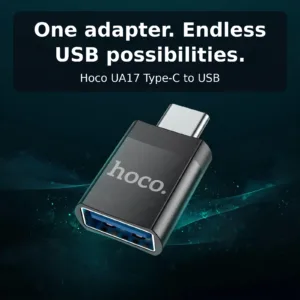
The UA17’s layout is simple and deliberate. One end carries a Type-C male plug — the part that goes into your phone or tablet. The other end carries a USB-A female receptacle with the familiar blue insert, the part that accepts standard USB plugs. The compact body between them is short and rigid, so there is no cable to fray and no flex point to weaken over time.
Hoco’s branding is printed cleanly on the matte black housing, and the proportions keep the adapter pocketable: it adds barely any length beyond the plugs themselves. The rigid design also means it holds its position firmly in your phone’s port, which matters when a pen drive is hanging off the other end.
Specifications
| Feature | Detail |
|---|---|
| Brand / Model | Hoco UA17 |
| Input connector | Type-C male (plugs into phone/tablet) |
| Output connector | USB-A female (accepts standard USB plugs) |
| Data support | Data transmission and USB OTG function |
| OTG use cases | Pen drives, keyboards, mice, card readers, USB accessories |
| Charging (Type-C devices) | Up to 4A with USB-to-Type-C cable; fast-charge support for Huawei, Xiaomi, OPPO and more |
| Charging (Lightning devices) | 5V / 2A with USB-to-Lightning cable |
| PD fast charging | Not supported |
| Colour | Black |
| Warranty | 7 Days |
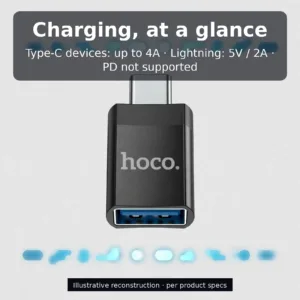
Charging, at a Glance
The UA17’s charging behaviour depends on what sits on the other side of its USB-A port. For Type-C phones and tablets, use a USB-to-Type-C cable: the adapter passes up to 4A, which is the ceiling for the high-current fast-charge modes on Huawei, Xiaomi and OPPO devices. For iPhones and other Lightning devices, use a USB-to-Lightning cable: the adapter delivers a steady 5V / 2A.
Being upfront about limits matters: this adapter does not support PD fast charging. If your workflow depends on USB Power Delivery, plan accordingly — but for high-current Type-C charging and standard Lightning charging, the UA17 handles both from one tiny body.
Charging Lightning Devices Too
Households with both Android and Apple devices usually end up carrying two sets of accessories. The UA17 collapses part of that: the same adapter that gives your Type-C phone a USB port can also feed a Lightning device. Run a USB-to-Lightning cable from the UA17’s USB-A port to the iPhone and it charges at 5V / 2A — a perfectly usable rate for overnight or desk charging.
Pair it with a quality USB-to-Lightning cable such as the Anker Braided USB-C to Lightning 0.9m Cable line-up’s Lightning-side options for a tidy, reliable chain. And when you need a sturdy Type-C cable for the high-current side, the GearUP CC6015 Type-C to C 60W cable is a natural companion.
Everyday Uses You’ll Actually Reach For
Photographers can dump a day’s shoot from a card reader straight to their phone for quick edits. Students can print from a pen drive via an OTG-friendly printer app. Commuters can attach a compact keyboard and turn a phone into a surprisingly capable writing tool on a train seat. Gamers can plug in a wired controller for titles that support USB input. Each of these used to need a laptop in the middle; the UA17 removes it.
It also earns its keep in a travel kit. Hotel TVs with USB media ports, shared workstations, a friend’s pen drive with movies for a long bus ride — anywhere a full-size USB plug appears, this adapter makes your phone the device that reads it. At barely larger than the plugs themselves, it disappears into any bag.
Getting More from OTG, Day to Day
File work is where a USB-C OTG adapter earns its place first. With a USB-C OTG adapter plugged into your phone, a pen drive stops being computer-only storage and becomes something your phone can open directly in its file manager. The USB-C OTG adapter turns copying into a two-way street: move photos and videos off the phone to free up space, or pull documents onto the phone when a colleague hands you a USB stick. Because a USB-C OTG adapter uses a standard USB-A female port, the drives you already own work as they are — nothing needs reformatting or replacing.
Peripherals are the second half of the story. A USB-C OTG adapter lets a wired keyboard turn your phone into a practical writing tool for long messages, notes and documents, while a mouse makes spreadsheets and precise selections easier to manage. Through the same USB-C OTG adapter, a card reader brings camera memory cards straight to your phone for quick edits and sharing. Even a USB hub or a wired game controller can connect through a USB-C OTG adapter when your phone supports the accessory, so one small adapter covers work, photography and play without a laptop in the middle.
None of this needs setup. A USB-C OTG adapter is plug and play: push the Type-C male end into your phone, attach the accessory to the other end, and the USB-C OTG adapter simply gets on with the job. There is no software to install and no pairing step to repeat each time. The only requirement sits on the phone side — your handset needs USB OTG support for host features, which the large majority of Type-C Android phones include. When that support is present, the USB-C OTG adapter makes the phone behave like the computer in the connection.
A Charging Link, Not Just a Data Bridge
Many buyers think of a USB-C OTG adapter as a data accessory only, but the UA17 was built for charging as well. Connect a USB-to-Type-C cable to the USB-C OTG adapter and it passes charging current to Type-C devices at up to 4A. That ceiling matters because the USB-C OTG adapter can feed the higher-current fast-charge modes used by Huawei, Xiaomi, OPPO and other handsets that charge above standard USB rates. Used this way, the USB-C OTG adapter becomes a compact link in a high-current charging chain rather than a bottleneck within it.
Lightning devices fit through the same door. Pair the USB-C OTG adapter with a USB-to-Lightning cable and it charges Lightning-interface devices at 5V / 2A, a steady rate that suits desk and overnight charging well. Households juggling Android and Apple gear can lean on one USB-C OTG adapter for both sides instead of keeping separate adapters for each. A companion cable such as the Anker Braided USB-C to Lightning 0.9m Cable keeps that Lightning chain tidy, and the USB-C OTG adapter handles the connection in between.
Honesty about limits makes a USB-C OTG adapter easier to buy with confidence. PD (Power Delivery) fast charging is not supported, so Lightning devices charge at standard 5V / 2A rates rather than faster PD modes, and Type-C charging through the USB-C OTG adapter tops out at the stated 4A ceiling. Within those clear boundaries, the USB-C OTG adapter does two jobs — OTG data and charging pass-through — that are usually split across separate accessories. Knowing exactly where a USB-C OTG adapter stands means no surprises after it arrives.
Small Body, Careful Details
The shape of this USB-C OTG adapter is deliberately plain. One end of the USB-C OTG adapter carries the Type-C male plug for your phone or tablet; the other end carries the USB-A female receptacle with its familiar blue insert. Between them sits a short, rigid body with no cable to fray and no flex point to weaken, so the USB-C OTG adapter holds its position firmly in the port even with a pen drive attached. Hoco’s branding is printed cleanly on the matte black housing, and the whole USB-C OTG adapter adds barely any length beyond the plugs themselves.
That compactness changes how you carry a USB-C OTG adapter. Instead of living in a drawer, the USB-C OTG adapter travels in a pocket, a laptop sleeve or a cable pouch, ready on trains, at shared workstations and anywhere else a full-size USB plug appears. A cable-free USB-C OTG adapter also removes the tangle and dangle of a dongle, sitting almost flush against the device while it works. For a sturdier charging companion on the Type-C side, the GearUP CC6015 Type-C to C 60W cable pairs naturally with the USB-C OTG adapter in the same kit.
Choosing and Using the Adapter Well
Start by matching the USB-C OTG adapter to the job. For storage and peripherals, the USB-C OTG adapter needs a phone with OTG support; for charging, it needs the right cable on its USB-A side — USB-to-Type-C for Type-C devices at up to 4A, or USB-to-Lightning for Lightning devices at 5V / 2A. Browse the wider cables and adapters range if your kit needs those companion cables too. Used with the right partners, the USB-C OTG adapter covers both roles from one tiny body.
It also helps to know who stands behind the product. The UA17 comes from Hoco, and you can see more of the brand’s range on Hoco’s official site. What makes this particular USB-C OTG adapter easy to recommend is the combination already described on this page: OTG and data transmission, up to 4A Type-C charging, 5V / 2A Lightning charging, and an honest note that PD fast charging is not supported. A USB-C OTG adapter that states its strengths and limits this clearly is simple to choose — and simpler still to use every day.
Why Buy from Gadget Superb
Every order from Gadget Superb ships with cash on delivery available nationwide, so you pay when the product is in your hands. Delivery inside Dhaka costs ৳70 and takes 1–3 working days; outside Dhaka it costs ৳120 and takes 2–5 working days. Where the courier permits, you can inspect your item before paying.
The Hoco UA17 carries a 7-day warranty from Gadget Superb. If anything is wrong with the adapter within that window, our support team will sort it out — reach us on the hotline at 09638054751, on Facebook Messenger, or by email at care@gadgetsuperb.com. We also honour a 7-day easy returns policy, so you can buy with confidence. For more ways to get the most from your phone’s USB-C port, browse our audio and connectivity accessories as well.
Frequently Asked Questions
What exactly is the Hoco UA17?
It is a compact USB-C OTG adapter with a Type-C male plug on one end and a USB-A female port on the other. It plugs into a phone or tablet’s USB-C port and gives you a standard full-size USB port for accessories, storage and charging cables.
Which phones and tablets work with it?
Any device with a USB-C port works physically. For OTG features like pen drives and keyboards, the phone also needs USB OTG support — which the large majority of Type-C Android phones include. Charging functions work on any compatible Type-C or Lightning device connected through the right cable.
Does the UA17 support OTG?
Yes. OTG (USB On-The-Go) is one of its two headline functions, alongside data transmission. Your phone becomes the USB host, so peripherals that normally need a computer connect directly to the phone.
Can I connect a pen drive to my phone with it?
Yes — that is the most popular use. Plug the UA17 into your phone, insert the pen drive into its USB-A port, and open your file manager. You can copy files both ways: off the phone to free space, or onto the phone from the drive.
What other USB accessories can I use?
Wired keyboards, mice, card readers, USB hubs and many game controllers all work through the adapter, as long as your phone’s software supports the accessory. Anything with a standard USB-A plug is fair game.
Does it transfer data or only charge?
It does both. Data transmission is fully supported, so file copies, media transfers and peripheral communication all run through the adapter — not just power.
Can I charge my phone through the UA17?
Yes. Connect a USB-to-Type-C cable between the adapter’s USB-A port and your device. The adapter passes charging current through, so it works as a link in your charging chain.
How much charging current does it support for Type-C devices?
Up to 4A when used with a USB-to-Type-C cable. That ceiling covers the high-current fast-charge modes on Huawei, Xiaomi, OPPO and other phones that charge above standard USB rates.
Can it charge an iPhone or other Lightning device?
Yes, with a USB-to-Lightning cable connected to the adapter’s USB-A port. Lightning devices charge at 5V / 2A. Note that PD fast charging is not supported, so it charges at standard rather than fast PD rates.
Does it support PD (Power Delivery) fast charging?
No. The UA17 explicitly does not support PD fast charging. Its strengths are OTG data, standard data transmission, up to 4A Type-C charging and 5V / 2A Lightning charging.
Is it plug and play?
Yes. There is no software to install and no pairing step. Plug the Type-C end into your phone, attach your USB accessory or cable to the other end, and it works immediately.
What warranty comes with the Hoco UA17?
Gadget Superb provides a 7-day warranty on this product. If the adapter has any defect within that period, contact our hotline at 09638054751, message us on Facebook Messenger, or email care@gadgetsuperb.com and we will make it right.
Related products
-20%
100 in stock
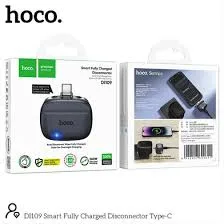
Hoco DI109 Smart Fully Charged Disconnector with Auto Cutoff
Original price was: ৳ 1,140.৳ 910Current price is: ৳ 910.-23%
100 in stock
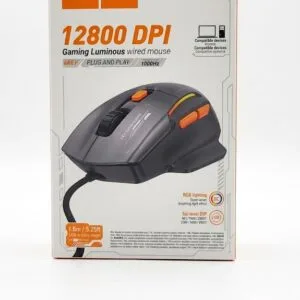

Hoco GM52 Reddy RGB Gaming Wired Mouse
Original price was: ৳ 1,460.৳ 1,120Current price is: ৳ 1,120.-23%
45 in stock
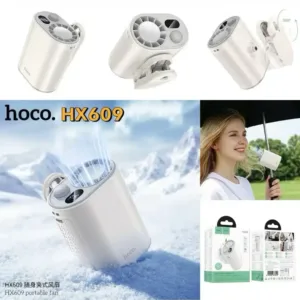
HOCO HX609 Portable Clip On Fan
Original price was: ৳ 2,250.৳ 1,730Current price is: ৳ 1,730.-23%
53 in stock
Hoco HX605 Ice Pack Series Foldable Fan 3600mAh
Original price was: ৳ 2,230.৳ 1,710Current price is: ৳ 1,710.-25%
47 in stock

Hoco Y46 Built-In Find My HD Display Smart Watch
Original price was: ৳ 3,930.৳ 2,910Current price is: ৳ 2,910.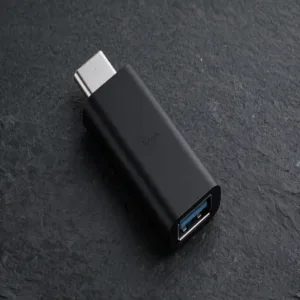 Hoco UA17 Type-C Male to USB 3...
 Original price was: ৳ 190.৳ 150Current price is: ৳ 150.
464 in stock
Reviews
There are no reviews yet.