No products in the cart.

-20%
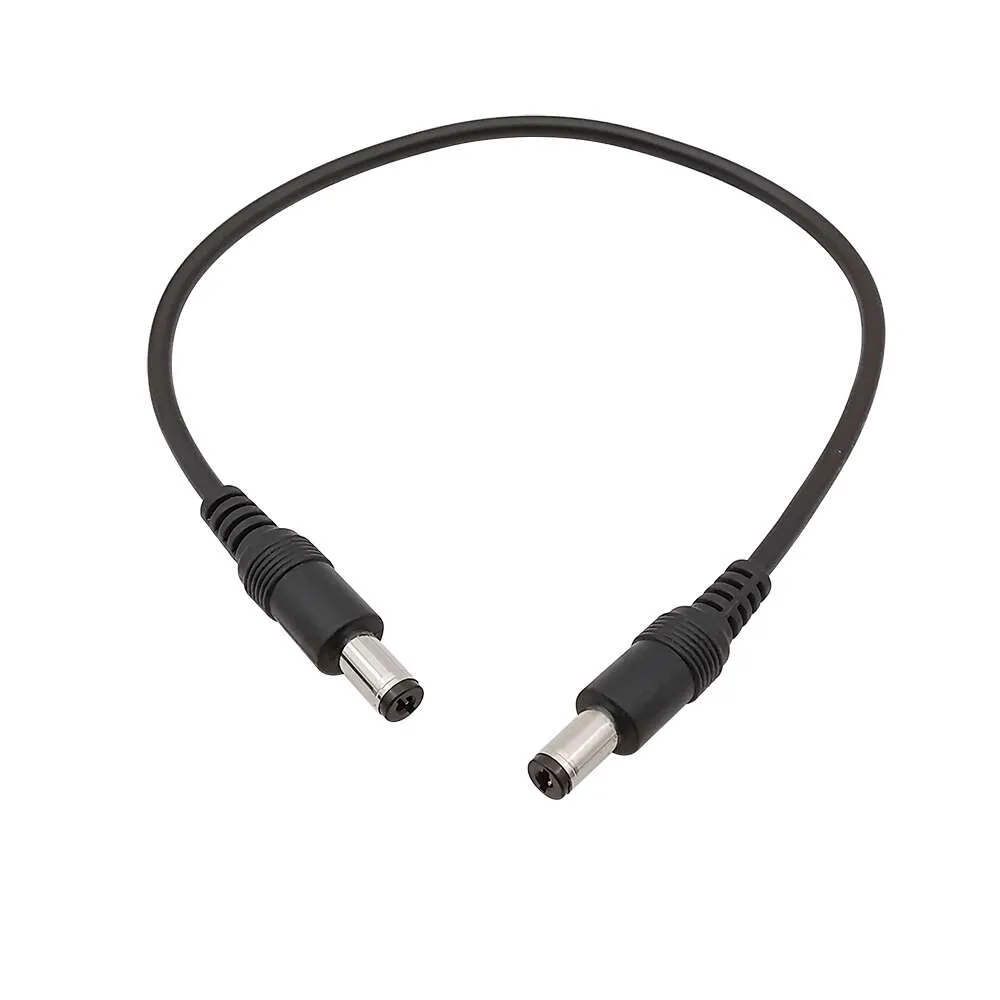
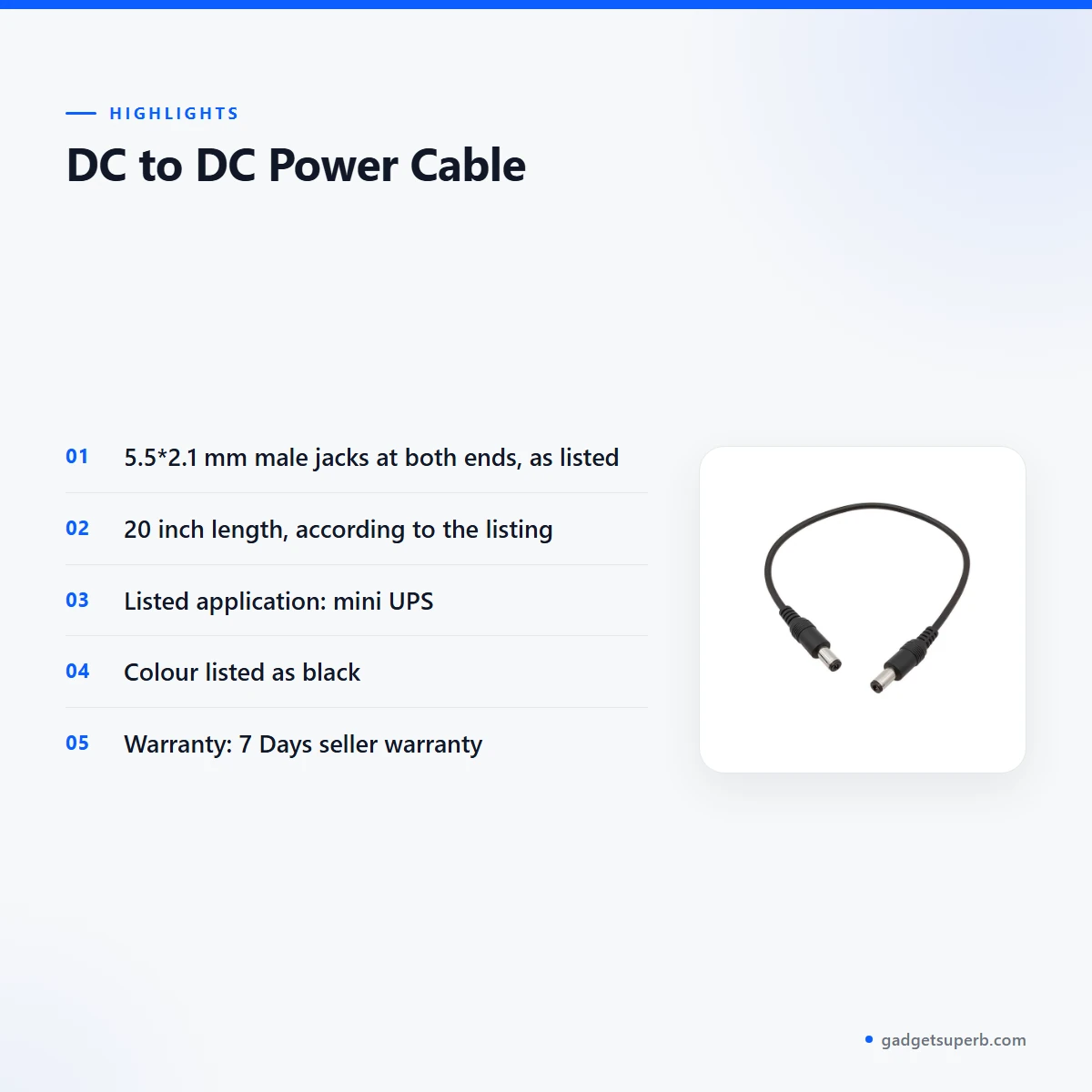
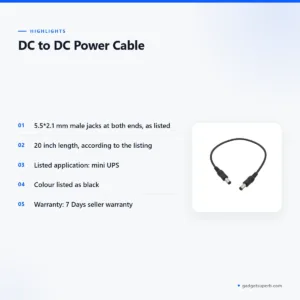
A DC to DC cable is a 20 inch DC cable with 5.5*2.1 mm male jacks at both ends, listed for mini UPS use. It is for buyers who want a plain connecting lead between two devices that both take a 5.5*2.1 mm DC jack. This page covers what the listing confirms, how to check fit and how to order.
- Overview
- Key features
- Specifications
- How to use / set up
- Compatibility and what is in the box
- Who should buy it in Bangladesh
- Alternatives in our store
- Warranty and support
- Delivery, returns and ordering
- Frequently asked questions
What Is the DC to DC Cable?
The listing for the DC to DC cable describes a DC cable with a 5.5*2.1 mm male input jack and a 5.5*2.1 mm male output jack. The output is listed as the same as the input, and the colour is listed as black. The application given is mini UPS, so that is its listed use. The listing does not describe any voltage change, so this DC to DC cable should be understood as a plain connecting cable.
Many households and small offices in Bangladesh rely on a mini UPS for small devices during load-shedding. The listing names mini UPS as the application, so this DC to DC cable is presented as a link for that set-up. Whether it fits your equipment depends on the socket on each device, which you can usually check on its label. For general background, see the Wikipedia article on battery chargers.
Consider this DC to DC cable only when both ends of your connection use a 5.5*2.1 mm DC jack. If one end is different, a plain cable will not solve the problem, and you should look for a different product before ordering. Ask yourself three questions: what the source socket looks like, what the destination socket looks like, and how far apart the two devices are. The answers decide whether this cable is right for you.
Who is this for in practice? Mostly buyers who already own a mini UPS or a device with a 5.5*2.1 mm DC input and need a matching lead between them. If you are still choosing equipment, the DC to DC cable is an accessory, and the device itself matters more. Read the listing for the jack size, the length and the application, then decide.
Key features
Two 5.5*2.1 mm male jacks
According to the listing, the input jack and the output jack are both 5.5*2.1 mm male. The listing also says the output is the same as the input, so the two ends are described as matching. Before you connect this DC to DC cable, check the socket on your source and the socket on your device. Keep each plug straight when you insert it, and do not force it into a socket that does not accept it easily. Matching ends decide whether the cable is worth using for your set-up, so read the jack description twice before you add the item to your basket.
A listed length of 20 inch
The listing gives the length of this DC to DC cable as 20 inch. Before you order, measure the gap between your mini UPS and the device you want to power, and allow a little slack so the cable is not pulled tight. A cable run that is pulled tight can strain both plugs over time. Keep the cable clear of foot traffic and furniture edges, so the plugs do not take its weight. If the gap you measure is longer than 20 inch, the cable may not reach, so plan your layout before you buy.
Black colour, as listed
The listing gives the colour of this DC to DC cable as black. The colour does not change how the cable connects, so it is mainly a question of how it looks on your desk or shelf. Black suits many desks and shelves, and it is easy to keep tidy with a cable tie. Choose the colour that suits your room, then focus on the jack and the length, which decide whether the DC to DC cable works for you.
Listed application: mini UPS
The listing names mini UPS as the application for this DC to DC cable, which is the use it is listed for. If you own a mini UPS and want a second DC connection, check the UPS label for its DC sockets before you order. The listing does not name which UPS models it fits, so confirm your model before you order. A quick check now saves a return later, and returns are covered by our policy within 7 days of delivery.
Plain DC cable type
The listing gives the cable type as DC Cable. It does not describe a conversion circuit, an adapter or a converter within the product. Because the output is listed as the same as the input, the DC to DC cable is described as a direct connection between two matching jacks. Treat it as a lead rather than a power device, and check that the equipment at each end expects the same DC jack before you connect anything.
Specifications
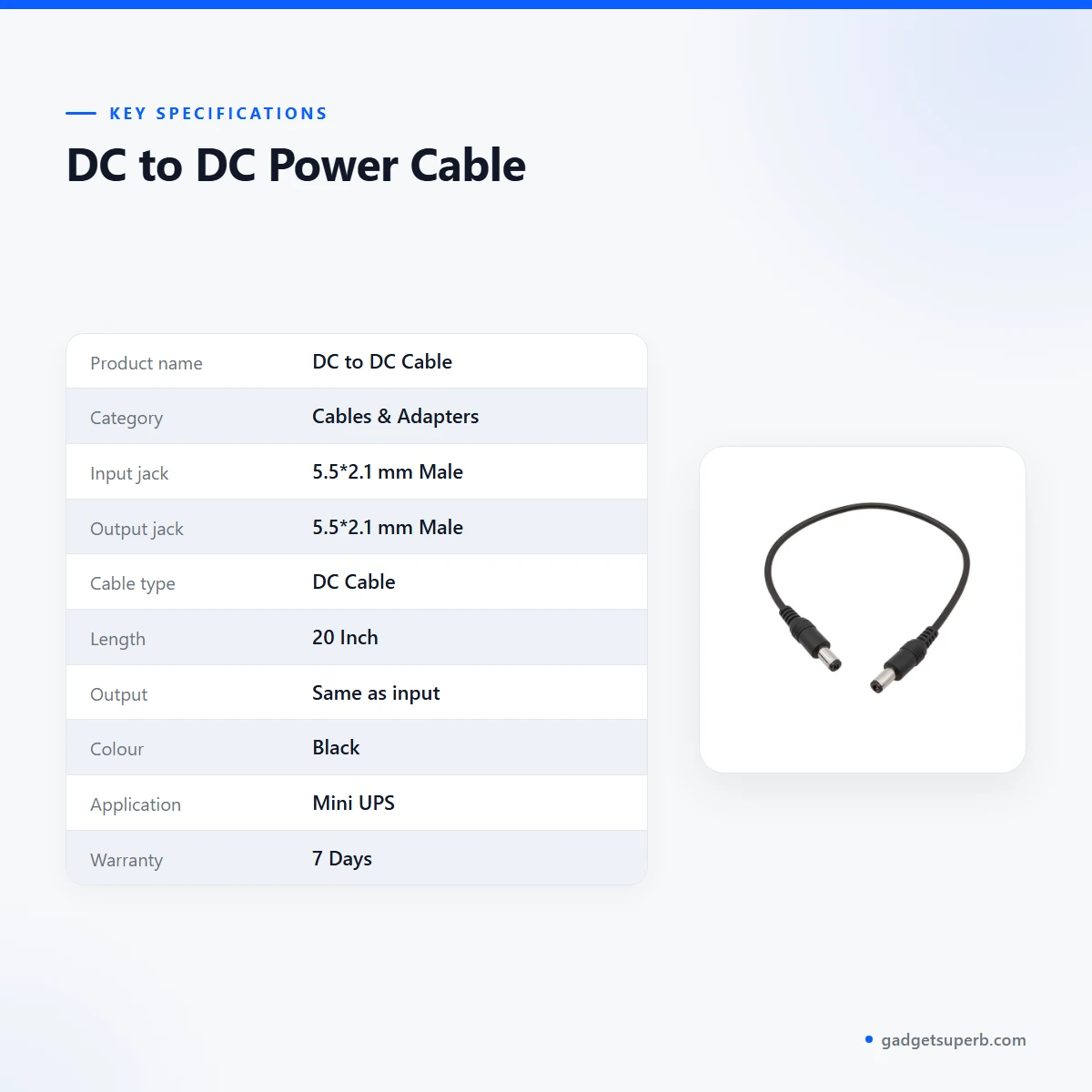
The table below sets out the specifications for this DC to DC cable as they appear in the product listing.
| Product name | DC to DC Cable |
| Category | Cables & Adapters |
| Input jack | 5.5*2.1 mm Male |
| Output jack | 5.5*2.1 mm Male |
| Cable type | DC Cable |
| Length | 20 Inch |
| Output | Same as input |
| Colour | Black |
| Application | Mini UPS |
| Warranty | 7 Days |
These are listed specifications from the product listing for this DC to DC cable.
How to use / set up
Start by checking the sockets on both devices. Confirm that the mini UPS jack and the connected device jack are each 5.5*2.1 mm before you connect the DC to DC cable. Doing this check first keeps the set-up simple and avoids a wasted trip.
- Switch off the mini UPS and the device before you connect anything.
- Push each plug straight into its socket until it sits fully, without forcing it.
- Route the cable so it is not pulled tight, using the 20 inch length as a guide.
- Check that the output jack is 5.5*2.1 mm male, the same as the input jack, before you insert either plug.
- To disconnect, hold the plug rather than pulling on the cable.
Once the DC to DC cable is in place, check that your device responds as you expect before you rely on it. If it does not, unplug both ends, check the sockets again, and recheck the listing. If the set-up still does not work, contact our team with your device model and a photo of each label.
Plan the spot before you connect anything. Put the mini UPS somewhere dry and within easy reach, then measure the route the cable will take to the device. Keeping both devices close enough to use the 20 inch length without strain makes the set-up easier to manage during a power cut.
Care and storage
Keep the DC to DC cable in a dry place when it is not in use. Loop it loosely, avoid sharp bends near the plugs, and keep it away from heat sources such as a hot bulb or a warm charger. A tidy cable is also easier to find when you need it quickly during a power cut.
Humidity is common in many parts of Bangladesh, so avoid storing this DC to DC cable in a damp cupboard or on a surface that gets wet. Wipe the outside with a dry cloth when it gets dusty. Do not pull on the cable to remove a plug, because the strain can loosen the connection over time.
When you coil the cable, use loose loops rather than tight wraps, and tie them with a soft strap. Store the mini UPS and its cables in the same place each time, so you know where everything is during a load-shedding period.
If you move between homes or rooms, pack the DC to DC cable in a small pouch so the plugs are protected from knocks. Keep a note of which cable goes with which device, so you do not have to check each one when you arrive at the new place.
Before each use, run through a short checklist for the DC to DC cable: the jack size on both devices, the length you need, the mini UPS application, and whether everything is switched off. Following the same checklist every time keeps the set-up predictable.
Compatibility and what is in the box
The two details the listing gives for compatibility are the 5.5*2.1 mm male jacks at both ends and the mini UPS application. Those details are the main filter for this DC to DC cable, so compare them with your device label before you order.
The listing does not name specific mini UPS models or other devices. That is not confirmed by the listing, so the fit with your own equipment is something you need to check yourself. When you read the listing, look at the jack description first, and match it against your device label. If the label shows a different size, stop there and ask us before you order.
The listing also does not give a list of package contents. What is in the box is not confirmed by the listing, so ask us before you order if you need to know whether anything else is included.
If your device uses a different jack, or if you are unsure which socket it has, this DC to DC cable will not be a match, so do not assume that an adapter is included.
Think about the whole chain of your set-up, not just the cable. The mini UPS, the cable and the device each need to agree on the jack size. A mismatch at any point stops the connection, so check each link before you switch anything on.
Read the listing against your equipment one item at a time. Check the jack size, the length and the application, and tick each one against the label on your device. If any one of them does not match, the DC to DC cable is not the right choice for that set-up, whatever the rest of the page says.
Keep a record of what you have. Note the jack sizes and the length you measured, and keep photos of the labels with your order details. That makes it easier to compare with the listing for this DC to DC cable and to explain your set-up to our team.
Who should buy it in Bangladesh
A household with a mini UPS in Dhaka. If your mini UPS has a 5.5*2.1 mm DC socket and you want to link a second device with a matching plug, this DC to DC cable is the item the listing describes for that use. Measure the gap between the two devices before you order, because the cable is listed at 20 inch.
A small shop or home office outside Dhaka. If you run a few small devices from one mini UPS and want a spare cable on hand, the DC to DC cable may suit you, provided both ends match. Delivery usually takes 2–5 days outside Dhaka, so order early if you are planning a set-up.
Buyers who need a voltage converter. If you need a boost, buck or step-down converter, this DC to DC cable is not what the listing describes. Look for a converter listing and check its details before you buy, rather than relying on the name of this cable.
Buyers who need a different length. The listing gives 20 inch. If the gap between your devices is longer or shorter, look at other cable options in our range before you order this DC to DC cable.
Buyers who want a spare. Some people keep a spare cable for a home mini UPS so that a damaged lead can be swapped quickly. If that is your plan, buy a DC to DC cable only after you have checked both jacks, because a spare that does not fit is no help.
Renters and students. If you move between rented rooms or a hostel, a short, clearly labelled cable can make it easier to reconnect your equipment after each move. A cable that you have already checked against your devices saves time at each new place.
Buyers who ask before they buy. If you are unsure about the jack on your mini UPS, message us on Facebook Messenger, call or email before you order. We can answer questions about the listing, and you can order once you are confident the cable matches your equipment.
Before you buy, write down the make and model of your mini UPS and of the device you want to power, and keep a photo of each label on your phone. Having those details to hand makes a call to our team quicker, and it helps you compare the jack size with the listing for this DC to DC cable.
Alternatives in our store
If this DC to DC cable does not match your device, look at Geeoo DC 201 Type C To Lightning 33w PD Charging Cable, which is another charging cable in our range. For another DC cable, see DC Y Cable to use 2 Devices on WGP/ SKE mini UPS, a DC cable in our range. For audio, U-Shape Converter- 3.5mm Audio Splitter For Headphone and Microphone- White is an audio adapter in our range. For a further cable, see Geeoo DC27 Fast Charging 1M Long 30W (PD-L) Data Cable, another cable in our range. You can browse the full range in the Cables & Adapters category.
Warranty and support
Warranty: 7 Days seller warranty.
Delivery, returns and ordering
When you order the DC to DC cable, we deliver all over Bangladesh and you pay cash on delivery. Delivery usually takes 1–3 days inside Dhaka city and 2–5 days outside Dhaka.
You can return it within 7 days of delivery. Read our Delivery & Returns policy for the full terms before you place your order. Keep your order details so you can refer to them if you need to return the item.
Questions before ordering: call 09638054751, message us on Facebook Messenger or email care@gadgetsuperb.com. You can also find the policy details on our policy page.
Ordering is simple: choose the DC to DC cable, confirm the jack size with your device, and place your order. Pay cash on delivery when the parcel arrives, and keep your phone reachable on delivery day so the delivery team can confirm the address.
If you live outside Dhaka, plan for the 2–5 day window. If you need the DC to DC cable for a specific date, call us before you order to check the current timing.
Frequently asked questions
Is the DC to DC cable a voltage converter?
No. The listing describes it as a DC cable with 5.5*2.1 mm male jacks at both ends, and it does not describe any voltage change.
What jacks does the DC to DC cable use?
According to the listing, both the input jack and the output jack are 5.5*2.1 mm male, and the output is the same as the input.
How long is the DC to DC cable?
The listing gives the length as 20 inch, so measure the gap before you order.
What is it listed for?
The listing names mini UPS as the application. Check your UPS and device sockets before you connect them.
What colour is it?
The listing gives the colour as black. The colour does not change how it connects.
Does the DC to DC cable come with extra parts?
The listing does not list package contents. Ask us before you order if you need to know what is included.
Can I use it with my device?
Only if both ends of your connection use a 5.5*2.1 mm DC jack. Check your device label and the mini UPS socket first.
How long does delivery take?
Delivery usually takes 1–3 days inside Dhaka city and 2–5 days outside Dhaka. We deliver all over Bangladesh and you pay cash on delivery.
Can I return it?
Yes, you can return it within 7 days of delivery. See our Delivery and Returns policy for the full terms.
What is the warranty on it?
Warranty: 7 Days seller warranty.
How can I ask a question before I order?
Call 09638054751, message us on Facebook Messenger or email care@gadgetsuperb.com.
Related products
-20%
72 in stock
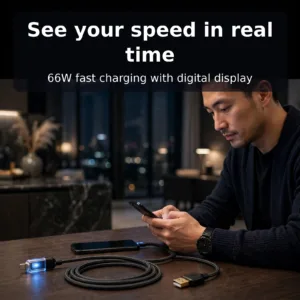
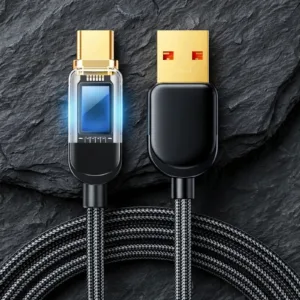
Joyroom S-AC066A4 66W Type C Fast Charging Cable With Digital Display
Original price was: ৳ 820.৳ 650Current price is: ৳ 650.-20%
50 in stock
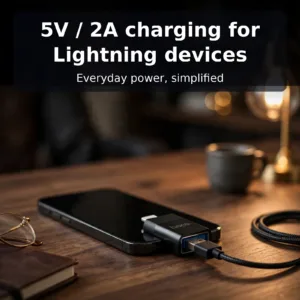
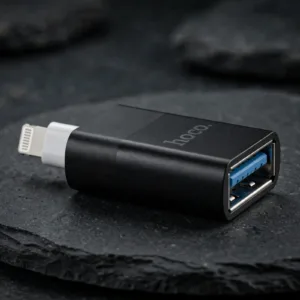
Hoco UA17 Adapter Lightning Male to USB Female
Original price was: ৳ 600.৳ 480Current price is: ৳ 480.-20%
64 in stock

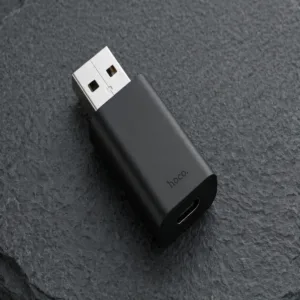
HOCO UA17 USB Male to Type C Female Adapter
Original price was: ৳ 240.৳ 190Current price is: ৳ 190.-20%
47 in stock
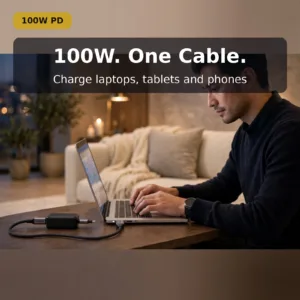
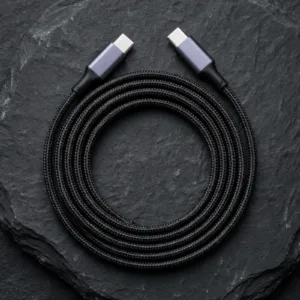
UGREEN US334 (70643) USB Type-C to Type-C Cable – 1m
Original price was: ৳ 870.৳ 690Current price is: ৳ 690.-21%
48 in stock

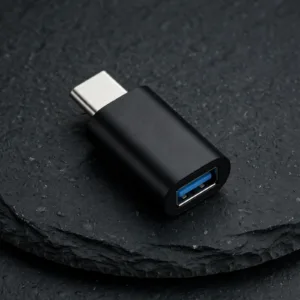
VALDUS VA26 USB-C Male to USB-A Female OTG Adapter
Original price was: ৳ 230.৳ 180Current price is: ৳ 180. DC to DC Power Cable
Original price was: ৳ 150.৳ 120Current price is: ৳ 120.
84 in stock
Reviews
There are no reviews yet.