No products in the cart.

-21%
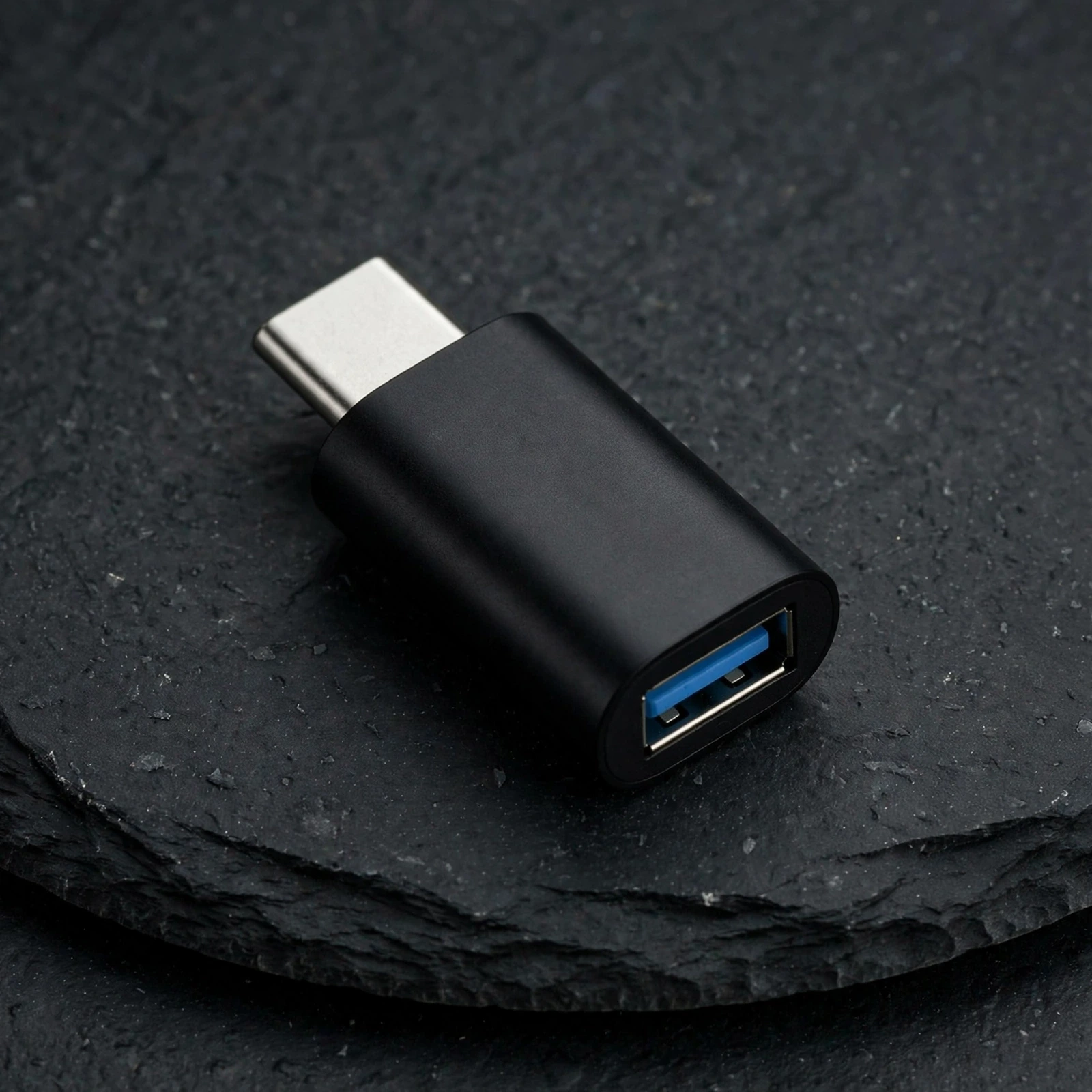

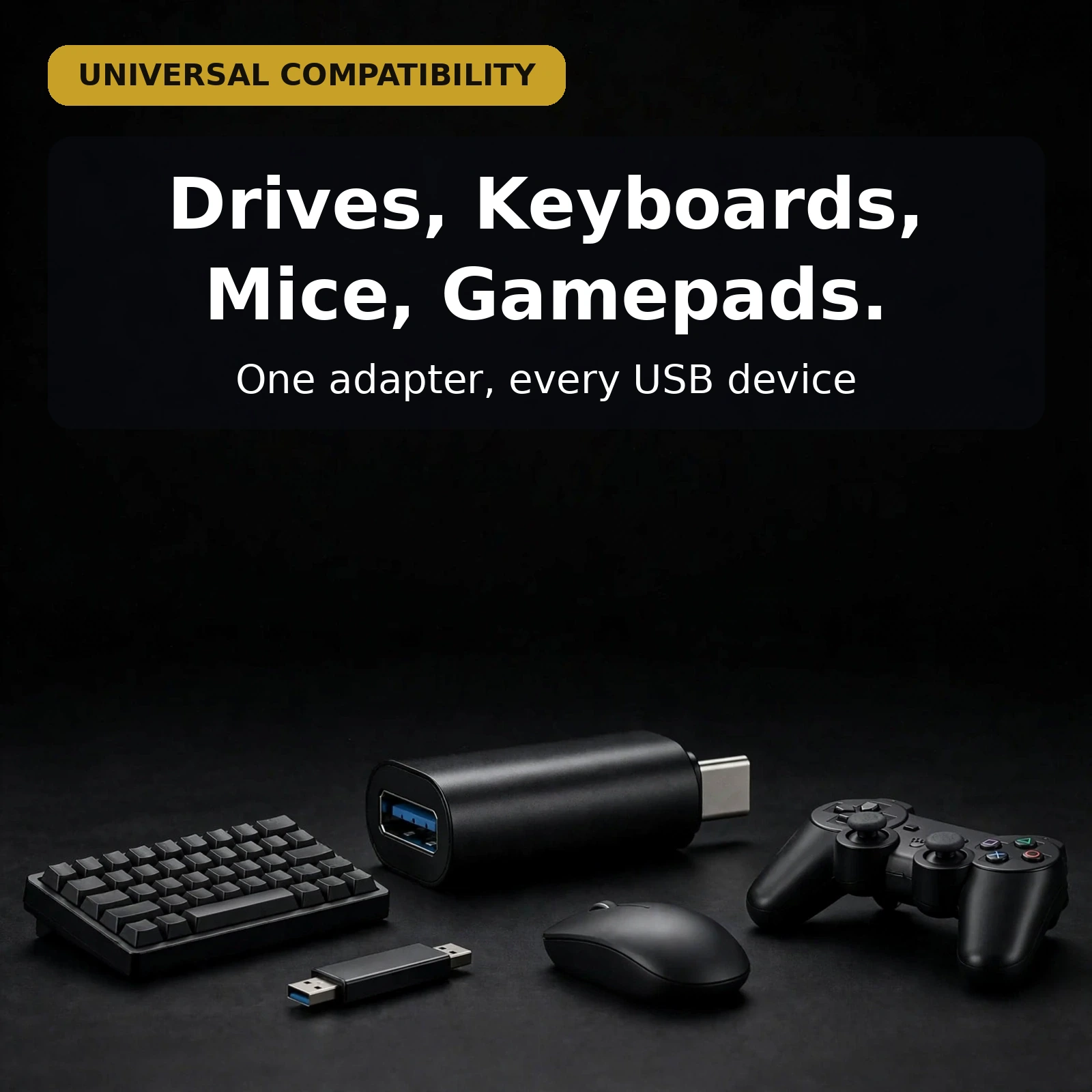
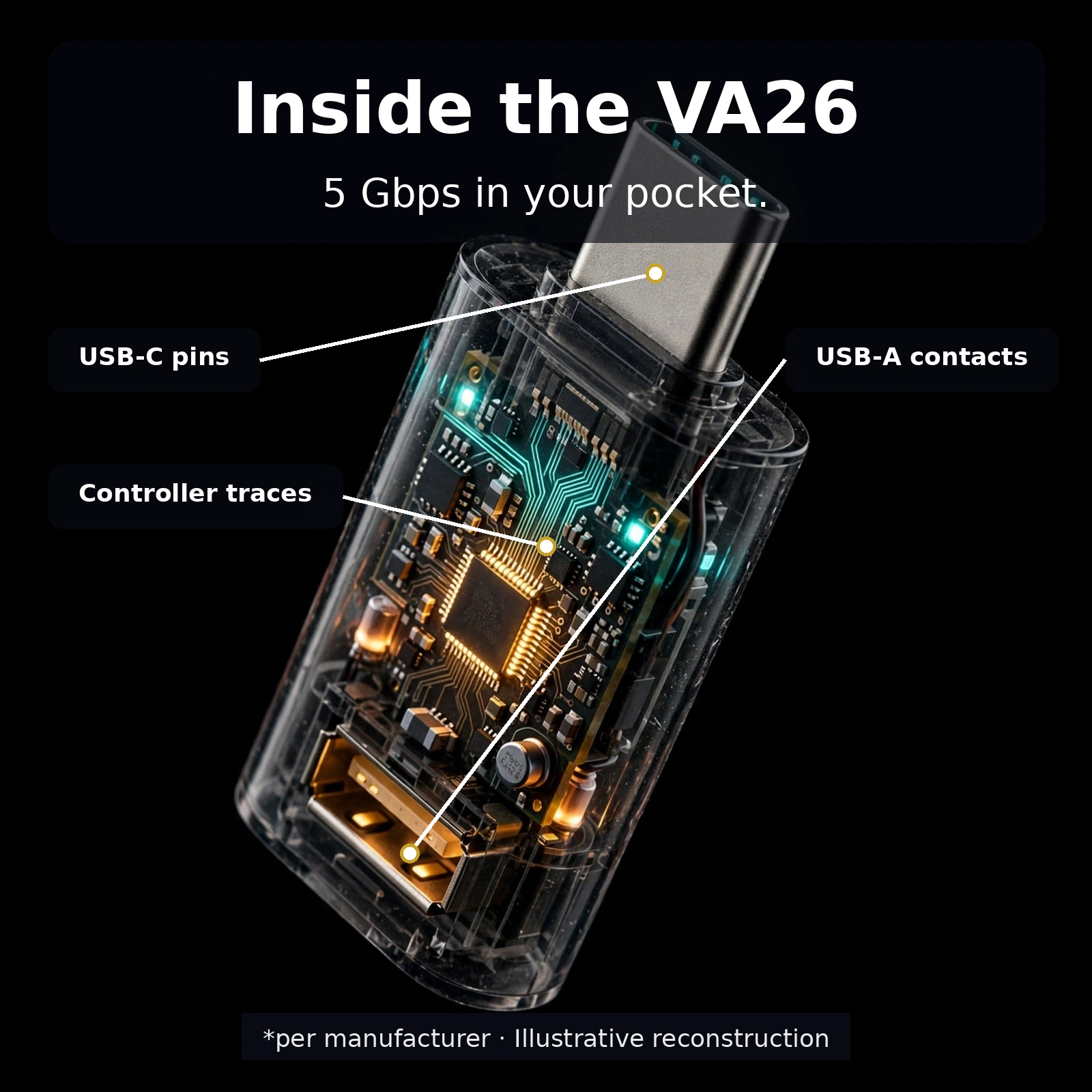
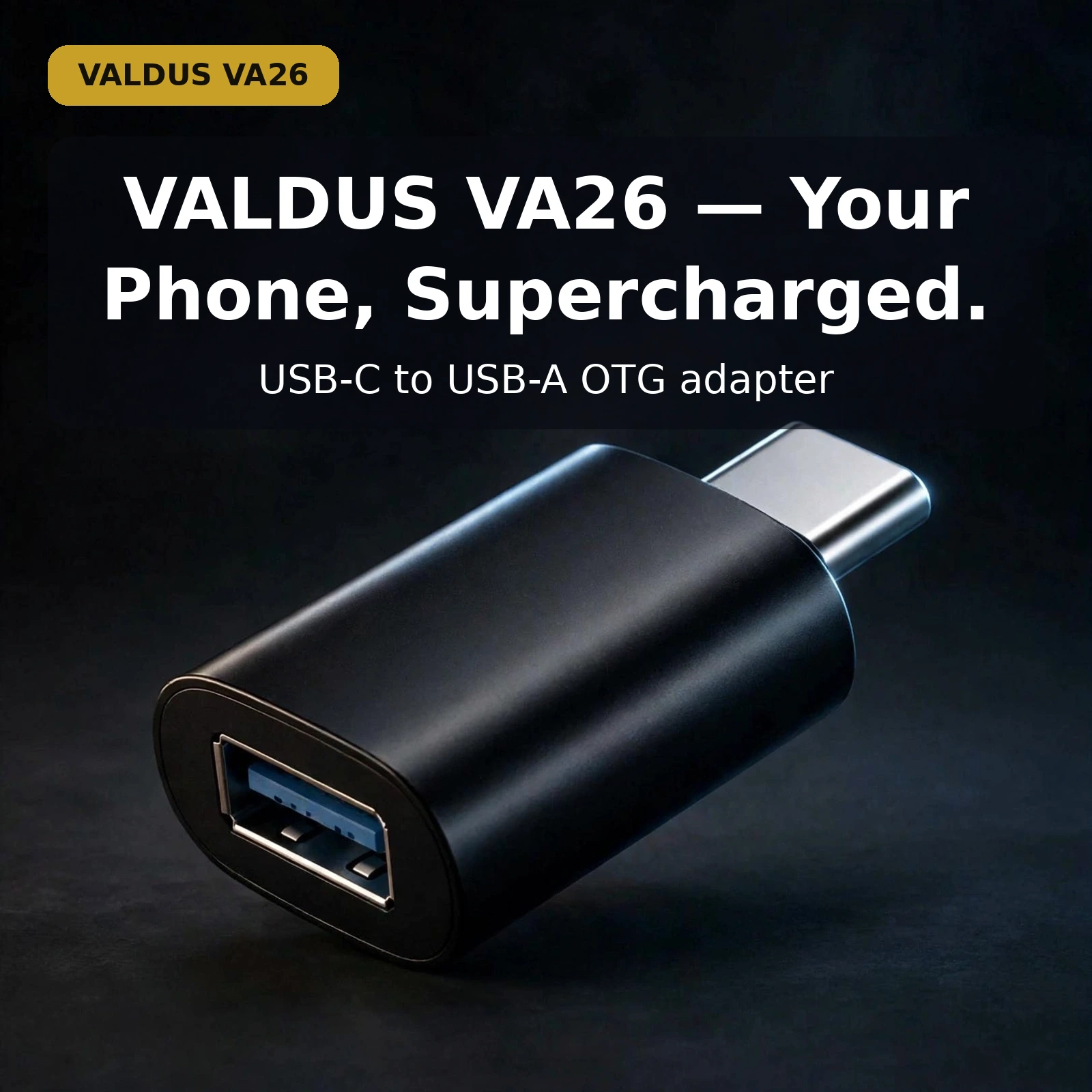
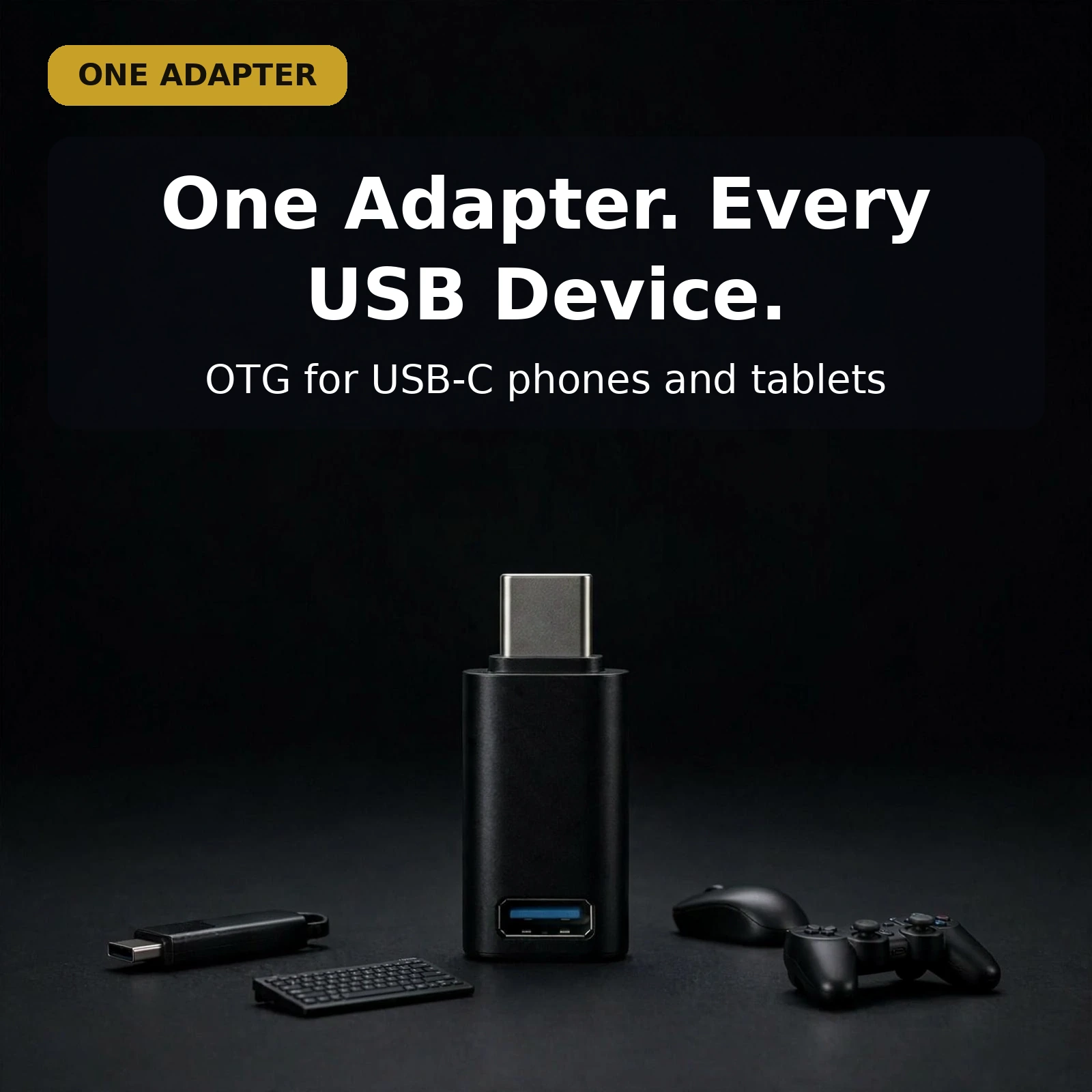


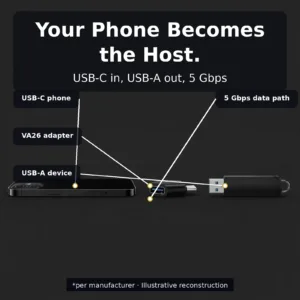
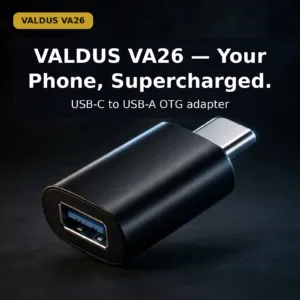
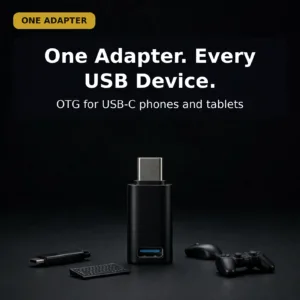
The Valdus VA26 is a USB-C male to USB-A female OTG adapter for people who want a phone or tablet to read the USB accessories they already own. According to the listing, it lets a USB-C device host flash drives, keyboards, mice, card readers and game controllers. It suits photographers, students, office workers and travellers across Bangladesh who carry USB gear.
- What the adapter is
- Key features
- Specifications
- How to use / set up
- Compatibility and what is in the box
- Who should buy it in Bangladesh
- Alternatives in our store
- Warranty and support
- Delivery, returns and ordering
- Frequently asked questions
What Is the Valdus VA26 OTG Adapter?
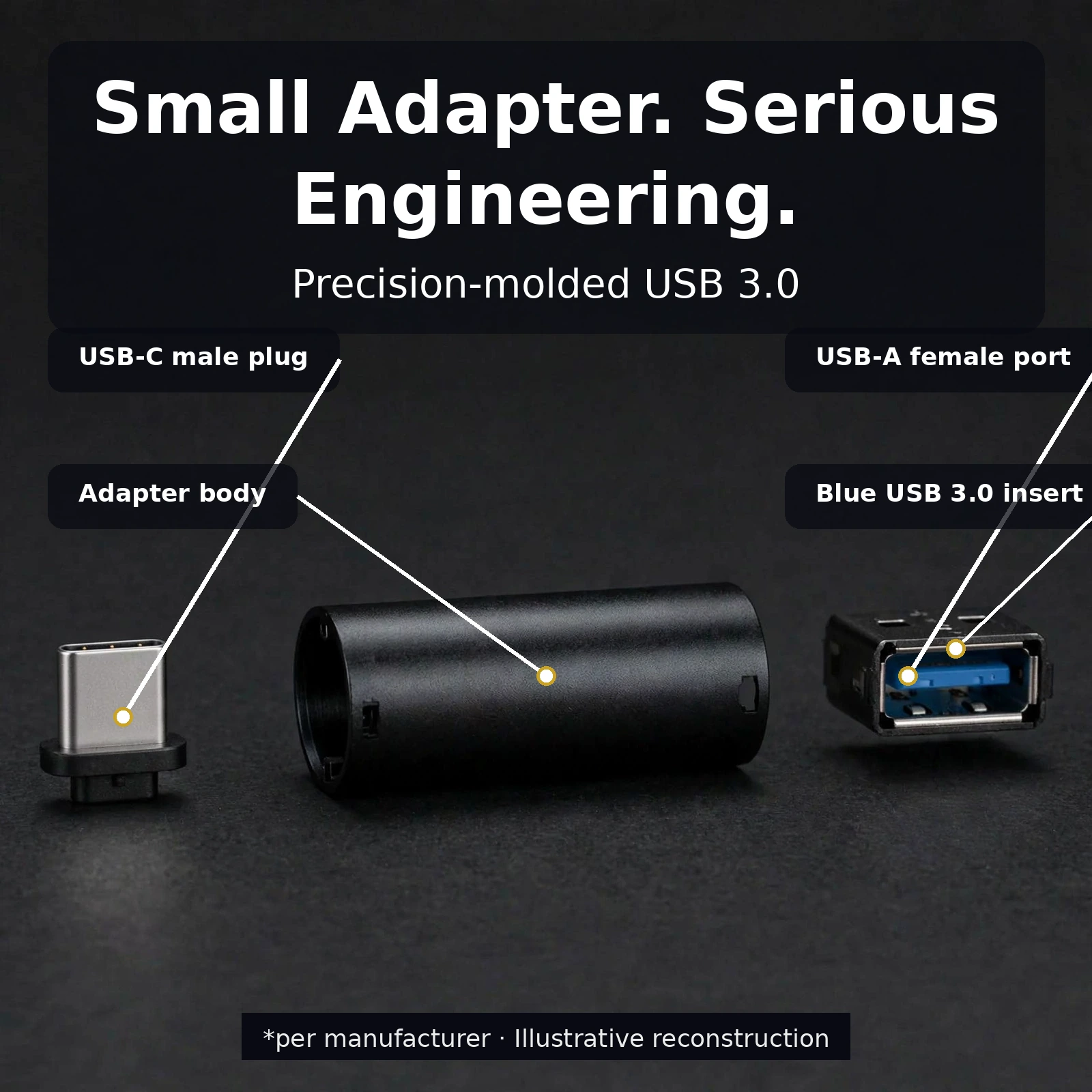
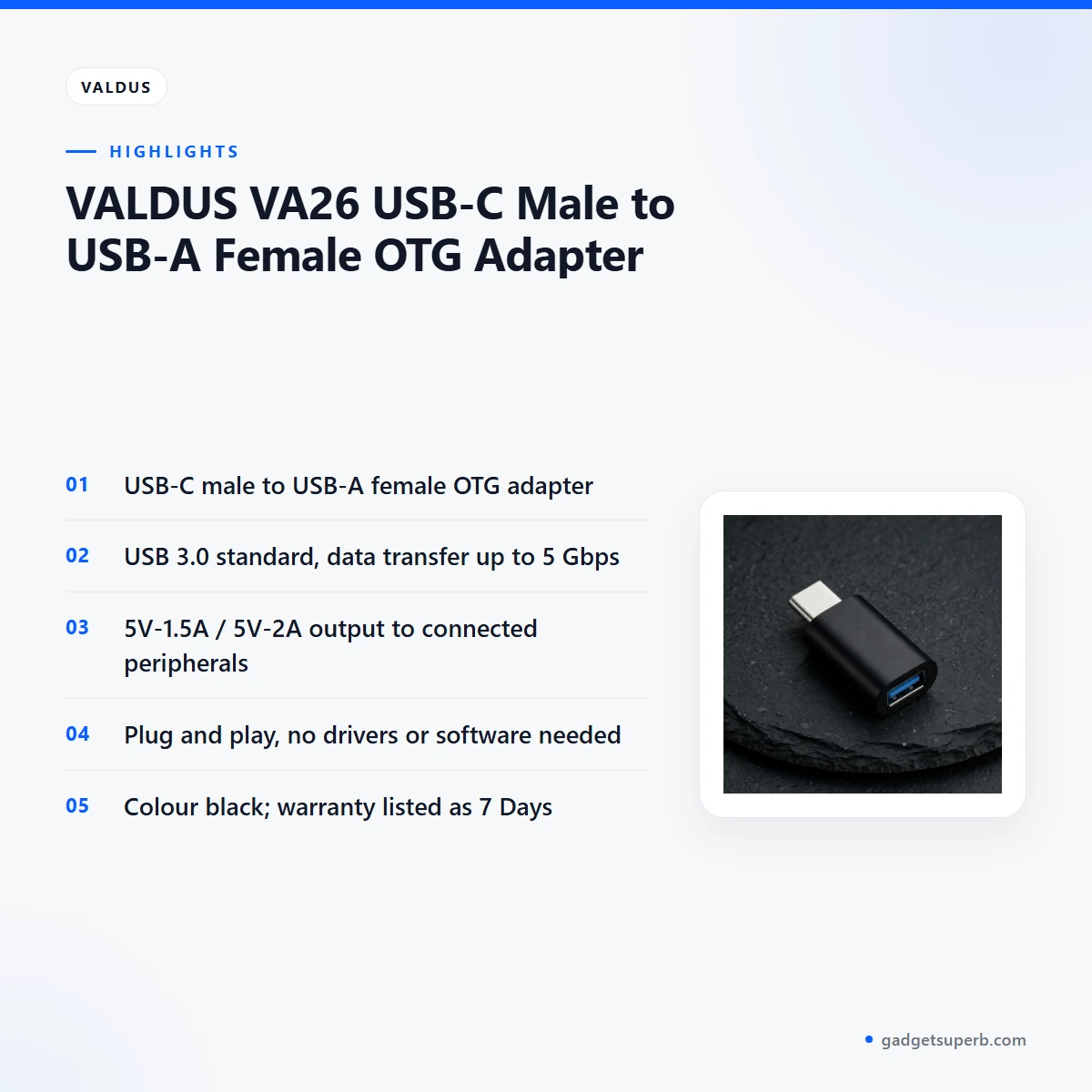
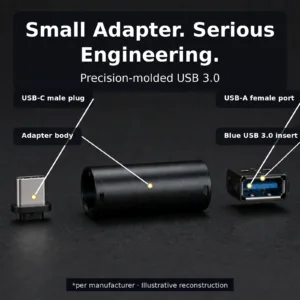
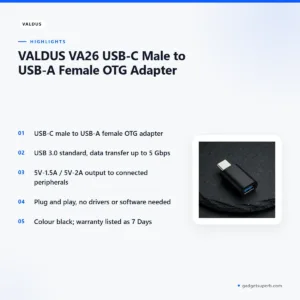
The Valdus VA26 has a USB-C male plug at one end and a USB-A female port at the other. The listing describes it as a USB-C male to USB-A female OTG adapter from the brand Valdus, model VA26. Its job is simple: the USB-C end seats into the port on a modern phone or tablet, and the USB-A end accepts the standard USB-A plugs that many flash drives, keyboards and mice still use. Nothing else sits between them.
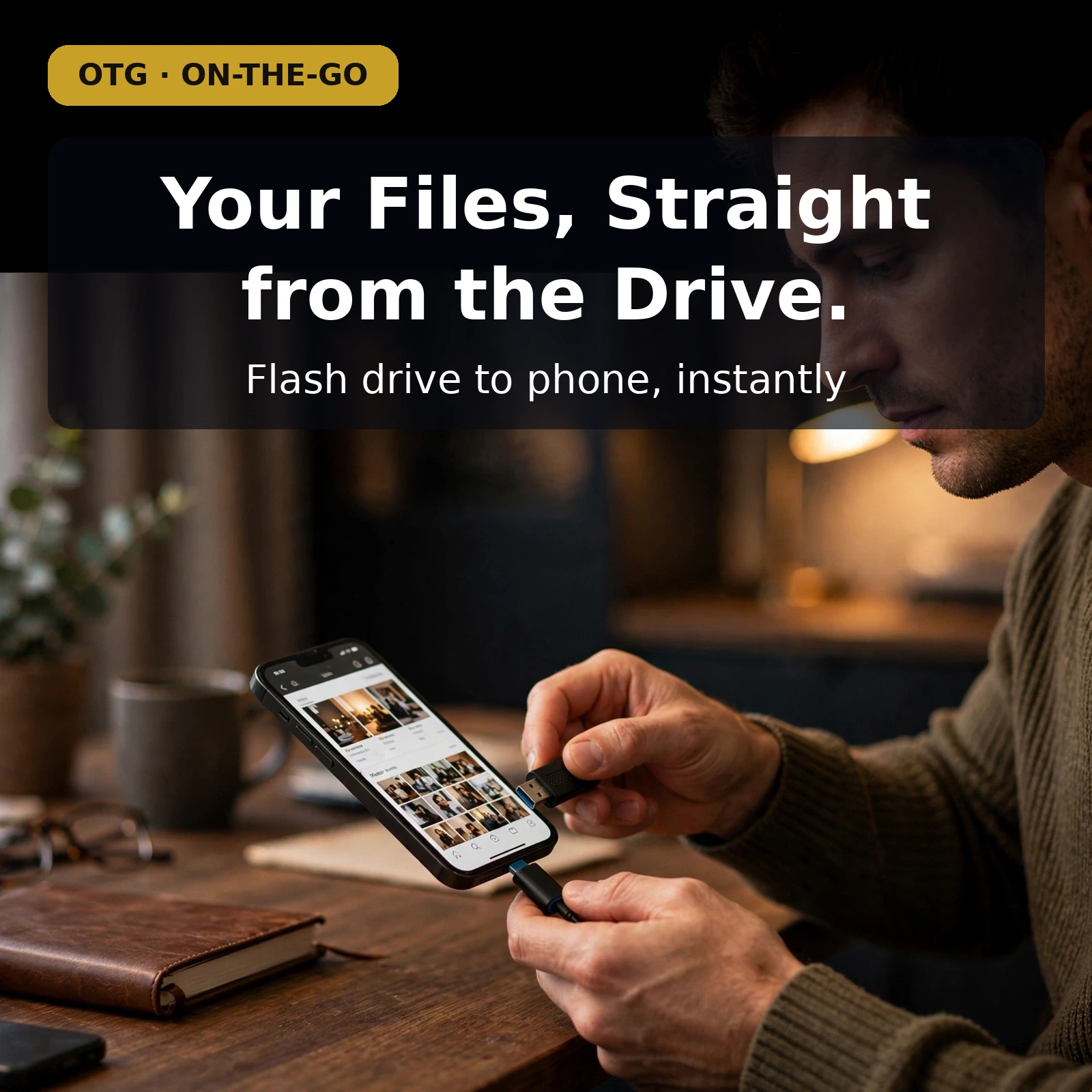
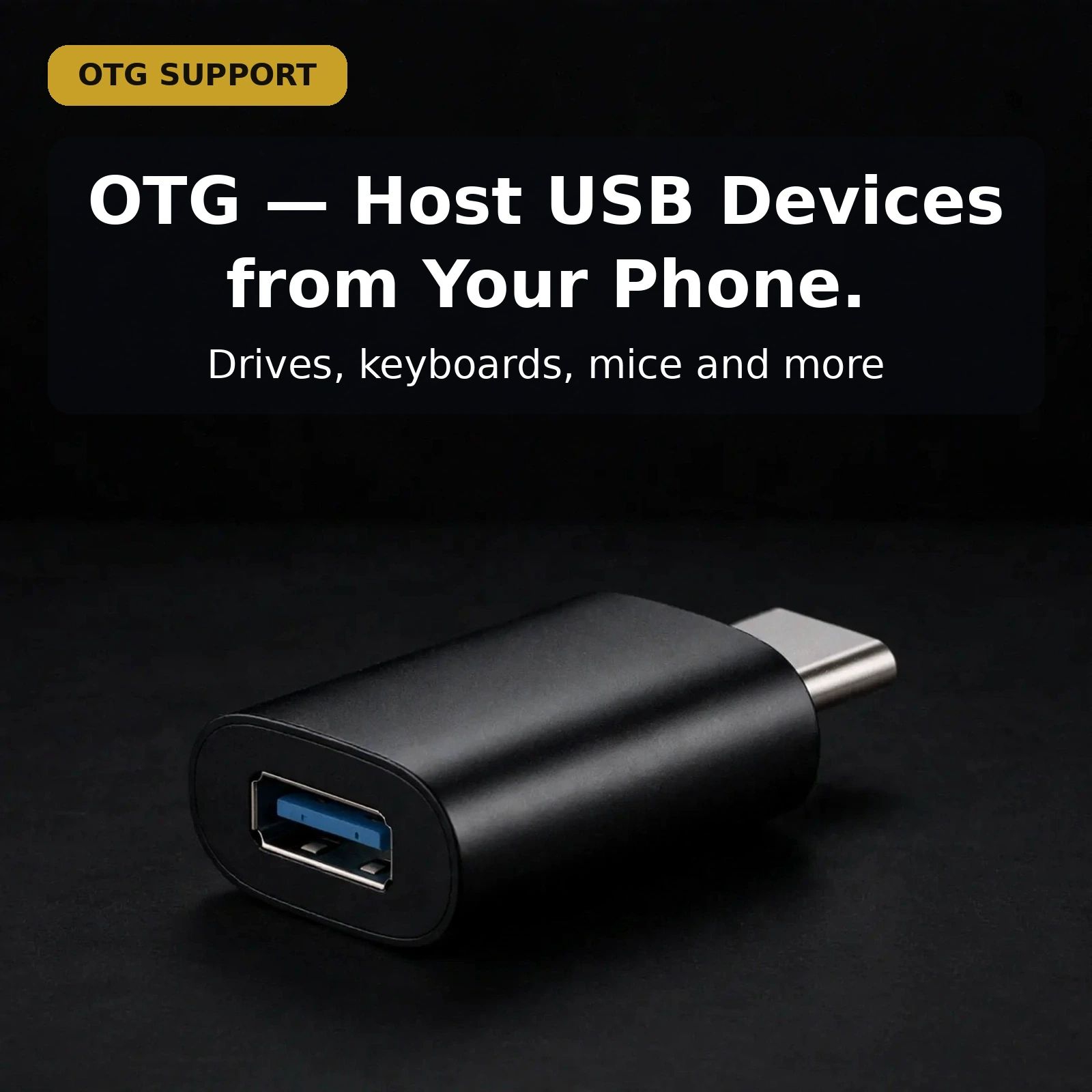
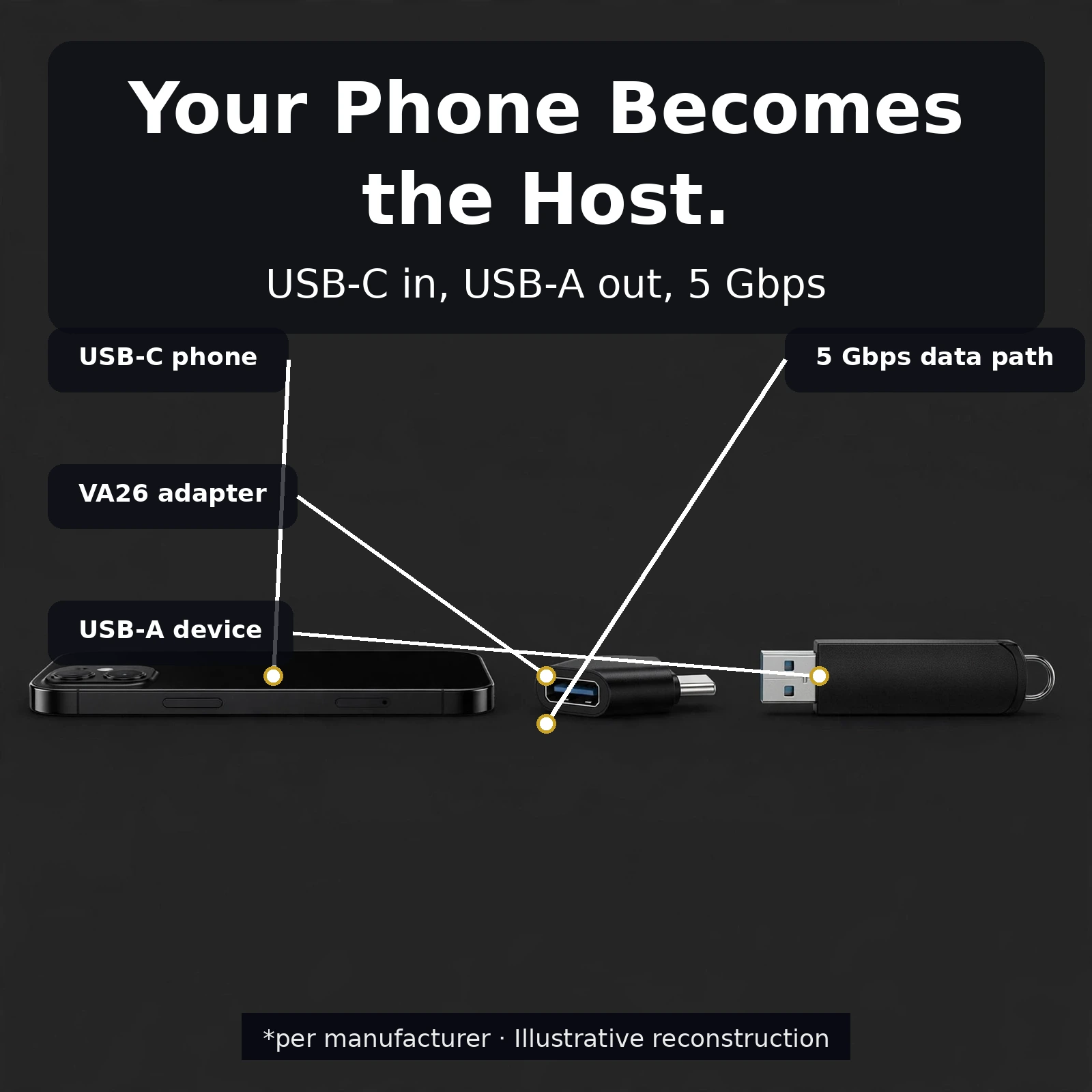
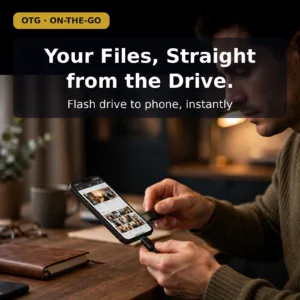
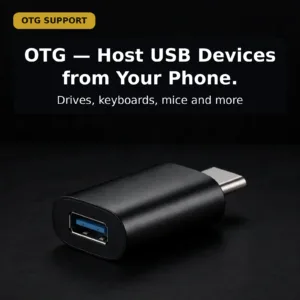
OTG stands for On-The-Go. In this mode the device acts as the host, the role a laptop normally plays when it reads a memory stick. The maker lists the Valdus VA26 as offering OTG support, which means a phone or tablet can read and power a connected accessory directly. According to the listing, no app, no driver and no settings are needed. The listing also contrasts this design with a power-only adapter, which leaves the data lines unwired.
Who is it for? Buyers who already own USB Type-A accessories and now carry a USB-C phone or tablet will find the most use. Students copying lecture notes from a flash drive, photographers importing from a card reader, and office workers who want a full-size keyboard on a tablet all fit the profile. The adapter is an OTG bridge, not a battery charger, so it is not the right tool for topping up a phone battery. For general background on what a charger does, see the background on battery chargers.
Bangladeshi buyers often juggle a phone, a tablet and an older laptop, and the Valdus VA26 suits that mix. Instead of carrying a laptop to move photos from a card reader, the tablet can do the import. The same small unit handles a keyboard, a flash drive or a mouse, depending on what the day needs. Used well, the Valdus VA26 is a practical item rather than a gadget that needs a setup session.
Why does this matter in Bangladesh? Many households and offices run a mix of phones, tablets, older laptops and USB accessories, and the ports rarely match. A USB-C device with a USB-A accessory is a common mismatch, and a short adapter removes the need to carry a laptop just to move a file. The listing presents the adapter as a bridge for exactly this kind of mismatch. Because the design is one-piece, it is also simple to keep with the accessory it serves.
Key features
USB-C male and USB-A female connectors
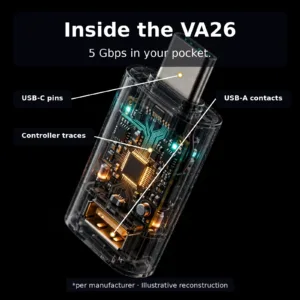
The Valdus VA26 uses a USB-C male plug on the device side and a USB-A female receptacle on the accessory side. According to the listing, the USB-C plug is the small, flat, reversible connector that slides into a USB-C port either way up, the same as a USB-C cable. The USB-A end has the familiar blue USB 3.0 insert and accepts a standard USB-A male plug. A short matte-black body sits between the two ends, and the listing describes it as rigid, with no cable to tangle and no joint to work loose. Direction matters. The USB-C end goes into the device and the accessory goes into the USB-A end, which makes this a USB-C to USB-A adapter and not the reverse.
OTG host support for flash drives and keyboards
OTG, or On-The-Go, means the connected device becomes the host, so your phone or tablet takes the role a laptop would normally play. According to the listing, a flash drive plugged into the adapter appears in the file manager as external storage, so you can copy files on and off. A USB keyboard starts typing straight away, with full-size keys and shortcuts, and it does not need Bluetooth pairing. Card readers, mice and game controllers connect in the same way. The maker says the Valdus VA26 carries the full data lines as well as the power lines, which is what separates it from a power-only adapter that fails the first time a file needs to move.
USB 3.0 data transfer up to 5 Gbps
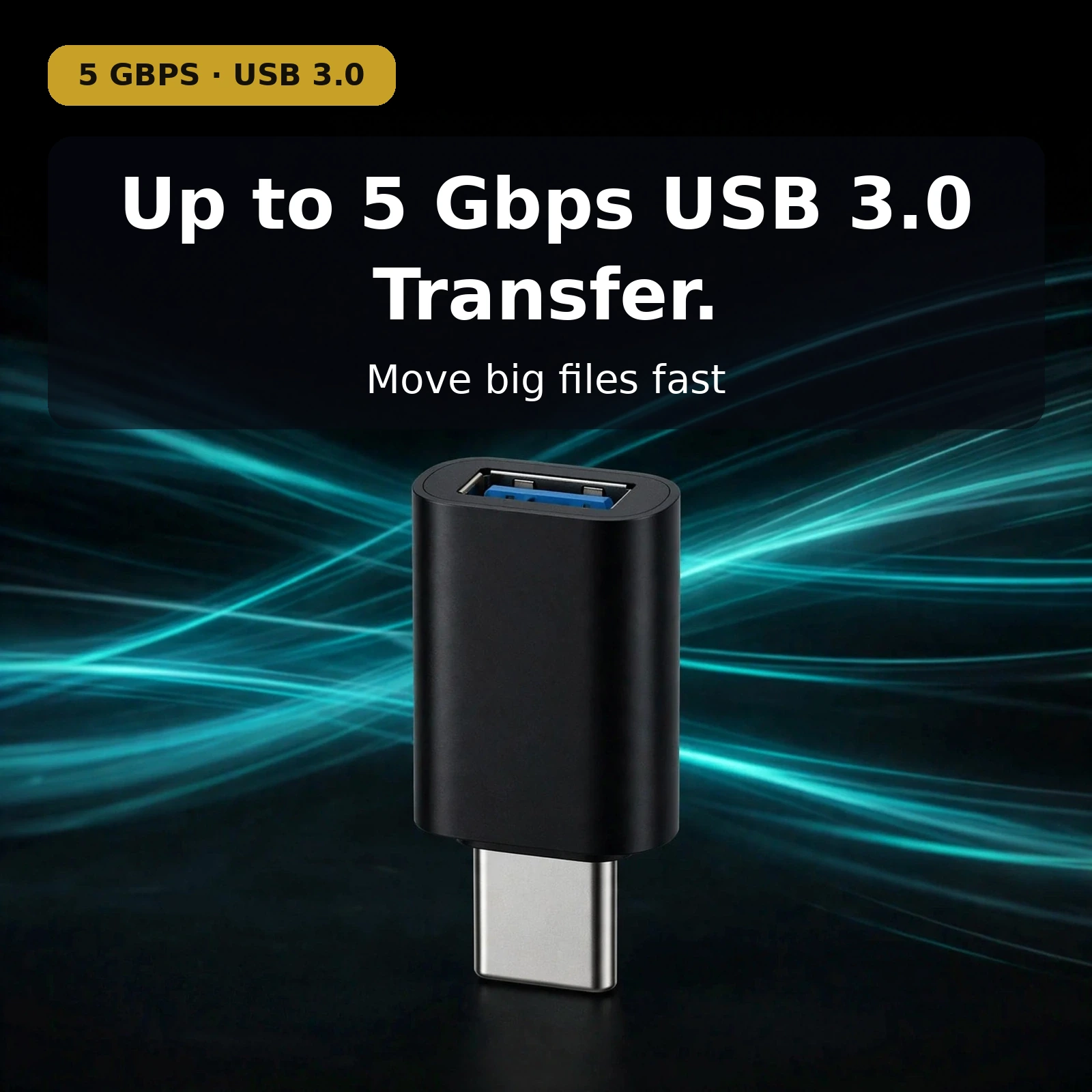
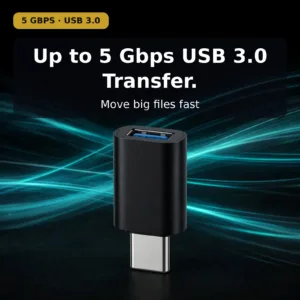
The listing states that the Valdus VA26 is built on the USB 3.0 standard, with data transfer rates up to 5 Gbps. According to the listing, that rate suits large files such as raw photos and video, although the memory card and the connected device also shape the real speed you see. The USB 3.0 standard is listed as backward compatible with USB 2.0 and 1.1, so older accessories still work and simply run at their own speeds. For photographers and anyone who moves big files, the rate matters because a slow link turns each import into waiting time. The figure to rely on is the one the listing gives: up to 5 Gbps.
5V-1.5A / 5V-2A output for peripherals
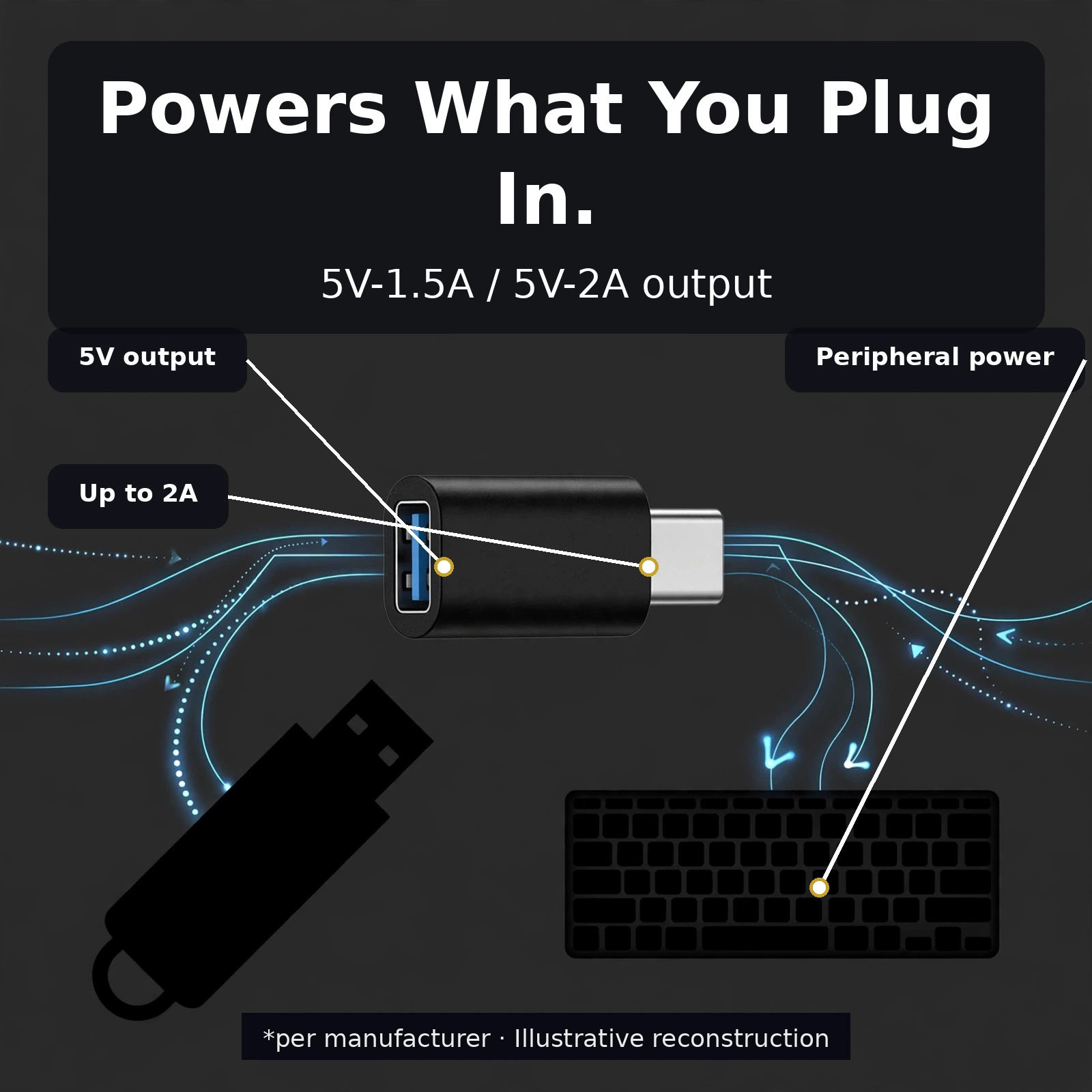
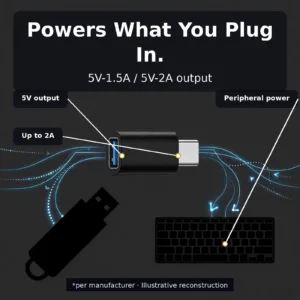
The listing gives the output to the connected peripheral as 5V-1.5A / 5V-2A. The maker says this supply is what lets a flash drive mount or a wired keyboard draw power while it types. The power flows outward, from the adapter to the accessory, and the listing states plainly that the Valdus VA26 is an OTG bridge rather than a phone charger. It does not charge the device it plugs into. Before you connect a peripheral, check what power it expects and compare that with the output listed here. If an accessory needs more than the listed output, it may not behave as you expect.
Plug and play with no drivers or software
Setup needs no drivers, no app and no settings, according to the listing. You push the USB-C plug into the device and push the accessory into the USB-A port, and the device recognises it. The listing says removal is the same as for any USB device, with nothing to quit and nothing to configure. That makes the Valdus VA26 a practical choice for a shared tablet or a work phone where you do not want to install software. The adapter works as a simple bridge, and the main question before buying is whether your device supports OTG, which the compatibility section covers.
Specifications
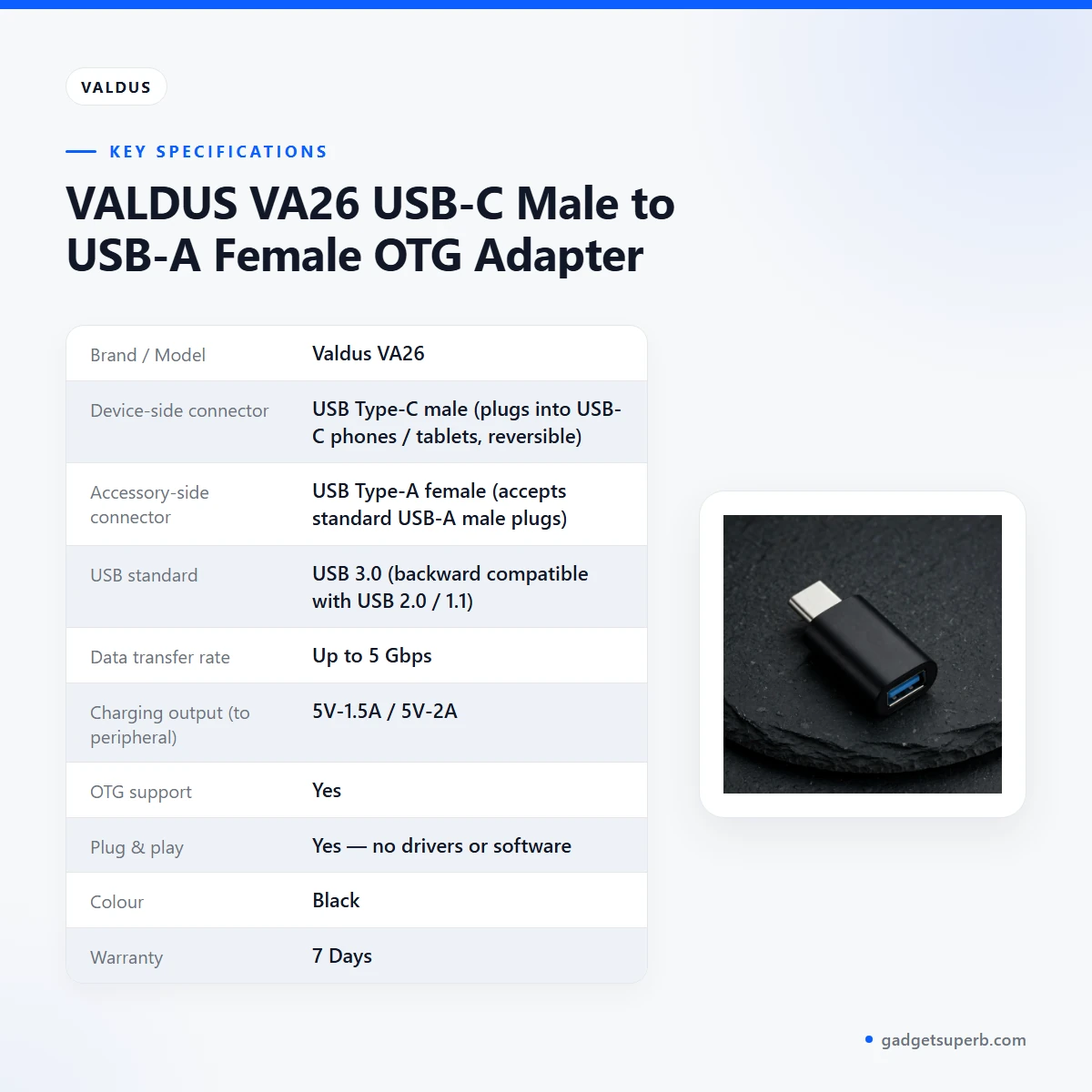
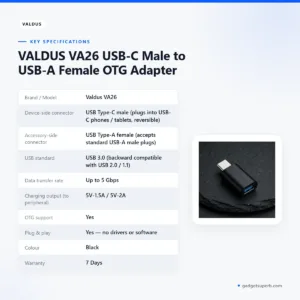
The table below lists the Valdus VA26 specifications as the product listing gives them. Use it to check the connector types, the USB standard and the output before you order.
| Brand / Model | Valdus VA26 |
|---|---|
| Device-side connector | USB Type-C male (plugs into USB-C phones / tablets, reversible) |
| Accessory-side connector | USB Type-A female (accepts standard USB-A male plugs) |
| USB standard | USB 3.0 (backward compatible with USB 2.0 / 1.1) |
| Data transfer rate | Up to 5 Gbps |
| Charging output (to peripheral) | 5V-1.5A / 5V-2A |
| OTG support | Yes |
| Plug & play | Yes — no drivers or software |
| Colour | Black |
| Warranty | 7 Days |
These are listed specifications from the product listing for the Valdus VA26.
How to use / set up
Using the Valdus VA26 takes seconds and involves no software. Follow the steps below and the maker’s instructions for your phone, tablet or accessory.
- Push the USB-C male plug into the USB-C port of your phone or tablet until it seats fully.
- Push the USB-A male plug of your accessory into the USB-A female port on the adapter. If it resists, flip it over, as the listing advises.
- Wait for the device to recognise the accessory. According to the listing, a flash drive appears in the file manager and a keyboard starts typing.
- When you finish, remove the accessory the way you would any USB device. There is no app to quit.
Before first use, charge your phone or tablet fully, especially if you plan a long session on the go. Keep the Valdus VA26 in a pouch or a cable organiser so the connectors stay clean and nothing rubs against them in a bag. The listing does not describe any other care requirements, so follow the maker’s instructions for your accessory.
If the adapter does not respond, first check that the USB-C end is fully seated and that the accessory works on another USB port. Then review the device support question in the compatibility section below.
Think about where you will use the adapter before you plug in. On a crowded Dhaka commute, a cable that hangs loose can catch on a bag strap. A short adapter sits close to the device, which the listing describes as a design with no cable to tangle. Check that your phone or tablet case does not block the USB-C port, because a blocked port stops the plug from seating fully.
Compatibility and what is in the box
The listing confirms several compatibility points for the Valdus VA26. The device side is a USB Type-C male plug, which the listing says plugs into USB-C phones and tablets. The accessory side is a USB Type-A female port that accepts standard USB-A male plugs. The USB standard is USB 3.0, which the listing describes as backward compatible with USB 2.0 and 1.1 accessories.
Old and new accessories both matter. The USB-A female port accepts standard USB-A male plugs, so a flash drive, keyboard or card reader with that plug is the right kind of accessory. According to the listing’s connector description, accessories with a different plug are not what this adapter is designed for.
Not confirmed by the listing: specific phone and tablet models, whether every USB-C device supports OTG host mode, and the exact contents of the package. We have not stated those details here because the source does not state them. Confirm your model before you order, and ask us if you need help matching the adapter to your device.
Who should buy it in Bangladesh
Photographers in Dhaka and other cities often shoot on location and want to import without a laptop. A card reader connected to the Valdus VA26 and then to a tablet lets you pull photos onto the screen on the spot. The listing’s USB 3.0 rate makes the import worth doing on the move, since big raw files benefit from a faster link.
Students and commuters who carry notes or slides on a flash drive can read those files on a phone without sending them to a cloud service. This is useful on a long journey through Dhaka traffic, where a file already on a stick is simpler than waiting on a slow download. The Valdus VA26 needs no app, so the device’s own file manager does the work.
Office workers and writers who prefer a full-size keyboard on a tablet will find the most value here. A wired USB keyboard types on the tablet with no batteries to charge and no Bluetooth pairing to drop, according to the listing. That makes a long document or a report easier to finish away from a desk.
Gamers who play on a phone or tablet can connect a USB game controller. The listing names game controllers among the accessories the adapter supports, so check your controller’s connector before you buy. The adapter is not a charger, so plan to power the phone separately.
Travellers and anyone in a humid climate should store the adapter in a pouch when it is not in use. The listing describes a rigid, one-piece body, which suits a bag or a wallet pocket. The listing does not describe any moisture rating, so keep the adapter dry and avoid leaving it in damp conditions.
A small business owner in Chittagong or Sylhet who needs a keyboard or card reader on a tablet can use the same adapter without a laptop. Delivery takes longer outside Dhaka, so order with enough lead time before a job.
The Valdus VA26 is not the right choice if you want a charger for your phone, or if you need an adapter in the other direction. For a USB-A charger reaching a USB-C device, look for a different adapter in our range.
Alternatives in our store
If you are comparing the Valdus VA26 with other items in our range, browse the links below. Each one is a separate product page in our store. See the Geeoo DC 201 Type C To Lightning 33w PD Charging Cable, which is a charging cable in our range. For another cable in our range, see DC Y Cable to use 2 Devices on WGP/ SKE mini UPS. For an audio adapter, see U-Shape Converter- 3.5mm Audio Splitter For Headphone and Microphone- White, another audio adapter in our range. For a data cable, see Geeoo DC27 Fast Charging 1M Long 30W (PD-L) Data Cable, another data cable in our range. You can browse the full selection in Cables & Adapters.
Choose the item that matches your device and accessory. If you are not sure whether a product fits your setup, contact us using the details in the delivery section below, and describe the phone or tablet and the accessory you want to connect.
Warranty and support
Warranty: 7 Days seller warranty.
Delivery, returns and ordering
When you order the Valdus VA26, we deliver all over Bangladesh and you pay cash on delivery. Delivery usually takes 1–3 days inside Dhaka city and 2–5 days outside Dhaka. You can return it within 7 days of delivery (see our Delivery & Returns policy). Questions before ordering: call 09638054751, message us on Facebook Messenger or email care@gadgetsuperb.com.
Ordering from Gadget Superb follows the same process for every item in our store. Choose the adapter, check the details on its page, and pay cash on delivery when the order arrives. Read the Delivery & Returns policy before you order if you want the full terms.
Frequently asked questions
What is the Valdus VA26?
The Valdus VA26 is a USB-C male to USB-A female OTG adapter. According to the listing, it lets a USB-C phone or tablet connect to USB Type-A accessories.
Does the Valdus VA26 need a driver or app?
No. The listing says the Valdus VA26 is plug and play, with no drivers or software needed.
Does the Valdus VA26 charge my phone?
No. The listing describes the Valdus VA26 as an OTG bridge, not a phone charger, and the power flows outward to the connected accessory.
Which devices work with the Valdus VA26?
The listing names USB Type-A devices such as flash drives, keyboards, mice and game controllers. Specific phone or tablet models are not listed, so confirm your device supports OTG before you order.
How fast is data transfer on the Valdus VA26?
The listing gives data transfer rates up to 5 Gbps on the USB 3.0 standard. Real-world speed also depends on the connected device and the memory card.
Is the Valdus VA26 backward compatible?
Yes. The listing says the USB 3.0 standard is backward compatible with USB 2.0 and 1.1 accessories.
What output does the Valdus VA26 provide?
The listing gives output to the connected peripheral as 5V-1.5A / 5V-2A. It is intended for accessories that draw power from a USB port.
What colour is the Valdus VA26?
The listing gives the colour as black.
What warranty does the Valdus VA26 have?
The listing gives a warranty of 7 Days for this product. Ask us about the warranty before ordering if you need more detail.
Can I return the Valdus VA26?
Yes, you can return it within 7 days of delivery, as set out in our Delivery & Returns policy.
Related products
-20%
100 in stock
USAMS SJ784 U97 60W Type-C to Type-C Lanyard Fast Charging Data Cable (30cm)
Original price was: ৳ 630.৳ 500Current price is: ৳ 500.-21%
334 in stock
GearUP CC6015 Type-C to C 60W PD Fast Charging & Data Cable – 1.5m
Original price was: ৳ 280.৳ 220Current price is: ৳ 220.-20%
50 in stock
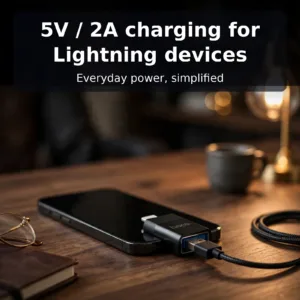
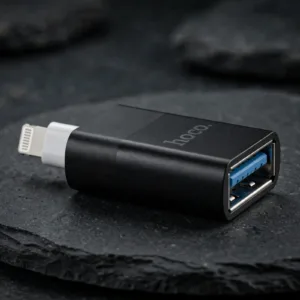
Hoco UA17 Adapter Lightning Male to USB Female
Original price was: ৳ 600.৳ 480Current price is: ৳ 480.-20%
49 in stock
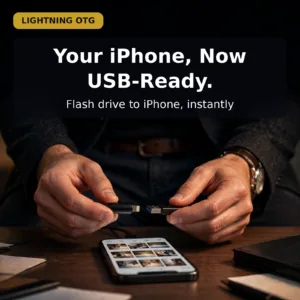
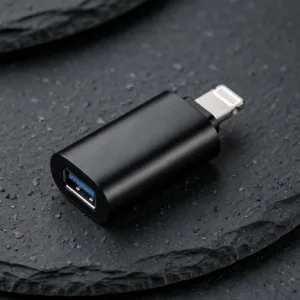
Valdus VA27 Lightning to Type A OTG Converter
Original price was: ৳ 440.৳ 350Current price is: ৳ 350.-28%
154 in stock
U-Shape Converter- 3.5mm Audio Splitter For Headphone and Microphone- Black
Original price was: ৳ 70.৳ 50Current price is: ৳ 50.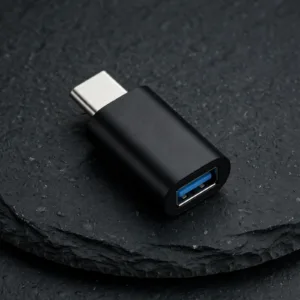 VALDUS VA26 USB-C Male to USB-...
Original price was: ৳ 230.৳ 180Current price is: ৳ 180.
48 in stock
Reviews
There are no reviews yet.