No products in the cart.

-26%


The Anker A83D2 is a 7-in-1 USB-C multi-port adapter for laptops, tablets and other USB-C devices. It suits Bangladeshi buyers who want extra USB-A and USB-C ports, an HDMI output, memory card slots and laptop charging through one hub. This guide covers the listed specifications, setup, compatibility and ordering details from our store.
- Anker A83D2 overview
- Key features
- Specifications
- How to use / set up
- Compatibility and what is in the box
- Who should buy it in Bangladesh
- Alternatives in our store
- Warranty and support
- Delivery, returns and ordering
- Frequently asked questions
Anker A83D2 overview
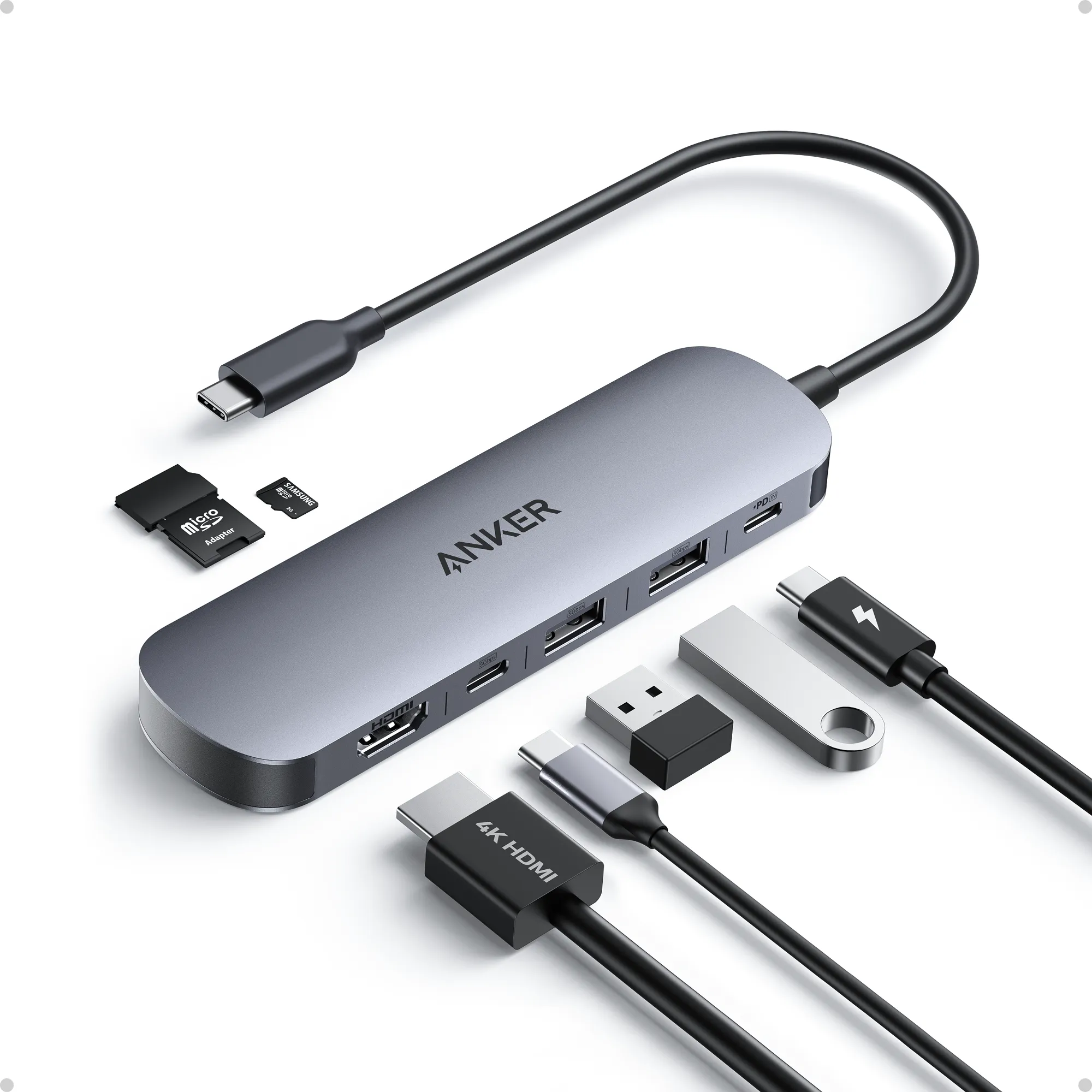
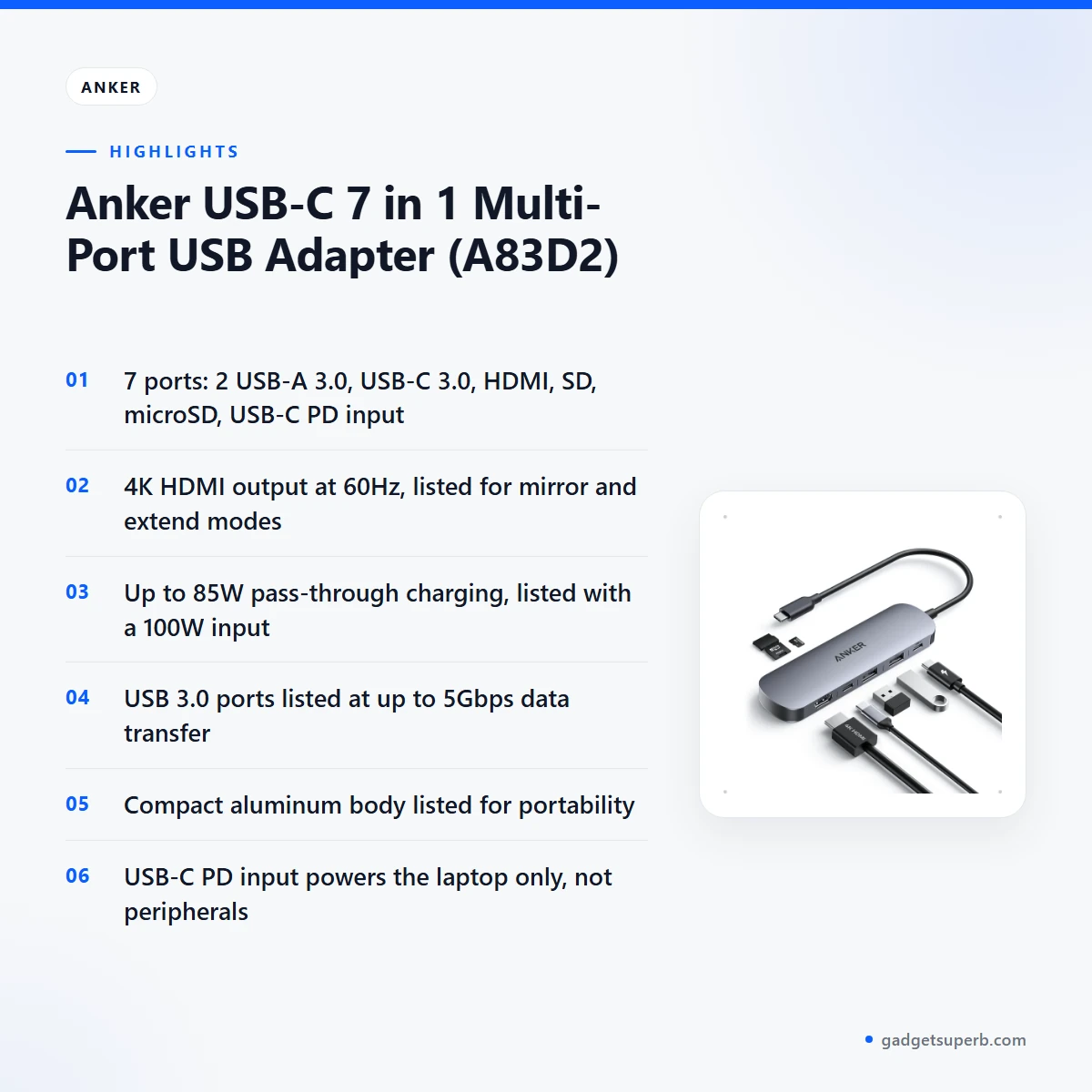
The Anker A83D2 is listed as a multi-port USB adapter that turns one USB-C socket into a set of common connections. The maker lists it as the USB-C 7 in 1 Multi-Port USB Adapter, and our store files it under Hubs & Adapters. The listed ports are two USB-A 3.0, one USB-C 3.0, one HDMI, one SD slot, one microSD slot and one USB-C PD input.
In practice, the Anker A83D2 is most useful when a laptop has too few ports for the things you plug in every day. You can connect a display, a memory card, a flash drive or a phone cable while the laptop stays connected to power through the hub. For many households in Dhaka and other cities that use one laptop for study, office work and video calls, that means fewer cables across the desk and less swapping of devices.
Our description follows the specifications the maker lists for the Anker A83D2, and we attribute each claim to the listing. For the brand’s own product information, visit the maker’s website. Read it alongside this page before you decide, especially if you need detail that the listing does not give.
Key features
Seven ports in one hub
The Anker A83D2 is listed with seven connections: two USB-A 3.0 ports, one USB-C 3.0 port, one HDMI port, one SD slot, one microSD slot and one USB-C PD input. That mix covers common daily tasks in a Dhaka home or office, such as connecting a display, copying files from a memory card and keeping a laptop charged. The listing gives the port count and types but not the physical layout, so check the product photos before you order if the position of each port matters for your desk.
4K HDMI output at 60Hz
According to the listing, the Anker A83D2 provides 4K HDMI output at 60Hz, which the maker describes as suitable for presentations, streaming or extended displays. The specifications add that the output works in mirror and extend modes, so you can copy your screen or extend it. When you connect the Anker A83D2 to a television or projector in a classroom or meeting room, the HDMI port gives you a single-cable link. Whether a particular screen shows the full 4K picture depends on that screen and its cable, so check your display’s input first.
85W pass-through charging
The listing gives up to 85W pass-through charging for the Anker A83D2, which means a laptop can charge while several devices stay connected to the hub. The hub is listed with a 100W input and 15W reserved for hub stability. The listing also notes that the USB-C PD input powers the laptop only, not peripherals, so do not expect a phone or a flash drive to draw power through that port. Keep the laptop’s own charger handy, and plug the hub into a socket you can reach easily.
Up to 5Gbps data transfer
For a student who moves large lecture recordings or project files from a flash drive, data speed matters. According to the listing, the USB 3.0 ports deliver up to 5Gbps for fast file sharing. Real-world speed depends on the drive, the cable and the device at the other end, and the listing does not give a measured figure for any of them. The Anker A83D2 lets you use these ports alongside a display and a charger, which helps when a laptop’s own ports are already in use.
Aluminum body and broad compatibility
The listing describes a lightweight aluminum body for durability and travel convenience, and the specifications name a premium aluminum alloy as the material. For a commuter who carries a laptop between home and work, the Anker A83D2 is simple to add to a bag. The maker says it works with laptops, tablets and USB-C devices, and lists MacBook, Windows and Android as examples. That may suit people who use more than one device across the day.
SD and microSD card slots
The Anker A83D2 has one SD slot and one microSD slot, according to the listing. These slots let you read cards from cameras and other devices that use these formats without a separate card reader on the desk. For photographers and students who download media after a shoot or a lecture, the slots keep the workflow in one place. Check that your card matches the slot type before you insert it.
Specifications
The table below lists the Anker A83D2 specifications as the product listing gives them. The listing uses two names for the same model code, the USB-C 7 in 1 Multi-Port USB Adapter and the NanoHub 7 in 1 4K HDMI, so use the model number when you compare listings with the Anker A83D2 page here.
| Brand | Anker |
|---|---|
| Product Name | Anker USB-C NanoHub 7 in 1 4K HDMI (A83D2) |
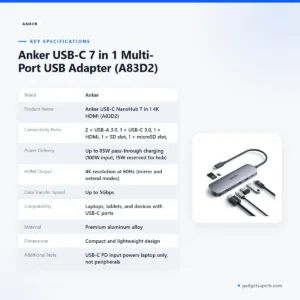
| Connectivity Ports | 2 × USB-A 3.0, 1 × USB-C 3.0, 1 × HDMI, 1 × SD slot, 1 × microSD slot, 1 × USB-C PD input |
| Power Delivery | Up to 85W pass-through charging (100W input, 15W reserved for hub) |
| HDMI Output | 4K resolution at 60Hz (mirror and extend modes) |
| Data Transfer Speed | Up to 5Gbps |
| Compatibility | Laptops, tablets, and devices with USB-C ports |
| Material | Premium aluminum alloy |
| Dimensions | Compact and lightweight design |
| Additional Note | USB-C PD input powers laptop only, not peripherals |
| Warranty | 7 Days |
These are listed specifications from the product listing.
How to use / set up
Before you first use the Anker A83D2, charge your laptop fully and follow the maker’s instructions. Keep the hub on a stable surface while you connect cables, so that you do not pull on any port. Gentle, straight insertion protects both the hub and your laptop’s port.
For power, connect the charger and the laptop in the way the maker’s instructions describe. The listing says the USB-C PD input powers the laptop only, so charge phones and drives through their own cables and sockets. Do not plan on the Anker A83D2 to charge a peripheral through that port.
For a display, connect an HDMI cable from the Anker A83D2 to your monitor or projector, then choose mirror or extend mode on your laptop. The listing confirms both modes, but the exact steps depend on your operating system, so this page does not describe them.
For memory cards, insert an SD card or a microSD card into the Anker A83D2 slot the way the maker’s instructions show. Eject the card from your computer before you unplug the hub, so that no file is left open on the card. This is a sensible habit with any card reader.
For daily care, keep the Anker A83D2 in a pouch when you travel, and avoid leaving it in direct sunlight on a hot desk. The aluminum body is listed for durability, but a hub is still an electronics product, so handle the ports gently and never force a cable in.
For storage, coil cables loosely rather than tightly, and keep the ports clear of dust with a dry cloth. Humidity can be high in many parts of Bangladesh during the monsoon, so store the hub in a closed drawer or box rather than on an open shelf, and keep it away from water.
During load-shedding, save your work before the supply drops, and reconnect the charger once power returns. Plugging the charger into a steady socket is a simple habit that protects the laptop’s battery and the connected drives.
If a device does not appear after you connect it, unplug the hub, check the cable, and try a different USB-C port on your laptop before you reconnect. If the problem continues, contact us using the details in the delivery section below. Before you travel, test the Anker A83D2 at your desk with cables you already own, so you know the set-up works.
Compatibility and what is in the box
The listing states that the Anker A83D2 works with laptops, tablets and devices with USB-C ports, and it names MacBook, Windows and Android as examples. Those examples form the basis of the compatibility statements on this page.
What is in the box is not stated in the listing, so ask us before you order if you need to know the contents. We will not guess at accessories on this page, and we will not list items that the product listing does not show.
Before you connect the Anker A83D2 to a phone, tablet, console or monitor, check that the device has a USB-C port and that the display supports HDMI at the resolution you need. Compatibility with a particular model is not confirmed by the listing, so use the device’s own specifications as the final check.
Check the USB-C port itself as well. The USB-C PD input powers the laptop only, so a phone or drive connected to the hub may not charge through it. Plan your cable layout around that note.
Who should buy it in Bangladesh
The Anker A83D2 suits a few clear groups of buyers in Bangladesh. Think about your daily tasks before you order, and match them to the listed ports.
Office workers in Dhaka who share one desk with a monitor, a flash drive and a laptop charger will find the Anker A83D2 useful for keeping cables tidy. The HDMI output and the USB-A ports cover the usual daily set-up without a second hub.
Teachers, trainers and freelance presenters who connect to projectors at schools, colleges or client offices can use the HDMI output for slides. The listed mirror and extend modes give flexibility when the room screen differs from the laptop screen.
Photographers, students and content makers who move files from SD and microSD cards will benefit from the card slots. The listed USB 3.0 ports at up to 5Gbps help when files are large. Compare that figure with your own drive’s specifications before you buy.
Remote workers and students who work from several rooms, including at home during load-shedding, may value the pass-through charging on the Anker A83D2. Keep a stable supply in mind, since no hub replaces a steady mains connection and a laptop charger.
Commuters who carry one laptop between home, a university and an office in Dhaka may like the aluminum body listed for travel convenience. Pack the hub in a pouch so that its ports are less exposed in a crowded bag.
Small business owners who use one laptop for invoices, a second screen and a flash drive for backups can treat the Anker A83D2 as a single connection point on the desk. Each listed port type covers one of those jobs.
Who should look elsewhere: the listing does not show an Ethernet port on the Anker A83D2, so if you need a wired network connection, check other hubs or docking stations in our range. Buyers who need several USB-C ports that power peripherals should also read the power note carefully.
Alternatives in our store
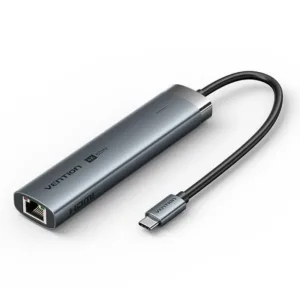
If the Anker A83D2 is not the right fit, compare these hubs and adapters in our store. Each one sits in our Hubs & Adapters range, so open its product page for its own details before you decide. The Vention 6-in-1 USB-C Docking Station-TGNHB is another docking station in our range. For another USB-C hub, see the WiWU Alpha A11 in 1 USB Type C HUB – Gray, which is another USB-C hub in our range. You can also look at the Ugreen CM511 6-in-1 USB-C Multifunction Hub, another USB-C hub in our range, or the CUDY UH407 7-In-1 HDMI SD/TF 4K USB-C Hub, another USB-C hub in our range. To browse the full set, visit our Hubs & Adapters category.
Warranty and support
Warranty: 7 Days seller warranty.
Delivery, returns and ordering
When you order the Anker A83D2, we deliver all over Bangladesh and you pay cash on delivery. Delivery usually takes 1–3 days inside Dhaka city and 2–5 days outside Dhaka. You can return it within 7 days of delivery (see our Delivery & Returns policy).
Questions before ordering: call 09638054751, message us on Facebook Messenger or email care@gadgetsuperb.com. If you want help choosing between the Anker A83D2 and another hub, message us before you pay on delivery. Please read the full policy at the link above before you place your order, and keep a phone number ready so the courier can reach you.
Frequently asked questions
What is the Anker A83D2?
The Anker A83D2 is a 7-in-1 USB-C multi-port adapter. The listing gives two USB-A 3.0 ports, one USB-C 3.0 port, one HDMI port, an SD slot, a microSD slot and one USB-C PD input.
Does the Anker A83D2 support 4K HDMI output?
Yes, the listing gives 4K HDMI output at 60Hz with mirror and extend modes. Whether your own screen shows the full picture depends on the screen and its cable.
Can the Anker A83D2 charge my laptop?
The listing gives up to 85W pass-through charging, so the laptop can charge while other devices stay connected. The USB-C PD input powers the laptop only, not peripherals.
How fast is data transfer on the Anker A83D2?
The listing says the USB 3.0 ports deliver up to 5Gbps for fast file sharing. Your real speed depends on the drive, the cable and the other device.
Is the Anker A83D2 compatible with MacBook and Android devices?
The listing says the hub works with laptops, tablets and USB-C devices, and it names MacBook, Windows and Android as examples. Check your own device’s USB-C support before you order.
Does the Anker A83D2 come with a cable?
The listing does not state what is in the box, so please ask us before you order if you need to know.
Is the Anker A83D2 also called the NanoHub?
Yes, the listing uses two names for model A83D2, the USB-C 7 in 1 Multi-Port USB Adapter and the NanoHub 7 in 1 4K HDMI. Use the model code when you compare listings.
Is there a review of the Anker A83D2 on this page?
This page uses the product listing and our store policy only, so it is a buying guide rather than a hands-on review. The listed specifications appear in the table above.
What should I check if my Anker A83D2 does not work?
Start by checking that the device you connect has a USB-C port and that the cable and display match the ports you use. If the problem continues, contact us on 09638054751 or care@gadgetsuperb.com.
Can the Anker A83D2 connect to a projector for presentations?
The listing gives 4K HDMI output at 60Hz, which the maker describes as suitable for presentations. Confirm that the projector has an HDMI input before you rely on it for a meeting.
How long is the warranty on the Anker A83D2?
Warranty: 7 Days seller warranty.
Can I pay cash on delivery for the Anker A83D2?
Yes, we deliver all over Bangladesh and you pay cash on delivery. You can return it within 7 days of delivery under our Delivery & Returns policy.
How long does delivery take for the Anker A83D2?
Delivery usually takes 1–3 days inside Dhaka city and 2–5 days outside Dhaka. Call 09638054751 if you need a date before you order.
Related products
-20%
50 in stock
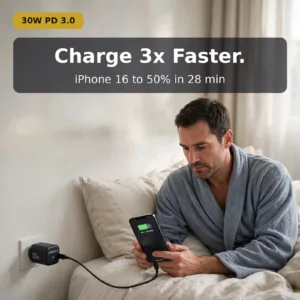
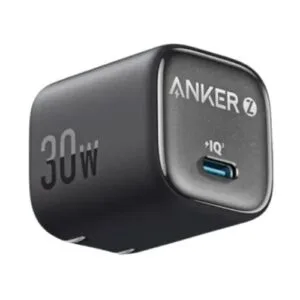
Anker Zolo 30W IQ & PD Type-C Charger Adapter Black
Original price was: ৳ 1,150.৳ 920Current price is: ৳ 920.
-23%
100 in stock
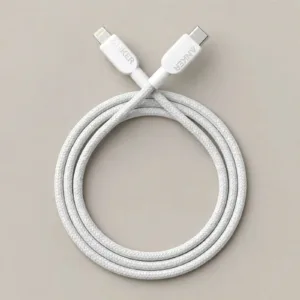
Anker Braided USB-C to Lightning 0.9m Cable
Original price was: ৳ 1,850.৳ 1,420Current price is: ৳ 1,420.-28%
50 in stock
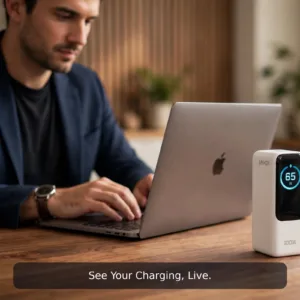
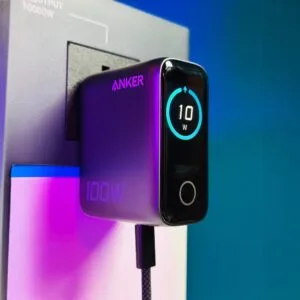
Anker 100W Smart Display Fast Charger Lite (B121B) – Chinese Version
Original price was: ৳ 5,820.৳ 4,180Current price is: ৳ 4,180.-27%
30 in stock
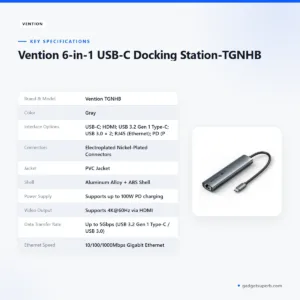
Vention 6-in-1 USB-C Docking Station-TGNHB
Original price was: ৳ 4,180.৳ 3,050Current price is: ৳ 3,050. Anker USB-C 7 in 1 Multi-Port ...
 Original price was: ৳ 3,830.৳ 2,830Current price is: ৳ 2,830.
96 in stock
Reviews
There are no reviews yet.