
No products in the cart.
Anker 100W Smart Display Fast Charger Lite (B121B) – Chinese Version
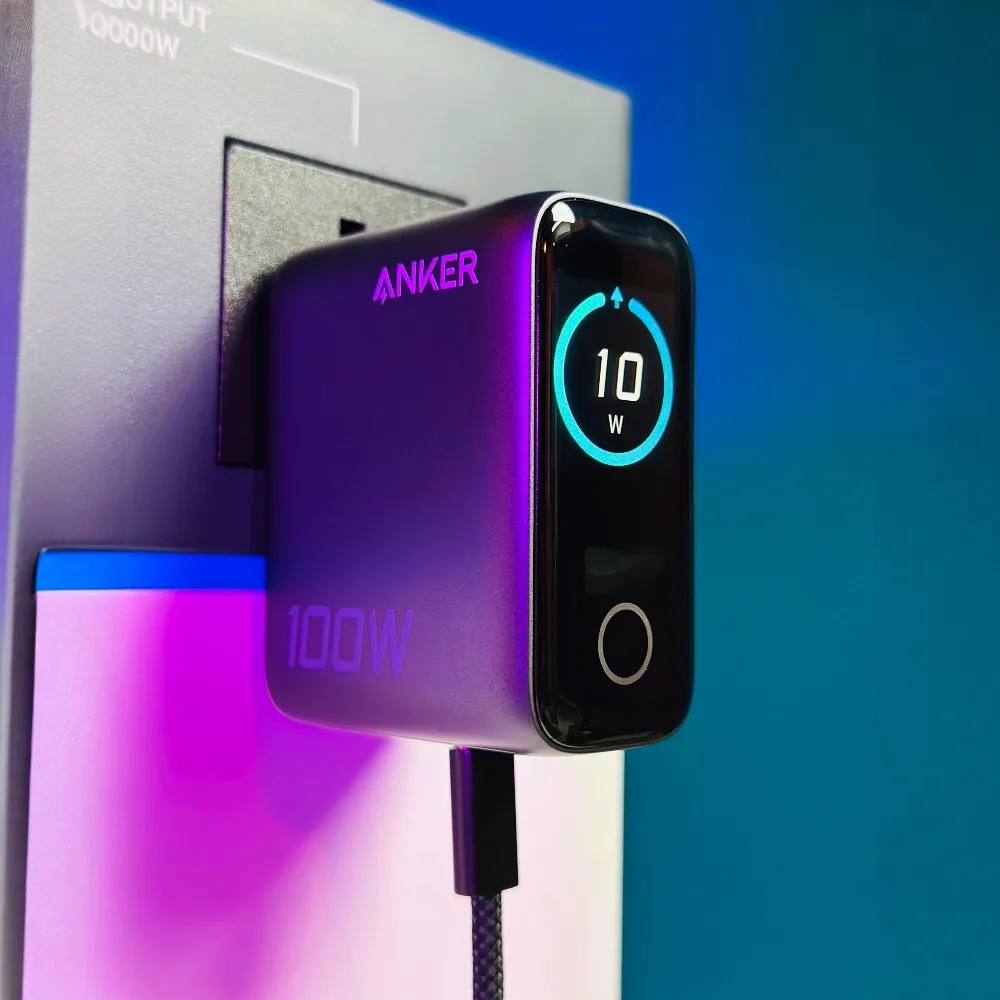
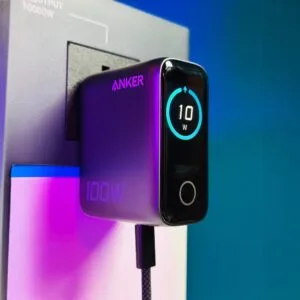
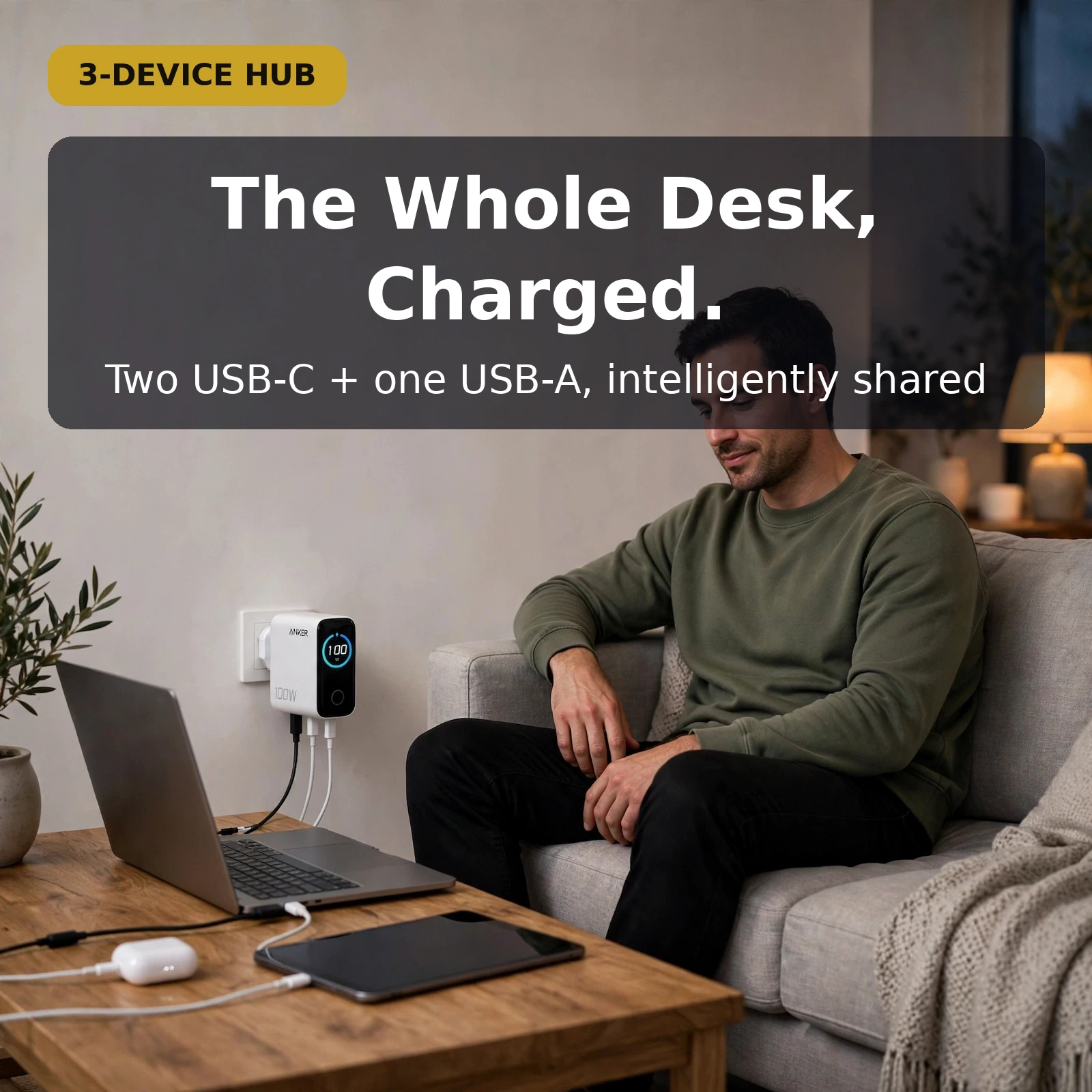
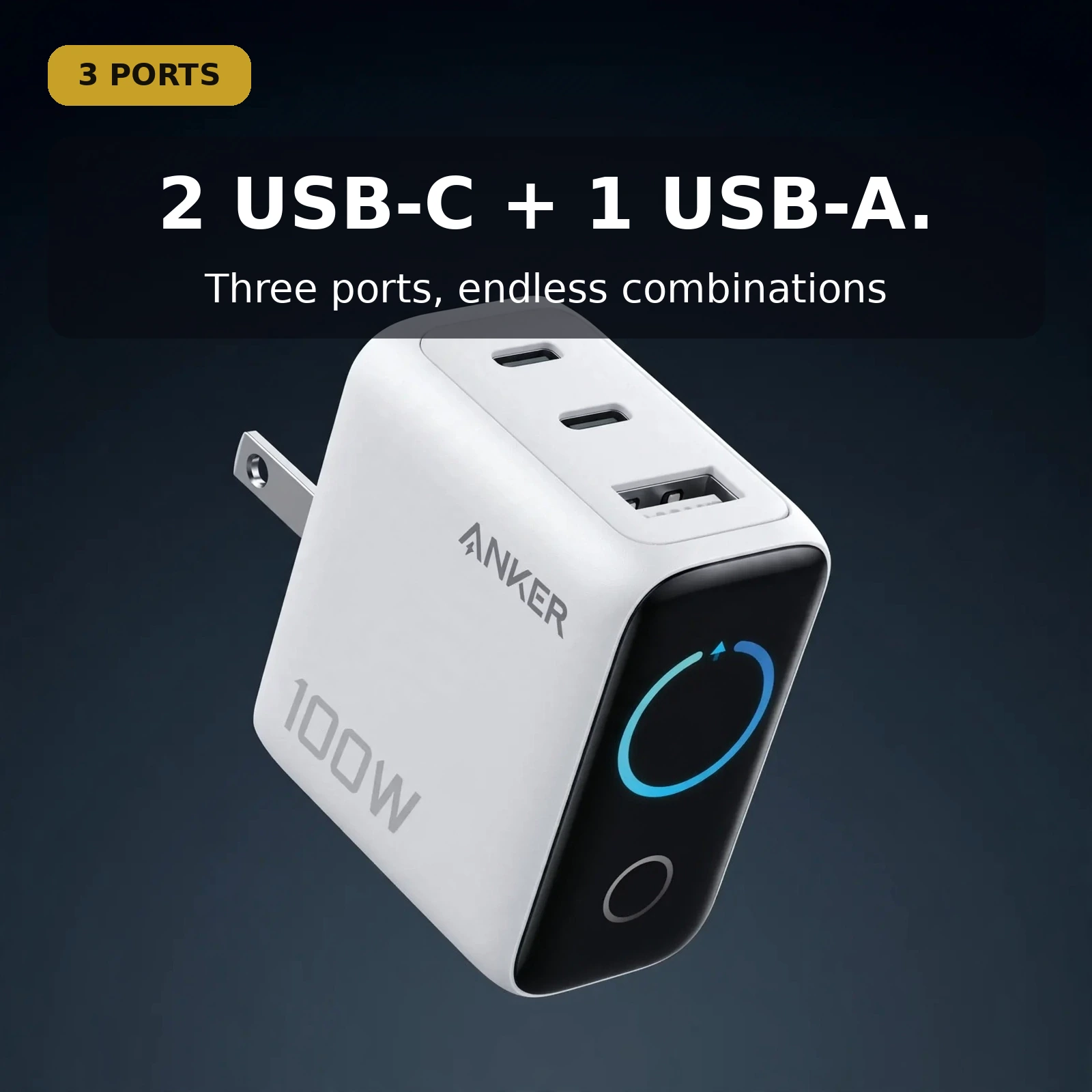
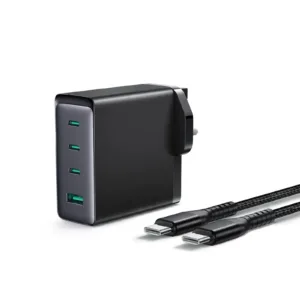
If you are checking the Anker 100W Smart Display Fast Charger Lite price in Bangladesh, here is what sets it apart: a smart LCD screen that shows exactly how your devices are charging — real-time charging status, total power output, and even the Anker B121B’s temperature. The Anker B121B packs 100W of GaN power into a compact three-port charger: two USB-C ports and one USB-A port let you fast-charge a laptop, phone, and tablet at the same time, with dynamic power distribution allocating wattage intelligently between them.
This page covers the Anker B121B in full: the 100W GaN power system, the smart LCD display, three-port dynamic power distribution, protocol support, specifications, and the store’s warranty and delivery terms. Every figure below comes from the product page and Anker’s specifications — nothing is invented.
Anker B121B 100W GaN Power System
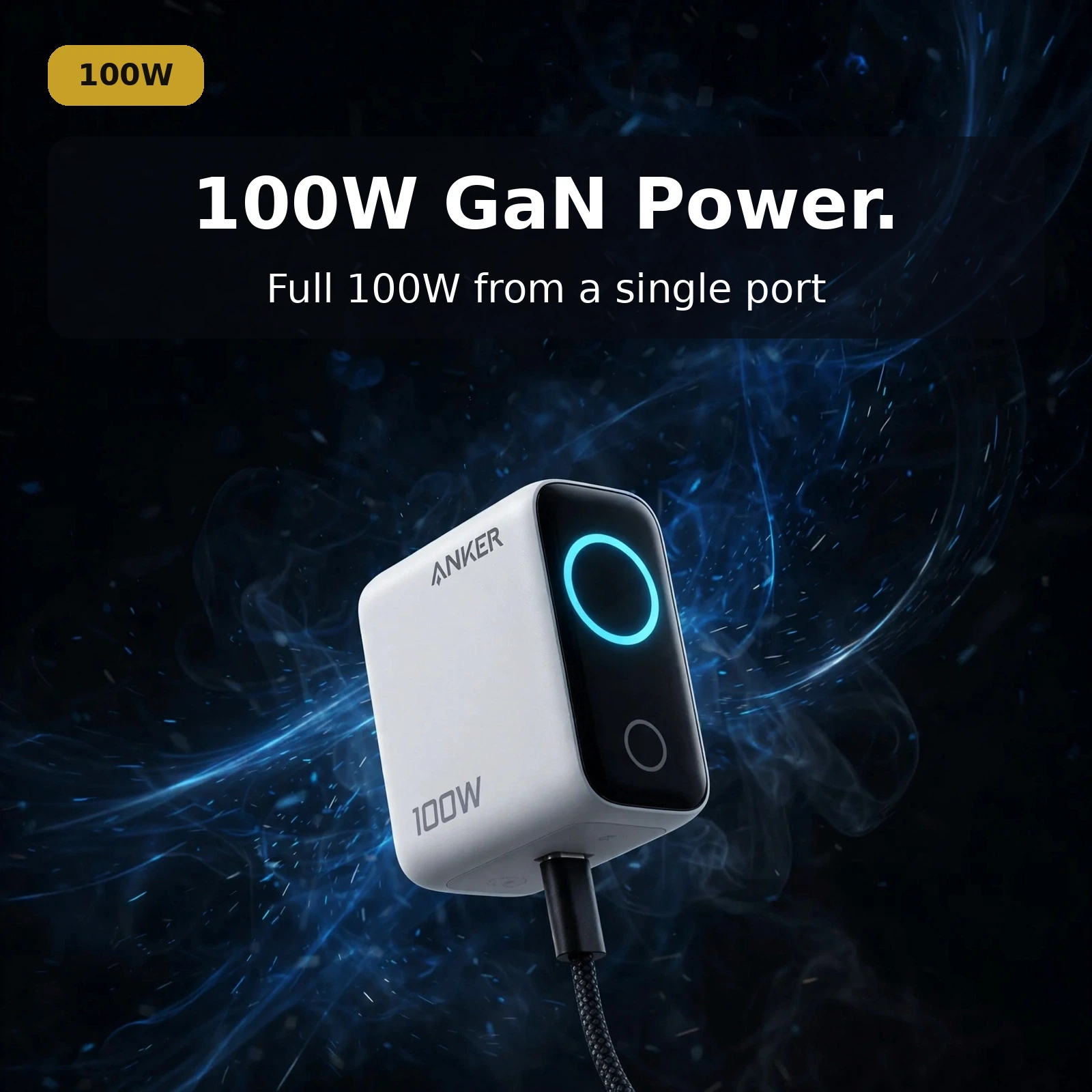
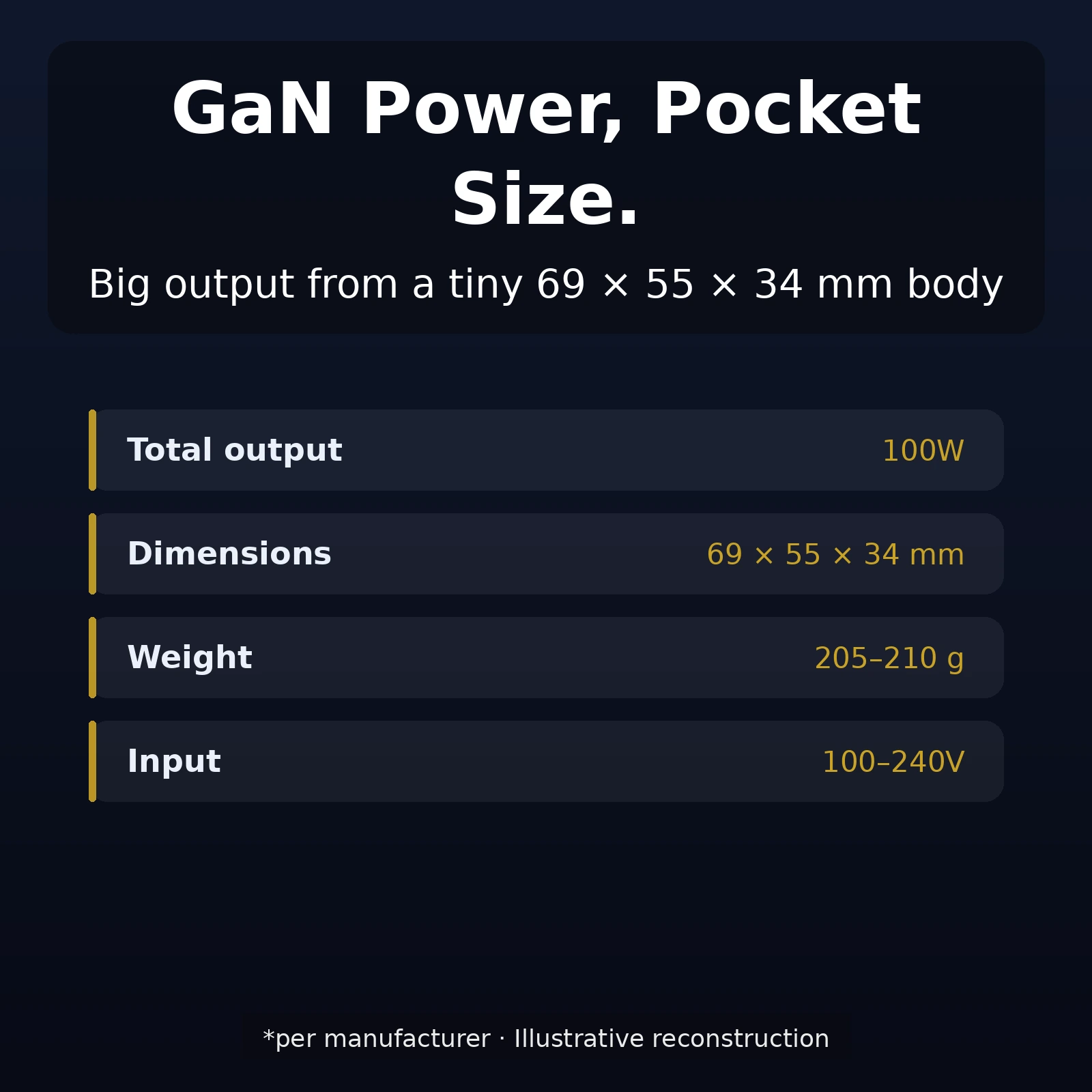
The Anker B121B delivers 100W total output across three ports — enough to fast-charge a laptop plus two more devices simultaneously. Each USB-C port can deliver 100W when used alone; the USB-A port tops out at 33W. This is genuine laptop-charging power, not just phone-charging power with a big number on the box.
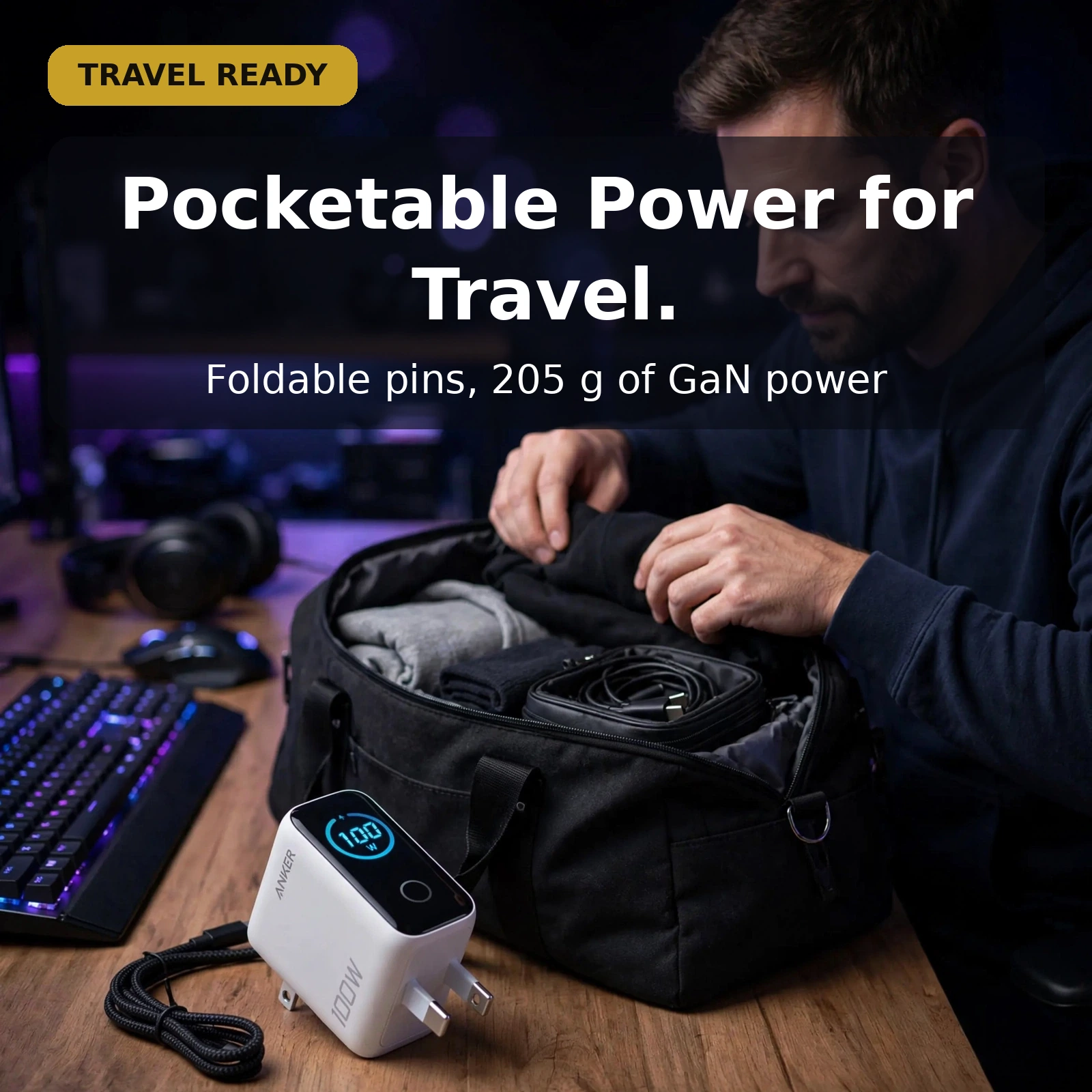
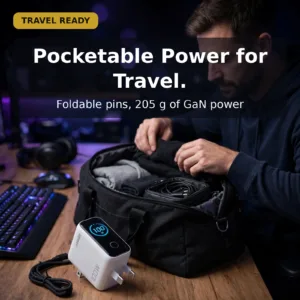
The secret is GaN (Gallium Nitride) technology, which is significantly smaller and more efficient than the silicon used in traditional chargers. GaN switches faster and wastes less energy as heat, which is how Anker fits 100W into a charger measuring just 69 × 55 × 34 mm and weighing 205–210g. Foldable pins keep the Anker B121B travel-friendly and protect the prongs in a bag.
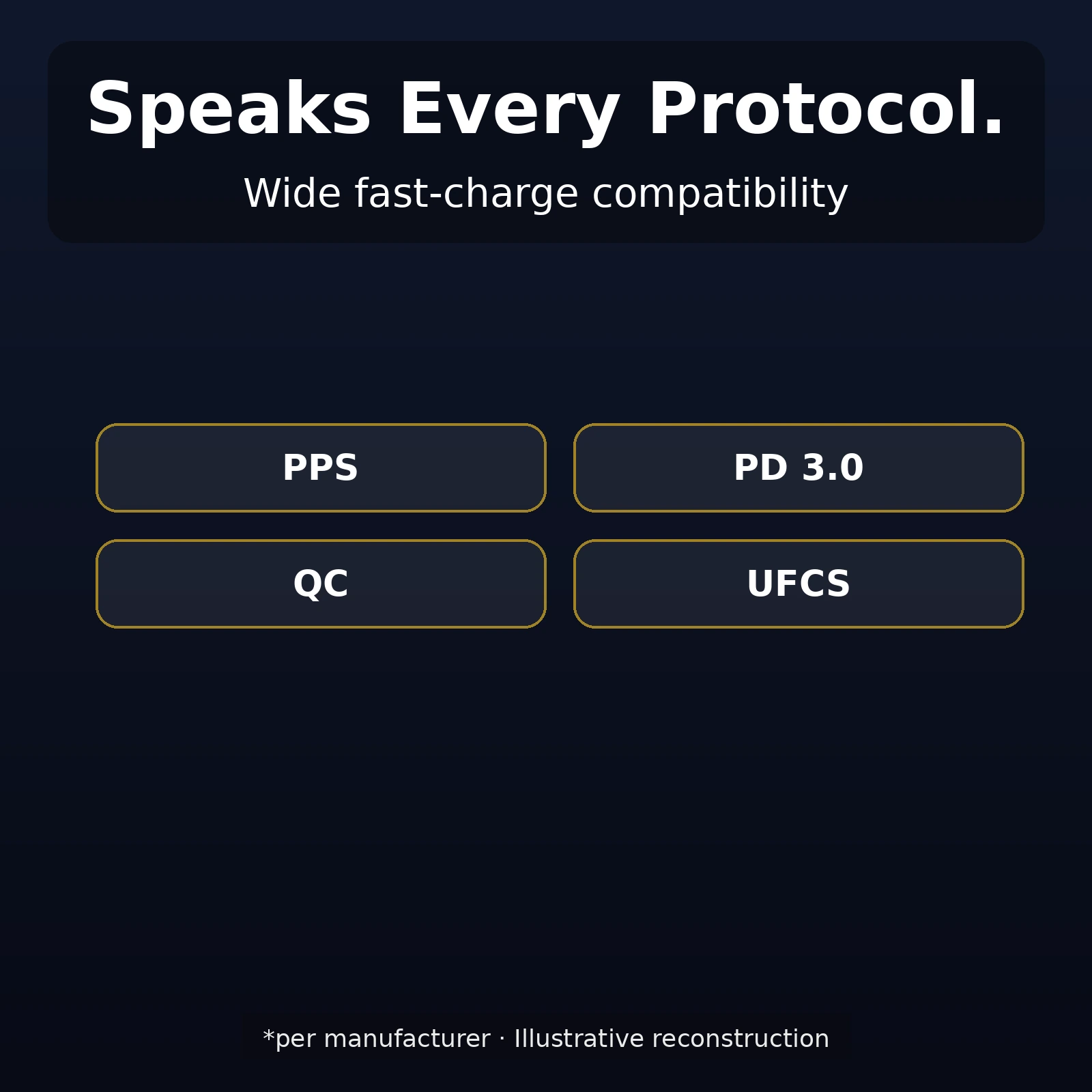
Wide protocol support — PPS, PD 3.0, QC, and UFCS — means the Anker B121B negotiates fast charging with virtually any modern device, from iPhones and Samsung phones to USB-C laptops and tablets.
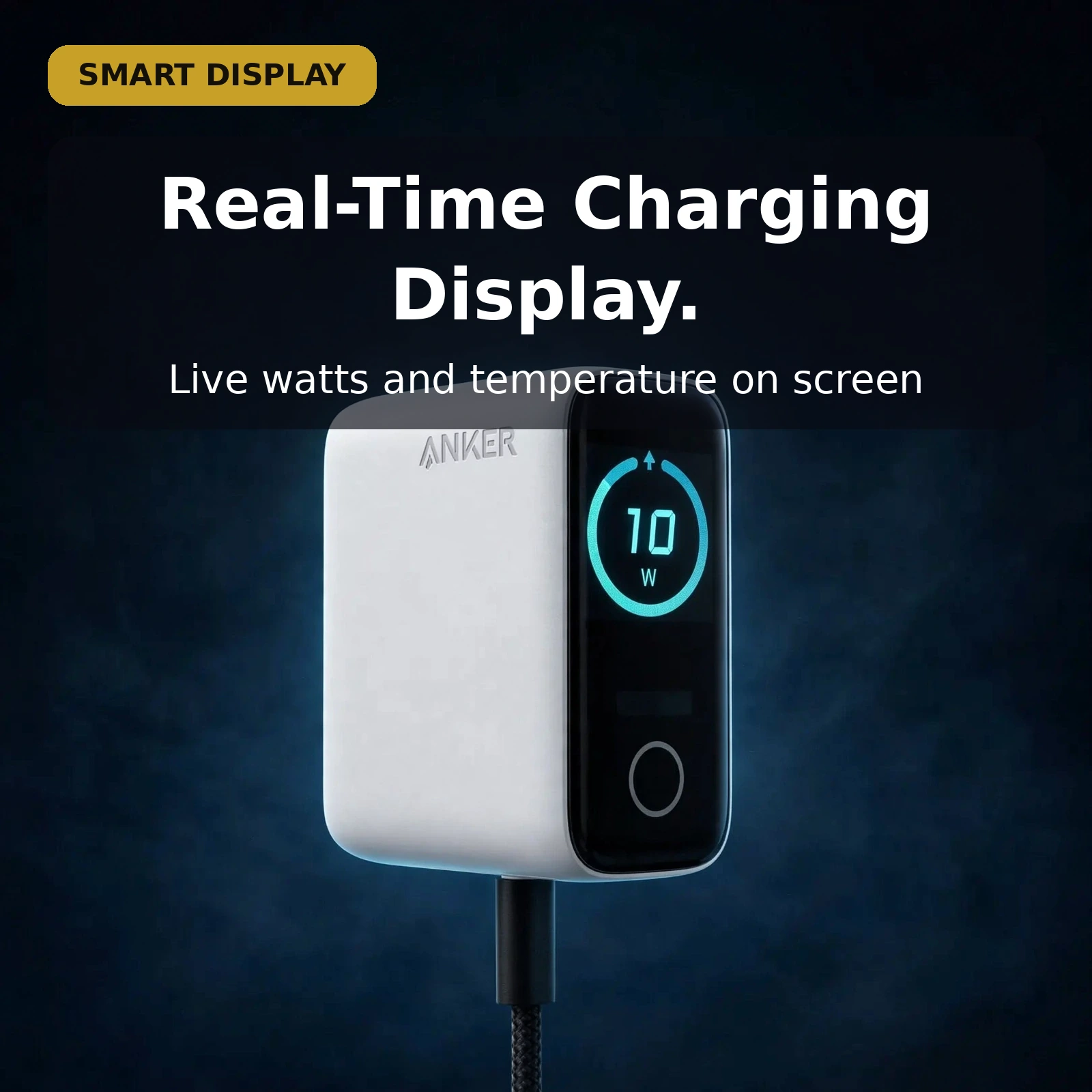
Anker B121B Smart LCD Display
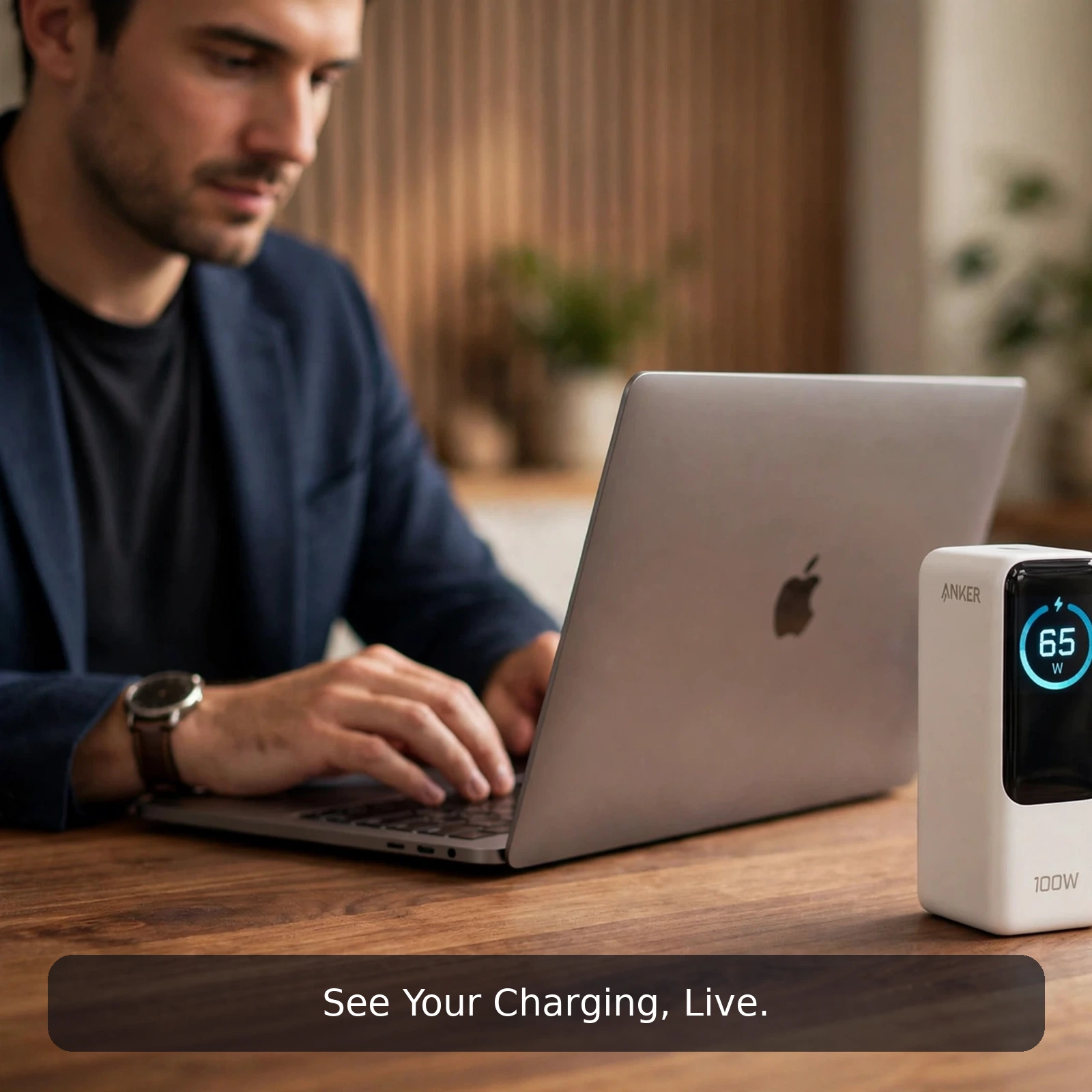
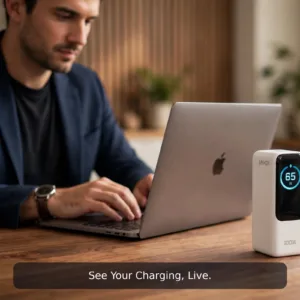
The standout feature is the smart LCD display that shows real-time charging status. Most chargers are black boxes — you plug in and hope. The Anker B121B tells you exactly what is happening: which ports are active, how much total power is being delivered, and the charger’s internal temperature.
The temperature readout is more than a gimmick. GaN chargers run cooler than silicon, but 100W in a compact body still generates heat — seeing the temperature lets you confirm the Anker B121B is operating normally, especially in warm Dhaka summers. The total power output display helps you verify that your laptop is actually getting the wattage it needs, not just trickle-charging.
Anker B121B Dynamic Power Distribution
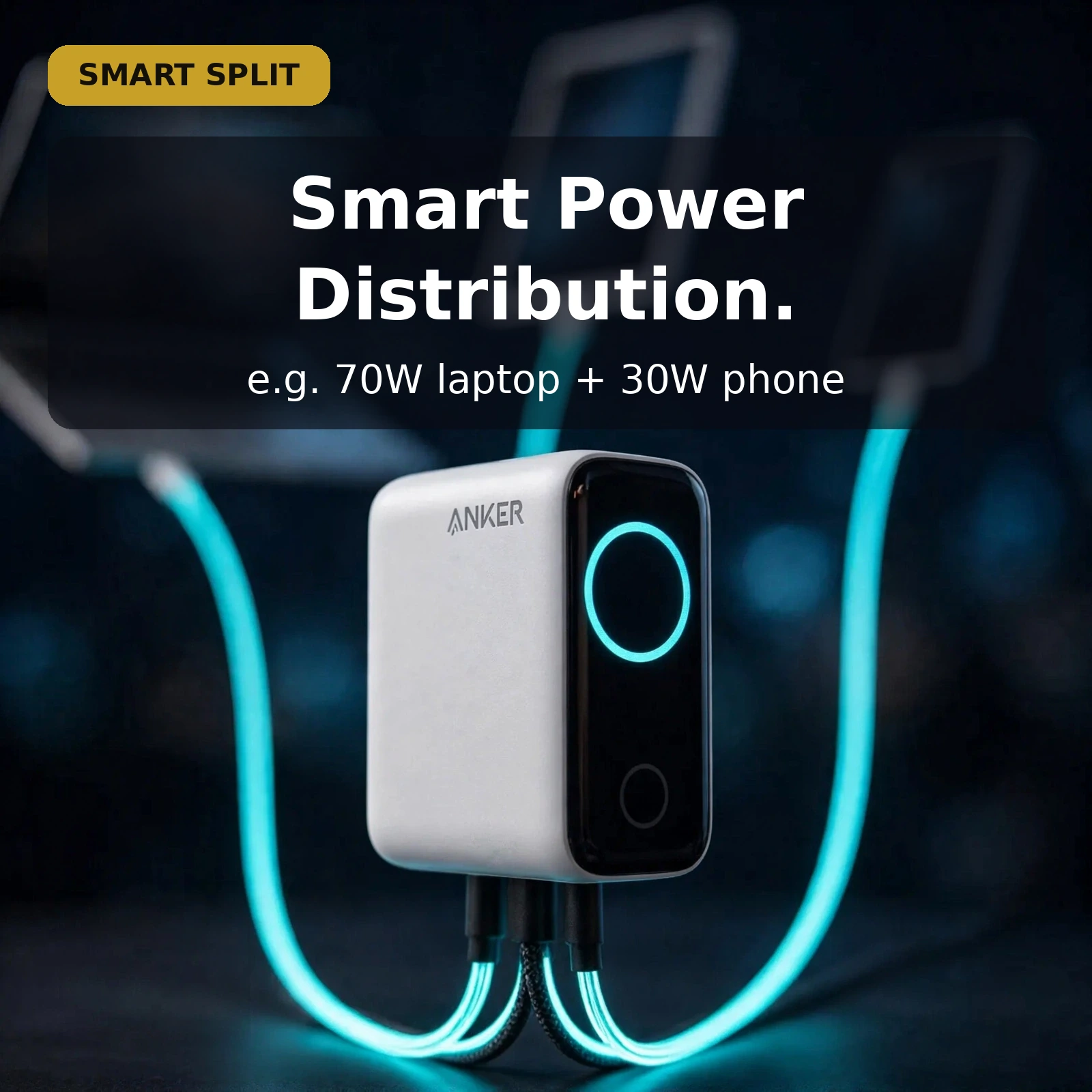
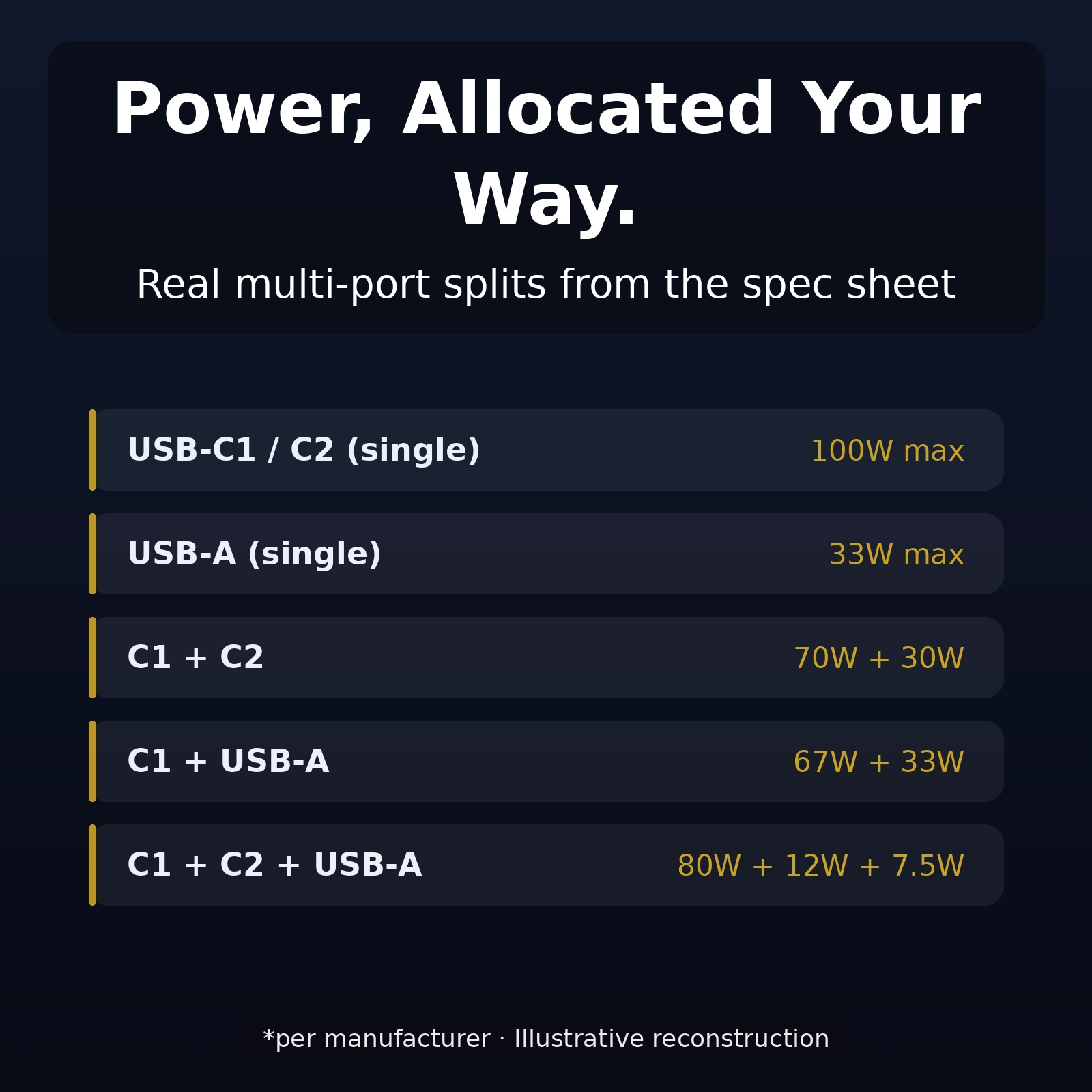
With three ports sharing 100W, dynamic power distribution decides how the wattage is split. The B121B allocates intelligently based on what is plugged in:
- USB-C1 + USB-C2: 70W + 30W, or 95W + 5W
- USB-C + USB-A: 67W + 33W, or 95W + 5W
- All three ports: 80W + 12W + 7.5W
In practice: plug in a laptop and a phone, and the Anker B121B gives the laptop 70W (enough for most ultrabooks to charge at full speed) while the phone gets 30W (fast charging for virtually any phone). The allocation is automatic — no buttons, no app, no manual switching.
Anker B121B Specifications
| Spec | Detail |
|---|---|
| Brand / Model | Anker B121B (Chinese Version) |
| Total output | 100W across three ports |
| USB-C1 / C2 output | 100W max each (when used alone) |
| USB-A output | 33W max |
| Technology | GaN (Gallium Nitride) |
| Display | Smart LCD — real-time charging status, total output, temperature |
| Power distribution | Dynamic (automatic allocation across ports) |
| Input | 100–240V, ~50/60Hz, 2.3A max |
| Protocols | PPS, PD 3.0, QC, UFCS |
| Dimensions | 69 × 55 × 34 mm |
| Weight | 205–210g |
| Pins | Foldable |
Who Should Buy the Anker B121B
The B121B is ideal for anyone who charges a laptop plus other devices — the 100W total means one charger replaces a laptop brick, a phone charger, and a tablet charger. The smart display appeals to tech enthusiasts who want visibility into their charging, and the foldable pins plus compact GaN body make it a travel essential.
It is overkill if you only charge a single phone — a 30W single-port charger would be smaller and cheaper. But as a one-charger-does-everything solution for desk or travel, the Anker B121B is hard to beat.
Why Buy From Gadget Superb
Gadget Superb is an online-only gadget store in Bangladesh, and every order is cash on delivery — you pay the delivery person in cash when the parcel arrives, and the store never asks for advance payment, card details, or OTPs. You can browse the full Mobile Accessories range at Gadget Superb to compare the Anker B121B against other chargers, or start from the Gadget Superb shop homepage.
For the brand behind the product, see the official Anker website for the global lineup and support resources.
Reading the Anker B121B Display in Daily Use
The display on the Anker B121B quickly becomes part of the routine. Plug a device in and the screen shows the charging status, which ports are active, and the total power being delivered, so a glance replaces guesswork. That total matters most with a laptop: a USB-C port used alone can deliver up to 100W, and the readout lets you confirm the laptop is drawing proper charging power rather than trickle-charging quietly in the background.
The temperature readout earns its place in the same glance. GaN chargers run cooler than traditional silicon designs, but 100W in a compact body still generates heat, and the page notes this is especially worth confirming in warm Dhaka summers. Checking the temperature alongside the output turns the Anker B121B into a charger you can verify at any moment — normal figures mean you can leave it working, instead of wondering whether it feels warmer than it should.
One Anker B121B on the Desk: Laptop, Phone and Tablet Together
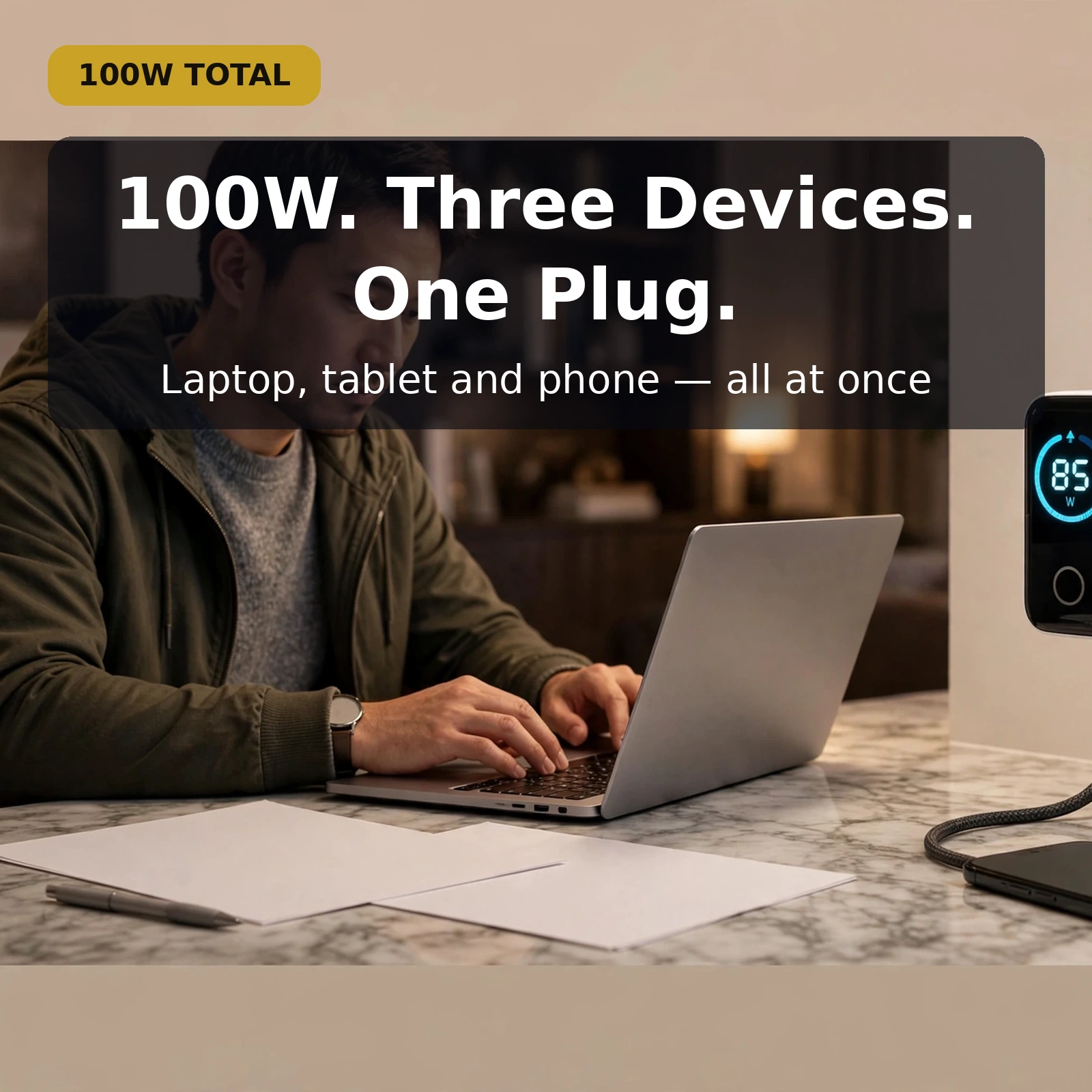
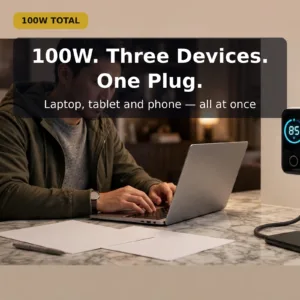
A desk is where the three-port layout makes the most sense. The Anker B121B is built to fast-charge a laptop, a phone, and a tablet at the same time from one charger, so one socket does the work that previously needed a laptop brick, a phone charger, and a tablet charger side by side. The compact GaN body and the live display keep that shared setup tidy and visible, rather than a row of separate adapters each doing its own silent job.
The shared 100W is split automatically, and the worked examples on this page show what that means in practice. A laptop and a phone together can draw 70W plus 30W, giving the laptop enough for full-speed charging on most ultrabooks while the phone still fast-charges. Connect all three ports and the split becomes 80W plus 12W plus 7.5W — a laptop at good speed, a phone topping up, and a low-power device such as earbuds alongside, exactly the combination the FAQ below describes.
Travelling With the Anker B121B
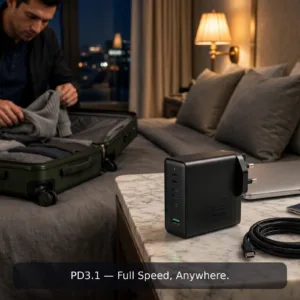
Travel is the other job this charger was shaped for. At 69 × 55 × 34 mm and 205–210g, the Anker B121B takes little room in a bag, and the foldable pins protect the prongs from damage while it is carried. One charger covering a laptop, phone, and tablet also means fewer separate adapters to pack, unpack, and keep track of at every stop — the one-charger-does-everything idea this page keeps returning to.
The specification table lists an input of 100–240V, ~50/60Hz, 2.3A max, which is part of why a single charger can serve at home and away. One point stays worth repeating from the FAQ below: this listing is the Chinese Version, and if pin compatibility matters for the sockets you will use, confirm it with Gadget Superb before ordering. The Anker B121B itself needs no setup for a trip — fold the pins, pack it, and the display is ready to read at the other end.
Which Port Should You Use First on the Anker B121B?
Start with the device that needs the most power. A single device plugged into a USB-C port can receive up to 100W, which is the laptop-charging figure the Anker B121B is built around, while the USB-A port tops out at 33W. So the laptop belongs on USB-C, and phones, tablets, and smaller devices can share the remaining ports. That simple order follows directly from the per-port figures in the specifications above.
After that, there is nothing to manage. Dynamic power distribution is automatic — no buttons, no app, and no manual switching — and the B121B detects what is plugged into each port and allocates the 100W total accordingly, with the higher-demand device getting priority. Adding or removing a device simply changes the split, and the display shows the live total so you can see the new arrangement. The Anker B121B asks for one decision — which device goes on USB-C first — and handles the rest itself.
Anker B121B Charging Protocols in Plain Language
The protocol list — PPS, PD 3.0, QC, and UFCS — is the Anker B121B’s way of speaking the charging languages of different devices. Fast charging is a negotiation: the charger and the device agree on the power to deliver, and wide protocol support means that negotiation can happen with virtually any modern device. That is why the same charger can serve devices from different brands instead of being tied to one maker’s own fast-charging system.
The page names the coverage plainly: iPhones and Samsung phones, USB-C laptops and tablets, and most other modern devices. As the FAQ below puts it, if your device supports fast charging, the Anker B121B can almost certainly negotiate it. You do not need to match a protocol name to each device before plugging in — connect the cable, let the charger and device agree, and read the result on the display. The protocol list is there for buyers who check such things; daily use does not require it.
Getting the Most From Your Anker B121B
A few habits get the best from this charger. Use a USB-C port alone when a laptop needs the full 100W and full speed matters. Share the ports when several devices charge together, and let the automatic distribution do its work. Glance at the display when you plug in — status, total output, and temperature in one look — and fold the pins back before the Anker B121B goes into a bag, so the prongs stay protected between uses.
None of this needs a manual open beside it. The figures that govern daily use are all on this page: 100W total, up to 100W from a USB-C port used alone, 33W maximum from USB-A, and the worked splits for two and three devices sharing the output. Keep those in mind and the Anker B121B behaves predictably every time — full power for one demanding device, a fair automatic share when several charge together, and a screen that confirms which of the two is happening.
The honest limits from earlier on this page still apply. If you only ever charge a single phone, the Anker B121B is overkill, and a 30W single-port charger would be smaller and cheaper. Its value appears when one charger has to cover a laptop plus the rest of your daily devices, at a desk or on the road, with the reassurance of a display that shows what is happening. Judged on that job — the job its 100W, three ports, and screen were designed for — it is hard to beat.
Anker B121B Warranty & delivery
Warranty: no warranty period is listed for this product on the page. The store’s policy is that if the product page lists a warranty period, that period applies — otherwise, please confirm warranty details with Gadget Superb before ordering (hotline 09638054751, care@gadgetsuperb.com, or Messenger). No “official warranty” or authenticity claims are made beyond what the live page shows.
Delivery: every order is cash on delivery — you pay the delivery person in cash when the parcel arrives. Delivery charge is ৳70 inside Dhaka city (1–3 days) and ৳120 outside Dhaka (2–5 days); times are working days and honest estimates, not guarantees. Where the courier allows it, you may open the parcel and check that the product is the one you ordered and is undamaged before you pay — tell the store the same day if anything is wrong. Every product can be returned within 7 days of delivery in its original condition with the box and accessories.
Frequently Asked Questions
1. What does the smart LCD display show?
Real-time charging status, total power output across all ports, and the charger’s internal temperature. It lets you verify your laptop is getting full wattage and confirm the charger is operating at a normal temperature — visibility that most chargers don’t offer.
2. Can it really charge a laptop at 100W?
Yes — each USB-C port delivers up to 100W when used alone. That covers most USB-C laptops (MacBook Air/Pro, Windows ultrabooks). When multiple devices are plugged in, power is distributed dynamically (e.g. 70W to laptop + 30W to phone).
3. How does dynamic power distribution work?
Automatically. The B121B detects what is plugged into each port and allocates the 100W total accordingly — no buttons or settings. Example splits: C1+C2 at 70W+30W, or all three ports at 80W+12W+7.5W. The higher-demand device gets priority.
4. Is GaN really better than a regular charger?
GaN (Gallium Nitride) switches faster and wastes less energy as heat than traditional silicon, which means smaller size and better efficiency for the same wattage. The B121B’s 69 × 55 × 34 mm body for 100W would be significantly larger with silicon technology.
5. What charging protocols does it support?
PPS, PD 3.0, QC, and UFCS — covering iPhones, Samsung phones, USB-C laptops, tablets, and most other modern devices. If your device supports fast charging, the B121B can almost certainly negotiate it.
6. Are the pins foldable?
Yes — foldable pins make it compact for travel and protect the prongs from damage in a bag. A practical detail that matters for a charger designed to be carried.
7. Can I use all three ports at once?
Yes. With all three connected, the split is 80W + 12W + 7.5W — enough for a laptop at good speed plus a phone and earbuds (or similar low-power device) topping up. The LCD display shows the live total so you can see the distribution.
8. What is the Chinese Version difference?
The title specifies “Chinese Version” — this typically refers to the regional variant (pin type, packaging, or firmware). The specifications (100W, GaN, LCD display) are as listed. If pin compatibility matters for your sockets, confirm with the store before ordering.
9. Is there a warranty?
No warranty period is listed for this product on the page. Please confirm warranty details with Gadget Superb before ordering (hotline 09638054751, care@gadgetsuperb.com, or Messenger). The store handles warranty claims with your order number.
10. How does cash on delivery work?
Every order is cash on delivery: you pay the delivery person in cash when the parcel arrives, and the store never asks for advance payment. Where the courier allows it, you may open the parcel and check that the product is the one you ordered and is undamaged before you pay.
11. What if the product arrives damaged?
Where the courier allows it, open the parcel and check before you pay. If anything is wrong, tell the store the same day via hotline 09638054751, care@gadgetsuperb.com, or Messenger. Every product can be returned within 7 days of delivery in its original condition.
12. Is the Anker B121B in stock, and what is the price?
Stock and price change over time, so the live product page is the authority for both — this page never hard-codes either. If the page shows the B121B available, you can order with cash on delivery.

Reviews
There are no reviews yet.