No products in the cart.

-23%
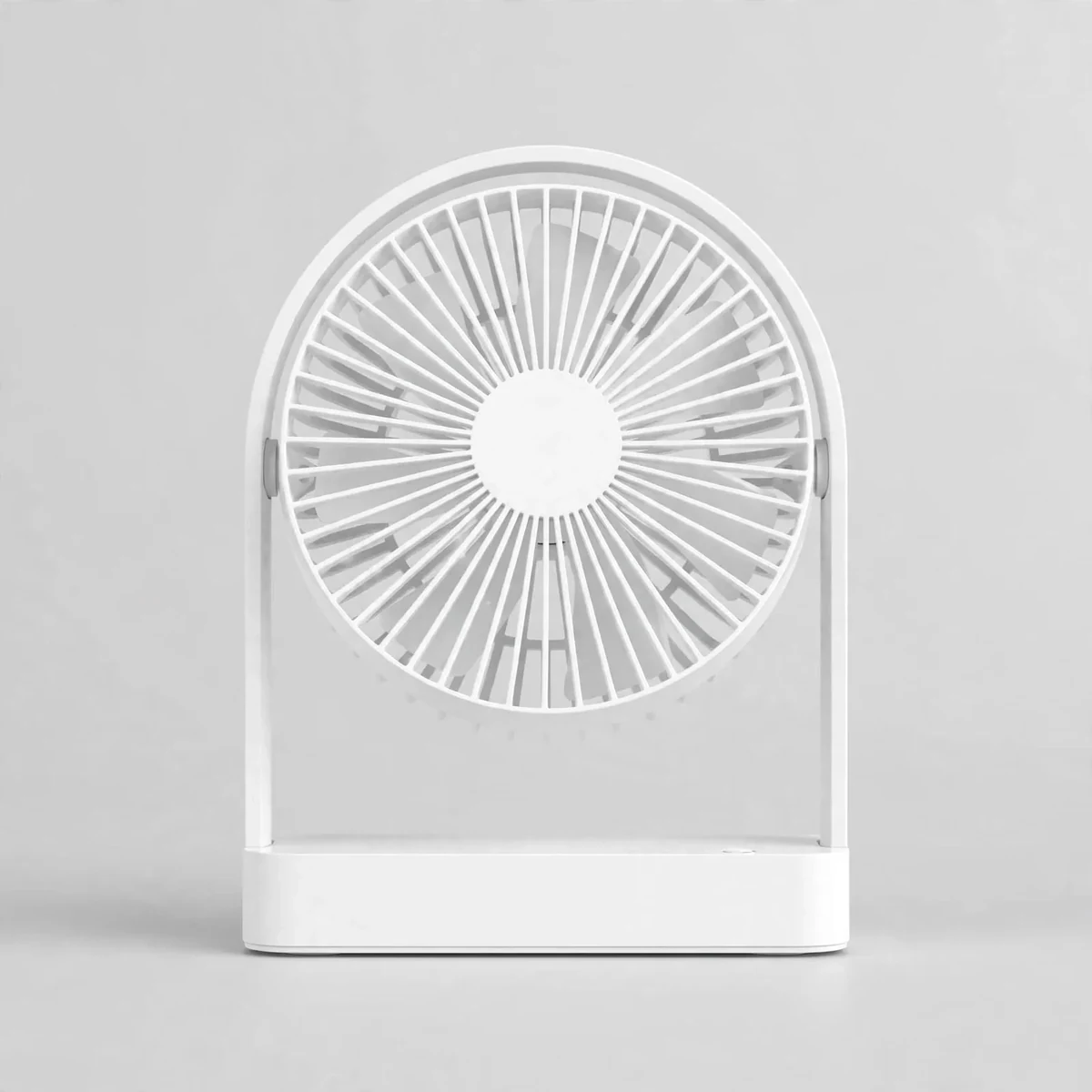
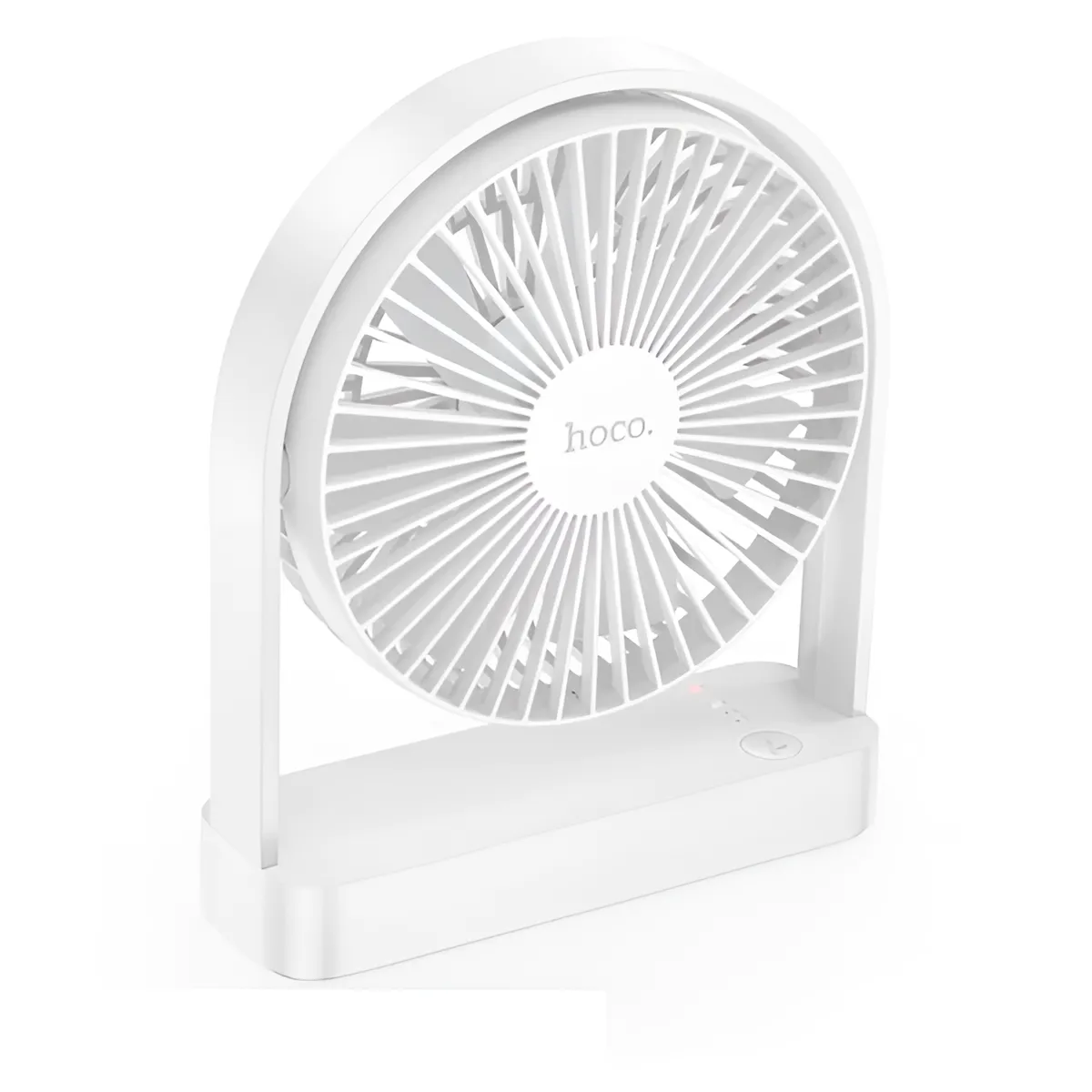
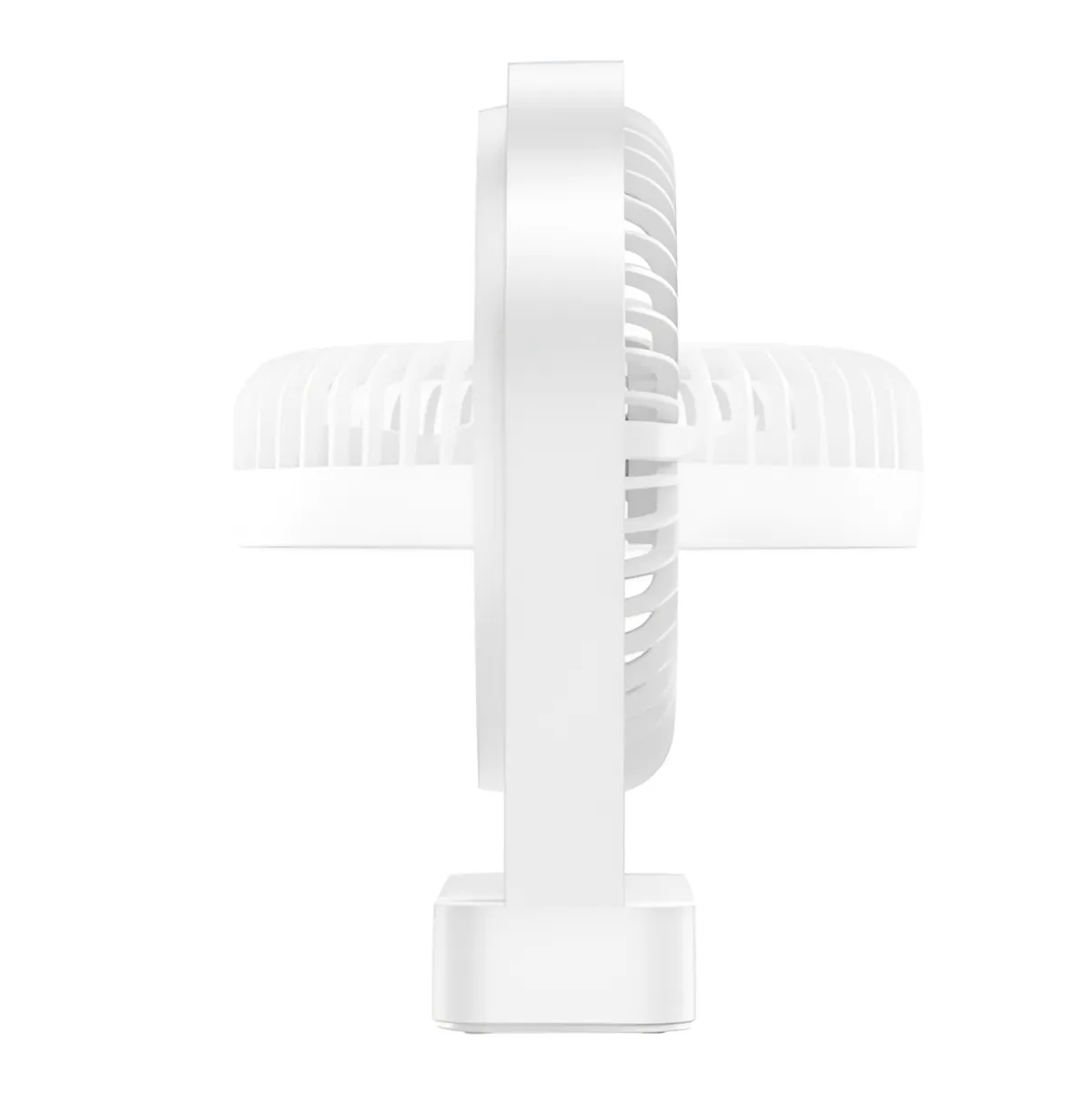
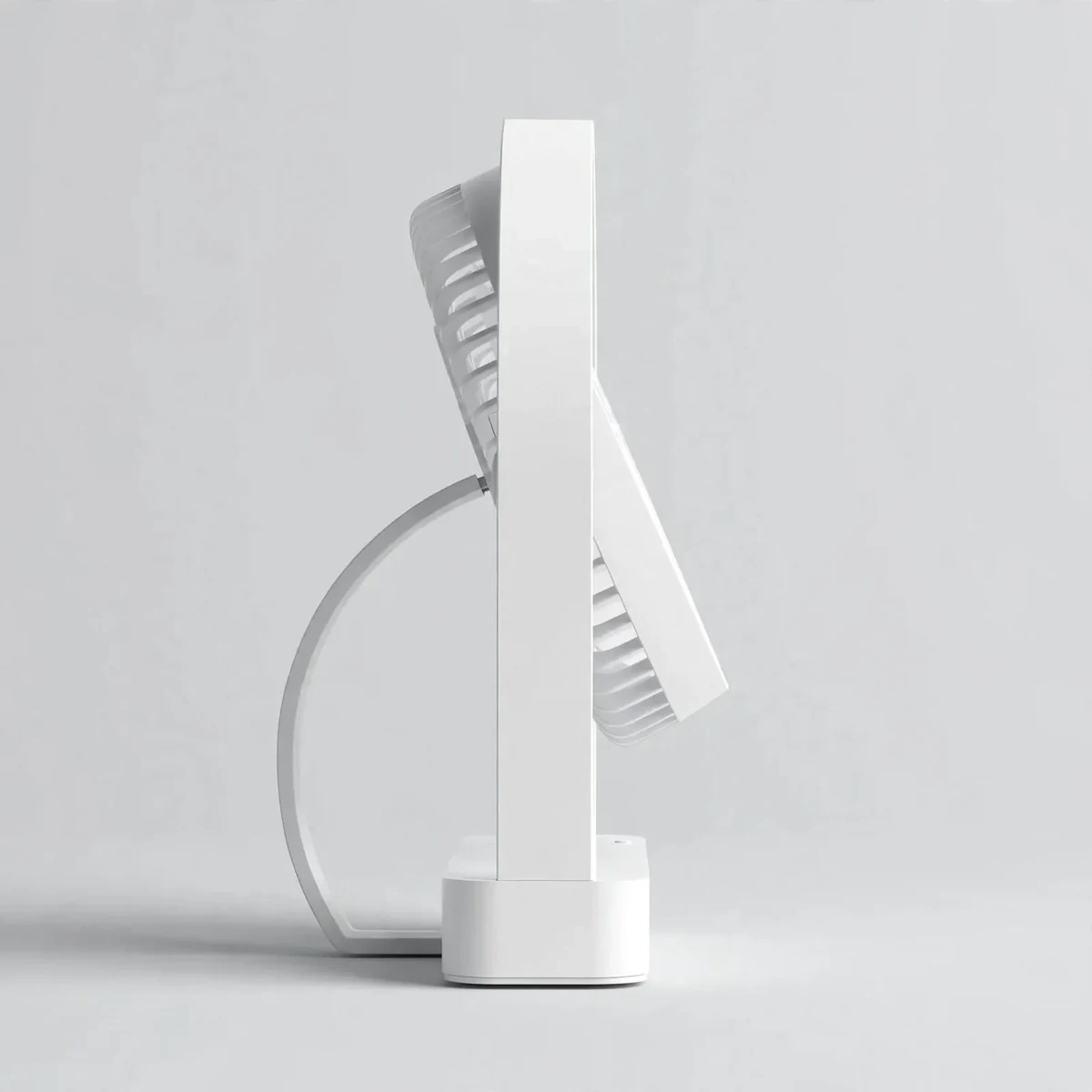
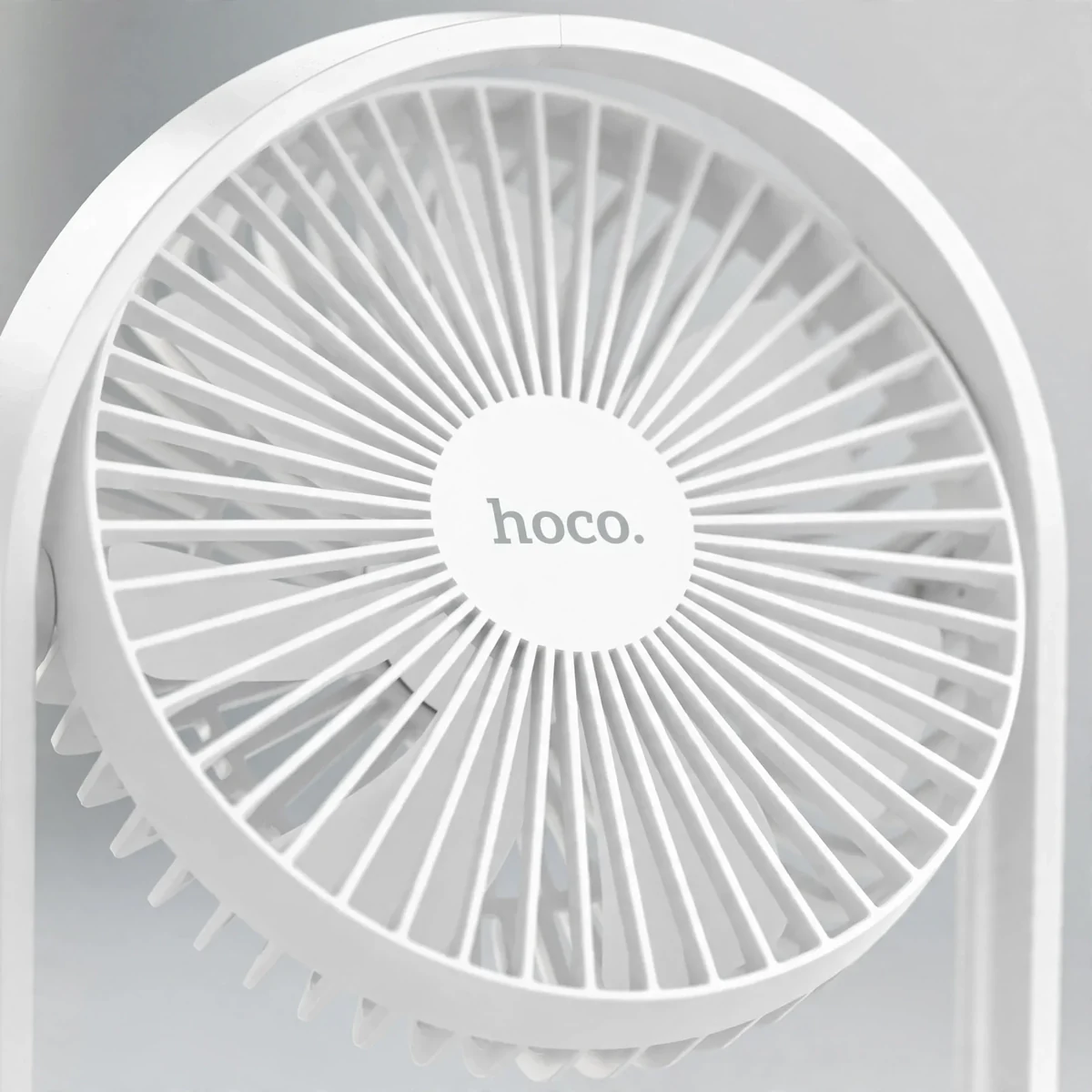


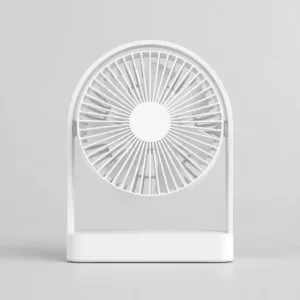
A desk fan should cool you without cluttering your desk or humming through your concentration, and the Hoco HX65 ultra-thin rechargeable table fan is built around exactly that idea. The hoco hx65 pairs a slim, modern silhouette with a 2000mAh battery, seven airflow blades, and a noise level as low as 25 dB — quieter than a whispered conversation. Whether it sits on a study table, an office desk, or a bedroom nightstand, it delivers a smooth, far-reaching breeze without demanding much space or attention.
Design and Build
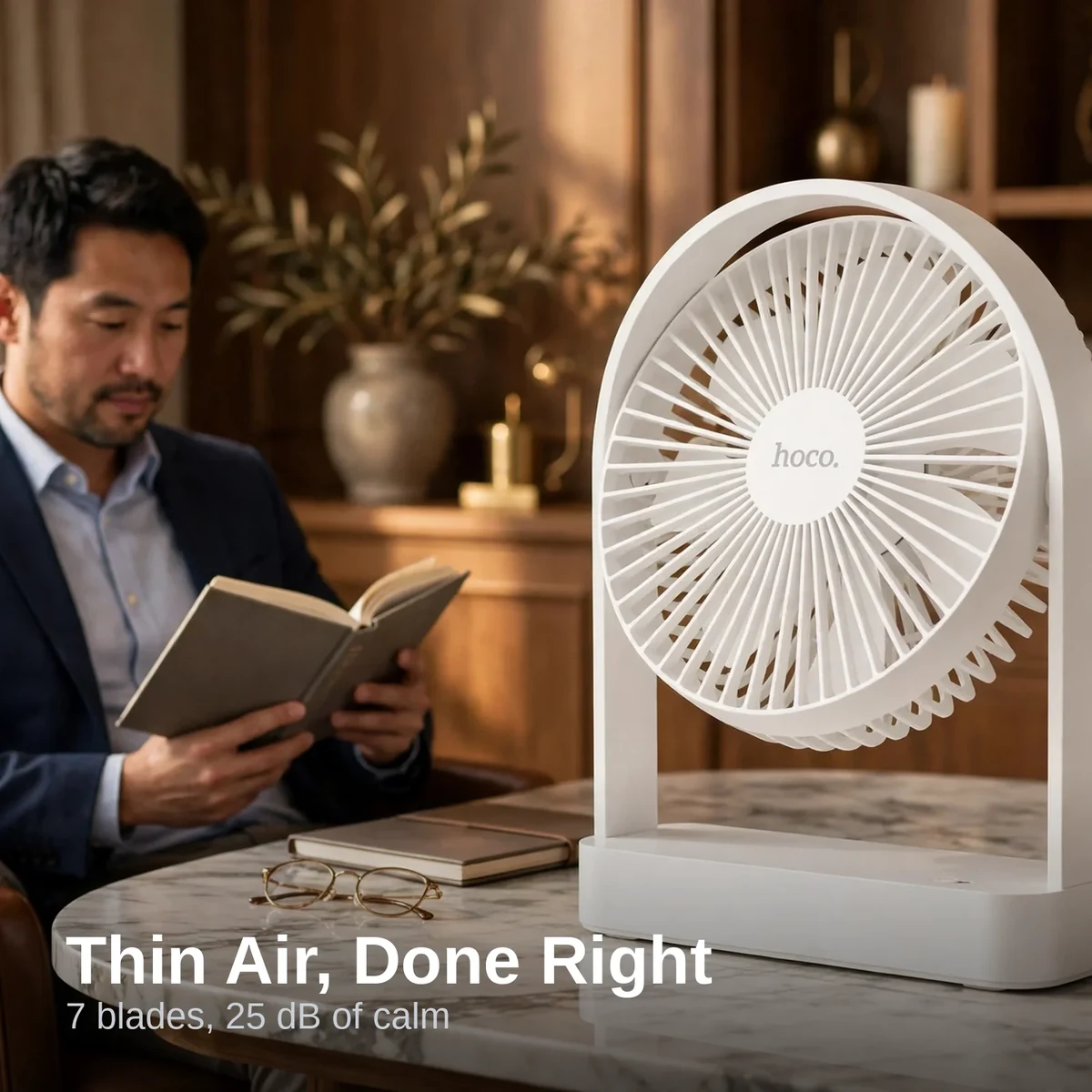
The first thing you notice about the hoco hx65 is how little of it there is. The ultra-thin profile keeps the fan head slim, and the whole unit weighs only 340 grams — light enough to carry one-handed from the living room to the bedroom. Finished in clean white with an ABS and polycarbonate body, it looks at home next to a laptop, a stack of books, or modern bedroom furniture.
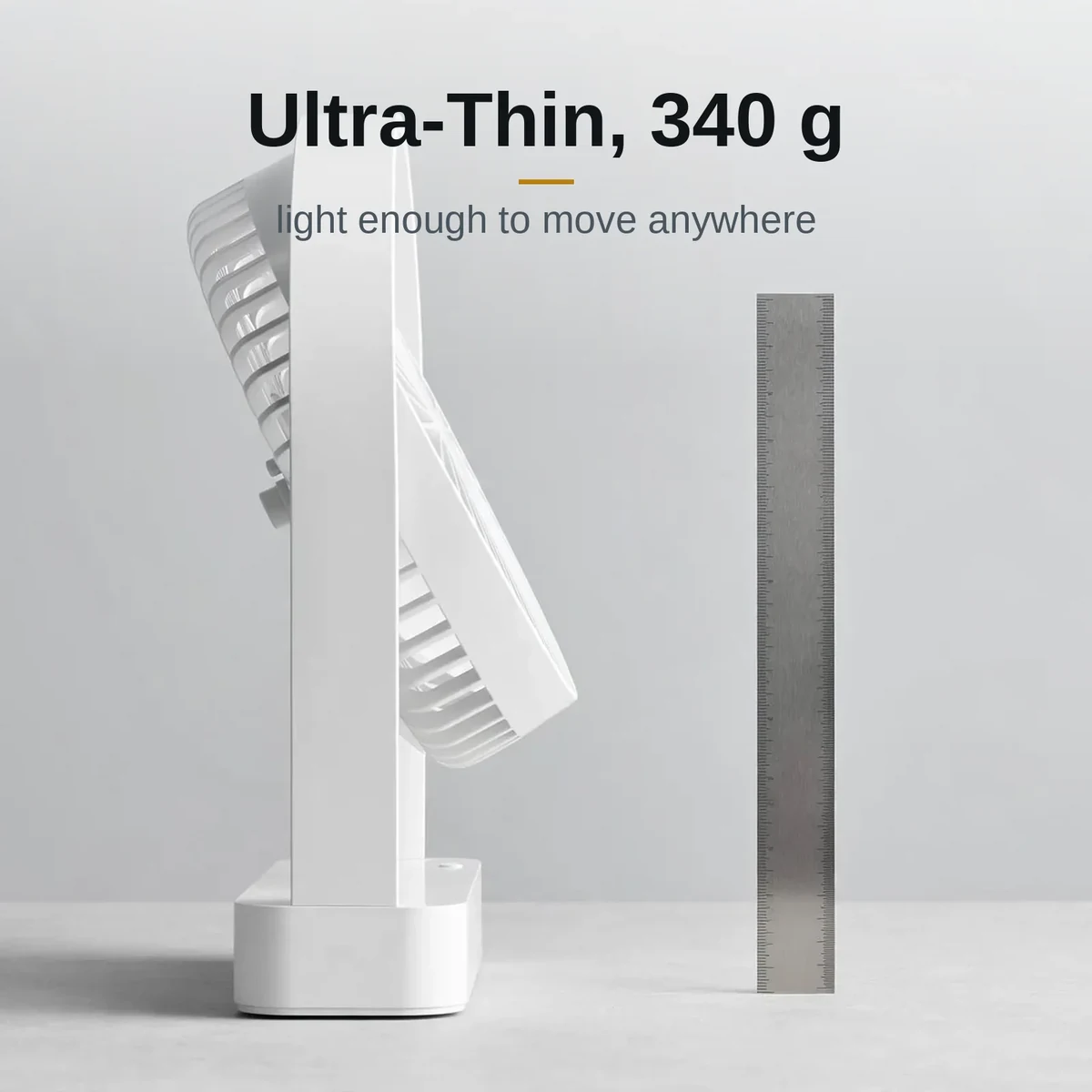
Despite the slim build, nothing feels flimsy. The Hoco HX65 stands on a stable base that keeps it planted on the desk even at full speed, and the 173 × 56 × 209 mm footprint means it tucks into corners other fans cannot. It is the rare desk fan that disappears into your setup until you need it.
Airflow and Performance
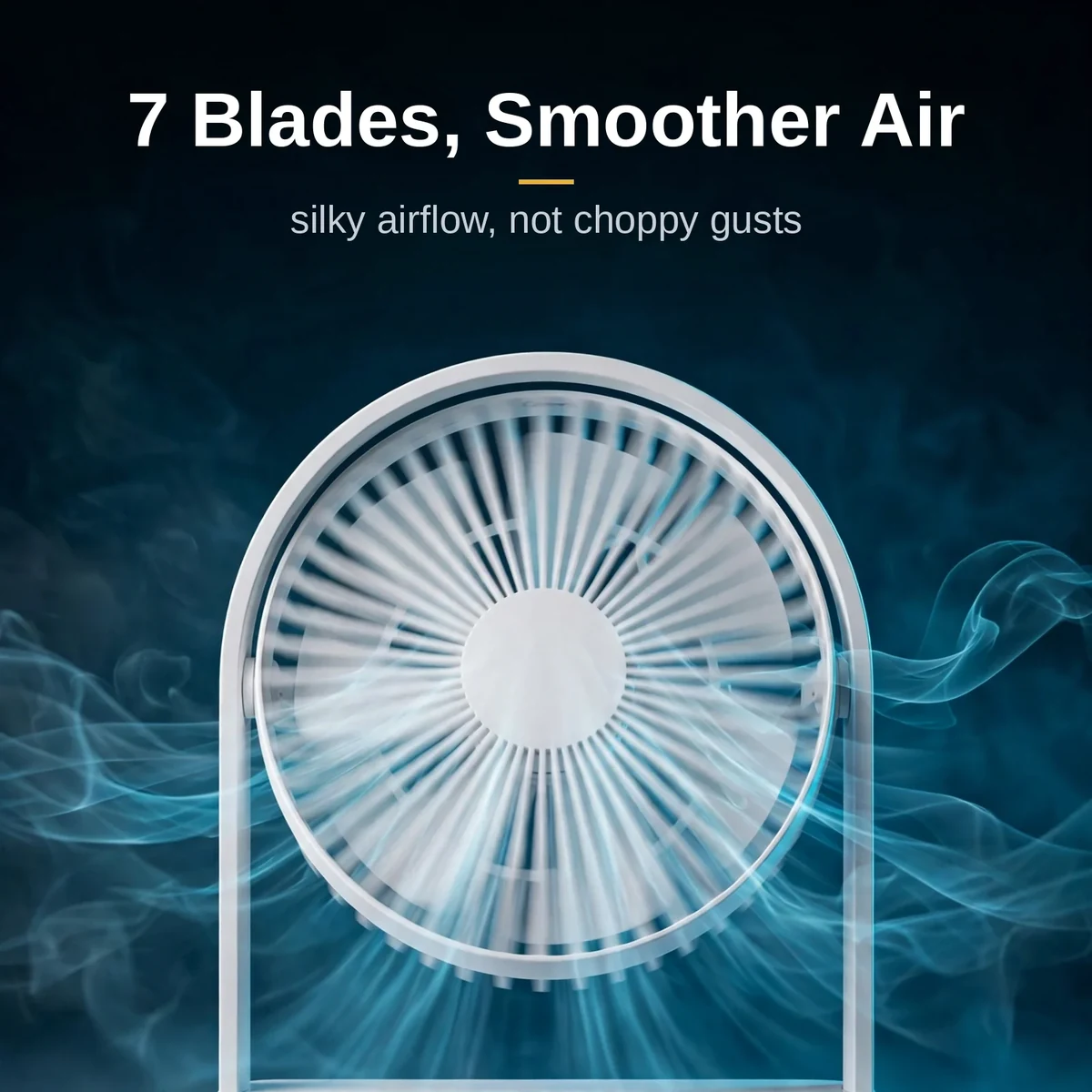
Seven blades do the heavy lifting in the fan. More blades mean each rotation moves air more gently, producing a smoother, less choppy breeze than the typical three- or five-blade mini fan. Three speed settings let you choose between a soft background drift and a focused blast, all driven by a 9W motor that stays efficient across the range.
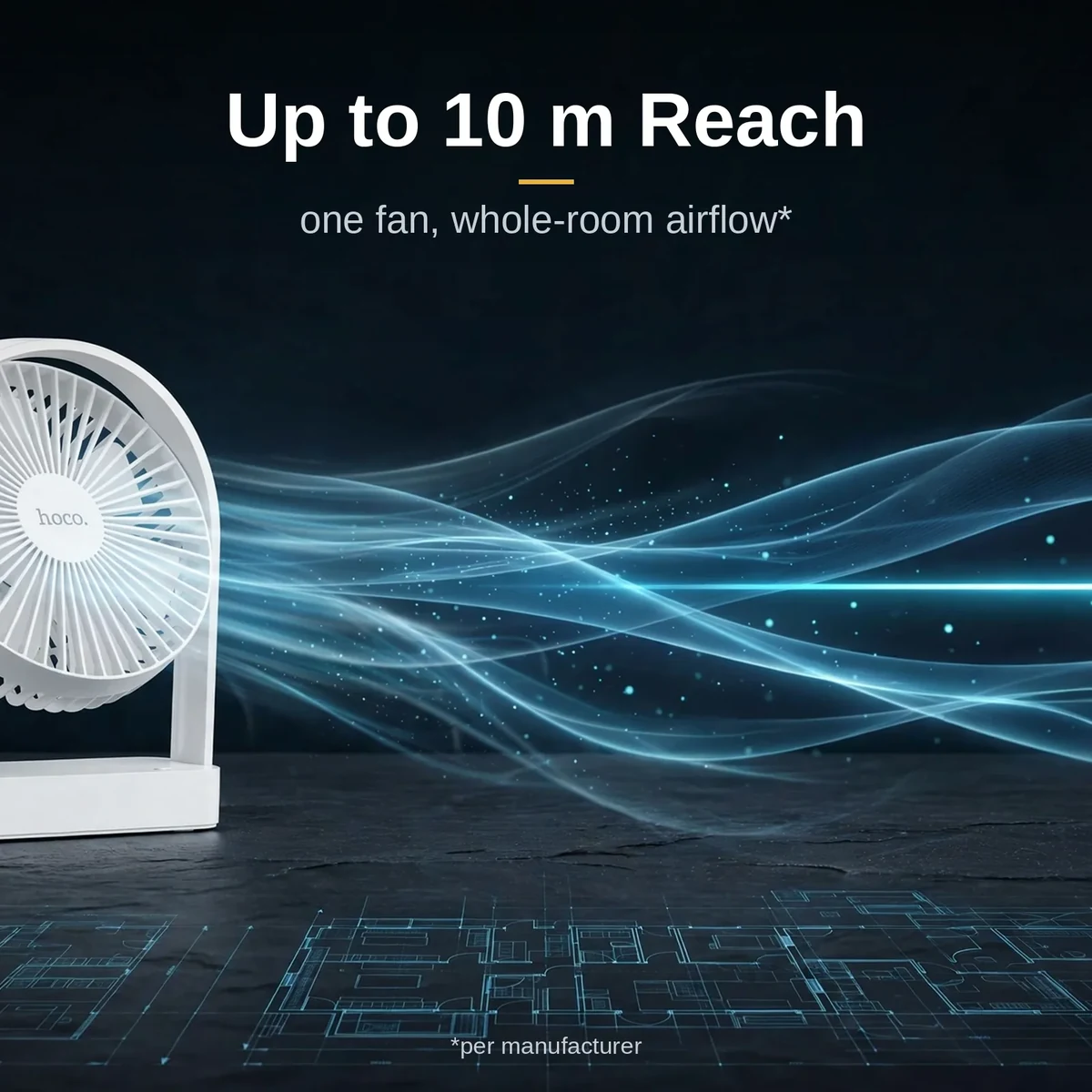
Reach is the surprise here: the Hoco HX65 pushes airflow up to 10 metres, so it can cool you from across a bedroom or circulate air through a small office. That long throw makes it more than a personal fan — parked on a shelf, it genuinely moves the air in the room rather than just ruffling the papers on your desk.
Battery and Charging
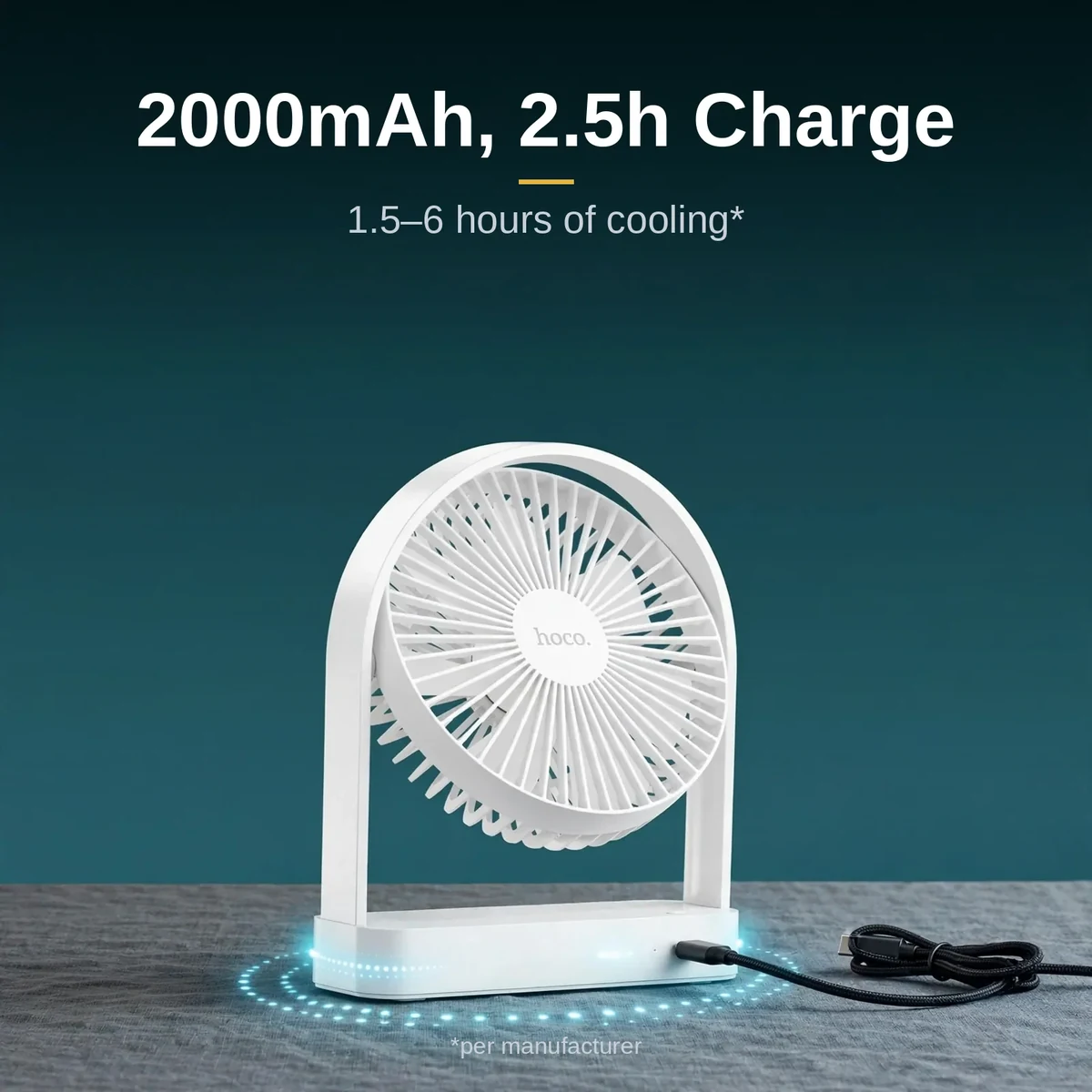
The 2000mAh rechargeable cell inside the fan delivers between 1.5 and 6 hours of cooling depending on the speed you choose — enough for a full evening of load-shedding on low, or a few intense hours on high. When it runs low, the Type-C port refills it in about 2.5 hours at 5V/2A, using the same cable type as most modern phones.
Type-C charging is a genuine quality-of-life win. The Hoco HX65 shares cables with your phone, power bank, and laptop accessories, so there is one less proprietary charger to keep track of — and the included Type-C cable in the box means you can top up straight away.
Controls and Features

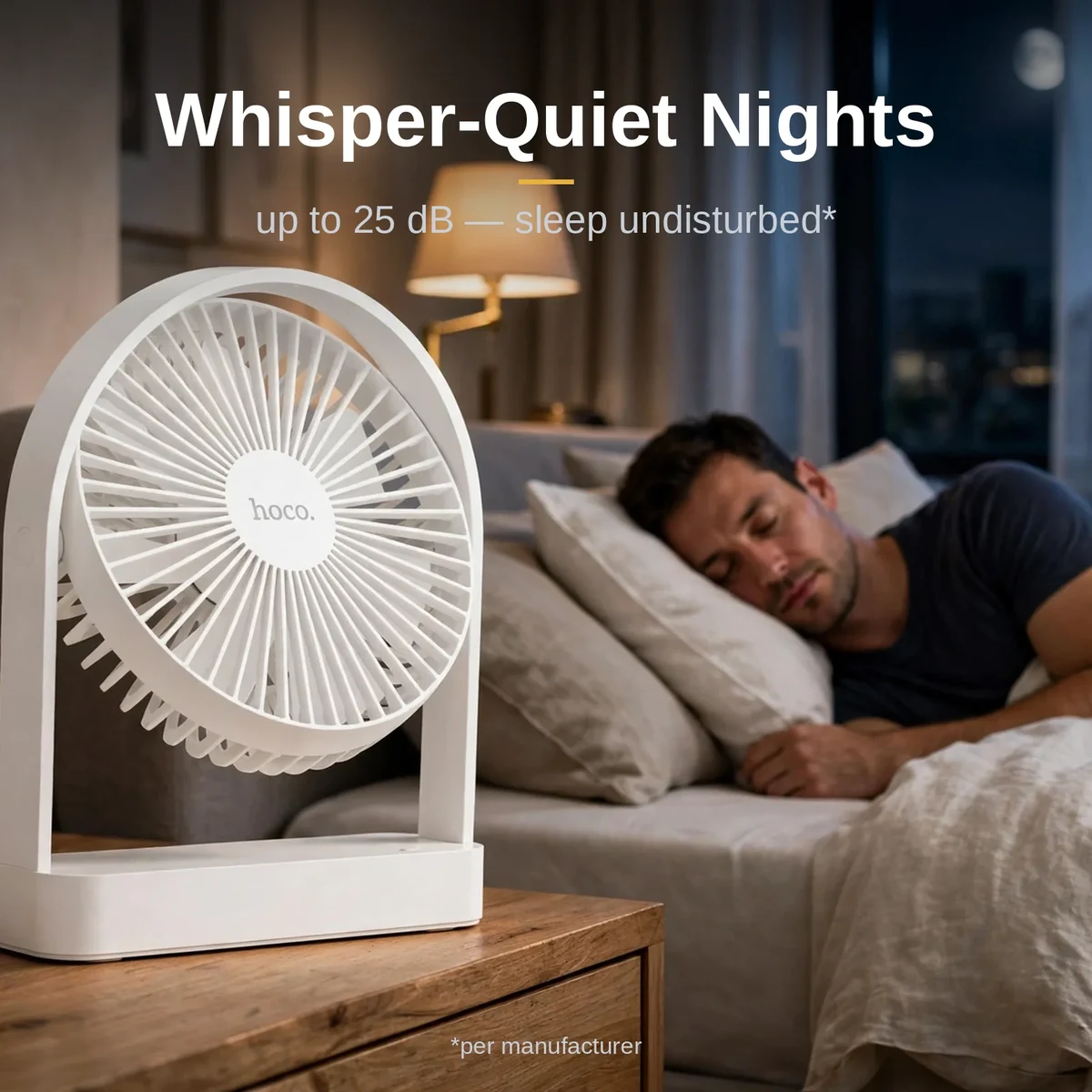
Operation is deliberately simple: a single control cycles through the three speeds, with no apps, remotes, or learning curve. The headline feature is quietness — the fan runs as low as 25 dB, which sits below typical bedroom background noise. On low speed you will feel the breeze long before you hear the fan, making it ideal for light sleepers, study sessions, and video calls.
The Hoco HX65 is equally at home plugged in or running cordless. Leave it on the desk as a permanent fixture, or grab it cord-free for the balcony, the dining table, or a power-cut evening. At 340g, moving it around never feels like a chore.
Specifications
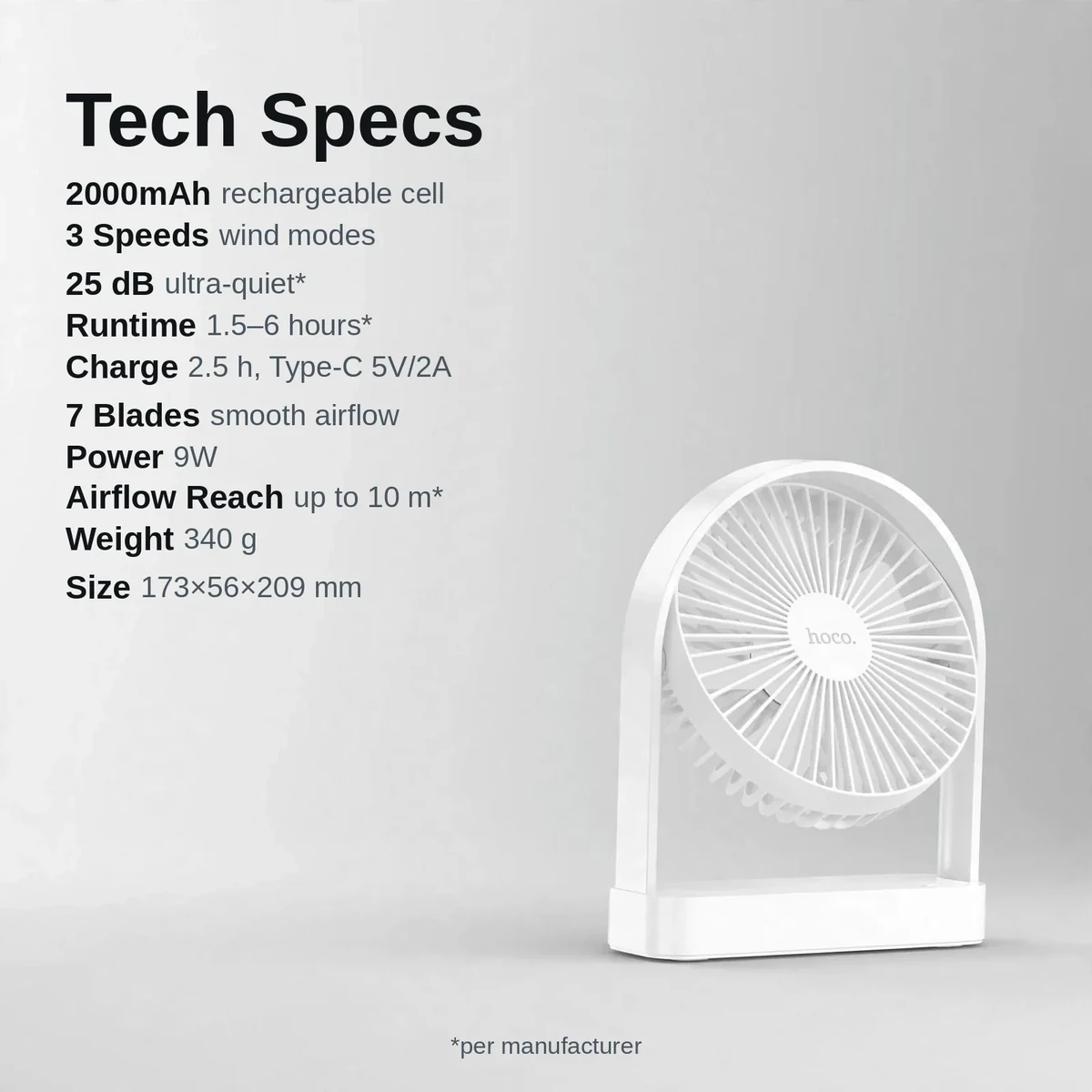
| Brand | Hoco |
|---|---|
| Model | HX65 (Ultra-Thin) |
| Type | Rechargeable table / desk fan |
| Battery | 2000mAh rechargeable |
| Speed settings | 3 |
| Blades | 7 |
| Motor power | 9W |
| Noise level | Up to 25 dB (ultra-quiet) |
| Runtime | 1.5–6 hours depending on speed |
| Charging | Type-C, 5V/2A — about 2.5 hours for a full charge |
| Airflow reach | Up to 10 metres |
| Weight | 340 g |
| Dimensions | 173 × 56 × 209 mm |
| Body material | ABS + polycarbonate |
| Colour | White |
| Warranty | a 7-day store warranty (confirm details with the store before ordering). |
Every figure above is taken from the product page and the verified research notes for the fan. Nothing has been estimated or rounded beyond what the page itself states.
What’s in the Box

The Hoco HX65 ships with the fan unit, a Type-C charging cable, and a user manual — the three items confirmed on the product page. That is everything you need to start using it: unbox, charge, and switch on. If anything in your parcel differs from this list, contact Gadget Superb with your order number and the team will sort it out.
Why Buy From Gadget Superb
Buy the fan from Gadget Superb and you pay cash on delivery — in cash, when the parcel reaches you, with no advance payment, card details, or OTPs ever requested. Delivery takes 1–3 working days inside Dhaka (৳70) and 2–5 working days outside Dhaka (৳120), and a 7-day easy-return promise covers every order: keep the fan in its original condition with box and accessories, and start a return with your order number via hotline 09638054751, care@gadgetsuperb.com, or Messenger.
Compare it with the rest of the Fans & Cooling collection, or browse all rechargeable and desk fans to find the right match for your room.
For the brand behind the product, visit the official Hoco website.
Frequently Asked Questions
Is the Hoco HX65 an original Hoco product?
This listing is for the Hoco HX65 as catalogued by Gadget Superb under the Hoco brand. The store does not claim official-distributor status for any brand it carries. If authenticity documentation matters to you, message the store on Messenger or email care@gadgetsuperb.com before ordering and they will clarify what they can share.
Does the Hoco HX65 come with a warranty?
This product carries a 7-day store warranty as listed in its specifications above. If warranty terms matter to your purchase, please confirm the details with the store — via hotline 09638054751, care@gadgetsuperb.com, or Messenger — before you place your order. If a warranty matters to you, confirm the terms with the store — hotline 09638054751, care@gadgetsuperb.com, or Messenger — before placing your order.
How long does delivery take, and what are the charges?
Inside Dhaka, delivery costs ৳70 and takes 1–3 working days; outside Dhaka, it costs ৳120 and takes 2–5 working days. These are estimates, not guarantees, since courier conditions vary. Your Hoco HX65 ships once you place a cash-on-delivery order.
How does cash on delivery work? Can I check the fan before paying?
Cash on delivery means you pay the courier in cash when the parcel arrives. Gadget Superb never asks for advance payment, card details, OTPs, or mobile-banking PINs. Couriers generally do not allow opening a parcel before payment, so check your Hoco HX65 right after the courier leaves and contact the store within the 7-day return window if anything is wrong.
What is the return policy if my Hoco HX65 arrives faulty?
Every Gadget Superb product carries 7-day easy returns. If your hoco hx65 arrives damaged or faulty, keep it in its original condition with the box and accessories, then start a return with your order number via hotline 09638054751, email care@gadgetsuperb.com, or Messenger.
How long does the battery last in real use?
The 2000mAh battery gives roughly 1.5 hours on the highest speed and up to 6 hours on the lowest. For most people that means a full evening of cordless cooling on low or medium — easily enough to ride out a load-shedding stretch — with the top speed reserved for the hottest moments.
How do I charge the Hoco HX65, and how long does it take?
The fan charges over Type-C at 5V/2A, and a full charge takes about 2.5 hours. A Type-C cable is included in the box, and because Type-C is the same standard most phones use, you can also top up from a power bank or laptop charger.
Is the Hoco HX65 quiet enough for a bedroom?
Yes — it runs as low as 25 dB, which is quieter than a whisper and below typical bedroom background noise. On low speed the Hoco HX65 is barely audible, so it suits bedside tables, baby rooms, and anyone who sleeps light.
What exactly comes in the box?
The product page confirms three items: the Hoco HX65 fan, a Type-C charging cable, and a user manual. If your parcel is missing any of these, contact Gadget Superb with your order number and the team will resolve it.
Can I get the Hoco HX65 gift-wrapped?
Gadget Superb does not advertise a gift-wrapping service, so gift wrapping is not promised with this order. Buying the Hoco HX65 as a gift? Message the store on Messenger before ordering to ask what packing they can arrange.
What is the price of the Hoco HX65 in Bangladesh?
The current price appears on the product page and can change during sales, so no figure is quoted here. Check the live Hoco HX65 page on Gadget Superb for today’s price — that is the amount you pay in cash on delivery, plus the standard delivery fee.
How do I clean and care for the fan?
Wipe the body and blades of your hoco hx65 with a soft, dry cloth, and keep the vents free of dust. If it gets splashed, let it dry completely before switching on. Store it in a dry place, avoid drops, and recharge with a standard Type-C charger — unplugging once full keeps the battery healthy.
Related products
-20%
Out of stock
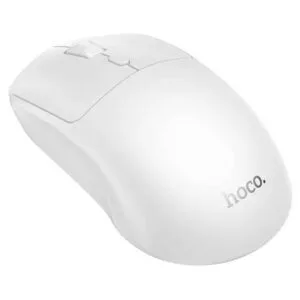
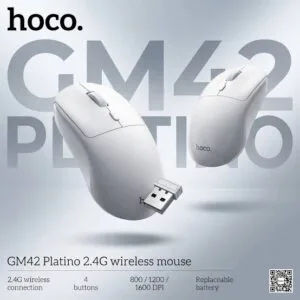
Hoco GM42 Platino 2.4G Wireless Mouse
Original price was: ৳ 740.৳ 590Current price is: ৳ 590.-26%
50 in stock
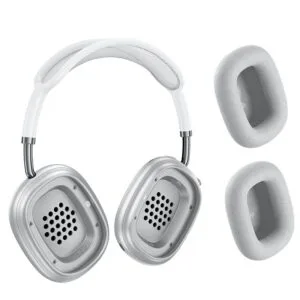

Hoco W65 Plus ANC Wireless Bluetooth Headphone
Original price was: ৳ 2,950.৳ 2,180Current price is: ৳ 2,180.-28%
50 in stock

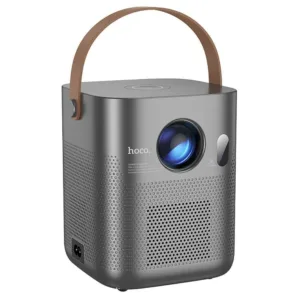
Hoco DT4 Smart Full Autofocus Projector
Original price was: ৳ 21,930.৳ 15,770Current price is: ৳ 15,770.
HOCO E112 Kids Quartz Watch with Smart Anti-Lost Tracker (Find My Network)
Price range: ৳ 1,590 through ৳ 1,650-23%
47 in stock

 Hoco HX65 Ultra-Thin Rechargea...
 Original price was: ৳ 1,950.৳ 1,500Current price is: ৳ 1,500.
46 in stock
Reviews
There are no reviews yet.