No products in the cart.

-28%
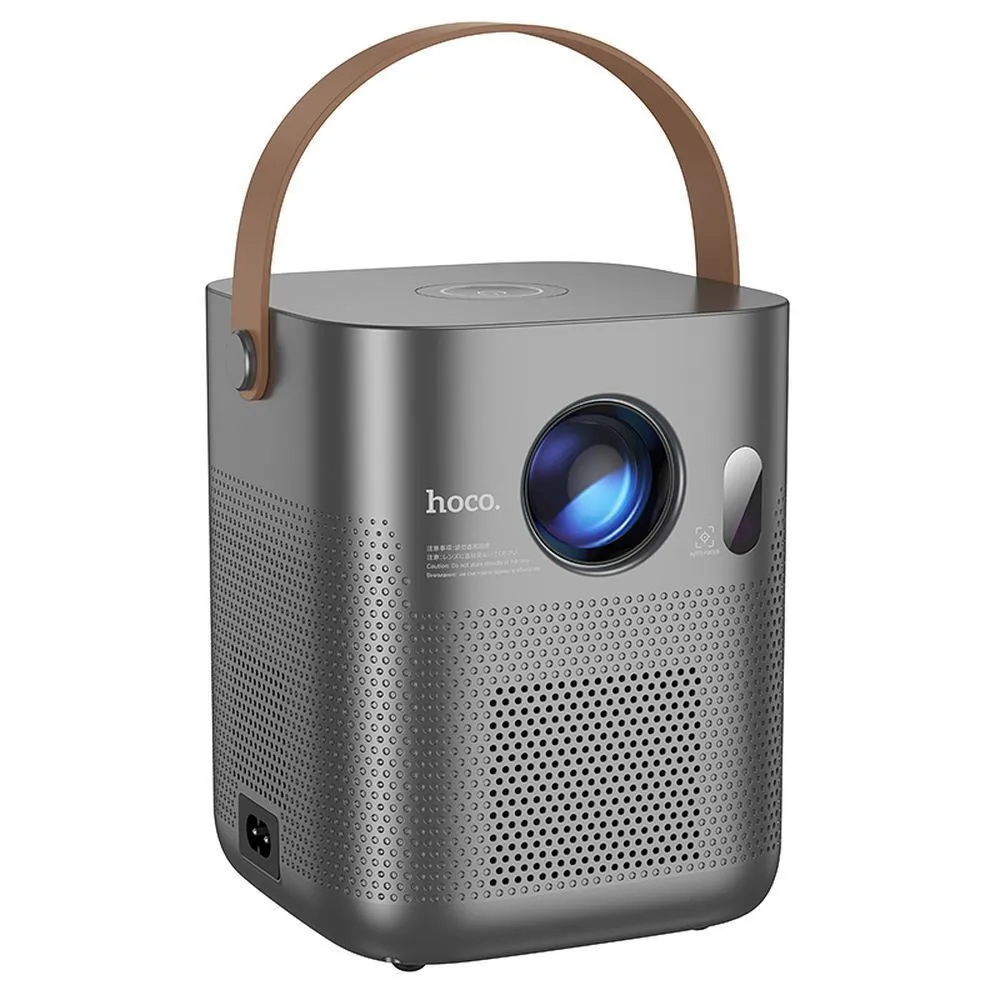
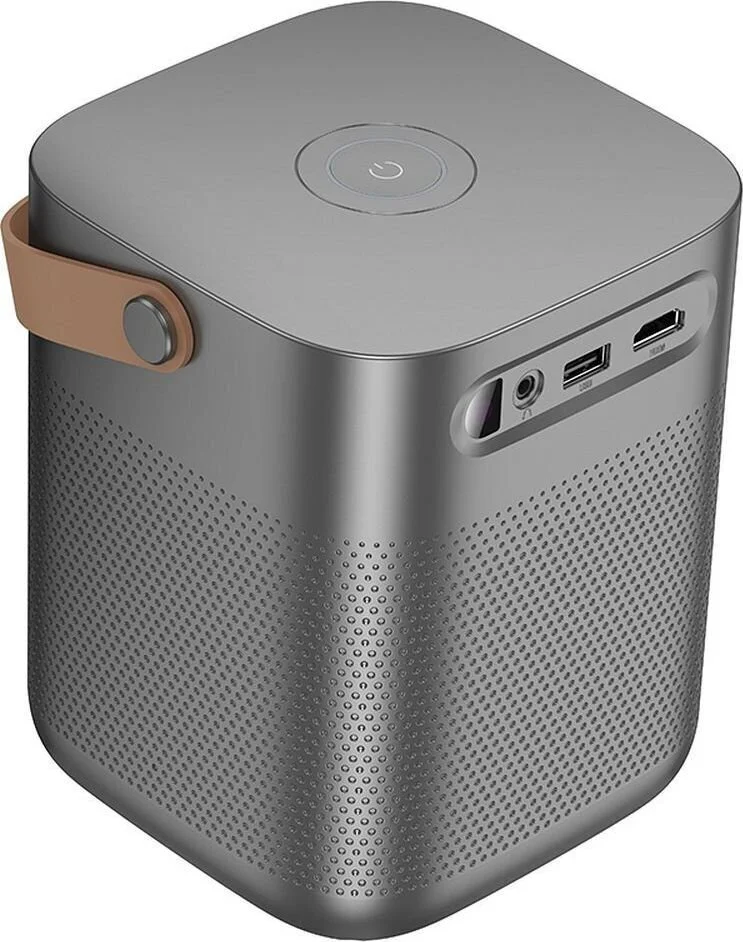
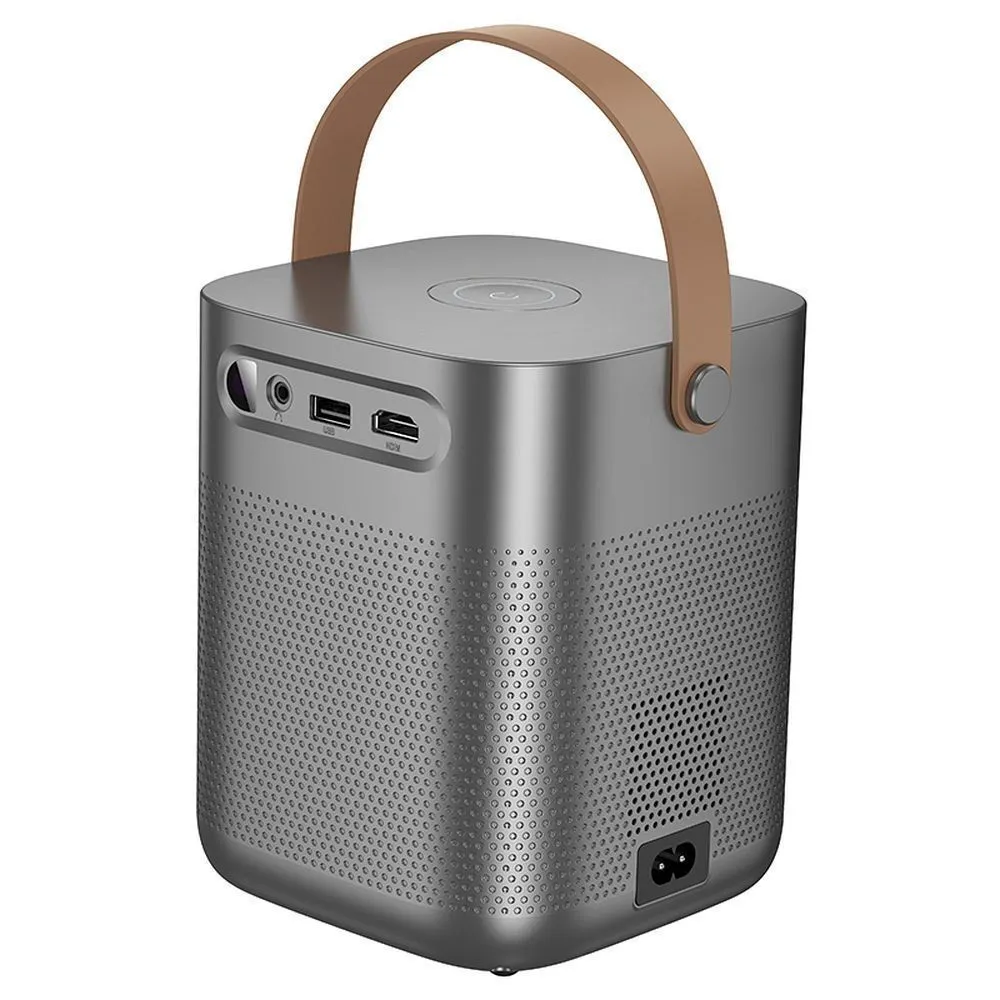
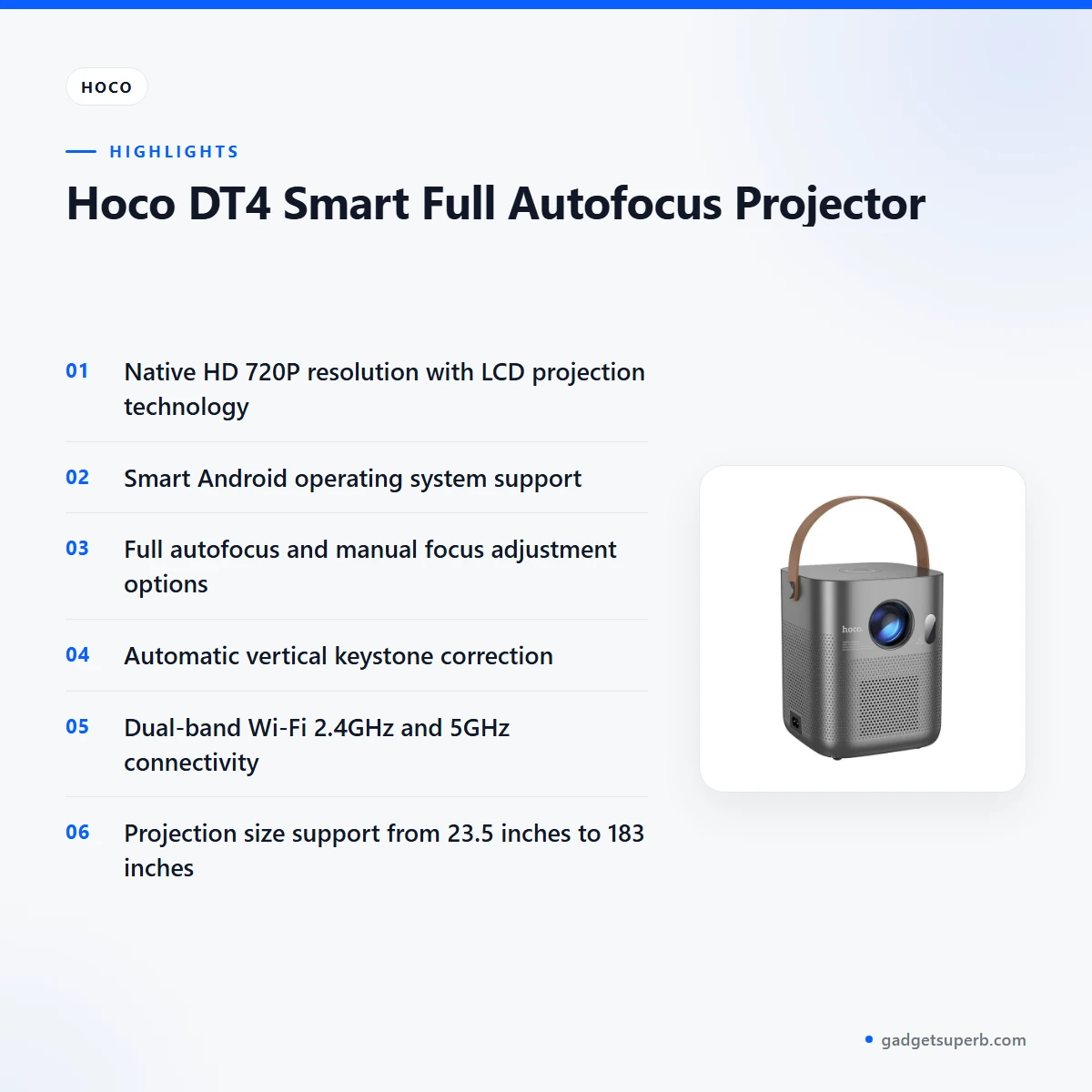

The Hoco DT4 Projector is a portable smart projector listed with native HD 720P resolution, LCD projection technology and Smart Android operating system support. It suits Bangladeshi families, students and small offices that want a movable screen for films, lessons and presentations at home. This page sets out the listed specifications, setup guidance and the store terms that apply when you order.
- Hoco DT4 Projector overview
- Key features
- Specifications
- How to use and set up
- Compatibility and what is in the box
- Who should buy it in Bangladesh
- Alternatives in our store
- Warranty and support
- Delivery, returns and ordering
- Frequently asked questions
Hoco DT4 Projector overview
The Hoco DT4 Projector is listed as a compact, portable unit with native HD 720P resolution and LCD projection technology. Those two points set the expectation: a usable everyday picture for films, slideshows and lessons in a room you can dim a little. The listing gives a projection size range from 23.5 inches to 183 inches, so the room and the distance you choose matter as much as the projector itself. For the maker’s own product information, see the maker’s website.
Before you order the Hoco DT4 Projector, measure the wall or ceiling space you have and think about where the unit will sit. Autofocus and manual focus together give you two ways to sharpen the image once the unit is in position, and that flexibility helps in Bangladeshi homes where furniture rarely leaves a perfect wall free. Plan the spot before delivery so the lens has a clear line to the screen.
The Hoco DT4 Projector sits in our Projectors range, and many buyers search for it as hoco dt4, hoco dt4 smart or hoco dt4 smart full autofocus. This page covers the same product across those searches: the listed features, a specification table, setup guidance, compatibility notes, who it suits in Bangladesh, and the delivery and returns terms that apply when you order. Where load-shedding is a concern, plan film nights around your power supply.
Key features
The listing highlights several features. Each one is set out below as the maker lists it, with practical notes for Bangladeshi rooms and everyday use.
Native HD 720P with LCD projection
The listing names native HD 720P resolution as the picture standard for the Hoco DT4 Projector, paired with LCD projection technology. For a family film night or a classroom lesson, that pairing gives a usable picture for everyday viewing. Keep expectations realistic: the listing does not state a brightness level, contrast figure or throw distance guide. Good placement, a plain wall and a dimmed room will do more for the image than any other single step. Check the picture at the distance you will actually use before you rely on it for a presentation.
Smart Android operating system support
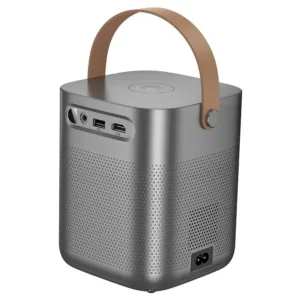
The listing describes Smart Android operating system support for the Hoco DT4 Projector, so the unit is presented as a smart projector rather than a plain display. You can still connect other sources through the HDMI, USB and AV ports listed for the unit, which gives you a route for a laptop, set-top box or media player. The listing gives the operating system name only, so ask us before you order if you need details on what the smart system includes. For many buyers, that question is the most useful one to settle before delivery, because it shapes how the projector will fit into the household.
Full autofocus and manual focus
The Hoco DT4 Projector is listed with full autofocus and manual focus adjustment options. Autofocus helps when you set the unit down and want the picture sharpened without fiddling with the lens, while manual focus gives direct control if you prefer to set sharpness yourself. Having both in one unit helps when the projector sits on a shelf, a stool or a table and the distance to the wall is not perfectly fixed. Start with autofocus, check the edges of the picture, then use manual focus for a final adjustment if the text on your slides still looks soft.
Automatic vertical keystone correction
The listing includes automatic vertical keystone correction on the Hoco DT4 Projector. Keystone refers to the trapezoid shape that can appear when a projector is set at an angle to the wall, and automatic correction is meant to tidy that shape without adjusting each corner by hand. The listing names only vertical correction, so do not assume it corrects sideways tilt. In a Bangladeshi living room where the unit may sit low on a cabinet or table, this feature can help the picture look square with less effort. Set the unit as level as you can, then let the automatic correction handle the remaining angle.
Dual-band Wi-Fi and Bluetooth 5.1 audio
According to the listing, the Hoco DT4 Projector offers dual-band Wi-Fi with 2.4GHz and 5GHz connectivity, plus Bluetooth 5.1 wireless audio support. Having both Wi-Fi bands listed gives you options on a home network, although the listing does not say which band suits a particular room. Confirm your model and your phone or router details before you order, because the listing does not confirm which devices pair with the Hoco DT4 Projector. Wireless audio is useful when you want sound without a cable, so check that your phone or laptop supports Bluetooth before you plan a film night.
Projection size, built-in speaker and portable design
The listing gives a projection size range from 23.5 inches to 183 inches, so one unit can suit a small wall in a bedroom or a larger wall in a living room, depending on placement. The Hoco DT4 Projector also has a built-in speaker for direct audio playback, which is useful for a quick film night when you do not want separate audio equipment. The listing describes a compact and portable design, so you can move the unit between rooms as your household needs change. Choose a stable surface before you start, and keep the lens clear of dust.
Specifications
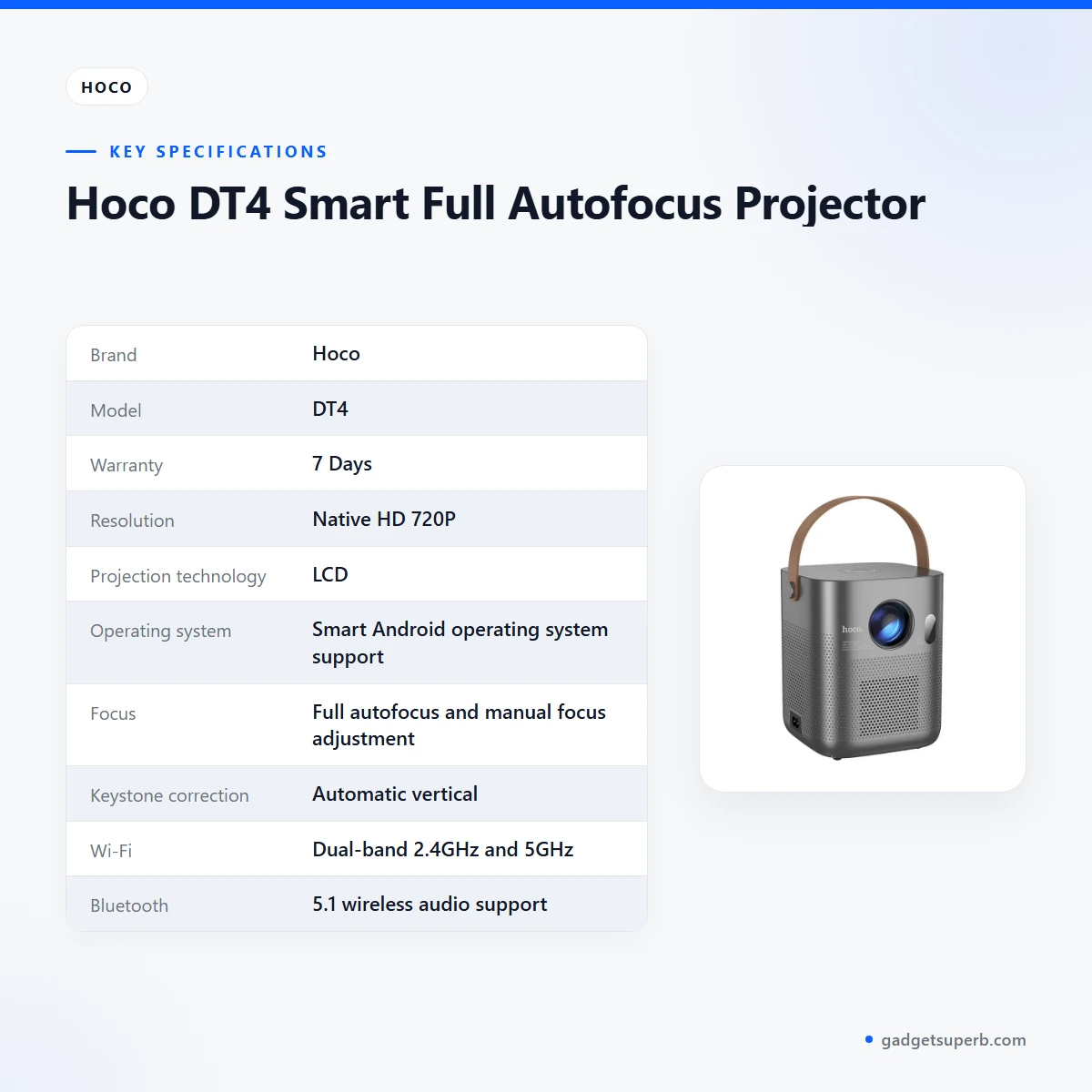
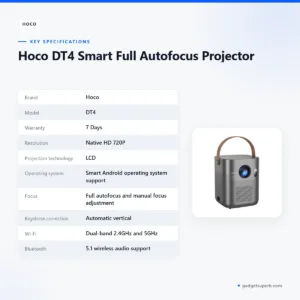
The table below lists the Hoco DT4 Projector specifications as shown on the product listing. Use it to check the key details before you call or message us with questions.
| Brand | Hoco |
| Model | DT4 |
| Warranty | 7 Days |
| Resolution | Native HD 720P |
| Projection technology | LCD |
| Operating system | Smart Android operating system support |
| Focus | Full autofocus and manual focus adjustment |
| Keystone correction | Automatic vertical |
| Wi-Fi | Dual-band 2.4GHz and 5GHz |
| Bluetooth | 5.1 wireless audio support |
| Projection size | 23.5 inches to 183 inches |
| Built-in speaker | Yes, for direct audio playback |
| Connectivity ports | HDMI, USB, AV input |
| Design | Compact and portable |
These are listed specifications from the product listing for the Hoco DT4 Projector.
How to use and set up
Setting up the Hoco DT4 Projector is a simple job, but the exact steps depend on your room and the maker’s instructions. Follow the maker’s instructions for power, the first switch-on and any charging step they give. Keep the packaging until you are sure the unit works as expected in your room.
Place the Hoco DT4 Projector on a stable table or stand with clear space in front of the lens. Leave room for air to move around the body, which matters in a humid Dhaka flat. Position the unit so the lens faces the wall or screen as squarely as you can, then let automatic vertical keystone correction handle small angle errors. Avoid placing it where children or pets can knock it over.
Connect your source through the HDMI, USB or AV input that matches your device. Once the Hoco DT4 Projector shows a picture, use autofocus first and manual focus for the final fine-tuning. If you need help with a connection, message us with the device name and the cable you are using before or after delivery.
Care is simple. Keep the lens and vents free of dust with a soft, dry cloth, and store the unit in a dry place when it is not in use. Humidity is common in Dhaka during the monsoon, so avoid leaving the projector in a damp corner or near a wall that gets wet. Let the unit cool before you pack it away after a long session.
If your area has load-shedding, plan film nights around your power supply. Use a stable socket, keep cables out of walking paths, and unplug the unit when you are not using it. Check the maker’s instructions before you connect any backup supply, because the listing does not describe backup power options.
Before the first long session, run a short test with the cable and source you plan to use. That way any problem shows up on your own schedule rather than during a class or a family gathering. If something looks wrong, contact us with the model name and a short description of the issue.
Compatibility and what is in the box
The listing confirms several connection points for the Hoco DT4 Projector: Smart Android operating system support, dual-band Wi-Fi with 2.4GHz and 5GHz connectivity, Bluetooth 5.1 wireless audio support, and HDMI, USB and AV input ports. Match these against your phone, laptop, set-top box or media player before you order.
Not confirmed by the listing: the full list of compatible phones, laptops and streaming devices, the exact contents of the box, and any accessories supplied with the Hoco DT4 Projector. Ask us before you order if you need one of these details, and do not assume that any accessory is included.
Before you order, confirm your model with us and match your device’s output to the ports listed. If you are buying for a shared home, make sure the person who will set it up knows which input to use. A short message to us before you pay on delivery can save a return later.
Compatibility also depends on your network. The listing gives 2.4GHz and 5GHz Wi-Fi bands, but it does not say which band works best in a particular flat, so test the connection in the room where you plan to use it.
Who should buy it in Bangladesh
Families who want a shared screen for films and cartoons will find the Hoco DT4 Projector useful in a living room or bedroom. Full autofocus, manual focus and automatic vertical keystone correction help a non-technical user get a usable picture without a long setup. The portable design also suits a household that moves the screen between rooms.
Students and teachers who run lessons or group study sessions at home may like the portable design and the HDMI and USB ports for connecting a laptop or another source. The listing gives HD 720P, so set expectations for fine print and test the layout with your own slides before a class.
Small offices and shop owners who need a presentation screen can use the projection size range from 23.5 inches to 183 inches to fit a meeting space. Before you buy, measure the wall and the distance you can offer, because the listing does not state a throw distance.
Renters and guest-room users often care most about moving and setting up quickly. The listed compact and portable design fits that need. If you need a fixed installation, a specified brightness level or confirmed app details, ask us first, because the listing does not give those figures.
Buyers who want a bigger picture for weekend sport can plan the wall space within the listed 23.5 to 183 inch range, then judge the brightness in the room itself, since the listing does not give a brightness figure. Test the picture at your real viewing distance rather than relying on a number.
Households with older relatives or first-time projector users often value a simple start. The listing describes autofocus, so a less experienced user can begin with autofocus and only adjust manually when the picture needs a final touch.
Families who share one projector across two bedrooms can move the unit as needed. Agree on a set-up spot in advance, keep the power lead out of the way, and make sure everyone knows which input to choose on the unit.
Alternatives in our store
If the Hoco DT4 Projector is not the right fit, look at the other options in our range before you decide. The HY320 Android Projector is another projector in our range, and the TP360 Smart Android Projector is another projector in our range. For a second choice, see the HY320 Mini Android Projector, and for another option, see the Havit PJ212 270 ANSI FHD Portable Projector. Browse the full line in our Projectors category and compare the Hoco DT4 Projector with the rest of the range.
Choose between the listed options by checking the points you can verify on each product page: the features, the connection ports and the space you have for setup. Use the specification table on this page as your starting point.
Warranty and support
Warranty: 7 Days seller warranty.
Delivery, returns and ordering
We deliver all over Bangladesh, and you pay cash on delivery when you order the Hoco DT4 Projector.
Delivery usually takes 1–3 days inside Dhaka city and 2–5 days outside Dhaka.
You can return it within 7 days of delivery. See our Delivery & Returns policy for the full terms.
Questions before ordering: call 09638054751, message us on Facebook Messenger or email care@gadgetsuperb.com.
If you plan to use the Hoco DT4 Projector for a class, a family event or a meeting, order a few days ahead so the delivery window fits your plans. Orders outside Dhaka take 2–5 days, so allow for that range.
Have a clear delivery address and a contact number ready when you order, so the delivery team can reach you on the day.
Frequently asked questions
What is the Hoco DT4 Projector?
The Hoco DT4 Projector is listed as a smart projector with native HD 720P resolution, LCD projection technology and Smart Android operating system support.
Does the Hoco DT4 Projector have autofocus?
Yes. According to the listing, the Hoco DT4 Projector offers full autofocus and manual focus adjustment options.
Does the Hoco DT4 Projector connect to Wi-Fi?
Yes, the listing gives dual-band Wi-Fi with 2.4GHz and 5GHz connectivity. Confirm your model before you order.
Can the Hoco DT4 Projector play Bluetooth audio?
The listing gives Bluetooth 5.1 wireless audio support and a built-in speaker for direct audio playback.
What projection size does the Hoco DT4 Projector support?
The listing states projection size support from 23.5 inches to 183 inches.
Which ports does the Hoco DT4 Projector have?
The listing mentions HDMI, USB and AV input ports for the Hoco DT4 Projector.
Is the Hoco DT4 Projector portable?
The listing describes a compact and portable projector design. It does not give a weight, so ask us about dimensions before you order.
Does the Hoco DT4 Projector correct keystone automatically?
Yes. The listing gives automatic vertical keystone correction for the Hoco DT4 Projector.
What is the warranty on the Hoco DT4 Projector?
Warranty: 7 Days seller warranty.
How do I order the Hoco DT4 Projector?
You can order through our store and pay cash on delivery. Delivery usually takes 1–3 days inside Dhaka city and 2–5 days outside Dhaka.
Does the Hoco DT4 Projector need a specific phone or laptop?
The listing does not confirm a full list of compatible devices, so match your device’s output to the HDMI, USB or AV input before you order.
Can I return the Hoco DT4 Projector?
Yes, you can return it within 7 days of delivery. See our Delivery & Returns policy for the full terms.
Related products
-20%
100 in stock
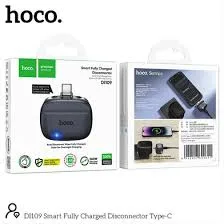
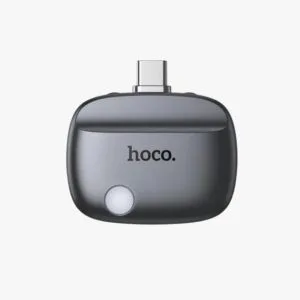
Hoco DI109 Smart Fully Charged Disconnector with Auto Cutoff
Original price was: ৳ 1,140.৳ 910Current price is: ৳ 910.-23%
189 in stock
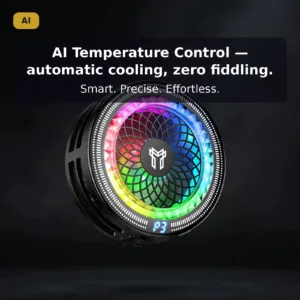
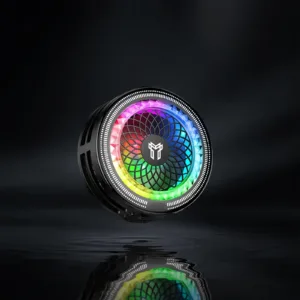
Hoco GA6 Glacier AI Semiconductor Mobile Cooler
Original price was: ৳ 1,500.৳ 1,150Current price is: ৳ 1,150.-26%
50 in stock
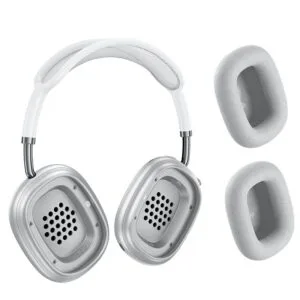
Hoco W65 Plus ANC Wireless Bluetooth Headphone
Original price was: ৳ 2,950.৳ 2,180Current price is: ৳ 2,180.-26%
100 in stock
hoco ESD35 Pro Max ANC Headphone – 170Hr Battery
Original price was: ৳ 2,790.৳ 2,060Current price is: ৳ 2,060.-23%
64 in stock
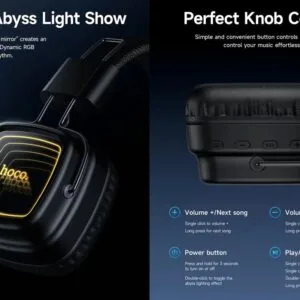

Hoco W72 Mirror Wireless Headphones
Original price was: ৳ 1,990.৳ 1,530Current price is: ৳ 1,530.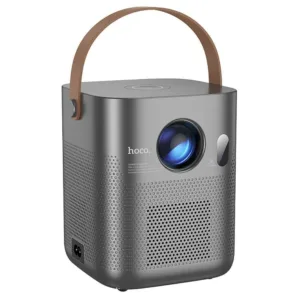 Hoco DT4 Smart Full Autofocus ...
 Original price was: ৳ 21,930.৳ 15,770Current price is: ৳ 15,770.
50 in stock
Reviews
There are no reviews yet.