No products in the cart.

-28%
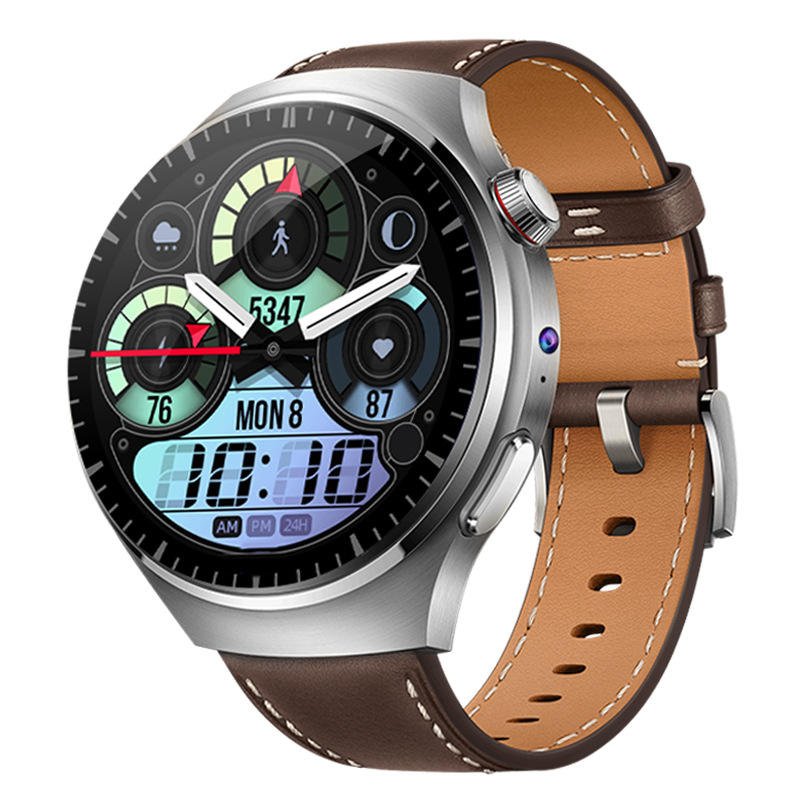

The B14 Smart Watch is a Nano SIM smart watch that the product listing describes as a 5G device with Google Play Store access, dual cameras and a 2.02-inch AMOLED touchscreen. It is aimed at Bangladeshi buyers who want calls, messages and Android apps on the wrist.
- What the B14 Smart Watch Offers
- Key features
- Specifications of the B14 Smart Watch
- How to use and set up
- Compatibility and what is in the box
- Who should buy it in Bangladesh
- Alternatives in our store
- Warranty and support
- Delivery, returns and ordering
- Frequently asked questions
What the B14 Smart Watch Offers
The maker presents the B14 Smart Watch as a way to combine the full functionality of a smartphone with the convenience of a smartwatch. According to the listing, the B14 Smart Watch brings together a Nano SIM slot, Google Play Store access, dual cameras and a vibrant AMOLED display in one device. The listing describes it as designed for the modern Bangladeshi user who wants connectivity, performance and style.
For a commuter in Dhaka, the appeal is taking calls and checking messages without reaching for a phone that sits in a bag. The listing says the Nano SIM supports the networks it names: Grameenphone, Robi, Banglalink and Teletalk. Whether you live in Dhaka, Chittagong or another district, check that your SIM belongs to one of these networks before you order. The maker also says the design suits both formal and casual occasions, so the B14 Smart Watch can move between work meetings and weekend plans.
Load-shedding can interrupt power in some areas, so it helps to fit charging into your daily routine rather than leaving it to chance. The listing gives the battery as 1000mAh Li-Po, with battery life listed as up to 1-2 days with typical usage and 3-5 days on standby. Humidity is another practical factor in Bangladesh, so keep the watch dry and let the strap air out after heavy sweating. For general background on smartwatches as a product category, read the background on smartwatches on Wikipedia.
Key features
Nano SIM and network support
The B14 Smart Watch takes a Nano SIM card. According to the listing, it supports 5G, 4G LTE, 3G WCDMA and 2G GSM networks, and it is compatible with Grameenphone, Robi, Banglalink and Teletalk. The maker says this lets you make and receive calls, send messages and browse the internet from your wrist, without being tethered to your phone. The listing also mentions streaming content directly from the watch. Because your provider and plan decide what you can use each day, plan calls and data around your own SIM and plan.
Google Play Store access on Android 10
The listing says the B14 Smart Watch runs a full Android 10 operating system and gives access to the Google Play Store. The maker presents this as the reason the watch goes beyond limited smartwatch functions. According to the listing, you can download apps directly to the watch, from social media to productivity tools. The listing does not give a full catalogue of supported apps, so search for the app you need on the watch before you depend on it. Sign in with your Google account during setup, and follow the maker’s instructions for updates to the watch software.
Dual cameras for video calls and photos
The listing gives two cameras. The 5MP front-facing camera is listed for clear video calls and selfies, and the 8MP side-mounted camera is listed for photos and videos on the go. According to the maker, the side camera lets you capture spontaneous moments without reaching for your phone. You can share them quickly or keep them in the listed 64GB of internal storage. The dual camera setup is also presented as a way to join video calls with friends, family or colleagues. The listing gives megapixel figures only, so the photos and calls you get will depend on the scene and the light.
2.02-inch AMOLED touchscreen
According to the listing, the B14 Smart Watch has a 2.02-inch AMOLED touchscreen with a 400 x 400 pixel resolution and a 60Hz refresh rate. The maker describes vibrant colours, deep blacks and sharp text for apps, notifications and watch faces. The touchscreen is described as large and responsive, which is the main way you move through apps and media on the watch. The listing highlights video clips and images as the uses for this display. It does not give brightness or outdoor readability figures, so this guide makes no claim about either.
Health and fitness tracking, as listed
The listing says the B14 Smart Watch monitors heart rate, blood oxygen (SpO2), steps, distance and calories burned. It names several pre-set sports modes, including running, cycling and walking. According to the maker, heart rate is tracked 24/7. The sensors listed are a heart rate monitor (PPG), blood oxygen (SpO2), pedometer, accelerometer and gyroscope. These are the maker’s descriptions, not medical advice. For any health question, speak to a qualified professional rather than relying on the watch alone.
Zinc alloy case, silicone strap and IP67 rating
The listing describes a premium Zinc Alloy watch case and a high-grade silicone strap designed for daily wear. It gives an IP67 water resistance rating and describes it as splash and dust resistant. The listing also states that IP67 does not support swimming or prolonged submersion, so do not take the B14 Smart Watch swimming. The approximate weight is listed as 75g with the strap. Dimensions are listed as 54mm x 48mm x 16.5mm excluding the strap. These are the maker’s figures, and they are the only size and weight details this page uses.
Specifications of the B14 Smart Watch
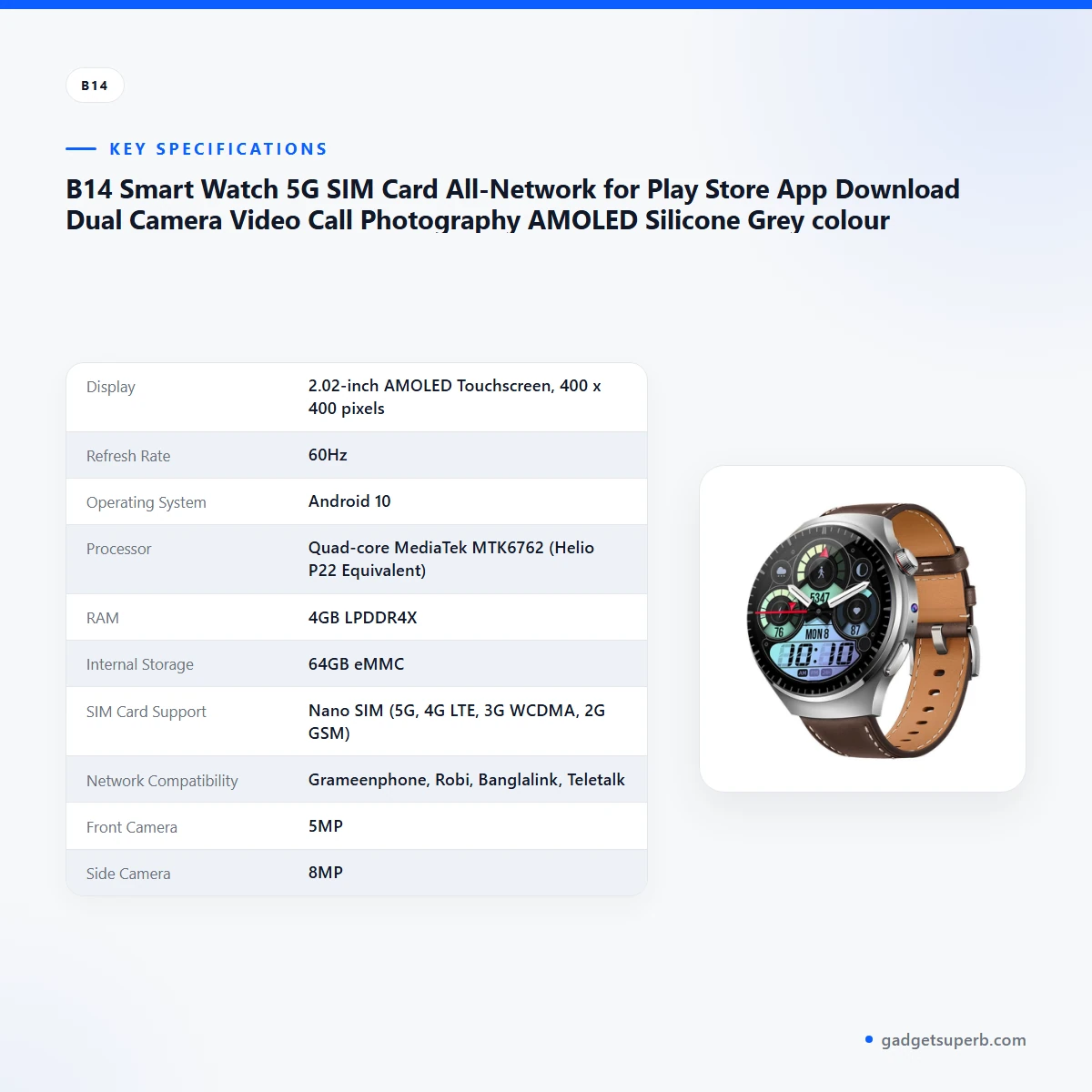
The table below sets out the specifications exactly as the product listing gives them, so you can check each figure against the source.
| Feature | Specification |
|---|---|
| Display | 2.02-inch AMOLED Touchscreen, 400 x 400 pixels |
| Refresh Rate | 60Hz |
| Operating System | Android 10 |
| Processor | Quad-core MediaTek MTK6762 (Helio P22 Equivalent) |
| RAM | 4GB LPDDR4X |
| Internal Storage | 64GB eMMC |
| SIM Card Support | Nano SIM (5G, 4G LTE, 3G WCDMA, 2G GSM) |
| Network Compatibility | Grameenphone, Robi, Banglalink, Teletalk |
| Front Camera | 5MP |
| Side Camera | 8MP |
| Connectivity | Wi-Fi 802.11 b/g/n (2.4GHz), Bluetooth 5.0, GPS/GLONASS/Beidou |
| Battery | 1000mAh Li-Po |
| Water Resistance | IP67 (Splash and Dust Resistant) |
| Case and strap material | Zinc Alloy case; high-grade silicone strap |
These are listed specifications from the product listing for the B14 Smart Watch.
How to use and set up the B14 Smart Watch
Setting up the B14 Smart Watch takes a few short steps. Follow the maker’s instructions for your model, and use the order below as a general guide. Keep the packaging and your purchase receipt until setup is finished, so you have the seller details to hand if you have a question.
- Charge fully before first use. The listing gives the charging method as magnetic pogo pin at 5V/1A.
- Insert a Nano SIM card from one of the networks named in the listing. Open the SIM tray as the maker’s instructions describe.
- Switch on and follow the on-screen setup. Connect to Wi-Fi, sign in with your Google account and set your preferences.
- Open the Google Play Store on the watch and download the apps you need.
- When you are ready, explore the health tracking, camera functions and watch faces.
Once setup is done, the B14 Smart Watch is ready for daily use. Charge it whenever you have mains power, because load-shedding can cut supply in some areas without much warning. Build a simple habit, such as topping up while you dress or before you leave for work, so the battery does not run low during a busy day.
Care is simple. Keep the Zinc Alloy case and silicone strap clean. After a workout or a humid commute, wipe the strap with a soft, dry cloth and let it air out before you wear the watch again. Avoid leaving the watch in a hot car or in direct sunlight for long periods. These are general care habits for smart watches, not claims made in the listing.
When you are not wearing the watch, store it somewhere cool and dry, away from direct heat and dust. If you will not use it for several days, charge it part way before you put it away, so the battery is not left empty. Check the charge again before the next time you wear it. A short routine keeps the B14 Smart Watch ready when you need it.
Apps need a little housekeeping too. Download only the apps you need, and check the app details in the Play Store before you install them. The listing gives 64GB eMMC internal storage for apps, files and media. Large video files take up space over time, so review your storage now and then.
If you change your SIM later, switch the watch off first and follow the maker’s instructions for the SIM tray. Keep a note of the networks named in the listing, so you can check any new SIM against them before you insert it.
Compatibility and what is in the box
The listing confirms Nano SIM support and names Grameenphone, Robi, Banglalink and Teletalk as compatible networks in Bangladesh. It also lists Wi-Fi 802.11 b/g/n (2.4GHz), Bluetooth 5.0 and GPS/GLONASS/Beidou connectivity for the B14 Smart Watch. This page repeats those points and does not add to them.
The listing does not confirm the full set of items in the package, so the contents of your order are not confirmed on this page. Ask us before ordering if the full list matters to you.
Colour is a point to confirm. The product title names a silicone grey colour, but the listing’s colour list gives Black, Silver and Rose Gold. Confirm your colour with us, because the listing does not settle the point for the B14 Smart Watch.
Compatibility beyond the networks and connectivity named in the listing is not confirmed. For Bangladeshi buyers, the practical question is whether your SIM and network match the names in the listing. If you are unsure, message us with your network name and we will point you to the listing details that apply.
Who should buy the B14 Smart Watch in Bangladesh
The B14 Smart Watch suits buyers who want phone functions on the wrist and are comfortable with a Nano SIM and an Android watch. The scenarios below are realistic examples, not promises about what any one person will experience.
A commuter in Dhaka might use the watch to check messages and take calls on a crowded bus or in traffic, when the phone is in a bag. The listing says the Nano SIM supports calls and messages on the named networks, so this use depends on your network being one of them. Listed Wi-Fi connectivity may also help when you are at home or in an office with a connection.
A student or freelancer might value the dual cameras for video calls with family, classmates or clients. The 5MP front camera is listed for clear video calls, and the 8MP side camera for photos and video. For this buyer, the B14 Smart Watch offers a way to join a call without carrying a second device, provided the network and the app you use work for you.
A health-conscious buyer might look closely at the heart rate, SpO2, step and sports-mode features listed for the watch. Use them as a general record of activity, and decide whether the listed sports modes match the routine you already follow. The figures are the maker’s descriptions only.
A small business owner in Chittagong or Sylhet might want a watch for messages and calls while on the move, with Play Store access for work apps. The listing names Play Store access but does not list specific business apps, so check that the apps you need are available before you rely on the B14 Smart Watch for work.
A family member who needs to stay in touch while out and about might find the calling and messaging features useful. Calls, messages and the camera functions are the listed uses, and the 5MP front camera is listed for video calls. This buyer should keep the listed network names in mind when choosing a SIM.
A person who spends long hours outdoors in humid weather might value the splash and dust resistance listed for the watch. Keep in mind the swimming limit described in the features section above, and treat splash and dust resistance as the only water-related point the listing makes.
Some buyers should look elsewhere. If you plan to swim with the watch, this model is not the right choice, because the listing excludes swimming. If you need a watch that works on a network outside the four named, the listing does not confirm that, so browse other options in our range.
Alternatives in our store
If you are still weighing up the B14 Smart Watch against other options, you can look at another smart watch in our range, the HK9 Ultra AMOLED Smartwatch ChatGPT Smartwatch – Orange Color. For a SIM supported kids smart watch, see the SIM Supported Kids Smart Watch (Smartberry C005) – Black Color, the SIM Supported Kids Smart Watch (Smart2023 C005) – Pink Color or the SIM Supported Kids Smart Watch (Smart2023 C005) – Blue Color.
Each of these pages carries its own listing, so read it on its own terms before you decide. To see the full selection, browse our Smart Watches category, and compare the B14 Smart Watch with the other models there using the delivery and returns details below.
Warranty and support
Warranty: 7 Days seller warranty.
Delivery, returns and ordering
If you are ordering the B14 Smart Watch from Gadget Superb, the points below explain how the order reaches you and what you can do afterwards. We deliver all over Bangladesh and you pay cash on delivery.
Delivery usually takes 1–3 days inside Dhaka city and 2–5 days outside Dhaka. The timing depends on where you live, so plan your first charge and setup around the day the parcel arrives.
You can return it within 7 days of delivery. The full terms are set out in our Delivery and Returns policy, so read that page before you place an order for the B14 Smart Watch.
Questions before ordering: call 09638054751, message us on Facebook Messenger or email care@gadgetsuperb.com. Ask about the B14 Smart Watch, the networks, the colour or the delivery area before you agree to the order.
Frequently asked questions
Is the B14 Smart Watch a Nano SIM smart watch?
Yes. The listing says the B14 Smart Watch takes a Nano SIM card and supports 5G, 4G LTE, 3G WCDMA and 2G GSM networks.
Which networks does the B14 Smart Watch work with in Bangladesh?
The listing names Grameenphone, Robi, Banglalink and Teletalk. Check that your SIM belongs to one of these networks before you order.
Can the B14 Smart Watch download apps from the Play Store?
Yes. The listing says the B14 Smart Watch runs Android 10 and gives access to the Google Play Store.
Does the B14 Smart Watch have cameras for video calls?
Yes. The listing gives the B14 Smart Watch a 5MP front-facing camera for video calls and an 8MP side camera for photos and video.
Is the B14 Smart Watch water resistant?
The listing gives an IP67 rating and describes it as splash and dust resistant. It also says IP67 does not support swimming or prolonged submersion.
Does the B14 Smart Watch track heart rate and steps?
According to the listing, yes. It tracks heart rate, blood oxygen (SpO2), steps, distance and calories burned, with several sports modes. This is not medical advice.
How long does the B14 Smart Watch battery last?
The listing gives battery life as up to 1-2 days with typical usage and 3-5 days on standby.
What colour is the B14 Smart Watch?
The product title names silicone grey, but the listing’s colour list gives Black, Silver and Rose Gold. Confirm your colour with us before you order.
Is the package content of the B14 Smart Watch confirmed?
The listing does not confirm the full package contents, so ask us before ordering.
Do you deliver outside Dhaka?
Yes. We deliver all over Bangladesh, and delivery for the B14 Smart Watch usually takes 2–5 days outside Dhaka.
Can I return the B14 Smart Watch?
Yes. You can return it within 7 days of delivery, as set out in our Delivery and Returns policy.
How can I ask a question about the B14 Smart Watch before I buy?
Call 09638054751, message us on Facebook Messenger or email care@gadgetsuperb.com.
Related products
-25%
47 in stock
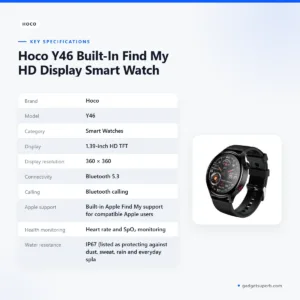

Hoco Y46 Built-In Find My HD Display Smart Watch
Original price was: ৳ 3,930.৳ 2,910Current price is: ৳ 2,910.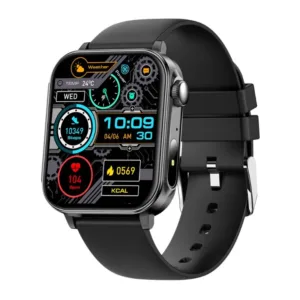
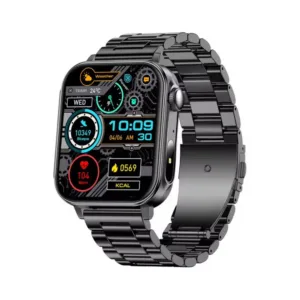
-26%
100 in stock
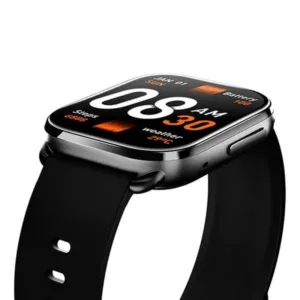
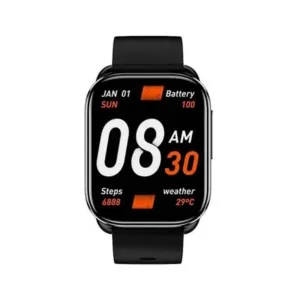
QCY Watch GS Bluetooth Calling Smartwatch
Original price was: ৳ 3,030.৳ 2,240Current price is: ৳ 2,240.-28%
47 in stock
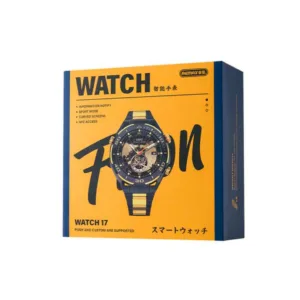
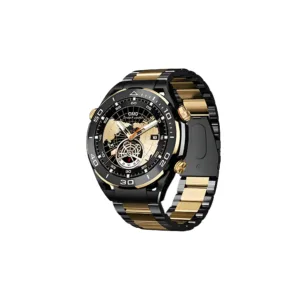
Remax Watch 17 Bluetooth calling Smartwatch (Black/Gold)
Original price was: ৳ 5,690.৳ 4,090Current price is: ৳ 4,090.-28%
43 in stock

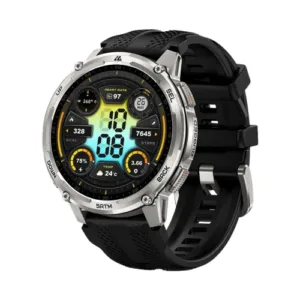
KOSPET TANK T4C – Silver
Original price was: ৳ 17,440.৳ 12,540Current price is: ৳ 12,540. B14 Smart Watch 5G SIM Card Al...
 Original price was: ৳ 7,760.৳ 5,580Current price is: ৳ 5,580.
50 in stock
Reviews
There are no reviews yet.