
No products in the cart.
Hoco EW79 Bright ANC Touch Screen True Wireless Earbuds
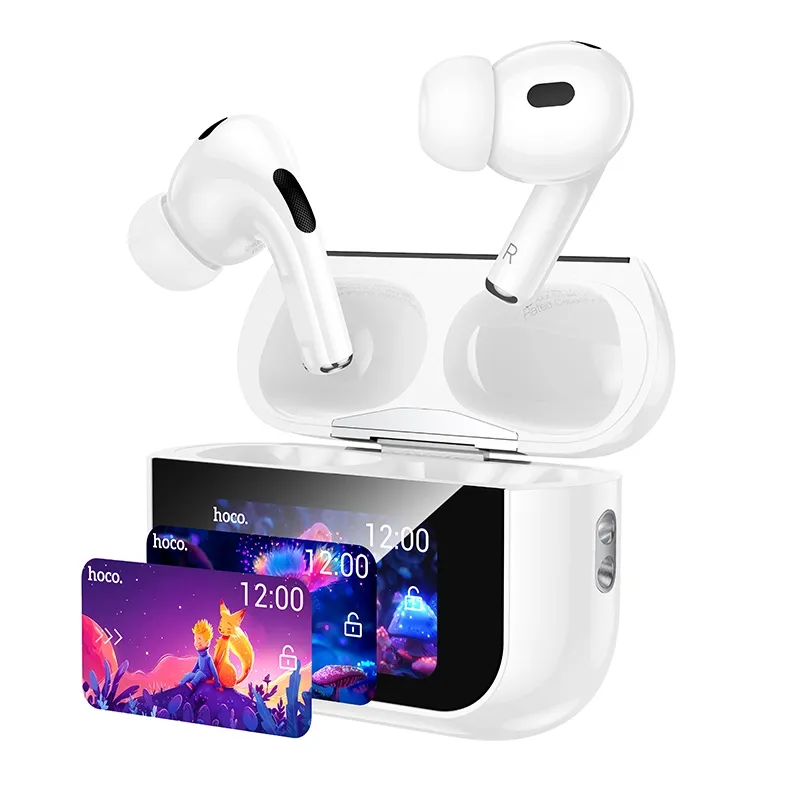
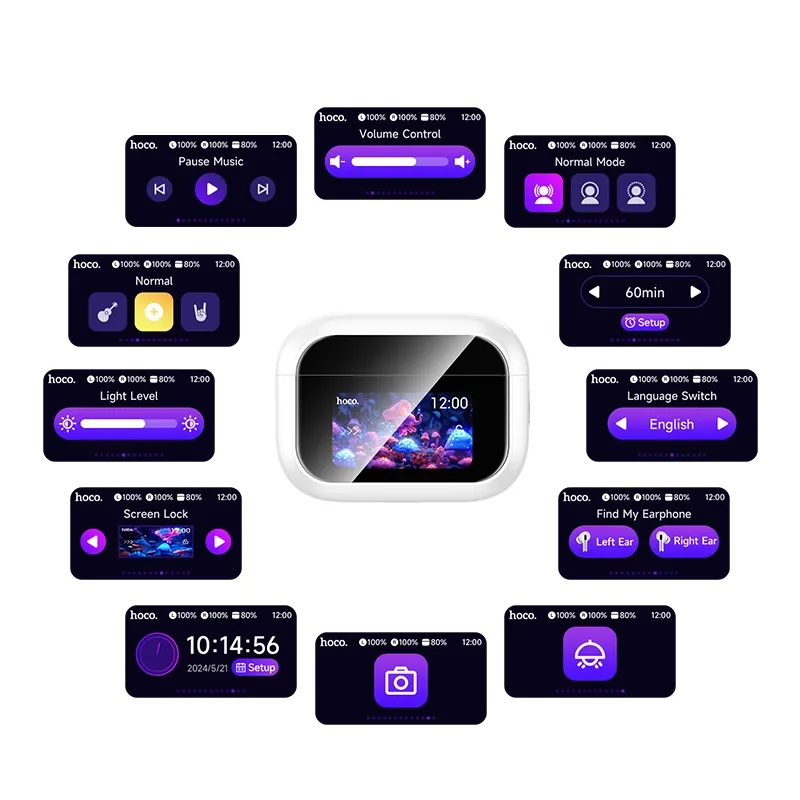
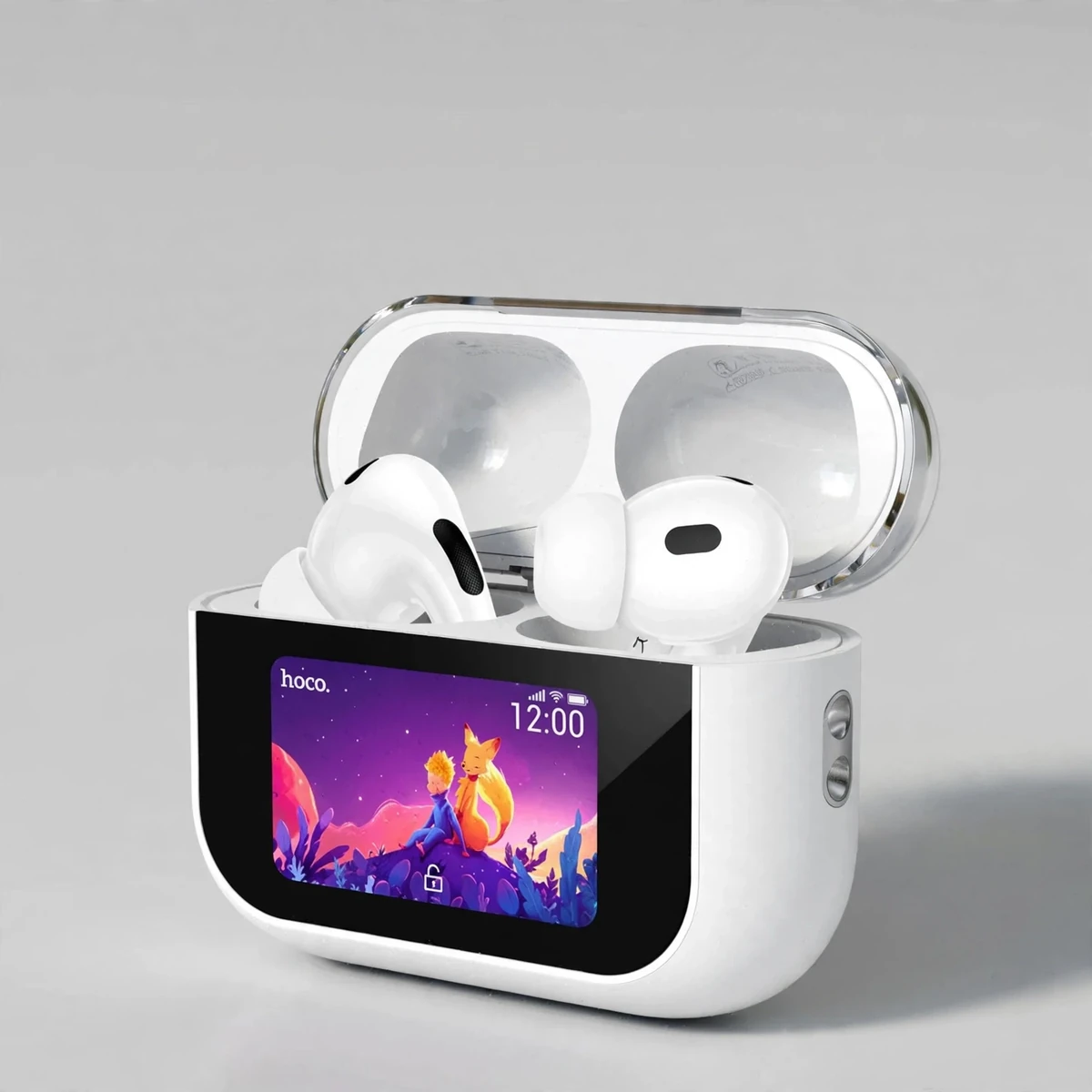
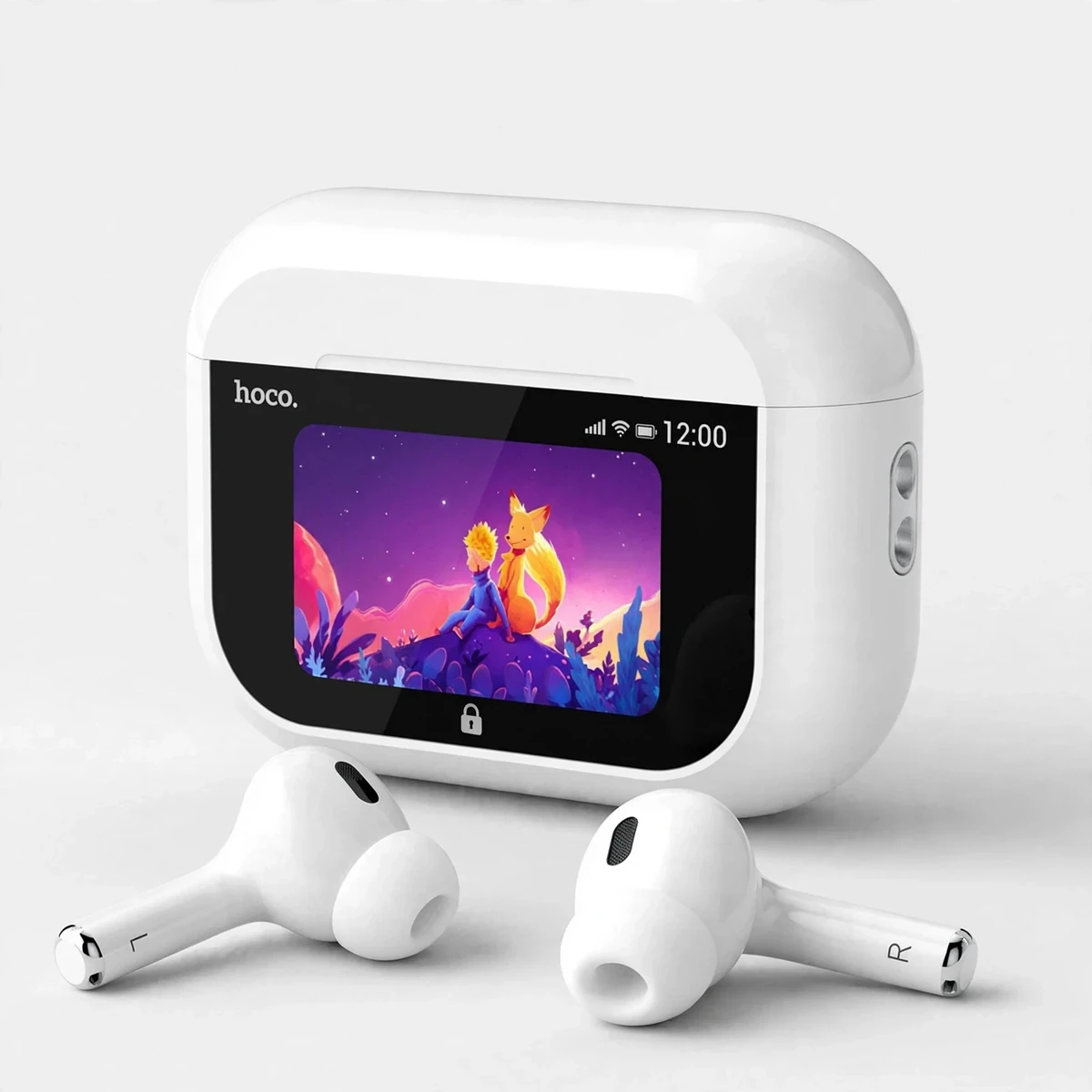
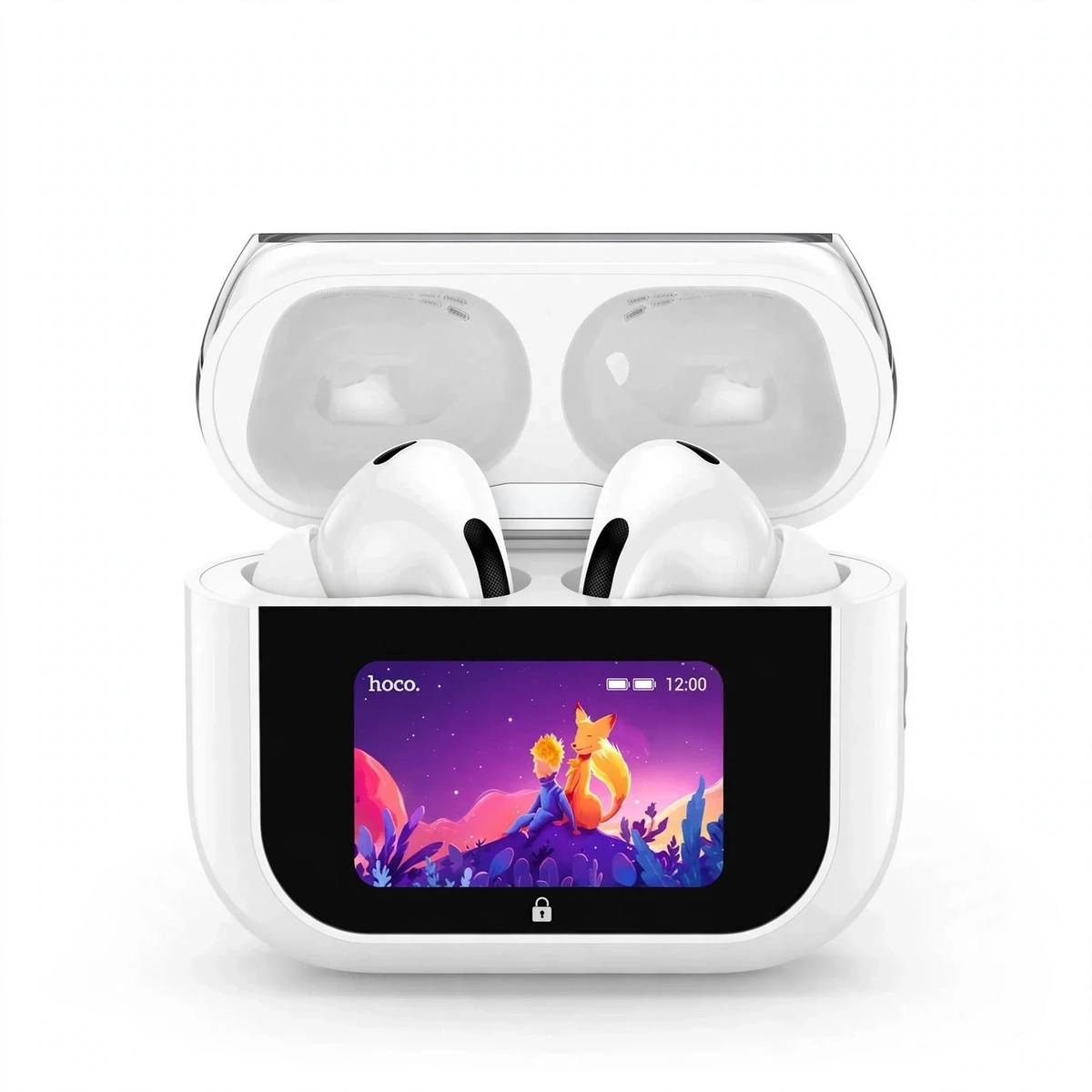
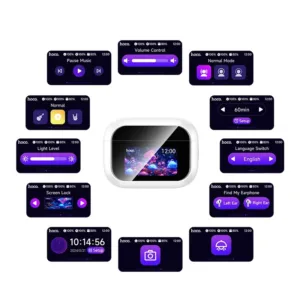
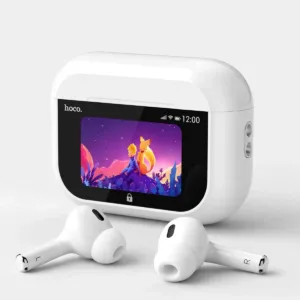
The Hoco EW79 (also sold as the EW79 Bright) is the true wireless earbuds pair for people who are tired of reaching for their phone for every small adjustment. Its headline feature is a full-color touchscreen on the charging case — playback, volume, ANC modes, EQ presets, battery levels, the clock, find-my-buds and even a timer can all be changed right on the case, without opening an app. If you searched for the Hoco EW79 price in Bangladesh, this is the model with the screen case and real active noise cancellation — not a basic entry-level bud. You can browse the full Earbuds & Earphones range at Gadget Superb to compare it against its siblings, but this page is all about the EW79.
On paper — per Hoco’s spec sheet as mirrored by BD distributors — the Hoco EW79 claims ANC for listening, 13mm-class drivers, about 4 hours per charge, up to about 25 hours total with the case, Bluetooth 5.4 on the JL AC7003 chip, and USB-C charging. The rest of this page walks through each claim with manufacturer-claimed figures labeled.
Sound Quality and Drivers
Hoco lists 13mm-class dynamic drivers for the EW79, the same class of driver found across most of Hoco’s current TWS line-up. In this segment that generally means a warm, full-range sound tuned for everyday listening — pop, podcasts, video calls and mobile games — rather than a flat studio response. Distributor spec sheets quote a frequency response of 20Hz–20kHz and sensitivity around 98dB ± 3dB, which puts the EW79 squarely in the “easy to drive, gets plenty loud” territory typical of modern true wireless earbuds.
The single most important thing you can do for the Hoco EW79’s sound costs nothing: get a good in-ear seal. A proper seal is what lets the bass come through and gives the ANC something to work with, because active noise cancellation can only cancel the sound that reaches your ear around the seal. If the EW79 sounds thin, the first suspect should be tip size, not the driver.
Design, Fit and Comfort
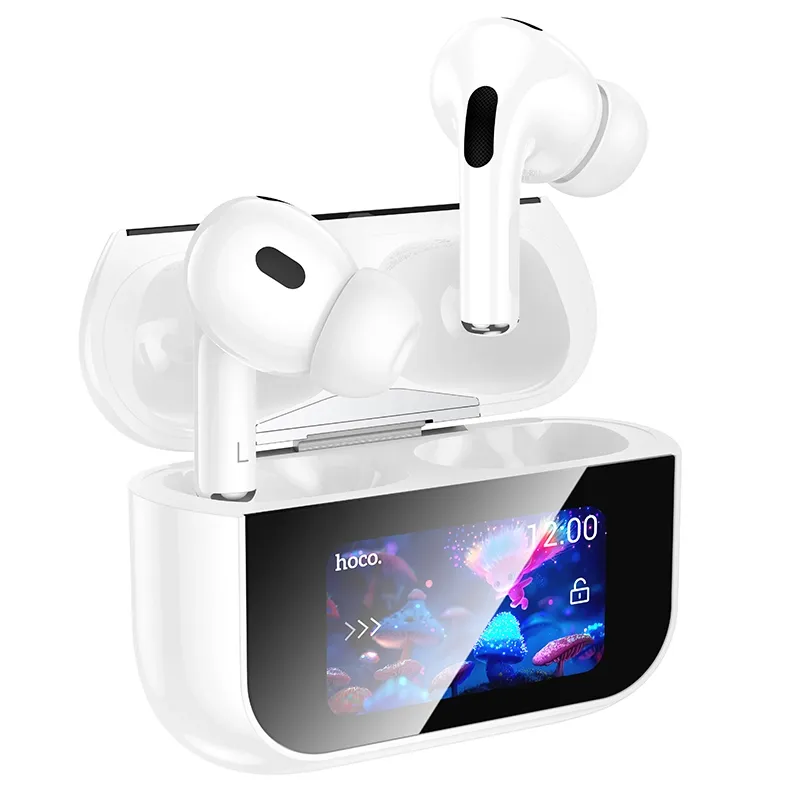
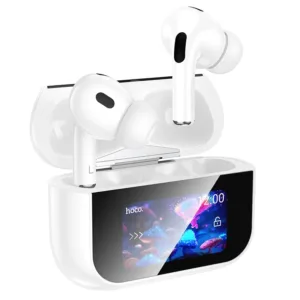
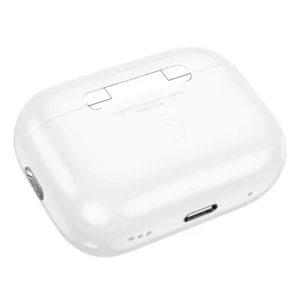
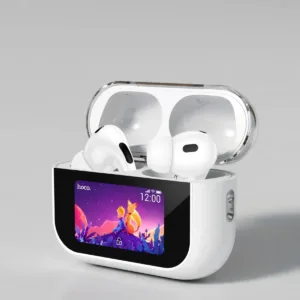
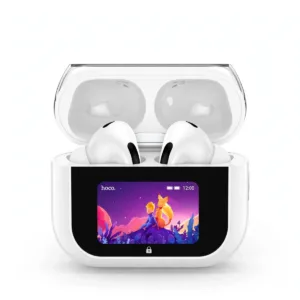
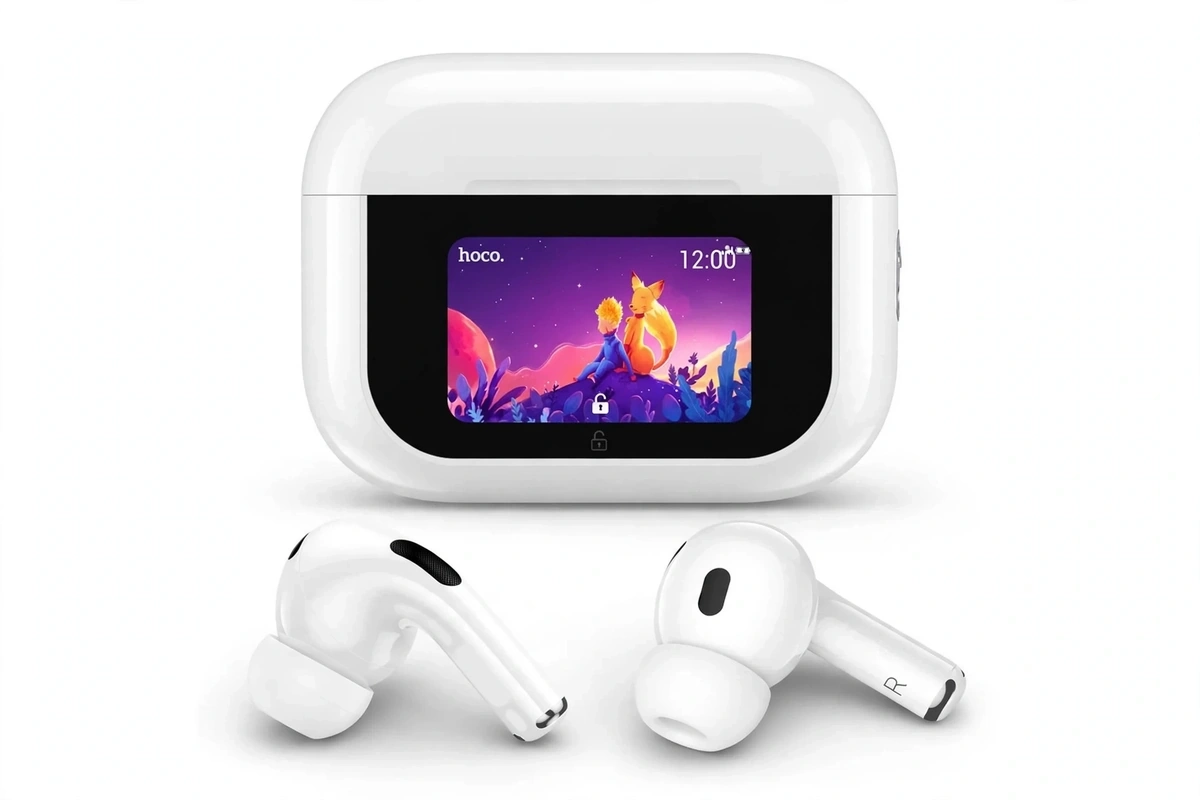
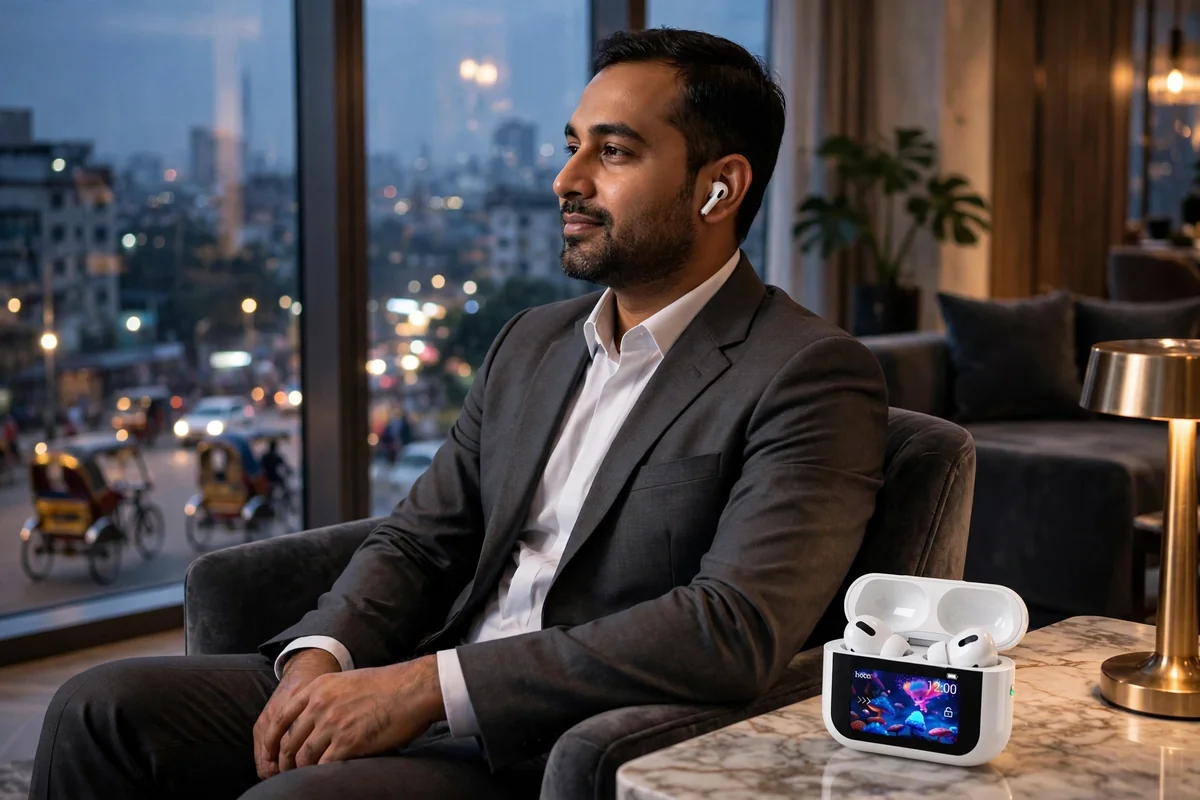
The Hoco EW79 Bright ships in white: a glossy white open-lid case with a transparent-tinted top window and a bright color touchscreen on the front face. The buds themselves are white with oval black touch strips, silicone tips, and left/right stem marks. It is a look that borrows more than a little from the touchscreen-case flagships of other brands — but at the price tier Hoco plays in, it is genuinely unusual to get a working color screen rather than a printed battery-percentage window.
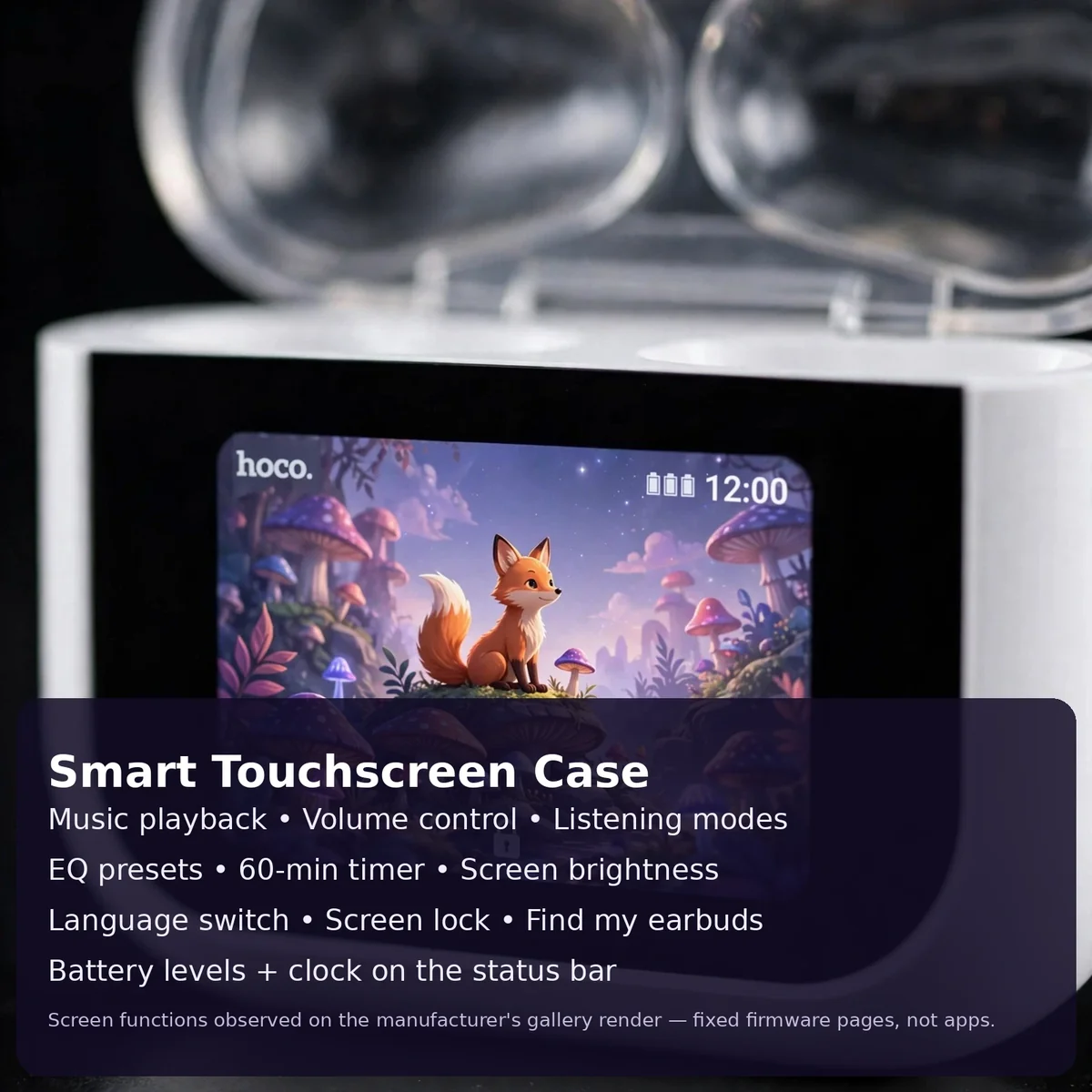
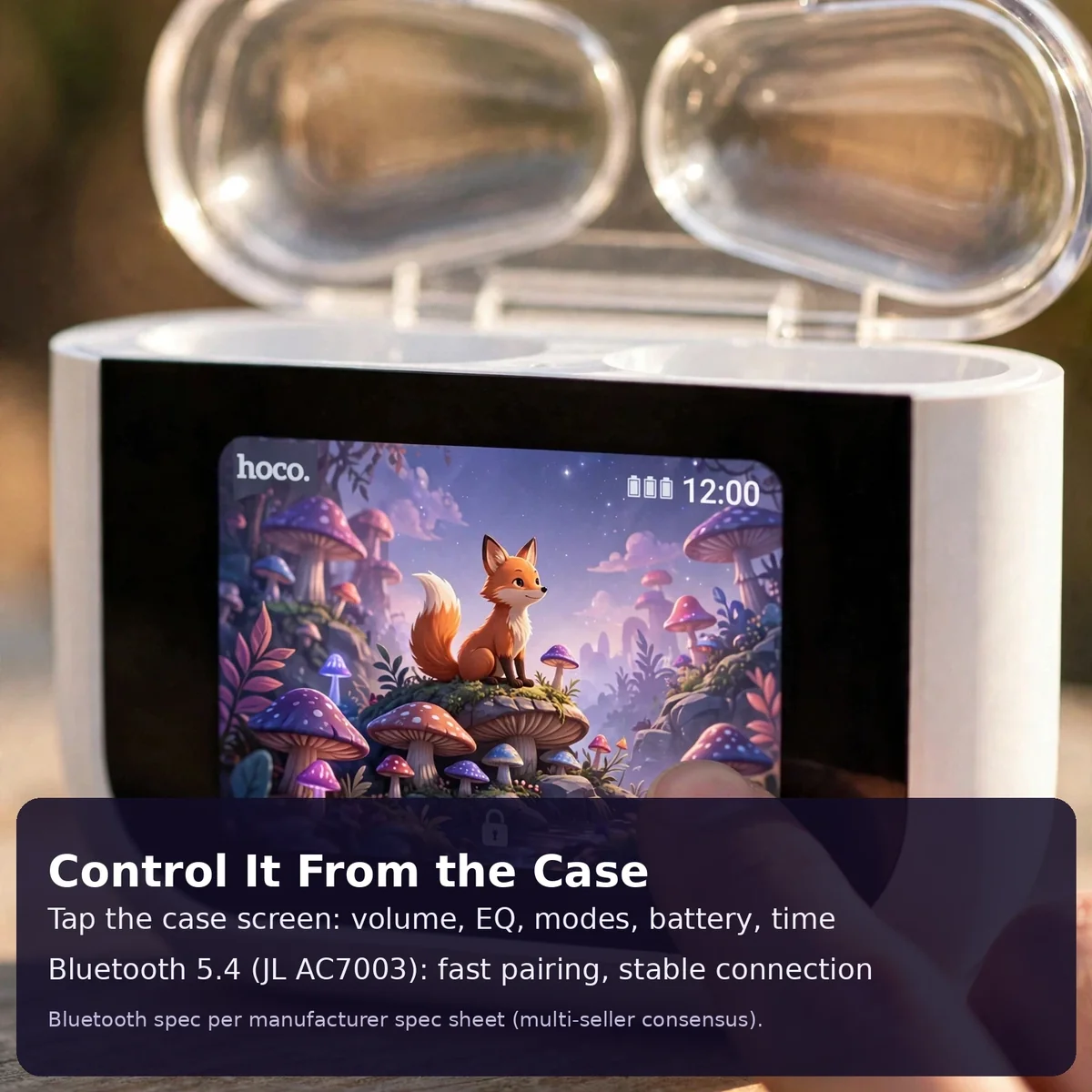
Fit is the standard Hoco stem shape: the bud body sits in the ear bowl while the short stem hangs down and carries the touch strip. The case measures about 60.5 × 45.5 × 23.3mm and the whole package weighs about 66.2g — small enough for a jeans pocket. The touchscreen wakes on touch and shows a neutral home screen with the clock, battery indicators for each bud and the case, and the Hoco wordmark; every function page (EQ presets, volume slider, ANC on/off, timer, find buds, flashlight) is reached by swiping. No companion app is documented, so the case screen and the on-bud touch controls are the complete control story.
Battery Life and Charging Case
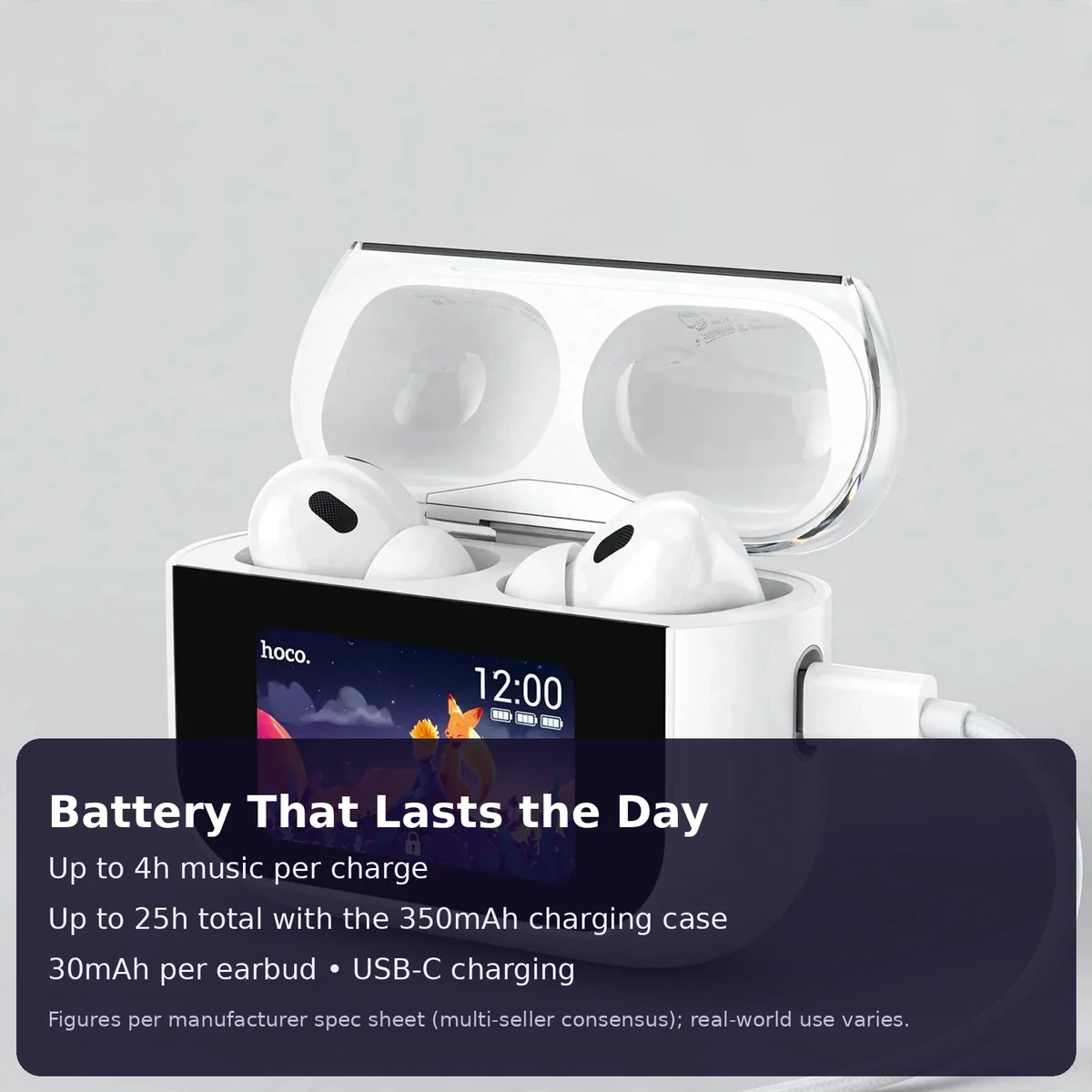
Battery figures are where spec sheets get slippery, so here is the complete Hoco EW79 picture with every figure labeled:
- ~4 hours of music per earbud charge (the figure every distributor agrees on)
- ~25 hours total with the 350mAh charging case — roughly a work week of commuting between plug-ins
- 30mAh per earbud / 350mAh case — the hardware behind the claims
- USB-C charging — any standard USB-C cable and charger works
The case itself does double duty as a battery pack and a control surface, so its charge matters more than usual: if the case is dead you lose the touchscreen too. Keep it topped up and the case screen becomes the thing you check most — one glance tells you whether you can skip a charge before leaving home. Real-world hours will vary with volume, ANC use, and how much of the screen you use, but the ~4h/~25h pair is consistent across the manufacturer’s spec sheet and the distributor mirrors.
ANC, ENC and Call Quality
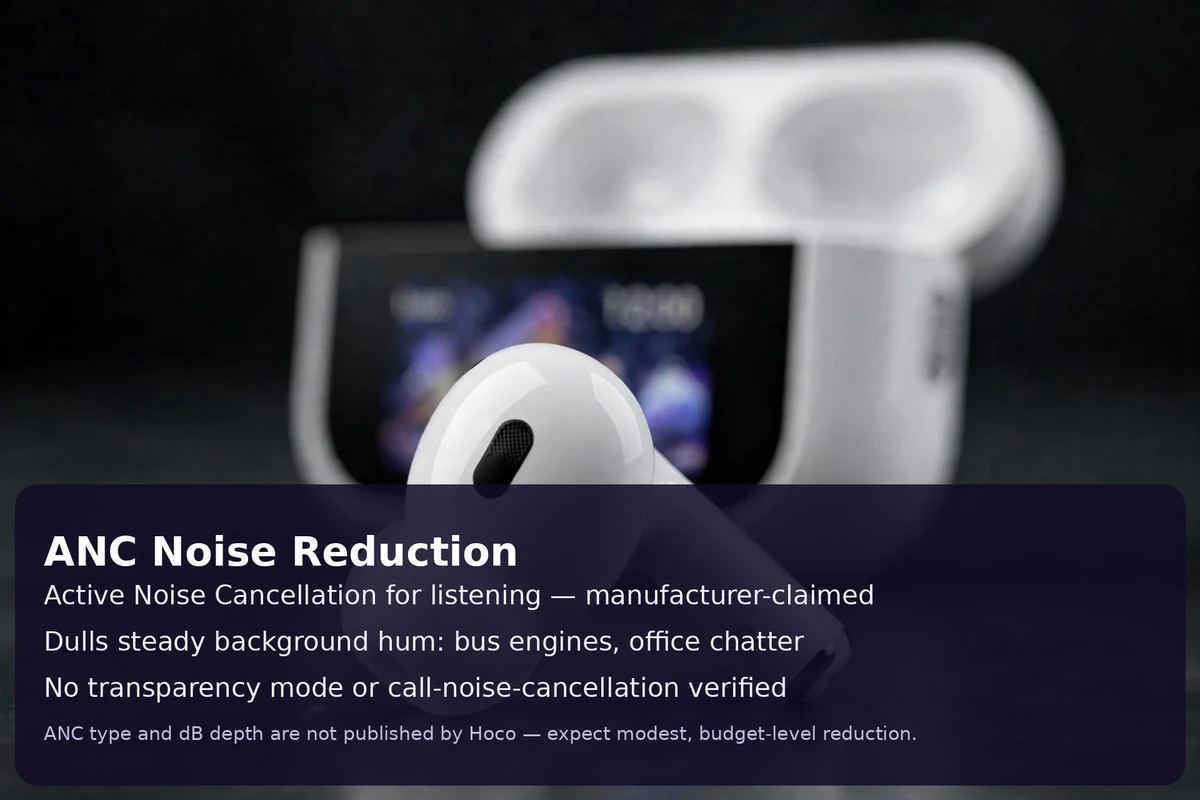
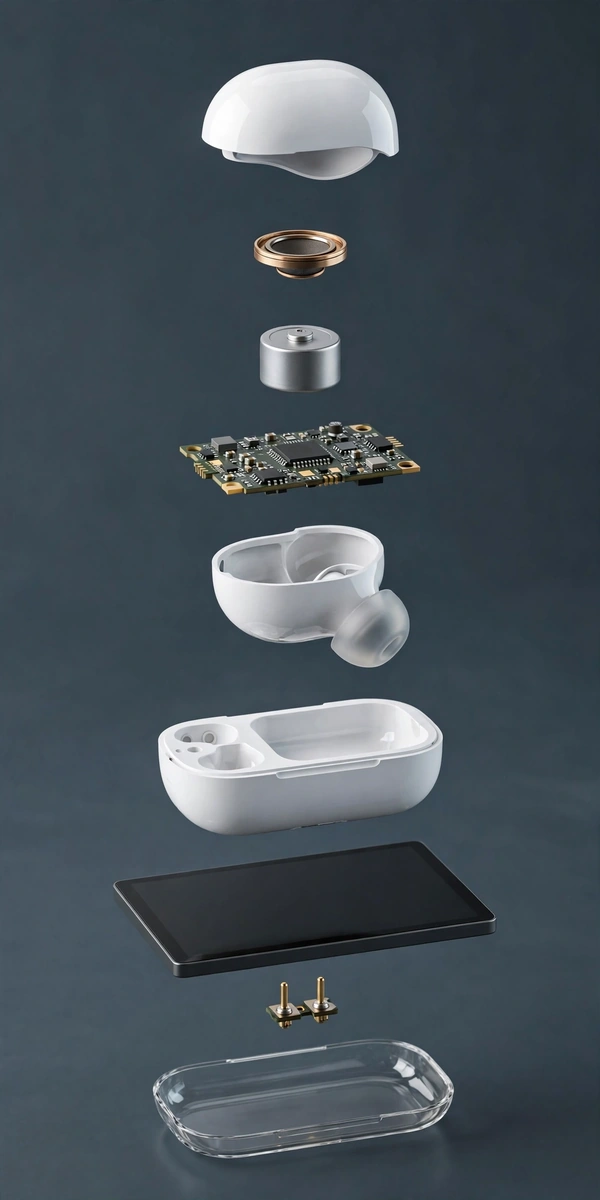
The Hoco EW79 is marketed with ANC (active noise cancellation) for listening: the buds’ built-in circuit detects steady ambient noise — bus engines, office air-conditioner hum, fan drone — and takes the edge off it. Hoco does not publish a decibel rating for the EW79’s ANC, so treat any specific dB figure you see on a random listing as unsourced. Expect steady background noise to soften noticeably while sharp sudden sounds (a horn, a door slam) still come through; that is normal for ANC at any price — ANC reduces noise, it does not create silence.
For calls, distributor sheets list a dual-mic ENC arrangement that filters background noise on your side of the conversation, so your voice reaches the caller more clearly on a noisy street or in traffic. The touchscreen case offers ANC on/off and a transparency mode for when you need to hear announcements, shopkeepers, or a horn without removing the buds. For the clearest calls, seat the buds well so the mics sit close to your mouth — fit matters as much for your caller as it does for your own bass.
Connectivity and Controls
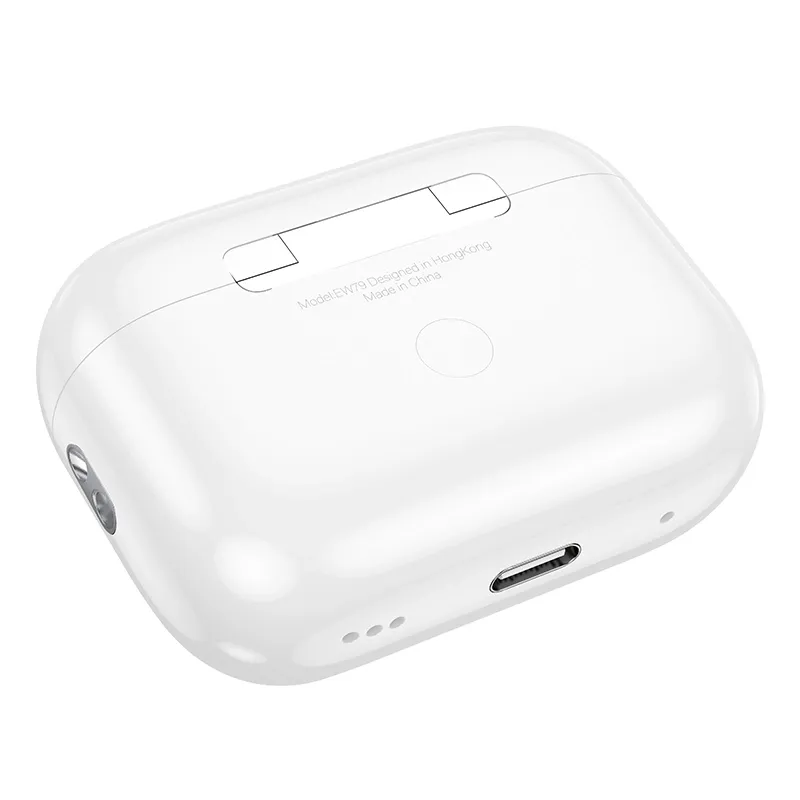
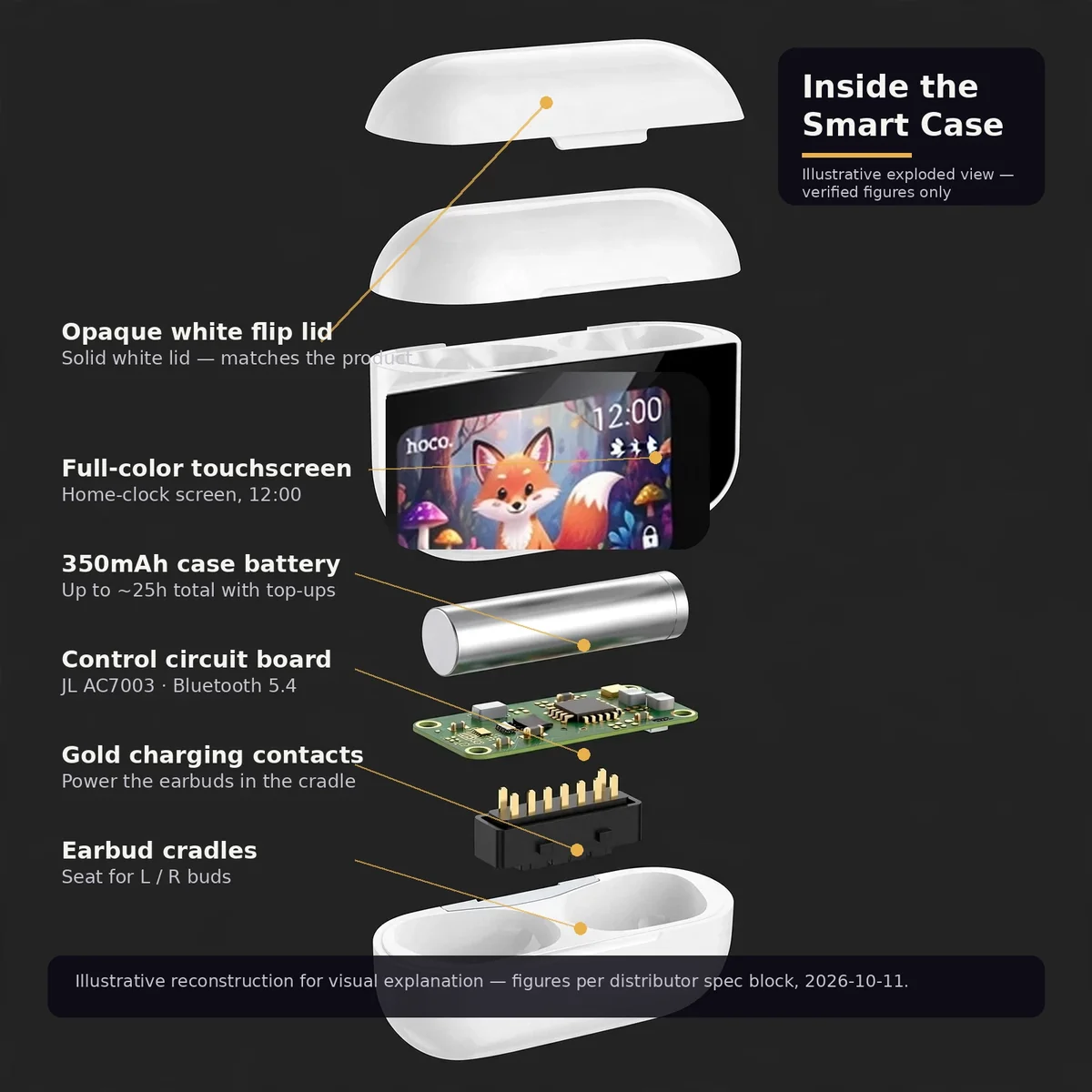
The EW79 runs Bluetooth 5.4 on the JL AC7003 chip — a combination Hoco now uses across several current models — which means faster pairing, a more stable connection, and lower power draw than older Bluetooth versions. Rated wireless range is about 10 meters in open space. Open the case and the buds power on and pair; drop them back in and they disconnect and start recharging. There is no documented companion app, so nothing to install or update — the product’s own screen and touch strips handle everything.
Controls live in two places. On the buds: tap and slide gestures on the touch strips for play/pause, track skip, volume, and call answer/reject (exact tap patterns are in the manual in the box). On the case: the full-color touchscreen gives you playback, volume, ANC mode, EQ presets, the clock, a timer, find-my-buds, screen brightness, wallpaper options, and a small flashlight. It is the case screen that makes the EW79 feel like a step above ordinary budget buds — you can check battery, change EQ, and switch ANC without touching your phone at all. For more about the brand behind the buds, visit HOCO’s official site.
Specifications
| Spec | Detail |
|---|---|
| Brand / Model | Hoco EW79 (sold as EW79 Bright) |
| Type | True wireless stereo (TWS) earbuds with touchscreen charging case |
| Drivers | 13mm-class dynamic drivers (distributor consensus; sensitivity ~98dB ± 3dB, 20Hz–20kHz) |
| Noise cancellation | ANC for listening (manufacturer-claimed, no dB rating published) + transparency mode; dual-mic ENC for calls (distributor sheets) |
| Bluetooth | V5.4 (JL AC7003 chip), ~10m range |
| Earbud battery | 30mAh each (manufacturer claim) |
| Case battery | 350mAh, USB-C input (manufacturer claim) |
| Playback | ~4h per charge; ~25h total with case (manufacturer claims) |
| Controls | Case touchscreen (playback, volume, ANC mode, EQ, clock, timer, find buds, flashlight) + on-bud touch strips; no companion app documented |
| Dimensions / Weight | ~60.5 × 45.5 × 23.3mm; ~66.2g total (distributor consensus) |
| Water resistance | Not stated by the manufacturer or the store listing |
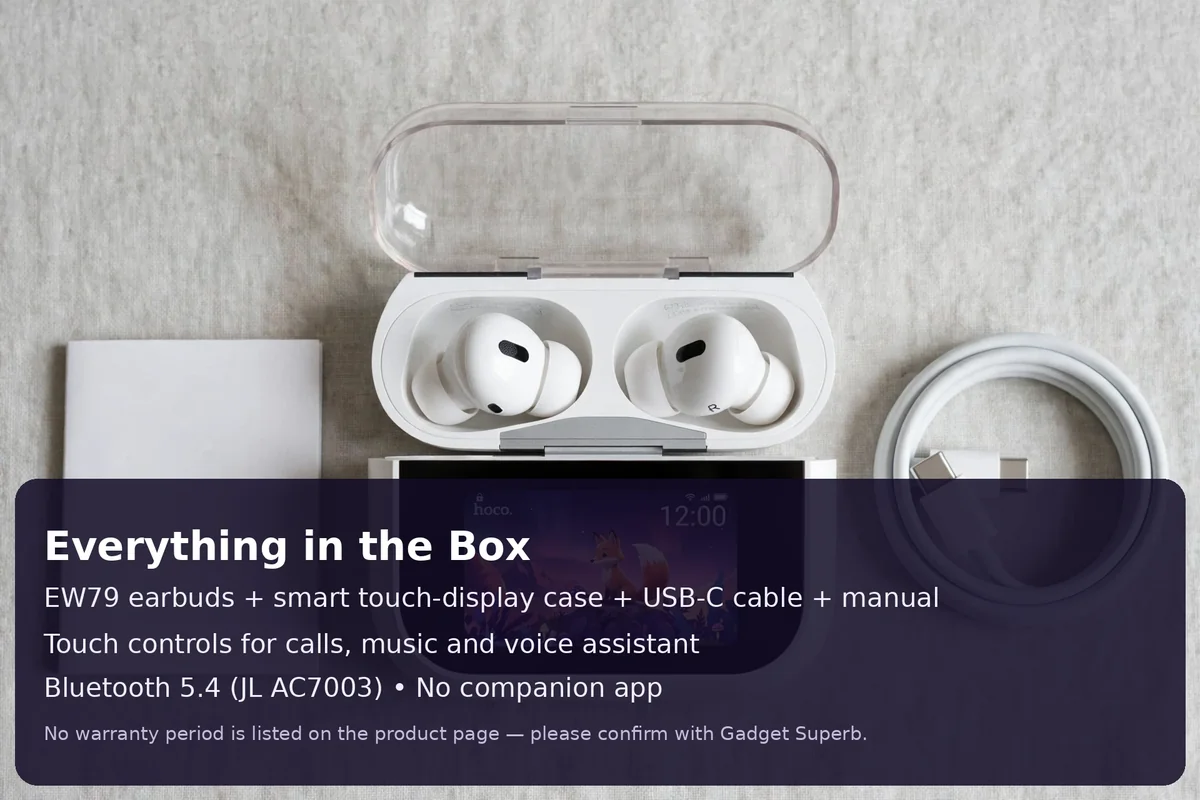
| Box contents | Earbuds (pair), touch-display charging case, USB-C cable, user manual |
| Color | White |
| SKU | HOCO-EW79 |
What’s in the Box
- Hoco EW79 earbuds (left + right pair)
- Touch-display charging case
- USB-C charging cable
- User manual
Accessories are only included when the description says so — per store policy, photographs are illustrative and packaging or small details may differ. Check the box on arrival and tell the store the same day if anything is wrong.
Who the Hoco EW79 suits best
The Hoco EW79 suits the buyer who wants the touchscreen-case experience without the flagship price: commuters who change volume and EQ on the move, office workers who want to see battery at a glance, and anyone who dislikes fumbling with phone apps. The ANC adds genuine value on Dhaka buses and in open offices, and the ~25h total means you charge the case a couple of times a week at most.
Who should look elsewhere: if you need a published ANC decibel figure, verified water resistance for workouts, or a companion app with custom EQ, this is not that product — its ANC has no stated dB rating and no IP rating is claimed. And if you prefer buds from a big global name, the store’s Gadget Superb shop carries them — compare their claimed figures against the EW79’s before deciding.
Warranty & delivery
Warranty: this product comes with a 7 Days warranty, as listed on this product page. For warranty terms beyond this page, confirm with Gadget Superb before ordering (hotline 09638054751, care@gadgetsuperb.com, or Messenger). No “official warranty” or authenticity claims are made beyond what the live page shows.
Delivery: every order is cash on delivery — you pay the delivery person in cash when the parcel arrives. Delivery charge is ৳70 inside Dhaka city (1–3 days) and ৳120 outside Dhaka (2–5 days); times are working days and honest estimates, not guarantees. Where the courier allows it, you may open the parcel and check that the product is the one you ordered and is undamaged before you pay — tell the store the same day if anything is wrong. Every product can be returned within 7 days of delivery in its original condition with the box and accessories. Full terms: Delivery & Returns.
Why Buy From Gadget Superb
Gadget Superb is an online gadget store in Bangladesh. Every order is cash on delivery — the store never asks for advance payment, card details, OTP, or mobile banking PINs. Prices are shown in Bangladeshi Taka and include taxes, and the store describes its products as accurately as it can — photographs are illustrative and packaging or small details may differ. For returns, replacements, and warranty claims, the store handles them with your order number — hotline 09638054751, care@gadgetsuperb.com, or Messenger (m.me/GadgetSuperb7).
Frequently asked questions
1. Are these genuine Hoco earbuds?
Gadget Superb describes its products as accurately as it can and handles returns and warranty claims with your order number. The store does not claim “authorized dealer” or “official warranty” status beyond what the live product page shows — if authenticity documentation matters to you, ask the store before ordering (hotline 09638054751 or care@gadgetsuperb.com).
2. Is there a warranty on the Hoco EW79?
Yes — this product comes with a 7-day warranty, as listed on this product page. For any warranty claim, keep your order number and the box with all accessories.
3. How does delivery and cash on delivery work?
Every order is cash on delivery: you pay the delivery person in cash when the parcel arrives, and the store never asks for advance payment. Delivery charges and timelines follow the store’s Delivery & Returns page — inside Dhaka is faster and cheaper than outside Dhaka. Where the courier allows it, you may open the parcel and check the product before you pay.
4. Can I check the earbuds before paying the delivery person?
Where the courier allows it, yes — you may open the parcel and check that the product is the one you ordered and is undamaged before you pay. If anything is wrong, tell the store the same day. Every product can also be returned within 7 days of delivery in its original condition with the box and accessories.
5. What can the touchscreen case actually do?
The color touchscreen on the case handles playback, volume, ANC on/off and transparency mode, EQ presets, the clock, battery levels for buds and case, a timer, find-my-buds, screen brightness, wallpaper options, and a small flashlight — all without opening a phone app. The screen’s home state shows the clock, battery indicators, and the Hoco wordmark; everything else is a swipe away.
6. Is the ANC real, and is there ENC for calls?
The ANC is a manufacturer-claimed feature for listening — it softens steady background noise like bus engines and fan hum. Hoco publishes no decibel rating for the EW79’s ANC, so treat any dB figure on a random listing as unsourced. For calls, distributor sheets list a dual-mic ENC arrangement that filters background noise on your side of the conversation.
7. Which Bluetooth version, and how far can I go from my phone?
Bluetooth 5.4 on the JL AC7003 chip, with a rated range of about 10 meters in open space. Version 5.4 brings faster pairing, a more stable connection, and lower power draw than older Bluetooth versions. Open the case and the buds power on and pair; drop them back in and they disconnect and recharge.
8. How long does the battery last?
About 4 hours of music per earbud charge and up to about 25 hours total with the 350mAh charging case — the figures Hoco’s spec sheet and distributor mirrors agree on. Each bud carries a 30mAh cell and charges over USB-C; any standard USB-C cable and charger works. Real hours vary with volume, ANC use, and screen use.
9. Is the Hoco EW79 water resistant?
No water-resistance rating is stated by Hoco or on the store listing. Do not buy the EW79 for swimming, heavy rain, or sweaty workouts on water resistance alone — treat it like any non-rated electronics and keep it dry.
10. Do I need an app to use these?
No companion app is documented for the EW79, and none is needed. Everything is handled by the case touchscreen and the on-bud touch strips. The exact tap patterns for the touch strips are printed in the user manual in the box — follow that rather than guessing.
11. Is the Hoco EW79 in stock right now?
Stock changes as orders come in, so the live product page is the authority — it shows the current stock status and the current price. This page never hard-codes either, because both can change between your visit and your order. If the page shows it available, you can order with cash on delivery.
12. How should I clean and care for the earbuds?
Wipe the buds and case with a soft dry cloth, keep the charging contacts clean, and store the buds in the case when not in use. Do not rinse them under a tap or use them in rain — no water-resistance rating is claimed. If the touchscreen misbehaves, put both buds back in the case, close the lid for a few seconds, and reopen.




Reviews
There are no reviews yet.