
No products in the cart.
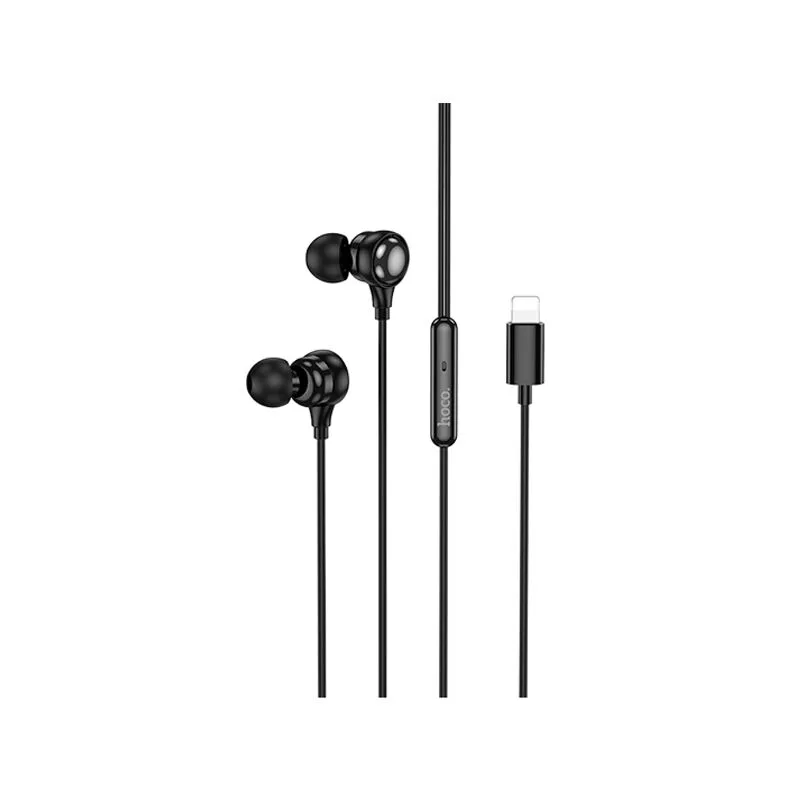
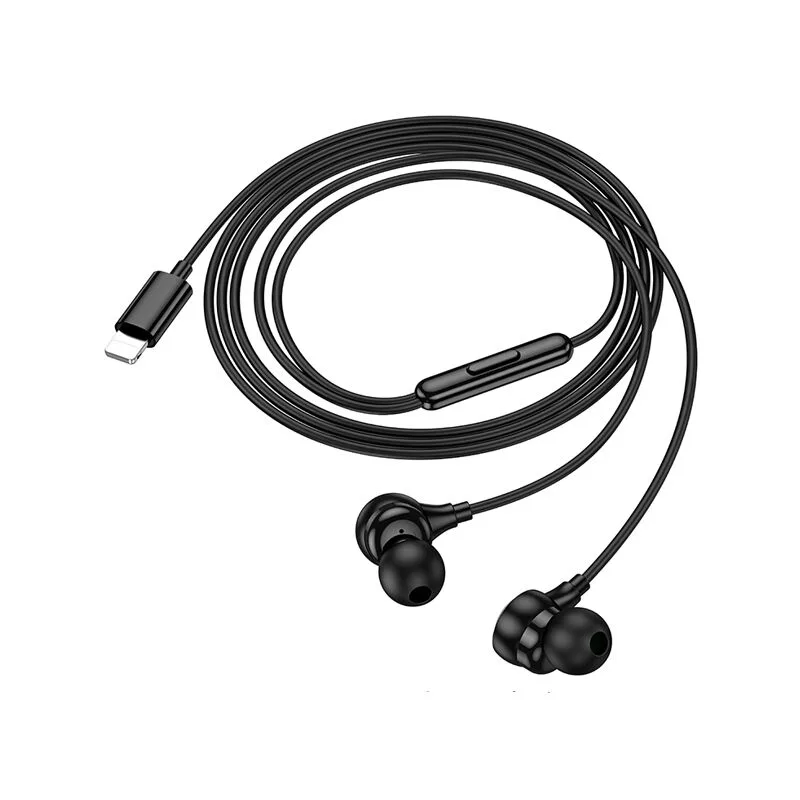
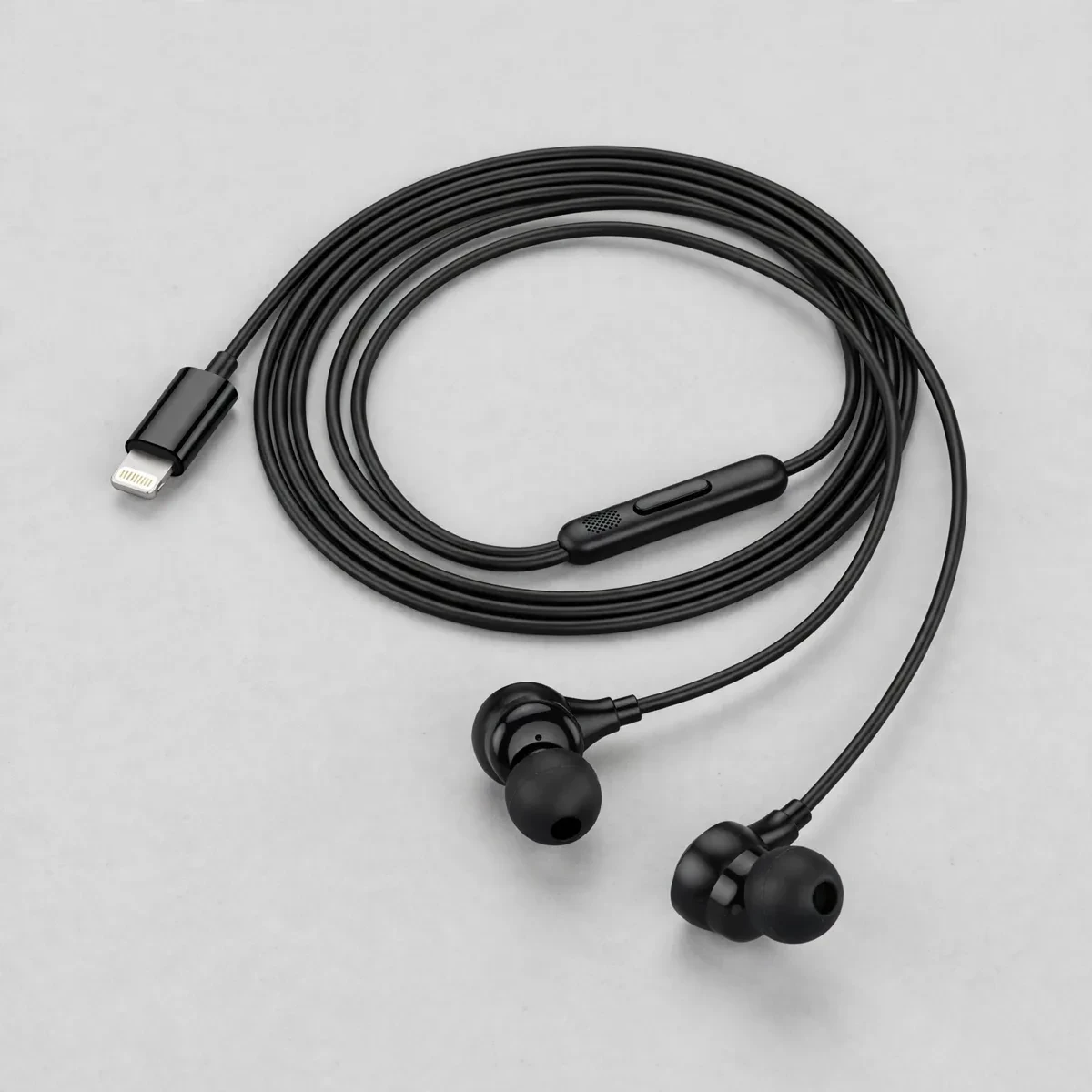
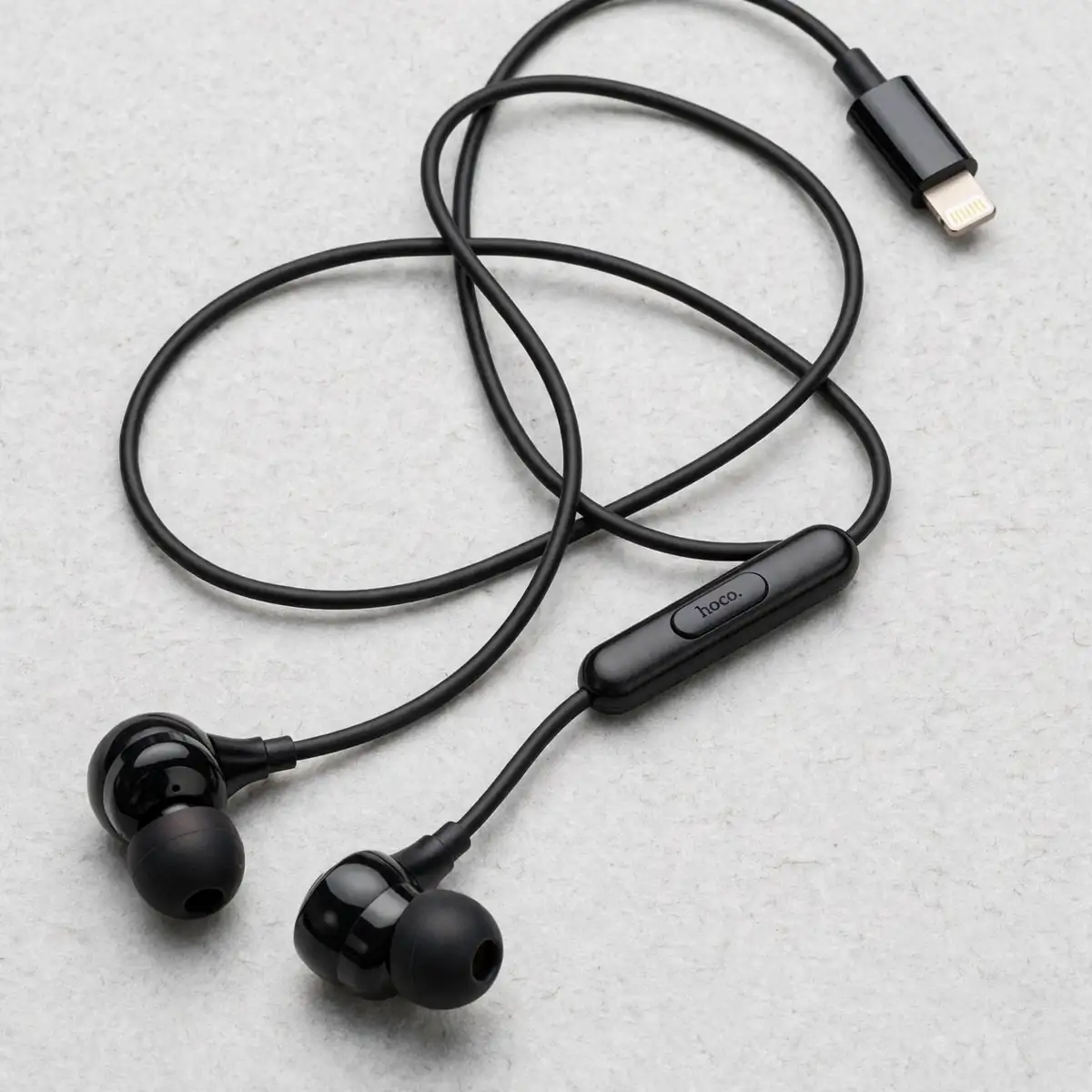
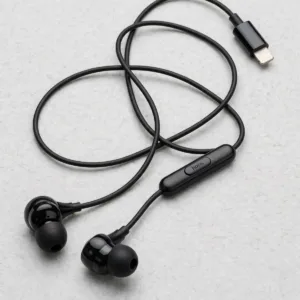
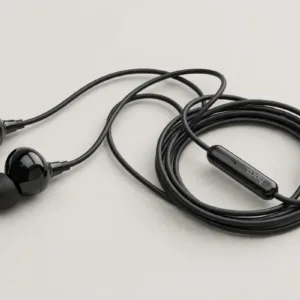
Hoco M116 Wired Earphones for iPhone
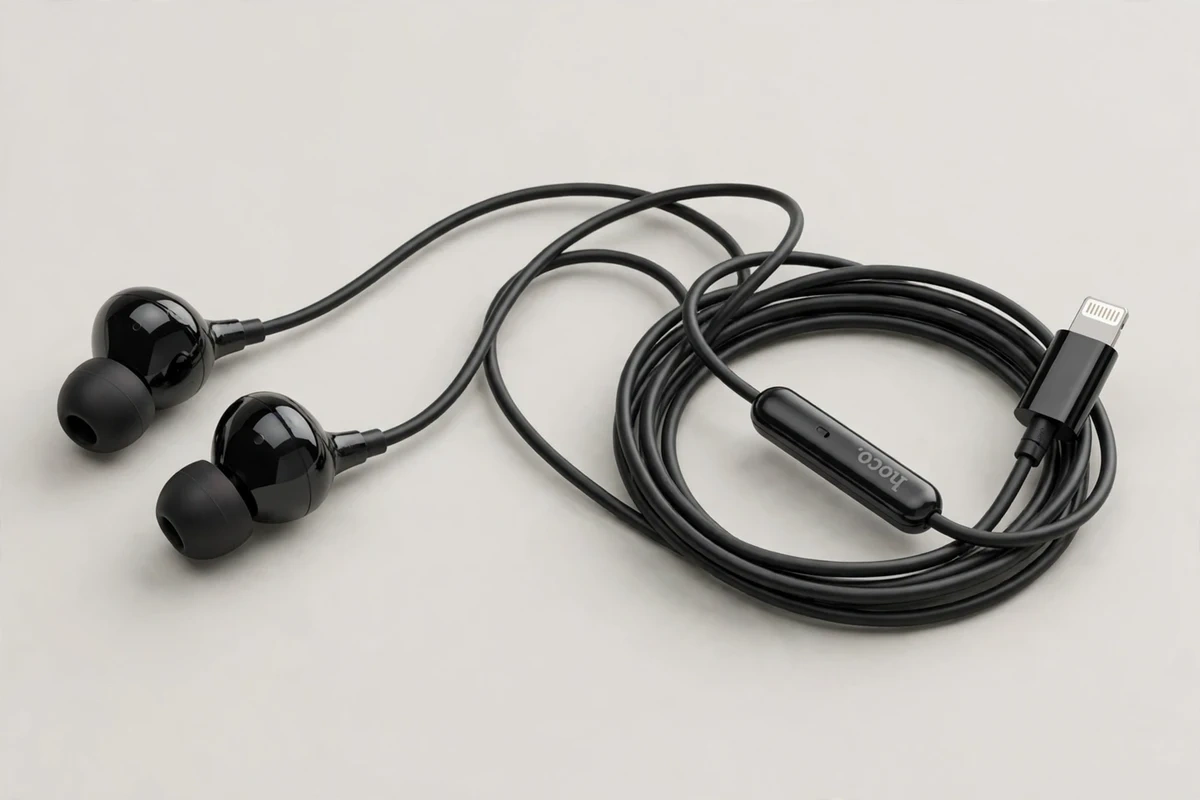
The Hoco M116 is a wired in-ear earphone with a native Lightning plug — built for iPhones that still carry the Lightning port (iPhone 14 and earlier). No Bluetooth pairing, no charging, no battery anxiety: plug it in and it plays. If you searched for the Hoco M116 price in Bangladesh, this page covers exactly what the earphones are and what they do, with every spec tied to the manufacturer and distributor record. You can also browse the full Earbuds & Earphones range at Gadget Superb to compare wired and wireless options.
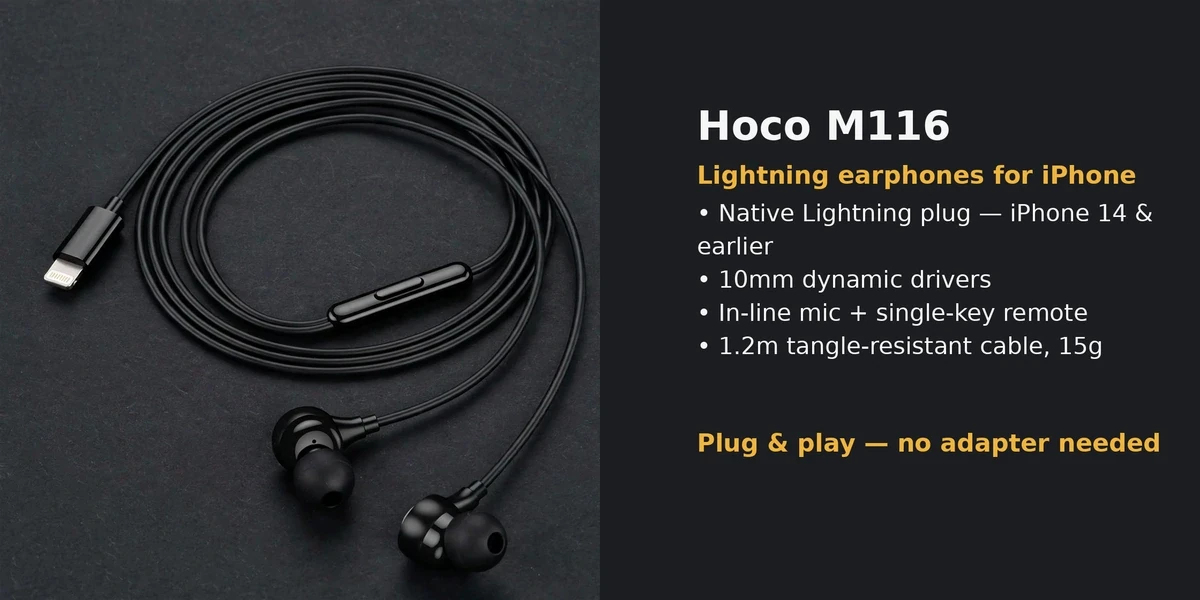
Per the verified spec record, the Hoco M116 pairs 10mm dynamic drivers with a Lightning digital plug, a 1.2m tangle-resistant cable, an in-line microphone with a single-key remote, and a light 15g build in black. It is plug-and-play on Lightning iPhones — no adapter needed. The rest of this page walks through sound, cable, compatibility, and controls, and flags the one compatibility limit that matters before you buy.
Sound quality and drivers
The Hoco M116 uses 10mm dynamic drivers — the standard driver size for this class of wired earphone, and the figure stated consistently across the manufacturer spec sheet and distributors. Dynamic drivers are the workhorse choice for everyday listening: decent bass presence, clear mids for vocals and podcasts, and no battery or codec in the signal path to color the sound. Wired audio also skips Bluetooth compression entirely — what the phone outputs is what you hear.
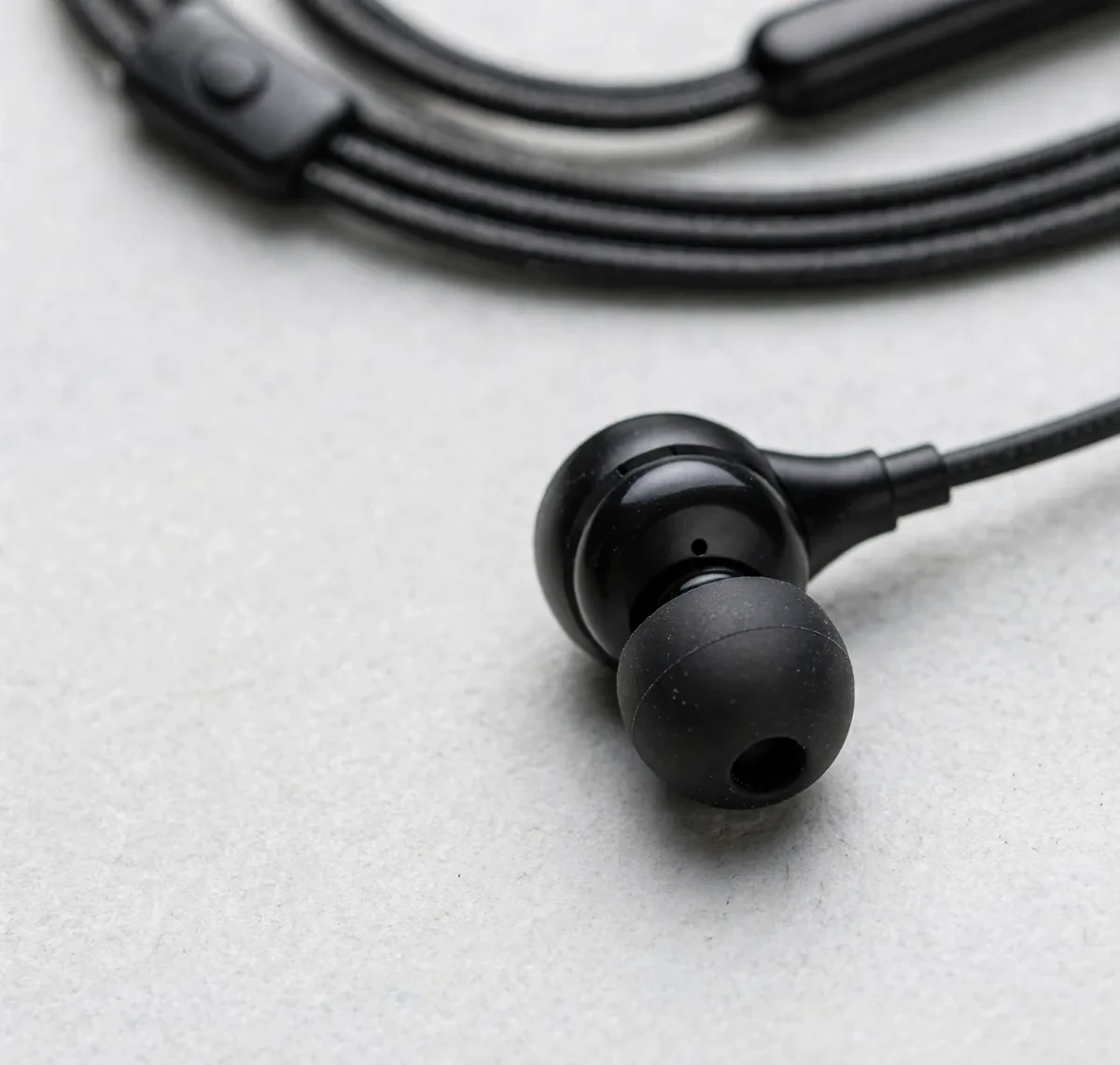
As with any in-ear design, seal matters. The M116’s ergonomic in-ear buds sit snugly, and a good seal does two jobs at once: it keeps bass from leaking out and keeps street noise from leaking in. If the bass sounds thin on first listen, try reseating the buds before judging the drivers — fit is almost always the culprit.
Design, fit and comfort
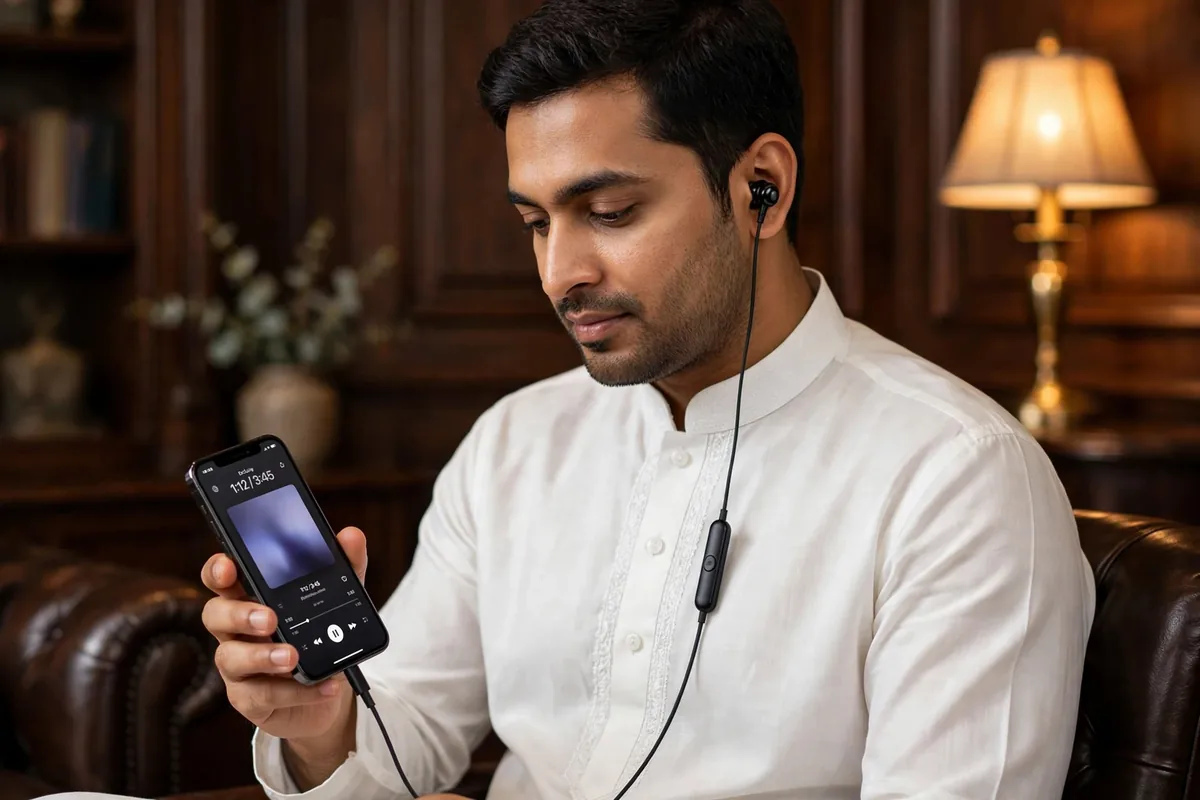
The M116 is built from ABS + TPE — hard-wearing plastic housings with a flexible thermoplastic cable jacket — in an all-black finish. At 15g total it is genuinely light: the cable disappears behind the weight of the phone, and the buds themselves are small enough for long sessions. The single-key inline remote sits on the right cable at a natural thumb height, with the microphone pinhole beside it.
The in-ear fit is the secure, ergonomic type rather than the shallow sit of older earbuds. For calls on the move, that seal plus the inline mic position (close to the mouth, on the cable) is the whole hands-free story — no boom, no stem mics, just the mic riding the cable near your chin.
Cable, connector and compatibility
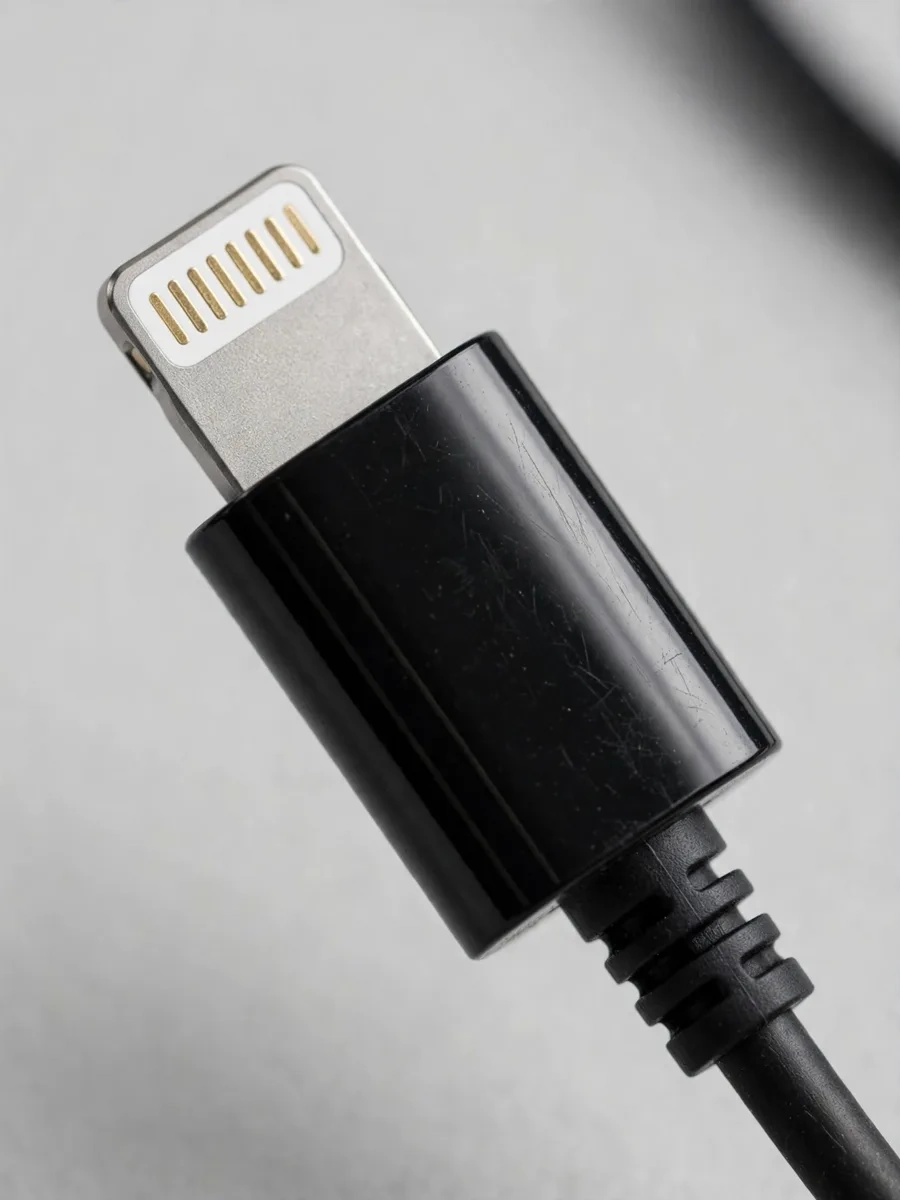
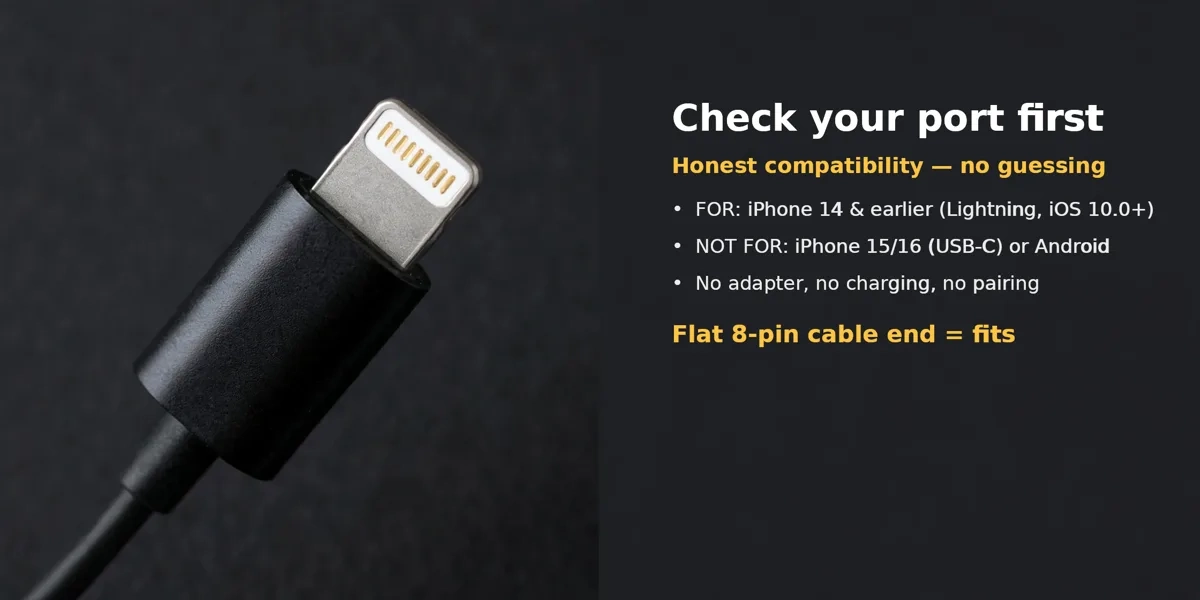
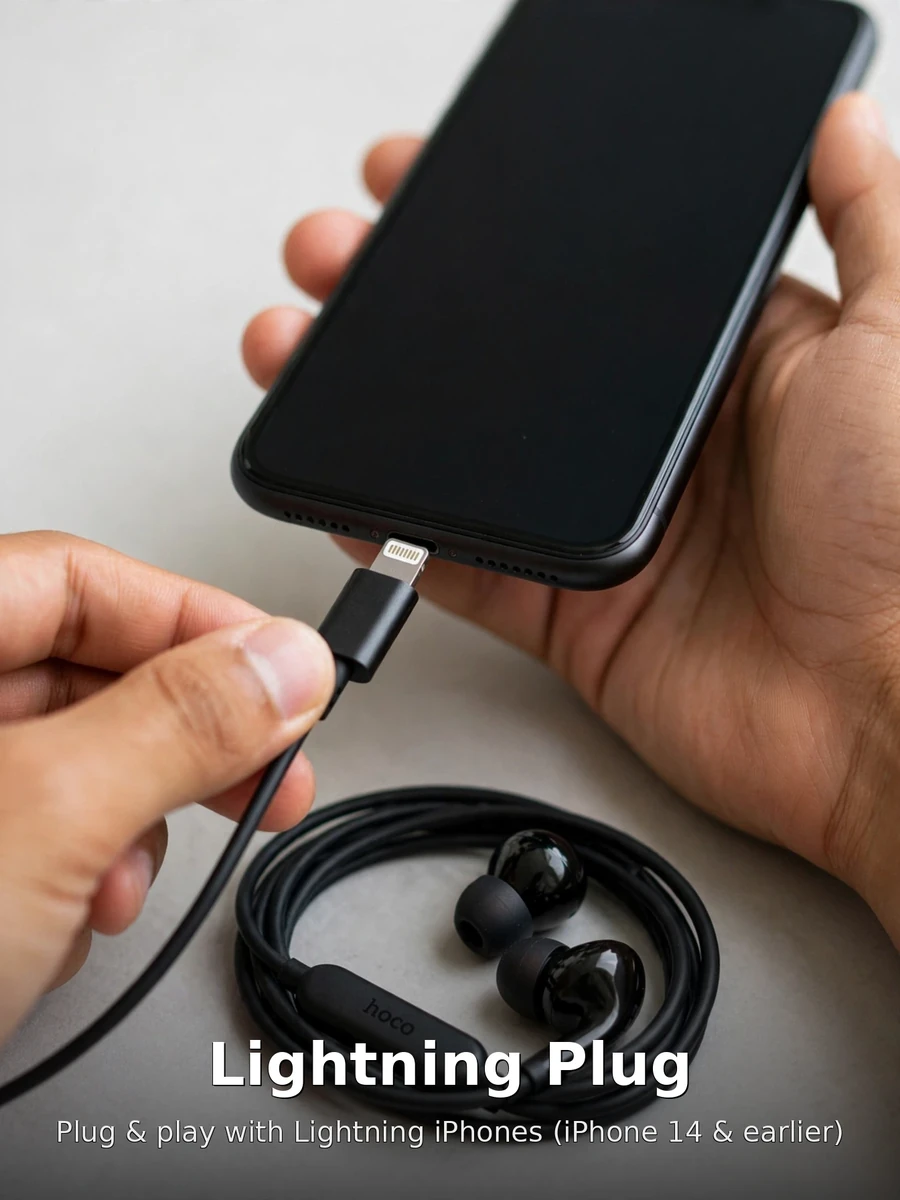
This is the section that decides whether the M116 is for you. The connector is a native Lightning plug — the 8-pin connector Apple used up to the iPhone 14 series. It is a digital plug, meaning audio travels digitally from the phone and the earphones handle conversion, which is also why no adapter is needed: plug directly into the iPhone’s port and play. The cable is 1.2 meters of tangle-resistant wiring — pocket-to-ear length with room to spare.
The hard compatibility line: this Lightning version is for iPhone 14 and earlier (iOS 10.0 or later). It does not fit iPhone 15/16 (USB-C port) or Android phones with USB-C — those need the Hoco M116 Type-C sibling instead. If your iPhone charges with a Lightning cable, the M116 plugs straight in; if it charges with USB-C, pick the Type-C version. That single check avoids the most common wrong purchase in this category.
Call quality and controls
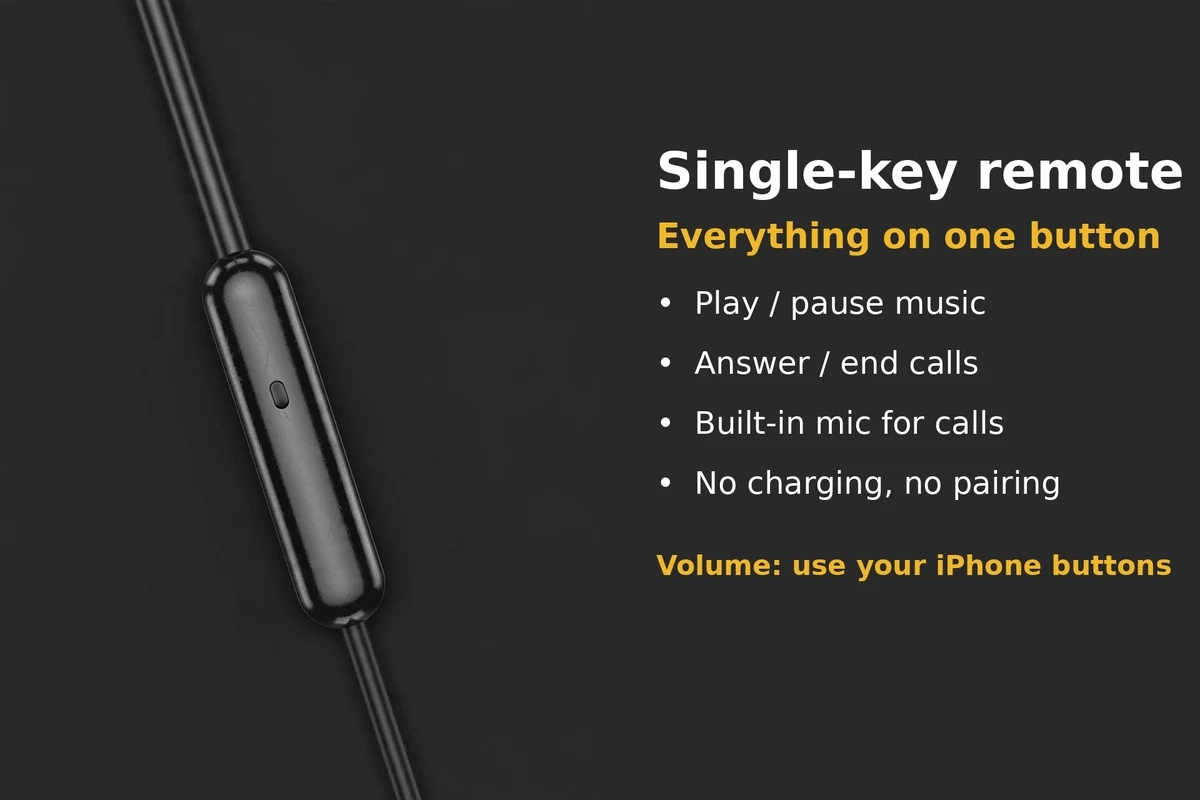
Calls run through the built-in in-line microphone with a single-key remote: one button handling play/pause, call answer/end, and track skip via the standard press patterns. It is deliberately simple — one button, no volume rocker on the cable (volume stays on the iPhone’s buttons, which is the honest design for a single-key remote). The mic sits on the cable near the mouth, which is the right place for clear voice pickup on calls and voice notes.
Because the connection is wired, calls skip the two classic wireless failure modes: no Bluetooth dropout mid-sentence and no earbud battery dying on a long call. For buyers who take a lot of calls and hate charging one more thing, that reliability is the M116’s quiet superpower.
Specifications
| Spec | Detail |
|---|---|
| Brand / Model | Hoco M116 (Lightning version, for iPhone) |
| Type | Wired in-ear earphones |
| Driver | 10mm dynamic driver (manufacturer-stated) |
| Connector | Lightning digital plug, 8-pin (manufacturer-stated) |
| Compatibility | Lightning iPhones — iPhone 14 and earlier (iOS 10.0+). NOT for iPhone 15/16 (USB-C) or Android |
| Cable | 1.2m tangle-resistant cable (manufacturer-stated) |
| Controls | Single-key inline remote (play/pause, calls, track skip); volume via phone buttons |
| Microphone | Built-in in-line mic (manufacturer-stated) |
| Materials | ABS + TPE (manufacturer-stated) |
| Weight | 15g (manufacturer-stated) |
| Color | Black |
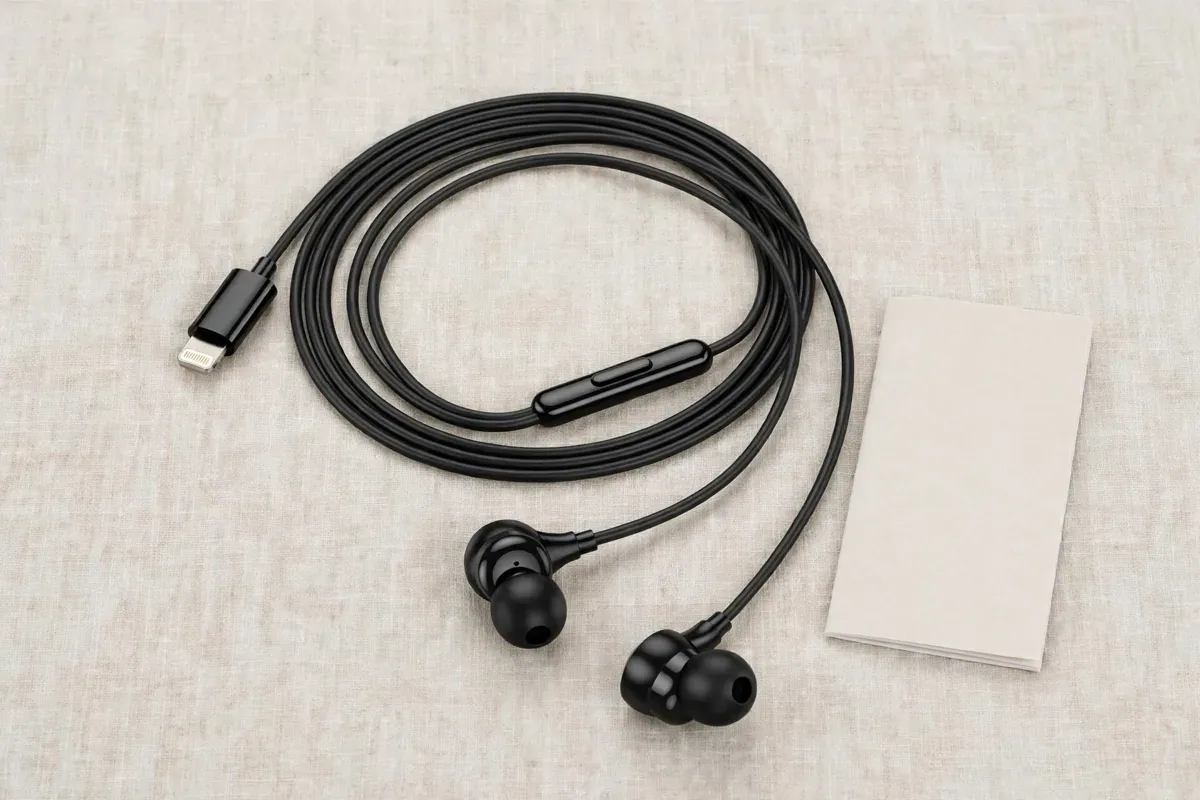
| Box contents | Hoco M116 earphones, user manual (per product imagery — confirm exact set with the store) |
| SKU | HOCO-M116-IOS |
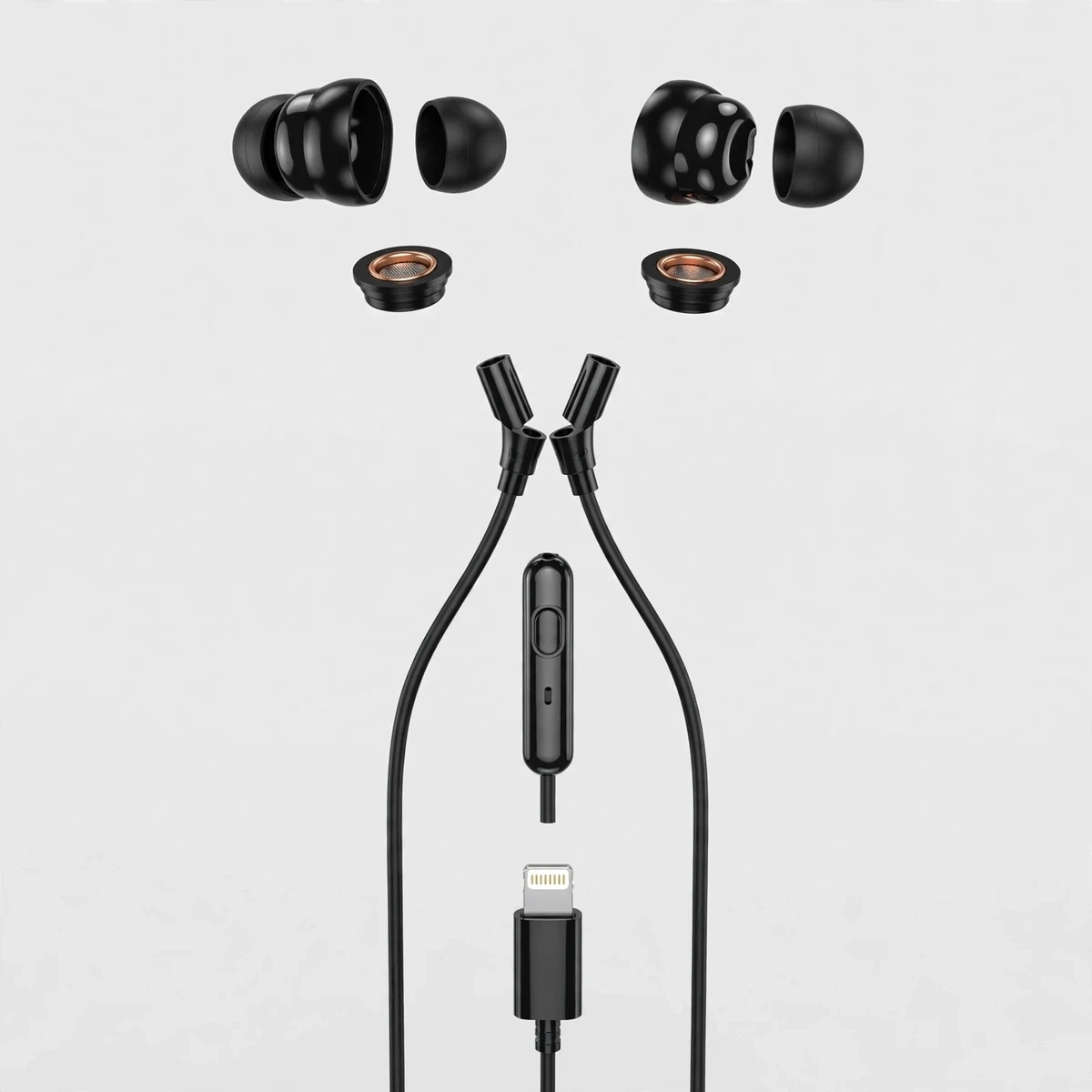
Technical note: the component layout shown below is an illustrative reconstruction of plausible earphone parts — housings, tips, driver units, cable, remote pod, and Lightning plug — not a photograph of a disassembled Hoco M116.
What’s in the Box
- Hoco M116 wired earphones (Lightning version)
- User manual
Accessories are only included when the description says so — per store policy, photographs are illustrative and packaging or small details may differ. Check the box on arrival and tell the store the same day if anything is wrong.
Who the Hoco M116 (iPhone) suits best
The M116 suits the iPhone 14-or-earlier owner who is done with charging earbuds: students, office workers, and heavy callers who want audio that simply works the moment it plugs in. It also suits buyers who lost their last wireless pair — at this price point, wired is the sane backup that lives in the bag. And for calls specifically, a wired mic that never drops and never dies is hard to argue with.
Who should look elsewhere: iPhone 15/16 owners (USB-C port — you need the Hoco M116 Type-C version), anyone whose phone has no Lightning port, and buyers who need volume buttons on the cable itself. If wireless freedom matters more, the Gadget Superb shop carries Bluetooth alternatives — compare honestly against the M116’s zero-maintenance pitch.
Warranty & delivery
Warranty: 7 Days. This product page lists a 7-day warranty, and per store policy the period listed on the page applies. The store handles warranty claims with your order number — contact Gadget Superb before ordering if you need the terms in writing (hotline 09638054751, care@gadgetsuperb.com, or Messenger). The store’s general line is 6, 12 or 24-month warranty on selected items. No “official warranty” or authenticity claims are made beyond what the live page shows.
Delivery: every order is cash on delivery — you pay the delivery person in cash when the parcel arrives. Delivery charge is ৳70 inside Dhaka city (1–3 days) and ৳120 outside Dhaka (2–5 days); times are working days and honest estimates, not guarantees. Where the courier allows it, you may open the parcel and check that the product is the one you ordered and is undamaged before you pay — tell the store the same day if anything is wrong. Every product can be returned within 7 days of delivery in its original condition with the box and accessories. Full terms: Delivery & Returns.
Spec source: figures above come from the manufacturer’s spec record as mirrored by BD distributors; the brand’s own site is HOCO official (verified live 2026-10-12).
Frequently asked questions
1. Will the Hoco M116 work with my iPhone?
If your iPhone charges with a Lightning cable — iPhone 14 and earlier, iOS 10.0 or later — yes, it plugs straight in with no adapter. If your iPhone uses USB-C (iPhone 15/16), it will not fit; choose the Hoco M116 Type-C version instead. That one check is the whole compatibility story.
2. Does it work with Android phones?
Not this version. The Lightning plug only fits Apple’s Lightning port, so Android phones (USB-C or 3.5mm) can’t use it. Android users should look at the Hoco M116 Type-C version or a 3.5mm model like the Geeoo X10 in the store’s earphones range.
3. Do I need to charge it or pair it?
Neither. It’s wired: the phone powers it through the Lightning plug, so there’s no battery to charge and no Bluetooth to pair. Plug it in and audio plays — that’s the entire setup, and it’s why many buyers keep a wired pair as backup.
4. How do the controls work?
A single-key inline remote on the cable handles the essentials: press once for play/pause or to answer/end a call, press twice to skip a track (standard patterns — the manual in the box lists the exact ones). Volume is adjusted on the iPhone’s own buttons, since the remote carries one key, not a rocker.
5. Is the microphone good for calls?
The built-in in-line mic sits on the cable near your mouth, which is the right position for clear voice pickup on calls, voice notes, and voice commands. Wired calls also skip Bluetooth dropouts and dead-battery interruptions entirely — reliability is the real advantage here.
6. What does the 10mm driver mean for sound?
10mm is the diaphragm diameter — the standard size for this class of wired earphone and the figure the manufacturer states. In practice it means capable everyday sound: present bass, clear vocals, no wireless compression in the path. Fit affects the result more than the number: a good seal gives noticeably fuller bass.
7. How long is the cable, and does it tangle?
1.2 meters — pocket-to-ear length with slack to spare — and the manufacturer describes it as tangle-resistant TPE cabling. No cable is tangle-proof, but the smooth jacket resists the worst knots; loosely coiling it instead of cramming it in a pocket helps more than anything.
8. Can I use it with my laptop or iPad?
Only if the device has a Lightning port — which laptops and most iPads don’t. This version is really an iPhone accessory. For laptops and tablets, a 3.5mm earphone or the Type-C version of the M116 is the practical pick.
9. What’s the difference between the iPhone and Type-C versions?
Only the plug: Lightning for iPhone 14 and earlier, USB-C for newer iPhones, Android phones, tablets, and laptops. The drivers, cable length, remote, and mic are the same family. Buy strictly by your device’s port — the wrong plug simply won’t fit.
10. Is there a warranty?
Yes — 7 Days. This product page lists a 7-day warranty, and per store policy the period listed on the page applies. The store handles warranty claims with your order number. For the exact claim process, contact Gadget Superb before ordering (hotline 09638054751, care@gadgetsuperb.com, or Messenger).
11. How does delivery and cash on delivery work?
Every order is cash on delivery: you pay the delivery person in cash when the parcel arrives, and the store never asks for advance payment. Delivery charges and timelines follow the store’s Delivery & Returns page — inside Dhaka is faster and cheaper than outside Dhaka. Where the courier allows it, you may open the parcel and check the product before you pay.
12. Is the Hoco M116 in stock right now?
Stock changes as orders come in, so the live product page is the authority — it shows the current stock status and the current price. This page never hard-codes either, because both can change between your visit and your order. If the page shows it available, you can order with cash on delivery.




Reviews
There are no reviews yet.