No products in the cart.

-20%
The Valdus VA27: A Lightning to USB OTG Adapter That Unlocks Your iPhone
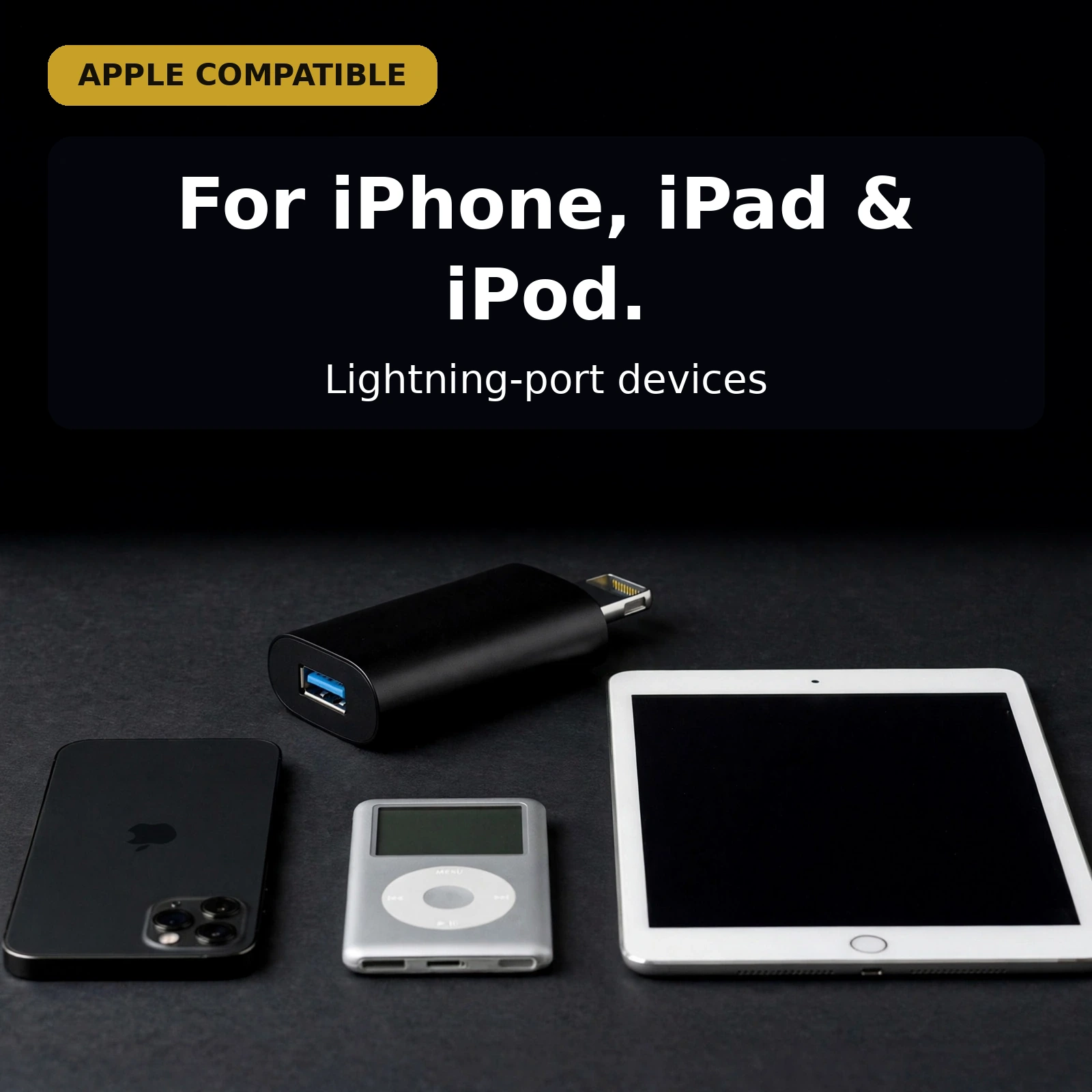
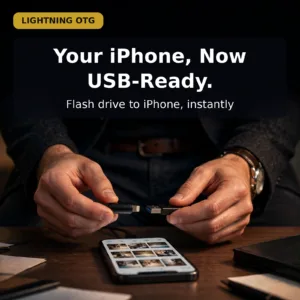
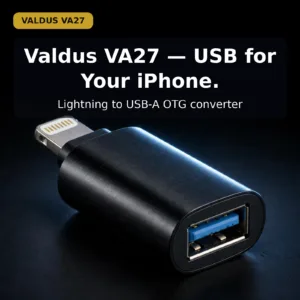
An iPhone or iPad with a Lightning port is a brilliant computer that has been missing one thing: a way to talk to the USB world. The Valdus VA27 Lightning to USB OTG adapter is the bridge. One end carries a Lightning male plug that seats into the iPhone or iPad; the other end carries a USB-A female port that accepts flash drives, keyboards, card readers and the other USB peripherals people already own. No app, no driver, no configuration — plug it in and the two worlds connect.
This is an OTG (On-The-Go) converter in the classic sense: it lets the phone act as the host. That means photos can move from a camera’s card reader straight onto the iPad, a USB keyboard can type on the phone, and a flash drive can open its files in the iPhone’s Files app. The VA27 does it over USB 3.0, with data transfer rates up to 5 Gbps, and it feeds power to the connected peripheral at 5V-1.5A / 5V-2A so hungry accessories stay alive. The whole unit is a compact matte-black block, barely larger than the two connectors themselves, and it lives happily in a pocket or tech pouch.
What This Lightning to USB OTG Adapter Does
Lightning in, USB-A out
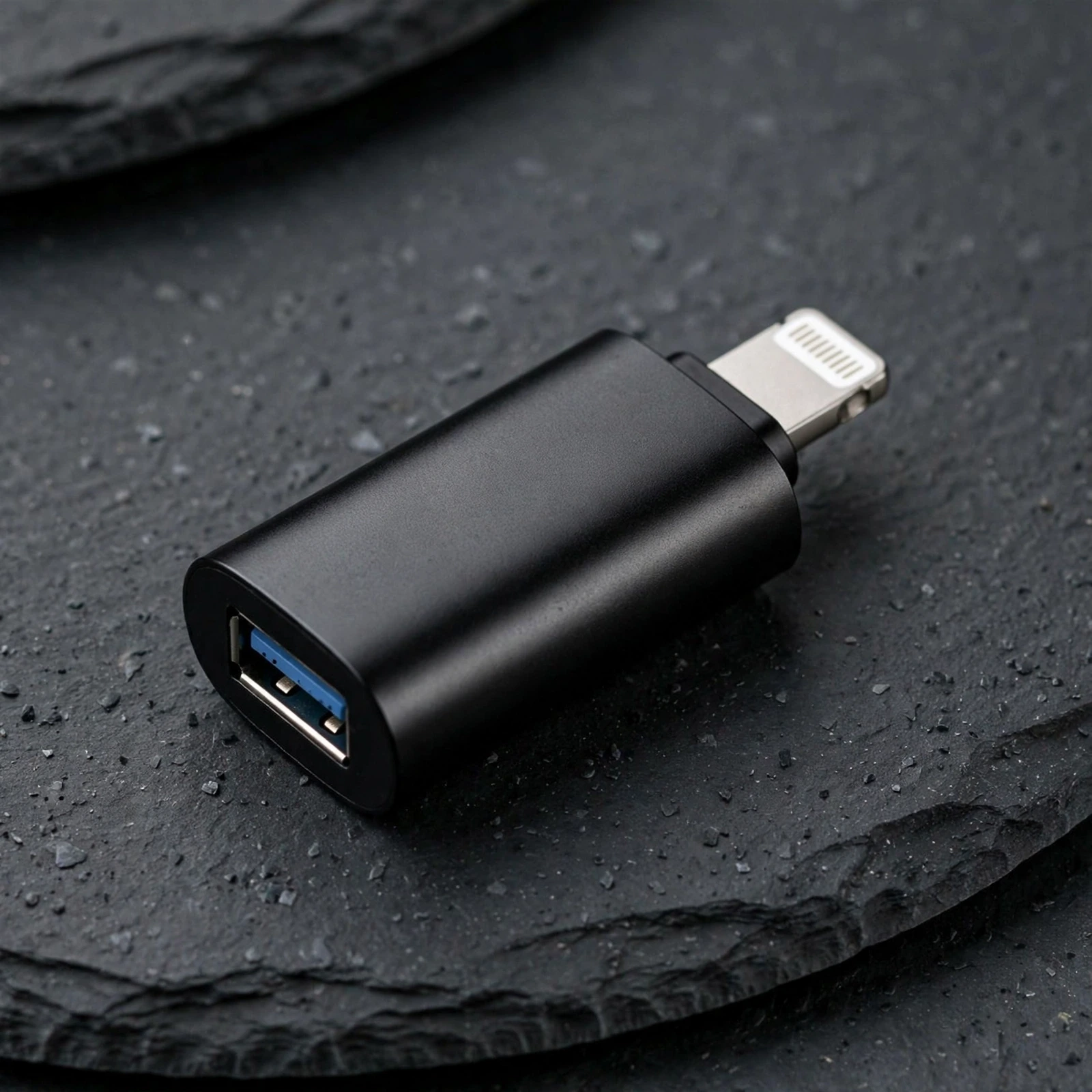
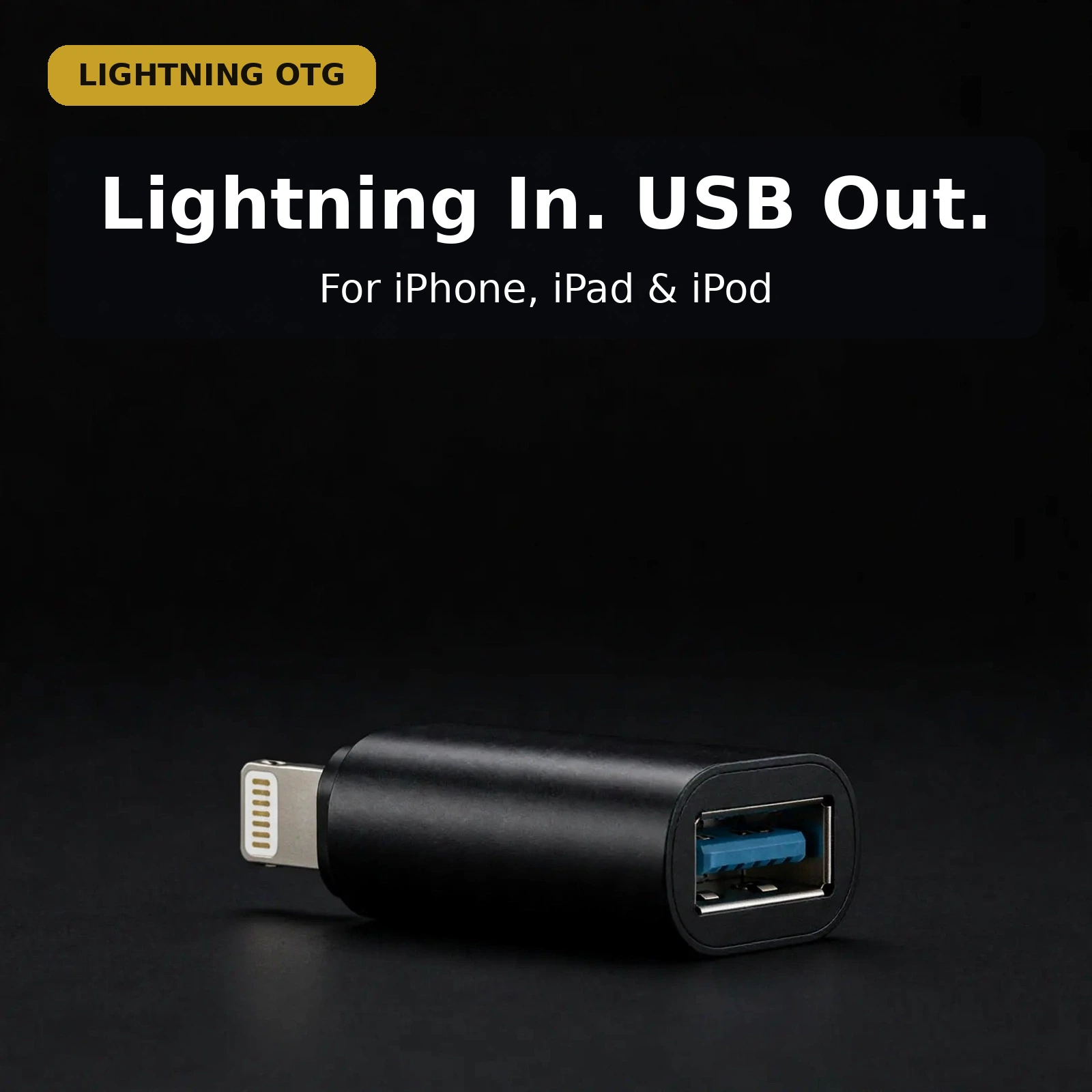
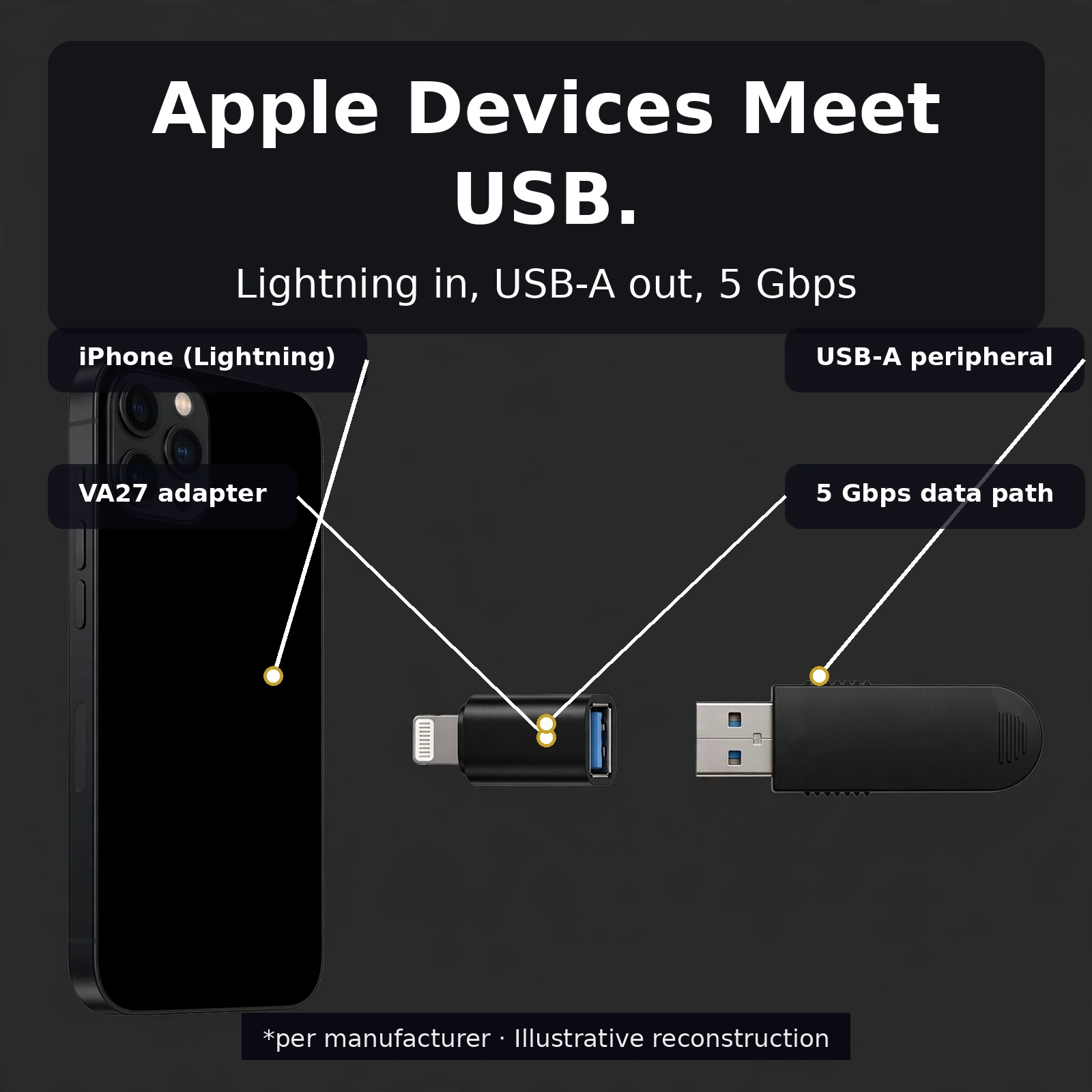
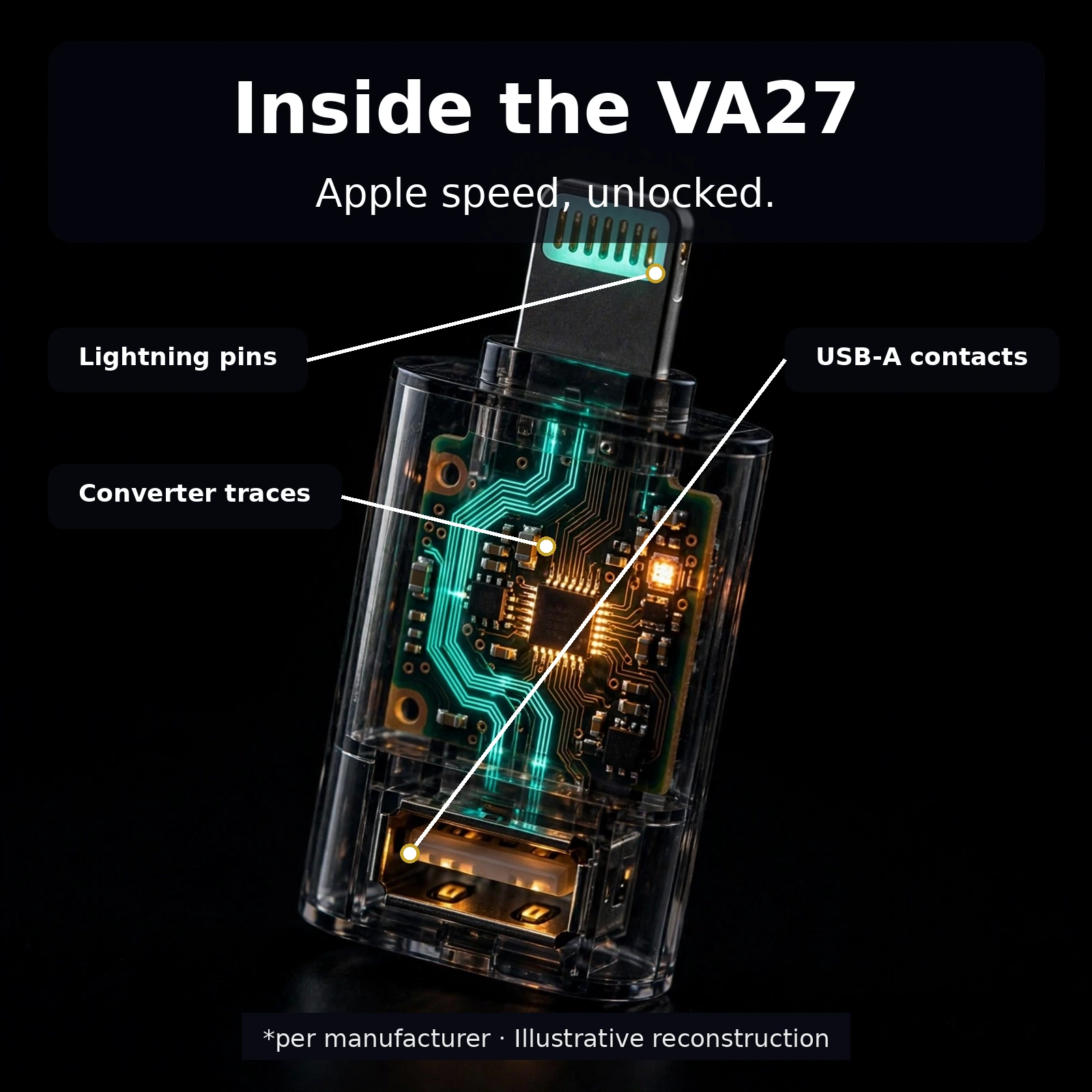
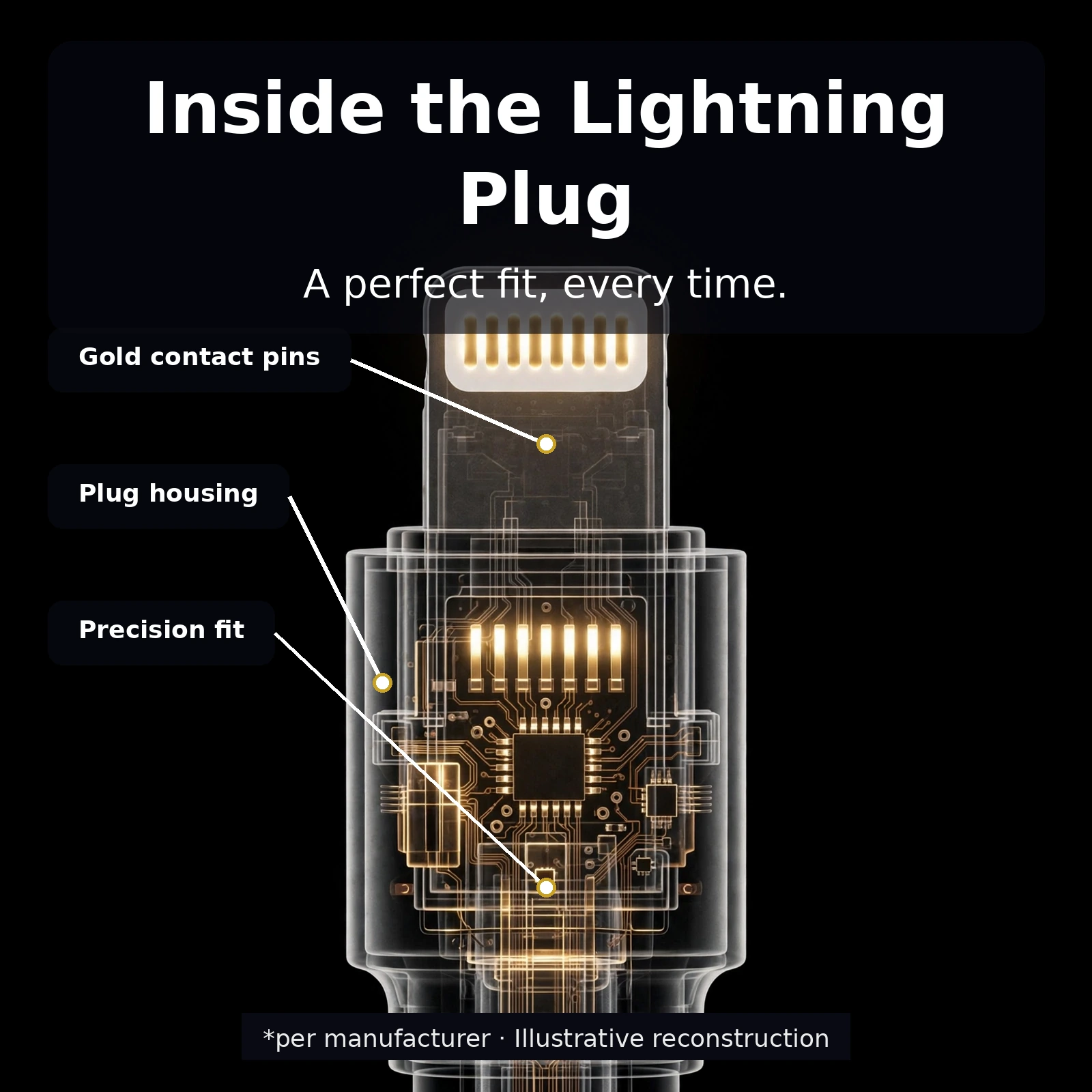
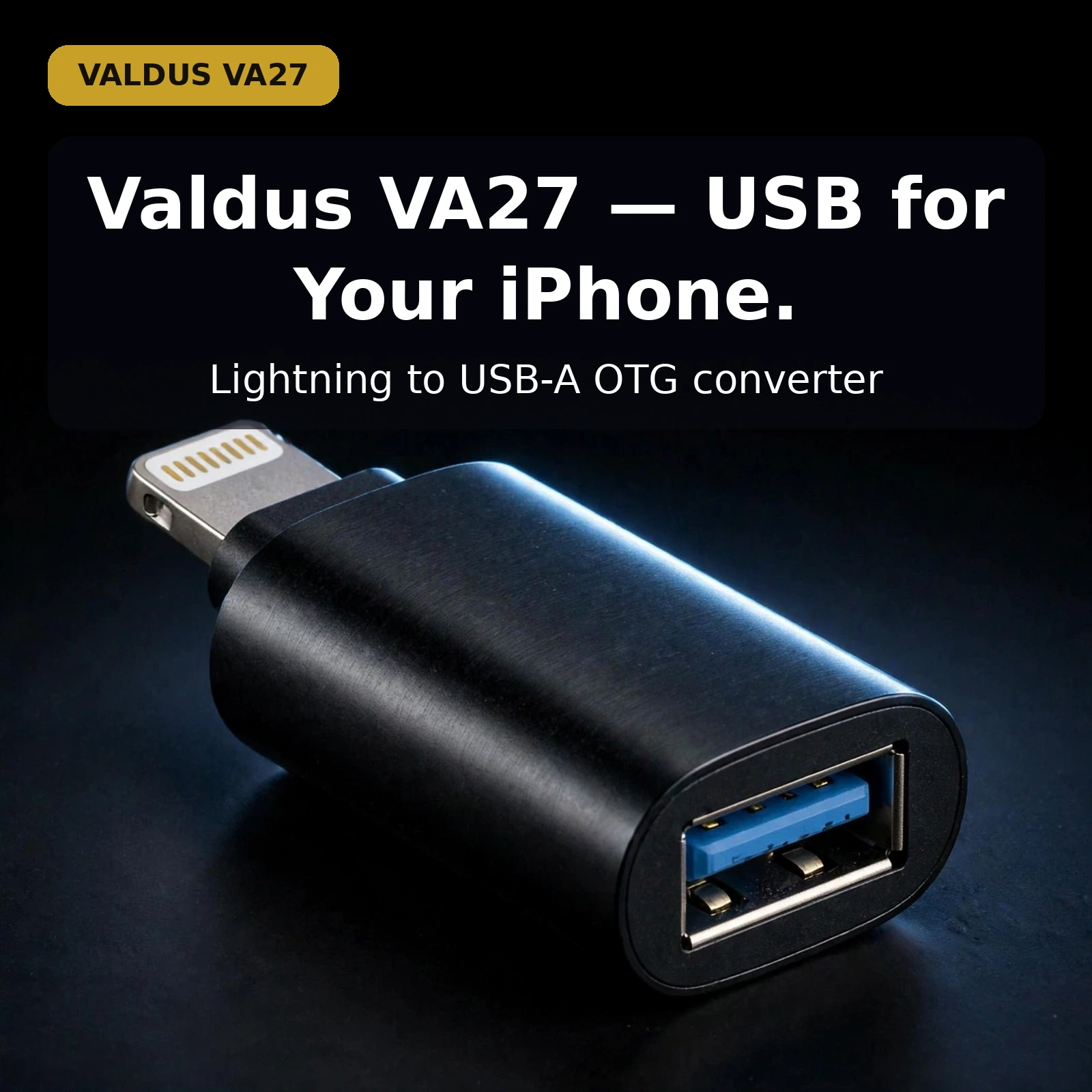
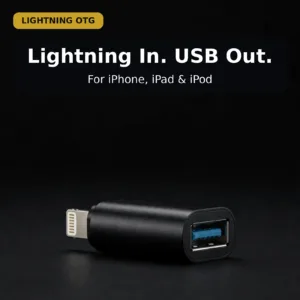
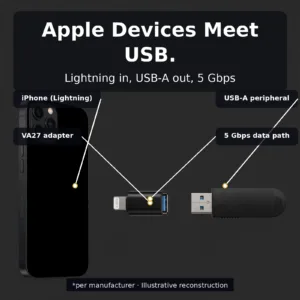
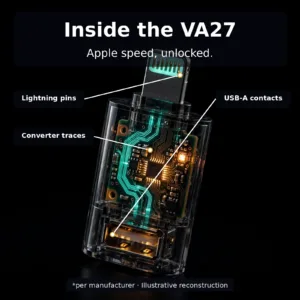
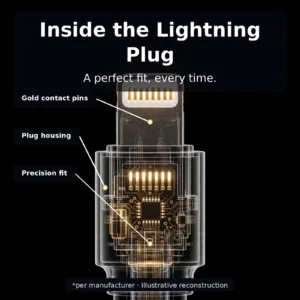
The VA27’s layout is as simple as electronics get. One end carries a Lightning male plug — the small flat connector with the eight gold contact pins that slides into the Lightning port of an iPhone, iPad or iPod. The other end carries a USB-A female receptacle with the familiar blue USB 3.0 insert — the socket that accepts any standard USB-A male plug. A short matte-black body sits between them, and the whole adapter is rigid and pocket-sized, with no cable to tangle and no joint to work loose.
Direction matters, and this one goes one way only: the Lightning end goes into the device, the USB end receives the peripheral. That orientation is what makes it a Lightning to USB OTG adapter rather than the reverse. If the need is the other way round — a USB-C phone reaching USB-A accessories — the Hoco UA17 Lightning male to USB female adapter covers the same job for a different cable drawer, but this is the one for Lightning-port Apple devices.
USB 3.0 speeds: up to 5 Gbps
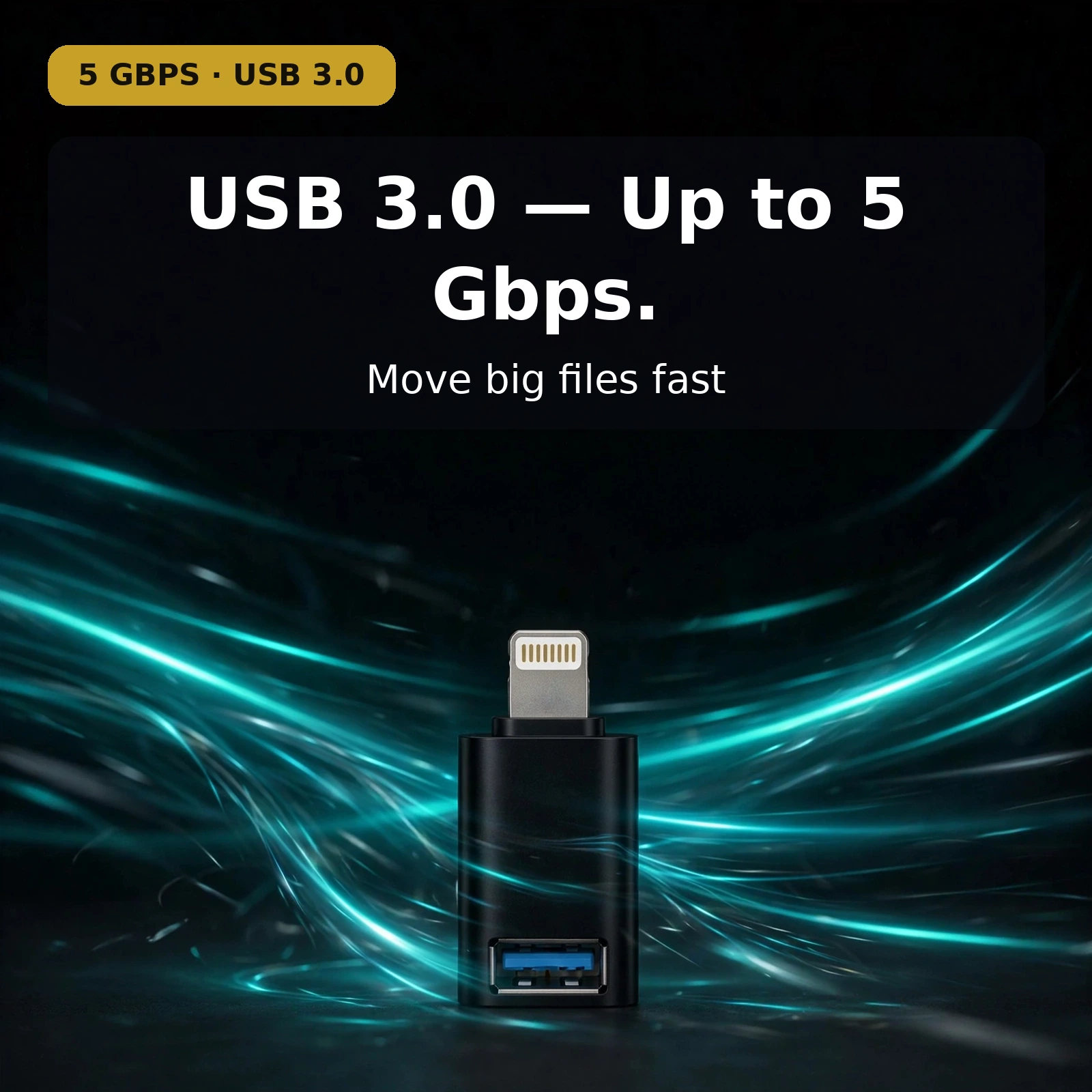
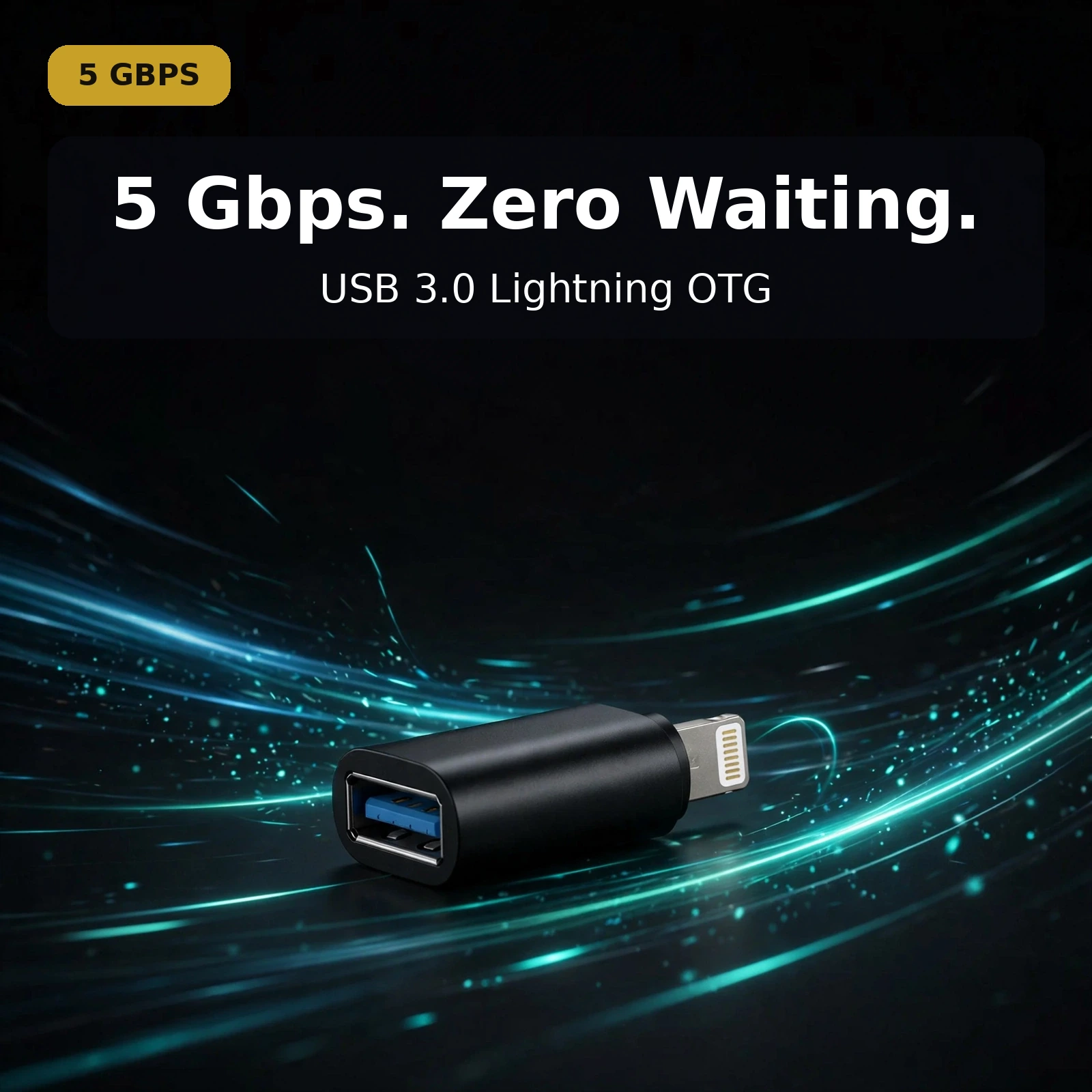
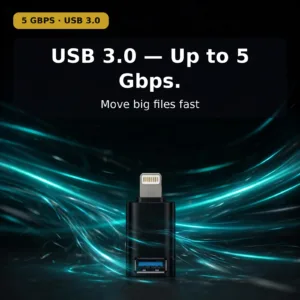
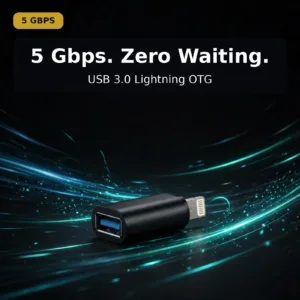
The VA27 is built on the USB 3.0 standard, with data transfer rates up to 5 Gbps. In plain terms: moving a few gigabytes of photos or video from a card reader to an iPad finishes in seconds rather than minutes, and it happens over the same blue-inserted USB-A port that has carried the world’s peripherals for a decade. For anyone who shoots on a camera and edits on an iPad, that speed turns the Lightning port from a charging hole into a proper import station.
Speed like this is also what separates a real OTG adapter from a charge-only dongle. A power-only adapter leaves the data pins unwired and fails the first time a file needs to move. The VA27 carries the full data lines as well as the power lines, so the connection behaves like a direct link rather than a dumb pass-through. Sync, import, transfer, type — one adapter covers all of it.
It powers your peripherals: 5V-1.5A / 5V-2A output
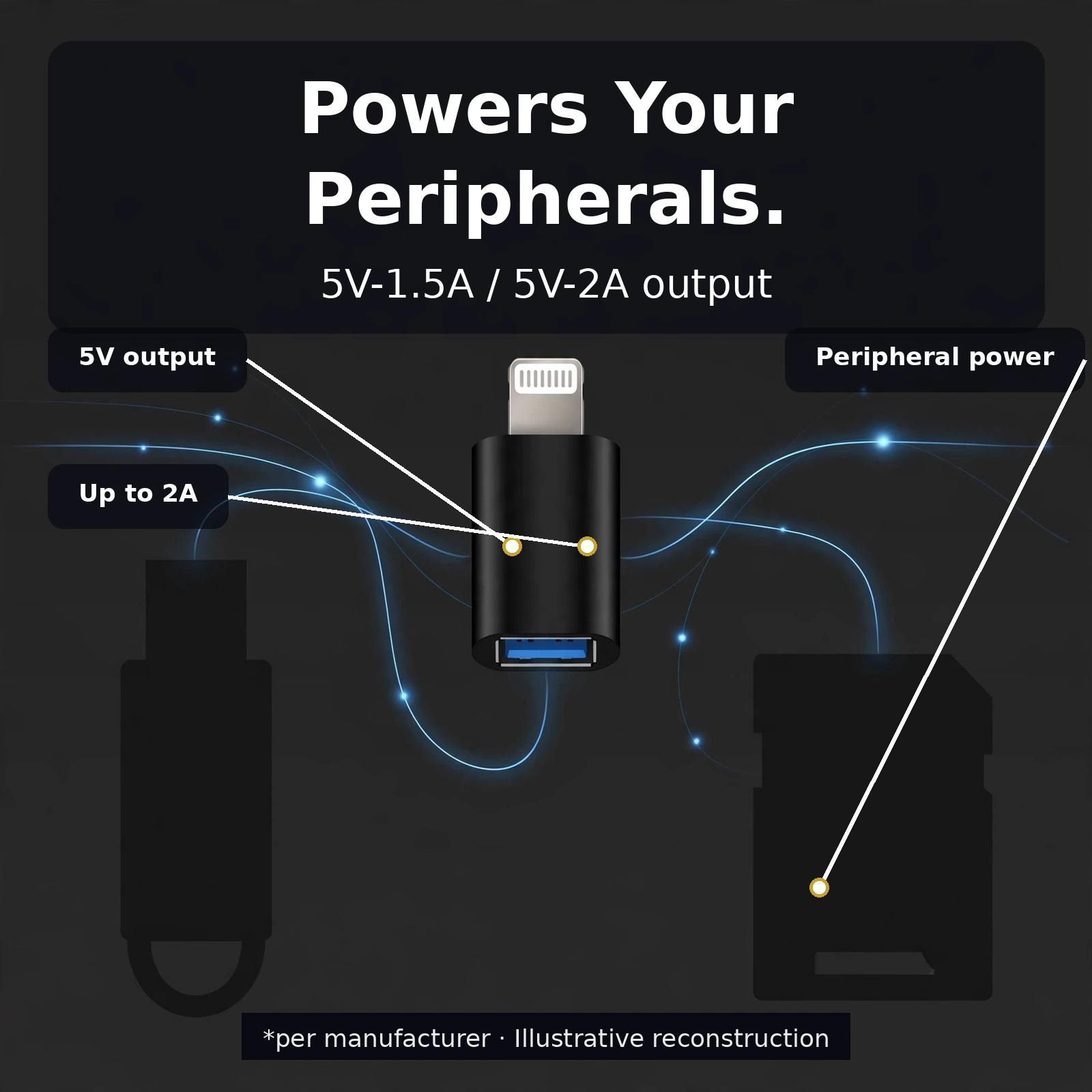
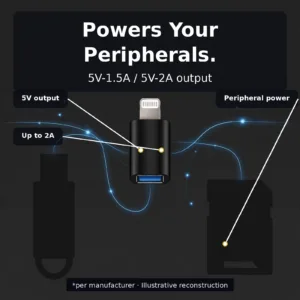
USB peripherals need power, and the VA27 supplies it. The adapter delivers a 5V output at up to 2A to the connected device — the same levels a card reader or keyboard expects from a computer’s USB port. That is why a flash drive can light up and mount on the iPhone, or a wired keyboard can draw power while it types: the VA27 is not just a connector shape-changer, it is a proper little host port.
Two things this does not do, stated plainly so nobody is misled: it does not charge the iPhone itself — the power flows outward to the peripheral, not back into the phone — and it does not promise PD-style fast charging anywhere in the chain. What it promises, per the product’s own specification, is standard USB power delivery to the connected accessory, and that is exactly what it does.
The Connector Layout, Up Close
Knowing which end is which saves fumbling at a desk. The Lightning male plug is the small, flat, reversible connector with the gold contact pins — it slides into the Lightning port on the iPhone, iPad or iPod either way up, exactly like any Lightning cable. The USB-A female port is the rectangular socket with the blue insert on the opposite end — a standard USB-A male plug seats into it one way up, so if it resists, flip it over.
The body between the two connectors is short, rigid and finished in matte black. There is no flex point to weaken over time and nothing to snag inside a pocket. The one-piece construction keeps the adapter looking like a deliberate piece of desk gear rather than a disposable dongle, and it is small enough that it can live permanently in a wallet pocket, a camera bag or a cable organiser.
Plug and play — no drivers, no app, no settings
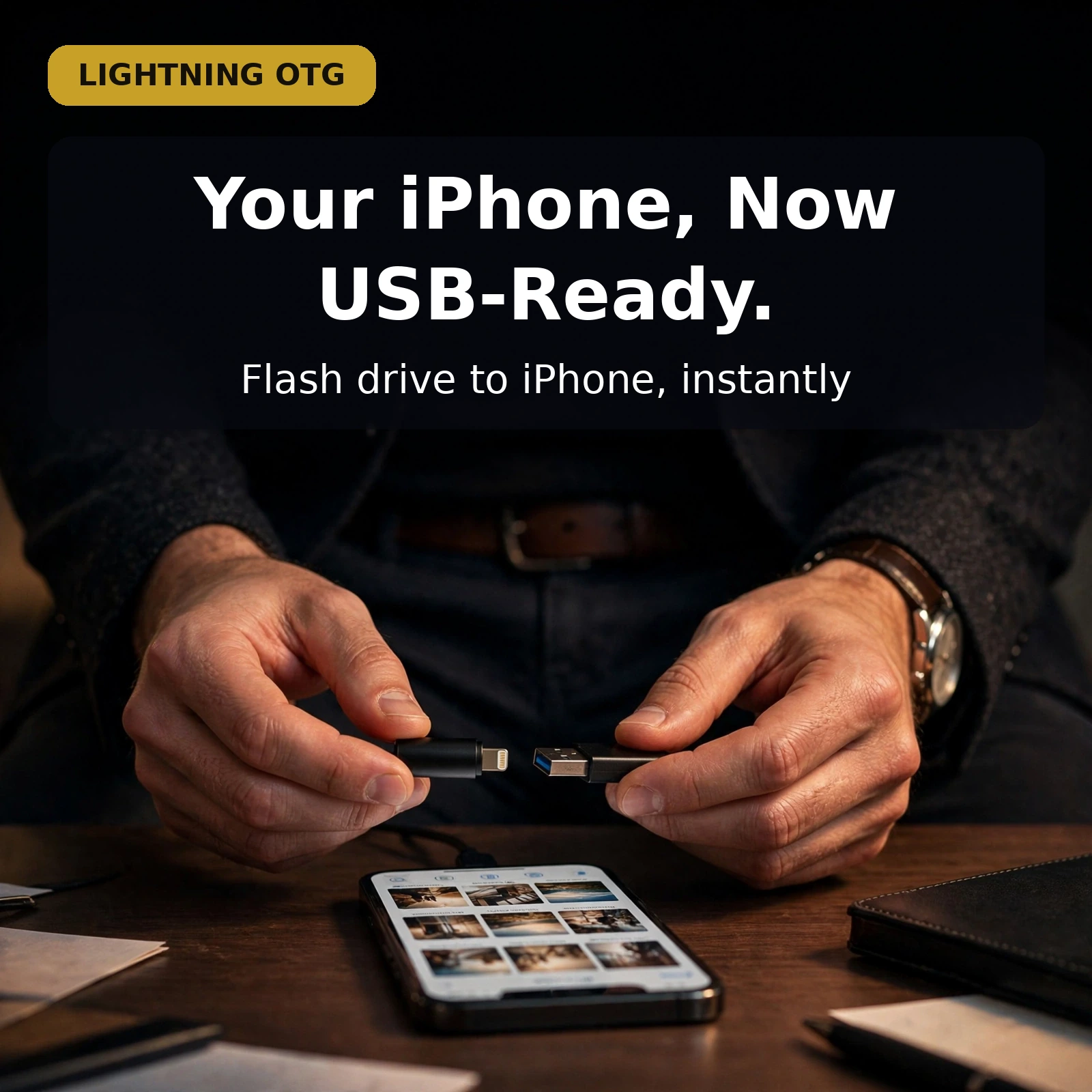
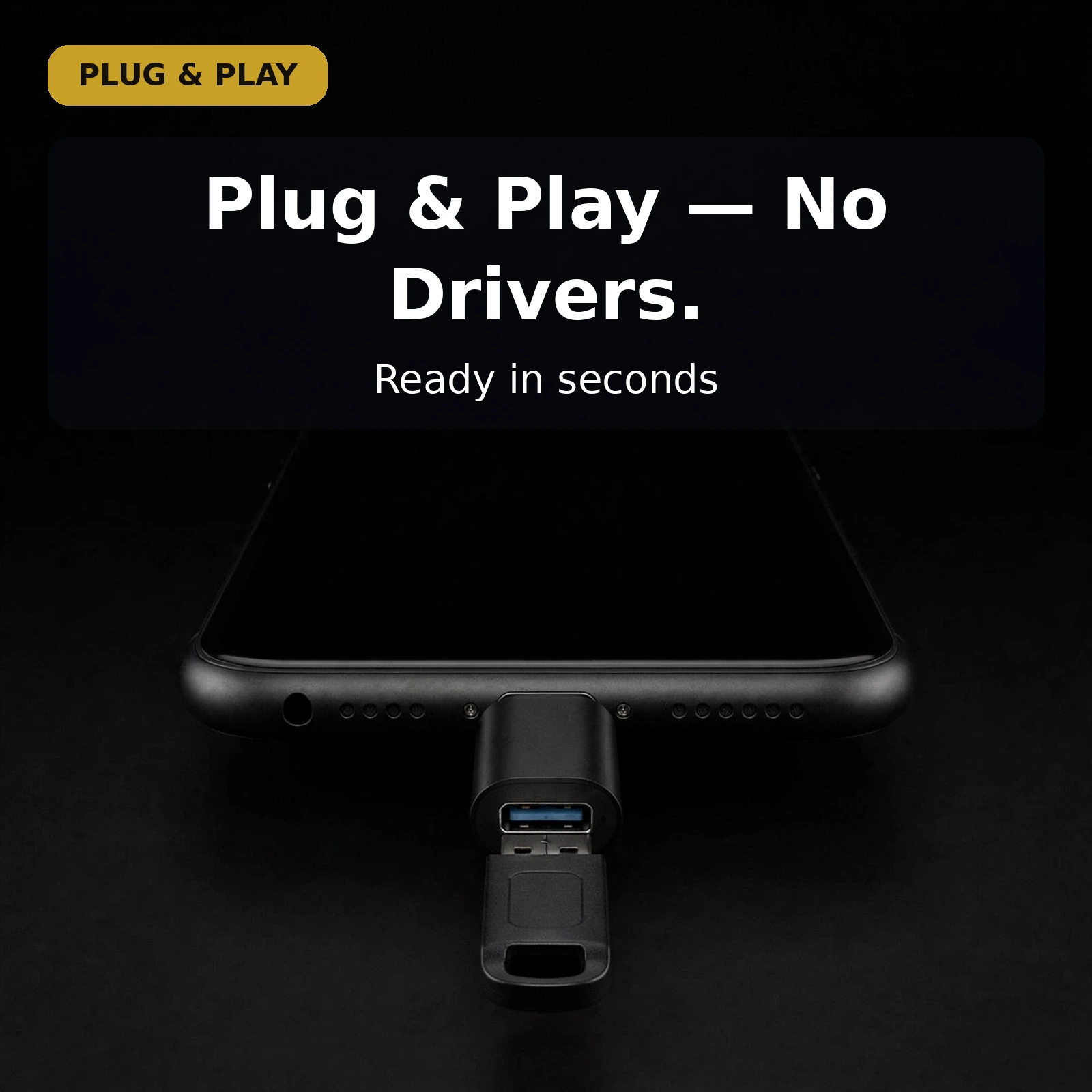
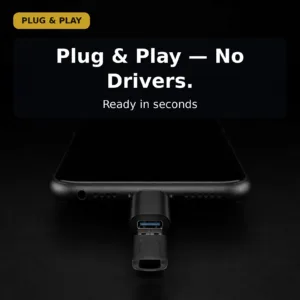
Setting the VA27 up takes seconds and involves no software of any kind. Push the Lightning male plug into the device’s Lightning port until it seats fully. Push the USB-A male plug of the peripheral into the adapter’s USB-A female port. The device recognises the accessory immediately: a flash drive appears in the Files app, a keyboard starts typing, a card reader opens its photos. Remove it the same way you would remove any USB device — no eject ritual beyond the phone’s own habits, no app to quit, nothing to configure.
Specifications
| Feature | Detail |
|---|---|
| Brand / Model | Valdus VA27 |
| Interface | Lightning male to USB Type-A female |
| USB standard | USB 3.0 |
| Data transfer rate | Up to 5 Gbps |
| Charging output (to peripheral) | 5V-1.5A / 5V-2A |
| Compatibility | iPhone, iPad, iPod with Lightning port |
| Colour | Black |
| Warranty | 7 Days |
Where the VA27 Earns Its Place
Photographers: card reader to iPad, instantly
This is the VA27’s home turf. Shoot a session on the camera, pull the card into a USB card reader, push the reader into the VA27, push the VA27 into the iPad’s Lightning port — and the photos import at USB 3.0 speeds. No laptop in the middle, no cloud upload from a hotel Wi-Fi. The iPad’s Photos or Files app sees the reader as external storage, thumbnails appear, and the cull can start on the plane instead of at the desk. For anyone who edits on an iPad, this one adapter replaces a whole transfer ritual.
The 5 Gbps ceiling matters here more than anywhere else. Raw files are heavy, and a slow link turns every import into dead time. The VA27 moves big files fast enough that the bottleneck becomes the card itself, not the adapter in the middle.
Typing on an iPad: USB keyboard via Lightning
On-screen keyboards are fine until there is real writing to do. A USB keyboard plugged into the VA27 works on an iPad or iPhone exactly like it works on a computer: full-size keys, proper shortcuts, no batteries to charge, no Bluetooth pairing to drop. Long emails, documents, captions — the work gets done at desk speed while the device stays a tablet. The adapter supplies the keyboard’s power from its 5V output, so there is nothing else to carry.
Flash drives and files, no cloud required
Sometimes the file is simply on a flash drive. A client hands over footage on a USB stick; a presentation lives on a keychain drive; an archive needs to move between machines. The VA27 mounts the drive on the iPhone’s Files app as browsable storage — copy files on, copy files off, done. For devices whose storage cannot be expanded, this is the closest thing to a memory-card slot: external storage that appears only when it is needed and vanishes when the adapter comes out.
Travel: one adapter, a lighter bag
The VA27 is small enough to live permanently in a passport wallet or a cable pouch, and it weighs effectively nothing. Carrying it means any USB-A peripheral — the office flash drive, the hotel lobby printer’s port, a borrowed keyboard — becomes usable with the iPhone or iPad in the pocket. There is nothing to charge, nothing to update and nothing to configure at the other end. One adapter, the accessories already in the world, and the Lightning device stops being an island.
A Companion for the Rest of Your Lightning Kit
Lightning-port users tend to carry a small ecosystem of adapters, and the VA27 sits neatly alongside them. If the music setup still runs through wired earphones, pair it with the GEEOO AD4 Lightning to 3.5mm adapter so the same iPhone drives the earphones too. And if a USB-C device ever enters the household, the brand sibling VALDUS CS32 USB-C to 3.5mm audio adapter cable is the matching Valdus bridge for the other side of the drawer.
More Everyday File Work
A Lightning to USB OTG adapter makes the Files app feel complete. Open a drive through the Lightning to USB OTG adapter, and documents appear beside downloads. Copy a file through the Lightning to USB OTG adapter, and no cloud upload is needed. Move photos through the Lightning to USB OTG adapter, and device space frees up. A Lightning to USB OTG adapter turns waiting for a computer into file work. The rhythm of this Lightning to USB OTG adapter is plug in, browse, copy, remove. That is all a Lightning to USB OTG adapter asks.
A Lightning to USB OTG adapter also suits the desk. Type through the Lightning to USB OTG adapter on a wired keyboard for long writing. Import through the Lightning to USB OTG adapter from a card reader, and camera photos reach the iPad. Swap a drive into the Lightning to USB OTG adapter, and the next file is ready in Files. A Lightning to USB OTG adapter keeps those jobs on one small link. For Lightning users, a Lightning to USB OTG adapter replaces workarounds at once.
Power and Speed, Plainly
Speed is the quiet strength of a Lightning to USB OTG adapter. This Lightning to USB OTG adapter carries USB 3.0 data lines, so transfers run at up to 5 Gbps. That ceiling helps when a Lightning to USB OTG adapter moves photo or video files. A Lightning to USB OTG adapter rarely becomes the slow part of the chain. A charge-only dongle cannot copy files, while a Lightning to USB OTG adapter carries data and power together. Used daily, a Lightning to USB OTG adapter earns its speed, and each Lightning to USB OTG adapter session stays brief.
Power has a clear direction in a Lightning to USB OTG adapter. The Lightning to USB OTG adapter feeds the connected peripheral at 5V-1.5A / 5V-2A. That output lets a Lightning to USB OTG adapter run a flash drive or keyboard without separate power. A Lightning to USB OTG adapter does not charge the iPhone, so a Lightning to USB OTG adapter should never be bought for that job. Nor does a Lightning to USB OTG adapter promise PD fast charging. A Lightning to USB OTG adapter is honest about power: it flows outward only.
Ready to Carry
Checking fit takes seconds before a Lightning to USB OTG adapter is ordered. The device needs a Lightning port, because a Lightning to USB OTG adapter starts with a Lightning male plug. The accessory needs a USB-A plug, because a Lightning to USB OTG adapter ends in a USB-A female port. If both ends match, the Lightning to USB OTG adapter needs no app, driver or setting. The matte-black body of the Lightning to USB OTG adapter travels in a pocket. So carried, a Lightning to USB OTG adapter is ready when a file appears. A Lightning to USB OTG adapter adds no bulk either.
Why Buy from Gadget Superb
Every order from Gadget Superb ships with cash on delivery available nationwide, so you pay when the product is in your hands. Delivery inside Dhaka costs ৳70 and takes 1–3 working days; outside Dhaka it costs ৳120 and takes 2–5 working days. Where the courier permits, you can inspect your item before paying.
The Valdus VA27 carries a 7-day warranty from Gadget Superb. If anything is wrong with the adapter within that window, our support team will sort it out — reach us on the hotline at 09638054751, on Facebook Messenger, or by email at care@gadgetsuperb.com. We also honour a 7-day easy returns policy, so you can buy with confidence.
Frequently Asked Questions
What exactly is the Valdus VA27?
It is a compact OTG converter with a Lightning male plug on one end and a USB-A female port on the other. The Lightning end plugs into an iPhone, iPad or iPod with a Lightning port, and the USB-A end accepts flash drives, keyboards, card readers and other USB peripherals. It transfers data at up to 5 Gbps over USB 3.0 and supplies 5V-1.5A / 5V-2A power to the connected accessory.
Which devices does it work with?
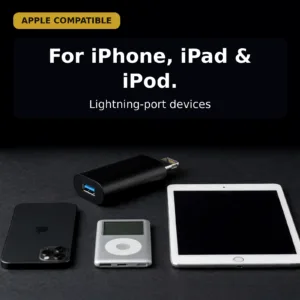
Any iPhone, iPad or iPod with a Lightning port on the device side. On the other side, any standard USB-A male plug fits: flash drives, USB keyboards, card readers and the other accessories your setup already uses.
What can I actually connect to it?
Flash drives, USB keyboards, card readers and other standard USB peripherals. The phone or tablet treats the adapter as a host port: drives appear in the Files app, keyboards start typing immediately, and card readers open their photos for import.
How fast is data transfer?
The VA27 supports USB 3.0 with data transfer rates up to 5 Gbps. In practice that means multi-gigabyte photo or video transfers from a card reader finish quickly — the adapter is rarely the slowest part of the chain.
Does it power the connected accessory?
Yes. The adapter supplies 5V output at up to 2A to the connected peripheral, which is what a flash drive or keyboard expects from a normal USB port. That is how drives mount and keyboards type without their own power source.
Will it charge my iPhone?
No — the power flows outward to the peripheral, not back into the phone. The VA27 is a data and accessory bridge; it does not charge the iPhone and makes no fast-charging claims.
Is any setup, app or driver needed?
None. There is no software to install, no pairing and no configuration. Push the Lightning end into the device, push the peripheral’s USB-A plug into the adapter, and it works.
Which way round does it go?
The Lightning male end goes into the iPhone, iPad or iPod; the USB-A female end receives the peripheral’s plug. It works in one direction only — the reverse (a USB-C phone reaching USB-A gear) is a different adapter.
How is this different from a charge-only dongle?
Charge-only dongles wire only the power pins, so they fail the first time a file needs to move. The VA27 carries the full data lines, so the same little block handles file import, external storage, keyboards and card readers as well as power.
What warranty does it carry?
A 7-day warranty from Gadget Superb. If the adapter has any fault within seven days of delivery, contact support on the hotline at 09638054751, on Facebook Messenger, or by email at care@gadgetsuperb.com.
How long does delivery take?
Delivery inside Dhaka costs ৳70 and takes 1–3 working days; outside Dhaka it costs ৳120 and takes 2–5 working days. Cash on delivery is available nationwide, and you can inspect the item before paying where the courier permits. A 7-day easy returns policy applies.
What should I check before ordering?
Confirm your device has a Lightning port — this adapter’s device end is Lightning male, not Type-C — and that the accessory you want to use has a standard USB-A male plug. If your phone already uses Type-C, a Type-C OTG adapter is the right pick instead.
Related products
-23%
49 in stock

VALDUS 33W GaN Universal Travel Adapter (VL33) – All-in-One Global Plug
Original price was: ৳ 2,230.৳ 1,710Current price is: ৳ 1,710.-20%
100 in stock
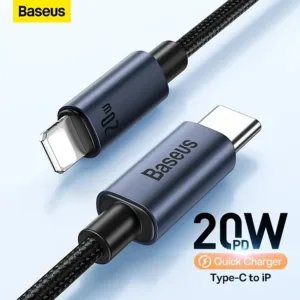
Baseus CAJY010101 Minimalist Type-C to Lightning Fast Charging Data Cable
Original price was: ৳ 670.৳ 530Current price is: ৳ 530.-20%
34 in stock

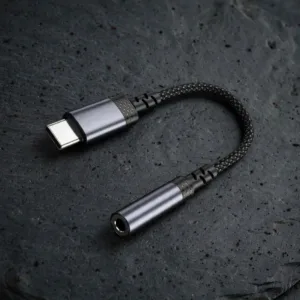
VALDUS CS32 USB-C to 3.5mm Audio Adapter Cable
Original price was: ৳ 300.৳ 240Current price is: ৳ 240.-20%
171 in stock
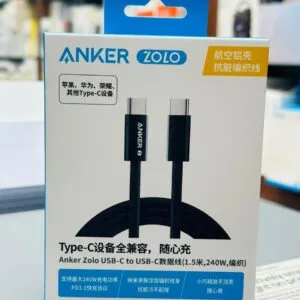
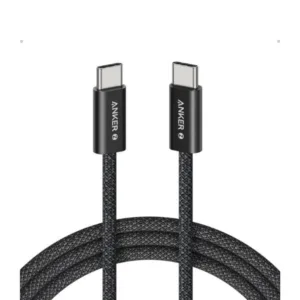
Anker Zolo 240W USB C to USB C Cable for iPhone 16 Series, MacBook & Android Phones – 1.5 Meter, Black Color
Original price was: ৳ 790.৳ 630Current price is: ৳ 630.-23%
184 in stock
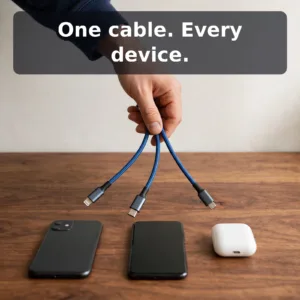
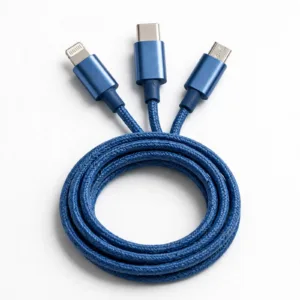
Baseus Two-for-three Fast Charging Cable (U+C to M+L+C) 100w- Blue
Original price was: ৳ 1,580.৳ 1,210Current price is: ৳ 1,210.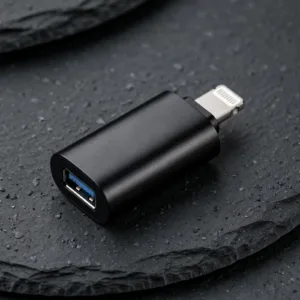 Valdus VA27 Lightning to Type ...
 Original price was: ৳ 440.৳ 350Current price is: ৳ 350.
49 in stock
Reviews
There are no reviews yet.