No products in the cart.

-20%
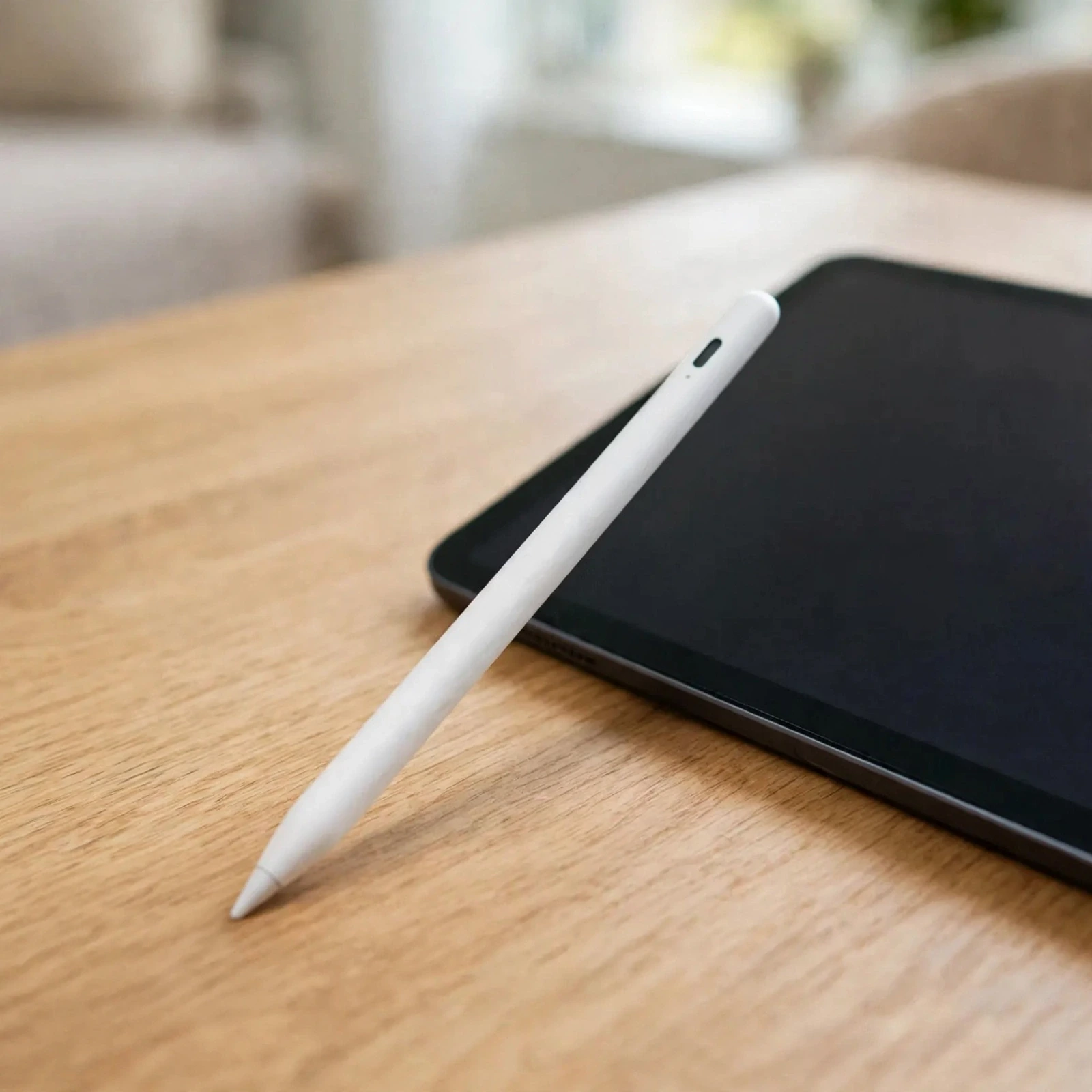
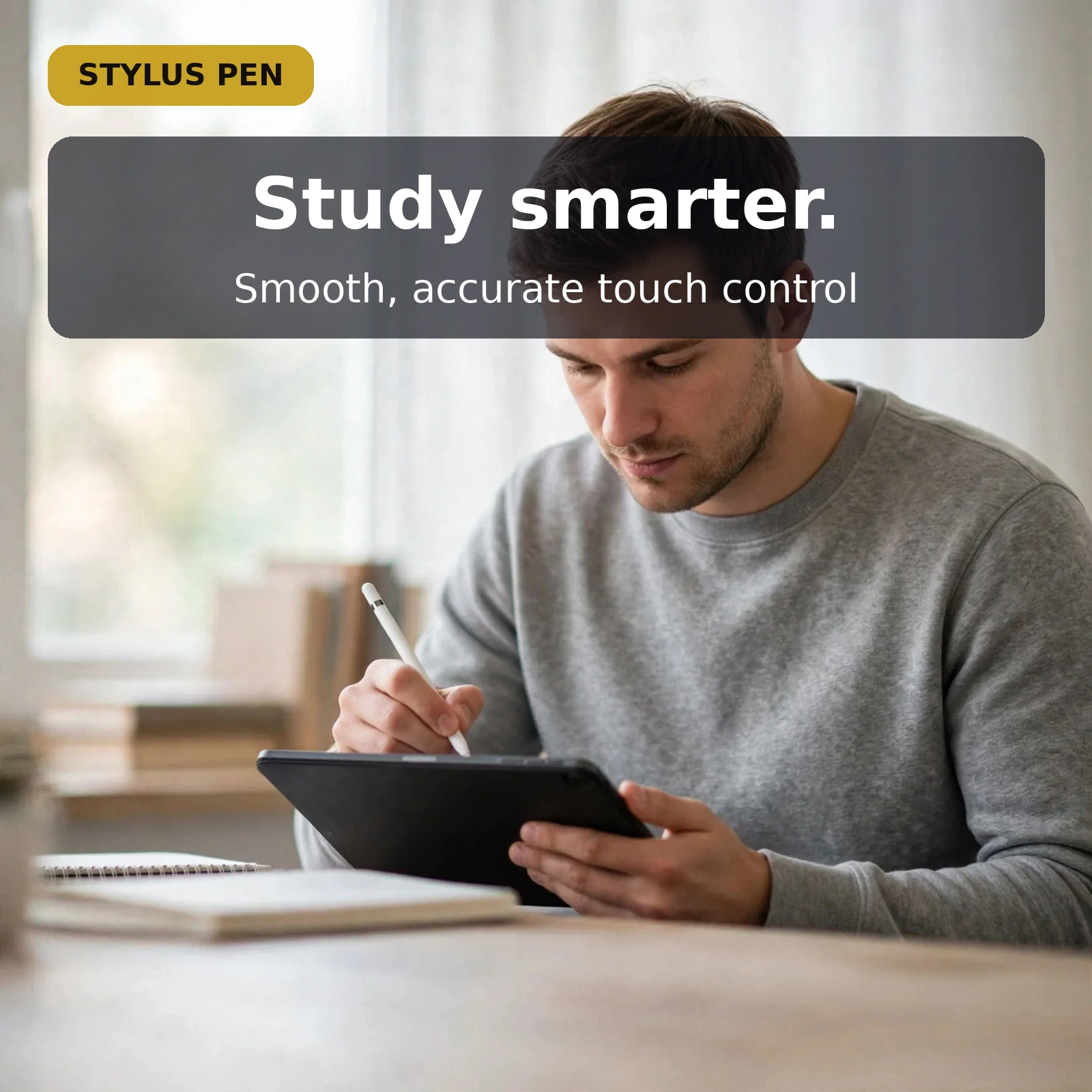
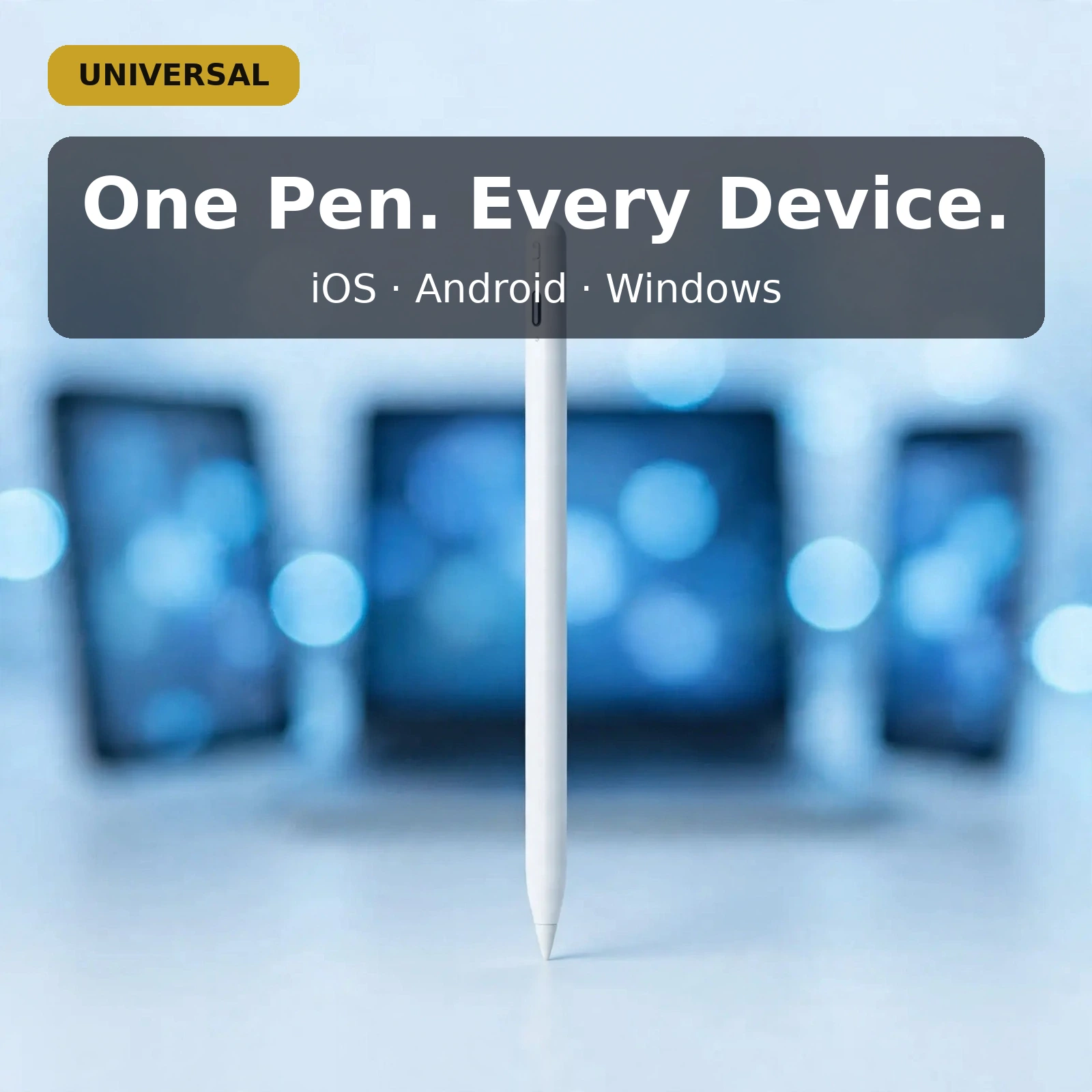





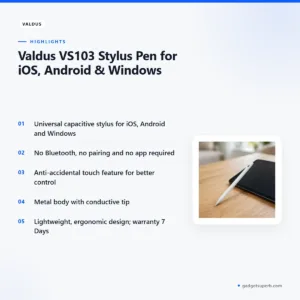
The Valdus VS103 stylus pen is a universal capacitive stylus listed for iOS, Android and Windows touchscreens, made for students, note-takers, sketchers and professionals who move between a phone, a tablet and a laptop. According to the listing, it needs no Bluetooth pairing and no app, so you touch the screen and write.
- Overview of the Valdus VS103 stylus pen
- Key features
- Specifications
- How to use / set up
- Compatibility and what is in the box
- Who should buy it in Bangladesh
- Alternatives in our store
- Warranty and support
- Delivery, returns and ordering
- Frequently asked questions
Overview of the Valdus VS103 stylus pen
The Valdus VS103 stylus pen is built around one simple idea: a single pen that works wherever you touch a screen. According to the listing, it is a capacitive stylus designed for universal compatibility across iOS, Android and Windows devices, and it offers a natural writing and drawing experience. Most people do not live in a single ecosystem, so a pen that is not tied to one brand of device has real practical appeal.
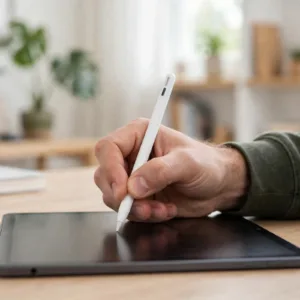
Think about a typical week. A phone might run Android, a tablet might run iOS and a work laptop might run Windows. Buying a different active pen for each of those devices is fiddly, and active pens often bring Bluetooth, charging cables and pairing steps. The Valdus VS103 stylus pen takes a different approach. It works through the same conductive contact your fingertip uses, and the listing gives examples of one pen annotating a PDF on a Windows laptop, sketching on a tablet and navigating apps on an Android phone.
For buyers in Bangladesh the appeal is also practical. Power cuts happen, and an active stylus that runs out mid-lecture stops your notes until you find a charger. The listing describes zero charging or pairing for the Valdus VS103 stylus pen, so it is ready the moment you pick it up. Whether you are a student in Dhaka, a freelancer in Chattogram or a parent helping a child on a shared tablet, the Valdus VS103 stylus pen fits an ordinary day without extra setup.
Two things are worth knowing before you start. First, the Valdus VS103 stylus pen is a capacitive pen, so it relies on the screen detecting contact in the same way it detects a fingertip. Second, the listing presents the pen as a single tool for everyday writing, annotation and navigation, not as a replacement for every specialist input device.
Think of shopping for accessories the way you would shop for a phone case or a charger. Most buyers start with the devices they already own, then check the listed compatibility, then look at the build and the basic use. A pen is a good match for that approach, because the decision rests on one question: does it work on the screens you use? For this pen, the listing answers that question with iOS, Android and Windows.
Key features
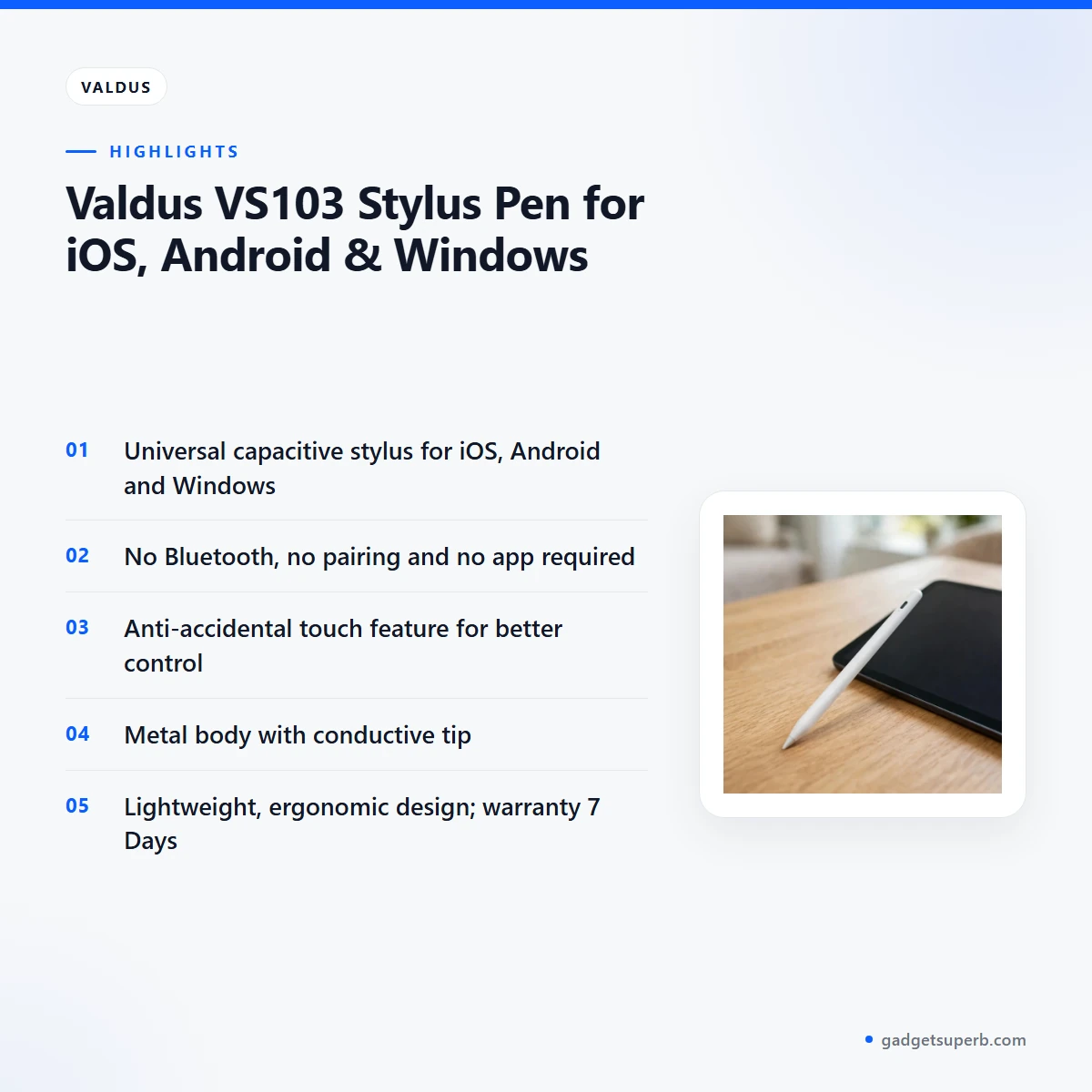
Universal compatibility across iOS, Android and Windows
The listing describes the Valdus VS103 stylus pen as universal, with compatibility listed for iOS, Android and Windows. That covers phones, tablets and touchscreen laptops, which is the mix many buyers in Bangladesh already carry between home, school and office. You do not need one active pen for each platform, and the same Valdus VS103 stylus pen can move from a family Android handset to a work laptop. The listing names universal capacitive touchscreens as the intended range, so confirm that your own screen is capacitive before you rely on it.
Capacitive input with no Bluetooth, pairing or app
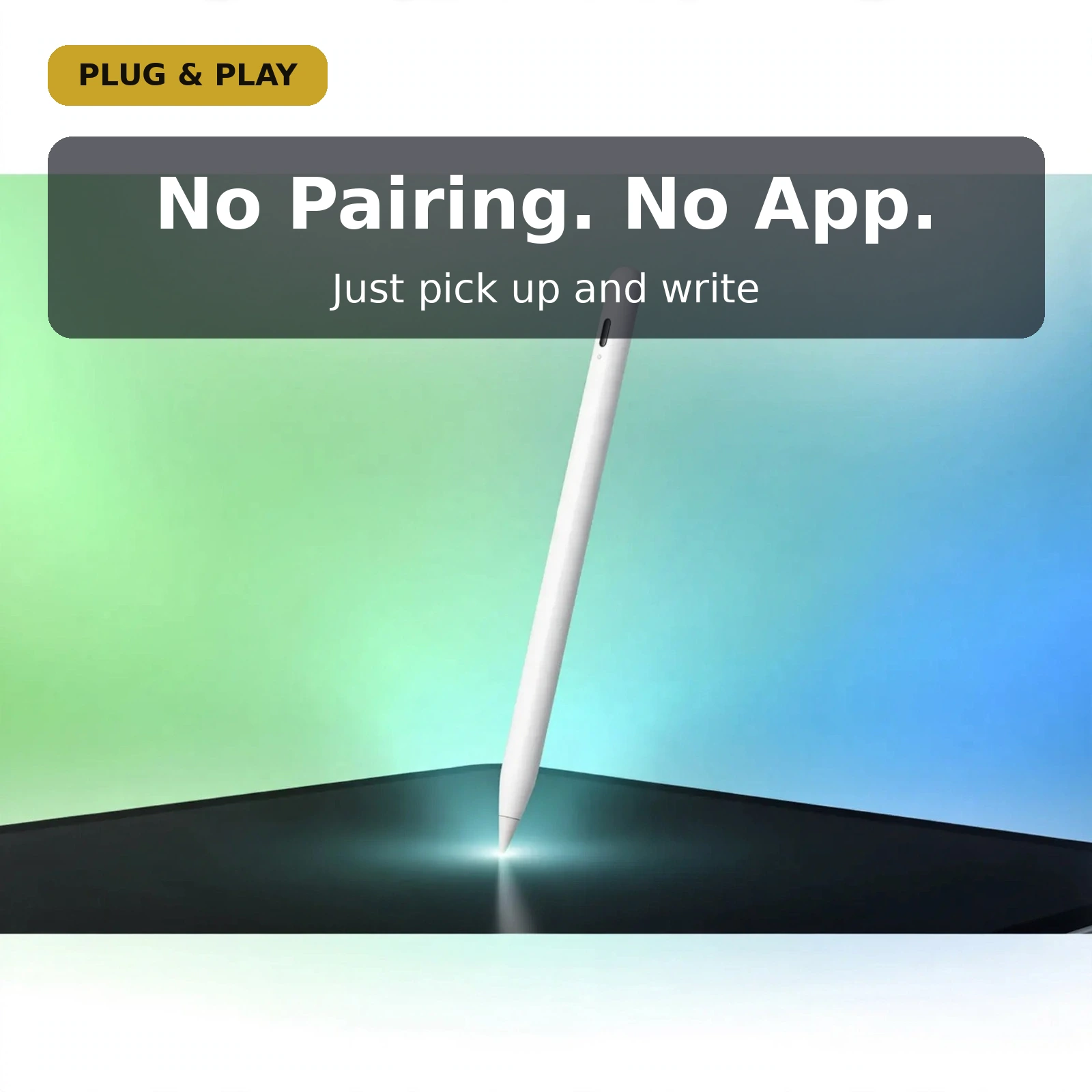
According to the listing, the Valdus VS103 stylus pen uses capacitive input, the same sensing principle as a fingertip, and it requires no Bluetooth and no app. There is no pairing code and no companion app to install, and the listing notes there is no firmware to update. For someone who only wants to write, annotate or draw, this removes a set of steps that many active pens need. Pick up the Valdus VS103 stylus pen, touch the screen, and it responds through contact alone. That simplicity is the core of the product.
Anti-accidental touch for better control
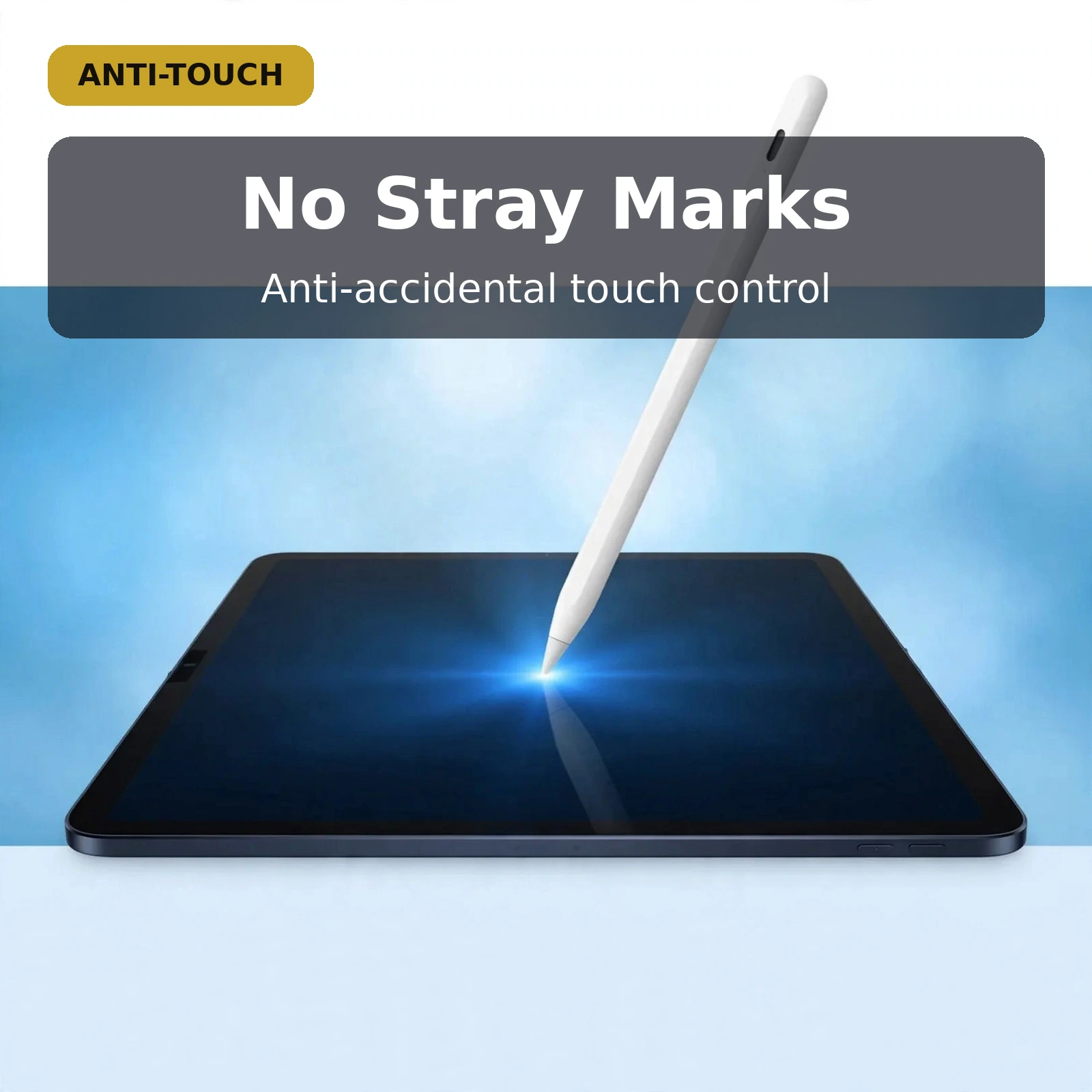
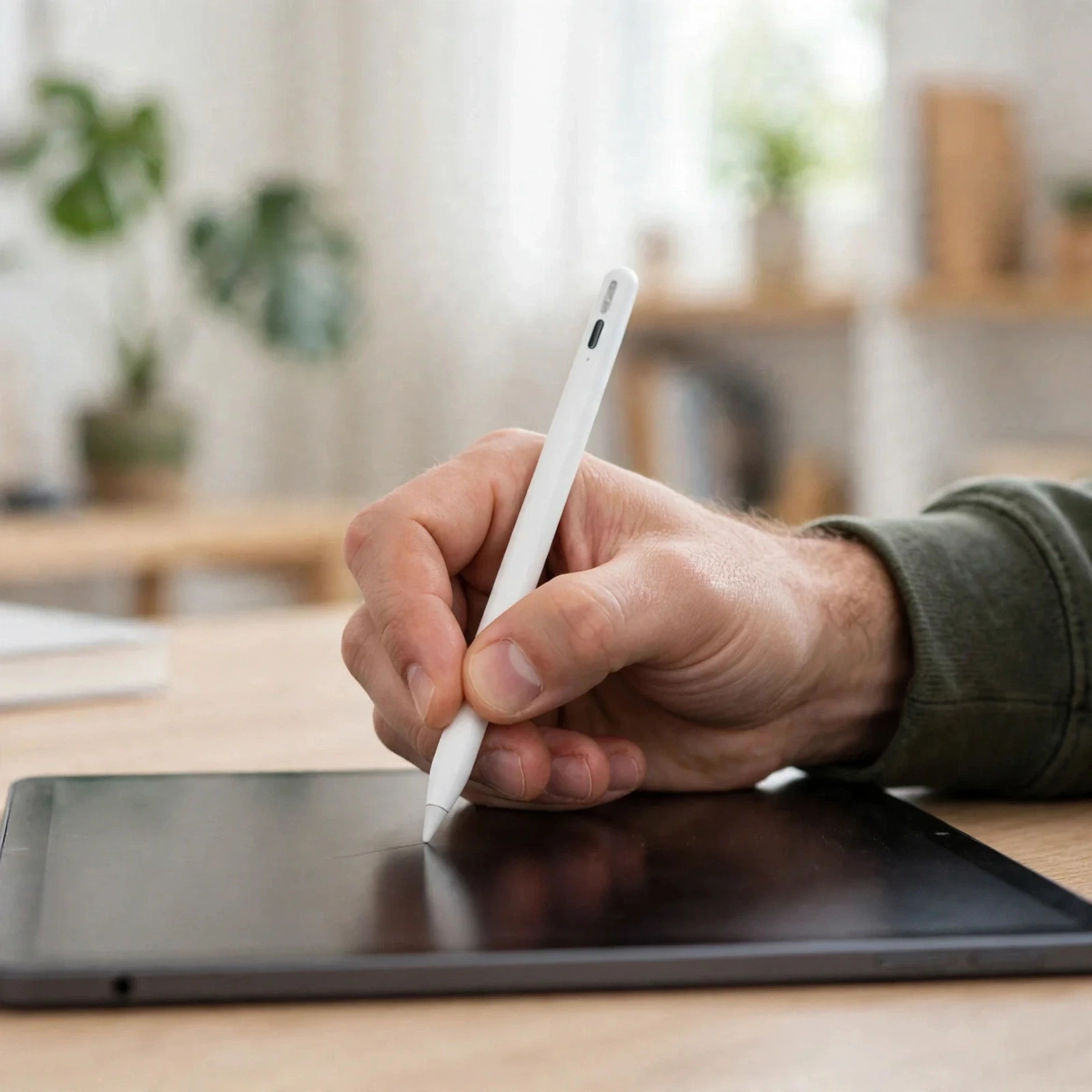
Writing on a touchscreen with a palm resting on the glass is a common frustration, because stray touches leave ghost marks across your notes. The listing says the anti-accidental touch feature in the Valdus VS103 stylus pen helps the device separate intended strokes from the accidental contact of a resting palm. That matters for students taking long lecture notes and for artists working on fine detail. The listing expects a natural handwriting posture, palm down and pen moving, which is how most people already write on paper. The feature is described as anti-accidental touch for better control, and this page makes no further claim about it.
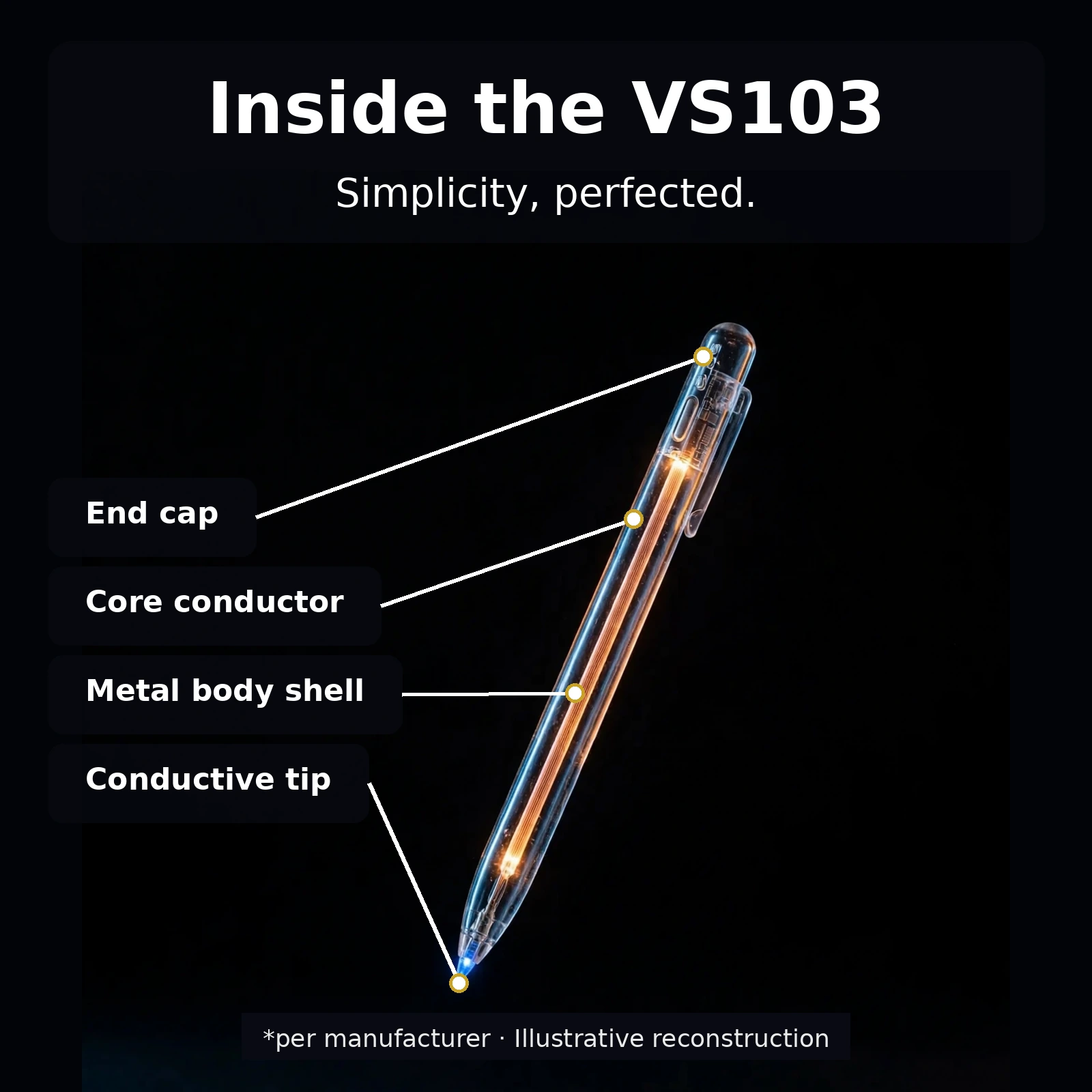
Metal body and conductive tip
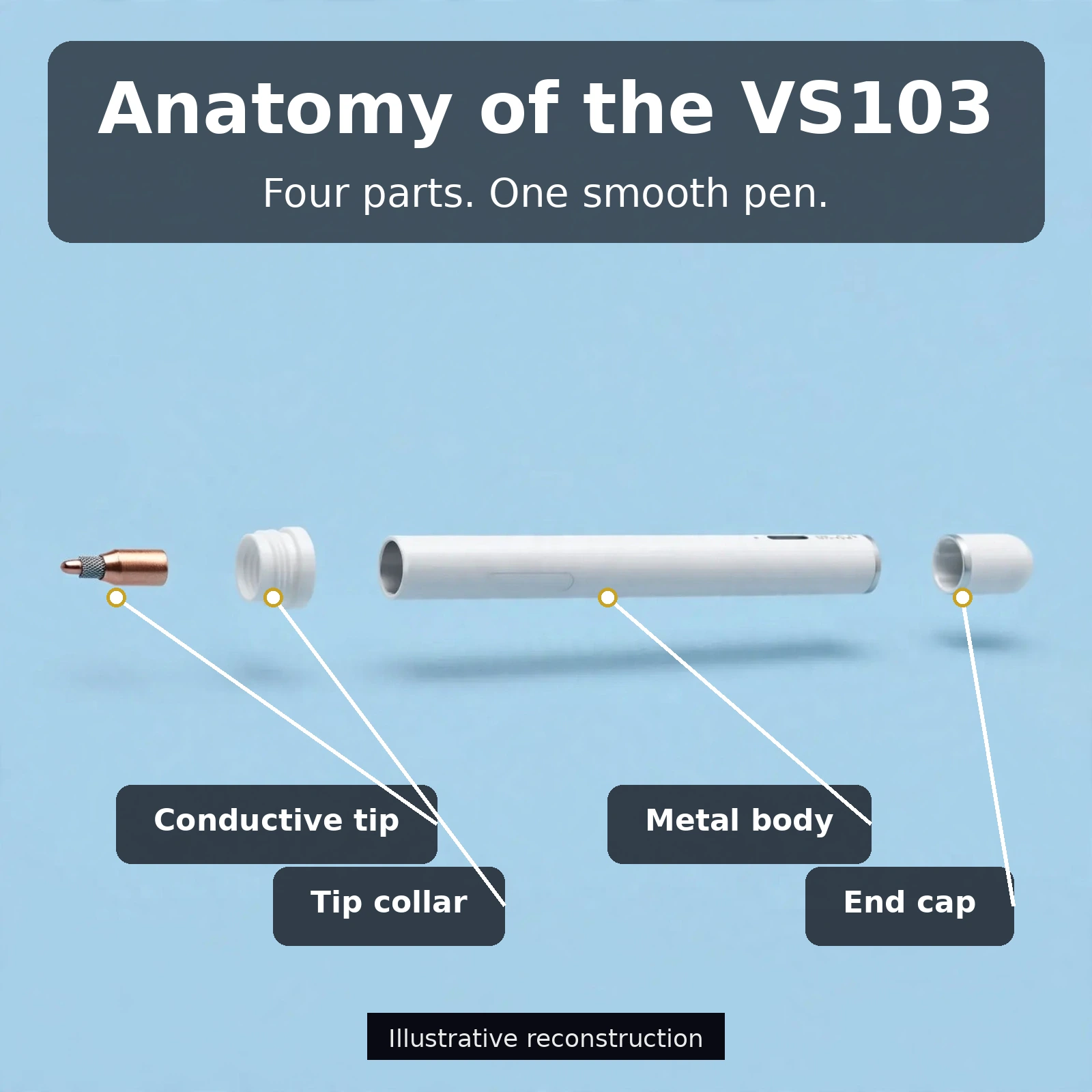
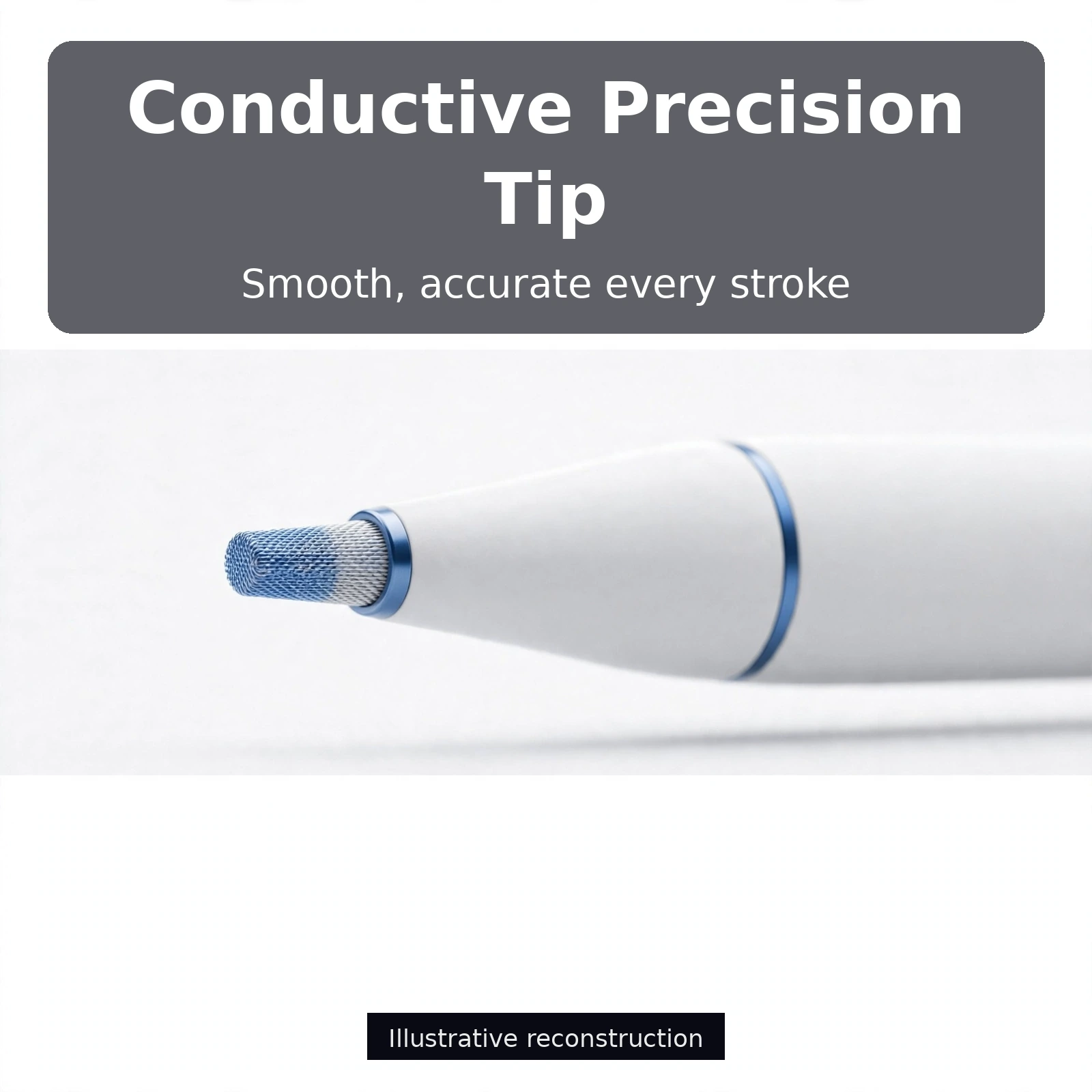
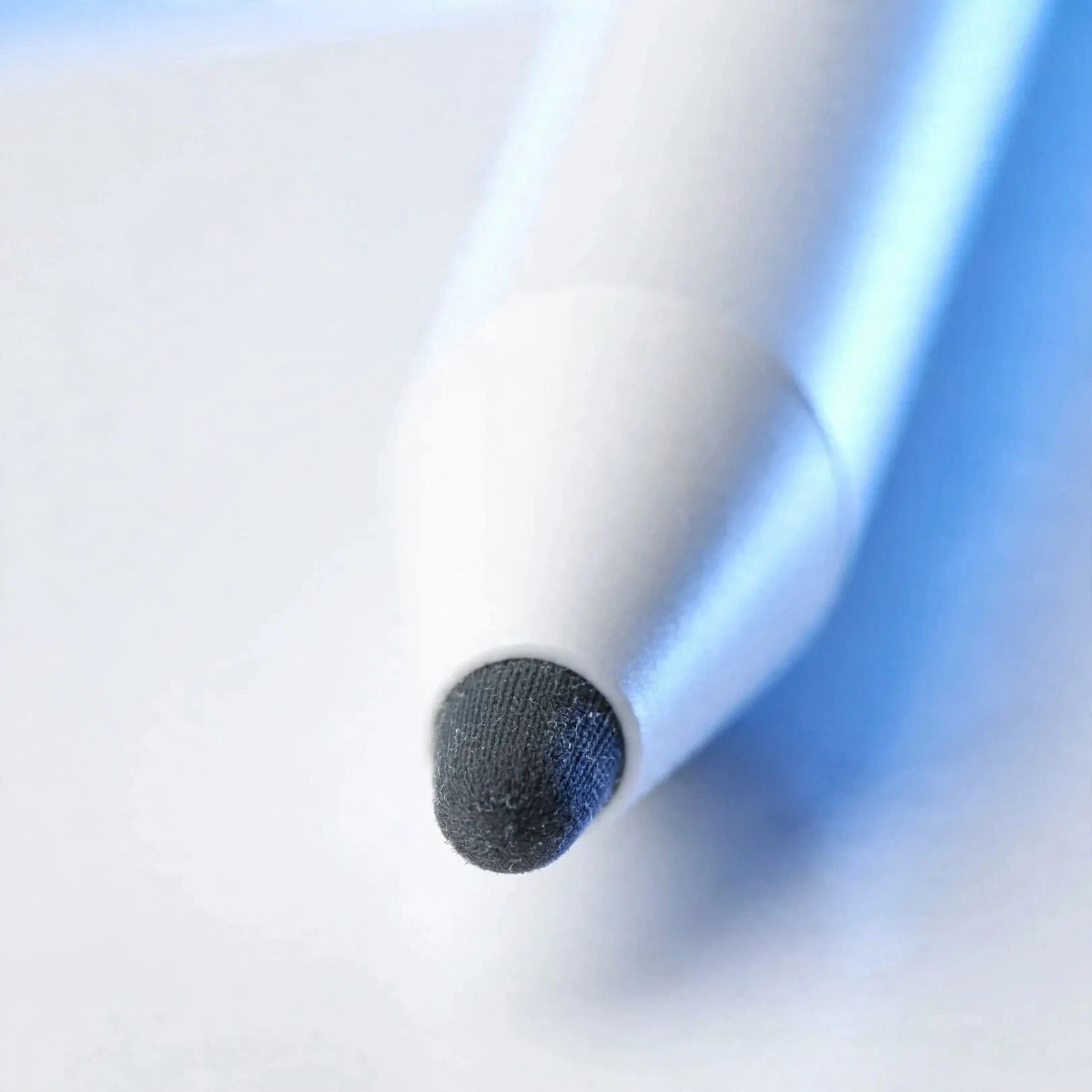
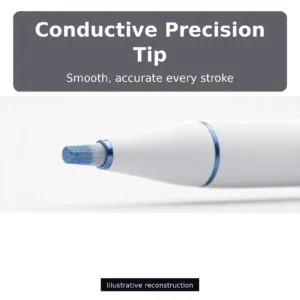
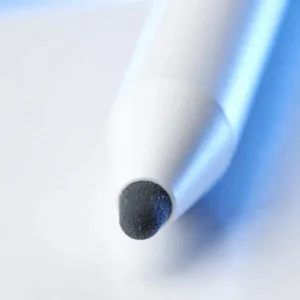
The listing describes the body of the Valdus VS103 stylus pen as metal rather than plastic, with a conductive tip engineered for smooth contact. According to the listing, the metal construction is meant to hold up to a bag, pocket and desk routine that can wear down plastic pens. A metal barrel also gives the pen a balanced weight that sits comfortably in the hand. The conductive tip is the working end of the Valdus VS103 stylus pen, presenting the screen with a consistent, low-friction contact point. Care for the tip is simple, and the sections below cover how to keep contact steady.
Lightweight, ergonomic design for long sessions
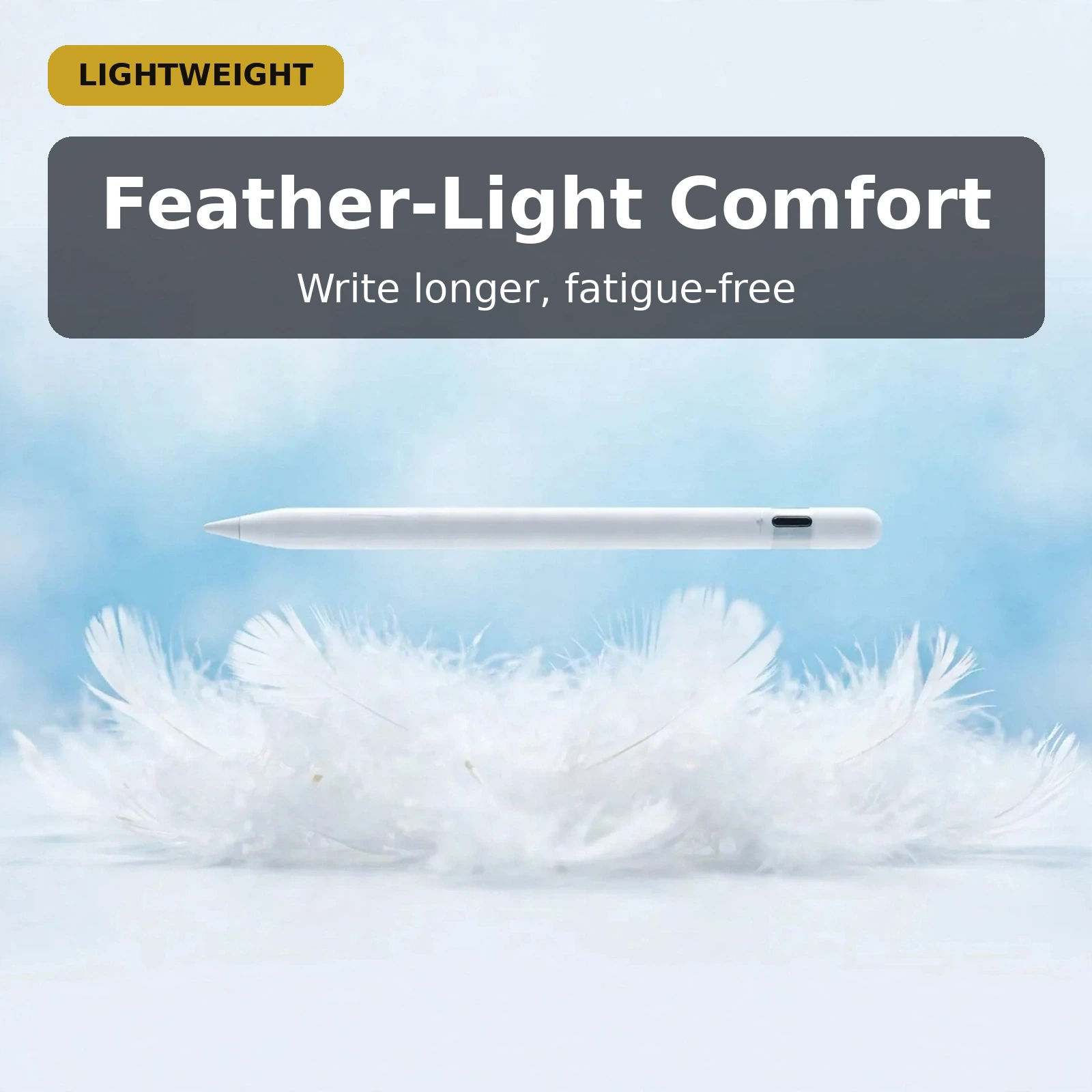
The listing describes the Valdus VS103 stylus pen as lightweight and ergonomic, in a standard pen size. It also describes a pen balanced so that it does not tire the grip. Long note-taking sessions are where comfort shows, and the listing names note-taking, sketching and navigation as the main uses. If you already own a pen you like, hold the Valdus VS103 stylus pen beside it in a shop to judge the size and feel for your own hand. Comfort is personal, so trust your grip over any description.
Specifications
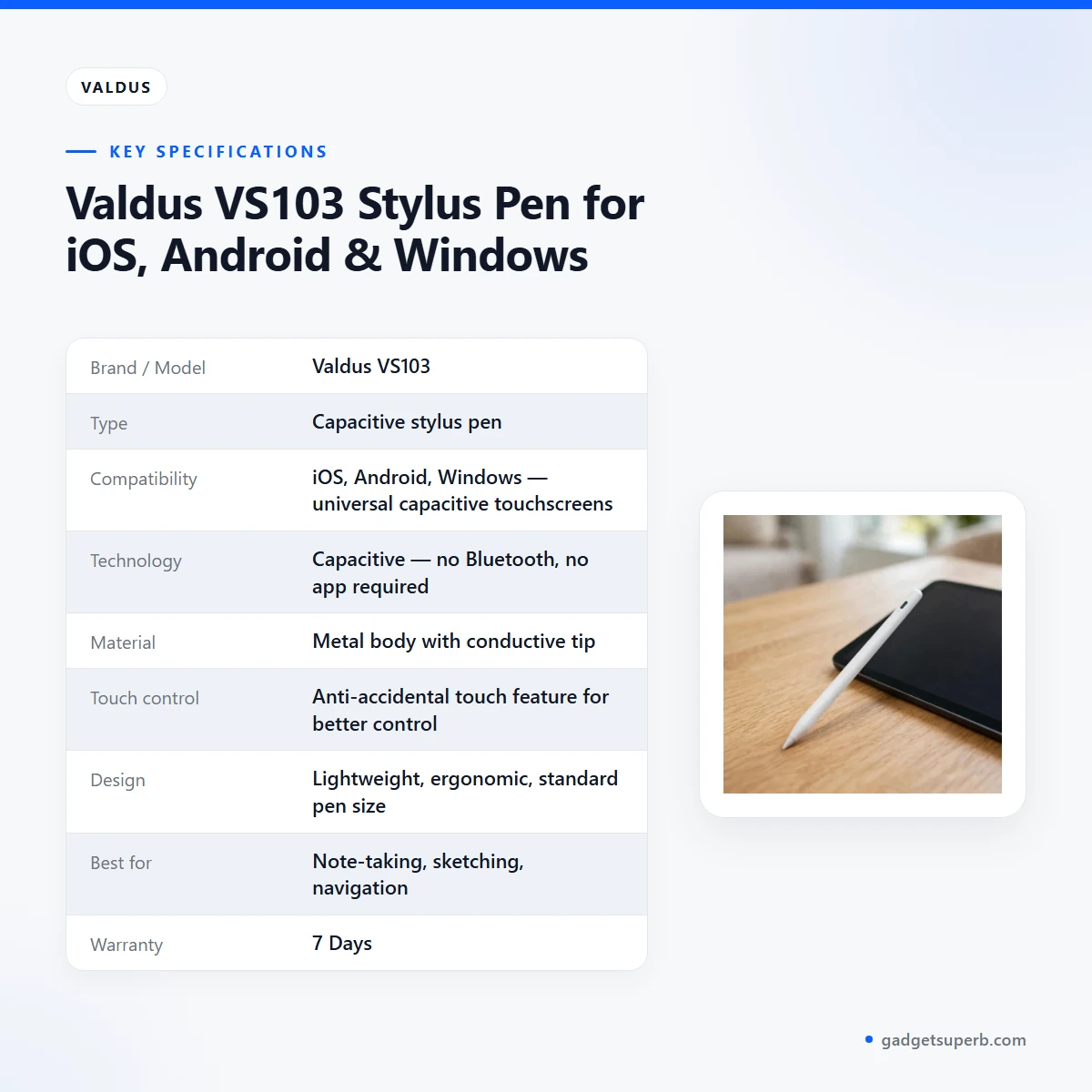
| Specification | Detail |
|---|---|
| Brand / Model | Valdus VS103 |
| Type | Capacitive stylus pen |
| Compatibility | iOS, Android, Windows — universal capacitive touchscreens |
| Technology | Capacitive — no Bluetooth, no app required |
| Material | Metal body with conductive tip |
| Touch control | Anti-accidental touch feature for better control |
| Design | Lightweight, ergonomic, standard pen size |
| Best for | Note-taking, sketching, navigation |
| Warranty | 7 Days |
These are listed specifications from the product listing for the Valdus VS103 stylus pen.
How to use / set up
Setup for the Valdus VS103 stylus pen is short. According to the listing there is no Bluetooth menu, no pairing code, no app to install and no firmware to update. Take the pen out of the box, touch it to a capacitive screen and start writing or drawing. For any other points about the product, follow the maker’s instructions.
A few practical habits help. Hold the Valdus VS103 stylus pen at a natural writing angle rather than pressing hard. The listing describes capacitive tips that respond to gentle contact, and pressing harder does not add anything. Keep your palm relaxed on the glass, since the anti-accidental touch feature is described for exactly that posture.
If you notice the tip skipping after heavy use, wipe it with a soft dry cloth. A clean tip keeps contact consistent. Keep the tip protected from abrasion when you carry it, for example in a separate pocket or a pen holder rather than loose among keys and coins.
Storage is a simple matter. Keep the Valdus VS103 stylus pen somewhere dry and out of direct sunlight when you are not using it, and avoid leaving it on a car dashboard or a windowsill in the afternoon heat. During the monsoon, return it to a dry pouch or drawer after each session, because damp bags and damp hands leave moisture around the pen.
Clean the screen as well as the tip. A dry microfibre cloth on the glass before you write is a simple habit, and a clean screen is easier to write on. Wipe the tip with the same dry cloth after a long session, and keep oil from food or hand cream away from the contact point.
For shared or borrowed devices, the Valdus VS103 stylus pen works for whoever is holding it, on whatever capacitive screen is in front of them, because nothing is paired to a device. You can sign a document on someone else’s tablet or annotate a colleague’s screen without changing settings on either device.
The listing does not state how long the tip lasts, so this page does not give a lifespan. Treat the tip as a part you look after with gentle contact and regular wiping, and keep the pen in a protected spot between uses.
Try a few strokes in a notes app or a drawing app before a serious session, starting with light contact, to get a feel for the Valdus VS103 stylus pen. Adjust your grip until the pen sits comfortably, then start your notes.
Compatibility and what is in the box
The listing gives compatibility as iOS, Android and Windows, described as universal capacitive touchscreens. According to the listing, that covers phones, tablets and touchscreen laptops. Because the Valdus VS103 stylus pen works through contact rather than a wireless link, the listing does not describe a device-specific list or a companion app.
Its compatibility claim rests on capacitive touch, so the starting point is a screen that responds to a fingertip. The listing does not give a device list beyond the three platforms it names, so for a model-specific question, ask the team before you order.
For background on the wider field of devices this kind of input works with, see background on consumer electronics.
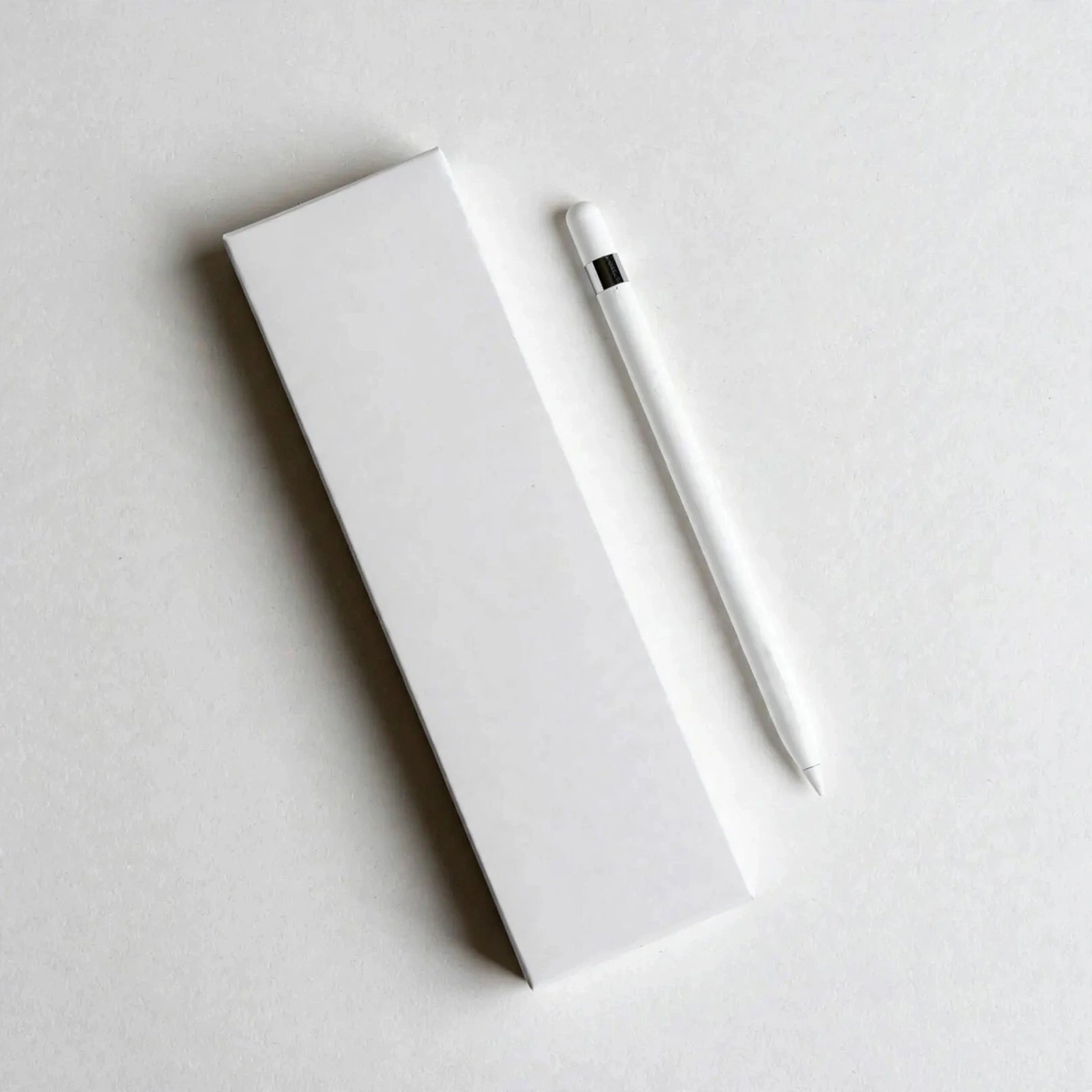
What is in the box: the listing does not enumerate the exact box contents for the Valdus VS103 stylus pen, so this page will not guess at them. What the listing confirms is the stylus pen itself, with its metal body, conductive tip and anti-accidental touch feature. Not confirmed by the listing: any accessories beyond the pen. If you want the precise packing list before ordering, call 09638054751 or email care@gadgetsuperb.com.
If you move the pen between a phone, a tablet and a laptop, keep it in one protected place so it does not get lost between devices. A small pouch or the same pocket each time is enough, and it makes the pen easier to find when you need it on the move.
Who should buy it in Bangladesh
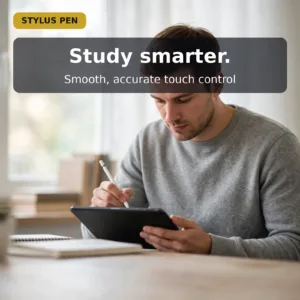
Students and note-takers are the first people the listing has in mind. If you handwrite lecture notes, annotate PDFs or fill in forms across a phone, a tablet and a laptop, the Valdus VS103 stylus pen gives you one tool for all of them. A student in Sylhet who moves between a family phone, a laptop for assignments and a shared tablet at home would see the appeal straight away.
Sketchers and creatives who want a quick, low-friction drawing tool for ideation are the second group. The listing names sketching as a main use, and the metal body and conductive tip are described as giving a consistent contact point. If you sketch wireframes, block out ideas between meetings or doodle in a notes app, the Valdus VS103 stylus pen suits that kind of quick work.
Professionals who sign documents and navigate apps across mixed devices are the third group. Pairing an active pen to every screen would be impractical for them, and the listing presents the Valdus VS103 stylus pen as a way around that. A manager who reviews a PDF on a Windows laptop at the office, then checks messages on an Android phone on the commute, can use the same pen on both.
Families and offices that share devices form a fourth group. A pen with no pairing suits a shared tablet at home or a classroom device, because nothing needs pairing and nobody has to hand over a Bluetooth menu or change a device setting. Anyone in the household can pick up the Valdus VS103 stylus pen and start writing without setup.
Teachers and tutors who mark work on a tablet form another group. Writing corrections by hand on a shared screen, then moving to the next student’s file, means there is no pairing step to repeat between sessions. A tutor in Rajshahi who marks essays in the evening can keep the pen in a bag without a charger.
Parents helping children with homework on a family tablet can use the pen to trace letters or work through sums on the same screen. Nothing needs to be set up on the tablet first, which suits busy evenings. Remote workers who join calls from a laptop and sketch notes on a tablet in the same afternoon can also use one pen on both.
Power cuts are part of daily life for many households in Bangladesh. The listing describes zero charging for the pen, which can be useful during outages when a charger is out of reach.
Choose the Valdus VS103 stylus pen for what the listing describes: contact-based writing, drawing and navigation across iOS, Android and Windows screens. If your plans need something the listing does not mention, ask our team before you buy.
Alternatives in our store
If you are comparing the Valdus VS103 stylus pen with other input options, you can look at Hoco GM111 Cool Dynamic series Stylus 3 in 1 Passive Universal Capacitive Pen-Black Color, another stylus pen in our range. For more options in the same group, browse our Stylus Pens category.
Whichever you choose, start with the device range you actually use, then the feel in your hand and the listing details. If the device range and writing habits match, the listing details are a sensible starting point for the Valdus VS103 stylus pen or any alternative. Ask our team if you want help choosing between the two.
Warranty and support
Warranty: 7 Days seller warranty.
Delivery, returns and ordering
Ordering the Valdus VS103 stylus pen from Gadget Superb is straightforward. We deliver all over Bangladesh and you pay cash on delivery. Delivery usually takes 1–3 days inside Dhaka city and 2–5 days outside Dhaka.
Inside Dhaka city the usual window is 1–3 days, which suits a pen you want in hand quickly for an exam or a meeting. Outside Dhaka, plan for 2–5 days. Buyers in districts beyond Dhaka are covered by the same delivery promise, because we deliver all over Bangladesh.
You can return it within 7 days of delivery (see our Delivery & Returns policy). Questions before ordering: call 09638054751, message us on Facebook Messenger or email care@gadgetsuperb.com.
Read the full terms on the policy page before you place an order for the Valdus VS103 stylus pen, so you know the return steps for your own delivery.
Before you order, have a delivery address and a working phone number ready, so the delivery can reach you. Because you pay cash on delivery, keep the exact sum for your order available when the parcel arrives. If you are unsure about anything, call the team before you confirm.
Frequently asked questions
Does the Valdus VS103 stylus pen need Bluetooth?
No. The listing describes the Valdus VS103 stylus pen as capacitive, with no Bluetooth and no app required.
Which devices is it compatible with?
The listing gives compatibility as iOS, Android and Windows, described as universal capacitive touchscreens. It is intended for phones, tablets and touchscreen laptops.
Does the Valdus VS103 stylus pen need pairing or charging?
The listing describes zero charging or pairing. There is nothing to pair and nothing to turn on, so you touch the screen and it responds.
What does the anti-accidental touch feature do?
According to the listing, the feature helps the device tell your intended pen strokes apart from a resting palm. The listing says this keeps writing and drawing uninterrupted.
What is the pen made of?
The listing describes a metal body with a conductive tip. According to the listing, the metal construction is meant to hold up to bag, pocket and desk use.
Is the Valdus VS103 stylus pen suitable for note-taking and sketching?
The listing names note-taking, sketching and navigation as its best uses. Its lightweight, ergonomic design is described for long sessions.
What warranty comes with it?
Warranty: 7 Days seller warranty. This is the warranty value listed for the pen.
How long does delivery take?
Delivery usually takes 1–3 days inside Dhaka city and 2–5 days outside Dhaka. We deliver all over Bangladesh and you pay cash on delivery.
Can I return it?
Yes, you can return it within 7 days of delivery. The full terms are on our Delivery and Returns policy page.
Do you deliver outside Dhaka?
Yes. We deliver all over Bangladesh, and delivery usually takes 2–5 days outside Dhaka.
What is in the box?
The listing does not enumerate the box contents, so this page does not list them. Call 09638054751 or email care@gadgetsuperb.com to confirm the packing list before you order.
How long do stylus nibs last?
The listing does not state how long the tip lasts, so this page cannot give a lifespan. If the tip skips after heavy use, wipe it with a soft dry cloth, as the setup section explains.
Related products
-25%
100 in stock

Valdus VNC-350 ANC+ENC True Wireless Earbuds
Original price was: ৳ 2,700.৳ 2,000Current price is: ৳ 2,000.-23%
100 in stock
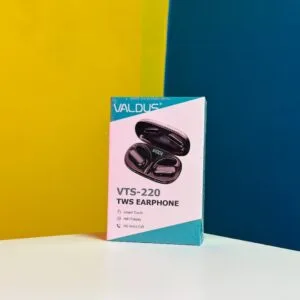
Valdus VTS-220 Gaming True Wireless Earbuds
Original price was: ৳ 1,460.৳ 1,120Current price is: ৳ 1,120.-20%
34 in stock

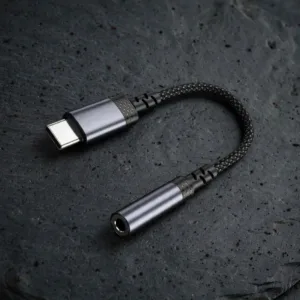
VALDUS CS32 USB-C to 3.5mm Audio Adapter Cable
Original price was: ৳ 300.৳ 240Current price is: ৳ 240.-20%
40 in stock
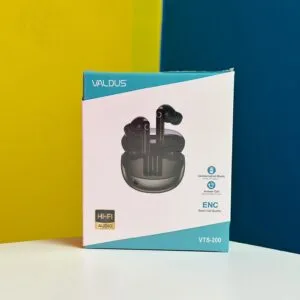
Valdus VTS-200 Noise Cancelling True Wireless Earbuds
Original price was: ৳ 870.৳ 690Current price is: ৳ 690.-28%
50 in stock
VALDUS VITRO ECG Smart Fitness Band
Original price was: ৳ 6,160.৳ 4,430Current price is: ৳ 4,430. Valdus VS103 Stylus Pen for iO...
 Original price was: ৳ 1,040.৳ 830Current price is: ৳ 830.
97 in stock
Reviews
There are no reviews yet.