No products in the cart.

-23%
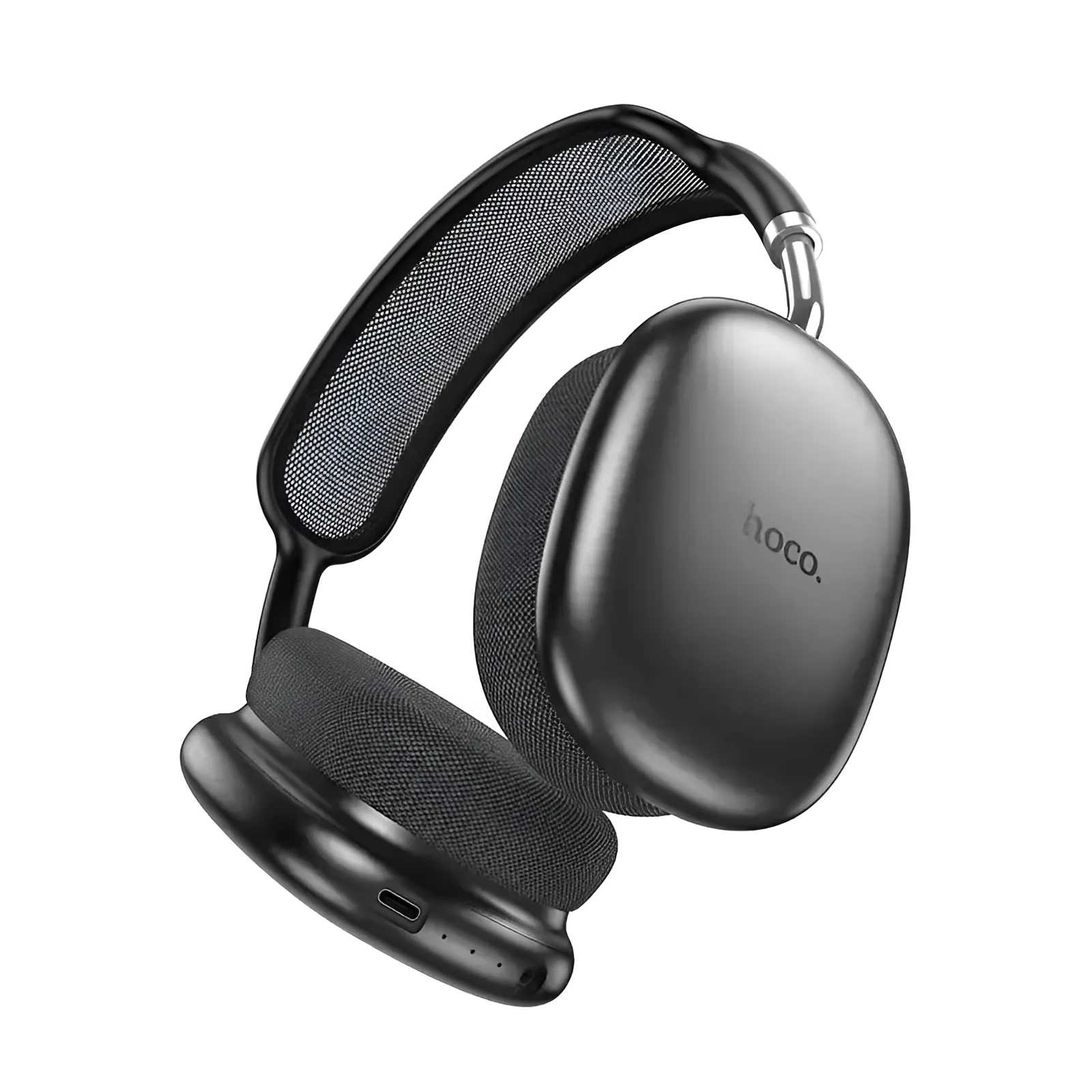
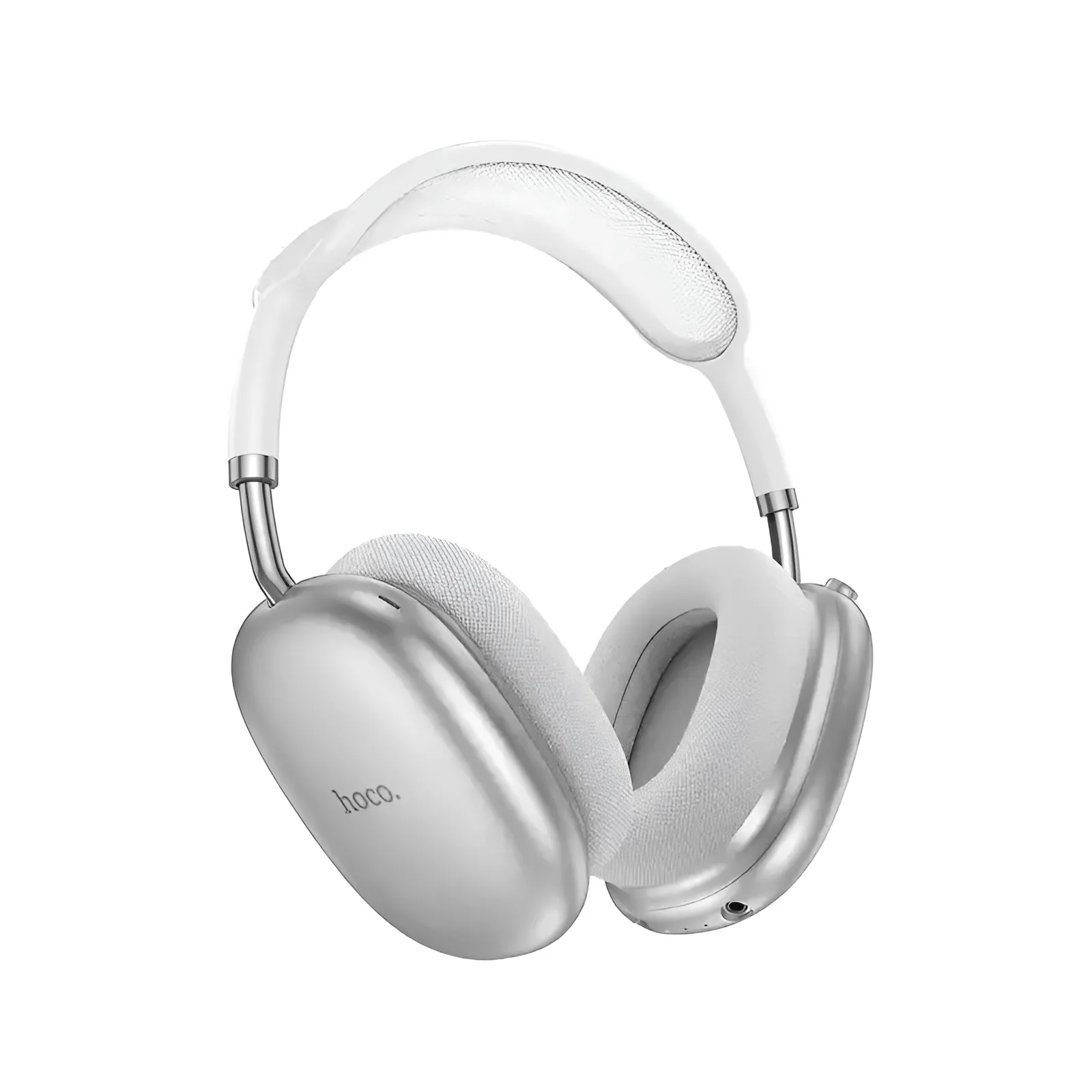
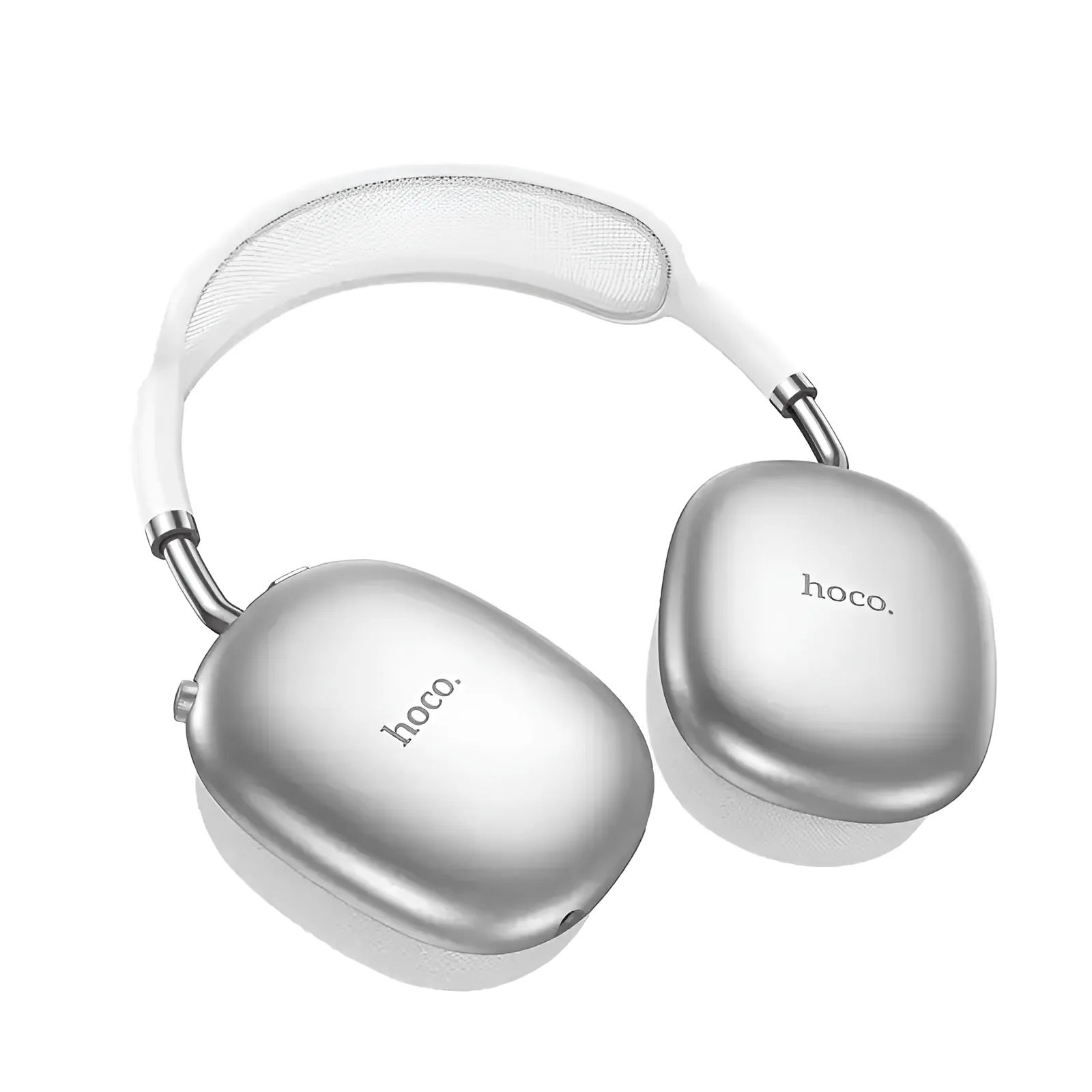
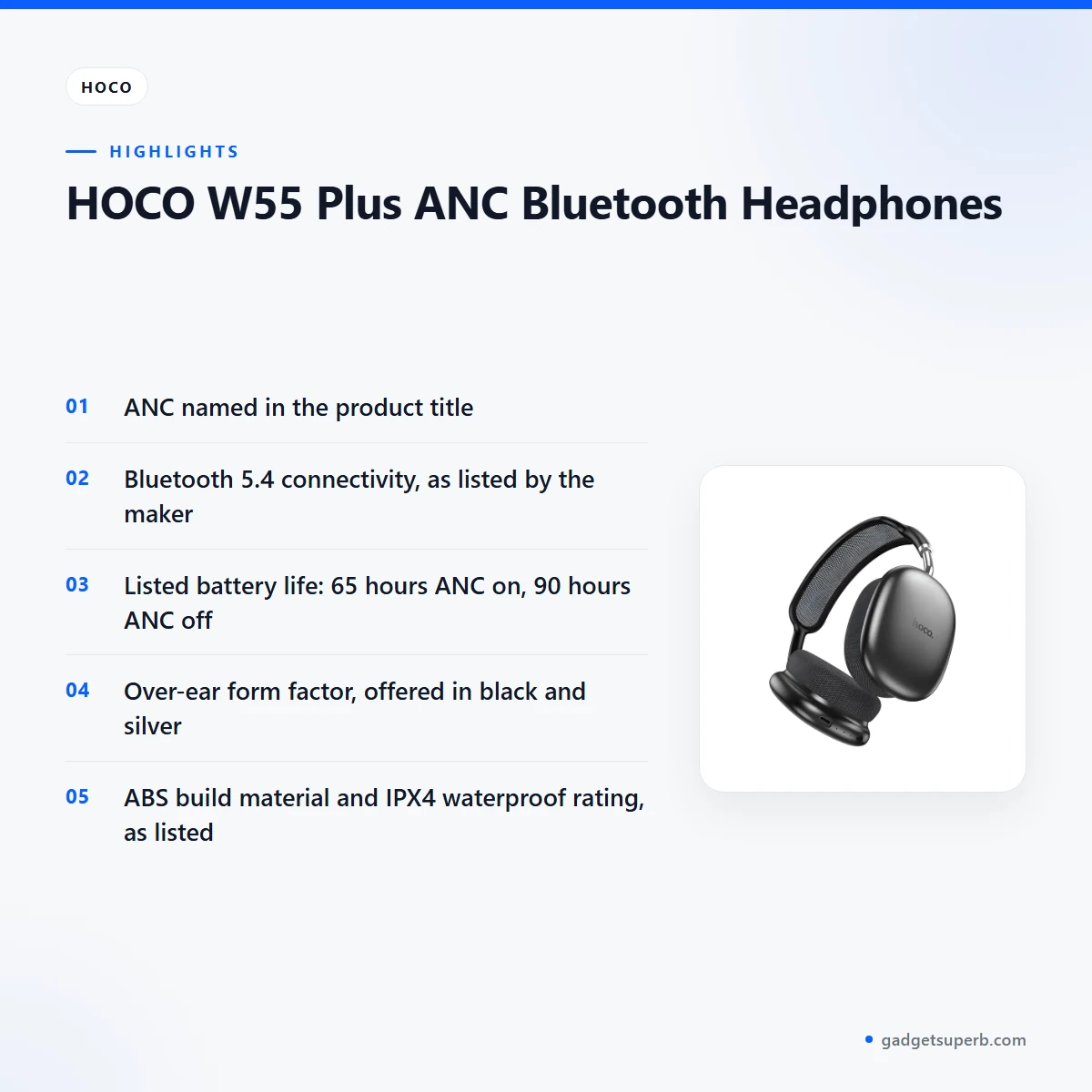
The Hoco W55 Plus headphones are over-ear Bluetooth headphones from the brand Hoco, with ANC named in the product title. They suit Dhaka commuters, students and home listeners who want wireless over-ear listening, with cash on delivery across Bangladesh. Here is what the listing says and what to check before you order.
- Overview
- Key features
- Specifications
- How to use and set up
- Compatibility and what is in the box
- Who should buy it in Bangladesh
- Alternatives in our store
- Warranty and support
- Delivery, returns and ordering
- Frequently asked questions
Hoco W55 Plus headphones overview
The Hoco W55 Plus headphones are listed in our Headphones & Headsets category, under the brand Hoco. The listing title reads HOCO W55 Plus ANC Bluetooth Headphones, so confirm your model before you order and check that the title matches the Hoco W55 Plus headphones you have in mind. This page is built only from the product listing and our store policy.
The listing also gives a Bluetooth 5.4 connection, a JL7006F4 chip and a pairing time of 31-40ms. Read these as listed figures from the maker rather than as guarantees. For a Dhaka commute by bus or CNG auto-rickshaw, a desk in a busy flat or a study session at home, the Hoco W55 Plus headphones offer a wireless option with ANC.
Bangladeshi buyers usually weigh four things when they judge the Hoco W55 Plus headphones: battery life, fit through a long day, how easily they connect to a phone or laptop, and how they cope with humid weather. The listing gives battery figures for ANC on, ANC off and standby, and lists an 800mAh battery capacity. It says nothing more about humidity, so store the Hoco W55 Plus headphones somewhere dry when the air is damp. For the maker’s own product information, see the maker’s website.
Key features
The features below follow the product listing. Each one is described only by the facts the maker publishes, with practical notes for buyers in Bangladesh.
ANC on the Hoco W55 Plus headphones
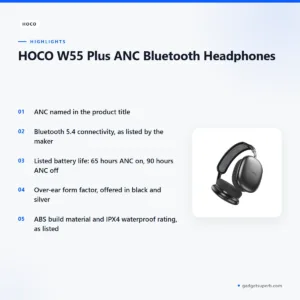
The product title names ANC, and the listing gives battery life of 65 hours with ANC on and 90 hours with ANC off. Those are the maker’s figures, so use them as a guide rather than a promise. If you ride a bus through Dhaka traffic or work near a generator, you can decide when ANC is worth the battery time it takes off. Switch it on for loud journeys and leave it off when you want the longest listed runtime. Think about this trade-off before you buy the Hoco W55 Plus headphones, and plan a week of travel using both listed numbers.
Bluetooth 5.4 connection
The listing gives the connectivity as Bluetooth 5.4 and the pairing time as 31-40ms. Those two entries describe the wireless link and the time listed for pairing. Many Bangladeshi buyers switch between a phone, a laptop and a tablet during the day, so decide which devices you will use most with the Hoco W55 Plus headphones. The listing does not name a supported device list, so check that your own phone and laptop support Bluetooth before you order. Keep the device close during the first pairing and follow the maker’s instructions. Once paired, play a short track where you usually listen to check the connection.
Battery and charging
The listing gives an 800mAh battery capacity and describes the battery indicator as LED. Battery life is listed as 65 hours with ANC on, 90 hours with ANC off and 200 hours in standby. These are the maker’s listed figures, and real runtime depends on volume, the connected device and how often you use ANC. For daily use, charge the Hoco W55 Plus headphones fully before first use, then plan charging around your commute or evening plans. During load-shedding, a charge before you leave home is a sensible habit, so the headphones are ready when you need them. Check the battery indicator before a long journey so you do not run out in the middle of a call or a film.
Build, fit and size of the Hoco W55 Plus headphones
The listing gives the build material as ABS, the form factor as over-ear and the size as 195 x 185 x 84 mm. The weight is listed as 198g. Over-ear designs sit around the ear, and fit depends on your head shape, so try the Hoco W55 Plus headphones on before a long session if you can. The listing states an IPX4 waterproof rating and says nothing more about it, so follow the maker’s instructions for care. After outdoor use, wipe the outside with a dry cloth and let the headphones dry before you store them.
Colour choices
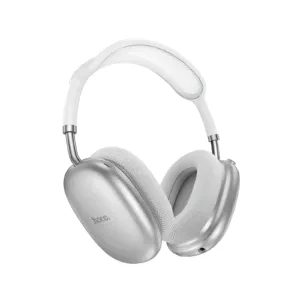
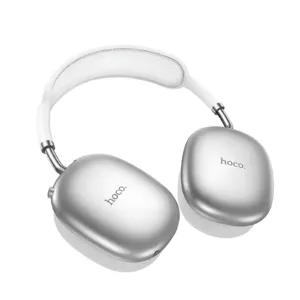
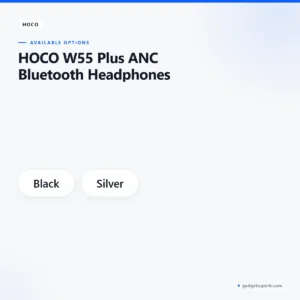
The listing gives the colours as black and silver. Colour is mostly a matter of taste, but it can also help you spot your headphones in a shared bag or on a crowded desk. A black pair may suit a professional look at work, while silver may suit buyers who prefer a different look. Gift buyers should consider the recipient’s usual colours before choosing the Hoco W55 Plus headphones, since the listing offers only these two options.
Sound, comfort and fit
The listing does not describe the sound profile, so judge the sound yourself during a short listening session before you rely on the Hoco W55 Plus headphones for long days. Comfort is more personal. Over-ear designs rest around the ear, and the fit can feel different after a few hours. Take short breaks on long journeys, stop and adjust the fit if it becomes uncomfortable, and keep the volume at a level where you can still hear traffic, announcements and people near you.
Specifications
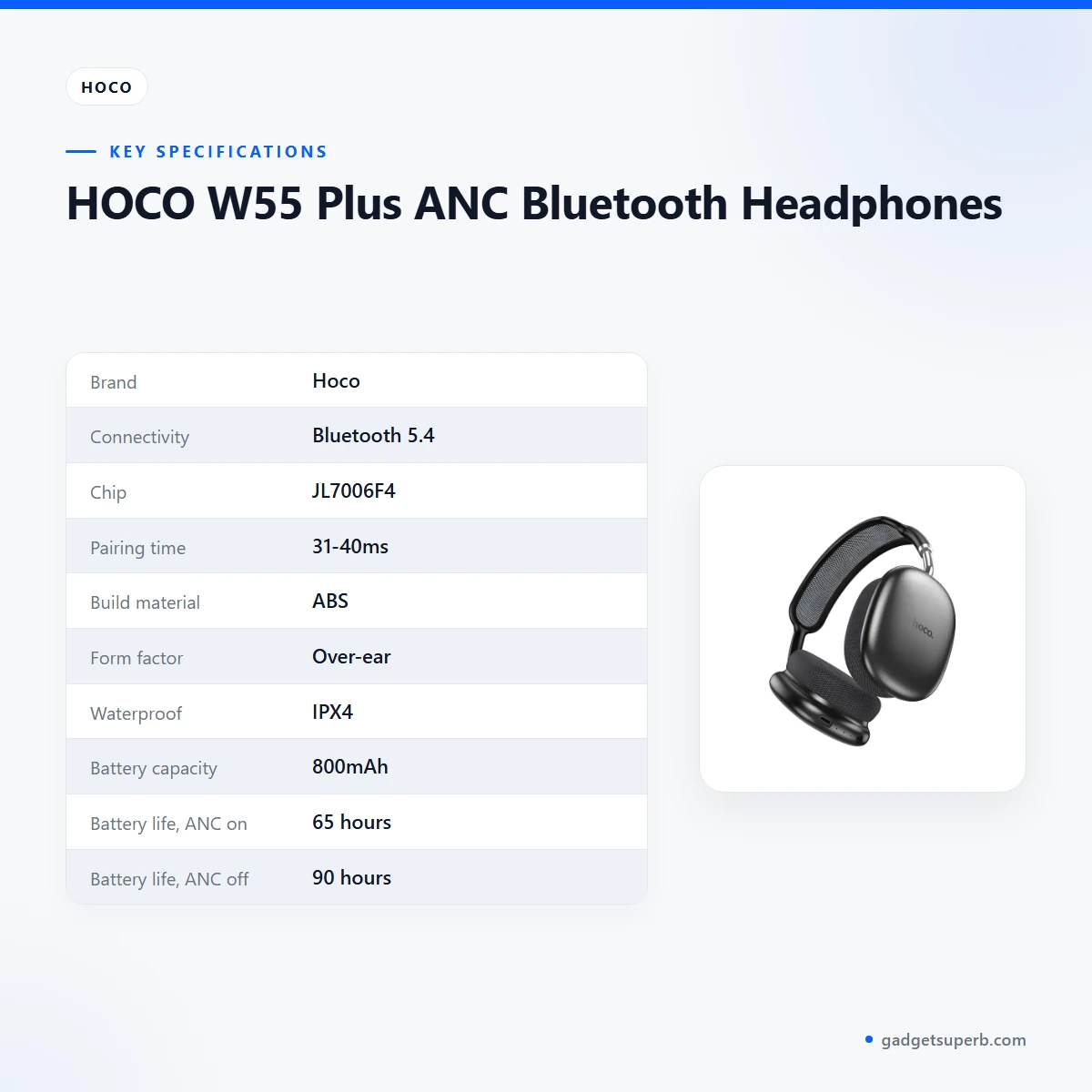
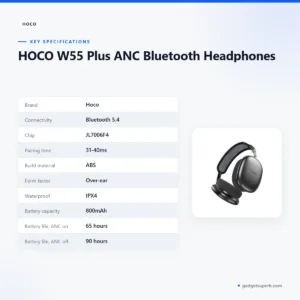
The table below sets out the specifications for the Hoco W55 Plus headphones as published in the product listing. Read the battery figures as a set, because ANC on and ANC off give different listed runtimes. When you compare listed numbers with other models in our range, compare listed numbers with listed numbers.
| Brand | Hoco |
| Connectivity | Bluetooth 5.4 |
| Chip | JL7006F4 |
| Pairing time | 31-40ms |
| Build material | ABS |
| Form factor | Over-ear |
| Waterproof | IPX4 |
| Battery capacity | 800mAh |
| Battery life, ANC on | 65 hours |
| Battery life, ANC off | 90 hours |
| Standby battery life | 200 hours |
| Battery indicator | LED |
| Size | 195 x 185 x 84 mm |
| Weight | 198g |
These are listed specifications from the product listing for the Hoco W55 Plus headphones.
How to use and set up
Setting up the Hoco W55 Plus headphones is simple if you take the steps in order. Charge the Hoco W55 Plus headphones fully before first use. Switch on Bluetooth on your phone or laptop, then pair the headphones by following the maker’s instructions, keeping the device close during the first pairing.
Once paired, play a short track at a low volume and raise it gradually. Then try ANC in a quiet spot and a noisy spot near home or the office, so you can judge how the Hoco W55 Plus headphones respond in the places you use them.
Before you start, pick a stable spot with a charger nearby and a dry surface to work on. If you share a phone with family members, pair the Hoco W55 Plus headphones with the phone you use most and note the device name so you can recognise it later.
Some habits will help your headphones last and stay comfortable:
- Charge fully before first use, and top up before long trips or a power cut.
- Store in a cool, dry place away from direct sunlight.
- Wipe the outer surfaces with a dry cloth.
- Follow the maker’s instructions for all care and settings.
Avoid leaving the Hoco W55 Plus headphones in a hot car or on a sunny balcony, and keep them away from cooking steam in the kitchen. If they become damp, let them dry fully before you store them in a bag or drawer.
Humidity is a practical concern in many Bangladeshi homes during the monsoon months. Keep a closed box or bag for your headphones in a room that stays drier, and check the storage spot now and then. Simple, regular care suits the Hoco W55 Plus headphones through a humid season.
If the headphones do not pair, turn Bluetooth off and on, bring the device closer and try again. If problems continue with the Hoco W55 Plus headphones, contact us using the details in the delivery section below.
A simple daily routine works well for most buyers. Charge the Hoco W55 Plus headphones at night, check the battery before you leave for work, and plan a charging point for longer trips. This routine makes load-shedding less disruptive, because the headphones are already charged when the power goes off.
Compatibility and what is in the box
The listing confirms a Bluetooth 5.4 connection, an over-ear form factor and the colours black and silver for the Hoco W55 Plus headphones. It does not list supported phones, laptops or operating systems, so device compatibility is not confirmed by the listing.
If you are unsure whether your device works with Bluetooth 5.4 in the way you need, ask us through the contact details in the delivery section before you order. For buyers who use several devices with the Hoco W55 Plus headphones, pair the device you use most often first, then try the others one at a time.
The listing does not state the contents of the package, so what comes with the headphones is not confirmed. Ask us before ordering if you need a specific accessory.
Phone and laptop settings differ across brands, so if the headphones do not show up on a computer, check that Bluetooth is available and switched on. Keep both devices charged and close together during setup. If the connection drops often, raise it with us along with the device name and model you use.
Who should buy it in Bangladesh
The Hoco W55 Plus headphones suit several realistic buyers. The points below describe scenarios, not measured performance.
For commuters, the Hoco W55 Plus headphones are worth a look if you travel by bus or rickshaw across Dhaka. The listed battery figures help you plan a day, and you can choose when to use ANC. Buyers outside Dhaka should read the delivery timings in the delivery section, because the window is longer than inside the city.
Students and people who study at home may find an over-ear design useful in a shared flat with background noise. Pairing with a laptop or tablet is common for lectures and revision, so check your devices before you rely on the Hoco W55 Plus headphones for online classes.
Listeners who prefer over-ear headphones will find that the product uses an over-ear form factor. Buyers who want a different shape should look at the alternatives below.
Gift buyers can choose black or silver to suit a recipient’s taste when they order the Hoco W55 Plus headphones. Parents buying for teenagers may want to weigh comfort and the battery figures together, and to talk through the colour choice first.
People who travel between districts for work may value the long listed battery figures. Plan a charging routine for each trip, since runtime depends on how the headphones are used.
Office workers in a shared room can use ANC to focus during busy hours. Keep the volume moderate so colleagues are not disturbed, and check pairing with your work laptop before the first day.
Remote workers who spend long days at a laptop can use over-ear headphones for listening through the working day. They should confirm pairing with their own machine before relying on the Hoco W55 Plus headphones for a full working day.
Night listeners in a small flat may value the chance to choose when ANC is on. Keep the volume low so that family can sleep, and let the listed battery figures guide how often you charge the Hoco W55 Plus headphones.
Buyers who are unsure should compare the headphones with the alternatives listed below, and check the battery figures and form factor against their own routine. This avoids buying on a single headline feature.
Headphones with an in-ear design may suit you better if that is your preference, since the listing describes an over-ear form factor. Buyers who want another style should look at other options in our range.
Alternatives in our store
If you want to look at other options, Borofone BE62 Bone Conduction Headphones is another headphone in our range. Hoco W35 Air Wireless Headphone-Black Color is another headphone in our range, and Hoco W55 Wireless Headphones BLACK is another model from the same brand. The Hoco W53 Plus ANC Wireless Headphone is another headphone in our range too.
Compare the Hoco W55 Plus headphones with these options before you order. Choosing among them is easier when you write down three priorities: the form factor you want, the battery figures that matter for your routine, and the colour you prefer. You can browse the full range in our Headphones & Headsets category.
Warranty and support
Warranty: 7 Days seller warranty.
Delivery, returns and ordering
Ordering the Hoco W55 Plus headphones from Gadget Superb is straightforward. We deliver all over Bangladesh and you pay cash on delivery. Delivery usually takes 1–3 days inside Dhaka city and 2–5 days outside Dhaka. You can return it within 7 days of delivery (see our Delivery & Returns policy). Questions before ordering: call 09638054751, message us on Facebook Messenger or email care@gadgetsuperb.com.
Orders are paid in cash when they arrive, so have the amount ready when the parcel comes. If the headphones arrive and are not what you expected, contact us within the return window. Read the full terms on our Delivery & Returns page before you place an order.
Before you confirm an order, check that the delivery address is complete, including the area name and a phone number you check often. If you live outside Dhaka, allow for the 2–5 day window and plan for a time when someone can receive the parcel.
If you are ordering as a gift, ask the recipient for a convenient delivery day, or send us your questions first. Keep your order details, such as the model name and colour, somewhere you can find them when the parcel arrives.
Frequently asked questions
What are the Hoco W55 Plus headphones?
The Hoco W55 Plus headphones are over-ear Bluetooth headphones with ANC, listed by the maker as Bluetooth 5.4.
Do the headphones have ANC?
Yes, the product title lists ANC. The listing gives battery life of 65 hours with ANC on and 90 hours with ANC off.
How long does the battery last?
According to the listing, battery life is 65 hours with ANC on, 90 hours with ANC off and 200 hours in standby. Real runtime depends on volume and how you use them.
Does it support Bluetooth 5.4?
The listing gives the connectivity as Bluetooth 5.4. It does not list supported devices, so check your phone or laptop before you order.
Are they waterproof?
The listing gives a waterproof entry of IPX4. Follow the maker’s instructions for care.
What colours are available?
The listing gives the colours as black and silver.
Are the Hoco W55 Plus headphones suitable for Dhaka commuting?
They suit commuters who want over-ear wireless listening with ANC. Check the fit before a long journey, because comfort depends on your head shape.
What is the warranty?
This page lists a 7 Days seller warranty. Ask us before ordering if you need more detail.
Can I return them?
Yes, you can return them within 7 days of delivery under our Delivery & Returns policy.
Do you deliver outside Dhaka?
Yes, we deliver all over Bangladesh with cash on delivery, usually in 2–5 days outside Dhaka.
How do I ask questions before ordering?
Call 09638054751, message us on Facebook Messenger or email care@gadgetsuperb.com. You pay cash on delivery.
Related products
-20%
70 in stock
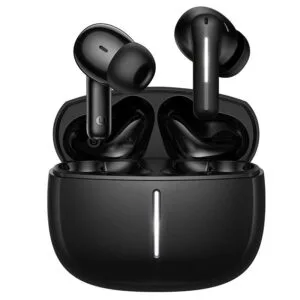
Hoco EQ34 Plus True Wireless Earbuds
Original price was: ৳ 1,080.৳ 860Current price is: ৳ 860.-23%
64 in stock
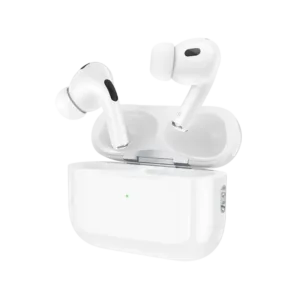

Hoco EW90 ANC True Wireless Earbuds
Original price was: ৳ 1,620.৳ 1,240Current price is: ৳ 1,240.-23%
45 in stock
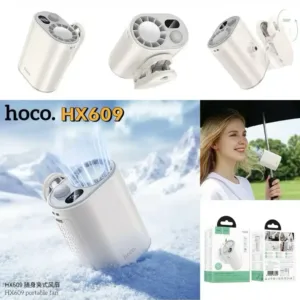
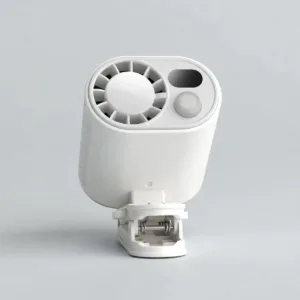
HOCO HX609 Portable Clip On Fan
Original price was: ৳ 2,250.৳ 1,730Current price is: ৳ 1,730.-28%
50 in stock

Hoco DT4 Smart Full Autofocus Projector
Original price was: ৳ 21,930.৳ 15,770Current price is: ৳ 15,770.-20%
50 in stock

Hoco E91 Smart Location Finder
Original price was: ৳ 890.৳ 710Current price is: ৳ 710. HOCO W55 Plus ANC Bluetooth He...
Price range: ৳ 1,790 through ৳ 1,900
Reviews
There are no reviews yet.