No products in the cart.

-20%


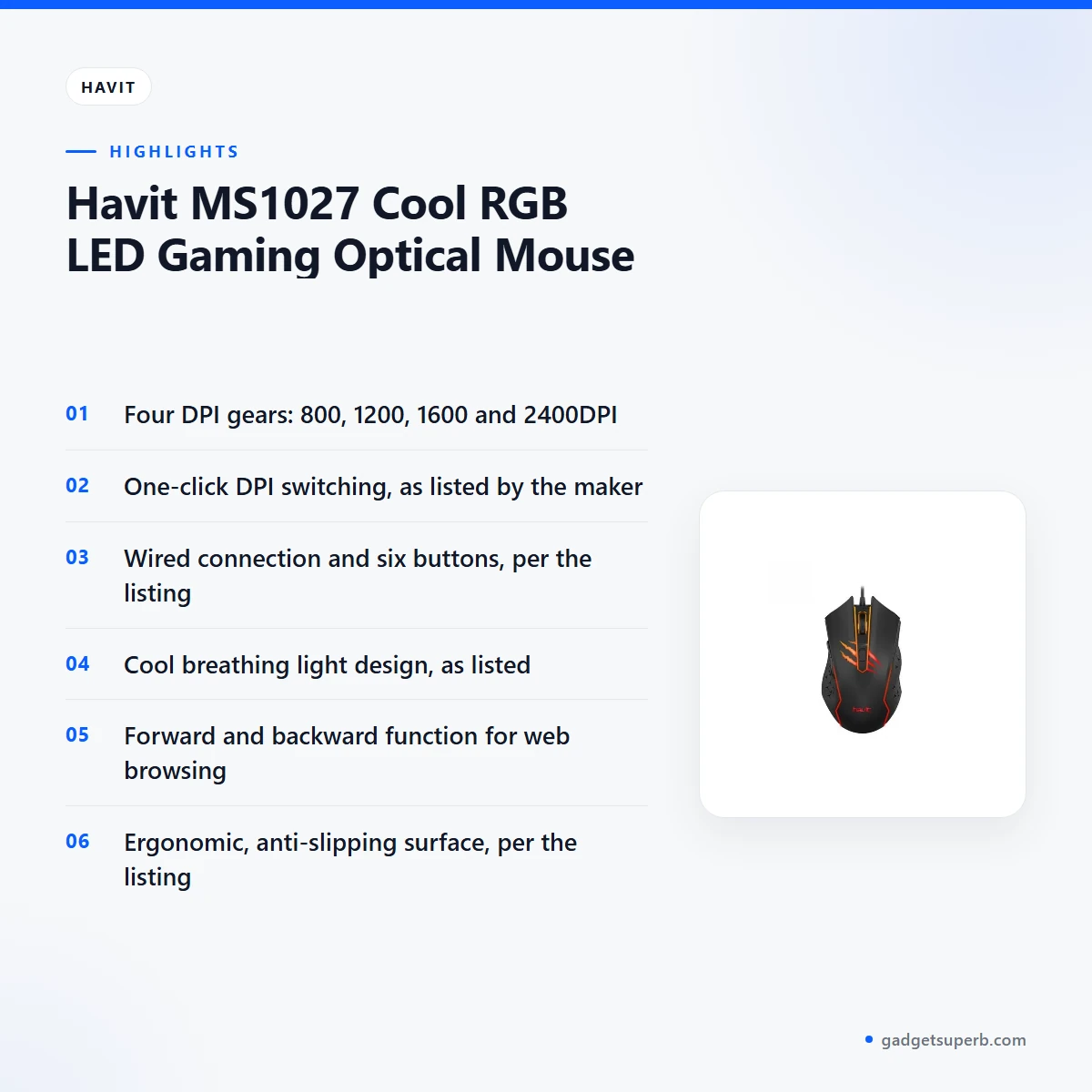

The havit ms1027 is a wired gaming optical mouse from Havit, built for Bangladeshi buyers who want adjustable DPI, six buttons and a cool breathing light on the desk. The maker lists four DPI gears, a black body and an ergonomic shape. This guide sets out what the listing says, how to set up the mouse, who it suits and what the listing does not confirm.
- Overview
- Key features
- Specifications
- How to use / set up
- Compatibility and what is in the box
- Who should buy it in Bangladesh
- Alternatives in our store
- Warranty and support
- Delivery, returns and ordering
- Frequently asked questions
Overview of the havit ms1027
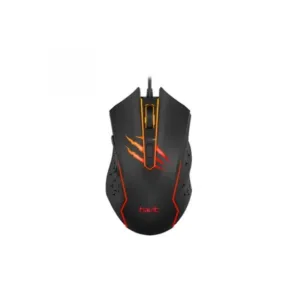
The havit ms1027 is listed by the maker as a Gaming type optical mouse with a wired connection, six buttons and a black colour. The listing gives the resolution as 800-1200-1600-2400DPI and the dimensions as 126.2 x 72.5 x 41 mm. It sits in our Keyboards & Mouse range, so you can compare it with other mice, keyboards and combos before you choose. You can read the maker’s own details on the maker’s website.
For many buyers in Bangladesh, the practical question is whether a wired mouse suits the way they work. A wired connection, as listed, means the mouse connects by cable, which keeps the daily routine simple whether you work from a desk at home, a study table or a shared office computer. The havit ms1027 suits people who want one dependable mouse for browsing, study and casual gaming, and who prefer a cable to a wireless link.
The maker also highlights a forward and backward function that the listing says improves the havit ms1027 when you surf the internet, which is the most practical point for students and office workers who research online. The listing does not say how the mouse performs in any particular game, so treat the Gaming label as the maker’s description rather than a measured result. Measure your desk before you order, using the dimensions in the specifications, so the mouse has room to move.
Key features
One-click DPI switching with four gears
The listing says the havit ms1027 offers one click to switch the DPI, with four gears of adjustment: 800, 1200, 1600 and 2400DPI. A lower setting can suit precise work such as detailed document layout or careful aiming, while a higher setting can cover large movements across a wide monitor more quickly. The listing does not describe the indicator or the order in which the settings cycle, so check the maker’s instructions after delivery. Many buyers start on a middle setting such as 1200DPI for everyday tasks, then adjust until the speed feels right. Give each gear a few minutes of real use before you settle on one.
Cool breathing light design
The listing describes a cool breathing light design, and the product name refers to a Cool RGB LED model. For many buyers, lighting is a matter of style, and a soft glow can make a desk look finished in a dim room or during evening study. The listing does not describe the light modes, the colours or how any effect is adjusted, so do not assume a particular setting before delivery. The havit ms1027 is presented as a design feature rather than a performance feature. If you share a room, consider whether a glowing mouse suits the people around you.
Forward and backward function for browsing
The listing says the forward and backward function improves the havit ms1027 when you surf the internet. That makes it a practical choice for research, online classes and general browsing at a desk. The listing gives six buttons in total but does not state the exact layout, so ask us if you need a specific arrangement. After delivery, use the maker’s instructions to confirm how each control works before you rely on it. If you browse for hours at a time, check that the controls sit where your thumb naturally rests during a normal session.
Ergonomic shape and anti-slip surface
The maker describes an ergonomic design with an anti-slipping surface. The listing says it fits the palm and is without fatigue in long-time use. Comfort depends on hand size, grip style and how long you sit at the desk, so the listing cannot promise the same result for everyone. The havit ms1027 should be tried in your usual grip, and you should check how the surface feels during a longer session. A comfortable grip matters more than any single feature on a list, so use the mouse for a full working session before you decide.
Optical design and the gaming type
The listing gives the type as Gaming and says an optical mouse might be the better choice for gaming, offering better tracking ability and accuracy. It also says reliability and consistency are key in competitive titles. These are the maker’s words rather than results from a published test, and the listing includes no independent figures for tracking. Use the havit ms1027 in your own games, and judge the tracking yourself on the mousepad you normally use. Read the wording as a description of intent, and check it against your own experience.
Dimensions and desk fit
The listing gives the dimensions as 126.2 x 72.5 x 41 mm, listed as length by width by height. Those figures let you check the footprint on your desk before you order, especially if you use a small table or a shared keyboard tray. The listing does not state the weight, so the dimensions are the only size figure available. Remember that a mousepad or a combo set may need extra room beside the mouse. A few minutes of measuring can prevent a cramped setup for the havit ms1027 and the keyboard beside it.
Specifications
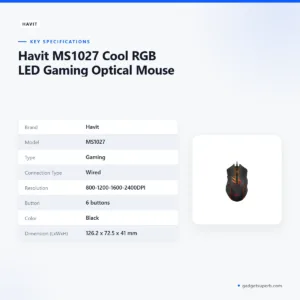
The table below sets out the havit ms1027 details as the product listing gives them.
| Brand | Havit |
| Model | MS1027 |
| Type | Gaming |
| Connection Type | Wired |
| Resolution | 800-1200-1600-2400DPI |
| Button | 6 buttons |
| Color | Black |
| Dimension (LxWxH) | 126.2 x 72.5 x 41 mm |
These are listed specifications from the product listing for the havit ms1027.
How to use / set up
Setting up the havit ms1027 is straightforward because the listing describes a wired connection. Connect the cable to a free port on your computer, let the system detect the device, and then follow the maker’s instructions for any further settings. Keep the cable clear of the desk edge so it does not pull on the mouse during quick movements. A tidy cable path is easier to live with over a long session.
Before first daily use, check that the mouse and cable are clean and undamaged. Wipe the shell with a dry cloth, and keep food and drink away from the desk. If you are setting up a desk for the first time, place the mouse on a stable surface and move it slowly to confirm the pointer responds as you expect.
On the havit ms1027, use the one-click DPI switch described in the listing to move between the four gears: 800, 1200, 1600 and 2400DPI. The listing does not describe how the active setting is shown, so refer to the maker’s instructions for that detail. Once you have chosen a setting that suits your tasks, note it on a sticky note or in your phone so you can return to it quickly. Many owners of the havit ms1027 find a written note saves time when the desk is shared.
Dhaka’s humid months can leave a desk and its cables feeling damp, so store the mouse in a dry place when it is not in use. Keep the mousepad clean, because dust and sweat build up on the surface and can make the glide feel uneven. A dry drawer or shelf away from the window is a sensible spot for a spare mouse.
Load-shedding is part of life for many households in Bangladesh. During a power cut, your computer will need power before any mouse can be used, so plan your saves and your work around the supply in your area. Keep a torch nearby and avoid leaving important documents unsaved during busy hours.
Care for the mouse with regular, gentle cleaning. Use a soft, dry cloth on the shell and avoid harsh liquids. Check the cable every few weeks for kinks or strain, and keep it away from heavy objects and chair wheels. These habits suit most wired mice, including the havit ms1027.
Store the mouse with the cable loosely coiled rather than tightly wound, and avoid pulling on the cable to move the mouse across the desk. If you travel between home and work, keep the mouse in a small pouch so the shell and the cable are protected. A little care now can extend the working life of any mouse you use every day.
Follow the maker’s instructions for any further setup, and keep the packaging until you are sure the mouse works as expected. If something seems wrong, check the cable connection first, then restart the computer and try a different port, following the maker’s instructions where they apply.
Compatibility and what is in the box
The listing confirms that the havit ms1027 is a wired mouse in black, with six buttons and a resolution range of 800-1200-1600-2400DPI. It does not confirm operating system support, the computer ports it needs, or the full package contents.
Confirmed in the listing: wired connection, Gaming type, black colour, six buttons, four DPI gears and a 126.2 x 72.5 x 41 mm size. Not confirmed by the listing: operating system compatibility and the full package contents, so do not assume either until you have checked with us.
Operating system details are a common question for gaming and office mice. Because the listing does not state them, treat any compatibility assumption for the havit ms1027 as unconfirmed until you have checked. Call 09638054751, message us on Facebook Messenger or email care@gadgetsuperb.com with your computer details.
If you plan to pair the mouse with a keyboard, check the connection type of each item before you buy so the setup on your desk is planned in advance. The alternatives section below lists other options in our range, including a keyboard and a combo set.
Who should buy it in Bangladesh
Students who study online will find the forward and backward function useful when they research on the internet. The havit ms1027 is listed as a wired mouse, so it connects by cable rather than through a wireless link.
Home gamers who want adjustable DPI will like the four gears from 800 to 2400DPI. The listing calls this mouse a Gaming type, but it does not show any game results, so judge the havit ms1027 on your own games and mousepad. If you mainly play long matches, test the grip in your usual position before you decide.
Office workers who spend hours at a desk may like the ergonomic shape and the anti-slipping surface that the listing describes. A wired mouse suits a fixed workstation where a cable connection is preferred. Pair the mouse with a keyboard from our range if you want a matched set for the desk.
Families who share one computer may want a mouse that is easy to pick up and move. The one-click DPI switch can help when different people use the same desk, though the listing does not describe the settings in more detail. Agree on one DPI gear for shared use so the pointer does not change speed unexpectedly for each person.
Buyers new to gaming mice may want to start with the DPI settings. Try each gear in an everyday task first, such as browsing or document work, before you use it in a game. Learning the havit ms1027 is simpler when you change one setting at a time, and it gives you time to see how the pointer behaves on your mousepad.
Readers who move between a study table at home and a shared office computer can use this mouse in both places, as long as each desk has a free port and room for it. Check both desks before you carry it back and forth.
Who should look elsewhere: buyers who need a wireless mouse, or who need confirmed compatibility details, should read the compatibility section and check with us before ordering the havit ms1027. Buyers who want a keyboard and mouse set may prefer a combo listing in our range.
Alternatives in our store
If you are comparing the havit ms1027 with other options, see the Havit MS1034 RGB Backlit Programmable Gaming Mouse, another gaming mouse in our range. For another mouse, look at the A4TECH OP-720 Optical USB Wired Mouse, another mouse in our range. Buyers who want a desk bundle can consider the Fantech P31 Keyboard, Mouse & Mousepad Combo, a keyboard, mouse and mousepad combo in our range. For a keyboard to pair with a mouse, see the AULA AK105 USB Wired Black Keyboard — Full-Size 104-Key Membrane Office Keyboard, a keyboard in our range. Compare each listing side by side with the havit ms1027, or browse the full Keyboards & Mouse category.
Warranty and support
Warranty: 7 Days seller warranty.
Delivery, returns and ordering
We deliver all over Bangladesh and you pay cash on delivery. Delivery usually takes 1–3 days inside Dhaka city and 2–5 days outside Dhaka. Plan your order around those windows, especially if you need the havit ms1027 for a deadline or a set date.
You can return it within 7 days of delivery (see our Delivery & Returns policy). Keep the packaging and your delivery receipt in case you need to return the havit ms1027 within that window.
Questions before ordering: call 09638054751, message us on Facebook Messenger or email care@gadgetsuperb.com. Ask about the havit ms1027 and any compatibility question you have before you place the order.
Ordering is simple: choose the havit ms1027, review the details on this page, and plan for cash on delivery. Read the full policy at the link above before you place your order.
For a mouse, delivery time and the return window matter most. Make sure someone can receive the parcel and pay on delivery at the address you give us, so the order does not wait.
If your order is for a gift or for a shared office, agree in advance on who will receive it and who will set it up. Clear arrangements avoid delays and keep the return window easy to track.
Frequently asked questions
What is the havit ms1027?
It is a wired gaming mouse that the listing describes with four DPI gears and six buttons. The maker lists a black colour and a cool breathing light design.
Is the havit ms1027 a wired mouse?
Yes, the listing gives the connection type as wired. It does not describe a wireless option for this model, so check the listing before you rely on wireless use.
What DPI settings does the havit ms1027 offer?
The listing gives four gears of adjustment: 800, 1200, 1600 and 2400DPI. One click switches the DPI between them, according to the listing.
Does the havit ms1027 have a forward and backward function?
The listing says the forward and backward function improves the mouse when you surf the internet. It does not describe how the function is operated.
Is the havit ms1027 good for gaming?
The listing describes it as a Gaming type and says an optical mouse might be the better choice for gaming. That is the maker’s description, not an independent test result.
Does the havit ms1027 have RGB lighting?
The product name includes Cool RGB LED, and the listing describes a cool breathing light design. The listing does not describe the colours or light modes in more detail.
What is the warranty on the havit ms1027?
Warranty: 7 Days seller warranty.
How long does delivery take for the havit ms1027?
Delivery usually takes 1–3 days inside Dhaka city and 2–5 days outside Dhaka. We deliver all over Bangladesh and you pay cash on delivery.
Can I return the havit ms1027 if it does not suit me?
Yes, you can return it within 7 days of delivery. See our Delivery and Returns policy for the full terms.
Is the havit ms1027 compatible with my computer?
The listing does not confirm operating system support or the ports you need. Call 09638054751, message us on Facebook Messenger or email care@gadgetsuperb.com to check.
Can I pay cash on delivery for the havit ms1027?
Yes, you pay cash on delivery when the mouse reaches you anywhere in Bangladesh. Delivery usually takes 1–3 days inside Dhaka city and 2–5 days outside Dhaka.
Related products

-23%
50 in stock


Inphic DR01 Tri-Mode Wireless Mouse
Original price was: ৳ 1,540.৳ 1,180Current price is: ৳ 1,180.-23%
49 in stock

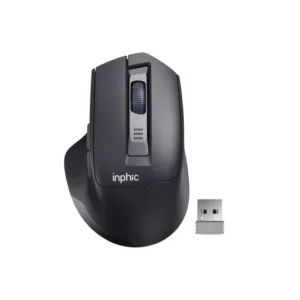
Inphic M9 Rechargeable 2.4G Wireless Mouse
Original price was: ৳ 1,380.৳ 1,060Current price is: ৳ 1,060.-20%
354 in stock
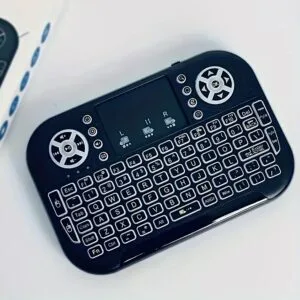
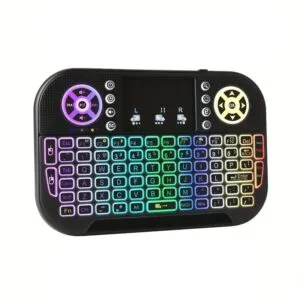
GearUP MK20 2.4GHz + Wireless Dual Mode RGB Backlit Rechargeable Mini Portable Keyboard With Touchpad
Original price was: ৳ 600.৳ 480Current price is: ৳ 480.
 Havit MS1027 Cool RGB LED Gami...
 Original price was: ৳ 730.৳ 580Current price is: ৳ 580.
105 in stock
Reviews
There are no reviews yet.