No products in the cart.

-21%
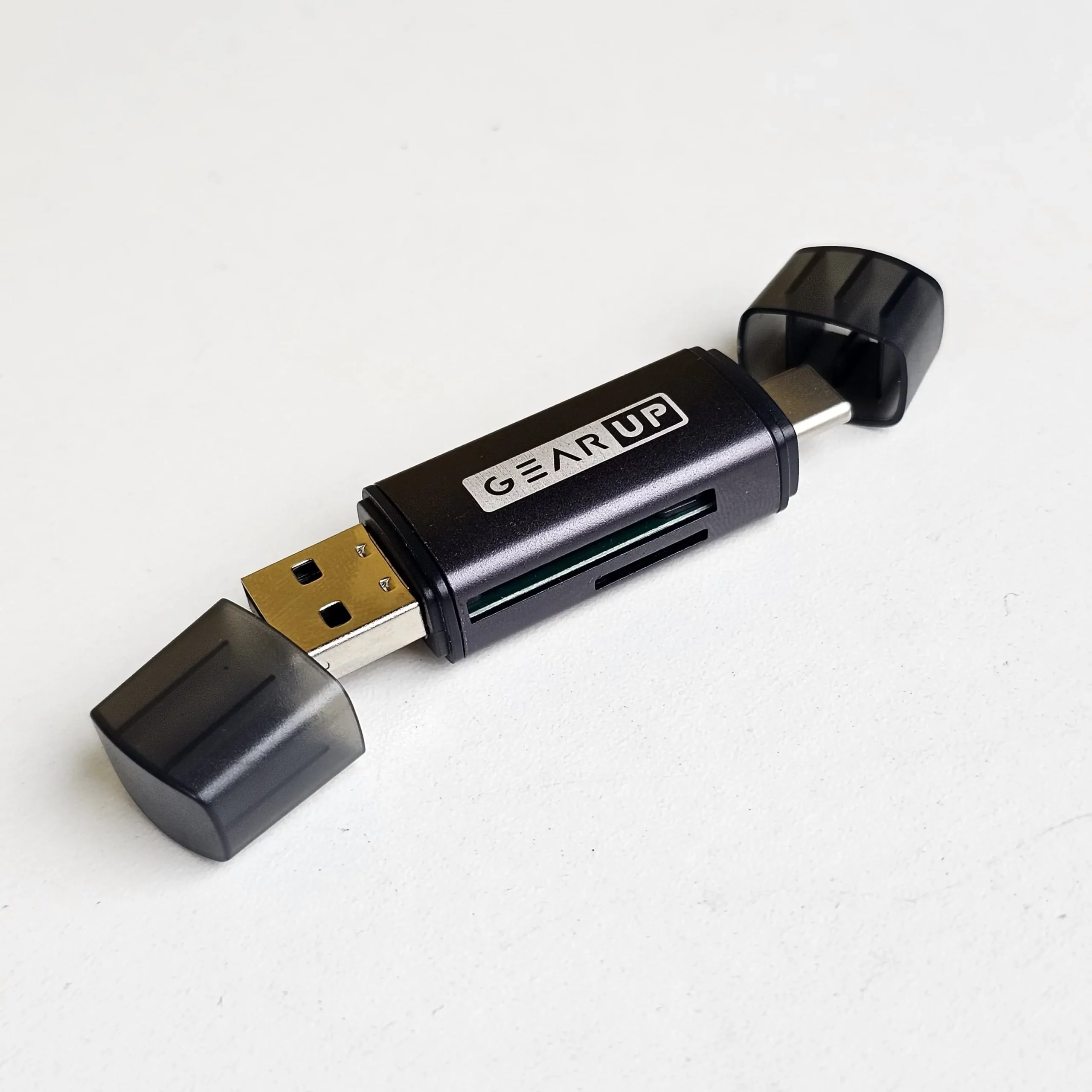
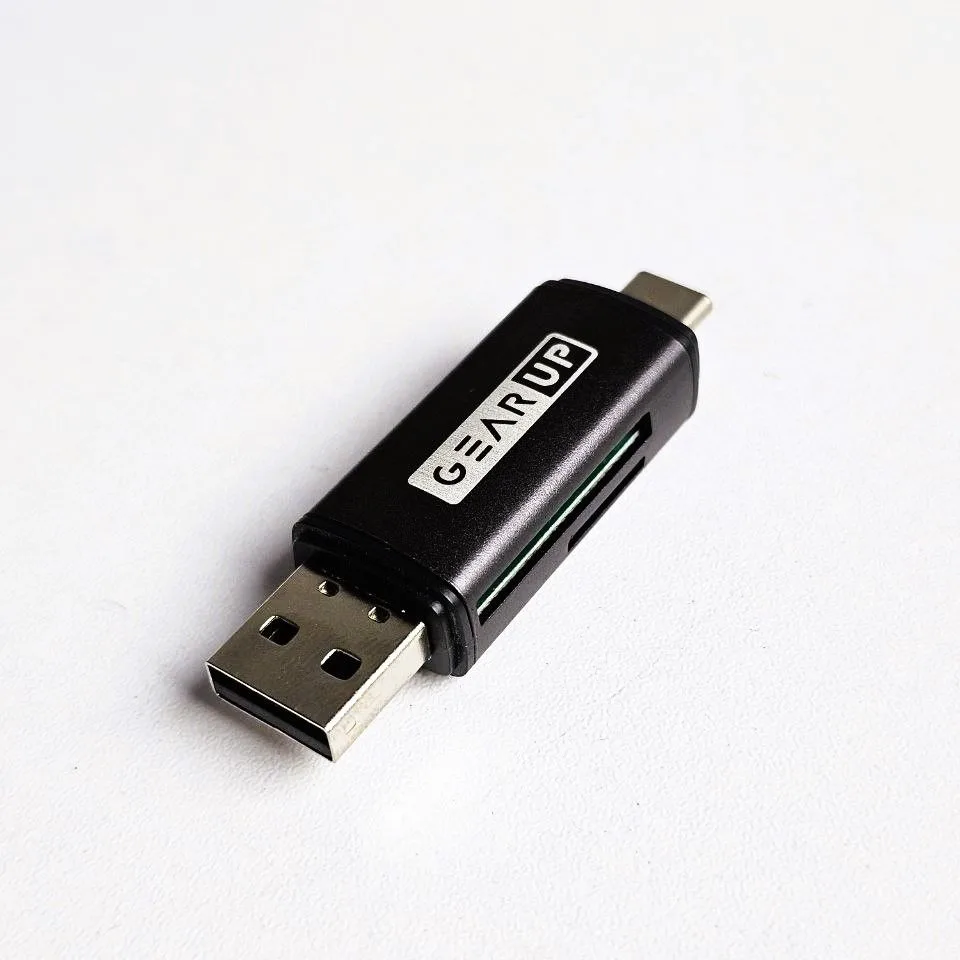
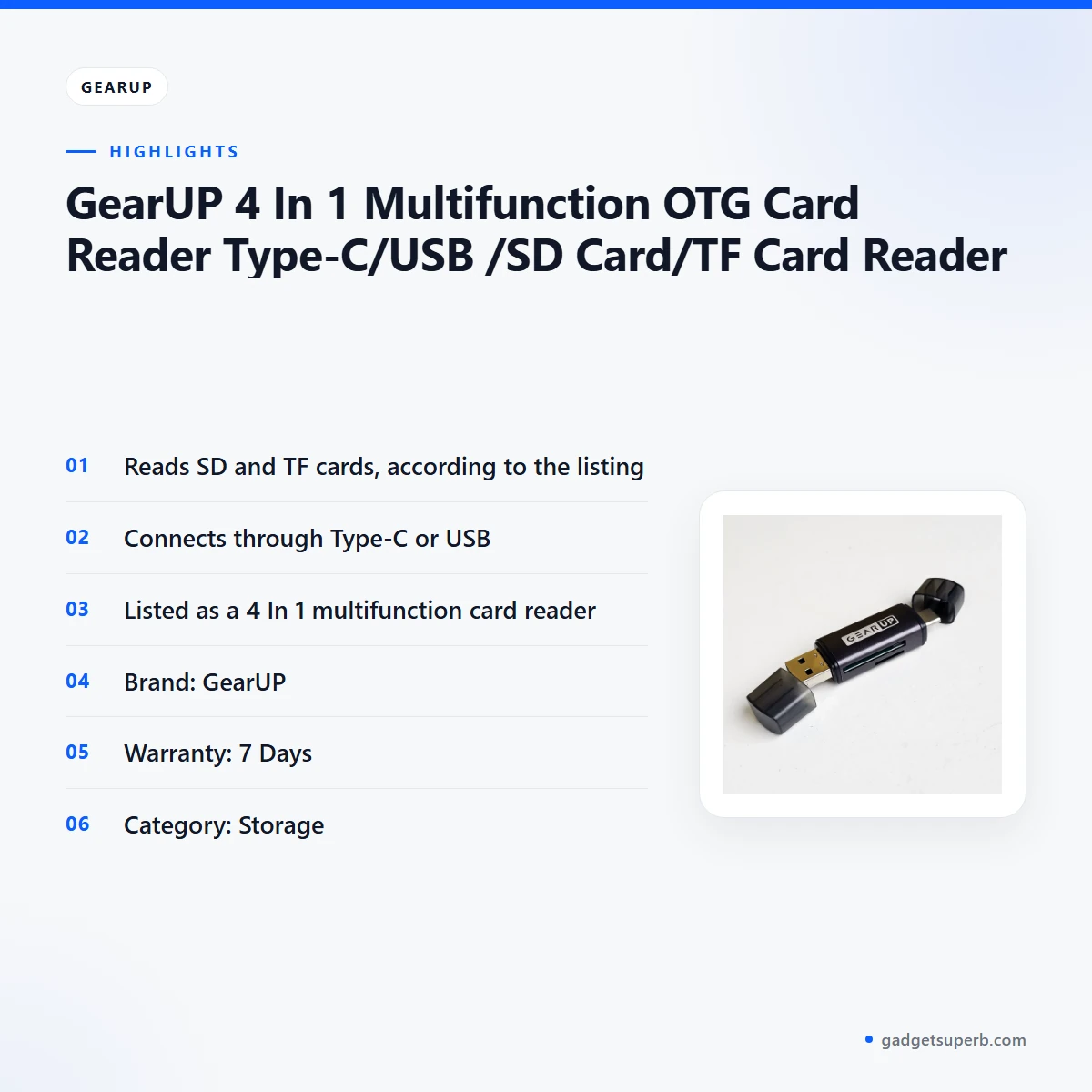

The gearup card reader is a 4 In 1 Multifunction OTG Card Reader that the listing says reads SD and TF cards and connects through Type-C or USB. It suits Bangladeshi buyers who regularly move photos, videos and documents from memory cards to a laptop or phone. This guide covers what the listing confirms, how to set it up and whether it fits your needs.
- gearup card reader overview
- Key features
- Specifications
- How to use / set up
- Compatibility and what is in the box
- Who should buy it in Bangladesh
- Alternatives in our store
- Warranty and support
- Delivery, returns and ordering
- Frequently asked questions
gearup card reader overview
The gearup card reader sits in the Storage category of our range. The listing describes it as a 4 In 1 Multifunction OTG Card Reader Type-C/USB /SD Card/TF Card Reader, and it states that the reader reads SD and TF cards and connects through Type-C or USB. Those are the core facts this page relies on. Where the listing is silent, we say so rather than fill the gap.
A gearup card reader is a simple way to move files without connecting a camera or phone straight to a computer. Picture photos on an SD card from a camera, or a TF card from an older phone. You place the card in the reader, connect the reader to your device, and open the card’s files to copy, review and back them up. That everyday job is the main reason buyers look at a reader like this.
Because the listing is short, some details of the gearup card reader are not confirmed by the listing: the full list of supported devices, operating system needs and card capacities. Think of the gearup card reader as a bridge rather than a storage device. It lets you reach files on a card, but it does not replace a backup. If your work depends on a particular port or card format, check that point first.
Life in Dhaka often means long commutes, busy offices and frequent power cuts, so a small reader that fits into a bag has a clear use. Some buyers keep photos on a phone and move them to a laptop at home in the evening, and a card reader can fit that routine. Use it to free space on a card or to review files, and keep a separate backup of anything important.
Key features
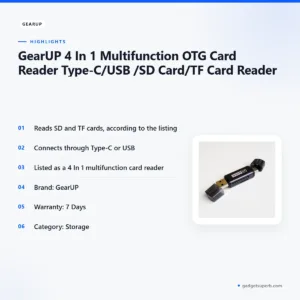
Reads SD and TF cards
The listing states that this gearup card reader reads SD and TF cards. SD cards are common in many digital cameras, and TF cards turn up in some phones and small gadgets. Insert the card you need, connect the reader to your device and open the card as you would any other drive on your computer. Copy the files first, check the copy and only then clear the card. Store unused cards in a dry box, since humidity during Dhaka’s wet months can be hard on labels and small electronics. Keep each card in its own labelled sleeve so you can tell at a glance which card holds which set of files.
Connects through Type-C or USB
According to the listing, the gearup card reader connects through Type-C or USB. A Type-C connection suits many newer laptops and phones, while a standard USB connection suits many desktops and older laptops. Check which port your device has, because the listing does not name the exact devices that work with the gearup card reader. For background on the connector itself, see background on the USB-C connector. If you are unsure which port to use, ask us before you buy. Keep the connector clean and avoid pulling on it at an angle when you unplug the reader.
Everyday file transfer
The gearup card reader helps when you need to offload files from a card without fuss. Typical jobs include copying a day’s photos after a family event, backing up a short video, or moving documents between a card and a work computer. The listing does not give transfer speed figures, so plan your copy time for the gearup card reader around the number of files rather than a fixed promise. During load-shedding, start large copies when the power is stable, and keep a second copy on another drive. Copy, check and only then clear the card. If a batch is large, split it into smaller folders so that a single interruption does not force you to start the whole job again.
Understanding the 4 In 1 name
The product name describes this reader as a 4 In 1 Multifunction OTG Card Reader. The listing uses that wording but does not spell out each of the four functions in the text we were given, so this page does not list them. If the exact functions matter to your purchase, ask us before you order. For most buyers the practical question is simpler: does the gearup card reader handle the card types and connection you already use? The listing states SD, TF, Type-C and USB, and this guide relies on those points. Read the full product name when you compare it with other items, so you know exactly which reader you are looking at.
Brand, warranty and category
The reader is listed under the GearUP brand, and the listing gives a warranty of 7 Days. Keep your order confirmation somewhere safe. The product sits in our Storage category, next to other memory and flash products. Browse the category page to compare related items before you decide on the gearup card reader. If you are comparing options, that page is the quickest place to start. Ask us if you have a question about the warranty before you order.
Care and everyday handling
Good habits extend the life of any card reader. Hold the connector by its body when you plug or unplug it, rather than pulling on the connector itself. Wipe dust from the card slot with a dry cloth, and never force a card in at an angle. When you carry the reader in a bag, keep it in a small pouch so grit does not collect on the contacts. These are general habits, not instructions from the listing. Keep the reader away from direct sun on a parked vehicle or a windowsill, where heat can build up quickly. Store spare cards in a closed case, away from magnets and dust. Check the connector for damage before each use, and stop using the reader if anything looks broken.
Specifications
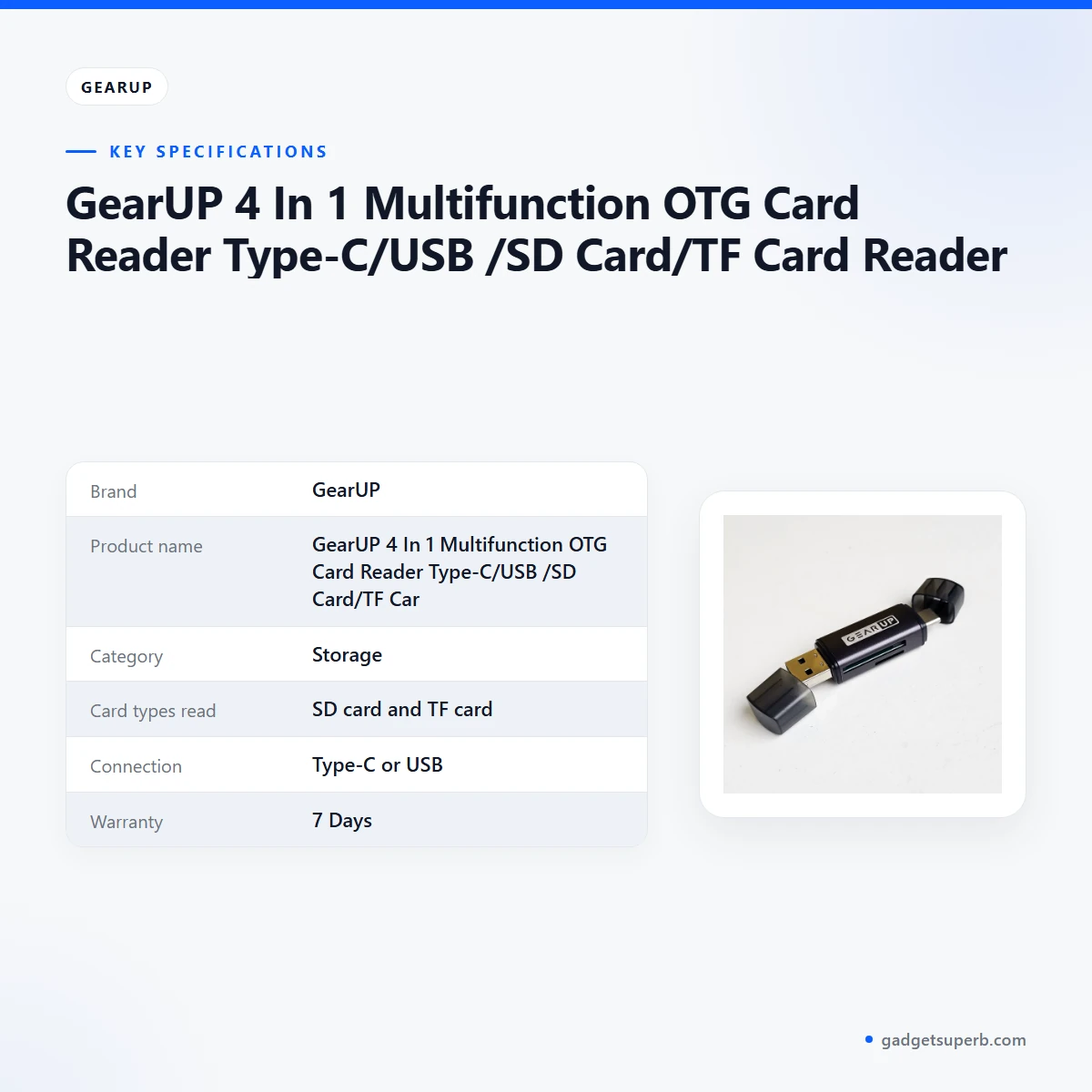
The table below lists the specifications for the gearup card reader as shown in the product listing.
| Label | Value |
|---|---|
| Brand | GearUP |
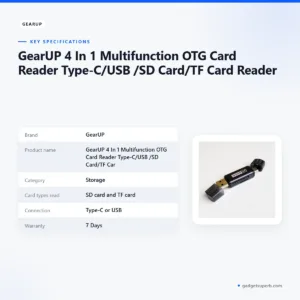
| Product name | GearUP 4 In 1 Multifunction OTG Card Reader Type-C/USB /SD Card/TF Card Reader |
| Category | Storage |
| Card types read | SD card and TF card |
| Connection | Type-C or USB |
| Warranty | 7 Days |
These are listed specifications from the product listing.
How to use / set up
Setting up the gearup card reader is straightforward if you follow the maker’s instructions and a few common-sense checks. Read the maker’s instructions and follow them for first use, then work through the steps below.
Step one: check that your computer or phone has a Type-C or USB port, since the listing names those two connections.
Step two: insert the SD or TF card into its matching slot. If it does not slide in easily, stop and check that it lines up before you push.
Step three: connect the gearup card reader to your device using its Type-C or USB connection.
Step four: wait for your computer or phone to recognise the card, then open it and browse the files.
Step five: copy the files you need to your computer first, then check that they open correctly before you delete anything from the card.
Step six: eject the card using your operating system’s eject option before you unplug the gearup card reader.
After each copy, open a few files from the destination folder to confirm they work. Only then delete anything from the card. Label each card with a date, and keep a short note of which files came from which card, so a later search is quick.
Set up a simple routine. Create one folder for each card and name it with the date and the event. Use the same routine every time you use the gearup card reader, so you always know which copy is current.
Plan the set-up around your daily habits. If you copy photos every evening, keep the reader next to your laptop so you do not have to search for it. If you copy files only once a month, store the reader with your cards so both are ready together.
Keep the gearup card reader and your cards dry and dust-free. In humid weather, store them in a sealed bag with a dry pouch, and avoid leaving them on a hot desk near a window. Dry storage matters in Bangladesh’s wet months, when moisture can build up in closed drawers.
If the power goes off during a copy, do not remove the card or the reader straight away. Wait, then check the copied files before you clear anything from the card. Restart the copy from the beginning if a file looks incomplete, rather than trusting a partial transfer.
If your device does not show the card, unplug the reader, check that the card is seated correctly and try the other port your device has. If the problem continues, message us with your device type and the port you used.
Before a trip, pack the gearup card reader in a padded pouch with your spare cards. Test the connection on the device you plan to use at home first, so you know your port works before you rely on it away from your desk.
Compatibility and what is in the box
The listing confirms two connection points and two card types for the gearup card reader. It connects through Type-C or USB, and it reads SD and TF cards. Those are the confirmed compatibility points, and this page does not go beyond them.
What is not confirmed: the listing does not name the phones, tablets, laptops or operating systems that work with this reader. It also does not state which items come in the package. Do not assume a particular device works with the gearup card reader until you check its port and system details.
Confirm your device model before you order, and check that your phone or computer has a Type-C or USB port. If you read the listing again, look for the device types it names and the card types it lists. Those are the only details the store can confirm from the listing.
Who should buy it in Bangladesh
The scenarios below are realistic examples of how buyers in Bangladesh might use this reader. They are not promises about how the reader will perform for you.
Event photographers and wedding shooters: if you shoot events and need to offload SD cards at the end of a long day, the gearup card reader can keep your workflow simple. Copy each card to a laptop, check the files, and then return the card to your camera bag.
Students and small project teams: students who carry project files on memory cards may find this reader useful for moving work onto a laptop in a library or hostel. It helps to keep a copy of each file on a second device.
Families sorting old phone photos: if old photos sit on a TF card from an older phone, a card reader lets you copy them to a computer and back them up. The gearup card reader suits this job when the port matches your family laptop.
Small shops and home offices: staff who copy scanned documents or files from a card into a shared folder may find the reader handy. Keep your own backup routine, because a single card should not be your only copy.
Commuters who work between locations: if you carry work files between home, the office and a client site, a card reader can help you move the files you need without carrying a full computer. Copy only what the day requires, and keep the rest on your main drive.
Content creators who edit on a laptop: if you record short clips on a camera and edit them at home, this reader can move footage from the card to your editing machine. Check the card format and port first, and copy the footage before you format any card.
Teachers and tutors who share lesson material: if you record demonstrations on a camera card and share them with students, a reader helps you transfer the files to a school laptop. Keep a second copy of anything you cannot easily record again.
Buyers with a Type-C only laptop: if your laptop has only Type-C ports, check that the gearup card reader’s Type-C connection suits your model before you order. Ask us if you are not sure which port your laptop uses.
Travellers who keep trip photos on a card: on a short trip you may want to copy photos to a laptop each night, so that a lost or damaged card does not wipe out a whole holiday. The reader supports that routine when your laptop’s port matches.
Hobby photographers who review shots at home: if you take photos for pleasure and review them on a computer after a weekend outing, a reader lets you check each shot on a larger screen before you decide what to keep.
Buyers who may need something else: if you mainly need cloud storage or a large internal drive, a card reader is the wrong tool. Browse our storage range instead and compare the options listed below.
Alternatives in our store
If this reader does not fit your needs, compare these related items from our store. Each is listed by name and category only. HOCO UD15 USB3.2 USB & Type -C flash drive(32GB) is a flash drive in our Storage range. HOCO UD15 USB3.2 USB & Type -C flash drive(64GB) is another flash drive in the same range. Hoco UD15 Type-C USB 3.2 Dual-Port Flash Drive 256GB is a flash drive in our Storage range. Hoco MicroSD Memory Card 256GB is a memory card in our Storage range. For more options, browse the Storage category.
Warranty and support
Warranty: 7 Days seller warranty.
Delivery, returns and ordering
Ordering the gearup card reader works the same way as ordering any other product in our store. We deliver all over Bangladesh and you pay cash on delivery. Delivery usually takes 1–3 days inside Dhaka city and 2–5 days outside Dhaka.
You can return it within 7 days of delivery. The full steps are on our Delivery and Returns policy page, so read it before you return a gearup card reader.
Questions before ordering: call 09638054751, message us on Facebook Messenger or email care@gadgetsuperb.com. Ask about the card types and the port you need, and we will help you decide whether this reader fits your device. Ask as well about delivery to an area outside Dhaka, so you know what to expect.
Before you order, write down the port your device uses and the card types you need. Share those details when you message us, so we can answer your question about the gearup card reader quickly.
Frequently asked questions
What is the gearup card reader?
The gearup card reader is listed as a 4 In 1 Multifunction OTG Card Reader that reads SD and TF cards and connects through Type-C or USB. It is sold in our Storage category for buyers who move files from memory cards to a phone or computer.
Which memory cards does the gearup card reader read?
According to the listing, the gearup card reader reads SD and TF cards. The listing does not give further card capacity figures, so check card size details with us before you order.
Does the reader connect through Type-C or USB?
Yes, the listing says the reader connects through Type-C or USB. Check that your phone or computer has one of those ports before you order.
Is the gearup card reader compatible with my phone?
The listing does not name the phones that work with the gearup card reader, so check your phone’s port and system details first. Message us with your device model if you want help checking.
Does the reader come with a warranty?
Yes. The listing gives a warranty of 7 Days, which we show as a seller warranty. Ask us if you have questions before ordering.
How do I set up the reader?
Follow the maker’s instructions on first use, connect the reader to a Type-C or USB port, insert your card and open it like any other drive.
What comes with the reader?
The listing does not confirm the package contents, so ask us before you order if this matters to you.
Can the reader be delivered outside Dhaka?
Yes, we deliver all over Bangladesh and you pay cash on delivery. Delivery usually takes 2–5 days outside Dhaka.
How long does delivery take inside Dhaka?
Delivery usually takes 1–3 days inside Dhaka city. Orders outside Dhaka usually take 2–5 days.
Can I return the reader?
Yes, you can return it within 7 days of delivery. See our Delivery and Returns policy for the full steps.
Can I pay on delivery?
Yes, you pay cash on delivery when we deliver the reader to you anywhere in Bangladesh.
How do I contact the store about the gearup card reader?
Call 09638054751, message us on Facebook Messenger or email care@gadgetsuperb.com with your question about the gearup card reader.
Related products
-28%
50 in stock
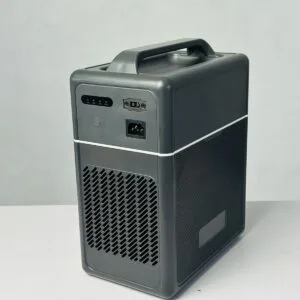

GearUP Core 300 – Portable Solar Power Station (Inverter 300W, 1004Wh Battery)
Original price was: ৳ 44,490.৳ 32,000Current price is: ৳ 32,000.-28%
98 in stock

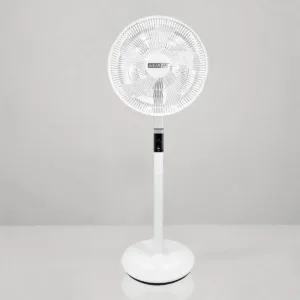
GearUP GP90 14 Inch Premium Rechargeable Stand Fan
Original price was: ৳ 13,100.৳ 9,420Current price is: ৳ 9,420.-20%
20 in stock
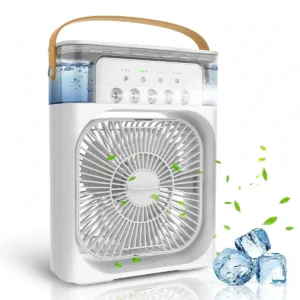
GearUP Air Cooler Fan With Mist Flow White
Original price was: ৳ 740.৳ 590Current price is: ৳ 590.-23%
48 in stock
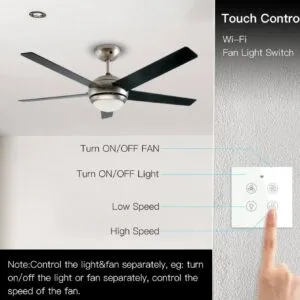
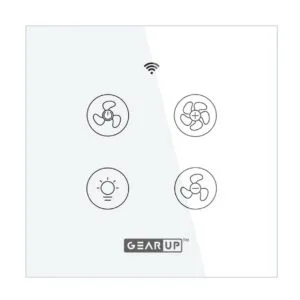
GearUP Wi-Fi Ceiling Fan Speed Controller & Light Switch — Smart TUYA / Smart Life App Control – (Without Remote)
Original price was: ৳ 2,070.৳ 1,590Current price is: ৳ 1,590.-20%
34 in stock

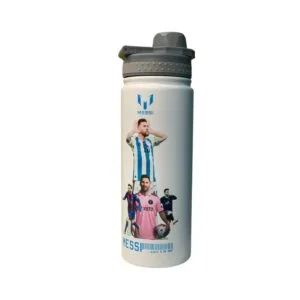
GearUP VF10 Sports Edition Water Bottle – Lionel Messi All Team
Original price was: ৳ 1,130.৳ 900Current price is: ৳ 900.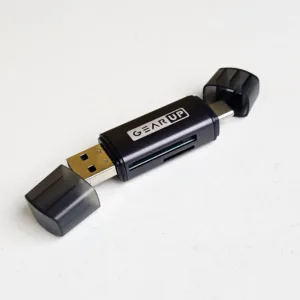 GearUP 4 In 1 Multifunction OT...
Original price was: ৳ 230.৳ 180Current price is: ৳ 180.
80 in stock
Reviews
There are no reviews yet.