No products in the cart.

-23%
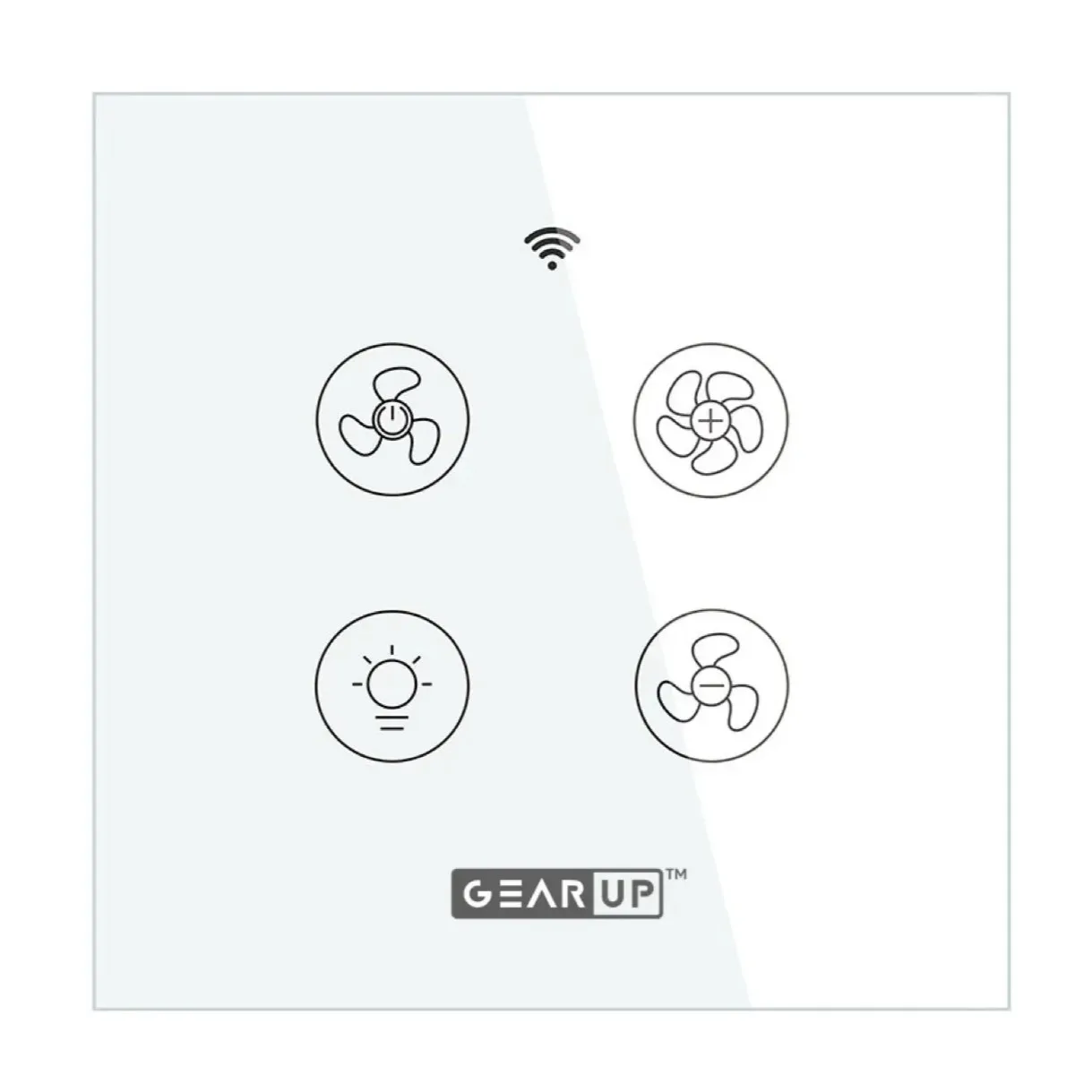
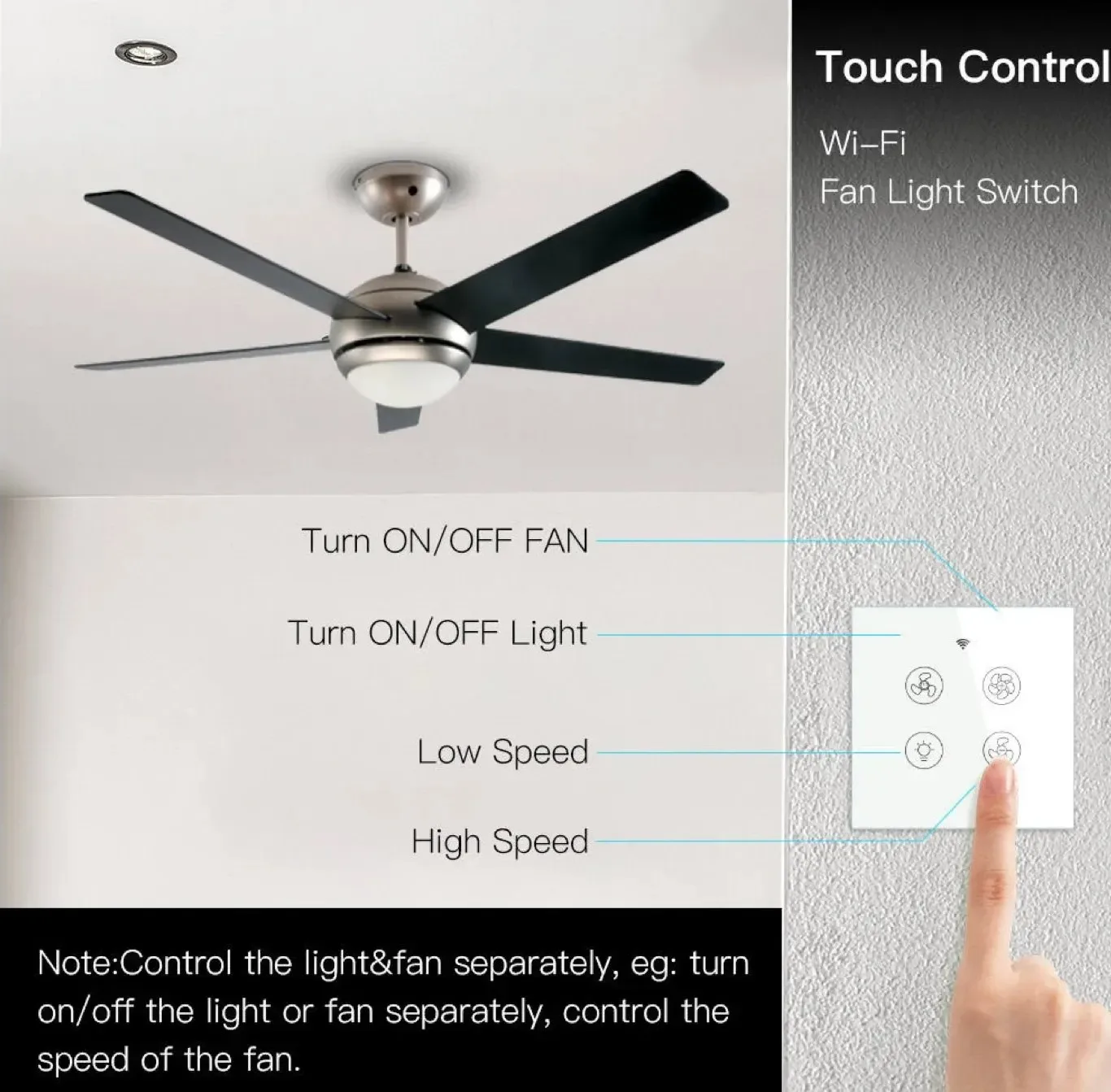

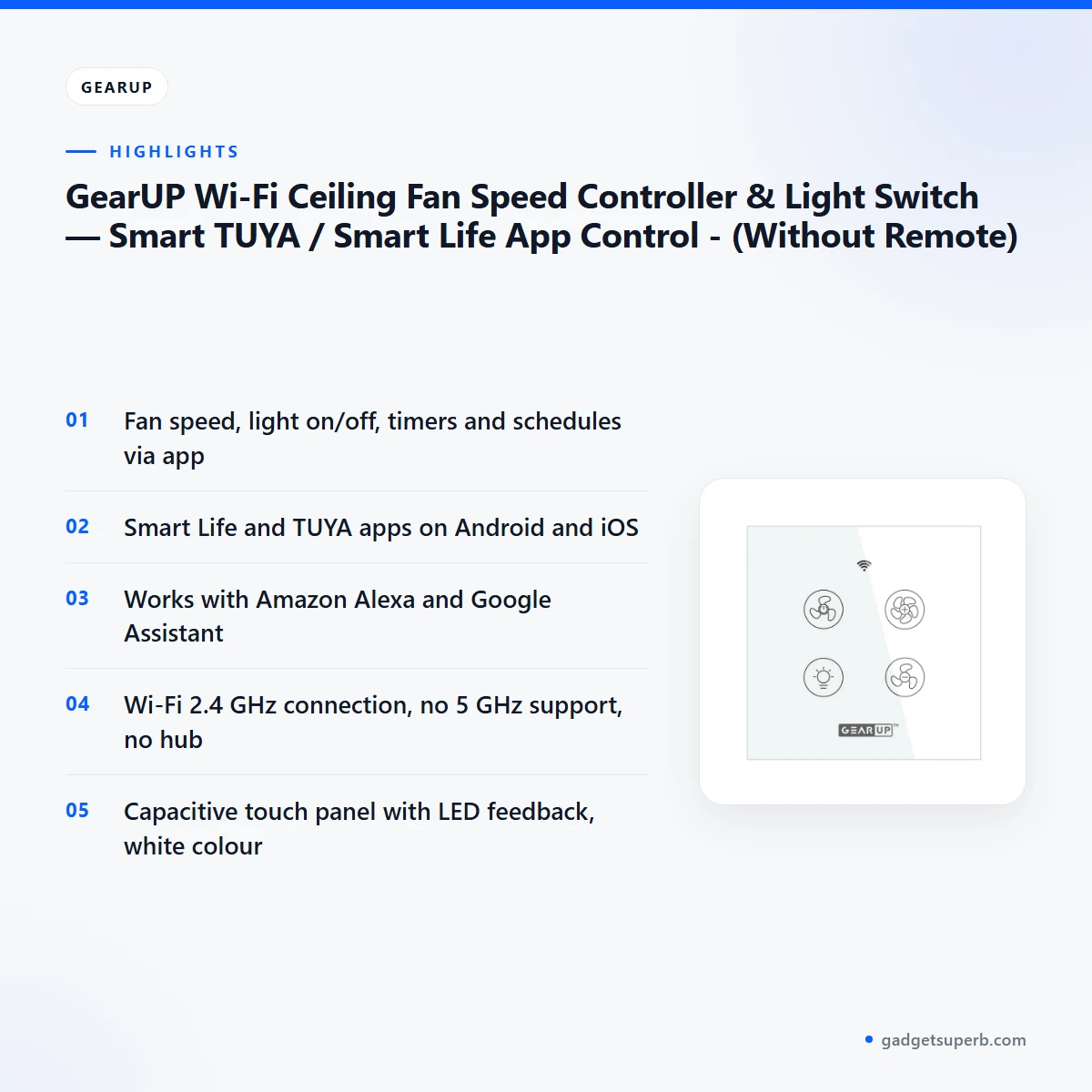
The GearUP Wi-Fi Ceiling Fan Controller is a smart wall switch that the maker lists for controlling a ceiling fan and a light from a phone or a voice assistant. It is for households in Bangladesh that want fan speed, lights, timers and schedules in one place, without a remote and without a smart home hub. The listing says it works with the Smart Life and TUYA apps.
- Overview
- Key features
- Specifications
- How to use and set up
- Compatibility and what is in the box
- Who should buy it in Bangladesh
- Alternatives in our store
- Warranty and support
- Delivery, returns and ordering
- Frequently asked questions
GearUP Wi-Fi Ceiling Fan Controller overview
The GearUP Wi-Fi Ceiling Fan Controller turns a conventional ceiling fan and light into a remotely controlled system. According to the listing, you operate it through the Smart Life or TUYA mobile app, so there are no pull chains or wall dials to reach for. If you have ever stood in a dark room feeling for a pull chain, you will see the practical appeal straight away.
The maker lists the GearUP Wi-Fi Ceiling Fan Controller as suited to bedrooms, living rooms, offices and any place where you want comfort and control at your fingertips. In Bangladesh, a ceiling fan often runs through long afternoons and evenings, and a light is switched on and off as people move between rooms. The listing says you can adjust fan speeds in the app and turn lights on or off by voice, which helps when your hands are busy.
Before you buy, understand two basics from the listing. First, the GearUP Wi-Fi Ceiling Fan Controller uses a 2.4 GHz Wi-Fi network and has no 5 GHz support. Second, no remote is included, so the app, voice commands and the touch panel are the control options. For background on the machine category, see the general article on fans, which suits buyers who are new to ceiling fans.
Key features
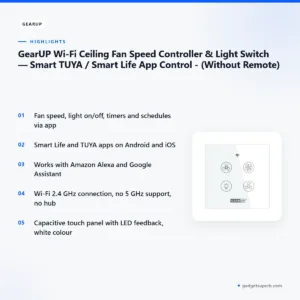
Smart Wi-Fi control on 2.4 GHz
The listing says the GearUP Wi-Fi Ceiling Fan Controller connects over a 2.4 GHz Wi-Fi network and needs no separate hub. That detail matters before you buy. Check that your router offers a 2.4 GHz network your phone can join, because the listing states there is no 5 GHz support. If your home network runs only on 5 GHz, contact us for advice before you set up. The maker lists the ability to control fans and lights from anywhere using your phone, so once the device is paired, you can check on the room while you are at work or travelling. Pair the GearUP Wi-Fi Ceiling Fan Controller only after you know which network band your phone uses.
Works with the Smart Life and TUYA apps
According to the listing, the GearUP Wi-Fi Ceiling Fan Controller works with the Smart Life and TUYA apps on Android and iOS. Install one of these apps on the phone you plan to use, create an account, and follow the maker’s instructions to add the device. The listing does not describe a different app for this product, so search for the app names exactly as shown. Keep the app updated, and share the account only with people in your household who need to control the fan and light. Where the app allows it, each person should use their own account so that changes are easy to trace. This makes the GearUP Wi-Fi Ceiling Fan Controller easier to manage in a shared flat.
Voice control with Alexa and Google Assistant
The listing states that the GearUP Wi-Fi Ceiling Fan Controller is compatible with Amazon Alexa and Google Assistant. It also says the light can be switched on or off by voice command, and that devices can be controlled through voice assistants. The listing does not describe the linking steps, so follow the maker’s instructions for that part of setup. Voice control is most useful when your hands are full, for instance when you are carrying shopping through a flat door in Dhaka and want the room lit before you put the bags down. A voice command is one more way to run the GearUP Wi-Fi Ceiling Fan Controller, alongside the app and the touch panel.
Fan speed and light control
The listing says you can adjust fan speeds directly via the app, and turn the light on or off from a mobile phone or by voice command. The panel is a touch capacitive switch, so everyday use is by touch as well as by app and voice. The listing does not state how many fan speed steps the GearUP Wi-Fi Ceiling Fan Controller offers, so check the app after pairing rather than assuming a number. Light control is listed as on and off only, so do not expect dimming unless the maker confirms it. When you plan a room, remember that the GearUP Wi-Fi Ceiling Fan Controller controls both the fan and the light from one wall switch position.
Timers and schedules for daily routines
The listing names timer and scheduling functions for daily routines, so the GearUP Wi-Fi Ceiling Fan Controller can switch the fan or light automatically at times you set. A common use is a light that comes on before you get home, or a fan that starts before the afternoon heat builds. The listing does not state a limit on how many timers or schedules you can create, so check the app for your options. Schedules help busy households because routines stay steady when family members come and go at different hours. A regular routine also reduces the need to reach for the switch, which suits homes where someone is often out late.
Capacitive touch panel and easy installation
The listing describes a capacitive touch panel with LED feedback and a sleek, modern look that upgrades a wall switch. It also says the controller is compatible with standard wall switch boxes, and that smart automation can be added without expensive smart home hubs or rewiring. The listing does not describe wiring steps, so have a qualified electrician fit the GearUP Wi-Fi Ceiling Fan Controller and follow the maker’s instructions. Check the wall box with your electrician before the visit, so the work can be planned in one go.
Specifications
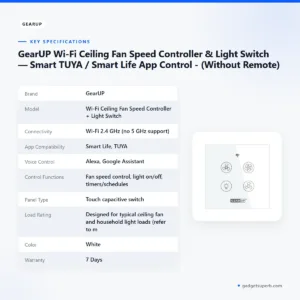
The table below lists the specifications that the product listing gives for the GearUP Wi-Fi Ceiling Fan Controller. Use it to check the connectivity, app and voice details against your home setup before you buy.
| Label | Value |
|---|---|
| Brand | GearUP |
| Model | Wi-Fi Ceiling Fan Speed Controller + Light Switch |
| Connectivity | Wi-Fi 2.4 GHz (no 5 GHz support) |
| App Compatibility | Smart Life, TUYA |
| Voice Control | Alexa, Google Assistant |
| Control Functions | Fan speed control, light on/off, timers/schedules |
| Panel Type | Touch capacitive switch |
| Load Rating | Designed for typical ceiling fan and household light loads (refer to manual for exact load values) |
| Color | White |
| Warranty | 7 Days |
These are listed specifications from the product listing.
How to use and set up
Setup follows the maker’s instructions. The steps below give a general order of work for the GearUP Wi-Fi Ceiling Fan Controller, and they do not replace the Quick Start Guide or manual listed for this product.
- Turn off the power at the circuit breaker before you touch the switch.
- Read the Quick Start Guide and the maker’s instructions in full before removing the old switch.
- Have a qualified electrician confirm the wall box is suitable, then fit the controller using the installation screws and mounting hardware listed with the product.
- Restore power, install the Smart Life or TUYA app on your phone, and create an account.
- Add the GearUP Wi-Fi Ceiling Fan Controller in the app while your phone is connected to a 2.4 GHz network.
- Once the app shows the device as connected, test the fan speed, the light on and off, one timer and one voice command.
The listing does not describe how the GearUP Wi-Fi Ceiling Fan Controller behaves during a power cut or load-shedding. After power returns, check the app and then the fan and light before relying on a schedule. If you need more detail, ask us before you order.
Plan the installation for a time when you can keep the fan and light out of use, and keep the old switch cover until the new unit is working. Labelling the device in the app with the room name can help family members find the right control quickly.
Keep the Quick Start Guide and the paperwork for the GearUP Wi-Fi Ceiling Fan Controller in a dry drawer until the installation is finished. Clean the touch panel with a dry, soft cloth, and keep liquids away from the switch. The listing does not give a cleaning method, so treat these as general habits rather than the maker’s instructions.
After the first week, review the schedules in the app and remove any that no longer suit your household. Note the name of the Wi-Fi network the device uses, so you can reconnect quickly if the router is replaced or its settings change.
Compatibility and what is in the box
According to the listing, the GearUP Wi-Fi Ceiling Fan Controller is confirmed for 2.4 GHz Wi-Fi, the Smart Life and TUYA apps, Amazon Alexa and Google Assistant, standard wall switch boxes, and a load rating described as designed for typical ceiling fan and household light loads.
Not confirmed by the listing: 5 GHz Wi-Fi support, compatibility with any specific fan model or brand, compatibility with dimmers or other switch types, and exact load values. The listing says to refer to the manual for exact load values, so check that document before you connect a fan or light.
According to the listing, the package includes one GearUP Wi-Fi Ceiling Fan Speed Controller + Light Switch in white, installation screws and mounting hardware, and a Quick Start Guide or manual.
Check the contents when the parcel arrives and compare them with this list. If anything is missing, contact us through the channels in the delivery section. Settle the compatibility question with your electrician before you order, because the fan type and existing wiring are outside what the listing describes.
Who should buy it in Bangladesh
The GearUP Wi-Fi Ceiling Fan Controller suits several realistic household situations. The scenarios below use only the features the listing describes, and they assume you already have a ceiling fan and a light that you want to control.
- A bedroom where the GearUP Wi-Fi Ceiling Fan Controller can run the fan and light on a schedule before you wake up.
- A shared living room, where app access lets different family members control the fan and light.
- A home office in Chattogram or Sylhet, where voice commands switch the light on or off during the working day.
- A household where two adults leave for work at different times, so schedules are more useful than a single evening switch.
- A flat where the ceiling fan runs through the hot months and the light is used mainly in the evening.
- Anyone replacing an old switch who wants a modern touch panel and app control.
- A family that wants voice and app automation without a smart home hub.
Households that need a physical remote should look elsewhere, because the listing says no remote is included with the GearUP Wi-Fi Ceiling Fan Controller. Households on a 5 GHz-only network should also look elsewhere, because the listing states no 5 GHz support.
In humid months, many households run a fan for long periods. The listing describes the upgrade as making everyday comfort easier and more efficient, but it does not give energy figures, so treat that as the maker’s description rather than a measured result.
If you rent your flat, check with the landlord before you replace a wall switch with the GearUP Wi-Fi Ceiling Fan Controller. Agreeing the work in advance avoids disputes when you move out, and it keeps the record of changes clear for the next tenant.
Alternatives in our store
If you are comparing the GearUP Wi-Fi Ceiling Fan Controller with other products, see SONOFF WiFi Smart Wall Touch Switch T3 UK 3 Gang- Compatible With Alexa, Google Assistant – Black Color, which is another smart wall switch in our range. For a plug-based option, see LDNIO Z4 Universal Plug 6A Max (ABS V0), which is another plug in our range. For a solar installation, see TOMZN TOB7Z-63 2P DC Circuit Breaker – 10A, 20A, 32A Solar PV MCB, 12V–1000V Wide Range DC MCB for PV System, which is a DC circuit breaker in our range. For extra sockets, see Deli CT705ES 3 Pin 6 Port 3 Meter Power Strip With Surge Protection, which is a power strip in our range. To browse the full category, visit Smart Switches & Electrical.
If the fan and light are your priority, the GearUP Wi-Fi Ceiling Fan Controller is the product described on this page. If you need a plug or a power strip for other appliances, those products serve a different job, so read each product page before you decide.
Compare the listed specifications, the app and voice details, and the load wording on each page before you choose. The listing for each product tells you what it is designed for.
Warranty and support
Warranty: 7 Days seller warranty.
Delivery, returns and ordering
We deliver all over Bangladesh and you pay cash on delivery. Delivery usually takes 1–3 days inside Dhaka city and 2–5 days outside Dhaka. You can return it within 7 days of delivery (see our Delivery & Returns policy). Questions before ordering: call 09638054751, message us on Facebook Messenger or email care@gadgetsuperb.com.
Once the GearUP Wi-Fi Ceiling Fan Controller matches your home network and wall box, you can place your order through our store.
If you are ordering for a relative outside Dhaka, allow for the longer delivery window of 2–5 days, and plan the electrician visit for when the parcel arrives. Ask our team before ordering if you want to talk through the timing.
Before you order the GearUP Wi-Fi Ceiling Fan Controller, check three things: the Wi-Fi band your router offers, the standard wall box, and the fan and light you plan to control. These checks take a few minutes.
Frequently asked questions
Does the GearUP Wi-Fi Ceiling Fan Controller need a smart home hub?
No hub is needed, according to the listing, which says the controller connects over 2.4 GHz Wi-Fi.
Does the GearUP Wi-Fi Ceiling Fan Controller work on a 5 GHz network?
The listing says there is no 5 GHz support, so connect the controller to a 2.4 GHz network. If your home runs only on 5 GHz, contact us for advice.
Which apps control the GearUP Wi-Fi Ceiling Fan Controller?
The listing says the Smart Life and TUYA apps work on Android and iOS.
Can I use voice assistants with the GearUP Wi-Fi Ceiling Fan Controller?
Yes. The listing says it is compatible with Amazon Alexa and Google Assistant.
Is a remote included with the GearUP Wi-Fi Ceiling Fan Controller?
No. The listing says no remote is included, so you control it through the app, voice or the touch panel.
Will the GearUP Wi-Fi Ceiling Fan Controller fit a standard wall box?
The listing says it is compatible with standard wall switch boxes. Have a qualified electrician check the box before fitting it.
Can the GearUP Wi-Fi Ceiling Fan Controller control fan speed?
Yes. The listing says you can adjust fan speeds directly via the app.
Does the GearUP Wi-Fi Ceiling Fan Controller support timers?
Yes. The listing names timer and scheduling functions for daily routines.
What is the warranty on the GearUP Wi-Fi Ceiling Fan Controller?
The warranty is 7 Days seller warranty, as shown in the warranty section of this page.
How do I return the GearUP Wi-Fi Ceiling Fan Controller?
You can return it within 7 days of delivery, as set out in our Delivery & Returns policy.
Can I turn the light on and off by voice?
Yes. The listing says the light can be switched on or off by voice command.
How do I order?
Place your order through our store once the device matches your network and wall box. For questions before ordering, call 09638054751 or email care@gadgetsuperb.com.
Related products
-20%
20 in stock
GearUP Air Cooler Fan With Mist Flow White
Original price was: ৳ 740.৳ 590Current price is: ৳ 590.-21%
97 in stock
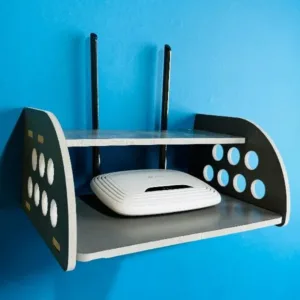
GearUP Rounded Side Design Router Stand (Gray Colour)
Original price was: ৳ 380.৳ 300Current price is: ৳ 300.-23%
43 in stock
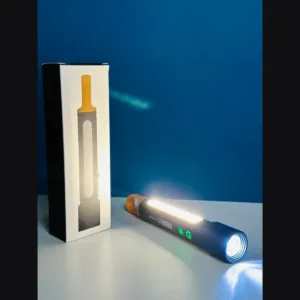
GearUP K57 PRO Rechargeable High Power Flashlight
Original price was: ৳ 1,850.৳ 1,420Current price is: ৳ 1,420.-23%
66 in stock

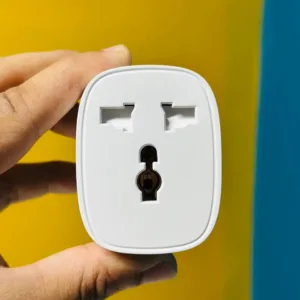
GearUP BSD61 (With Energy Monitoring) Wifi Smart Plug
Original price was: ৳ 1,380.৳ 1,060Current price is: ৳ 1,060.-20%
100 in stock
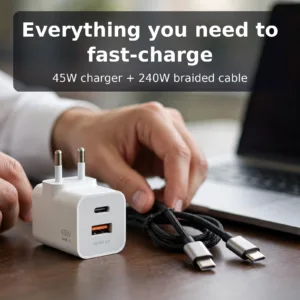
GearUP GP007 45W Fast PD Charger & GearUP CC24015 Type-C to Type-C 240W PD cable Combo
Original price was: ৳ 1,100.৳ 880Current price is: ৳ 880.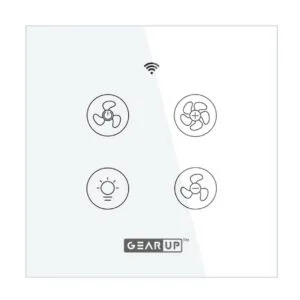 GearUP Wi-Fi Ceiling Fan Speed...
 Original price was: ৳ 2,070.৳ 1,590Current price is: ৳ 1,590.
48 in stock
Reviews
There are no reviews yet.