No products in the cart.

-23%

The gearup mini thermal bluetooth printer is a compact, portable printer that connects to your phone or tablet over Bluetooth and prints on thermal paper, so you do not need ink or toner. It is listed as suited to small businesses, students and personal use across Bangladesh, from receipts and labels to shopping lists and notes.
- Overview
- Key features
- Specifications
- How to use / set up
- Compatibility and what is in the box
- Who should buy it in Bangladesh
- Alternatives in our store
- Warranty and support
- Delivery, returns and ordering
- Frequently asked questions
Overview of the gearup mini thermal bluetooth printer
The gearup mini thermal bluetooth printer sits in the Printers & Paper range of our store. The product listing describes it as an efficient and portable printing solution that has gained popularity in Bangladesh. It lets you print on the go without buying ink or toner.
Think of the gearup mini thermal bluetooth printer as a tool for short, practical jobs. The listing names receipts, invoices, shopping lists, labels, notes and even decorative photos as common uses. Thermal printing uses thermal paper, so your running cost depends on the paper rolls you buy and how often you print. For background on the devices in this category, you can read about what consumer electronics covers.
For Bangladeshi buyers, the practical questions are usually about power, paper and delivery. The listing says the gearup mini thermal bluetooth printer has a built-in rechargeable battery, which the maker links to uninterrupted printing during travel or in areas with no power supply. That can help when load-shedding interrupts power at home or in a small shop. The listing also says the printer is accessible even for people without technical expertise, and that it is compatible with widely used apps. Keep reading for the feature list, the listed specifications and our delivery terms.
A useful way to judge fit is to start from your daily tasks. Write down the documents you print each week, how many receipts or labels you handle on a busy day, and whether you print at a fixed counter or on the move. If your printing is mostly short and frequent, the feature list below will match your needs more closely. If you need full-page documents, consider another type of printer before you order. Our team can help you talk through the options by phone or Messenger.
Key features
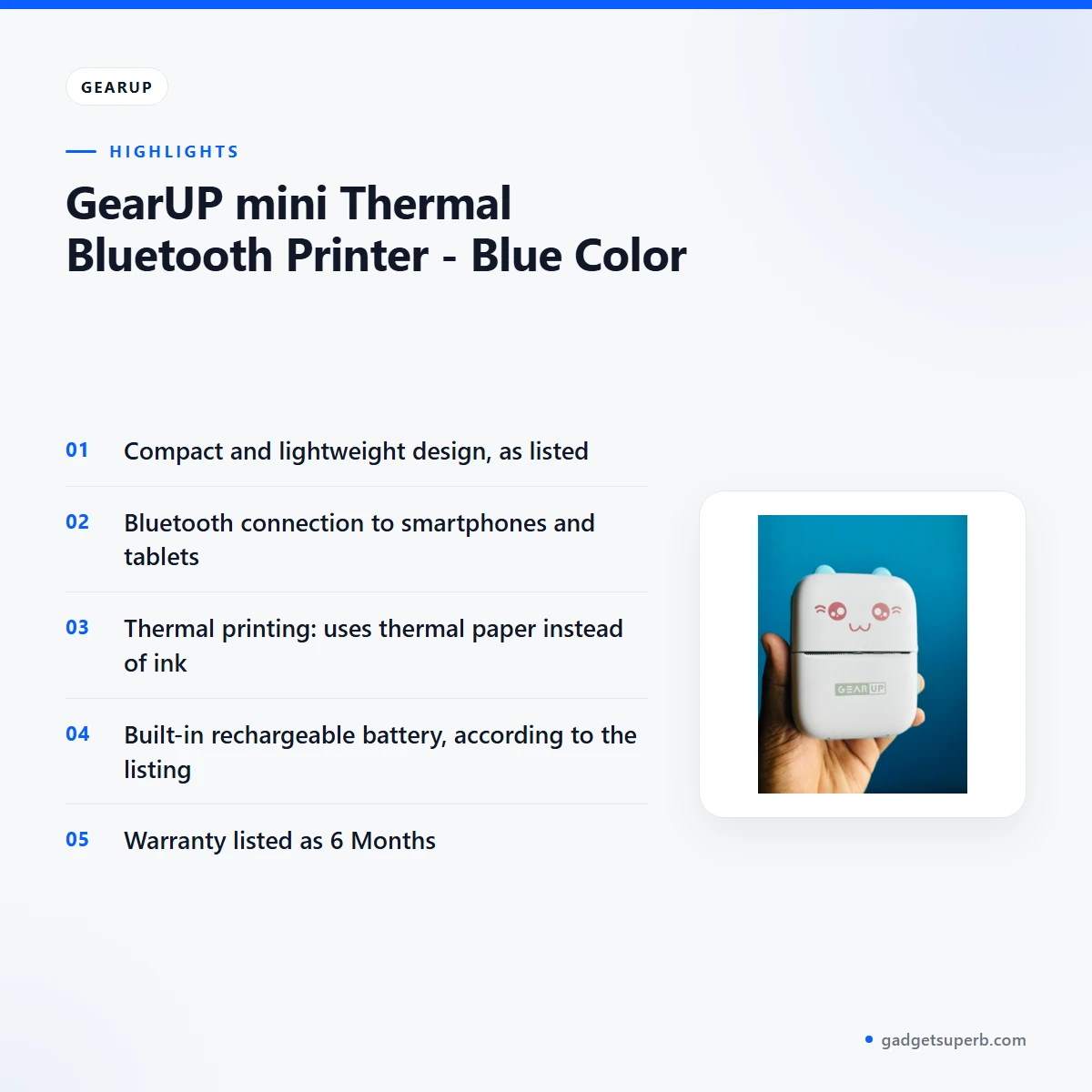
Compact and Lightweight Design
The listing describes a compact and lightweight design, and says the printer’s small size makes it easy to carry in a bag or pocket. For a student moving between lectures, or a shop assistant working between the counter and the door, that matters. The gearup mini thermal bluetooth printer is meant to travel with you, so think about where you will keep it and what else will share the bag. A padded pouch or a dedicated pocket can help protect it during daily carrying. A side pocket keeps it within reach when a customer is waiting.
Bluetooth Connectivity
According to the listing, the gearup mini thermal bluetooth printer connects wirelessly to smartphones, tablets and other devices via Bluetooth, with no cables between your device and the printer. In everyday use, you pair it with your phone and send text or a template from a compatible app. The listing does not state a Bluetooth version, so if a version matters for your phone, ask us before you order. Keep your phone close during your first sessions, since the listing gives no range figure. This is the feature that lets your phone act as the controller for a counter, a delivery desk or a study table.
Thermal Printing Technology
The listing says the gearup mini thermal bluetooth printer uses thermal paper instead of traditional ink, which the maker presents as a way to reduce the cost of printing while keeping decent quality for text and graphics. That is the core trade-off. There is no ink cartridge to replace, but the printer depends on thermal rolls, so the paper you choose shapes your running cost and the look of each print. Buy rolls from a dependable seller, check that each roll is wrapped and dry when it arrives, and keep spare rolls in a dry drawer. Our store lists thermal paper under Printers & Paper, so you can compare options before you choose.
Versatile Applications
The listing names receipts, invoices, shopping lists, labels, notes and even decorative photos as common uses for the gearup mini thermal bluetooth printer. For a small shop, that can mean a receipt at the counter or a delivery label at the door. For a home user, it might be a shopping list or a note on the fridge. Students can use it for quick notes or labels on folders. The listing mentions decorative photos but gives no resolution or print-size figures, so run a test print on your own image before you plan a larger batch.
Rechargeable Battery
The listing says the gearup mini thermal bluetooth printer has a built-in rechargeable battery, which the maker links to uninterrupted printing during travel or in areas with no power supply. Power cuts can interrupt a shop or a study session, so a battery can keep a receipt or label moving while the mains supply is off. The listing does not state battery capacity or run time, so do not assume a number. Charge the printer fully before first use, follow the maker’s instructions for charging, and keep a charger near the place where you use it.
Printing Speed
The listing says the gearup mini thermal bluetooth printer prints quickly, which the maker links to time savings in business settings such as retail or food delivery. Speed matters when a queue forms at the counter or a rider is waiting for a label. The listing gives no speed figure, so judge by your own volume: a few receipts a day is a different job from a busy counter. If printing speed is the main reason for buying, ask us before you order. A quick print still depends on a charged battery and good paper, so keep spare paper nearby.
Specifications
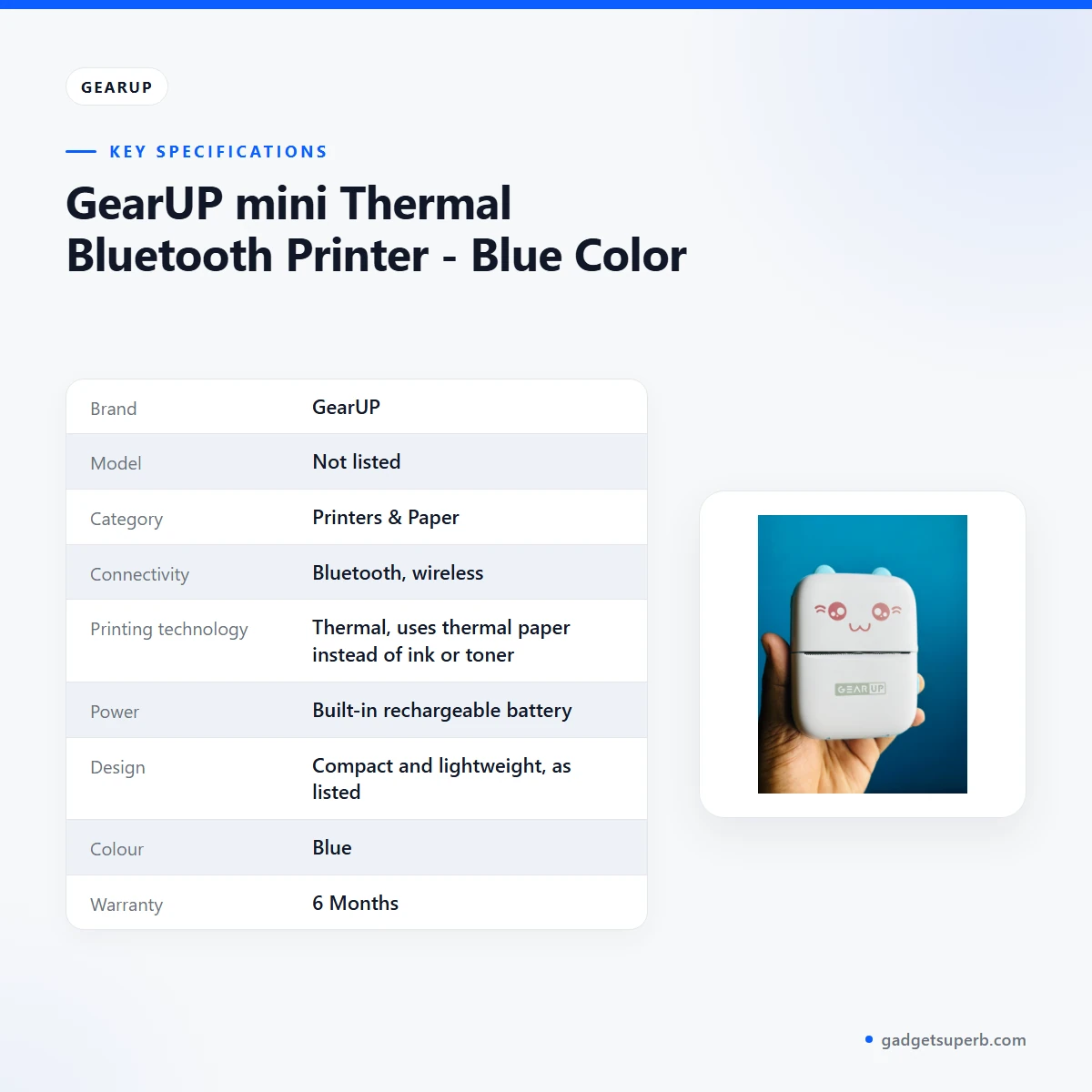
The table below sets out the details that the product listing gives for the gearup mini thermal bluetooth printer, so you can check them against your needs.
| Brand | GearUP |
| Model | Not listed |
| Category | Printers & Paper |
| Connectivity | Bluetooth, wireless |
| Printing technology | Thermal, uses thermal paper instead of ink or toner |
| Power | Built-in rechargeable battery |
| Design | Compact and lightweight, as listed |
| Colour | Blue |
| Warranty | 6 Months |
These are listed specifications from the product listing for the gearup mini thermal bluetooth printer, and we have not added figures the listing does not state.
Use the table as a checklist. Confirm the rows that matter for your use, such as the connection method and the power source, and note the rows the listing leaves blank. Where a value is missing, ask us before you order rather than guessing. A short list of questions saves time when you call.
How to use / set up
Setting up the gearup mini thermal bluetooth printer should be straightforward. The listing describes a simple setup process, so start with the basics: charge the battery fully before first use, follow the maker’s instructions for the first start-up, and keep the printer on a flat, dry surface. Keep the paper and any manuals in one place.
Connect the printer to your phone or tablet over Bluetooth, then open a compatible app. The listing says the app can be used for customising templates or adjusting print quality, so spend a few minutes on the template before a busy shift. Make one test print first, check it on the paper you actually use, and only then print a longer batch. This routine saves paper and time, especially when you are new to the gearup mini thermal bluetooth printer.
Load thermal paper according to the maker’s instructions, and keep spare rolls in their wrapper until needed. Heat and humidity are common in Bangladesh during the monsoon, so store rolls in a dry place away from direct sun. Keep the gearup mini thermal bluetooth printer clean and dry, following the care guidance the maker provides.
Choose a flat, stable spot where the printer will not slide off a counter or desk. Keep the area clear of loose cables and cups. A small tray or a fixed corner makes the set-up easier to repeat each day.
Plan a simple routine for the first week. Charge the printer before the first working day, keep a roll loaded with a spare nearby, and write down any template you use often so you do not need to rebuild it. Note which phone and app you used, because consistency makes problems easier to trace. Keep a small log of the rolls you use each week, which will give you a clearer view of running cost than any estimate.
If the gearup mini thermal bluetooth printer does not respond, check the battery charge and the Bluetooth link on your phone, then follow the maker’s instructions. If the problem continues, contact our team with your order details. Do not attempt repairs that the maker does not describe.
Compatibility and what is in the box
The listing confirms a few compatibility points for the gearup mini thermal bluetooth printer. It connects over Bluetooth to smartphones, tablets and other devices, and it is compatible with various mobile apps for customisation. It uses thermal paper rather than ink or toner.
Several details are not confirmed by the listing. It does not state a Bluetooth version, a paper width, a battery capacity, a run time or a list of supported phone models. If any of these matter, check the product details or contact us. Do not assume the printer behaves the same way with every paper roll or every app.
The listing includes a general note about items supplied with the unit, but this page does not list the contents. Please contact us for the current contents of the gearup mini thermal bluetooth printer before you order, and check the delivery paperwork when the parcel arrives.
Keep your phone close during the first few sessions with the gearup mini thermal bluetooth printer, so you can see how the connection behaves in your own room or shop. Once the connection works well for you, keep the same phone and app for regular printing.
If you use more than one phone, decide which device will own the connection before you start. Pairing from several devices can create confusion during a busy period, so write down the device you chose and keep it charged. Check the rolls you buy against the maker’s guidance.
For paper, compare rolls carefully because the printer depends on them. Our store lists thermal paper rolls and a printer-and-paper combo, and both links are in the alternatives section below.
Who should buy it in Bangladesh
The gearup mini thermal bluetooth printer suits people who print short, frequent items rather than long documents. The listing describes its main audiences as small businesses, students and personal users. Here are the buyer scenarios where it fits.
The counter-based shop owner. A small general store, a tea stall with a cash counter, or a home business can use the gearup mini thermal bluetooth printer for instant receipts. The listing describes receipts as a common use, and a built-in battery can help when the mains supply is interrupted.
The food delivery or courier helper. The listing mentions food delivery services in the context of quick printing. A delivery business that needs labels or order slips at the door could consider the gearup mini thermal bluetooth printer. Check the label size you need against your paper, since the listing does not state label dimensions.
The student. Students are named among the intended users in the listing, so the gearup mini thermal bluetooth printer is a natural match for this group. It can handle notes, shopping lists or labels on folders and boxes. Its compact form and Bluetooth link suit a bag that already holds a laptop and a phone.
The freelancer or home office user. Freelancers who meet clients in cafes, or who print quick notes at home, may appreciate the portability the listing describes. The listing does not present the printer as a full office machine, so use the gearup mini thermal bluetooth printer for short jobs such as labels, receipts and notes.
The commuter in Dhaka. A commuter who needs to print a short note or label during a journey may find portability useful. Plan for the trip by charging the printer beforehand and keeping paper in a dry bag. The listing does not describe travel conditions, so test your setup before you rely on it.
The family or personal user. A home user might find the gearup mini thermal bluetooth printer handy for a shopping list, a school note or a decorative photo, as the listing mentions. If you print photos, expect the look of thermal paper rather than photo-lab results. The listing makes no photo-quality claims.
Who may want something else. If you need full-page office printing, high-volume document work or a specific paper size, compare other options first. The listing does not describe those uses, so do not treat the gearup mini thermal bluetooth printer as a solution for them without checking.
Before you decide, check four things: how often you print, where the printer will sit, which phone you will pair it with, and which paper you will use. Those answers matter more than any single feature. If your answers point to short, frequent jobs, this printer fits the brief.
Alternatives in our store
If you want to pair the gearup mini thermal bluetooth printer with paper straight away, look at Thermal Paper For POS Printer (57mm, 5Rolls), a thermal paper product in our range. If you prefer a bundle, see the Gearup Thermal Printer & Thermal Paper Rolls Combo – Blue Color, a printer and rolls combo in our range. You can browse all related items on the Printers & Paper category page.
When you compare, look at the paper as well as the printer. Thermal paper rolls are a recurring cost, so a roll that suits your use can matter as much as the device itself. Check the roll details against the maker’s guidance, and ask us if the listing does not answer your question.
Warranty and support
Warranty: 6 Months seller warranty.
Delivery, returns and ordering
We deliver all over Bangladesh and you pay cash on delivery. Delivery usually takes 1–3 days inside Dhaka city and 2–5 days outside Dhaka, so plan ahead if you need the gearup mini thermal bluetooth printer for a specific date.
You can return it within 7 days of delivery (see our Delivery & Returns policy). Questions before ordering: call 09638054751, message us on Facebook Messenger or email care@gadgetsuperb.com.
Before you place your order for the gearup mini thermal bluetooth printer, check the item name and colour, confirm your delivery address, and give a phone number you answer. Keep your phone nearby on delivery day so the courier can reach you. Because payment is cash on delivery, have the right amount ready when the parcel arrives.
If you order during a busy period, allow a little extra time, especially outside Dhaka where delivery usually takes 2–5 days. Let us know promptly if your address or contact number changes. Keep the delivery note with your order until you are satisfied with it.
Frequently asked questions
Is the gearup mini thermal bluetooth printer a Bluetooth printer?
Yes. The listing says it connects wirelessly to smartphones, tablets and other devices via Bluetooth.
Does the gearup mini thermal bluetooth printer use ink?
No. The listing says it uses thermal paper instead of ink or toner.
What is the gearup mini thermal bluetooth printer used for?
The listing names receipts, invoices, shopping lists, labels, notes and even decorative photos as common uses.
Does the gearup mini thermal bluetooth printer have a battery?
Yes. The listing says the gearup mini thermal bluetooth printer has a built-in rechargeable battery. Charge it fully before first use and follow the maker’s instructions.
What warranty does the gearup mini thermal bluetooth printer have?
The listing shows a warranty of 6 Months from the seller.
How long does delivery take?
Delivery usually takes 1–3 days inside Dhaka city and 2–5 days outside Dhaka.
Can I pay cash on delivery?
Yes. We deliver all over Bangladesh and you pay cash on delivery.
Can I return the gearup mini thermal bluetooth printer?
Yes, you can return it within 7 days of delivery. See our Delivery & Returns policy for the details.
How can I ask a question before I order?
Call 09638054751, message us on Facebook Messenger or email care@gadgetsuperb.com.
Related products


GearUP NEON LED Strip Light (5M)
Price range: ৳ 830 through ৳ 890-28%
50 in stock
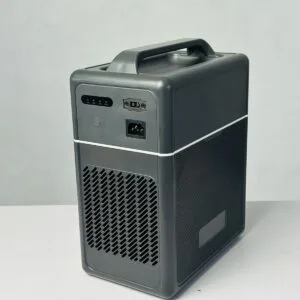

GearUP Core 300 – Portable Solar Power Station (Inverter 300W, 1004Wh Battery)
Original price was: ৳ 44,490.৳ 32,000Current price is: ৳ 32,000.-28%
30 in stock
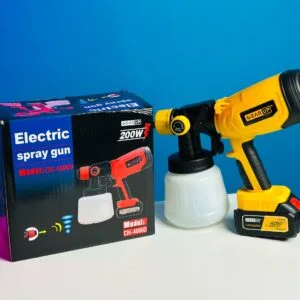
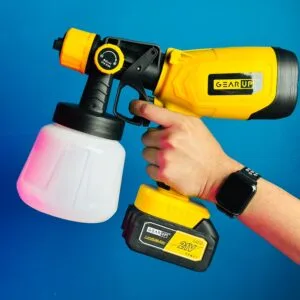
GearUP Rechargeable Cordless Paint Spray Machine
Original price was: ৳ 5,900.৳ 4,240Current price is: ৳ 4,240.-25%
98 in stock
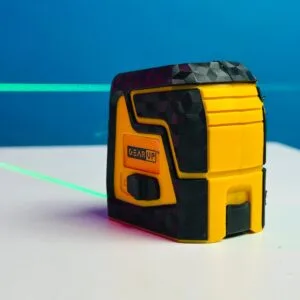
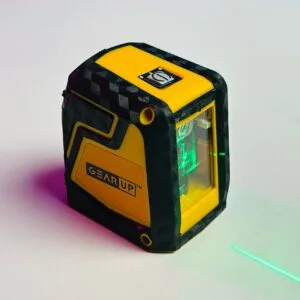
GearUP Precision Self-Leveling Cross Line Laser Level – Ultra-Bright Green Beam
Original price was: ৳ 2,700.৳ 2,000Current price is: ৳ 2,000.-23%
66 in stock

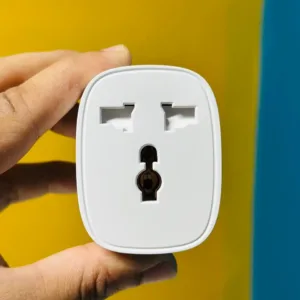
GearUP BSD61 (With Energy Monitoring) Wifi Smart Plug
Original price was: ৳ 1,380.৳ 1,060Current price is: ৳ 1,060. GearUP mini Thermal Bluetooth ...
Original price was: ৳ 1,770.৳ 1,360Current price is: ৳ 1,360.
117 in stock
Reviews
There are no reviews yet.