No products in the cart.

-23%
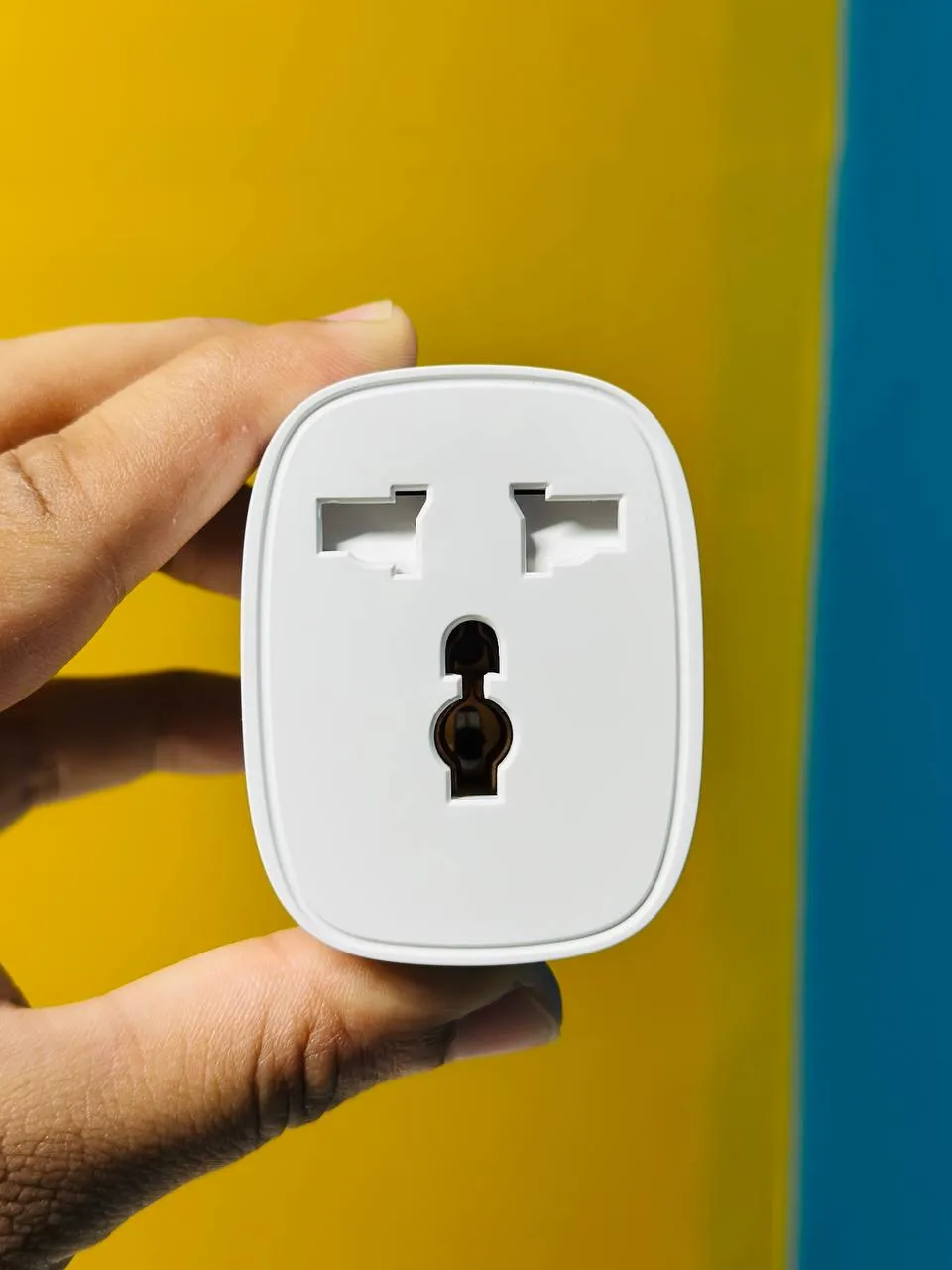

The GearUP BSD61 Wifi Smart Plug is a compact WiFi smart switch module with built-in energy monitoring, according to the listing. It suits Bangladeshi households that want to switch fans, lights or water heaters from a phone, set timers and keep an eye on power use.
- Overview
- Key features
- Specifications
- How to use / set up
- Compatibility and what is in the box
- Who should buy it in Bangladesh
- Alternatives in our store
- Warranty and support
- Delivery, returns and ordering
- Frequently asked questions
Overview of the GearUP BSD61 Wifi Smart Plug
The GearUP BSD61 is listed as a compact and powerful WiFi smart switch module with built-in energy monitoring. According to the listing, it is designed to turn any ordinary appliance into a smart, connected device. The maker lists support for the Tuya Smart and Smart Life apps, voice assistants and advanced scheduling, so you can manage a connected appliance from one place. For background on how these devices work in general, see the Wikipedia article on smart plugs.
Think about the appliances first. The listing names fans, lights, water heaters and other home appliances as ideal uses. In a Dhaka flat, that could mean a ceiling fan you switch on from work, a bedroom light you control from your phone, or a water heater you want running before you get home. In a family house, it might mean a set of lights on a daily timer.
Bangladeshi conditions shape how you use a smart plug. If your area has scheduled load-shedding, you can plan timers around those hours, but the listing does not describe how the module behaves when power returns after an outage. That behaviour is not confirmed by the listing, so check your device status after any power cut. Humidity is common in Dhaka and other cities, so keep sockets and junction boxes dry and well ventilated, and follow the maker’s instructions for installation.
Before you buy the GearUP BSD61, read the listing against your own situation. Check the appliance you want to control, the switch or socket you plan to use, and the WiFi signal in that room. The listing names 2.4GHz WiFi, so your router needs a 2.4GHz network. Write down the appliance name, its rating and the room, so you can compare them with the listing before you order.
Key features
The listing describes several features. The features that matter most for daily use are set out below, as the maker lists them, with practical notes for Bangladeshi homes.
Energy monitoring on the GearUP BSD61
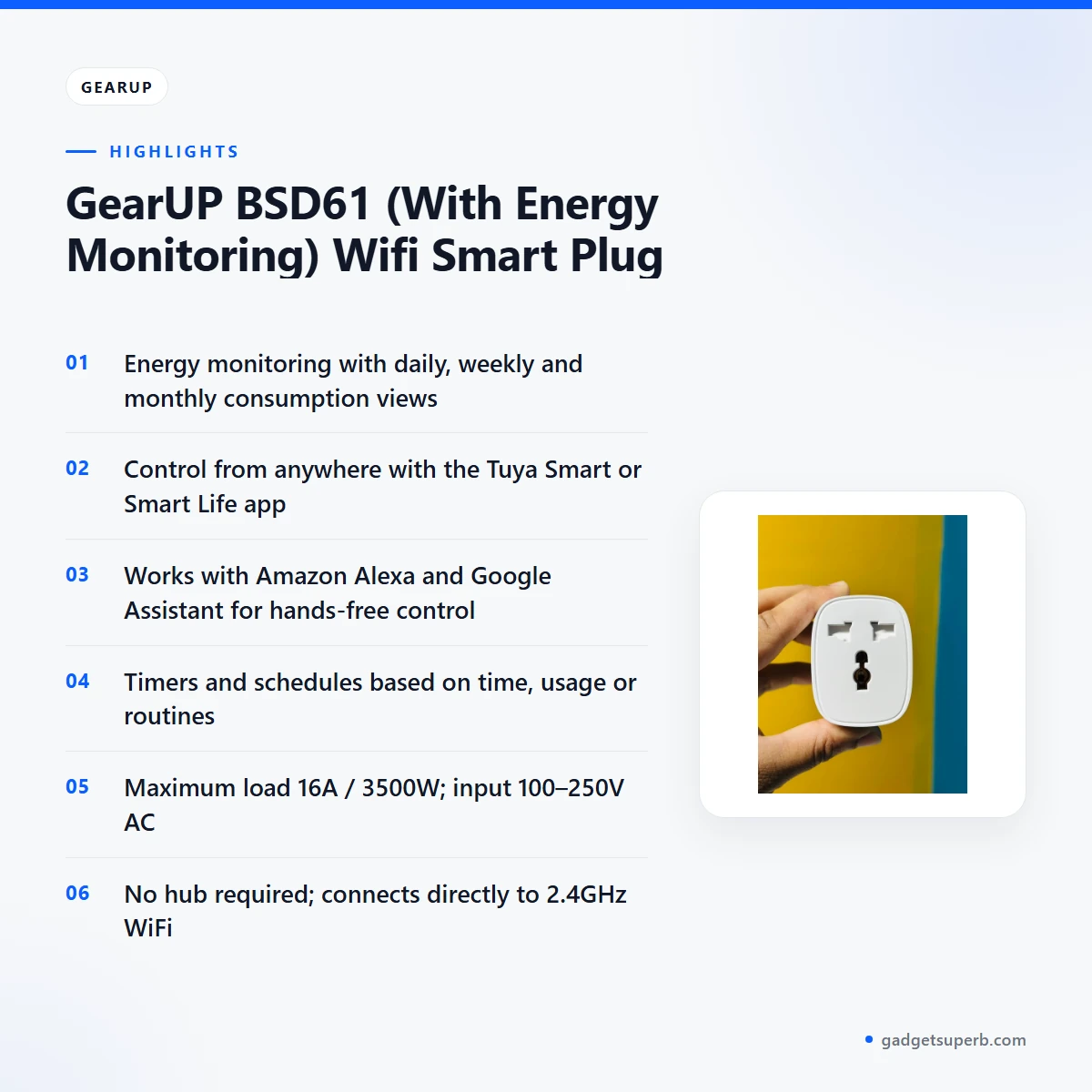
The listing says the GearUP BSD61 tracks real-time power usage and lets you monitor daily, weekly or monthly consumption. That range of views is useful if you want to see which appliance draws the most power across a week, rather than guessing from a bill that arrives once a month. Energy monitoring is listed as a built-in feature of this module. The maker lists the aim as helping you monitor energy usage and reduce electricity bills. The listing gives no savings figures, so treat lower bills as a goal to check over several months rather than a promise.
Smart remote control from anywhere
According to the listing, you can turn the GearUP BSD61 on or off from anywhere using the Tuya Smart or Smart Life app. The app is listed for iOS and Android. That makes it practical to switch on a ceiling fan before you leave an office in Gulshan, or to check that a light is off when you are away from home. Remote control depends on your phone having a connection and the module staying linked to your 2.4GHz WiFi network. Keep your app login private, and make sure only people you trust can open the account.
Voice control with Alexa and Google Assistant
The listing says the GearUP BSD61 works with Amazon Alexa and Google Assistant for hands-free control. That is helpful in a kitchen where your hands are busy, or in a bedroom late at night when you would rather not reach for a switch. Voice commands depend on linking the device with the assistant you use, and the listing does not describe the linking steps, so follow the maker’s instructions. The listing names only these two assistants, so do not assume support for others. Confirm your assistant before you order if it is not one of these two. Check that your phone or smart speaker supports the assistant you plan to use.
Timers and schedules for daily routines
The listing describes timer and schedule settings that automate appliances based on time, usage or routines. Schedules suit lights or a water heater, so the appliance is ready when you need it and off when you do not. Schedules can also help you plan around load-shedding hours if your area has them. Start with one simple schedule, check that it runs as you expect, and then add more. Write down the times you set, so you can adjust them quickly when your routine or the power supply changes.
Compact design for tight spaces
The listing describes the GearUP BSD61 as compact and says it easily fits behind switches, sockets or inside junction boxes. Installation is listed as in-line behind an existing wall switch or power socket, so your existing switch or socket stays in use. Wall boxes can be crowded, especially in older buildings, so check the space behind the switch or socket before you buy. Plan how the wiring will sit before you start, so the cover can fit neatly once the work is finished.
Overload and surge protection
The listing includes overload and surge protection under safety, and says it ensures safe operation and device longevity. Overload protection is relevant when an appliance draws more than it should, so compare your appliance’s rating with the listed maximum load of 16A / 3500W before you connect it. Surge protection is listed under safety, but the listing does not describe how it responds in detail. Use the GearUP BSD61 within its listed ratings and follow the maker’s instructions.
No hub needed, direct WiFi connection
The listing says the GearUP BSD61 connects directly to a 2.4GHz WiFi network, and no hub or gateway is required. For many homes that means one less box to buy and place. Simple WiFi setup is listed as a benefit, and the maker presents it as part of an easy path to an energy-aware home. Check your router’s network name and password before you start, and keep your phone close to the module during setup if the app asks you to.
Specifications
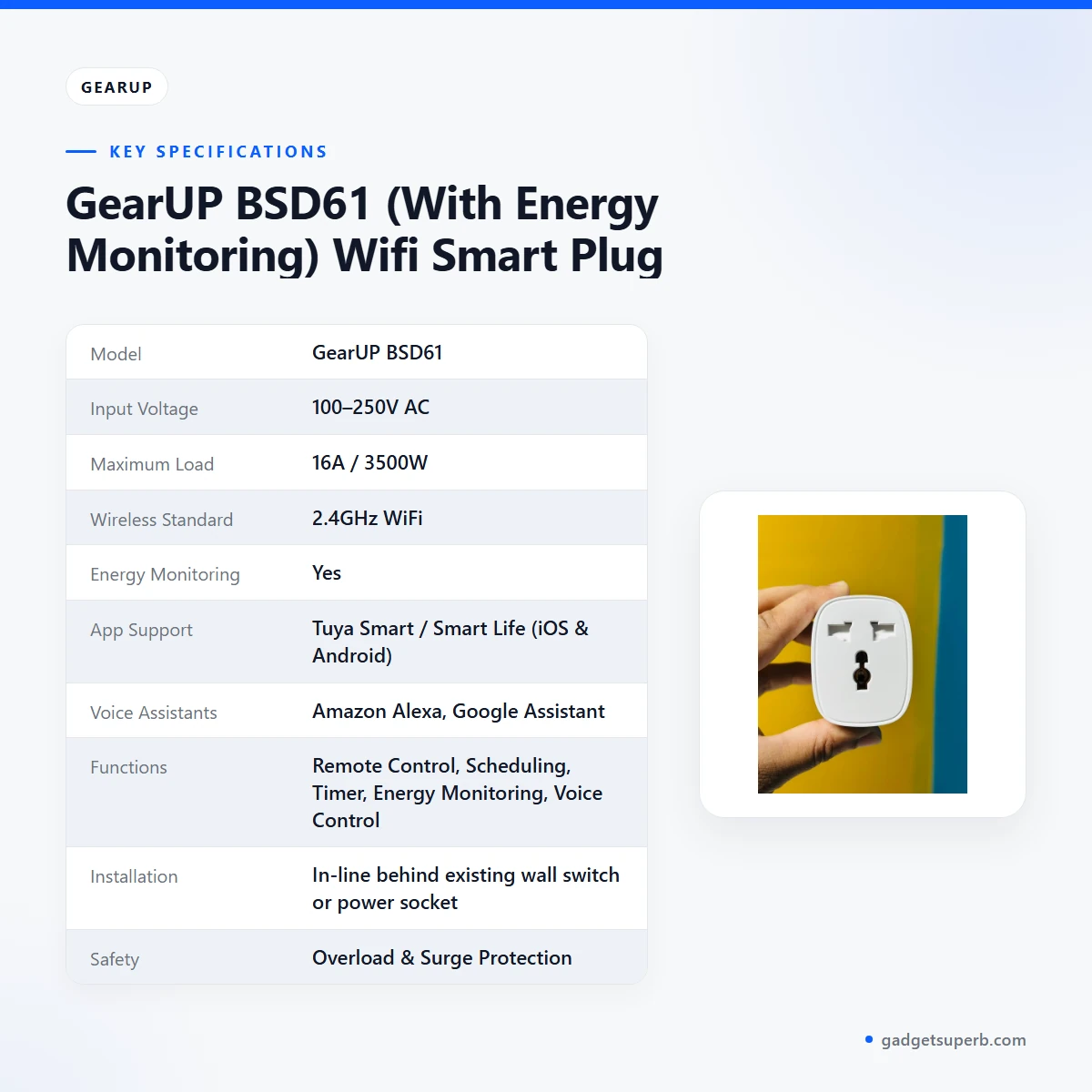
The table below sets out the GearUP BSD61 specifications as they appear in the product listing. Check the maximum load against the rating of your appliance before you connect it, and keep the listed input voltage in mind when you plan the installation.
| Specification | Value |
|---|---|
| Model | GearUP BSD61 |
| Input Voltage | 100–250V AC |
| Maximum Load | 16A / 3500W |
| Wireless Standard | 2.4GHz WiFi |
| Energy Monitoring | Yes |
| App Support | Tuya Smart / Smart Life (iOS & Android) |
| Voice Assistants | Amazon Alexa, Google Assistant |
| Functions | Remote Control, Scheduling, Timer, Energy Monitoring, Voice Control |
| Installation | In-line behind existing wall switch or power socket |
| Safety | Overload & Surge Protection |
These are listed specifications from the product listing.
How to use / set up
Setting up the GearUP BSD61 follows a few general steps. Follow the maker’s instructions for the exact sequence, and do not skip the safety checks. A calm, planned installation saves time and avoids rushed wiring. If you have never fitted a switch or socket module before, read through every step first and only start once you are comfortable with each one.
- Check the appliance rating. Make sure the appliance stays within the listed maximum load of 16A / 3500W and the listed input voltage of 100–250V AC.
- Switch off the mains supply at the circuit breaker before any installation work. If you are not confident with mains wiring, ask a qualified electrician to fit the module.
- Install the GearUP BSD61 in-line behind the existing wall switch or power socket, as the listing describes.
- Connect the module to your 2.4GHz WiFi network. The listing says no hub or gateway is needed.
- Download the Tuya Smart or Smart Life app for iOS or Android, create an account, and add the device by following the app prompts and the maker’s instructions.
- Set one simple timer first, then check it before adding further schedules.
Plan the installation for a dry day and a clear work area, and keep the cover and wiring neatly arranged. If you live in an area with load-shedding, set your timers so the appliance runs when you expect power, and check the device after an outage. Keep a note of the time you connected the module, so you can tell later whether a setting changed.
Everyday care for the GearUP BSD61 is simple. Keep sockets and the area around the module dry, avoid loading one socket with more than your appliances need, and check the app if a connected appliance stops responding. In humid weather, look over wall boxes for moisture and keep covers closed so dust does not build up. Clean the outside of the switch or socket with a dry cloth rather than wet cleaning products.
Once the GearUP BSD61 is connected, check the app for remote control, scheduling, timer and energy monitoring options as listed. Keep a short record of your settings, so you can review them later and compare your energy readings month by month.
Compatibility and what is in the box
The listing confirms these compatibility points for the GearUP BSD61: 2.4GHz WiFi as the wireless standard, the Tuya Smart and Smart Life apps on iOS and Android, Amazon Alexa and Google Assistant as voice assistants, and in-line installation behind an existing wall switch or power socket. Input is listed as 100–250V AC, with a maximum load of 16A / 3500W.
According to the listing, the packaging content is one GearUP BSD61 Smart Switch Module and one user manual.
Items the listing does not confirm for the GearUP BSD61 include other voice assistants, other smart home ecosystems, and compatibility with specific switch brands or socket types. These are not confirmed by the listing, so ask us before ordering if any of them matter to you. Match the model name on the listing to the one you intend to buy, so you do not mix it with other smart switches in our range.
Who should buy it in Bangladesh
The GearUP BSD61 suits several realistic buyers in Bangladesh. The scenarios below match what the listing describes, and each one needs a quick check of your wiring and appliance first.
A renter in a Dhaka flat. If you want to control a ceiling fan or a light from your phone, and you have permission to install a module behind an existing switch, it fits that use. Check with your landlord before installing the GearUP BSD61, and keep the module within its listed ratings.
A household with a water heater. The listing names water heaters as an ideal use for the GearUP BSD61. A timer can switch the heater on before the household wakes or before evening, which suits families with a regular routine. Compare the heater’s rating with the listed maximum load of 16A / 3500W first, because the listing gives no further detail on heavy loads.
A family tracking electricity use. If you want to see daily, weekly or monthly consumption on a few appliances, this module fits that plan. Use the figures as a guide and compare them with your bills over several months, rather than drawing firm conclusions from a single day.
A home office user. Lights, a desk fan or a small appliance on a schedule can reduce trips to the switch during the working day. The GearUP BSD61 can also add hands-free operation if your assistant is Alexa or Google Assistant. Plan your schedules around your working hours and keep them simple.
A commuter who arrives home late. Many Dhaka commuters return after dark in heavy traffic. A timer or a remote command from the app can switch on a fan or light before you reach the door. Keep the schedule modest, check it works on a normal evening, and adjust it when your hours change.
A small shop or office. A light or fan in a back room can be placed on a timer, so it runs during set hours without someone walking to the switch. Check the appliance’s rating against the listed maximum load and keep the installation tidy.
A household with a regular routine. Families who switch lights and appliances at the same times each day can use timers to automate that routine. The listing describes automation based on time, usage or routines, which matches this kind of use.
Who may not need it. If you want a whole-home system with features the listing does not mention, or you need a device for a load above the listed 16A / 3500W, the GearUP BSD61 is not the right choice. Confirm the model before you order, and ask us if you are unsure about the fit.
Alternatives in our store
If the GearUP BSD61 is not the right fit, you may find these related items useful in our range. The SONOFF WiFi Smart Wall Touch Switch T3 UK 3 Gang- Compatible With Alexa, Google Assistant – Black Color is another smart wall switch in our range. The LDNIO Z4 Universal Plug 6A Max (ABS V0) is a universal plug in our range.
For solar or DC circuits, the TOMZN TOB7Z-63 2P DC Circuit Breaker – 10A, 20A, 32A Solar PV MCB, 12V–1000V Wide Range DC MCB for PV System is a DC circuit breaker for PV systems in our range. For a power strip, see the Deli CT705ES 3 Pin 6 Port 3 Meter Power Strip With Surge Protection, which is a power strip in our range.
You can browse the full Smart Switches & Electrical category to compare more options before you decide.
Warranty and support
Warranty: 6 Months seller warranty.
Delivery, returns and ordering
We deliver all over Bangladesh and you pay cash on delivery.
Delivery usually takes 1–3 days inside Dhaka city and 2–5 days outside Dhaka.
You can return it within 7 days of delivery. For the full terms, read our Delivery & Returns policy.
Questions before ordering: call 09638054751, message us on Facebook Messenger or email care@gadgetsuperb.com.
Before you place an order for the GearUP BSD61, check your appliance rating, your switch or socket space and your assistant choice, then contact us with any questions.
Frequently asked questions
What is the GearUP BSD61 Wifi Smart Plug?
The GearUP BSD61 is a compact WiFi smart switch module with built-in energy monitoring, according to the listing. It is designed to turn an ordinary appliance into a smart, connected device that you can control from your phone.
Does the GearUP BSD61 need a hub?
No. The listing says no hub or gateway is required, because the module connects directly to a 2.4GHz WiFi network.
Which voice assistants work with the GearUP BSD61?
The listing names Amazon Alexa and Google Assistant for the module. Confirm your assistant before you order if it is not one of these two, because the listing does not name others.
Can the GearUP BSD61 track energy use?
Yes, the listing says it tracks real-time power usage and lets you monitor daily, weekly or monthly consumption. The listing does not give savings figures, so use the readings as a guide.
What is the maximum load of the GearUP BSD61?
The listing gives a maximum load of 16A / 3500W. Compare your appliance rating with this figure before you connect it.
What input voltage does the GearUP BSD61 list?
The listed input voltage for the module is 100–250V AC. Check that your supply falls within that range before you install it.
Where is the GearUP BSD61 installed?
The listing says the module installs in-line behind an existing wall switch or power socket. Follow the maker’s instructions, and ask a qualified electrician to fit it if you are unsure.
Does the GearUP BSD61 have overload and surge protection?
Yes, the listing includes overload and surge protection under safety. It says this helps ensure safe operation and device longevity for the module.
Which app controls the GearUP BSD61?
The listing names the Tuya Smart and Smart Life apps, listed for iOS and Android. Through the app you can turn it on or off from anywhere, according to the listing.
How long does delivery take in Bangladesh?
Delivery usually takes 1–3 days inside Dhaka city and 2–5 days outside Dhaka. We deliver all over Bangladesh, and you pay cash on delivery.
Related products
-28%
30 in stock


GearUP Rechargeable Cordless Paint Spray Machine
Original price was: ৳ 5,900.৳ 4,240Current price is: ৳ 4,240.-21%
97 in stock
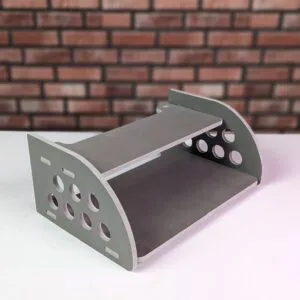
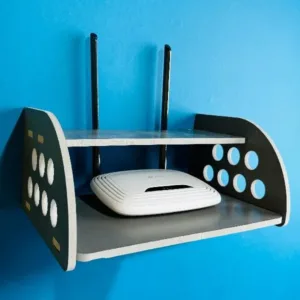
GearUP Rounded Side Design Router Stand (Gray Colour)
Original price was: ৳ 380.৳ 300Current price is: ৳ 300.-20%
267 in stock
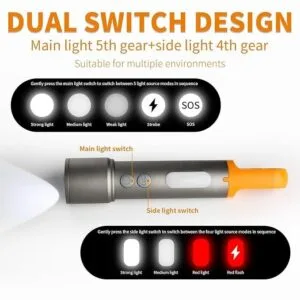
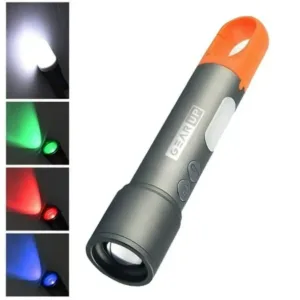
GearUP K57 Multifunctional Rechargeable Torch Flashlight
Original price was: ৳ 1,130.৳ 900Current price is: ৳ 900.-20%
245 in stock
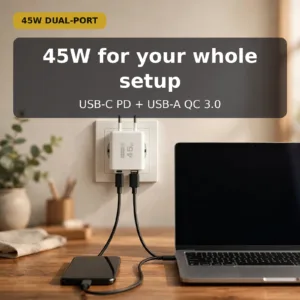
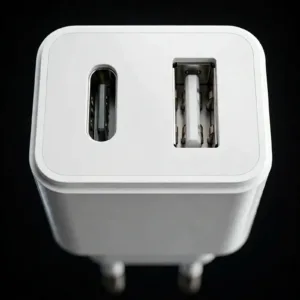
GearUP GP007 45W Fast Charging PD 3.0+ QC 3.0 USB Wall Charge
Original price was: ৳ 690.৳ 550Current price is: ৳ 550.-20%
32 in stock


GearUP VF10 Sports Edition Water Bottle – Messi World Cup
Original price was: ৳ 1,040.৳ 830Current price is: ৳ 830.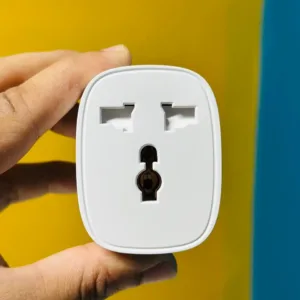 GearUP BSD61 (With Energy Moni...
Original price was: ৳ 1,380.৳ 1,060Current price is: ৳ 1,060.
66 in stock
Reviews
There are no reviews yet.