No products in the cart.

-26%
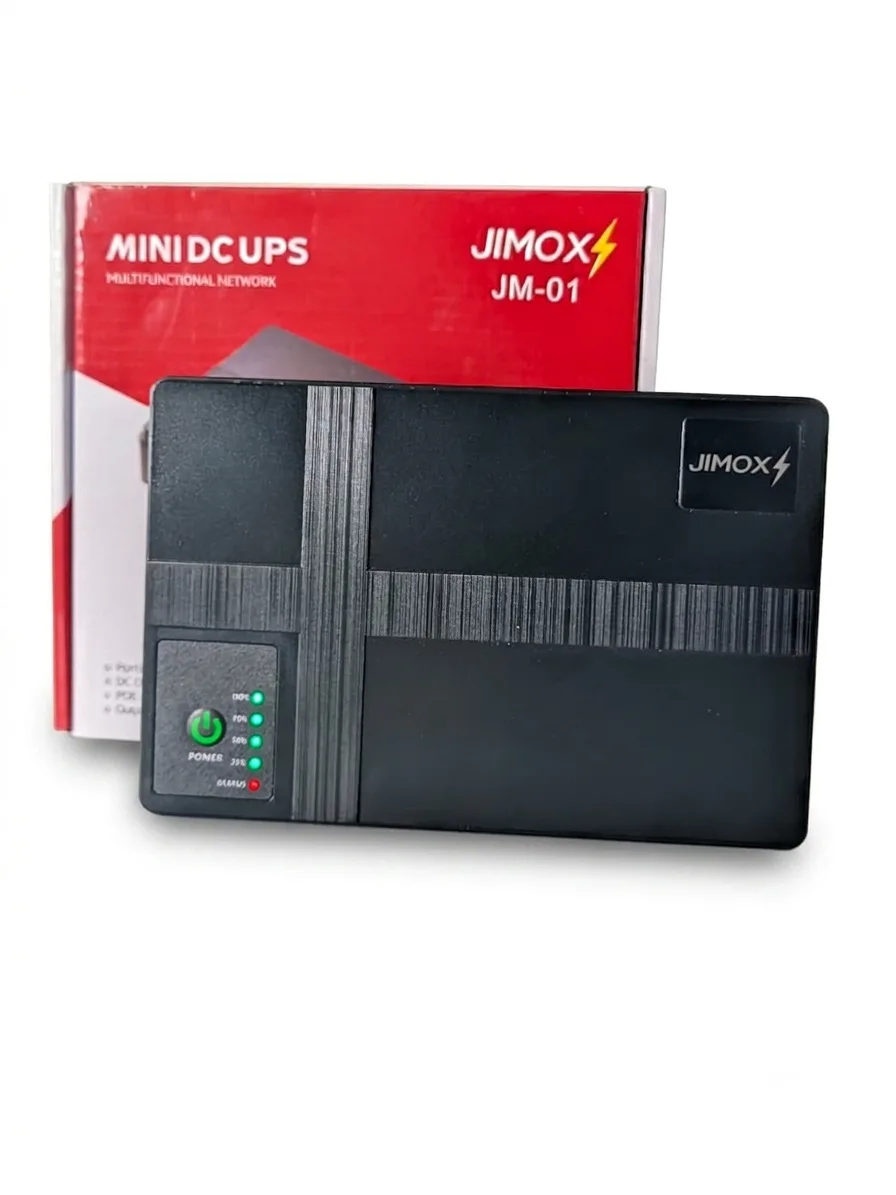
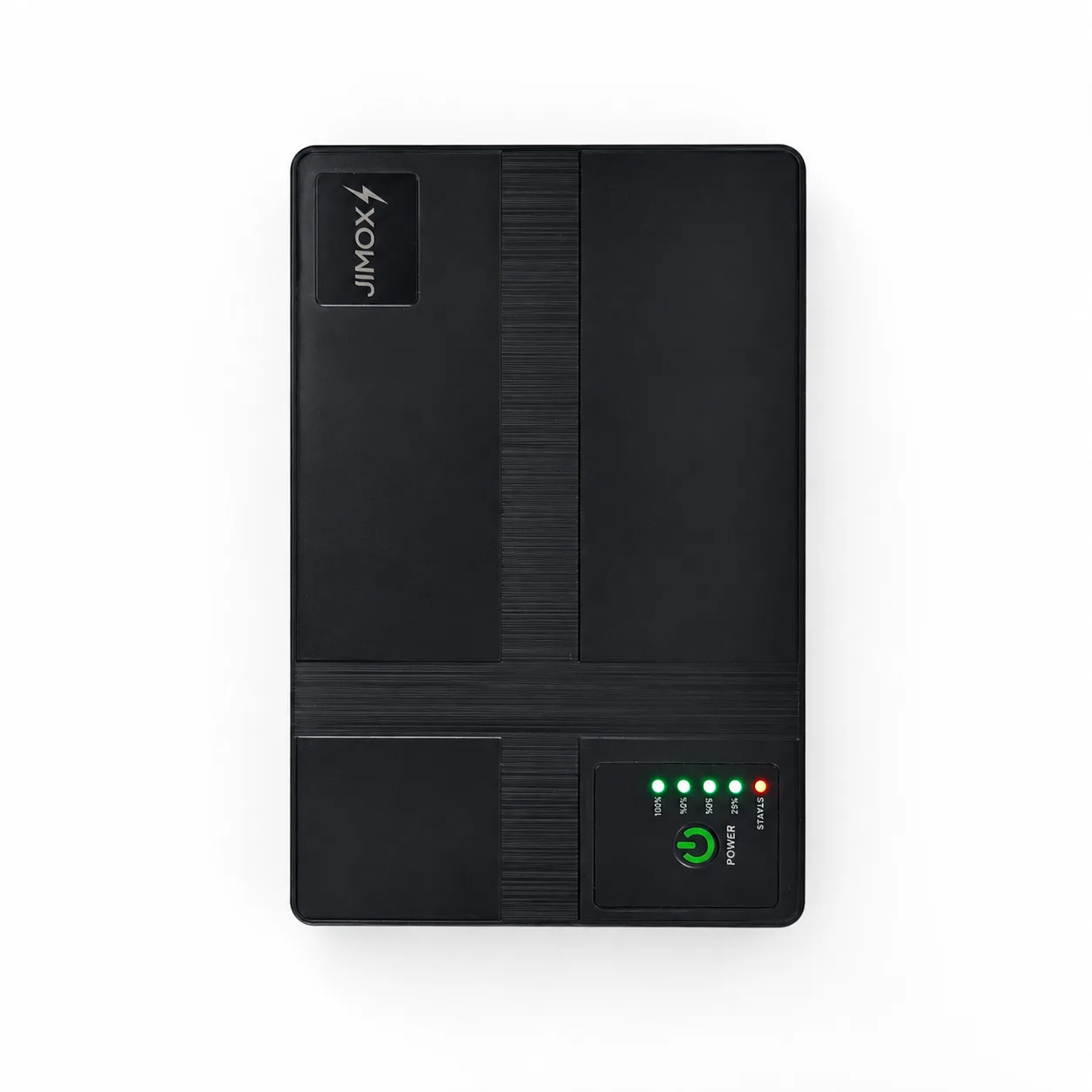
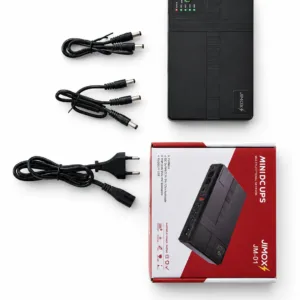
The JIMOX JM-01 is a multi-output mini UPS for routers and ONUs, described in the listing as a way to keep home internet running when the power fails. It suits Bangladeshi households, home offices and students who lose their connection during load shedding or unexpected blackouts. The maker lists a 10400mAh battery and several outputs for small network and DC-powered devices.
- Overview of the JIMOX JM-01 Mini UPS
- Key features
- Specifications
- How to use / set up
- Compatibility and what is in the box
- Who should buy it in Bangladesh
- Alternatives in our store
- Warranty and support
- Delivery, returns and ordering
- Frequently asked questions
Overview of the JIMOX JM-01 Mini UPS
Reliable internet is part of daily life in Bangladesh. Work, online classes and entertainment all depend on a router and ONU that stay switched on, and frequent power outages can cut the connection in an instant. The JIMOX JM-01 is aimed at that problem. A mini UPS is a small battery unit placed between the wall socket and your network hardware, so the equipment keeps receiving power while the mains supply is off.
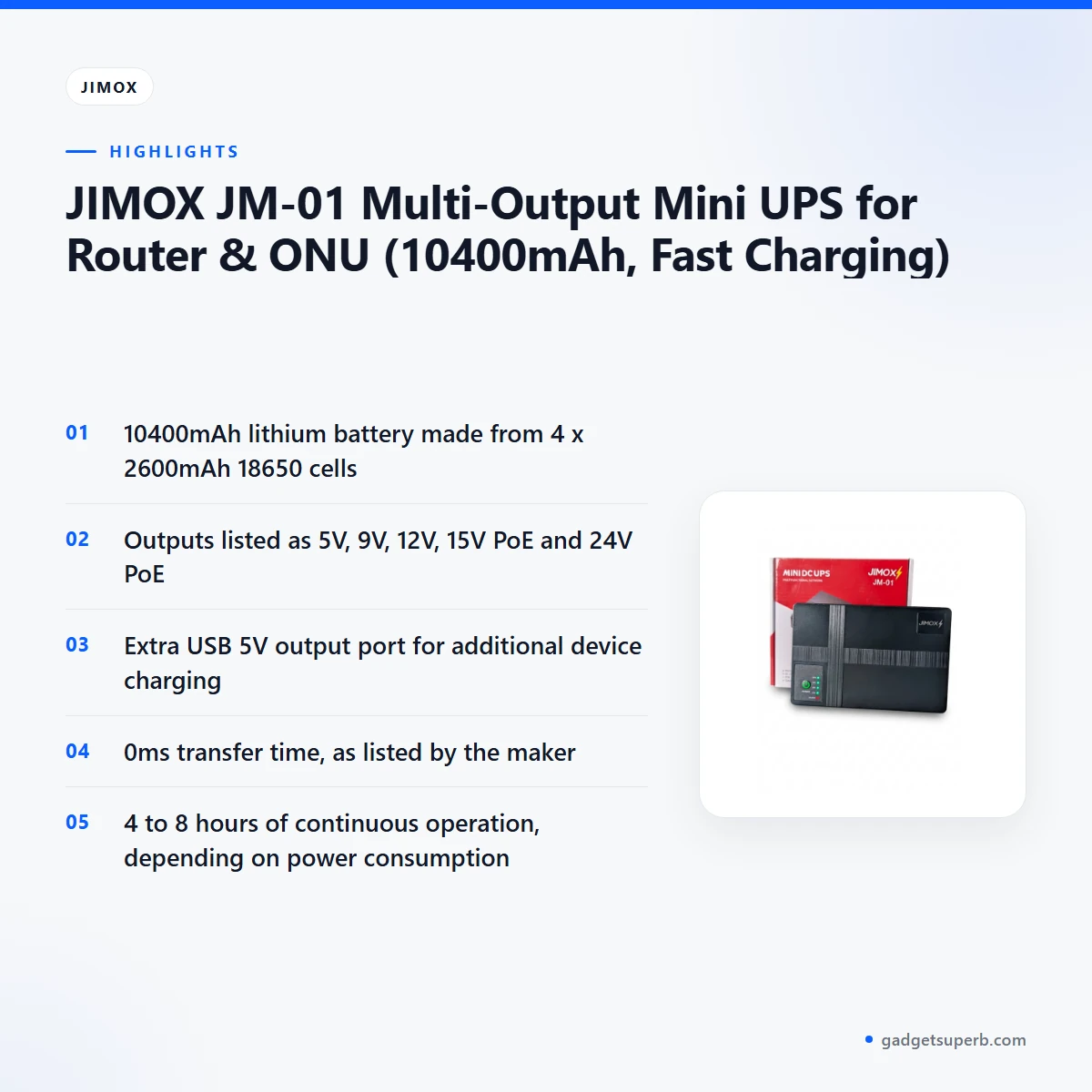
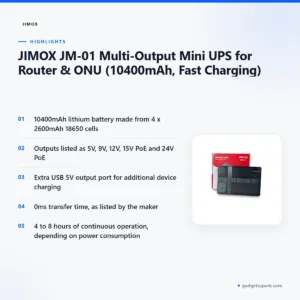
According to the listing, the JIMOX JM-01 Multi-Output Mini UPS for Router & ONU carries a 10400mAh lithium battery made from four 2600mAh 18650 cells. The maker lists outputs for 5V, 9V, 12V, 15V PoE and 24V PoE, plus an extra 5V USB port for charging a phone or tablet during a blackout. The listing describes 4 to 8 hours of continuous operation, depending on how much your router and ONU draw. Treat that as the maker’s estimate, because your actual backup time depends on your own equipment.
The listing names modems, routers, CCTV cameras, ONUs, switches and other small DC-powered devices as suitable uses. Check each device’s required voltage against the outputs above before you connect it. The JIMOX JM-01 suits a short list of connected devices that match the outputs on offer.
Load shedding timetables rarely match the moment a power cut actually happens. A battery unit placed beside the router and ONU closes that gap, so the network keeps running while you finish a call, save a file or wait for the power to return. For many households, the practical benefit is fewer reconnections and less lost work during an outage.
Humidity and heat are a reason to think about placement in Bangladesh. Keep the unit on a stable, dry surface with space around it, away from direct sunlight, and do not stack heavy items on top. The JIMOX JM-01 is a single unit, so the practical question is whether your devices fit its outputs, not how many separate batteries you need to buy.
Key features
The listing sets out several features for the JIMOX JM-01. The sections below follow the maker’s own description so you can compare each point with your needs.
High-capacity battery in the JIMOX JM-01
The listing gives the JIMOX JM-01 a 10400mAh high-capacity lithium battery, built from four 2600mAh 18650 cells. Depending on the power consumption of your router and ONU, the maker lists 4 to 8 hours of continuous operation. That range is what makes the unit useful for long power cuts, when you still want to work, study or stream without interruption. Think of the figure as a planning guide rather than a promise. Check how much your own equipment draws before you depend on it during a long outage, because the number of connected devices will shape how long the unit lasts in practice.
Multi-output design for routers, ONUs and phones
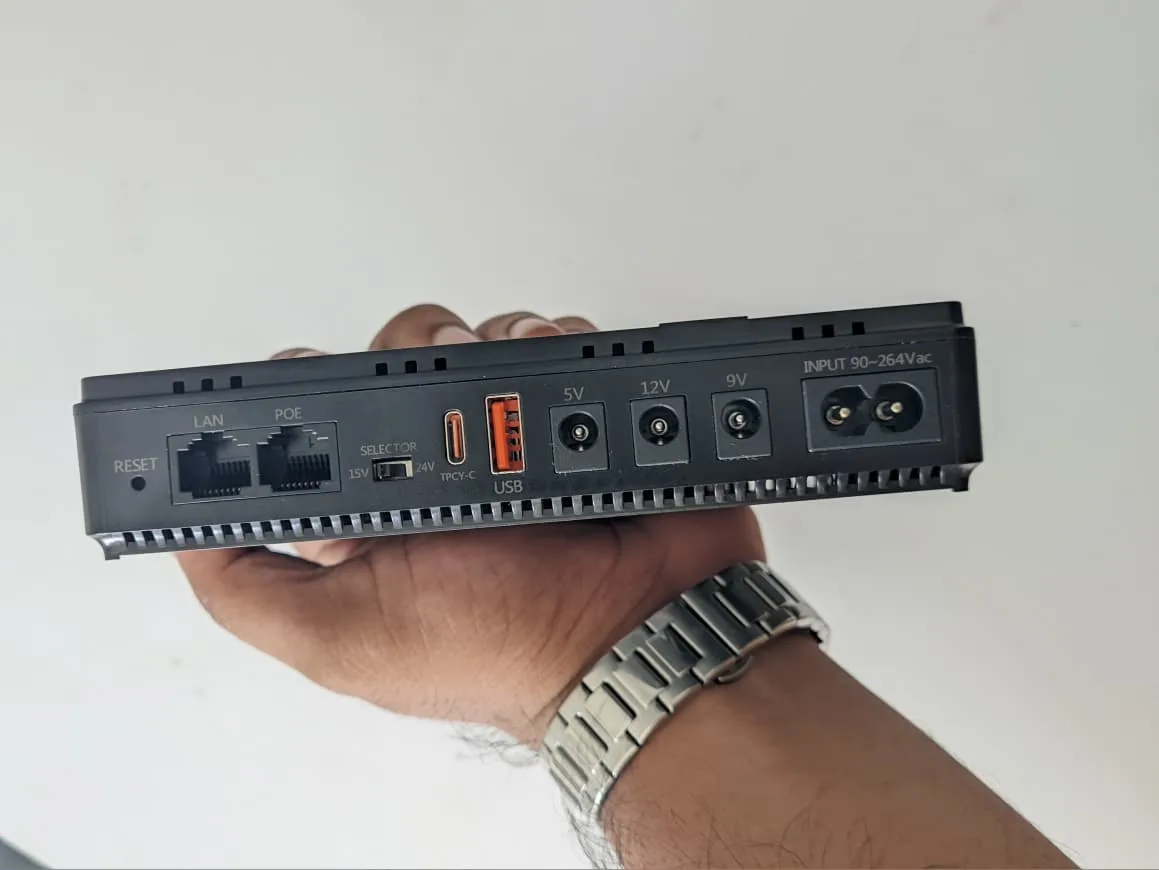
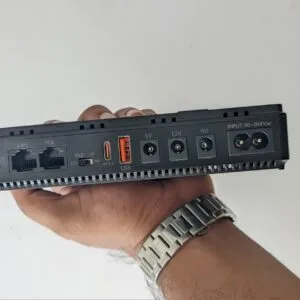
The maker lists several outputs for everyday use. The 9V DC output at 1A is described as suitable for many common Wi-Fi routers. The 12V DC output at 2A is listed as ideal for ONUs, some high-power routers and small CCTV cameras. The 5V USB output at 2A is a convenient port for charging a smartphone, tablet or other USB-powered gadget during a power outage. The listing also includes 15V PoE and 24V PoE outputs. This versatility means you can power several devices at once, or switch between them, so one JIMOX JM-01 can serve more than one part of your setup without a drawer full of adapters.
Smart chip control and protection circuits
According to the listing, the JIMOX JM-01 uses smart chip control to deliver constant DC output. It also incorporates protection circuits that the maker says safeguard both the unit and connected devices. Overcharge protection prevents the battery from being overcharged, and over-discharge protection guards against deep discharge that can damage it. The listing also names short circuit protection, which cuts off power in case of a short circuit, and overload protection, for when a device draws too much power. The maker presents these as features of the product, and they are worth reading alongside the equipment you plan to connect.
Fast recharging after each use
The listing describes fast charging for the internal battery. When connected to a 12V/2A power adapter, the JIMOX JM-01 is listed as fully recharging in approximately 3-4 hours. Charging fully before first use is a sensible start. After that, recharge the unit whenever mains supply returns so it is ready for the next interruption. Keeping a charged unit on hand is the habit that makes any mini UPS useful during load shedding. Because the listing gives a time range rather than an exact figure, plan around the longer end of it when you need the unit back in service quickly.
Zero transition time during power cuts
The listing states a 0ms transfer time. According to the maker, when mains power goes out, the JIMOX JM-01 switches to battery power instantly, without any delay or interruption to connected devices. The listing says your router and ONU will not even flicker. This matters most for video calls, online exams and remote work, where a short gap can drop the connection and force you to log in again. For many buyers this is the main reason to choose a backup unit over a plain battery pack.
Compact, lightweight and easy to place
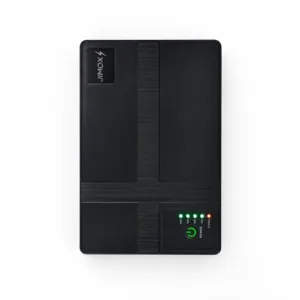
The listing gives the dimensions as 156 x 100 x 30 mm and the weight as approximately 450 grams. The casing is robust ABS plastic in a sleek black finish, and the maker says it is durable and easy to place anywhere in a home or office. The LED indicators are listed as showing power status, charging status and battery level, so you can check the unit at a glance. The listed size and weight make the JIMOX JM-01 easy to move between rooms or pack for a trip.
Specifications
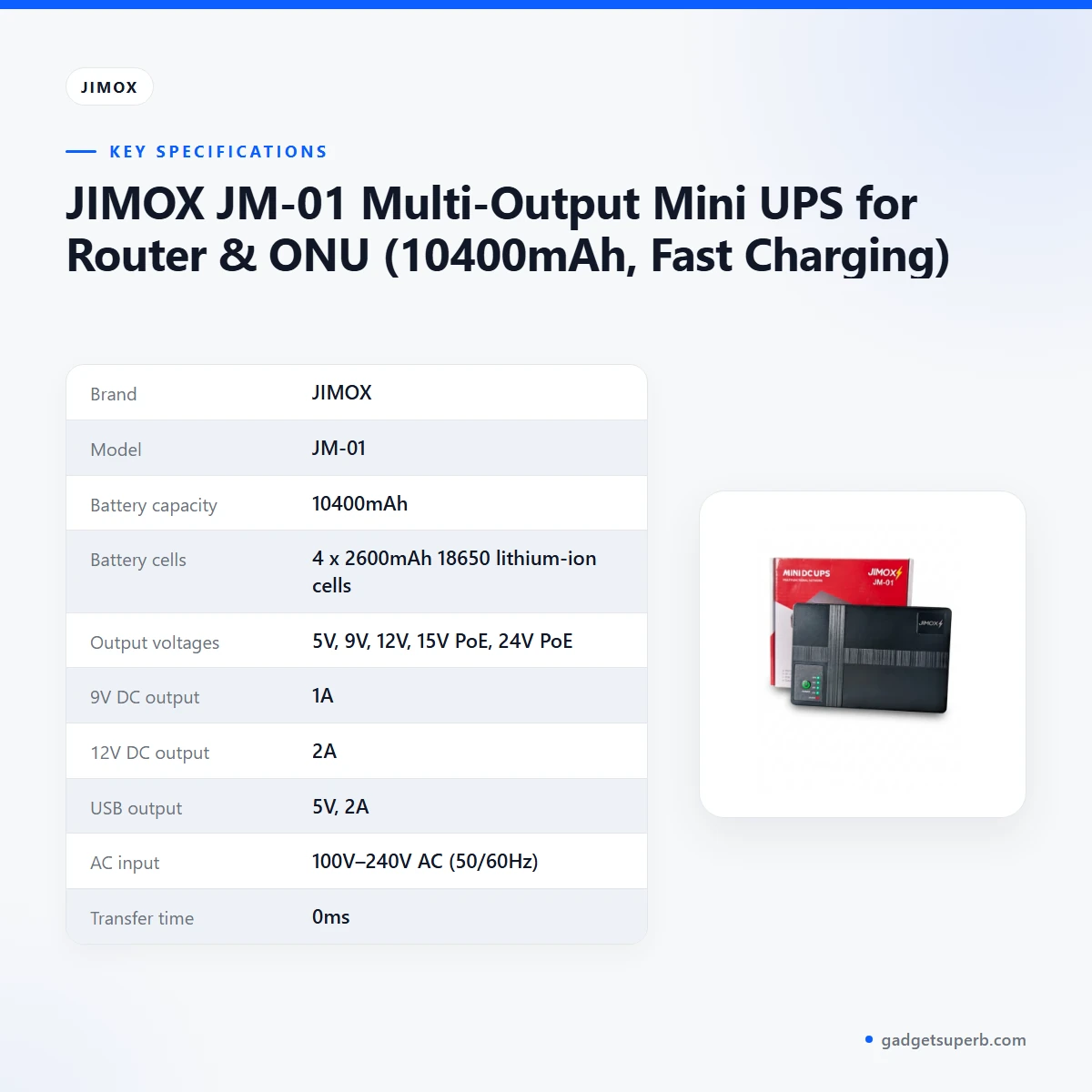
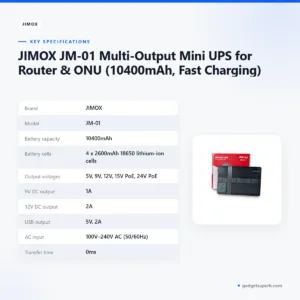
The table below sets out the specifications of the JIMOX JM-01 as they appear in the product listing, so you can check the unit against the voltage and current needs of your own devices.
| Brand | JIMOX |
|---|---|
| Model | JM-01 |
| Battery capacity | 10400mAh |
| Battery cells | 4 x 2600mAh 18650 lithium-ion cells |
| Output voltages | 5V, 9V, 12V, 15V PoE, 24V PoE |
| 9V DC output | 1A |
| 12V DC output | 2A |
| USB output | 5V, 2A |
| AC input | 100V–240V AC (50/60Hz) |
| Transfer time | 0ms |
| Recharge time | Approximately 3-4 hours with a 12V/2A adapter |
| Dimensions | 156 x 100 x 30 mm |
| Weight | Approximately 450 grams |
| Casing | ABS plastic, black |
These are the listed specifications for the JIMOX JM-01 from the product listing.
How to use / set up
Start by charging the JIMOX JM-01 fully before first use. The listing describes a 12V/2A adapter for recharging, which takes approximately 3-4 hours. Once the unit is charged, place it close to the equipment it will protect so the cables reach without strain.
Follow the maker’s instructions for connecting the power input and each output. Before you start, work out which device needs which output. Check the voltage and current that each router, ONU, camera or phone requires, then match it to an output listed for the JIMOX JM-01. Keep a note of the pairings so that anyone in the household can reconnect things after a power cut.
Use the cables that came with each device where possible, and check that every connector seats firmly before you switch anything on. Follow the order given in the maker’s instructions rather than an order you have guessed, and keep the unit clear of anything that could block its casing.
When everything is connected, run the router and ONU for a short period and watch that the connection stays stable. If a device drops out, check its voltage and output pairing before you assume a fault with the unit. These are general checks for any mini UPS, and the maker’s own instructions take priority.
For care and storage, keep the JIMOX JM-01 in a cool, dry place away from direct heat and damp surfaces. Dust the casing with a dry cloth rather than using water or harsh cleaners, and avoid placing it under heavy objects or where cables will be trodden on.
To keep the battery ready, recharge the JIMOX JM-01 after each outage rather than waiting until it is empty, and check its charge indicators regularly. If the unit will sit unused for a long period, recharge it periodically so the stored charge does not run low.
The listing does not give a storage temperature range or a battery service life, so ask us before you plan long-term storage or a replacement schedule.
Compatibility and what is in the box
The listing names modems, routers, CCTV cameras, ONUs, switches and other small DC-powered devices as suitable uses. Within those groups, the JIMOX JM-01 supports a device through a matching output, so the voltage and current on your device label matter more than the product name. Read that label before you connect anything.
The listing gives 9V DC at 1A for many common Wi-Fi routers, 12V DC at 2A for ONUs, some high-power routers and small CCTV cameras, and a 5V USB port at 2A for phones and tablets. The 15V PoE and 24V PoE outputs are listed, but the listing does not say which devices they are designed for, so that detail is not confirmed by the listing.
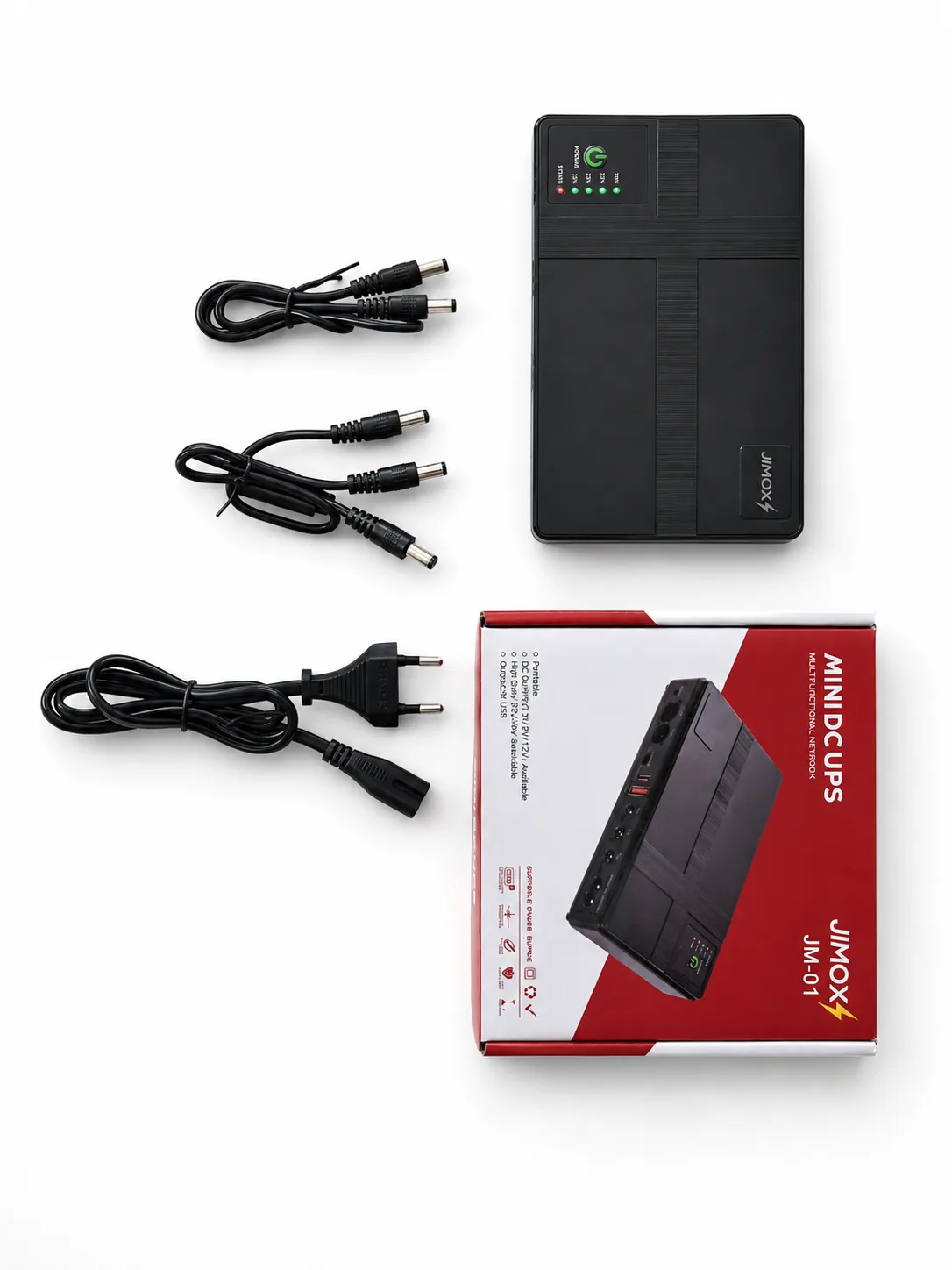
The listing does not state the contents of the package, so the box contents are not confirmed by the listing. It also does not say whether a 12V/2A adapter comes with the unit. Ask us about the contents if an adapter or cable matters for your plans.
When you compare the JIMOX JM-01 with your current setup, write down the voltage and current on each device label. Keep the list with your router manuals so the check takes minutes rather than an afternoon.
Who should buy it in Bangladesh
A family with one broadband line, a Wi-Fi router and an ONU, plus a few phones, is the simplest fit for the JIMOX JM-01. The 9V and 12V DC outputs suit the network hardware, while the USB port keeps phones charged through a blackout. This pattern suits homes where the connection supports school work and family entertainment.
Remote workers, freelancers and students who lose the connection during load shedding will find the zero transfer time and the listed 4 to 8 hours of operation most relevant. A short gap can interrupt a meeting or an exam, so a unit that switches over instantly suits people who cannot afford to reconnect and wait.
A small shop or home office with a few CCTV cameras and a network switch can consider the JIMOX JM-01 for devices that match one of the listed outputs. Check each camera’s voltage and current against the 12V DC output and confirm the switch’s requirements before connecting it.
If you want one compact unit for a mix of routers, ONUs and phones, the JIMOX JM-01 keeps that setup in one place. Buyers who prefer several small units for separate devices may still choose that route, and the decision depends on how many devices you need to protect.
A café that offers guest Wi-Fi may want to protect the router and ONU during short outages, and the USB port can keep a staff member’s phone charged. Check the equipment list first, because guest networks often include more devices than owners expect.
Students sharing a flat in Dhaka or another city can share one line and one unit. Agree in advance who looks after the unit and where it sits, so the router is not moved during a busy evening.
The JIMOX JM-01 may be less suited to a setup with many devices across several rooms, or to equipment whose voltage is not one of the listed outputs. In that case, compare other units in our range before you order.
Before you order the JIMOX JM-01, confirm your router’s voltage and current against the 9V 1A and 12V 2A outputs. For background on the device at the centre of most home setups, read an overview of wireless routers.
Alternatives in our store
If you are still choosing, you may want to see other units in our range. These are SKE POE-36E-LFP 20,000mAh Mini DC UPS – 36W High Power Backup with LiFePO4 Battery (5V/9V/12V 3A), another mini UPS in our range, WGP Optima 302 Mini UPS for Wifi Router – 10500mAh (Without Adapter), another mini UPS in our range, and Olax POE D8 Pro 24W 20000mAh Smart Mini DC UPS, also another mini UPS in our range.
Readers who want a different option can still weigh the JIMOX JM-01 against these. Compare the device list, the outputs you need and the delivery timing, then choose the unit that fits. Browse the whole range in our Mini UPS category.
Warranty and support
Warranty: 6 Months seller warranty.
Delivery, returns and ordering
We deliver all over Bangladesh and you pay cash on delivery. For the JIMOX JM-01, delivery usually takes 1–3 days inside Dhaka city and 2–5 days outside Dhaka. You can return it within 7 days of delivery (see our Delivery & Returns policy).
To order the JIMOX JM-01, choose the unit on its product page and place your order. Because you pay cash on delivery, you can check the package when it arrives, and the return window in our policy runs from the day it is delivered. Keep the packaging until you are satisfied with the unit.
If your order needs to reach a location outside Dhaka, allow 2–5 days. Inside Dhaka city, allow 1–3 days. Delivery times are usual timings rather than guarantees, so plan around the longer end if the unit is needed for a specific date.
Questions before ordering: call 09638054751, message us on Facebook Messenger or email care@gadgetsuperb.com. Our full Delivery & Returns policy is available at gadgetsuperb.com/delivery-returns.
If you are unsure whether the JIMOX JM-01 will suit your setup, ask before you order rather than after. A quick check of your device labels and your list of connected equipment usually answers the question.
Frequently asked questions
Can the JIMOX JM-01 power a Wi-Fi router?
Yes, the listing says the 9V DC output at 1A suits many common Wi-Fi routers, and the JIMOX JM-01 provides that output directly. Confirm your router’s voltage and current before you rely on the unit.
How long will the JIMOX JM-01 keep a router and ONU running?
The listing gives 4 to 8 hours of continuous operation, depending on the power consumption of your router and ONU. Plan around your own equipment’s draw rather than the upper figure.
How long does the JIMOX JM-01 take to recharge?
The listing says it recharges in approximately 3-4 hours when connected to a 12V/2A power adapter.
Can I charge a phone during a power cut?
Yes, the listing includes an extra 5V USB output at 2A for charging a smartphone, tablet or other USB-powered gadget during an outage.
Does the JIMOX JM-01 switch over when the power fails?
The listing gives a 0ms transfer time and says the unit switches to battery power instantly, so connected devices should not flicker.
Does the JIMOX JM-01 come with an adapter?
The listing does not say whether an adapter is included, so ask us about the package contents before you order.
Can I use the JIMOX JM-01 with CCTV cameras?
The listing says the 12V DC output at 2A is ideal for small CCTV cameras. Check each camera’s voltage and current before you connect it.
Are the 15V PoE and 24V PoE outputs confirmed for particular devices?
The listing shows these outputs but does not say which devices they are designed for, so that detail is not confirmed by the listing.
What warranty comes with the JIMOX JM-01?
Warranty: 6 Months seller warranty.
Can I return the JIMOX JM-01 if it does not suit my setup?
Yes, you can return it within 7 days of delivery, as set out in our Delivery & Returns policy.
How do I order the JIMOX JM-01 and pay?
We deliver all over Bangladesh and you pay cash on delivery. Call 09638054751, message us on Facebook Messenger or email care@gadgetsuperb.com with any questions first.
Is the JIMOX JM-01 suitable during load shedding in Dhaka?
The listing describes it as a solution during load shedding or unexpected blackouts, and delivery usually takes 1–3 days inside Dhaka city.
Related products
-27%
100 in stock
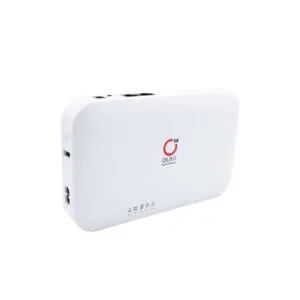
Olax POE D8 Pro 24W 20000mAh Smart Mini DC UPS
Original price was: ৳ 4,440.৳ 3,240Current price is: ৳ 3,240.-26%
100 in stock

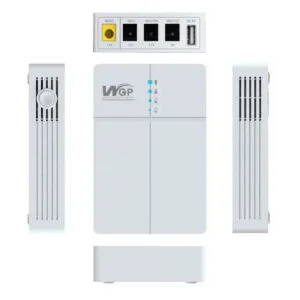
WGP Optima 302 Mini UPS for Wifi Router – 10500mAh (Without Adapter)
Original price was: ৳ 2,790.৳ 2,060Current price is: ৳ 2,060.-26%
Out of stock
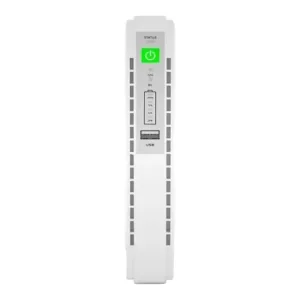
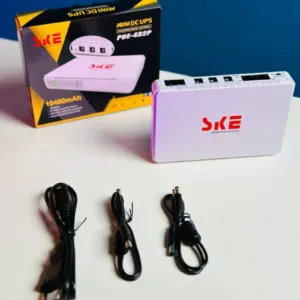
SKE POE 432P Mini DC UPS 25Watt 5v 9v 12v & PoE support 15/24v – 10400MAH
Original price was: ৳ 3,110.৳ 2,300Current price is: ৳ 2,300.-27%
352 in stock
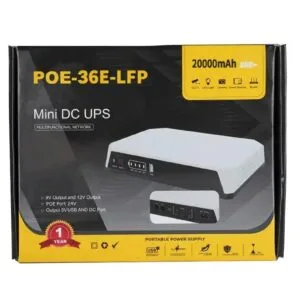
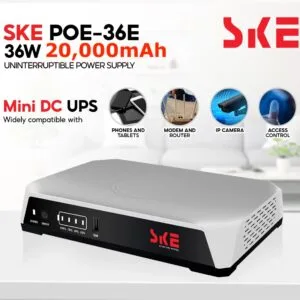
SKE POE-36E-LFP 20,000mAh Mini DC UPS – 36W High Power Backup with LiFePO4 Battery (5V/9V/12V 3A)
Original price was: ৳ 5,200.৳ 3,790Current price is: ৳ 3,790. JIMOX JM-01 Multi-Output Mini ...
Original price was: ৳ 2,950.৳ 2,180Current price is: ৳ 2,180.
57 in stock
Reviews
There are no reviews yet.