No products in the cart.

-28%
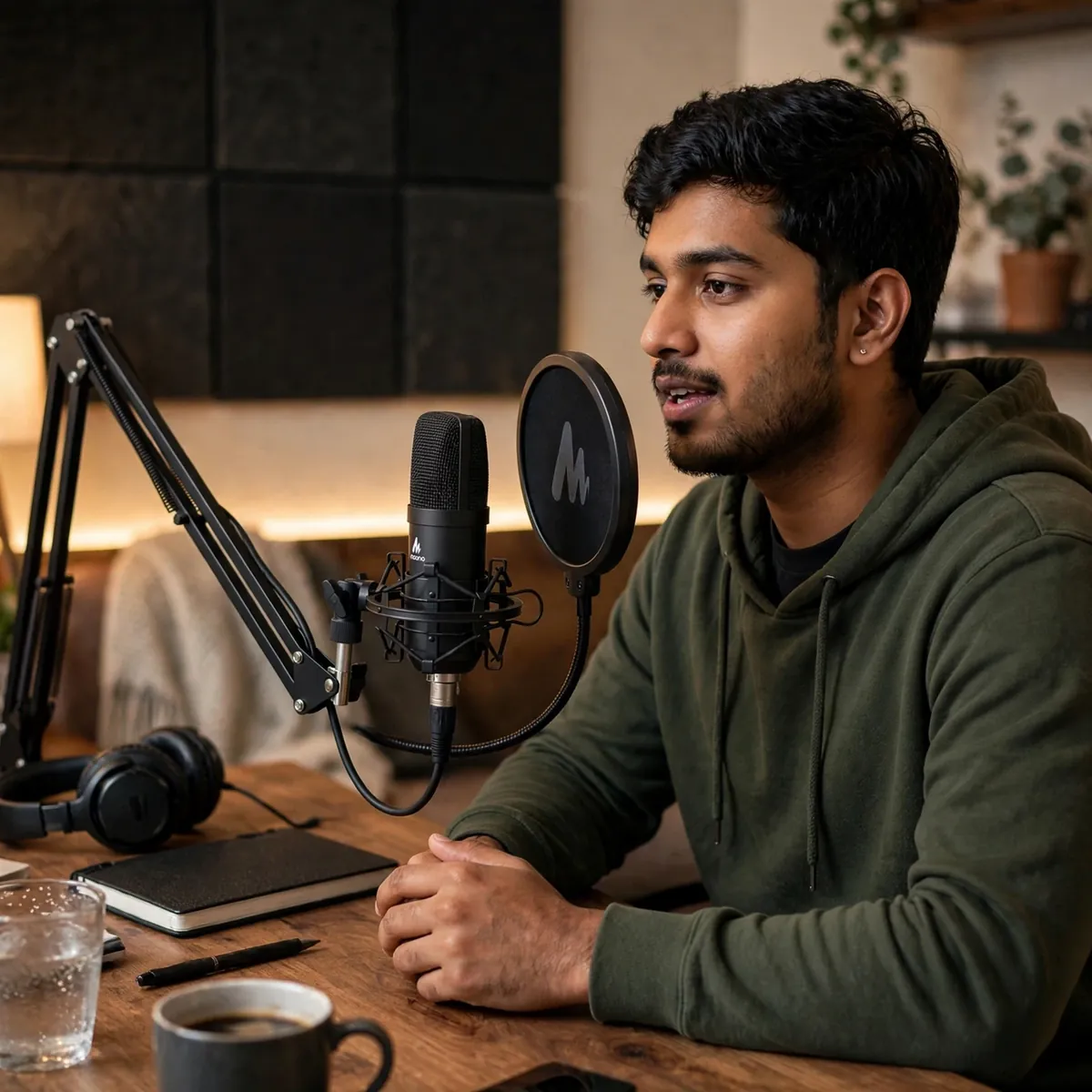
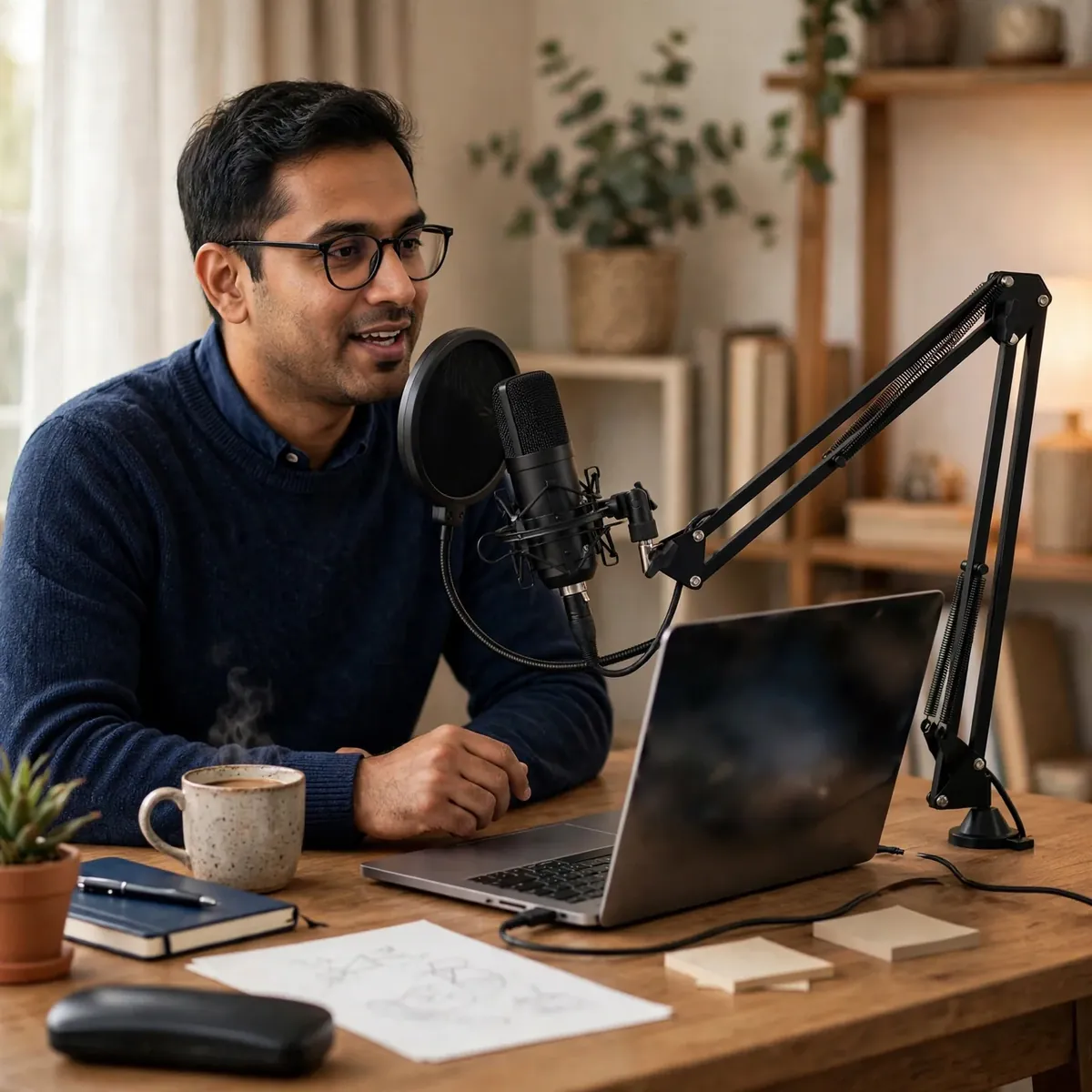


The classic first-studio upgrade. The MAONO AU-A04 is a USB cardioid condenser microphone combo setup that turns any desk into a podcast station — plug it in and record. The maono au-a04 was built for creators stepping up from a headset or phone mic: podcasters, streamers, online teachers, and voiceover artists who want their first “real” microphone without a sound card, drivers, or a second shopping trip for a boom arm.
At the heart of the kit is a professional-grade audio chipset supporting high-resolution 192kHz/24bit sampling, with a smooth 30Hz–16kHz frequency response that suits singing, speech, and voice work. A 16mm electret condenser transducer delivers strong bass and clear highs, while the cardioid pickup pattern captures your voice up front and reduces background noise — a genuine upgrade over the headset or phone mic you are replacing.
Two honest framings before the details. First, the USB identity is exact: this is the USB plug-and-play model in the MAONO family. It is NOT the MAONO AU-A03 — the 3.5mm cardioid condenser sibling sold as a separate listing — and it is NOT one of the MAONO PD-series models (PD100X, PD200X, PD200XS, PD300X, PD400X), which are USB/XLR dynamic microphones in a different family. Second, everything below comes from the verified research notes — nothing is guessed and no feature is borrowed from a sibling model.
192kHz/24bit. Pro-Level Detail.
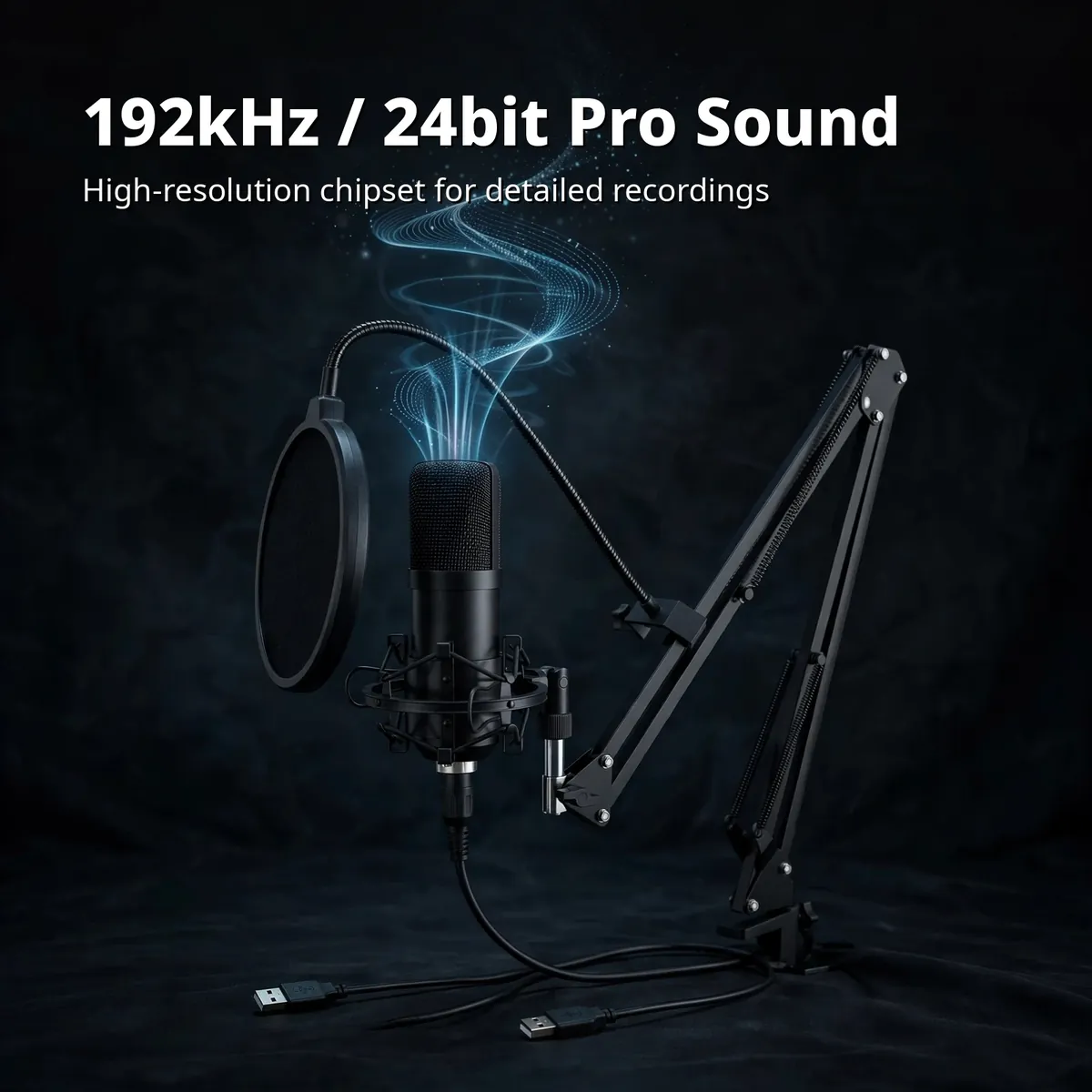
High resolution is the reason to upgrade, and the maono au-a04 wears its number honestly: a professional-grade chipset supports up to 192kHz/24bit sampling, the badge that justifies the step up from a headset. Higher sampling rates capture more nuance in your voice — the breath before a sentence, the clarity that separates studio audio from laptop audio. Paired with a 16mm electret condenser transducer, it produces strong bass for warmth and clear highs for definition, across a smooth 30Hz–16kHz response tuned for singing, speech, and voiceover work.
That specification is real engineering for the price class, not decoration. Podcasters hear the difference in vocal presence, streamers hear it in how clean their commentary sits over game audio, and online teachers hear fewer “can you repeat that” requests. The card above shows the headline number — 192kHz/24bit — because for the AU-A04 buyer, that figure is the justification for the whole purchase.
Plug In. Record. That’s It.
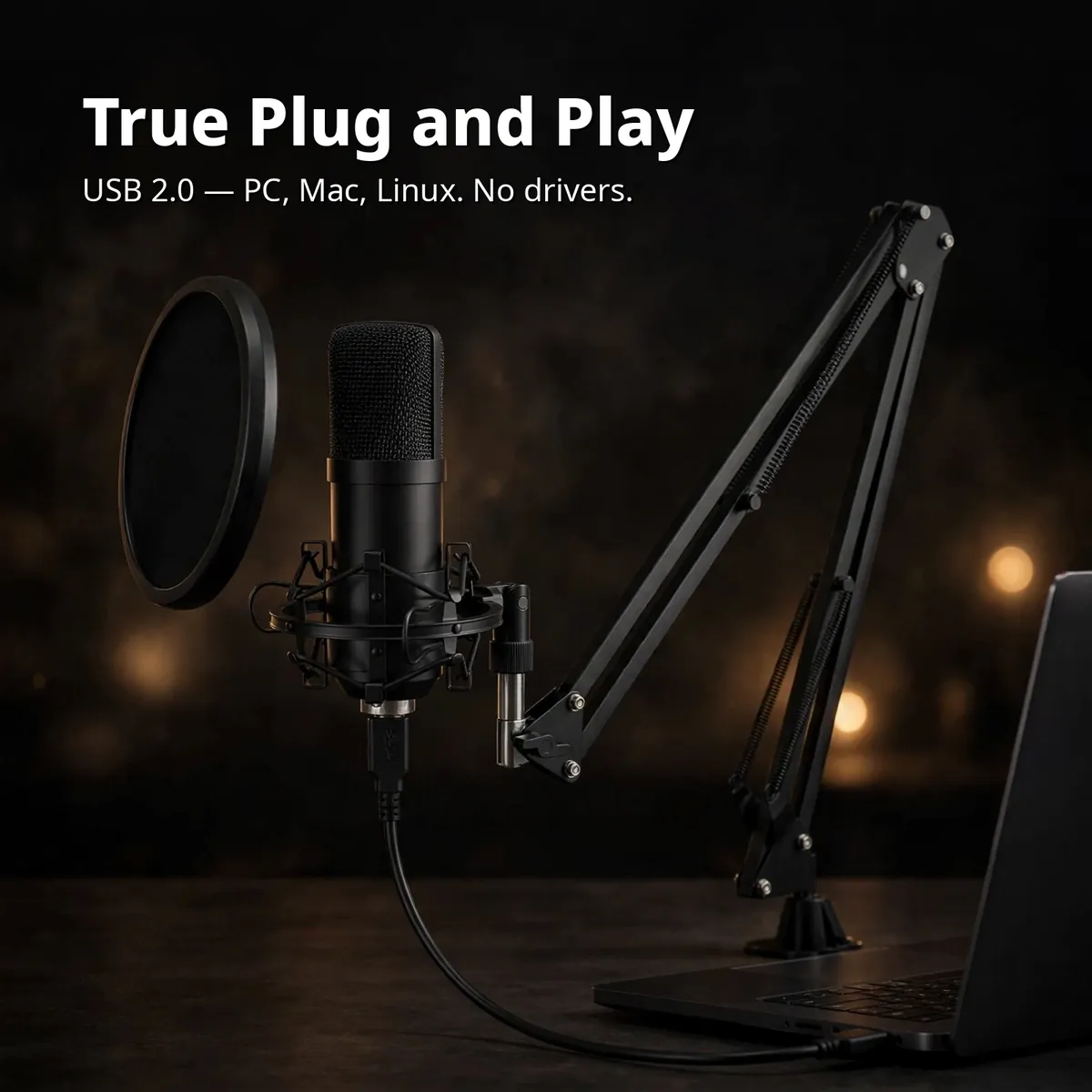
USB 2.0 connects to PC, laptop, MacBook, and Linux — no drivers to install, no external sound card to buy, no software to learn. The cable in the box is USB-B to USB-A, double-shielded with a magnet ring that resists interference, so the signal stays clean from mic to machine. This is the ease promise the maono au-a04 is built on: unbox, clamp the arm to your desk, plug the USB cable in, and your computer sees a microphone. Recording can start in minutes, not after a driver download and a forum search.
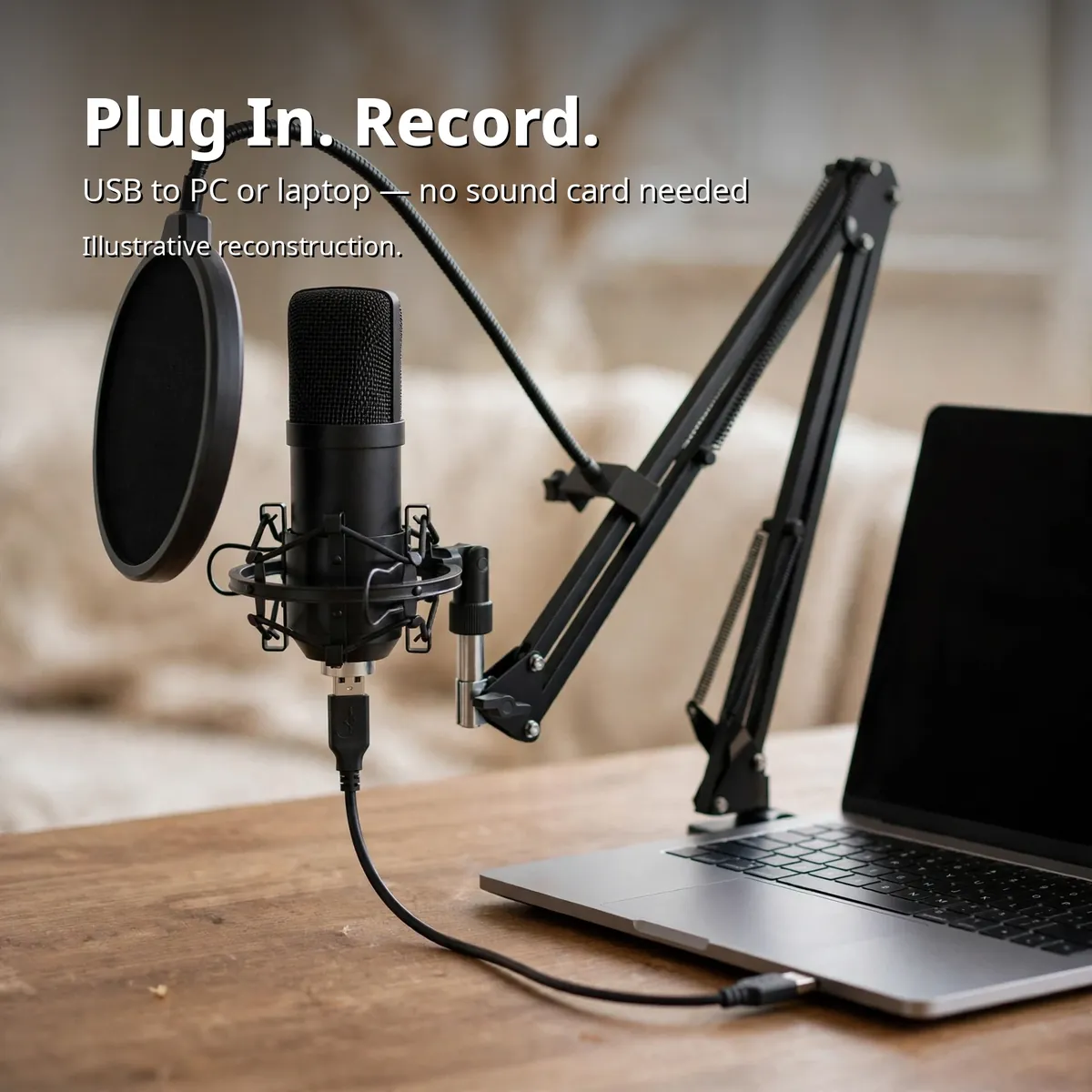
It works where you work: Windows PCs, laptops, MacBooks, and Linux machines all take the maono au-a04 without drivers. If your recording device is a phone, the connection is possible with an OTG adapter — honestly flagged, because the adapter is not included in the box. The graphic above shows the connection in action: mic on its arm, USB straight into the laptop, no sound card and no drivers anywhere in the chain.
Cardioid: Focused on You
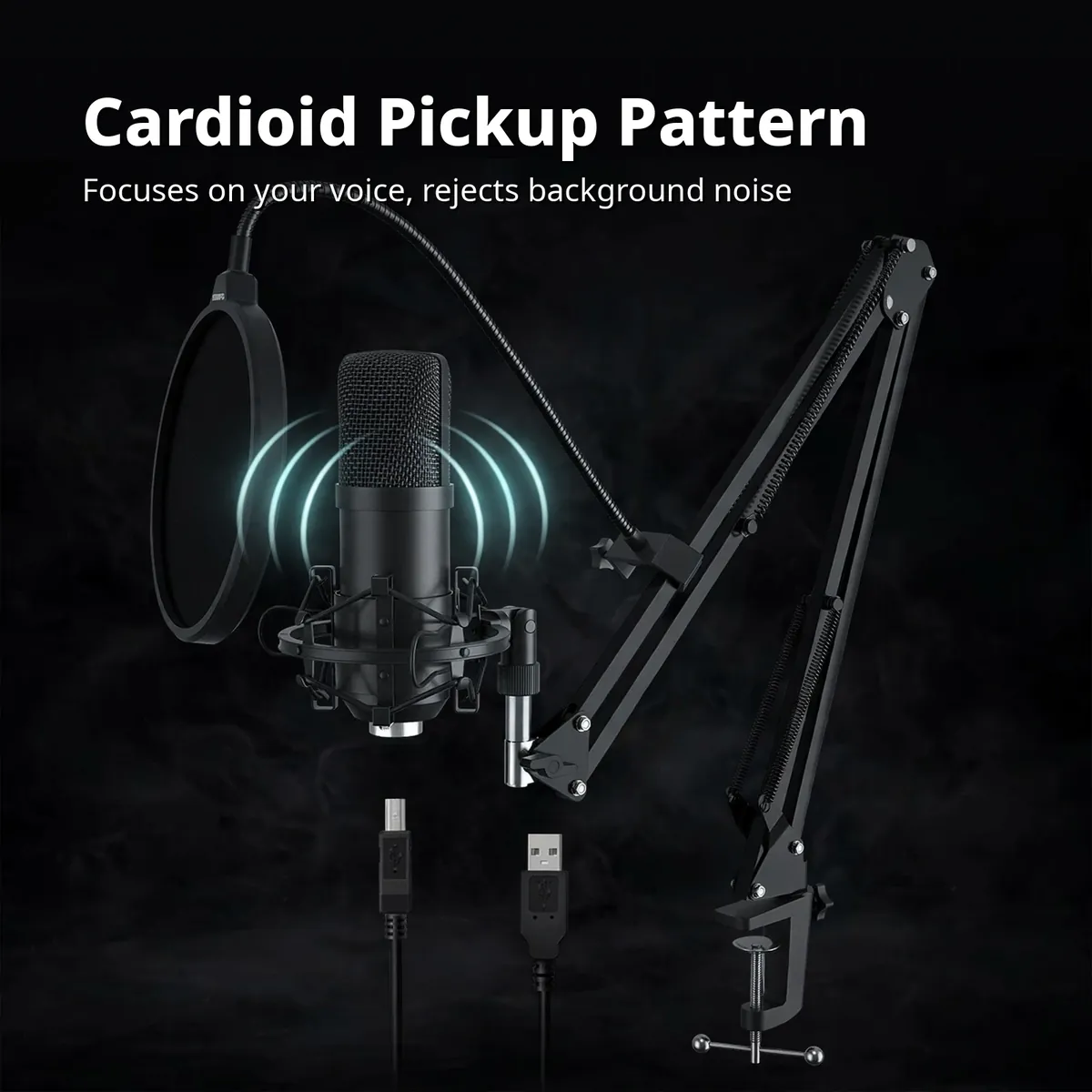
The cardioid pickup pattern is the maono au-a04’s other headline feature: it captures your voice from the front and reduces sound from the sides and rear. That is the physics that makes it a podcast mic rather than a conference mic — it wants one voice, yours, and politely turns down the room around it. For podcasts, YouTube voiceovers, livestreams, and calls, that front-focused capture keeps fan noise, traffic, and the neighbor’s television out of your recording.
An honest limit stated plainly: cardioid reduces background noise; it does not erase it, and the maono au-a04 claims nothing otherwise. A condenser capsule is sensitive by nature — it hears detail, which includes the detail of a noisy room. The right setup is a reasonably quiet space, the mic close to your mouth on the boom arm, the pop filter in front. Used that way, the cardioid pattern does what the notes promise: more voice, less room.
Desk Studio in a Box
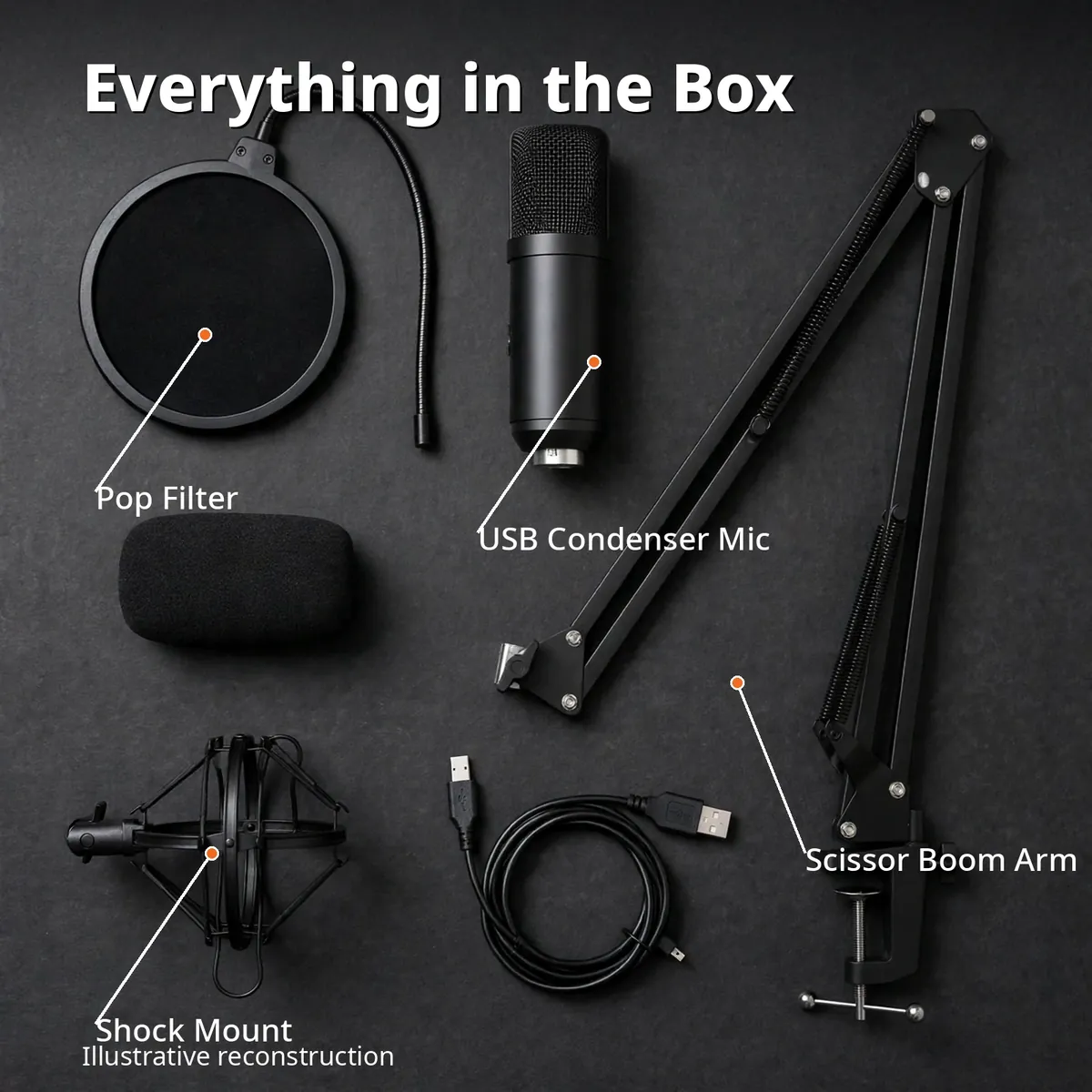
Completeness is the second half of the maono au-a04 promise, and it is why the keyword research calls this model a “combo.” One purchase delivers the condenser mic, an adjustable scissor arm, a metal shock mount, a pop filter, a foam windscreen, a table mounting clamp, and the USB cable — no second shopping trip for an arm. The flat-lay infographic above is an illustrative reconstruction of the verified box contents, with leader callouts on the headline pieces: pop filter, USB condenser mic, scissor boom arm, shock mount.
Each piece earns its place. The scissor arm positions the mic exactly where your voice is, then folds away when you are done. The metal shock mount isolates the mic from desk bumps and typing thumps. The pop filter tames plosives on its gooseneck; the foam windscreen covers the grille for close work. Nothing in the box is decorative.
Inside the MAONO AU-A04
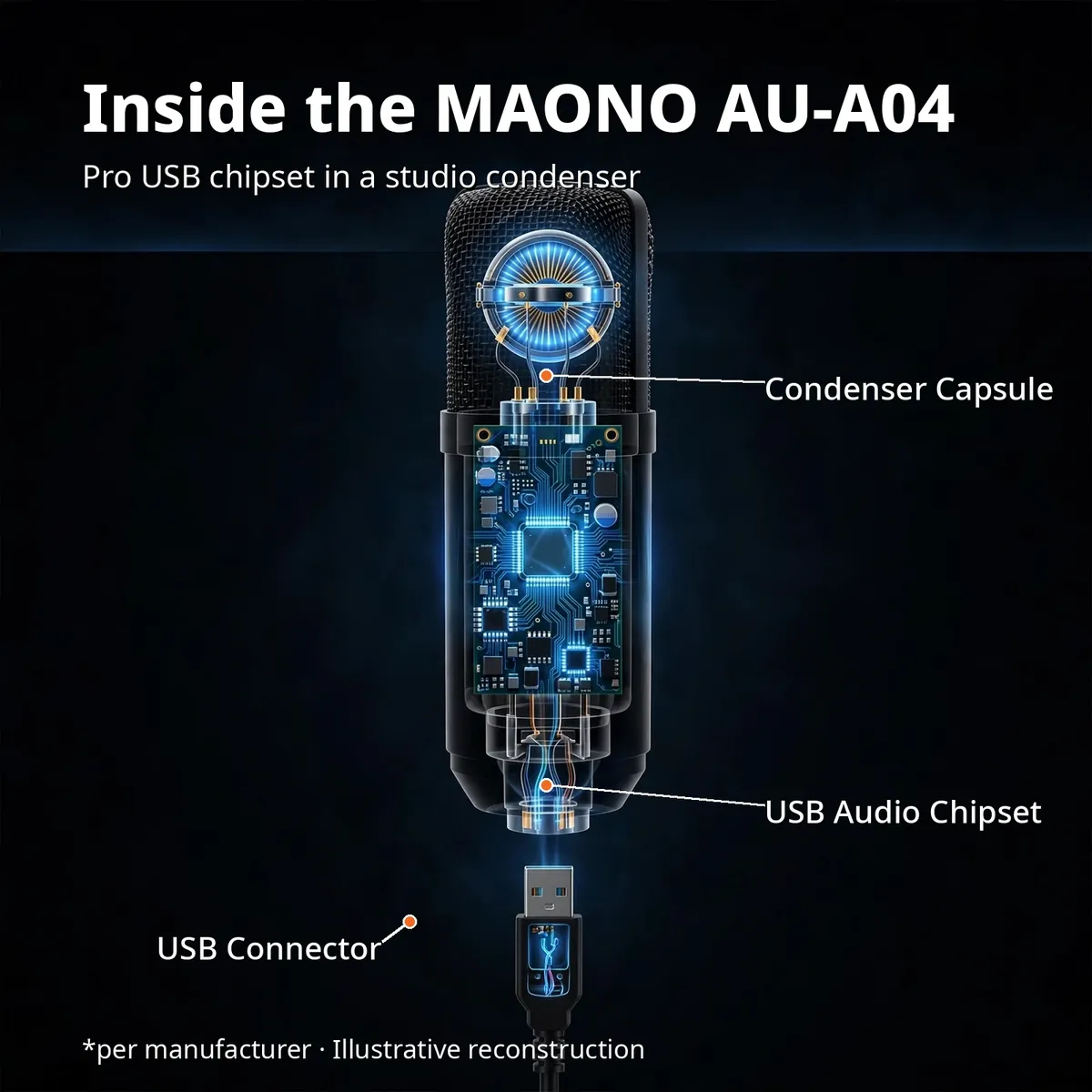
Inside the all-black body: the 16mm condenser capsule that captures your voice, the pro sound chipset that converts it to 192kHz/24bit digital audio, and the USB interface that carries it to your computer. The x-ray cutaway above is an illustrative reconstruction of the manufacturer’s listed internals — not a photograph of disassembled hardware. The callouts name the three parts that define the model: Condenser Capsule, USB Audio Chipset, USB Connector.
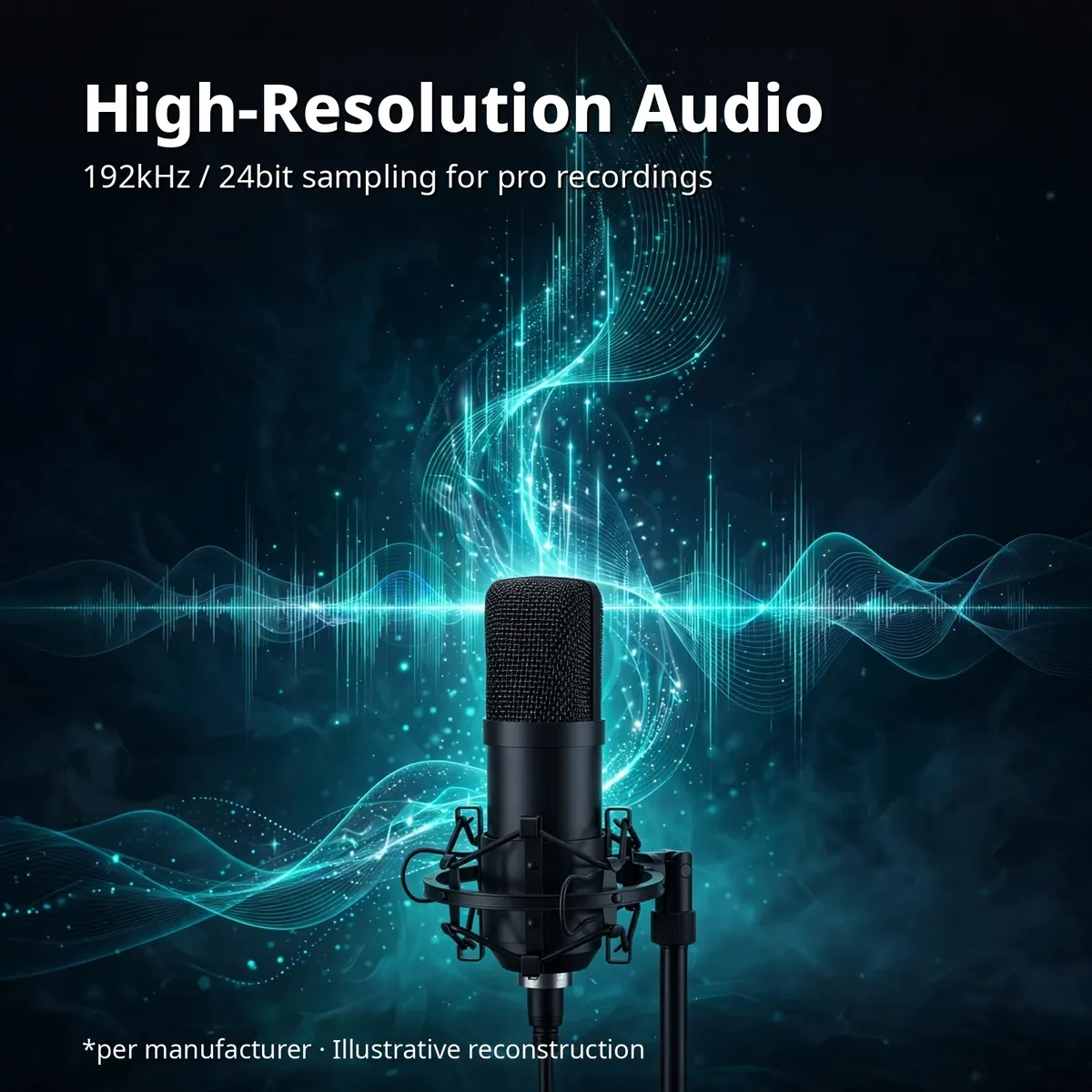
The chipset gets its own artwork: the mic wrapped in glowing audio waveforms under the headline “High-Resolution Audio” — a visualization of the verified 192kHz/24bit sampling that carries the signal from capsule to computer. Same illustrative-reconstruction treatment with the same manufacturer footnote, stating the capability the research notes confirm.
What’s in the Box
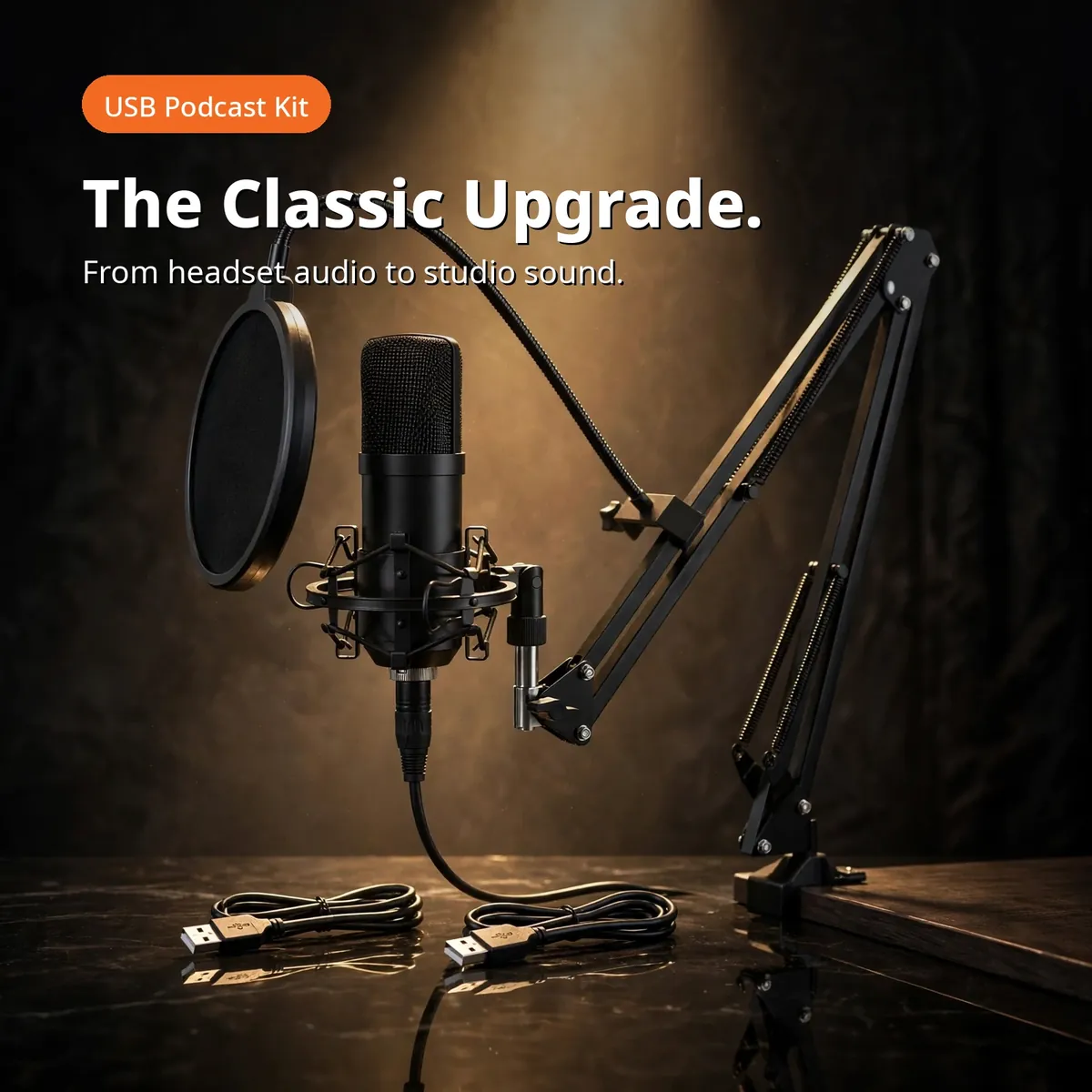
The maono au-a04 box contains the condenser mic, the adjustable scissor boom arm, the metal shock mount, the pop filter, the foam windscreen, the table mounting clamp, and the USB-B to USB-A cable — seven items, the complete desk-studio kit, exactly as the verified research notes list them. The promo hero above shows the mic on its arm in a studio spotlight, with no prices and no extras that are not in the box.
One honest exclusion: phone connection needs an OTG adapter, and it is not included. This is a USB microphone kit — the cable in the box is USB-B to USB-A for computers. If mobile recording is your plan, source the OTG adapter separately before ordering.
AU-A04 vs AU-A03 vs the PD Series
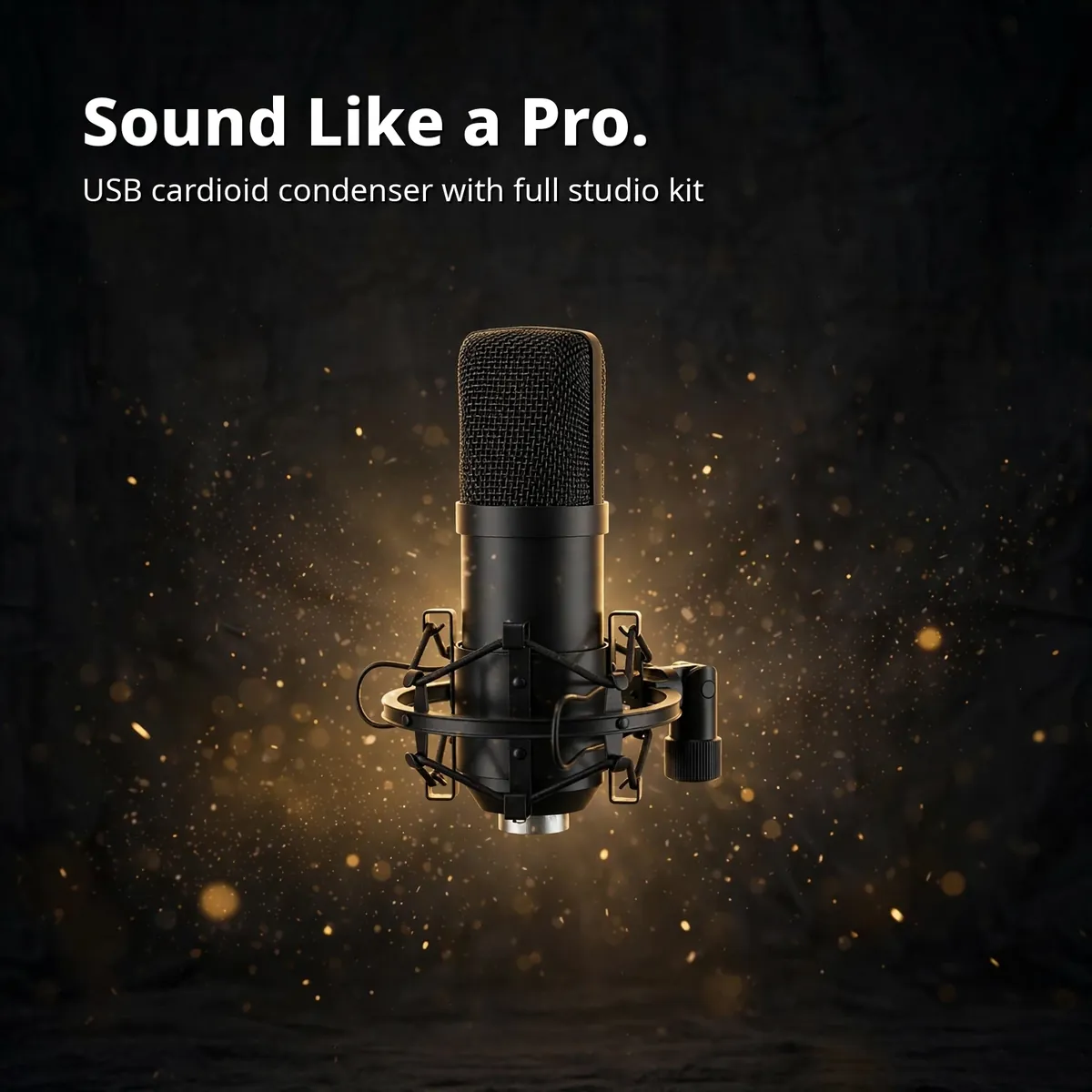
Maono’s naming is close enough to confuse, so here is the map. The AU-A04 — this listing — is the USB plug-and-play cardioid condenser with the boom-arm combo kit: 192kHz/24bit, USB 2.0, no drivers, seven items in the box. The AU-A03 is its sibling in the same family but connects over 3.5mm, not USB — a separate listing for buyers who want an analog connection and no drivers by design. Then there is the PD series — PD100X, PD200X, PD200XS, PD300X, PD400X — USB/XLR dynamic microphones, a different family with dual USB/XLR connectivity and RGB on some models. Nothing from the PD series is described or sold here: no XLR port, no dynamic capsule, no RGB, no borrowed specs.
Buy the maono au-a04 when the brief is USB simplicity plus a complete desk kit: podcasters, streamers, teachers, and voiceover artists recording into a computer. If you specifically want a 3.5mm connection, the AU-A03 is the sibling to compare. If you want USB/XLR flexibility or a dynamic capsule for untreated rooms, the PD series is the family to look at.
Specifications
| Brand | MAONO |
|---|---|
| Model | AU-A04 (USB Microphone Combo Setup) |
| Type | USB cardioid condenser microphone |
| Audio chipset | Pro-grade, up to 192kHz/24bit sampling |
| Frequency response | 30Hz – 16kHz |
| Transducer | 16mm electret condenser |
| Connection | USB 2.0 (USB-B to USB-A cable, double-shielded with magnet ring) |
| Compatibility | PC, laptop, MacBook, Linux — no drivers, no external sound card |
| Phone note | Phone connection possible with OTG adapter (not included) |
| Kit contents | Condenser mic, scissor boom arm, metal shock mount, pop filter, foam windscreen, table mounting clamp, USB cable |
| Warranty | a 6-month store warranty |
All figures are taken from the verified research notes for the maono au-a04.
Getting the Take Right: Placement and the Pop Filter
A condenser microphone rewards placement more than settings, and the maono au-a04 is built to make good placement easy. The cardioid pattern listens from the front, so the habit that matters most is keeping the grille facing your mouth at close range on the scissor arm: near enough that your voice is the loudest thing the capsule hears, far enough that you can talk naturally. The arm does the holding for you — swing it in when you record, swing it away when the session ends, and your distance stays consistent from take to take instead of drifting the way a handheld setup does.
The two accessories in front of the grille each solve a specific problem. The pop filter sits on its gooseneck between your mouth and the mic, softening the bursts of air on “p” and “b” sounds before they can thump the capsule. The foam windscreen slips over the grille for the closest work, where breath noise shows up most. Underneath it all, the metal shock mount isolates the mic from the desk itself, so the bump of a keyboard, a mug set down hard, or a foot against the table leg travels up the furniture instead of into your recording. None of this needs configuring — it is the verified kit, arranged the way it was designed to be used.
One Kit Across the Whole Week
The working week is where a combo kit proves itself, because the maono au-a04 keeps showing up in different jobs without new purchases. In the morning it is the online teacher’s microphone: arm swung in, voice clear and present over USB, no drivers to update before the first class connects. In the afternoon it is the podcaster’s mic, recording an episode with the pop filter in place and the cardioid pattern keeping the room’s edges out of the take. For the voiceover artist, the same setup reads a script at close range with the windscreen on; for the streamer, it carries commentary that sits cleanly over game audio.
What makes the rotation painless is that nothing about the setup changes between jobs. The same USB 2.0 connection works on PC, laptop, MacBook, and Linux machines, so the kit can move between a desktop and a laptop without a driver install or a sound card appearing in the chain. And when the day is done, the scissor arm folds away and the desk goes back to being a desk — the full studio is one box, opened when needed and stored without ceremony.
Why Buy From Gadget Superb
Order the maono au-a04 from Gadget Superb with cash on delivery anywhere in Bangladesh — pay in cash when the parcel arrives, with no advance payment, card details, or OTPs ever asked. Delivery takes 1–3 working days inside Dhaka (৳70) and 2–5 working days outside Dhaka (৳120). Every order carries 7-day easy returns: keep the kit in original condition with the box and accessories, and start a return with your order number via hotline 09638054751, care@gadgetsuperb.com, or Messenger.
MAONO is a global microphone brand — see maono.com — and Gadget Superb curates its models for Bangladeshi creators. Explore the full Audio Electronics collection or compare Microphones to find the right fit.
Frequently Asked Questions
What exactly is the maono au-a04?
The maono au-a04 is a USB cardioid condenser microphone combo setup: the mic itself plus an adjustable scissor boom arm, metal shock mount, pop filter, foam windscreen, table mounting clamp, and a USB cable — seven items that turn any desk into a podcast station. It connects over USB 2.0 with no drivers, aimed at podcasters, streamers, online teachers, and voiceover artists.
Is the maono au-a04 really plug and play?
Yes — USB 2.0 to a PC, laptop, MacBook, or Linux machine with no drivers to install and no external sound card to buy. The USB-B to USB-A cable in the box is double-shielded with a magnet ring to resist interference. Clamp the arm, plug in, and your computer recognizes the microphone.
What does 192kHz/24bit mean for my recordings?
It is the resolution of the digital audio the mic produces: 192kHz sampling with 24-bit depth, handled by the maono au-a04’s pro-grade chipset. Higher resolution captures more nuance in your voice — the detail that separates studio audio from headset audio. With a smooth 30Hz–16kHz frequency response and a 16mm electret condenser transducer, it suits singing, speech, and voice work.
What comes in the box?
Seven items: the condenser mic, adjustable scissor boom arm, metal shock mount, pop filter, foam windscreen, table mounting clamp, and the USB-B to USB-A cable. That is the complete verified kit. A phone OTG adapter is not included.
How is the maono au-a04 different from the maono au-a03?
The connection is the difference. The maono au-a04 is the USB model — plug-and-play over USB 2.0, no drivers. The maono au-a03 is the sibling in the same family but connects over 3.5mm instead of USB. Choose the au-a04 if your recorder is a computer and you want USB simplicity.
How is the maono au-a04 different from the Maono PD series?
Different family entirely. The PD100X, PD200X, PD200XS, PD300X, and PD400X are USB/XLR dynamic microphones — dual USB/XLR connectivity, dynamic capsules, RGB on some models. The maono au-a04 is a pure USB cardioid condenser with a seven-piece desk kit and 192kHz/24bit audio. Nothing from the PD series is described or sold on this page.
Will the maono au-a04 work with my phone?
Phone connection is possible with an OTG adapter — but the adapter is not included in the box, so source it separately. The cable supplied is USB-B to USB-A for computers. The maono au-a04 is natively a computer microphone: PC, laptop, MacBook, and Linux, no drivers.
Does the cardioid pattern eliminate background noise?
It reduces it; it does not eliminate it. The cardioid pattern captures your voice from the front and reduces sound from the sides and rear — fan noise, traffic, and room chatter sit lower in your recording. But a condenser capsule is sensitive by design, so a noisy room still reaches the mic. Best results: a reasonably quiet space, the mic close to your mouth on the boom arm.
How do I set the maono au-a04 up on my desk?
Clamp the scissor arm to the desk edge with the table mounting clamp, seat the mic in the metal shock mount, and place the pop filter on its gooseneck in front of the grille. Connect the USB cable to your computer — no drivers, no sound card. The arm folds away when you are done.
What warranty does the maono au-a04 come with?
a 6-month store warranty
How long does delivery take, and how does cash on delivery work?
Inside Dhaka, delivery costs ৳70 and takes 1–3 working days; outside Dhaka, it costs ৳120 and takes 2–5 working days. These are estimates, not guarantees. Cash on delivery means you pay the courier in cash when the parcel arrives — Gadget Superb never asks for advance payment, card details, OTPs, or mobile-banking PINs. Every order carries 7-day easy returns in original condition with the box and accessories.
What is the price of the maono au-a04 in Bangladesh?
The current price is shown on the product page and can change during sales, so no figure is quoted here. Check the live MAONO AU-A04 page on Gadget Superb for today’s price — that is what you pay in cash on delivery, plus the standard delivery fee.
Is the maono au-a04 good for singing?
Yes — singing is one of the uses its specification is tuned for. The smooth 30Hz–16kHz frequency response and the 16mm electret condenser transducer deliver the strong bass and clear highs the page describes for singing, speech, and voice work, and the foam windscreen in the kit helps at the close distances singing usually involves.
How close should I speak into the maono au-a04?
Close — that is how a cardioid condenser is meant to be used. Position the mic on the boom arm near your mouth with the pop filter in front of the grille, and speak across the front of the capsule, where the cardioid pattern focuses. Close placement is what lets the pattern favour your voice over the room around you; the setup FAQ above covers the physical arrangement step by step.
How do I look after the pop filter and foam windscreen?
Keep both clean and dry and they will last. Dust the pop filter’s mesh and the foam windscreen gently between sessions, let the windscreen dry fully if it picks up moisture from close work, and store the kit with the windscreen on the grille so the capsule stays covered. They are simple accessories — a little routine care keeps them doing their jobs.
Related products
-27%
70 in stock
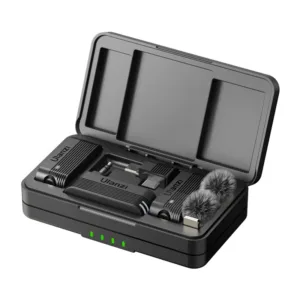
Ulanzi A100 Wireless Lavalier Microphone
Original price was: ৳ 4,360.৳ 3,180Current price is: ৳ 3,180.-23%
50 in stock
SX21 Noise Reduction Lavalier Wireless Microphone For Type-C
Original price was: ৳ 1,690.৳ 1,300Current price is: ৳ 1,300.-26%
49 in stock

SX23 Noise Canceling Mini Wireless Lavalier Microphone
Original price was: ৳ 2,950.৳ 2,180Current price is: ৳ 2,180.-23%
48 in stock


Hoco L21 ENC Wireless Microphone For Lightning
Original price was: ৳ 1,300.৳ 1,000Current price is: ৳ 1,000.-28%
18 in stock
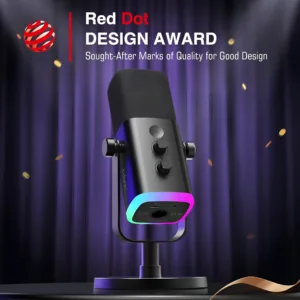

Fifine Ampligame AM8 RGB USB/XLR Dynamic Microphone
Original price was: ৳ 9,920.৳ 7,130Current price is: ৳ 7,130. MAONO AU-A04 USB Microphone Co...
 Original price was: ৳ 7,040.৳ 5,060Current price is: ৳ 5,060.
37 in stock
Reviews
There are no reviews yet.