No products in the cart.

-26%
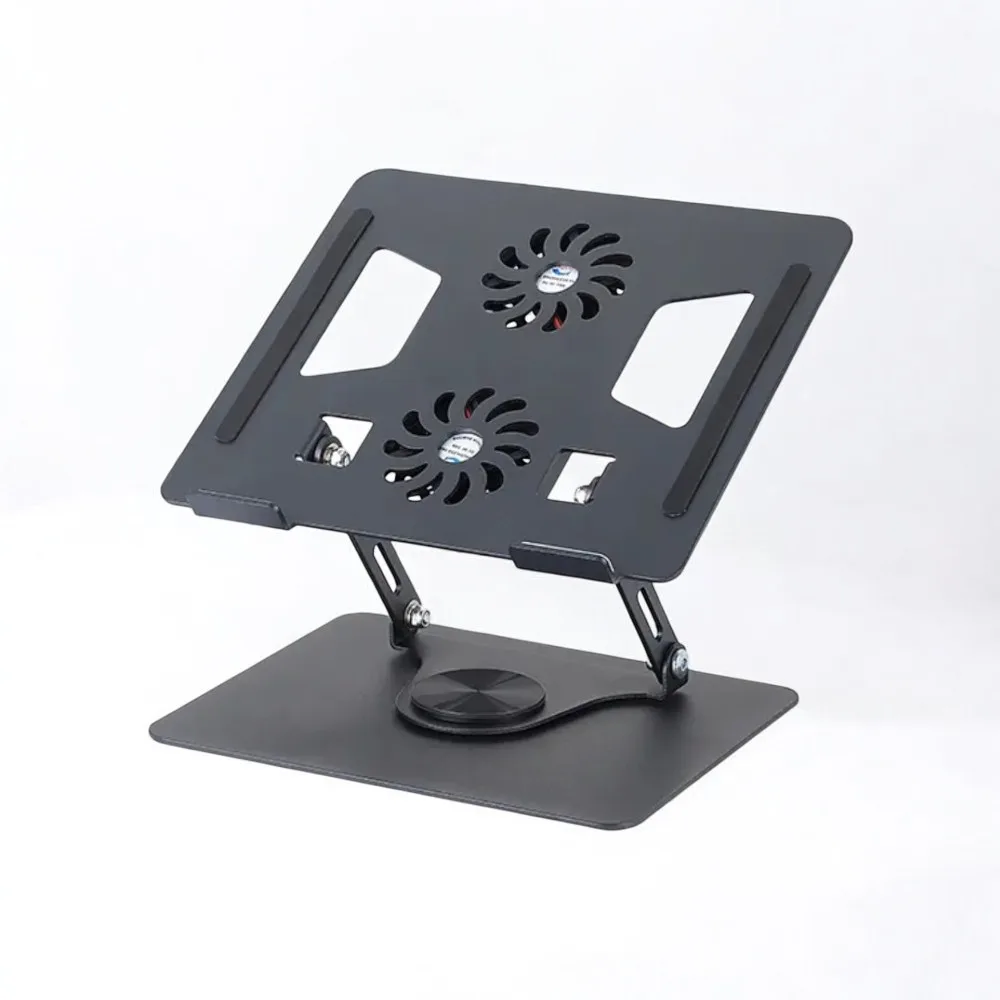

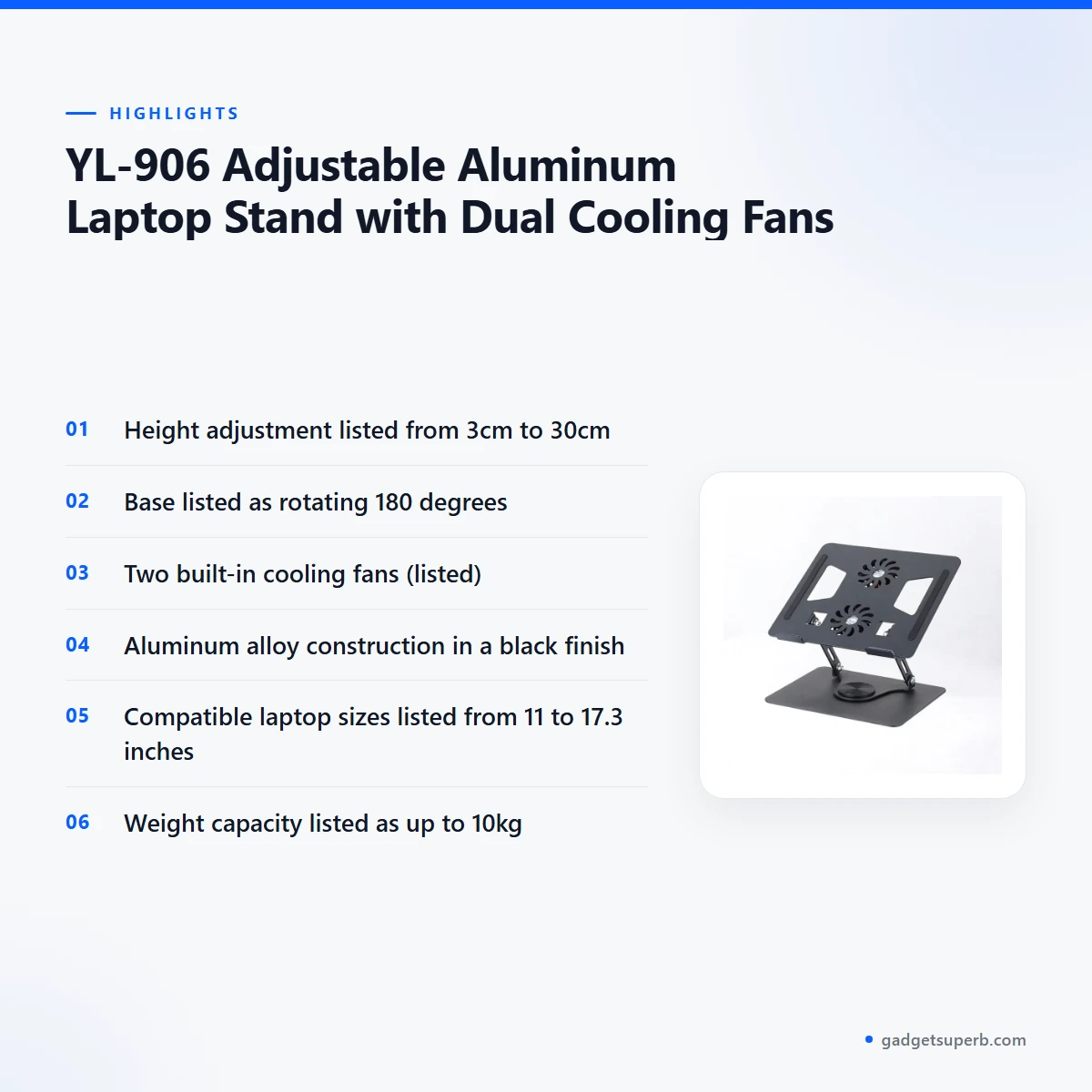

The yl-906 laptop stand is an adjustable aluminum alloy stand that the listing describes as enhancing ergonomics and cooling, with a height range of 3cm to 30cm. It is aimed at people who use a laptop at a desk, a dining table or a shared workspace across Bangladesh, from home offices to student rooms.
- Overview
- Key features
- Specifications
- How to use / set up
- Compatibility and what is in the box
- Who should buy it in Bangladesh
- Alternatives in our store
- Warranty and support
- Delivery, returns and ordering
- Frequently asked questions
What is the yl-906 laptop stand?
Think of the yl-906 laptop stand as a platform that lifts your screen and keeps the laptop off a flat desk surface. The listing describes a rotating base and double-axis infinite adjustment, with height adjustments from 3cm to 30cm. Those features are the core of the product, and the sections below explain them in plain terms.
The yl-906 laptop stand is listed as a black stand made from aluminum alloy, with two built-in cooling fans. The maker lists it as compatible with laptops from 11 to 17.3 inches, including MacBook, Dell and HP models. If your machine sits outside that range, confirm your model and size before you order.
For a Bangladeshi buyer, the practical question is whether the yl-906 laptop stand fits your desk and your routine. It is listed as compact and portable, so it can move between a home office, a shared desk or a trip. Many people in Dhaka work from a dining table or a bed for part of the week, and a stand like this can make that setup feel more settled.
Bangladeshi homes vary a lot. Some have a dedicated study table, while many others use a dining table, a sofa with a low tray or a corner of a bedroom. A stand with a wide height range gives you more ways to adapt, but you still need to measure the space you plan to use. Think about where the nearest power point is too, because the fans connect to your laptop or to an external USB power source.
Measure the area before you decide. The platform is listed at 21.7cm x 25cm and the base at 23.5cm x 18.5cm. Leave room for your keyboard, mouse and any notebook you use each day, and check that the stand will not sit on the edge of a surface where it could be knocked.
Key features
The listing sets out six features for the yl-906 laptop stand. Each is explained below in plain terms, with the listing’s wording used where it matters.
Double-axis infinite adjustment
The listing describes double-axis infinite adjustment, which lets you set both the height and the angle of your screen. Height adjustment is listed from 3cm to 30cm, so you can raise the laptop to bring the top of the screen closer to eye level, or lower it for a closer view.
According to the listing, this helps improve posture and reduce neck strain. Set the yl-906 laptop stand to the height that suits your chair and desk, then check the position again after a few days of use. Small changes often matter more than one perfect setting, so adjust gradually and note what feels right for your working hours.
180-degree rotatable base
The base is listed as rotating 180 degrees. The maker lists this as a way to switch between portrait and landscape modes or to share the screen with someone sitting beside you. That is useful when you are reading a long document, reviewing a web page or showing a colleague a file.
Turn the base slowly and keep the laptop centred on the platform, so it stays secure on the anti-slip pads. The yl-906 laptop stand gives this flexibility without changing the layout of your desk.
Two integrated cooling fans
The listing describes two built-in cooling fans that help prevent laptops up to 17.3 inches from overheating during extended use. The maker also lists the fans as improving ventilation, which matters during long lectures, video calls or spreadsheet sessions.
With the yl-906 laptop stand, connect the fans to your laptop or to an external USB power source, as the listing explains. Dhaka’s humid months can make a warm laptop feel warmer still, so airflow on the desk is worth checking. For general background on how fans move air, see a general overview of fans on Wikipedia. Treat the fans as support for airflow rather than a fixed promise of temperature.
Aluminum alloy build with anti-slip pads
The yl-906 laptop stand is constructed from aluminum alloy, which the listing describes as durable, lightweight yet sturdy and helpful for heat dissipation. Anti-slip silicone pads on the platform and base are listed as keeping the laptop secure.
Wipe the pads and the metal surface with a soft, dry cloth to keep grip and finish in good condition. Avoid harsh cleaners unless the maker’s instructions allow them. A stable base is useful on desks where a laptop may slide during a call or while you type, and it gives you more confidence when you change the angle.
Foldable and portable design
The listing describes the stand as foldable and portable, with an open design for easy storage and transport. It is listed as suitable for home offices, travel or shared desks. The listing also says the open design promotes airflow and organised cable management.
Fold the stand flat when it is not in use, so it takes less space in a cupboard or on a shelf. For Dhaka commuters or students who move between rooms, this is the main practical reason to consider the yl-906 laptop stand.
Compatibility from 11 to 17.3 inches
The listed compatible range is 11 to 17.3 inches, and the maker names MacBook, Dell and HP among popular models. Check your laptop’s screen size first, because the listing does not give a full model-by-model list. If you use a device outside the range, ask us first.
The yl-906 laptop stand is designed around the listed range, so the best match is a laptop within it. Anti-slip pads and the platform size are listed in the specifications table below, which can help you judge fit.
Specifications
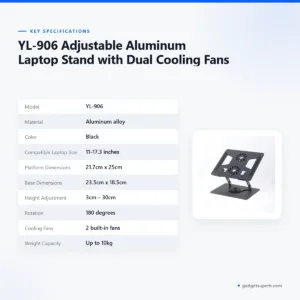
The table below lists the specifications for the yl-906 laptop stand, as given in the product listing.
| Model | YL-906 |
| Material | Aluminum alloy |
| Color | Black |
| Compatible Laptop Size | 11-17.3 inches |
| Platform Dimensions | 21.7cm x 25cm |
| Base Dimensions | 23.5cm x 18.5cm |
| Height Adjustment | 3cm – 30cm |
| Rotation | 180 degrees |
| Cooling Fans | 2 built-in fans |
| Weight Capacity | Up to 10kg |
These are listed specifications from the product listing.
Use these figures when you measure your desk, check your bag or confirm that your laptop falls inside the listed size range. Where the listing gives a figure, this page repeats it exactly, and where it gives none, this page says so.
Platform and base dimensions are useful when you plan space. Lay a sheet of paper of the platform size on your desk to see whether there is room for the keyboard and a mouse beside it. The weight capacity is listed as up to 10kg, which is the figure to check if you place heavy equipment on the stand.
How to use / set up
Setting up the yl-906 laptop stand takes only a few minutes. The steps below follow the listing’s own description of how it works.
- Place your laptop on the platform, making sure it is secured by the anti-slip pads.
- Adjust the height by extending the arms to your desired ergonomic level between 3cm and 30cm.
- Rotate the base up to 180 degrees to switch between portrait and landscape modes or share the screen.
- Connect the cooling fans to your laptop or an external USB power source to circulate air and reduce heat buildup.
- Fold the stand flat for compact storage when not in use.
Once the stand is in place, sit at your usual distance from the screen and check that the top edge sits near eye level. Make small adjustments rather than large jumps. Keep the keyboard and mouse at a comfortable distance so your wrists and shoulders stay relaxed during long sessions.
Before first use, follow the maker’s instructions. The listing does not describe setup in more detail, so ask us if a step is unclear before you rely on the yl-906 laptop stand for daily work.
A simple daily routine helps. Each morning, place your laptop on the platform, check that the anti-slip pads are under the corners, and set the height before you open your work. Two minutes at the start of the day means you are less likely to keep adjusting the screen by hand.
Keep the yl-906 laptop stand clean and dry. Wipe the aluminum surface with a soft dry cloth, and keep liquid away from the fans and the pads. Store it folded in a dry place when you are not using it, and check the pads from time to time so the grip stays firm.
A dry brush or cloth is enough for routine dust. Avoid spraying cleaner near the fans, and let the surface dry fully before you fold the stand away.
Humidity is a practical concern in Dhaka during the monsoon. Keep the stand off damp floors and away from open windows during rain, and store it in a dry cupboard if the room tends to feel close. Dry the surface before you fold it away.
If you connect the fans to a USB power source, plan where the cable will run. Keep cables clear of the hinges and the base, so the stand can be adjusted freely. The listing describes an open design that promotes organised cable management, so route cables along the back edge where possible.
On a shared desk, agree on a height before you start work, and note the setting so it is easy to return to. Fold the stand when the desk is needed for another task, and keep it in an agreed place.
Load-shedding can interrupt a session. Save your work often, and connect the fans only when you need them. Think about this before a long session rather than during one.
Compatibility and what is in the box
The yl-906 laptop stand is listed as compatible with laptops from 11 to 17.3 inches. The maker names MacBook, Dell and HP as examples of popular models in that range, but the listing does not confirm compatibility with every model.
The listing does not state what is in the box. Treat the package contents as not confirmed by the listing, and ask us to confirm them before you pay on delivery.
The listing gives a compatible laptop size of 11 to 17.3 inches. If you plan to use a tablet or a phone, check with us first, because those devices are not described in the listing.
Compatibility also depends on how your laptop sits on the platform. Use the anti-slip pads, keep the machine centred, and make sure the base is stable before you raise the screen to a higher setting. A heavier laptop should be checked against the listed weight capacity of up to 10kg.
Before you order the yl-906 laptop stand, confirm your laptop model and screen size. Write down the model name from your laptop or its settings page, and send it to us with your question. That gives us the detail we need to answer for your device.
Who should buy it in Bangladesh
A remote worker in a Dhaka flat who uses a laptop on a dining table will often want a higher screen and a stand that supports airflow. The yl-906 laptop stand suits that scenario because the listing describes height adjustment and cooling fans. Think about how many hours a day you spend on the laptop, and whether a higher screen would reduce the time you spend bent over the keyboard.
A student who revises late at night may value the cooling fans and the adjustable angle during long sessions. A student using the yl-906 laptop stand at a small desk should check that the platform size fits the laptop and any notebooks around it.
Shared hostel rooms and family flats often have limited desk space, so a stand that folds flat can help. Measure your desk before deciding, and keep the folded stand where it does not block the door.
A shared family desk is another good fit. The rotating base lets you share the screen with someone beside you, and the folding design means it can be put away when the desk is needed for something else. Agree on a height and angle that suits both people.
Frequent travellers and commuters who carry a laptop between home and office will find the foldable design relevant. The yl-906 laptop stand is described as portable and foldable for transport. The listing does not give folded dimensions, so check your bag against the platform and base sizes in the specifications table before you travel.
A freelancer who edits video on a laptop may find the cooling fans on the yl-906 laptop stand useful. The listing describes the fans as helping prevent overheating during extended use, but it does not give fan speeds or noise levels, so try your own workflow before you rely on it.
For this stand, the fans are connected to your laptop or an external USB power source, as the listing describes. During load-shedding, plan your session with that in mind, and keep your laptop charged as you normally would. A short, planned session is often easier than trying to work through an unexpected power cut.
A parent who helps a child with online classes at home may want a steady screen height that stays the same from day to day. Set the stand once, note the height, and fold it away after lessons.
A small business owner who takes orders by laptop at a counter may appreciate the rotating base when showing a screen to a customer. Check the platform size against your counter space first.
Buyers who work in more than one room should think about routine. Moving the laptop from a bedroom to a living room is easier when the stand folds flat and fits in a bag or cupboard. Note the height you like in each room so you can set it quickly.
Who may want something else: if you need a fixed desk with storage, or a stand for a tablet, the yl-906 laptop stand may not be the right choice. Look at the alternatives below before you decide.
Alternatives in our store
If you want to compare the yl-906 laptop stand with other options, these items are in our store. Each is described only by its name and category.
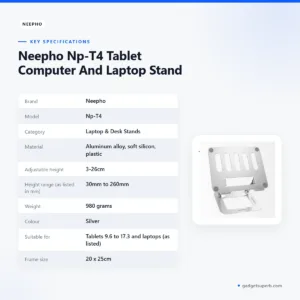
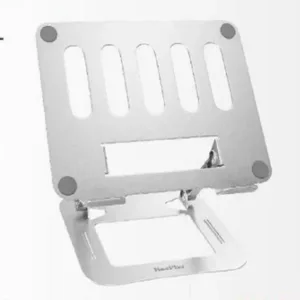
Another tablet and laptop stand in our range is Neepho Np-T4 Tablet Computer And Laptop Stand, which is listed under our stand products.
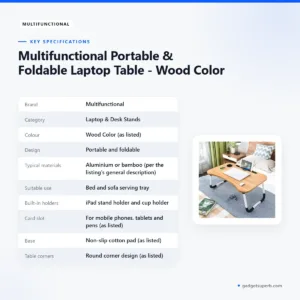
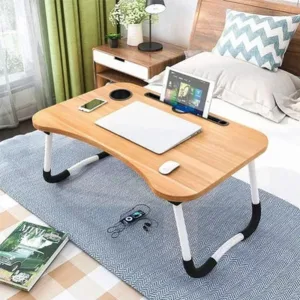
For a different style of desk support, see Multifunctional Portable & Foldable Laptop Table – Wood Color, a portable laptop table in our range.
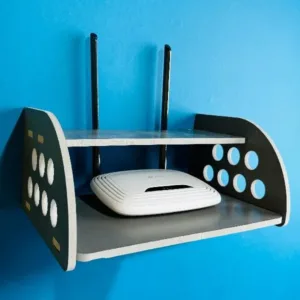
If your need is a router stand rather than a laptop stand, see GearUP Rounded Side Design Router Stand (Gray Colour), another stand in our range.
You can browse the full set of options in our Laptop & Desk Stands category and compare listings side by side. Keep the yl-906 laptop stand in your shortlist if its listed height, rotation and fan features match your desk.
When you compare, check the platform size, the listed height range and whether your laptop falls inside the listed size range. Those points are easy to compare across listings and help you avoid buying a stand that does not fit.
Warranty and support
Warranty: 7 Days seller warranty.
Delivery, returns and ordering
If you order the yl-906 laptop stand from us, the delivery and return terms below apply. Read them before you place your order so you know what to expect.
We deliver all over Bangladesh and you pay cash on delivery. Delivery usually takes 1–3 days inside Dhaka city and 2–5 days outside Dhaka.
You can return it within 7 days of delivery (see our Delivery & Returns policy).
Questions before ordering: call 09638054751, message us on Facebook Messenger or email care@gadgetsuperb.com. Our full policy is at the Delivery & Returns page.
Cash on delivery means you pay when the order reaches you. Keep your phone reachable so the delivery person can call you.
Customers in Dhaka city can usually expect the shorter 1–3 day window, while customers outside Dhaka should allow 2–5 days. If you need the stand for a specific date, mention it when you call so we can advise you on what is possible.
Before you order, decide where it will be delivered and who will receive it. Give us a contact number that works on the day, and check the address details so the parcel reaches the right place.
Returns are covered by the seven-day window in our policy. Keep your order details if you may need to return the yl-906 laptop stand, and read the full terms on the policy page before you send anything back.
Frequently asked questions
What is the yl-906 laptop stand?
The yl-906 laptop stand is an adjustable aluminum alloy stand with a rotating base and two built-in cooling fans, according to the listing. It is listed for laptops from 11 to 17.3 inches.
Which laptops fit the yl-906 laptop stand?
The listing gives a compatible size of 11 to 17.3 inches and names MacBook, Dell and HP among popular models. If you are unsure about your size, ask us before deciding.
Does the yl-906 laptop stand have cooling fans?
Yes, the listing says the stand has two built-in cooling fans that help prevent laptops up to 17.3 inches from overheating during extended use.
How high does the yl-906 laptop stand go?
The listing gives height adjustment from 3cm to 30cm, with double-axis infinite adjustment for height and angle.
Can I rotate the screen on the yl-906 laptop stand?
Yes, the listed base rotates 180 degrees, which the maker says allows switching between portrait and landscape modes or sharing the screen.
Is the yl-906 laptop stand portable?
Yes, the listing describes it as foldable, compact and portable, suitable for home offices, travel or shared desks.
What material is the yl-906 laptop stand made from?
The listing says the stand is constructed from aluminum alloy in a black finish.
Does the yl-906 laptop stand come with a warranty?
The listed warranty is 7 Days seller warranty.
How do I order and return the yl-906 laptop stand?
We deliver all over Bangladesh with cash on delivery, and you can return the stand within 7 days of delivery. See our Delivery & Returns policy for the full terms.
Is the yl-906 laptop stand suitable for a tablet?
The listing describes the stand for laptops from 11 to 17.3 inches and does not describe tablets, so please ask us before using it with one.
How long does delivery take for the yl-906 laptop stand?
Delivery usually takes 1–3 days inside Dhaka city and 2–5 days outside Dhaka. For a timing question, call 09638054751 or email care@gadgetsuperb.com.
Related products
-21%
97 in stock
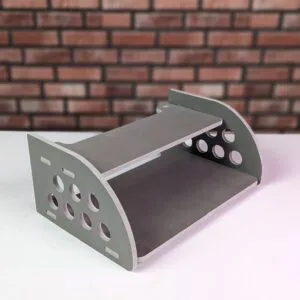
GearUP Rounded Side Design Router Stand (Gray Colour)
Original price was: ৳ 380.৳ 300Current price is: ৳ 300.-20%
50 in stock
Multifunctional Portable & Foldable Laptop Table – Wood Color
Original price was: ৳ 600.৳ 480Current price is: ৳ 480.-23%
461 in stock
Neepho Np-T4 Tablet Computer And Laptop Stand
Original price was: ৳ 1,990.৳ 1,530Current price is: ৳ 1,530.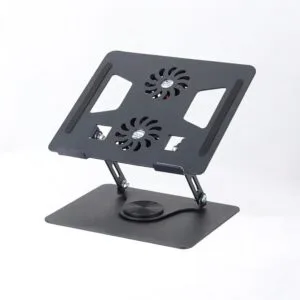 YL-906 Adjustable Aluminum Lap...
Original price was: ৳ 2,790.৳ 2,060Current price is: ৳ 2,060.
70 in stock
Reviews
There are no reviews yet.