No products in the cart.

-25%
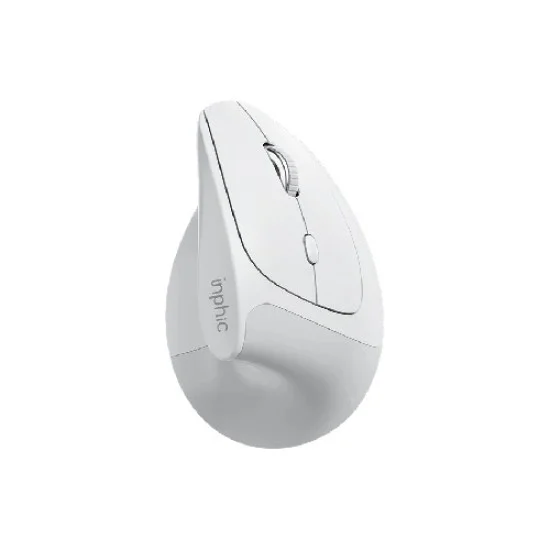

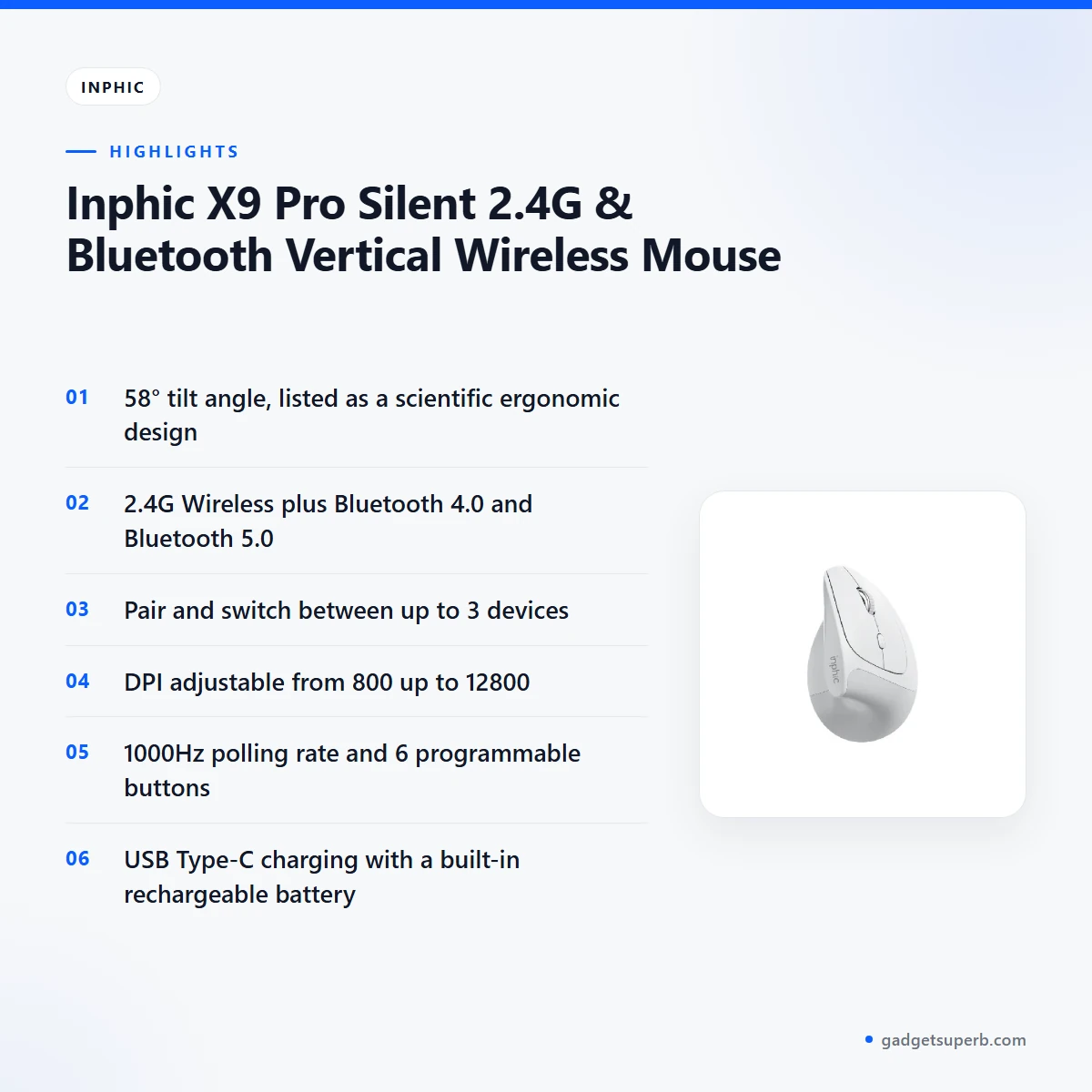

The Inphic X9 Pro mouse is a vertical wireless mouse for people who spend long hours at a desk and want a grip that feels less strained. According to the listing, it pairs a 58° ergonomic tilt with 2.4G and Bluetooth connectivity, so one mouse can move between a desktop PC, a work laptop and a tablet.
- Inphic X9 Pro mouse overview
- Key features
- Specifications
- How to use and set up
- Compatibility and what is in the box
- Who should buy it in Bangladesh
- Alternatives in our store
- Warranty and support
- Delivery, returns and ordering
- Frequently asked questions
Inphic X9 Pro mouse overview
The listing opens with a promise to help you say goodbye to wrist fatigue. It describes the Inphic X9 Pro mouse as engineered for professionals who spend hours at their desks, and it names a scientific ergonomic 58° angle as the main reason. According to the listing, that angle aligns the forearm and wrist naturally. Read this as the maker’s description of the design rather than a guarantee of comfort, because your comfort also depends on your desk, your chair and your working habits.
The listing also places the Inphic X9 Pro mouse between office ergonomics and gaming performance. It lists a 12800 DPI sensor and a 1000Hz polling rate for what it calls ultra-smooth tracking, and it pairs those figures with silent-click buttons. For buyers in Bangladesh, the practical question is whether one mouse can handle office documents, design files and casual play on the same desk. The listing says it can, and the rest of this page sets out the listed facts so you can judge for yourself.
Connectivity and charging complete the picture for the Inphic X9 Pro mouse. The listing names 2.4G Wireless, Bluetooth 4.0 and Bluetooth 5.0, and says you can pair and switch between up to 3 devices. It also describes a built-in rechargeable battery with USB Type-C charging, and it presents the mouse as an eco-friendly option with no disposable batteries. If you are weighing it for a shared desk, start with the listed connection options and check them against the devices you already own. For general background on keyboards and the input devices that sit beside them, see background on computer keyboards on Wikipedia.
Key features
Scientific vertical ergonomics
The listing describes a 58° tilt angle that it says reduces wrist pronation and forearm twisting. It describes the result as a healthier, handshake style grip, and it presents the shape as the core reason the Inphic X9 Pro mouse exists. Because this is a health-related claim made by the maker, read it as the listing’s statement rather than a promise. Your hand size, your desk height and the way you sit will all change how the grip feels, so give the mouse several days before you decide. If you already have wrist pain, speak to a doctor before you change your setup.
Tri-mode connectivity
The listing states that the mouse supports 2.4G Wireless, Bluetooth 4.0 and Bluetooth 5.0, and that you can pair and switch between up to 3 devices. In practice, one Inphic X9 Pro mouse could serve a desktop PC on the desk, a laptop for meetings and a tablet for reading or sketching. The listing does not describe the switching steps in detail, so follow the maker’s instructions for pairing each device. Shared desks in Dhaka homes and offices often hold several devices at once, and a single mouse that moves between them can keep the workspace simpler.
Pro-grade sensor
The listing gives adjustable DPI levels from 800 up to 12800 for what it calls extreme precision on high-resolution displays. The listed steps are 800, 1200, 1600, 2400, 3200, 4800 and 12800. The listing does not explain how you choose between the steps, so check the maker’s instructions. A lower setting can feel steadier for everyday document work, while a higher setting may suit a large or high-resolution monitor. Try a middle step first, then adjust until the pointer covers the distance you expect across your screen.
Ultra-responsive tracking
The listing describes a 1000Hz polling rate as ultra-fast and says it gives the same responsiveness as high-end gaming mice. That comparison is the maker’s claim, so treat it as the listing’s view rather than a test result. For a designer moving quickly across a large canvas, or a casual gamer on a long session, the listing says tracking stays smooth. The polling rate works alongside the sensor rather than replacing it, so the two are best judged together. If you want the pointer to match your habits more closely, adjust the pointer speed in your computer settings.
Silent click technology
The listing describes muted HUYU switches rated for 3 million clicks, and it links them to a quieter workspace. The switch life figure is the maker’s rating, and the listing does not describe how it was measured, so read it as a figure to note rather than a promise. Silent-click buttons suit shared rooms, open-plan offices and late work at home, where a sharp click can carry. The Inphic X9 Pro mouse is listed as silent-click, but how quiet it feels in practice depends on your own room and your own habits.
Six programmable buttons
The listing names 6 programmable buttons that can be fully remapped through dedicated driver software for macro shortcuts. It states that the driver software is for Windows only, so the remapping is tied to a Windows computer in the listing. Use the driver to assign the shortcuts you repeat most, such as copy, paste or moving between windows. Before you rely on the buttons, check the maker’s instructions for installing the driver. The listing does not say which other functions the driver offers, so do not assume more than the listing states.
Specifications
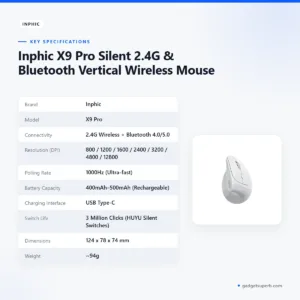
The table below lists the Inphic X9 Pro mouse specifications as the maker states them on the product listing.
| Brand | Inphic |
| Model | X9 Pro |
| Connectivity | 2.4G Wireless + Bluetooth 4.0/5.0 |
| Resolution (DPI) | 800 / 1200 / 1600 / 2400 / 3200 / 4800 / 12800 |
| Polling Rate | 1000Hz (Ultra-fast) |
| Battery Capacity | 400mAh–500mAh (Rechargeable) |
| Charging Interface | USB Type-C |
| Switch Life | 3 Million Clicks (HUYU Silent Switches) |
| Dimensions | 124 x 78 x 74 mm |
| Weight | ~94g |
| Compatibility | Windows (Driver support), macOS, iOS, Android, Linux |
These are listed specifications from the product listing.
How to use and set up
Start by charging the mouse fully before first use. The listing describes a USB Type-C charging interface and says the battery recharges quickly. Plug the cable in when the battery is low, rather than waiting until the mouse runs out in the middle of a call. Charge the Inphic X9 Pro mouse before a long working day, especially during load-shedding, so a full charge carries you through the day without a search for a spare battery.
Next, choose your connection. The listing lists 2.4G Wireless, Bluetooth 4.0 and Bluetooth 5.0, so check which option your computer, laptop or tablet supports. Follow the maker’s instructions for each method, and pair one device at a time so you always know which one you are connecting. Once the Inphic X9 Pro mouse is paired, use it on the device you need at that moment, and repeat the process for each device you plan to use.
Set your grip before you set your speed. Rest your palm on the body so your hand follows the 58° angle described in the listing, and keep your wrist relaxed rather than bent. Adjust the DPI setting only after your grip feels natural, because a change in grip can change how fast the pointer seems to move. A few minutes of adjustment at the start is time well spent.
On Windows, install the driver software to remap the 6 programmable buttons. The listing ties the driver to Windows only, so Mac, iPhone, Android and Linux users should check the maker’s instructions for what their systems support. The listing also describes customisable breathing light effects that can match a desktop look. It does not describe how the lighting is changed, so follow the maker’s instructions for that step.
The listing says the battery lasts for weeks on a single charge. Treat this as the maker’s figure, since daily use, pointer settings and lighting choices will all affect how long a charge lasts for your Inphic X9 Pro mouse.
Care is simple. Keep the mouse clean and dry, wipe the body with a soft cloth, and keep the underside free of dust and grit. Store it away from direct heat when it is not in use, and avoid leaving it in a hot car on a Dhaka afternoon. The listing does not give cleaning instructions, so follow the maker’s instructions for anything beyond general cleaning.
Compatibility and what is in the box
The listing gives the compatibility line as Windows (driver support), macOS, iOS, Android and Linux. In plain terms, the maker names five platforms and attaches driver support to Windows. For a Bangladeshi buyer who uses a Windows desktop at the office and an Android phone at home, the Inphic X9 Pro mouse is listed for both, although the driver features are listed for Windows only.
Connectivity is listed as 2.4G Wireless plus Bluetooth 4.0/5.0. Check that the device you plan to use supports the connection method you choose, and follow the maker’s instructions for pairing. Exact operating system versions are not confirmed by the listing, so check your own system details if your setup is unusual.
The listing does not state what the package contains, so this page does not list accessories. Ask us what the package contains before you order if you need that detail for your own planning. Any questions about the Inphic X9 Pro mouse contents can go to our customer care team.
Who should buy it in Bangladesh
Office professionals and freelancers who work eight or more hours a day are the first group the listing names. According to the listing, the Inphic X9 Pro mouse is aimed at people who want to prevent wrist pain during long sessions at the desk. If your work involves a lot of email, spreadsheets and document editing, the vertical shape and the tri-mode connection are the features to weigh first.
Graphic designers and analysts are the second group. They need high-DPI precision for detailed software tasks, and the adjustable sensor steps are the listed features for that kind of work. A designer who moves between a studio desk and a client laptop may find the multi-device pairing useful for the same reason, provided the connection options match the devices involved.
Casual gamers who want a comfortable grip without losing gaming-grade responsiveness are the third group. The listing presents the Inphic X9 Pro mouse as a middle ground, so it may suit someone who plays a few games in the evening and works during the day. If you are a serious competitive player, compare the listed specifications carefully before you decide, because the listing is written for everyday buyers as much as for players.
Multi-device power users who manage a PC and a laptop or tablet at the same time are the fourth group. The listed Bluetooth options and the line about pairing and switching between up to 3 devices fit that use, so this is one of the clearest matches on the page.
Load-shedding is a practical concern in many parts of Bangladesh. The rechargeable battery means you can keep the mouse ready by charging it when power is available, and a fully charged Inphic X9 Pro mouse is more useful on a power-cut afternoon than one that is running low. Keep the mouse on a dry part of the desk as a general precaution, since the listing says nothing about conditions beyond its specifications.
If you commute across Dhaka between home and office, the rechargeable design means you can carry a charging cable instead of a pack of spare batteries. The listing presents the lack of disposable batteries as an eco-friendly and convenient choice, which suits a mouse that goes between two places every day.
Alternatives in our store
If the Inphic X9 Pro mouse is not the right fit, you may want to compare other mice in our range. For another gaming mouse, see Havit MS1034 RGB Backlit Programmable Gaming Mouse, and for a second gaming option, see Havit MS1027 Cool RGB LED Gaming Optical Mouse. For a simple wired option, see A4TECH OP-720 Optical USB Wired Mouse. If you want a bundle, see Fantech P31 Keyboard, Mouse & Mousepad Combo, which is a keyboard, mouse and mousepad combo.
You can browse the full range in our Keyboards and Mouse category. Compare the listed details on each page before you decide, and choose the option that matches your desk, your devices and your daily work.
Warranty and support
Warranty: 7 Days seller warranty.
Delivery, returns and ordering
We deliver all over Bangladesh and you pay cash on delivery. Delivery usually takes 1–3 days inside Dhaka city and 2–5 days outside Dhaka.
You can return it within 7 days of delivery (see our Delivery and Returns policy). Read the policy page before you place your order so you know the steps that apply to you.
Questions before ordering: call 09638054751, message us on Facebook Messenger or email care@gadgetsuperb.com.
Full details are on our policy page at https://gadgetsuperb.com/delivery-returns/.
Frequently asked questions
What is the Inphic X9 Pro mouse?
The Inphic X9 Pro mouse is a vertical wireless mouse that the listing describes with a 58° ergonomic angle, 2.4G and Bluetooth connectivity, and a 12800 DPI sensor.
Is the Inphic X9 Pro mouse wireless?
Yes, according to the listing the Inphic X9 Pro mouse supports 2.4G Wireless and Bluetooth 4.0 and Bluetooth 5.0.
Can the Inphic X9 Pro mouse connect to more than one device?
According to the listing, you can pair and switch between up to 3 devices with the Inphic X9 Pro mouse.
Does the Inphic X9 Pro mouse work with a Mac or a phone?
The listing names macOS, iOS and Android in its compatibility line, so the Inphic X9 Pro mouse is listed as compatible with those systems. Driver software is listed for Windows only.
Is the Inphic X9 Pro mouse silent?
The listing describes the Inphic X9 Pro mouse as having silent click technology with muted HUYU switches rated for 3 million clicks. How quiet it is in your room is not confirmed by the listing.
How do I charge the Inphic X9 Pro mouse?
Charge the Inphic X9 Pro mouse through its USB Type-C charging interface, as listed. Charge it fully before first use, and follow the maker’s instructions.
Does the Inphic X9 Pro mouse have a driver?
The listing says driver software is available for Windows, and it is used to remap the 6 programmable buttons. The listing does not list driver support for other systems.
Is the Inphic X9 Pro mouse good for gaming?
The listing positions the Inphic X9 Pro mouse for casual gamers, with a 12800 DPI sensor and a 1000Hz polling rate. The maker lists its responsiveness as similar to high-end gaming mice.
What warranty does the Inphic X9 Pro mouse have?
Warranty: 7 Days seller warranty.
Can I return the Inphic X9 Pro mouse if it does not suit me?
You can return it within 7 days of delivery, as set out on our policy page.
How long does delivery take in Bangladesh?
Delivery usually takes 1–3 days inside Dhaka city and 2–5 days outside Dhaka.
Related products
-23%
100 in stock

Hoco GM52 Reddy RGB Gaming Wired Mouse
Original price was: ৳ 1,460.৳ 1,120Current price is: ৳ 1,120.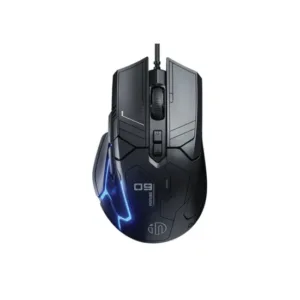

-23%
52 in stock
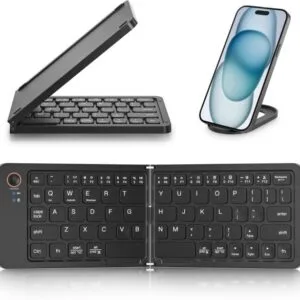
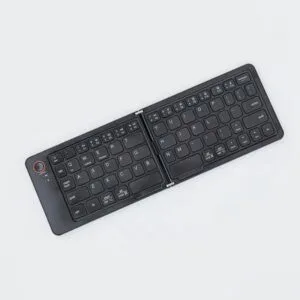
GearUP B023 Rechargeable Ultra Slim Folding Pocket Bluetooth Keyboard
Original price was: ৳ 1,460.৳ 1,120Current price is: ৳ 1,120.-20%
48 in stock


AULA AK105 USB Wired Black Keyboard — Full-Size 104-Key Membrane Office Keyboard
Original price was: ৳ 940.৳ 750Current price is: ৳ 750. Inphic X9 Pro Silent 2.4G &...
 Original price was: ৳ 3,350.৳ 2,480Current price is: ৳ 2,480.
50 in stock
Reviews
There are no reviews yet.