No products in the cart.

-20%
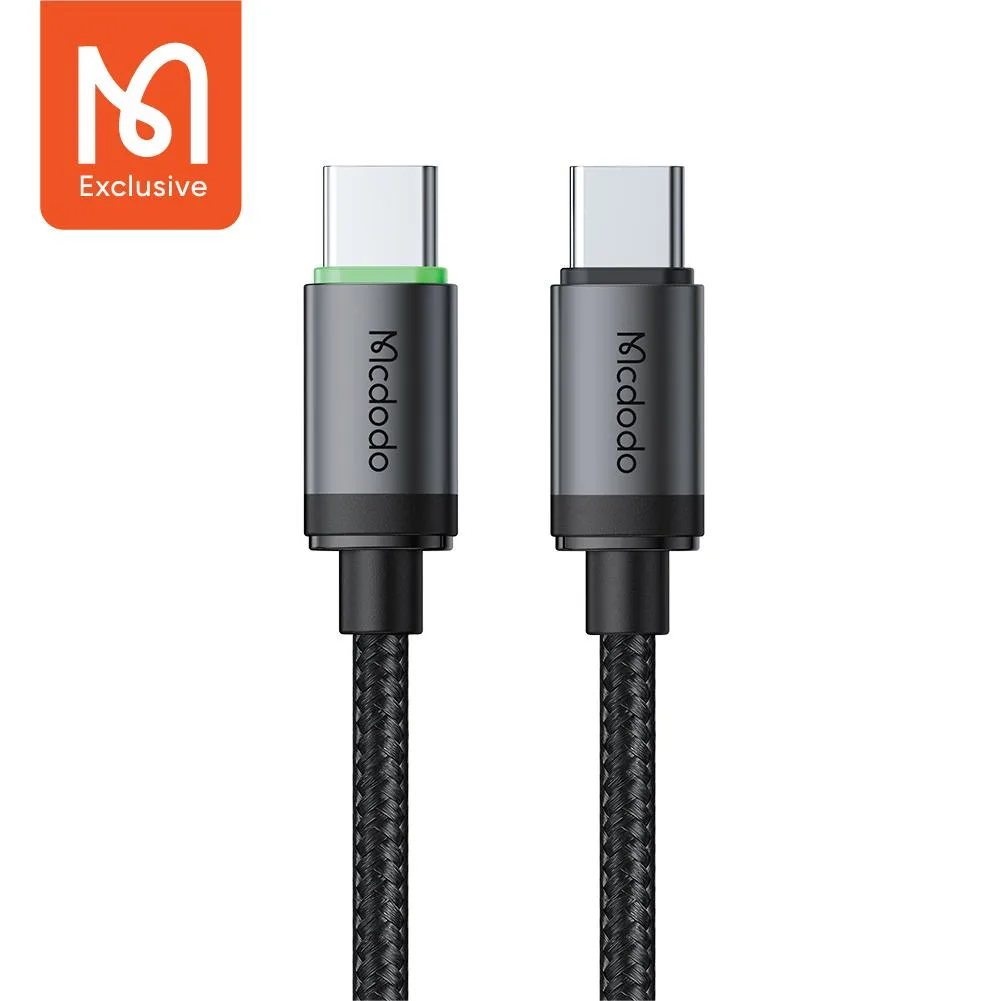

Mcdodo CA4410 is a 60W USB-C cable that the maker lists for Power Delivery charging, high-speed data sync and everyday use with Type-C devices. It suits Bangladeshi buyers who own a USB-C phone, tablet or laptop and want one sturdy cable for charging and file transfers. This page explains what the listing says, how to choose and use it, and what is not confirmed.
- Mcdodo CA4410 overview
- Key features
- Specifications
- How to use / set up
- Compatibility and what is in the box
- Who should buy it in Bangladesh
- Alternatives in our store
- Warranty and support
- Delivery, returns and ordering
- Frequently asked questions
Mcdodo CA4410 overview
The Mcdodo CA4410 60W USB-C Cable is described by its listing as engineered for high-speed charging and reliable data transfer for Type-C devices. According to the listing, it supports up to 60W Power Delivery (PD), which the maker says can quickly charge smartphones, tablets and even USB-C laptops. For a Dhaka commuter who charges a phone on the way to work and a laptop at a desk in the evening, one cable that covers both jobs is a practical starting point, provided the device supports USB-C Power Delivery.
Many households in Bangladesh keep a bag or drawer full of loose cables, so a single cable that handles charging and copying files can reduce clutter. The listing names phones, tablets, laptops and power banks among the devices it works with, so the Mcdodo CA4410 can serve several gadgets in one home. When power returns after load-shedding, a quick charge from one tidy cable helps you get back to work sooner.
Humid weather and daily handling are part of life in many parts of Bangladesh, and both affect how cables wear out. The listing describes a braided exterior and reinforced joints, so the Mcdodo CA4410 is aimed at buyers who carry their cables in a bag and pull them out often. Treat these as the maker’s listed claims. This page does not add test results, and where the listing is silent we say so rather than fill the gap with guesses.
Key features
60W Fast Charging (PD)
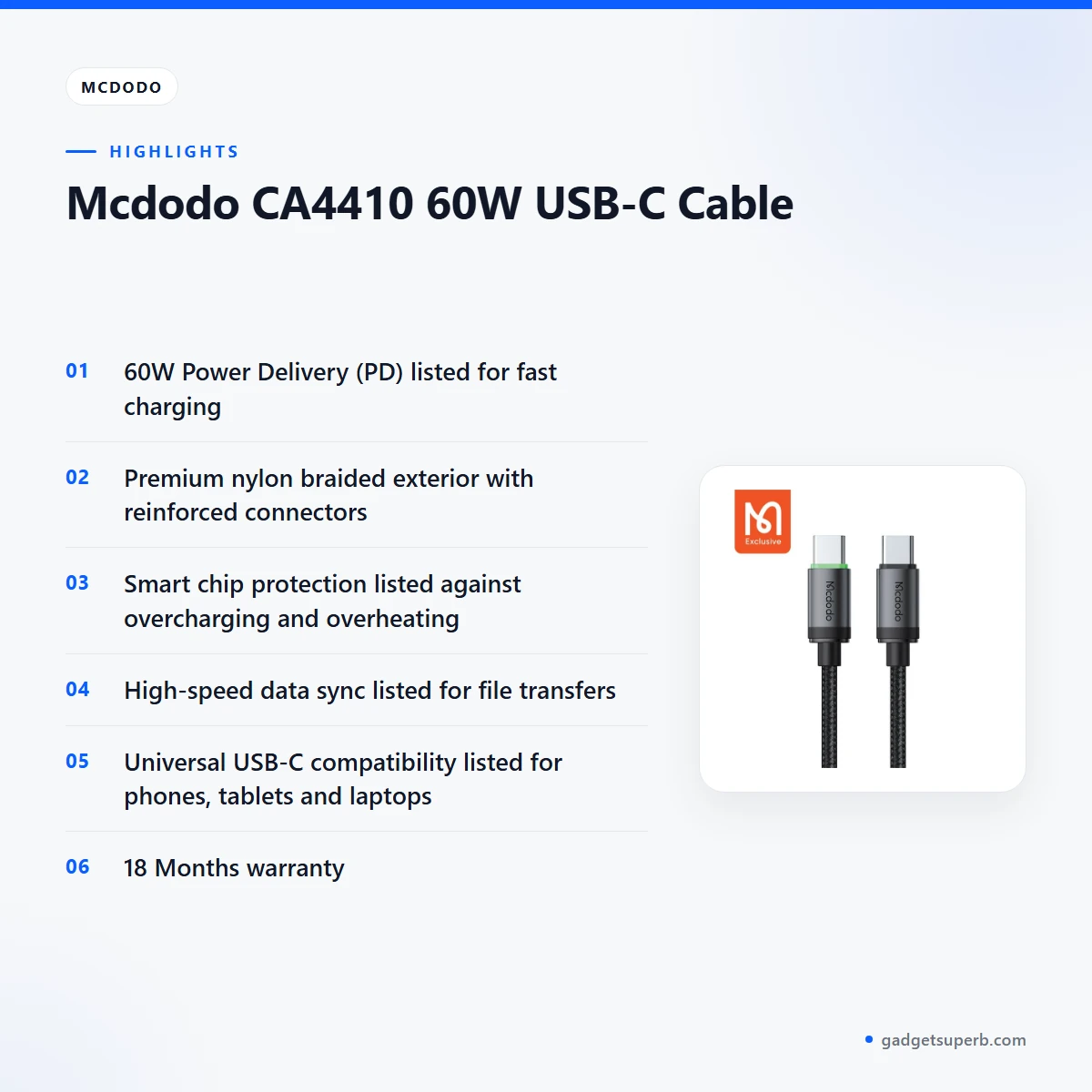
According to the listing, the Mcdodo CA4410 supports up to 60W Power Delivery (PD) and is described as delivering high-speed power to quickly charge compatible smartphones, tablets and laptops. The listing gives no figures for charging times, so read the word quick as the maker’s wording rather than a measured result. Your actual charging speed depends on the charger you pair with the Mcdodo CA4410 and on whether your device accepts USB-C Power Delivery at that level. Check your device’s own charging specification first, because the cable alone does not decide the speed.
Smart Chip Protection
The listing says the Mcdodo CA4410 has a built-in intelligent chip that ensures stable current flow and protects the device’s battery from overcharging and overheating. These are the maker’s words, and this page repeats them only as listed. For daily use in Bangladesh, the practical habits matter too. Keep the cable out of direct sun on a hot afternoon, and avoid charging a phone under a pillow or a blanket, where heat can build up. Good habits and a sensible charger work alongside any chip claim.
Durable Nylon Braided Design
The listing describes premium nylon braiding and reinforced connectors, with a reinforced joint design that it says prevents fraying and tangling. It also says the cable offers exceptional durability against everyday bending, pulling and wear. For a cable that lives in a bag, on a bedside table or in a car charger socket, these are the features to look at first. The listing gives no bending or wear figures for the Mcdodo CA4410, so judge the build by the materials and joint design it describes. Loose coiling, rather than tight wrapping around the wrist, is a simple habit that suits any braided cable.
High-Speed Data Sync
The listing says the Mcdodo CA4410 supports fast file transfers and syncing between devices. That makes it useful for moving photos, videos and documents between a phone and a laptop, or for syncing a tablet with a computer. The listing does not give a transfer speed in figures, so this page does not state one. Before you rely on the cable for a large backup, try a small folder first on your own devices. Data sync also depends on the ports and software at each end, which sit outside the cable itself.
Universal Compatibility
According to the listing, the Mcdodo CA4410 works with all USB-C powered devices and names Android phones, iPads, MacBooks and power banks. For Bangladeshi buyers, that covers a wide range of everyday equipment, from an Android phone to a tablet or laptop used for study or office work. Universal wording is the maker’s claim, not a per-model guarantee, so check your device’s USB-C and Power Delivery support in its own documentation. This cable is described for USB-C connections only, so a device that uses a different connector needs a different cable.
Specifications
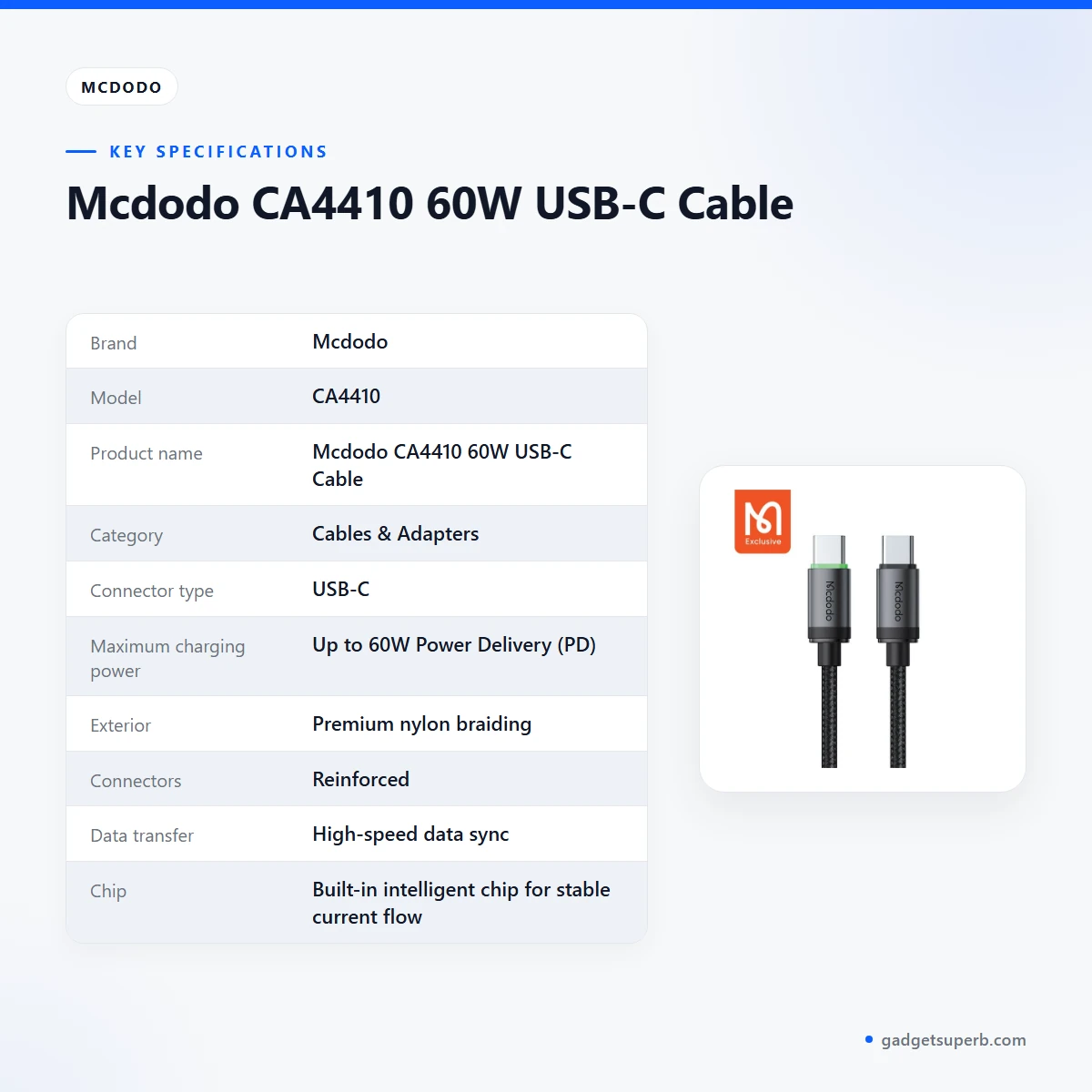
The table below lists the specifications that the Mcdodo CA4410 product listing provides, so you can check the basics first.
| Brand | Mcdodo |
| Model | CA4410 |
| Product name | Mcdodo CA4410 60W USB-C Cable |
| Category | Cables & Adapters |
| Connector type | USB-C |
| Maximum charging power | Up to 60W Power Delivery (PD) |
| Exterior | Premium nylon braiding |
| Connectors | Reinforced |
| Data transfer | High-speed data sync |
| Chip | Built-in intelligent chip for stable current flow |
| Warranty | 18 Months |
These are listed specifications from the product listing for the Mcdodo CA4410.
How to use / set up
Setup for the Mcdodo CA4410 is simple. Check that your device and charger both support USB-C, then connect the cable at each end. Charge your device fully before first use. The listing does not describe a setup procedure, so follow your device’s own instructions for charging and file transfer.
Keep the cable away from heat sources and avoid pulling on it at the joint. When you travel, coil the cable loosely and keep it in a pouch so the braiding stays neat. If you use a power bank, connect the cable to the power bank’s USB-C port only after you have checked that the port suits the charging you need.
A simple routine works well with the Mcdodo CA4410. Plug the cable into the charger first, then into your device, and unplug in the reverse order. If a manual comes with your order, follow it. The listing does not confirm the contents of any manual, so do not assume printed instructions are included.
Charging at a desk or in a car is common in Bangladesh, and a steady connection matters more when the power supply is unstable. Where possible, plug the charger into a socket that you know is reliable, and unplug devices when you leave the room if you are concerned about power fluctuations. For background on how battery chargers work in general, see a general overview of battery chargers.
Humidity in the monsoon season can leave connectors damp after a rainy commute. Wipe the cable and connectors with a dry cloth and let them dry before you plug them in. This is general care advice rather than a product claim. Store the cable in a dry drawer or pouch when you are not using it, and check the joints from time to time for wear.
Caring for the Mcdodo CA4410 is mostly common sense. Coil it loosely, avoid sharp bends at the joints, and do not let it hang from a device under its own weight for long periods. Keep it away from direct heat, such as a window ledge in full afternoon sun or a hot car dashboard.
Compatibility and what is in the box
According to the listing, the Mcdodo CA4410 is compatible with Android phones, iPads, MacBooks and power banks, and with other USB-C powered devices. Those names come from the maker, so confirm your device model first, especially for older laptops or tablets.
What is in the box is not confirmed by the listing. The listing names the cable and its features but does not list accessories, so this page does not state a number of items, an adapter or a carry pouch. Ask us if you need to know the contents of a specific order.
For laptops, the listing names MacBooks as an example of a USB-C laptop. Other laptop models are not named, so check the USB-C and Power Delivery requirements of your laptop before you rely on the Mcdodo CA4410 for charging. The cable is described for USB-C connections, so it will not suit devices that use another connector.
If your device uses a different connector, you will need a different cable. Our range includes several options for different connectors, listed in the alternatives section below. Choosing the right connector first saves a return.
Power banks are named in the listing as USB-C powered devices that the cable works with. Check that the power bank’s port supports the output you need, and keep the cable’s joints clear of dust and lint to keep the connection clean.
When you use the Mcdodo CA4410 with a power bank, think of the whole chain: the power bank, the cable and the device you are charging. Each link has its own requirements, and the listing only describes the cable.
Who should buy it in Bangladesh
The Mcdodo CA4410 suits a student in Mirpur who charges a USB-C phone at a hostel desk and copies lecture slides from a laptop. It also suits a commuter from Uttara who needs a sturdy cable for a daily bag that gets pulled out on the bus or the metro line.
Small business owners in Chattogram or Sylhet who use tablets for billing or stock lists may find the Mcdodo CA4410 useful for everyday charging, provided their device supports USB-C Power Delivery. Shop owners who charge several devices from one power bank may also find a sturdy USB-C cable helpful.
Frequent travellers between Dhaka and districts such as Khulna or Rajshahi often want one cable that covers a phone and a tablet. The listing’s universal wording makes the cable a useful starting point for that use, though you should still check your devices first.
Students who share a laptop at a library, or families who charge several gadgets in one room, can benefit from a braided cable that the listing says is designed to prevent fraying. Read the device requirements first, then choose a length that suits your desk layout.
Remote-work households in Bangladesh, where a laptop and a phone may share one desk and one socket, often need a few reliable cables rather than one. The Mcdodo CA4410 can be one of them, provided each device matches its USB-C and Power Delivery needs.
Who should look elsewhere? If your phone uses Lightning, a USB-C cable will not fit, so look for a different connector in our range. If you need a cable for a specific adapter such as a monitor, check the listing for that product type before you choose.
Alternatives in our store
If the Mcdodo CA4410 is not the right fit, you may want to look at Geeoo DC 201 Type C To Lightning 33w PD Charging Cable, which is another charging cable in our range. The DC Y Cable to use 2 Devices on WGP/ SKE mini UPS is another Y cable in our cable range. For audio needs, the U-Shape Converter- 3.5mm Audio Splitter For Headphone and Microphone- White is another audio accessory in our range. If you want another data cable, see the Geeoo DC27 Fast Charging 1M Long 30W (PD-L) Data Cable.
Choosing between options is simpler when you list your device, your charger and the use you have in mind: charging, data transfer or connecting an accessory. Browse the Cables & Adapters category for the full range, and message us if you are unsure which item fits your device.
Warranty and support
Warranty: 18 Months seller warranty.
Delivery, returns and ordering
We deliver all over Bangladesh and you pay cash on delivery. Delivery usually takes 1–3 days inside Dhaka city and 2–5 days outside Dhaka. The outside-Dhaka range applies to orders for the Mcdodo CA4410 sent beyond the city.
You can return it within 7 days of delivery (see our Delivery and Returns policy). Questions before ordering: call 09638054751, message us on Facebook Messenger or email care@gadgetsuperb.com. Keep your phone reachable on delivery day so the courier can contact you.
Ordering the Mcdodo CA4410 is straightforward. Choose the cable, share your delivery details, and pay the courier in cash when the parcel arrives. Keep the packaging until you have checked that the cable works with your device, since the return window runs for 7 days from delivery.
Frequently asked questions
What is the Mcdodo CA4410 60W USB-C Cable?
It is a USB-C cable that the listing describes as supporting up to 60W Power Delivery for charging smartphones, tablets and USB-C laptops. According to the listing, it also offers high-speed data sync and a premium nylon braided exterior.
Does the Mcdodo CA4410 support 60W charging?
According to the listing, yes: the Mcdodo CA4410 supports up to 60W Power Delivery (PD). Actual charging speed also depends on your charger and your device.
Can I charge an Android phone with the Mcdodo CA4410?
The listing names Android phones among the USB-C devices it works with. Check that your phone supports USB-C charging before you rely on this cable.
Does the Mcdodo CA4410 work with a MacBook?
The listing names MacBooks among its compatible devices. Check your MacBook’s charging requirement before using the cable for charging.
Does this cable have a warranty?
Yes, the listing shows a warranty value of 18 Months for the cable.
Does the Mcdodo CA4410 protect my battery?
According to the listing, its built-in intelligent chip protects the device’s battery from overcharging and overheating. This page repeats the maker’s claim and does not add any test results.
Can I use the Mcdodo CA4410 for file transfers?
Yes, the listing says it supports high-speed data sync and fast file transfers. Transfer speed also depends on the ports and software at each end.
Is the Mcdodo CA4410 durable enough for daily carrying?
The listing describes premium nylon braiding, reinforced connectors and exceptional durability against everyday bending, pulling and wear. Loose coiling is a sensible habit for any braided cable.
Can I buy the Mcdodo CA4410 with cash on delivery across Bangladesh?
Yes. We deliver all over Bangladesh and you pay cash on delivery. Delivery usually takes 1–3 days inside Dhaka city and 2–5 days outside Dhaka.
Can I return the Mcdodo CA4410 if it does not suit my device?
You can return it within 7 days of delivery, following our Delivery and Returns policy. Call 09638054751 or email care@gadgetsuperb.com if you have questions.
Can I use the Mcdodo CA4410 with a power bank?
The listing names power banks among the USB-C powered devices it works with. Check that your power bank’s port supports the output you need.
How should I care for the Mcdodo CA4410?
Coil it loosely, avoid pulling at the joint and keep it away from direct heat. The listing describes the braiding and joints as designed to prevent fraying and tangling.
Related products
-23%
100 in stock
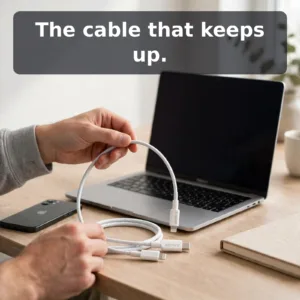
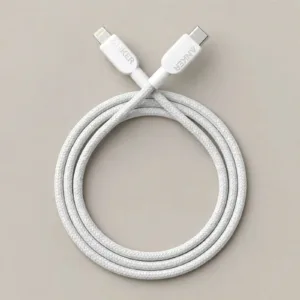
Anker Braided USB-C to Lightning 0.9m Cable
Original price was: ৳ 1,850.৳ 1,420Current price is: ৳ 1,420.-20%
47 in stock
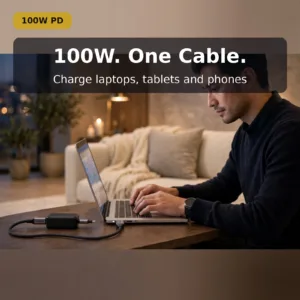
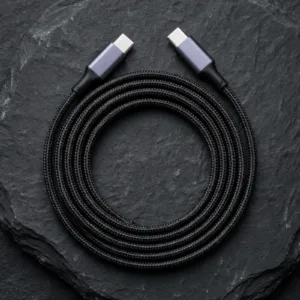
UGREEN US334 (70643) USB Type-C to Type-C Cable – 1m
Original price was: ৳ 870.৳ 690Current price is: ৳ 690.-21%
48 in stock
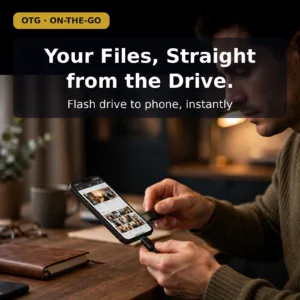
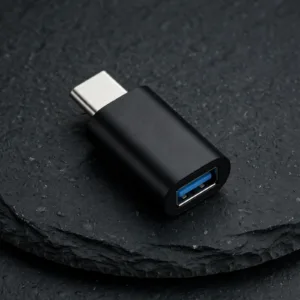
VALDUS VA26 USB-C Male to USB-A Female OTG Adapter
Original price was: ৳ 230.৳ 180Current price is: ৳ 180.-20%
49 in stock
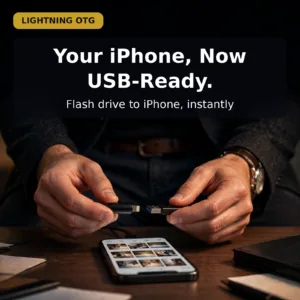
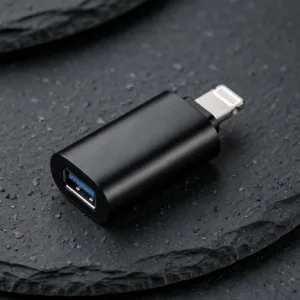
Valdus VA27 Lightning to Type A OTG Converter
Original price was: ৳ 440.৳ 350Current price is: ৳ 350.-20%
26 in stock

GEEOO AD4 Lightning to 3.5mm Adapter
Original price was: ৳ 540.৳ 430Current price is: ৳ 430.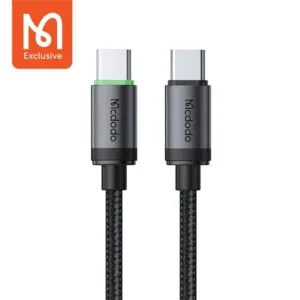 Mcdodo CA4410 60W USB-C Cable
Original price was: ৳ 580.৳ 460Current price is: ৳ 460.
50 in stock
Reviews
There are no reviews yet.