No products in the cart.

-28%
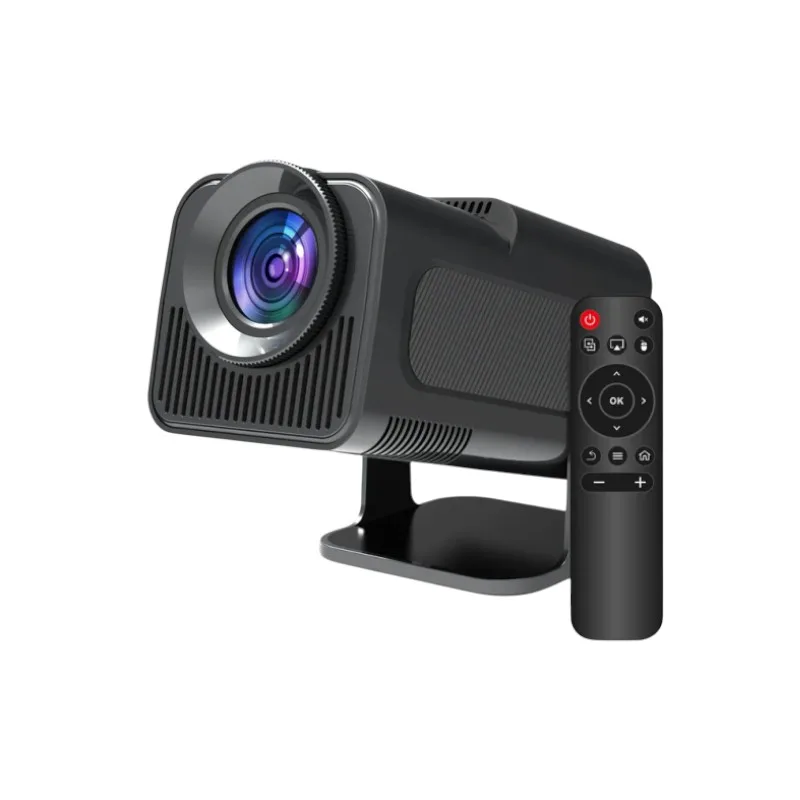
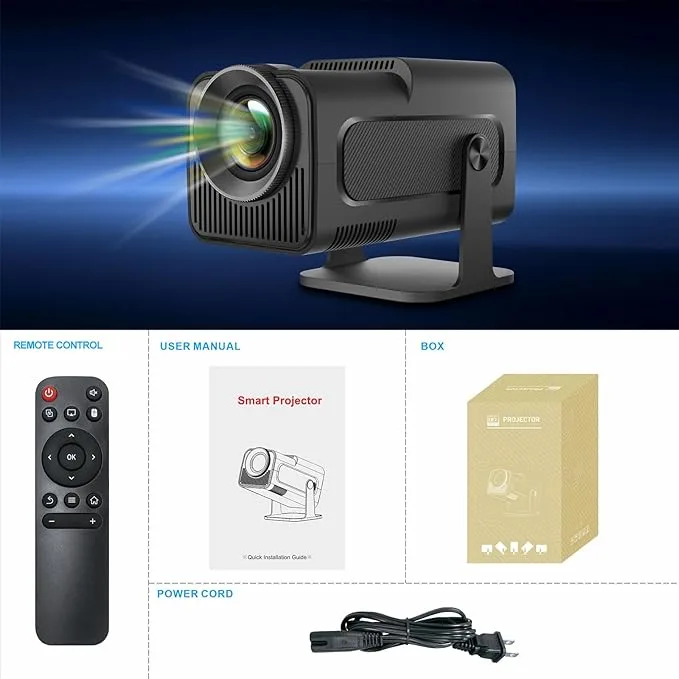


The HY320 projector is a mini Android projector that the maker lists as an upgraded version of the HY300. It is described for home, office and outdoor use, so it suits families who want films and streaming in one room, students, and small teams who need a portable screen.
- Overview of the HY320 projector
- Key features
- Specifications
- How to use and set up
- Compatibility and what is in the box
- Who should buy it in Bangladesh
- Alternatives in our store
- Warranty and support
- Delivery, returns and ordering
- Frequently asked questions
Overview of the HY320 projector
The HY320 projector sits in our projector range as a mini Android unit. The listing names the model as HY320 MINI and describes it as an upgraded version of the HY300, with enhanced brightness and speed. For most buyers, the points that matter are the operating system, the display and the connectivity, and each one is covered in the sections below.
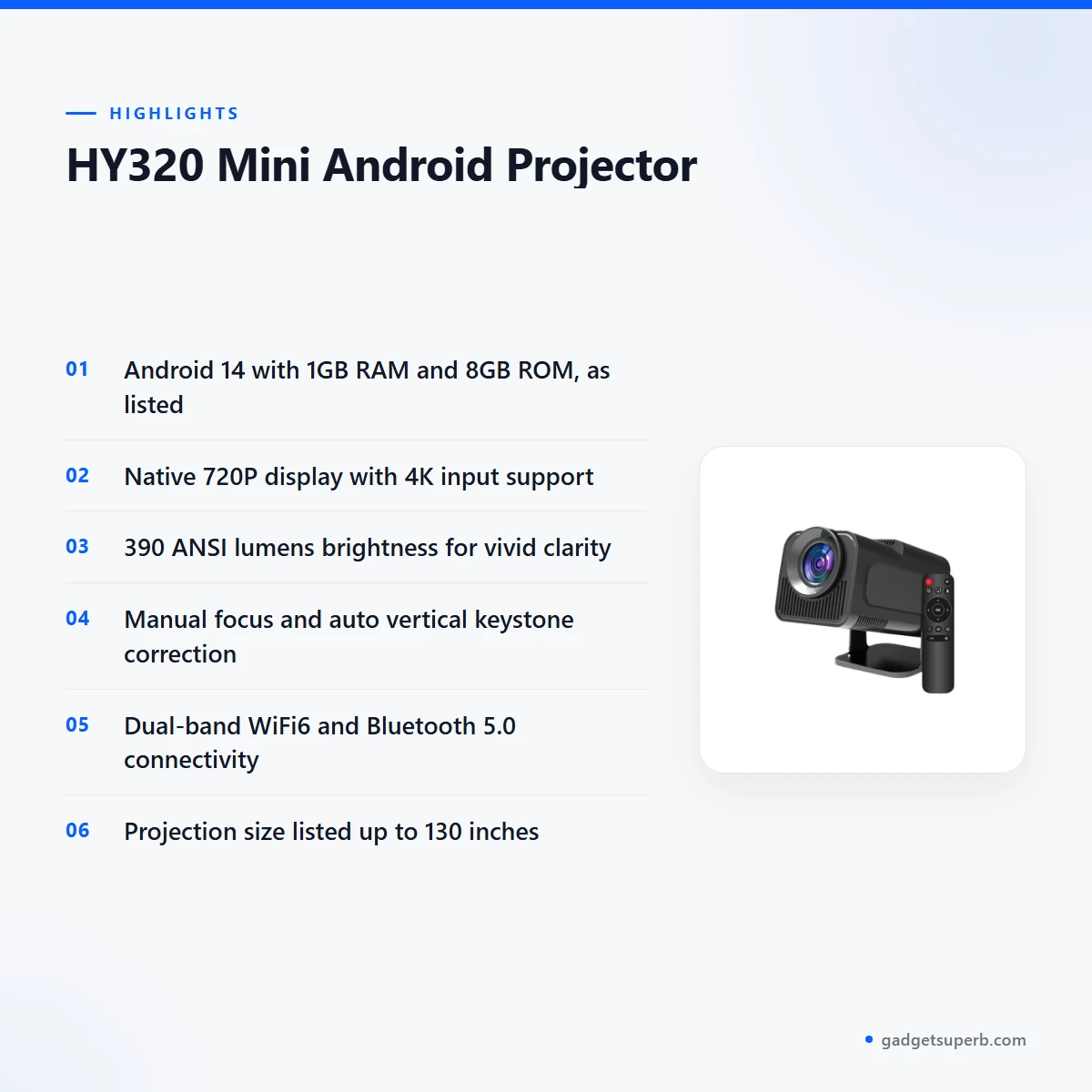
In practical terms, the HY320 projector runs Android 14 and is listed with 1GB RAM and 8GB ROM. The listing gives a native 720P display and says it supports 4K input. The maker lists 390 ANSI lumens, which the listing presents as vivid clarity. Treat these as the figures the maker lists, and check them against the room where you plan to use the projector.
Bangladeshi homes vary a great deal. A flat in Dhaka may have a small living room with a light-coloured wall, while a family home in a district town may have a room with a plain wall that can serve as a screen. The HY320 projector is listed with manual focus and keystone correction, so you can adjust the image to suit the wall you have. If you are new to the technology, the general guide to video projectors explains the basic idea, but the model-specific figures on this page come only from the product listing.
Key features
Android 14 on the HY320 projector
The listing describes Android 14 as the operating system for smooth performance. According to the listing, you can log in to Android 14 apps such as YouTube, Netflix or Prime Video directly on the HY320 projector. For a household that wants films and series in the living room, that direct access is the main reason to look at this model. The listing does not say which apps are available in every market, so check the app you want before you order. Do not assume a service works until you have confirmed it on your own account.
1GB RAM and 8GB ROM for everyday use
The HY320 projector is listed with 1GB DDR RAM and 8GB ROM. The maker says these figures support smooth app performance and the storage of essential files. The listing pairs the memory with an Allwinner H726 processor, an ARM Cortex-A53 core and a Mali-G31 GPU. The listing does not give app counts or file limits, so keep storage for the apps and files you use most often, and remove the ones you no longer need. Streaming and storing are different tasks, so think about both when you plan your use.
Native 720P display with 4K input
The listing gives a native display of 1280x720P and says the HY320 projector accepts 4K input. In plain terms, the native resolution is 720P, and the listing says a 4K signal can be fed into the unit. Buyers who expect a native 4K picture should read the specifications carefully, because the listing does not describe the unit as native 4K. Check the resolution of your source file and the size of the wall before you judge the image. The picture on the wall depends on both the source and the surface behind it.
390 ANSI lumens for vivid clarity
The listing gives brightness as 390 ANSI lumens and describes this as vivid clarity. Brightness is only one part of how a picture looks. Room lighting, wall colour and the distance from the lens to the wall all change what you see, and the listing does not give a viewing distance table. For the best result with the HY320 projector, dim the room where you can and check the picture on the wall you plan to use before you decide where the seats will go. Keep the source and the wall in mind together, because both affect the final picture.
Manual focus and keystone correction
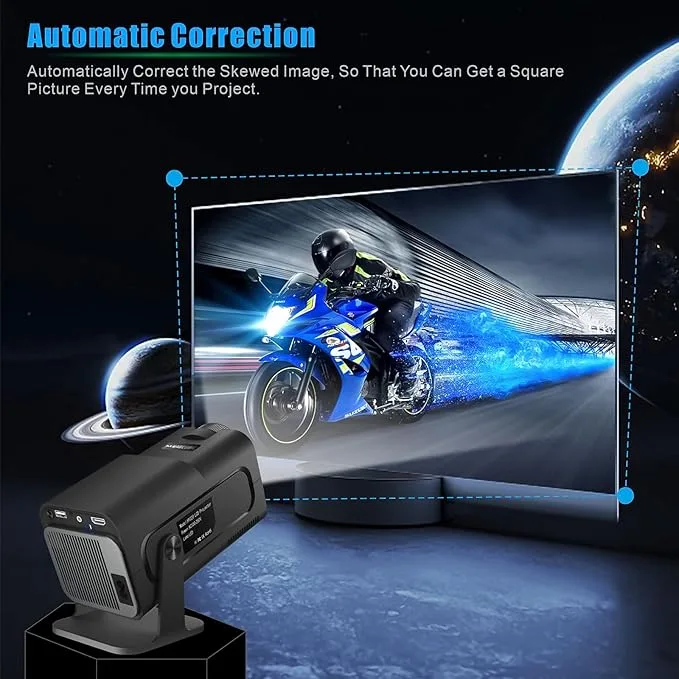
The listing says focus is manual, which lets you adjust sharpness by hand. Keystone is listed as auto vertical and manual horizontal. In the listing’s terms, vertical keystone is automatic, so the HY320 projector handles the top-and-bottom alignment while you set the side-to-side alignment yourself. Set the focus once the image is on the wall, then adjust the horizontal alignment if the picture leans to one side. Together these settings help when the projector cannot sit square to the screen.
Dual WiFi6 and Bluetooth 5.0 connectivity
The listing describes dual-band WiFi6 and Bluetooth 5.0. The WiFi6 link is how the HY320 projector streams content, and the listing says you can plug in, connect to WiFi6 and start streaming. Bluetooth 5.0 lets you connect external speakers or controllers for enhanced audio and control, according to the listing. The listing also gives HDMI, USB and Audio Out interfaces, which are set out in the specifications table below. Choose the connection that suits your room and your source device.
Specifications of the HY320 projector
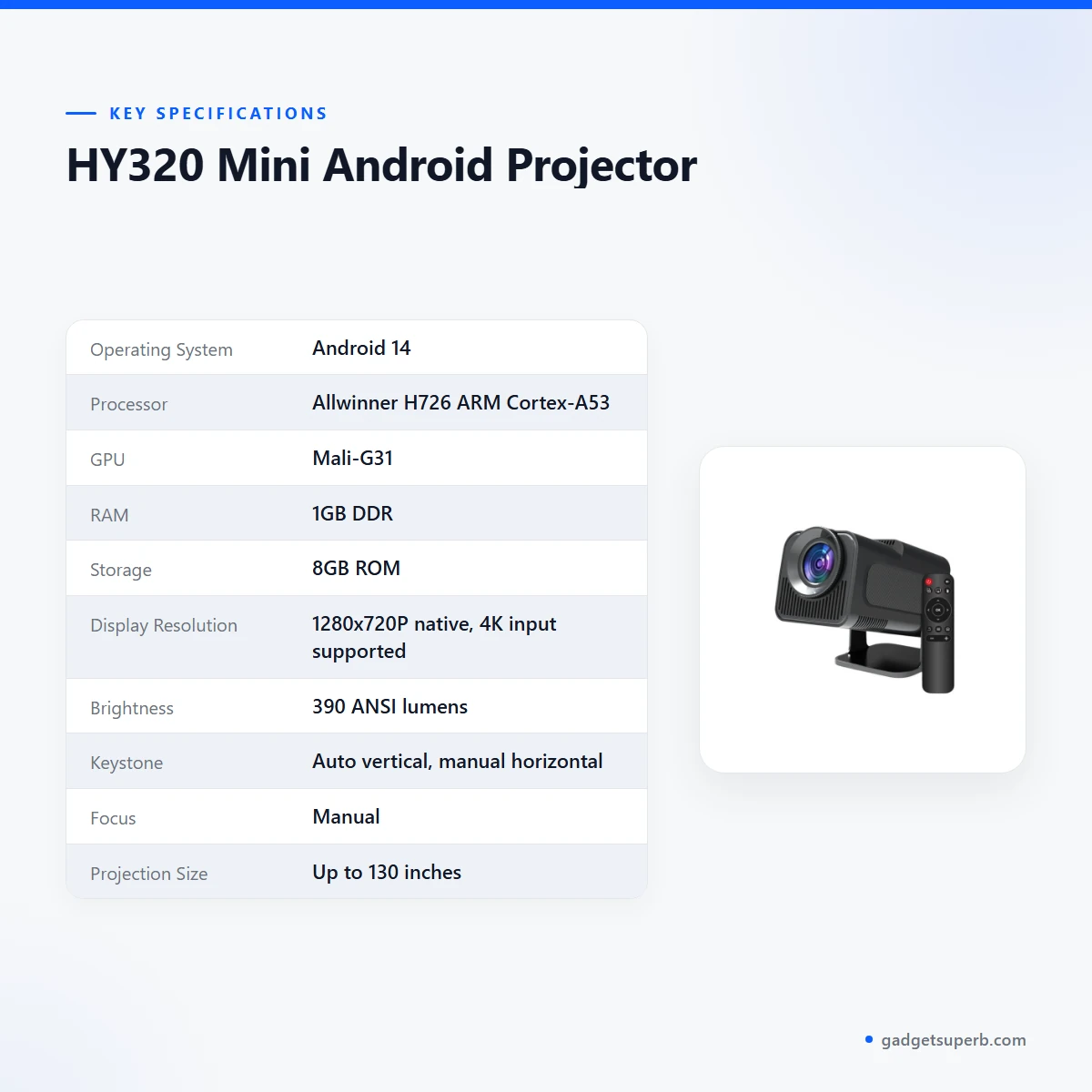
The table below sets out the HY320 projector specifications as the maker lists them, so you can check each figure against the listing.
| Operating System | Android 14 |
| Processor | Allwinner H726 ARM Cortex-A53 |
| GPU | Mali-G31 |
| RAM | 1GB DDR |
| Storage | 8GB ROM |
| Display Resolution | 1280x720P native, 4K input supported |
| Brightness | 390 ANSI lumens |
| Keystone | Auto vertical, manual horizontal |
| Focus | Manual |
| Projection Size | Up to 130 inches |
| Connectivity | WiFi6 dual-band, Bluetooth 5.0 |
| Interfaces | HDMI, USB, Audio Out |
| Lamp Life | 30,000 hours |
| Noise Level | <25 dB |
| Power Supply | 110–220V |
These are listed specifications from the product listing.
How to use and set up the HY320 projector
Setup for the HY320 projector is simple in outline. Place it on a stable surface, point it at a wall or screen, and follow the maker’s instructions for first start-up. Before you plug it in, check that your socket suits the listed power supply of 110–220V.
The listing’s How It Works section describes the core steps. You plug in the projector and connect to WiFi6 for instant streaming. You log in to Android 14 apps such as YouTube, Netflix or Prime Video. You adjust focus manually for sharp clarity, and you apply auto vertical keystone correction with manual horizontal adjustment for alignment. You can also connect external speakers or controllers via Bluetooth 5.0 for enhanced audio and control.
Focus is the step most people revisit. Once the image is on the wall, turn the focus by hand until the text or edges look sharp, then leave it alone unless you move the unit. For the HY320 projector, the listed keystone settings handle the vertical tilt, so you only need to fine-tune the horizontal alignment yourself.
Sit where you plan to watch, check the picture from that seat, and then fix the position of the unit. This small step saves time later, because the focus and alignment settings are easier to set once the position is right.
Connect your source before the first session, and then check the input you are using. The listing names HDMI, USB and Audio Out, so choose the connection that matches your source device. If you connect speakers by Bluetooth 5.0, pair them before you start a film so the sound is ready when the picture starts. Follow the maker’s instructions for pairing rather than guessing the steps.
Care matters in the humid months. Dhaka can be very humid during the monsoon, so store the HY320 projector in a dry cupboard when it is not in use, keep it off damp surfaces, and leave space around the vents. When the unit is switched off and cool, wipe the outside with a dry cloth, and keep the area around the vents clear of dust. The listing gives a noise level of under 25 dB, which is useful when you judge the unit for a bedroom or study.
A simple checklist before the first session helps. Confirm that the wall is clean and flat, that the room can be dimmed, that the source device is ready, and that any speakers you plan to use are close enough for a stable connection. Write down the settings you use most, so you can set up the HY320 projector the same way next time.
Keep the power cable clear of foot traffic and check that the plug sits firmly in the socket before you switch on. A steady connection makes the first session easier to judge.
Lamp life is listed as 30,000 hours. Keep a note of how long you use the unit each week, and treat that figure as the maker’s listed value rather than a guarantee.
Compatibility and what is in the box
The listing confirms HDMI, USB and Audio Out interfaces for the HY320 projector, along with dual-band WiFi6 and Bluetooth 5.0. Those are the connections the maker lists, and they are the confirmed points for planning your setup. Compatibility with a specific phone, laptop, set-top box or speaker is not confirmed by the listing, so check the connection on your own device before you rely on it.
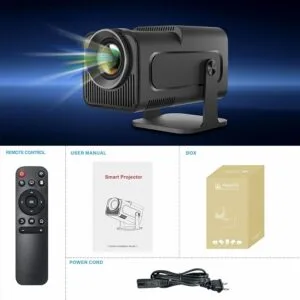
The listing does not describe the contents of the package. Whether a cable or adapter is included is not confirmed by the listing, so ask us before you order if that matters to you. Keep the packaging until you have checked the unit and its connections.
Who should buy the HY320 projector in Bangladesh
A family that wants films, series and online video in one shared room may find the HY320 projector a useful addition to a living room setup. Because the listing names Android 14 apps and dual-band WiFi6, streaming is the main use the listing points to.
Students who want to show lesson videos or study material on a wall can use the HY320 projector with a source connected by HDMI or USB. The listing gives a projection size of up to 130 inches, which is a useful reference when you judge the wall you have.
The listing describes home, office and outdoor use. A small team in an office in Gulshan or Motijheel might use it for presentations, and a family on a terrace might use it for an evening screening. For outdoor use with the HY320 projector, keep the unit under cover, check the power point, and plan the cable run before the event.
Load-shedding is a practical concern in parts of the country. The listing gives the power supply as 110–220V and does not mention battery operation, so plan your power source with that in mind. If you want to use the HY320 projector during a power cut, the listing does not describe any battery or backup option.
Families in Sylhet, Chattogram or Rajshahi who want a room screen for weekend viewing face the same practical questions as Dhaka households. Choose the wall, the seating and the power point first, then decide whether the listed figures match your room.
A renter in a rented flat who wants a screen that can move between rooms may find the HY320 projector a practical choice, since the listing describes it as portable. Measure the wall you have, and look at where the power point sits before you commit.
A home tutor who shows short videos to a small group can use the listed HDMI or USB connection, provided the room can be dimmed and the wall is clear. The listing does not describe classroom features, so treat the unit as a general-purpose option.
A couple who want a weekly film night can use the Android apps the listing names. The Bluetooth 5.0 link suits anyone who already owns a compatible speaker or controller, so check that device with your own setup before the first evening.
Buyers who expect a native 4K picture should look elsewhere in our range, because the listing gives a native display of 1280x720P and lists 4K as input support only. Before you buy, confirm your model before you order, since the listing uses the model name HY320 MINI.
Alternatives in our store
If the HY320 projector does not fit your plan, you can compare TP360 Smart Android Projector, another projector in our range. The Hoco DT4 Smart Full Autofocus Projector is also listed under projectors, and the Havit PJ212 270 ANSI FHD Portable Projector is a further option in the same category.
When you compare listings, line up the operating system, the display resolution, the brightness in lumens and the connectivity side by side. Use only the figures each page gives, because a figure missing from one page cannot be assumed. If you are unsure which model fits, read the listed interfaces and connectivity on each page, then ask us a question before you order. To return to this model, see the HY320 Android Projector page. For the full range, browse the projectors category.
Warranty and support
Warranty: 7 Days seller warranty.
Delivery, returns and ordering
We deliver all over Bangladesh and you pay cash on delivery. Delivery usually takes 1–3 days inside Dhaka city and 2–5 days outside Dhaka, so plan the date of your event or lesson with that window in mind.
You can return it within 7 days of delivery (see our Delivery & Returns policy). The same policy applies when you order the HY320 projector, and the full wording is on that page.
Questions before ordering: call 09638054751, message us on Facebook Messenger or email care@gadgetsuperb.com. We are happy to answer questions about the listed specifications before you place an order.
Because the policy describes usual delivery timings, allow a margin before a fixed event date, and share the date you need when you contact us. Keep the model name ready, so the conversation starts with the right product.
Frequently asked questions
What is the HY320 projector?
The HY320 projector is a mini Android projector that the listing describes as an upgraded version of the HY300.
Does the HY320 projector support 4K?
Yes, the listing says it supports 4K input, while its native display is listed as 1280x720P.
Does the HY320 projector have autofocus?
The listing says focus is manual, so sharpness is adjusted by hand.
How bright is the HY320 projector?
The listing gives brightness as 390 ANSI lumens.
How large a picture can the HY320 projector show?
The listing gives a projection size of up to 130 inches.
Does it connect to WiFi and Bluetooth?
Yes, the listing says dual-band WiFi6 and Bluetooth 5.0.
Which apps can I use on the HY320 projector?
The listing names Android 14 apps such as YouTube, Netflix and Prime Video.
What warranty comes with the HY320 projector?
The listed warranty is 7 Days seller warranty.
Can I return it?
Yes, you can return it within 7 days of delivery, as set out in our returns policy.
How long does delivery take for the HY320 projector?
Delivery usually takes 1–3 days inside Dhaka city and 2–5 days outside Dhaka.
Can I pay cash on delivery?
Yes, we deliver all over Bangladesh and you pay cash on delivery.
How can I ask questions before I order?
Call 09638054751, message us on Facebook Messenger or email care@gadgetsuperb.com.
Related products
-28%
40 in stock
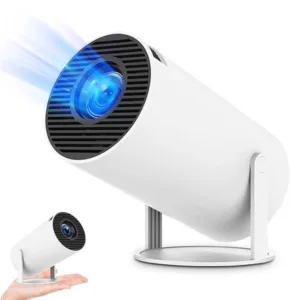
HY300 Mini Non Android Projector
Original price was: ৳ 6,550.৳ 4,710Current price is: ৳ 4,710.-28%
50 in stock

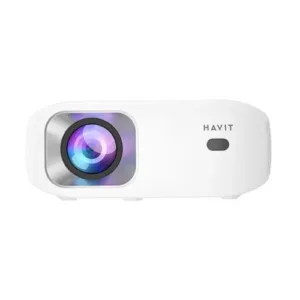
Havit PJ212 270 ANSI FHD Portable Projector
Original price was: ৳ 27,320.৳ 19,650Current price is: ৳ 19,650.-28%
50 in stock

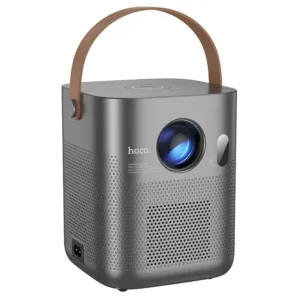
Hoco DT4 Smart Full Autofocus Projector
Original price was: ৳ 21,930.৳ 15,770Current price is: ৳ 15,770.-28%
64 in stock
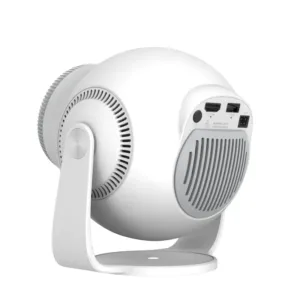
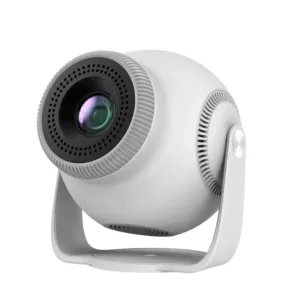
TP360 Smart Android Projector
Original price was: ৳ 13,910.৳ 10,000Current price is: ৳ 10,000.-28%
118 in stock
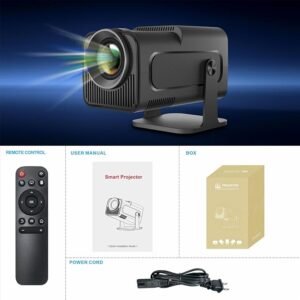

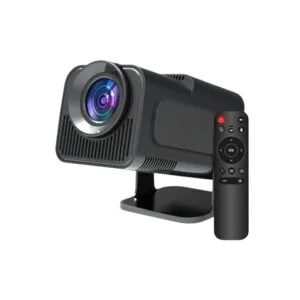 HY320 Mini Android Projector
Original price was: ৳ 8,030.৳ 5,770Current price is: ৳ 5,770.
100 in stock
Reviews
There are no reviews yet.