No products in the cart.

-23%
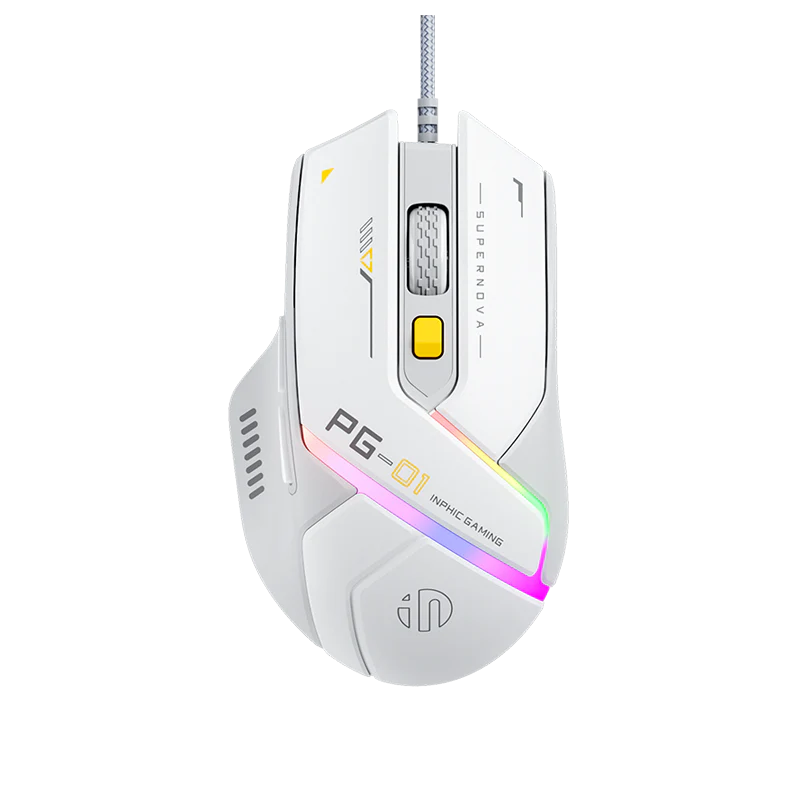
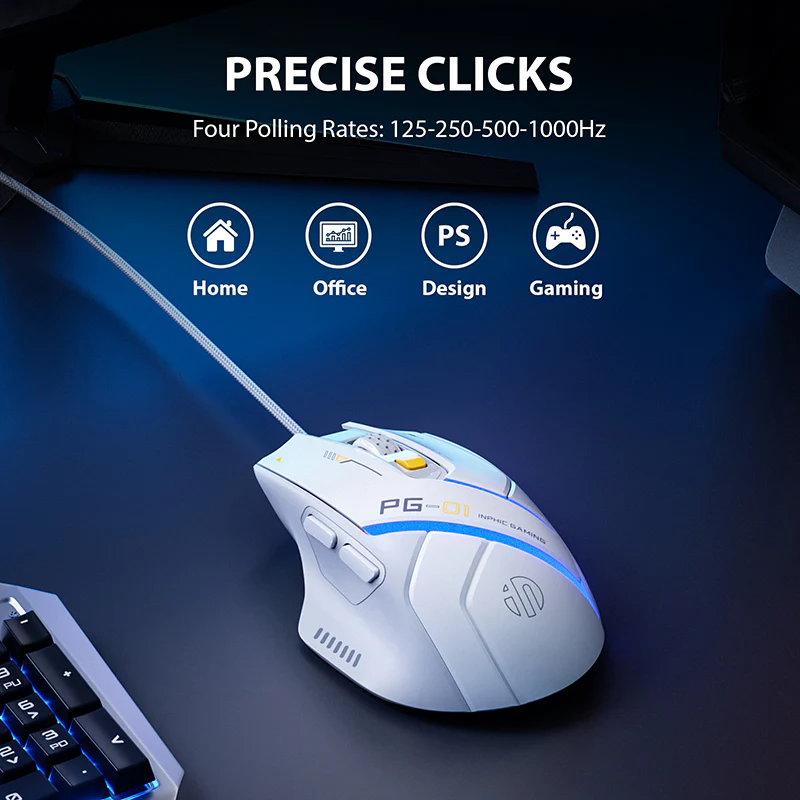

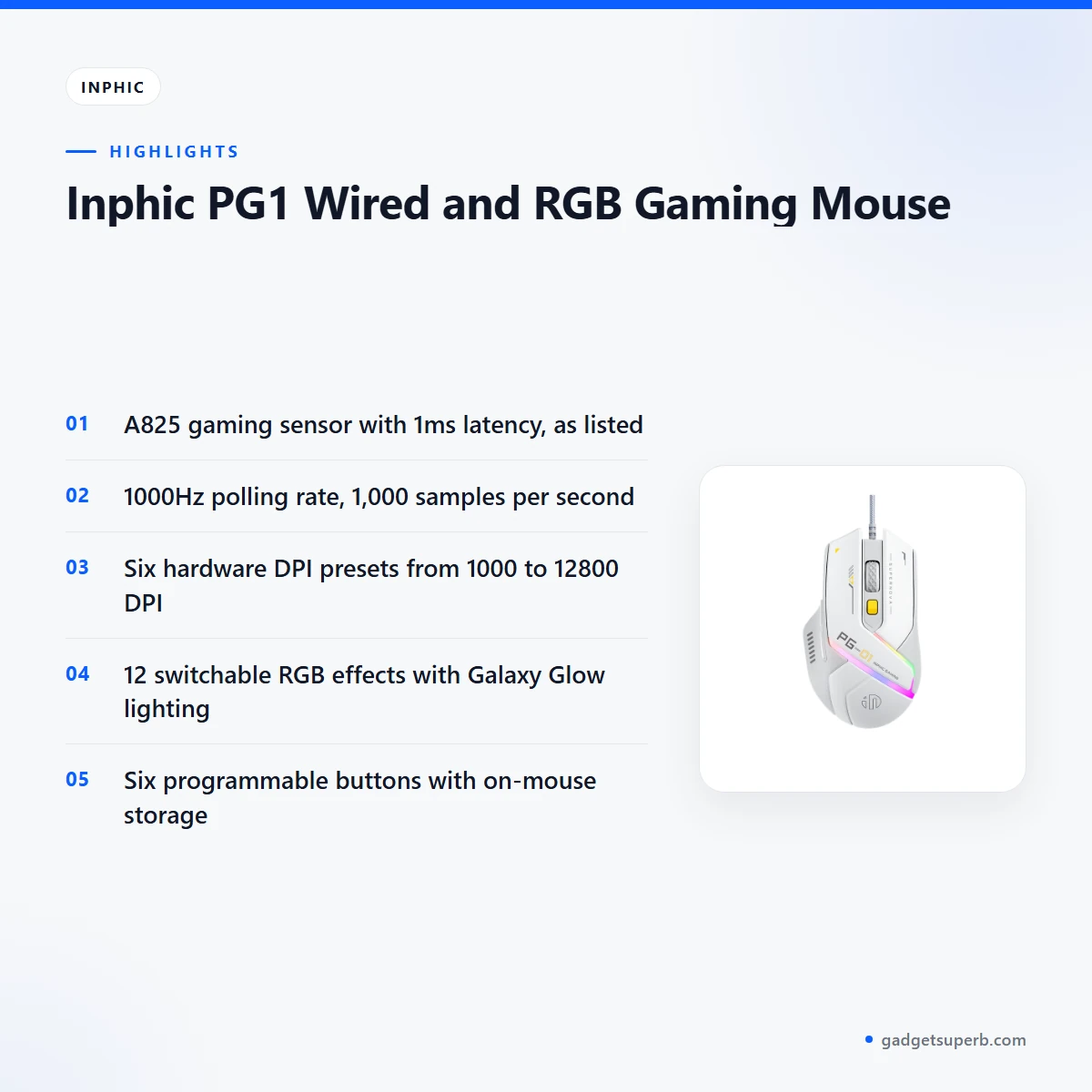

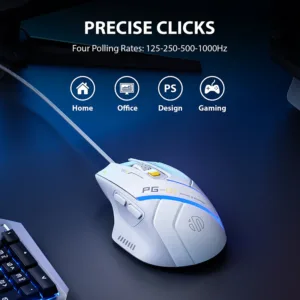

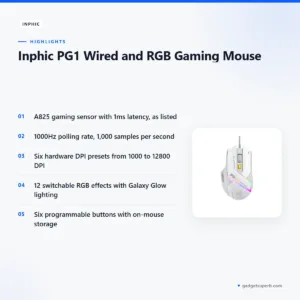
The Inphic PG1 mouse is a wired USB gaming mouse with an A825 sensor, a 1000Hz polling rate and a 12-mode RGB system, according to the listing. It is aimed at competitive gamers, PC setup enthusiasts and office users who want programmable buttons. This page covers what the listing confirms, how to set up and care for the mouse, and what to check when you compare it.
- Overview
- Key features
- Specifications
- How to use and set up
- Compatibility and what is in the box
- Who should buy it in Bangladesh
- Alternatives in our store
- Warranty and support
- Delivery, returns and ordering
- Frequently asked questions
Overview of the Inphic PG1 mouse
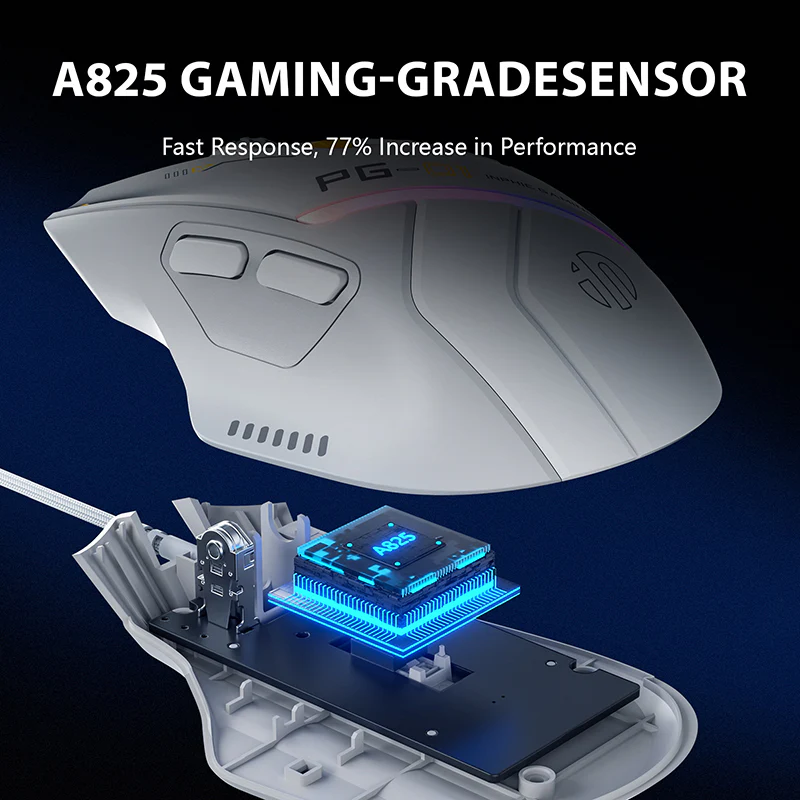
The Inphic PG1 mouse is built around what the listing calls a professional gaming chip, the A825. According to the listing, its high-precision image recognition supports accurate locking and ultra-low latency of 1ms. The maker positions the design for people who refuse to compromise on speed or style, and the striking “Galaxy Glow” RGB system is central to that look.
The shape matters as much as the electronics. The listing describes an asymmetrical body with a widened thumb rest that fits the palm, and it describes the grip as right-handed. The listing does not describe a left-handed version, so anyone who holds a mouse in the left hand should study the shape closely and compare the Inphic PG1 mouse with other options.
This mouse also suits mixed use. Gamers get the 1000Hz polling rate and the DPI range, while office users can remap side buttons to shortcuts such as copy, paste and undo, as the listing suggests. The listing describes a wired USB connection with Plug & Play setup, so the Inphic PG1 mouse connects by cable to a fixed desk rather than through a wireless link.
For Bangladeshi buyers, the practical questions are usually simple: will the Inphic PG1 mouse work with my PC, will the lighting suit my setup, and will the cable reach my desk? The listing answers the first two in general terms, and this section sets out what it confirms on each point. The cable length is not confirmed exactly, so ask us if your desk layout is tight.
Key features
The listing sets out six headline features for the Inphic PG1 mouse. Each one is explained below as the maker presents it, with notes on how it may fit your setup.
Pro Gaming Chip (A825)
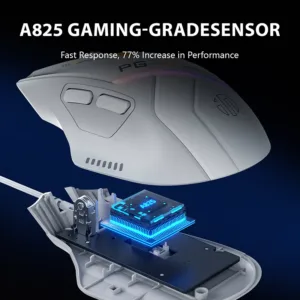
The A825 is the heart of the Inphic PG1 mouse. The listing describes it as a professional gaming chip that uses high-precision image recognition technology for accurate locking. According to the listing, this gives ultra-low latency of 1ms.
Latency matters most in fast shooters and multiplayer battles, where a delayed click can cost a round. The listing does not compare the A825 with other sensors, so judge the Inphic PG1 mouse on the listed figures and on how it feels in your hand. If you play competitively, adjust the DPI and polling settings in small steps until the cursor responds the way you expect.
Extreme DPI Range
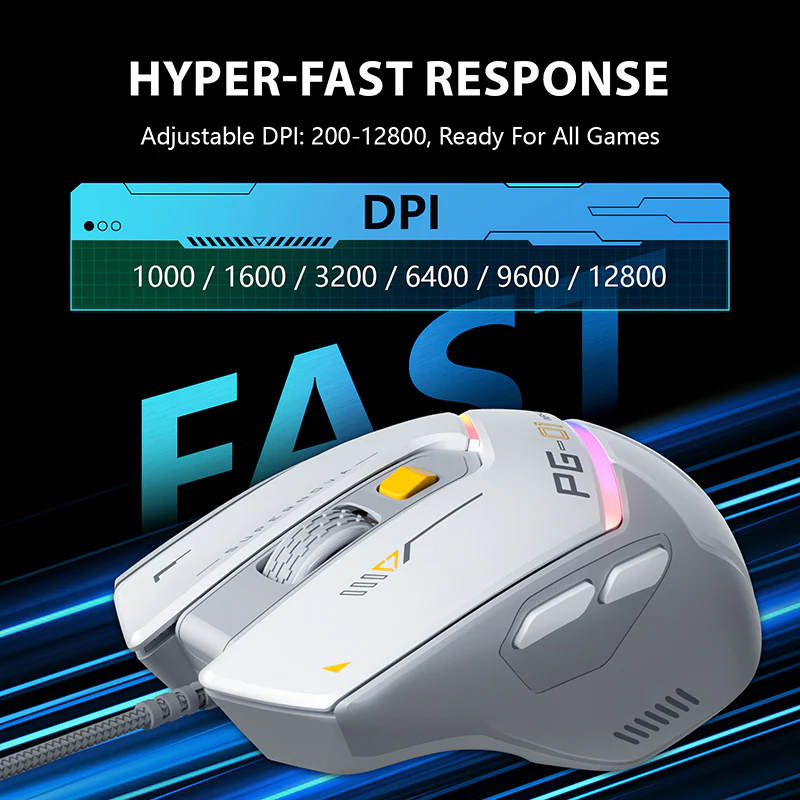
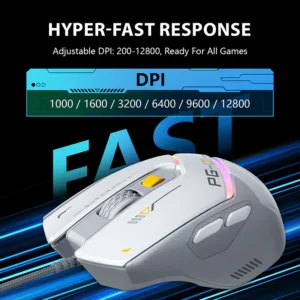
According to the listing, the Inphic PG1 mouse has six hardware presets from 1000 to 12800 DPI, with granular software adjustment down to 200 DPI. A lower setting gives finer control for precise aiming or detailed design work, while a higher setting covers the screen faster for quick turns.
The listing gives the range but does not say which setting suits any particular game. If your table is small in a Dhaka flat, a lower setting may give you more control within limited space, so try a few presets before you settle on one.
1000Hz Polling Rate
The listing says the Inphic PG1 mouse samples 1,000 times per second for smooth, lag-free tracking. The specification table also lists polling rate options of 125, 250, 500 and 1000Hz, so you can select a lower rate if your system needs one.
A higher polling rate means the mouse reports its position to the PC more often, which the maker presents as the basis for smooth movement. The listing does not state the rate your own system will reach, because results depend on your processor, USB port and software settings. Where possible, plug the cable into a direct port on the PC rather than a crowded hub.
12-Mode RGB Lighting
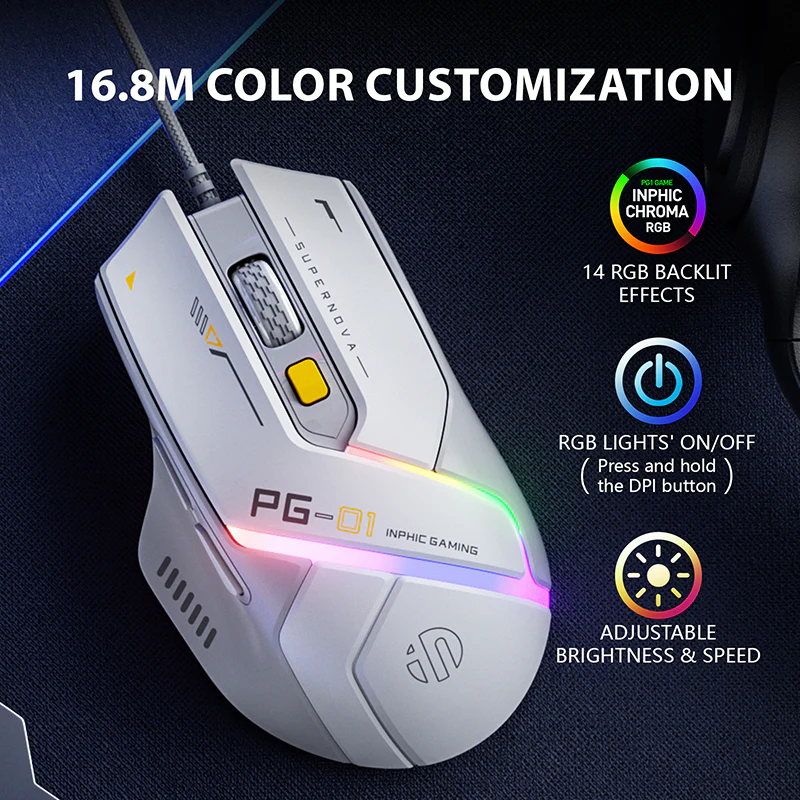
The listing describes a striking “Galaxy Glow” RGB system with 12 switchable effects. It also says you can long-press the DPI button to toggle effects or customise them through software. The maker presents this as a way to match the Inphic PG1 mouse to your keyboard and PC case lighting.
Lighting is a matter of taste, so decide whether you want a steady colour or a moving effect. If you prefer a plain desk, choose one effect and keep it. The listing does not describe each effect in detail, so check the software options before you settle on a look.
Asymmetrical Ergonomics
The listing describes an asymmetrical design with a wide finger rest and sweat-proof coating for a secure, comfortable right-handed grip. According to the listing, the shape reduces wrist rotation, which the maker says helps prevent fatigue during 8+ hour workdays or raids. These are the maker’s statements as listed.
In a humid Dhaka afternoon, the sweat-proof coating is worth noting, though it is presented as a listed feature rather than a promise about how your hand will feel. For a secure fit, hold the Inphic PG1 mouse in your normal grip and check that your fingers reach the buttons without stretching.
Six Programmable Buttons
The listing says the Inphic PG1 mouse has six programmable buttons that are fully remappable. Its settings are kept in built-in hardware storage, so your setup stays on the mouse even if you switch PCs. For gamers, the listing highlights storing complex combos directly on the device.
For office users, the listing suggests remapping side buttons to productivity shortcuts such as copy, paste and undo. It also notes that the buttons are non-programmable on Mac, so Mac users should look at this point first. If you share the mouse between machines, keep a written note of your key assignments.
Specifications
The table below sets out the Inphic PG1 mouse specifications as listed. Use it to check connectivity, sensor, resolution and system support when you compare models.
| Brand | Inphic |
| Model | PG1 |
| Connectivity | Wired USB (Plug & Play) |
| Sensor Model | Instant A825 (Optical) |
| Resolution (DPI) | 200 – 12800 (Software Adjustable) |
| Polling Rate | 125 / 250 / 500 / 1000Hz |
| Tracking Speed / Accel | 60 IPS / 20G |
| Button Life | 5 Million Clicks |
| Dimensions | 127 x 75 x 42 mm |
| Weight | ~78g (Lightweight variant) to 107g |
| System Support | Windows XP/7/8/10/11, macOS (Buttons non-programmable on Mac) |
These are listed specifications from the product listing for the Inphic PG1 mouse.
How to use and set up
Setting up the Inphic PG1 mouse is straightforward because the listing describes a wired USB connection with Plug & Play operation. Connect the braided cable to a free USB port on your computer, then wait for the operating system to recognise the device. Where possible, use a port directly on the PC rather than a loose or shared hub.
Before first use, check that the cable is undamaged and that the connector sits firmly in the port. If you plan to change DPI, polling rate, button mapping or lighting, use the software that the listing refers to and follow the maker’s instructions for each change. The listing does not describe the software menus in detail, so this page does not walk through them.
Once the Inphic PG1 mouse is connected, test the cursor movement on the mat or desk surface you use every day. Keep the braided cable clear of chair wheels and keyboard trays so it does not catch when you move. Keep the cable free of sharp bends so the line lasts longer.
Bangladesh’s humid months call for simple care. Wipe the body with a dry cloth, keep the mouse away from spilled drinks and dust, and store it in a dry place when it is not in use. The listing gives button life as 5 Million Clicks, which is a listed figure rather than a promise about your own use.
For a desk that gets hot in the afternoon, keep the mouse out of direct sunlight and away from a window where dust settles. Store it in a fixed place rather than in a bag with keys or coins, which can scratch the shell. Clean the mat as well, because a dirty surface can make the cursor feel uneven whatever mouse you use.
The listing describes a wired connection and does not mention a battery, so it gives no charging routine for this mouse. Plan your usual power backup for the computer itself during load-shedding. If you have questions about power or connection, ask us and we will confirm what the listing states.
Setup stays simple: connect, let the system recognise the device, test the cursor, then adjust your settings once the mouse is working. Follow the maker’s instructions for any software you install, and keep your computer updated through its normal channels.
Compatibility and what is in the box
According to the listing, the Inphic PG1 mouse supports Windows XP, 7, 8, 10 and 11, and macOS. The listing notes that buttons are non-programmable on Mac. Check your operating system first, especially if you use an older version of Windows or a Mac for design work.
The cable is described as a durable braided “parachute” line of 1.5M to 1.8M with a magnetic ring to prevent signal interference, as the maker lists it. The exact length you receive is not confirmed by the listing, so ask us if cable length matters for your desk.
The listing does not confirm the contents of the package. Do not assume that any accessory, manual or driver comes with the Inphic PG1 mouse. Ask us about contents if they matter to you.
If you plan to use the mouse alongside a keyboard, read the background on computer keyboards for general terms. The listing describes this mouse on its own, so check that your keyboard and computer meet the points above.
Who should buy it in Bangladesh
The Inphic PG1 mouse suits a few clear buyer types. Read the scenarios below and decide whether they match how you use your computer at home, in an office or in a gaming room.
E-sports competitors: the listing says the 1000Hz polling rate and low latency suit FPS and MOBA titles. If you play ranked matches in the evening, the Inphic PG1 mouse is aimed at the same kind of precise play. The listing does not promise a rank or a result.
PC setup enthusiasts: the listing says the 12-mode RGB system helps you match the Inphic PG1 mouse to your keyboard and PC case lighting. If your battlestation is a major part of your room, the mouse fits the look the maker describes. Choose the effects you like first, because lighting is a matter of taste.
Office power users: the listing suggests remapping side buttons to Copy, Paste and Undo. If you work long hours on spreadsheets, design files or documents, that mapping may save clicks. Mac office users should look at the listing note on non-programmable buttons first.
Gamers who want the sensor and polling features of a high-end setup in a wired mouse: the listing presents the A825 sensor and 1000Hz polling rate as its main reasons to buy, and it calls the Inphic PG1 mouse a top-tier value choice for wired mice. Judge that claim against your own needs.
Students and home workers in Dhaka who keep a fixed desk may find the wired connection suits them, since the listing describes a wired USB connection with Plug & Play setup. The listing mentions no battery for the Inphic PG1 mouse, so plan your power backup for the computer.
How to choose: start with your operating system, then decide whether a right-handed asymmetrical shape suits your hand. Next, decide whether lighting matters to you and whether you need programmable buttons for games or office shortcuts. If those answers point to a wired mouse with the features listed above, the Inphic PG1 mouse is worth a closer look.
Who should look elsewhere: if you need a wireless mouse, the Inphic PG1 mouse is not the right choice, because the listing describes only a wired USB connection. Left-handed users and those who want a symmetrical shape should compare other models in our store before they decide.
Alternatives in our store
If the Inphic PG1 mouse is not the right fit, browse these alternatives in our store. The Havit MS1034 RGB Backlit Programmable Gaming Mouse is another gaming mouse in our range, and the Havit MS1027 Cool RGB LED Gaming Optical Mouse is a further gaming mouse option. The A4TECH OP-720 Optical USB Wired Mouse is another mouse in our range, and the Fantech P31 Keyboard, Mouse & Mousepad Combo is a keyboard, mouse and mousepad combo. Compare them with the Inphic PG1 mouse on the points in this guide, and see our Keyboards & Mouse category for the full selection.
Warranty and support
Warranty: 7 Days seller warranty.
Delivery, returns and ordering
We deliver all over Bangladesh, and you pay cash on delivery. Delivery usually takes 1–3 days inside Dhaka city and 2–5 days outside Dhaka. If you live outside Dhaka, allow the longer window, and contact us if you need timing confirmed for a specific date.
You can return it within 7 days of delivery. Read our Delivery & Returns policy for the full terms that apply to the Inphic PG1 mouse.
Questions before ordering? Call 09638054751, message us on Facebook Messenger or email care@gadgetsuperb.com. Ask about the model, operating system or cable length of the Inphic PG1 mouse, so you can order with confidence.
Frequently asked questions
What is the Inphic PG1 mouse?
The Inphic PG1 mouse is a wired USB gaming mouse with an A825 sensor, listed with a 1000Hz polling rate and 12 RGB lighting modes. The listing presents it for gamers, PC setup enthusiasts and office users.
Is the Inphic PG1 mouse wired or wireless?
The listing describes it as a wired USB device with Plug & Play connectivity. No wireless option is mentioned in the listing.
Does the mouse work on a Mac?
The listing says macOS is supported, but the buttons are non-programmable on Mac. Look at this point first if you plan to remap buttons.
How many buttons can I program?
The listing describes six programmable buttons that are fully remappable. Settings are stored in built-in hardware storage, so they stay on the mouse if you switch PCs.
Is there Inphic PG1 mouse software or a driver download?
The listing refers to software for DPI and lighting adjustment. It does not confirm a download link or driver file, so ask us for the current position.
What DPI range does the Inphic PG1 mouse offer?
The listing gives six hardware presets from 1000 to 12800 DPI. Software adjustment goes down to 200 DPI.
Is the Inphic PG1 mouse suited to e-sports?
The listing positions this mouse for e-sports competitors who need a 1000Hz polling rate for FPS and MOBA titles. It does not promise any result in competition.
Does it support Windows 11?
Yes, according to the listing, Windows XP, 7, 8, 10 and 11 are supported. macOS is also listed.
What warranty comes with the Inphic PG1 mouse?
The warranty is listed as 7 Days seller warranty. Ask us if you need more detail on the warranty.
Can I return this mouse?
Yes, you can return it within 7 days of delivery, as set out in our Delivery & Returns policy. Read that policy for the full terms.
Does the mouse have a battery?
The listing does not mention a battery, and it describes a wired USB connection. It gives no charging details.
Can I pay cash on delivery?
Yes, we deliver all over Bangladesh and you pay cash on delivery. Delivery usually takes 1–3 days inside Dhaka city and 2–5 days outside Dhaka.
Related products
-23%
50 in stock
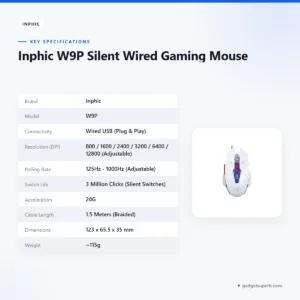
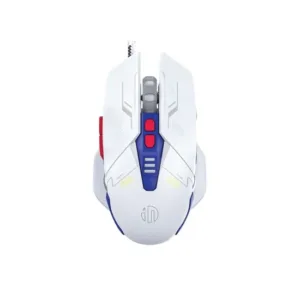
Inphic W9P Silent Wired Gaming Mouse
Original price was: ৳ 1,770.৳ 1,360Current price is: ৳ 1,360.-23%
49 in stock

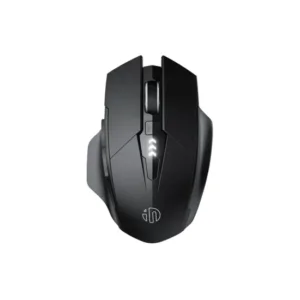
Inphic A1 Wireless Rechargeable Bluetooth Mouse
Original price was: ৳ 1,620.৳ 1,240Current price is: ৳ 1,240.-23%
49 in stock

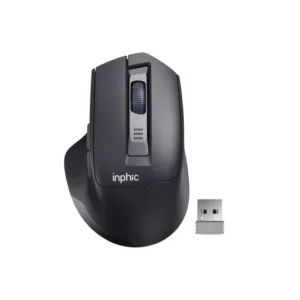
Inphic M9 Rechargeable 2.4G Wireless Mouse
Original price was: ৳ 1,380.৳ 1,060Current price is: ৳ 1,060.-23%
50 in stock


INPHIC B8 Office Wired Mouse
Original price was: ৳ 1,300.৳ 1,000Current price is: ৳ 1,000.-20%
354 in stock
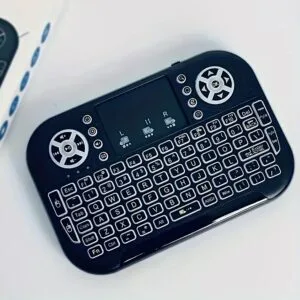
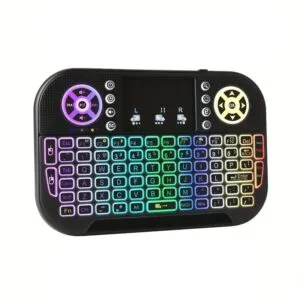
GearUP MK20 2.4GHz + Wireless Dual Mode RGB Backlit Rechargeable Mini Portable Keyboard With Touchpad
Original price was: ৳ 600.৳ 480Current price is: ৳ 480. Inphic PG1 Wired and RGB Gamin...
 Original price was: ৳ 2,070.৳ 1,590Current price is: ৳ 1,590.
50 in stock
Reviews
There are no reviews yet.