No products in the cart.

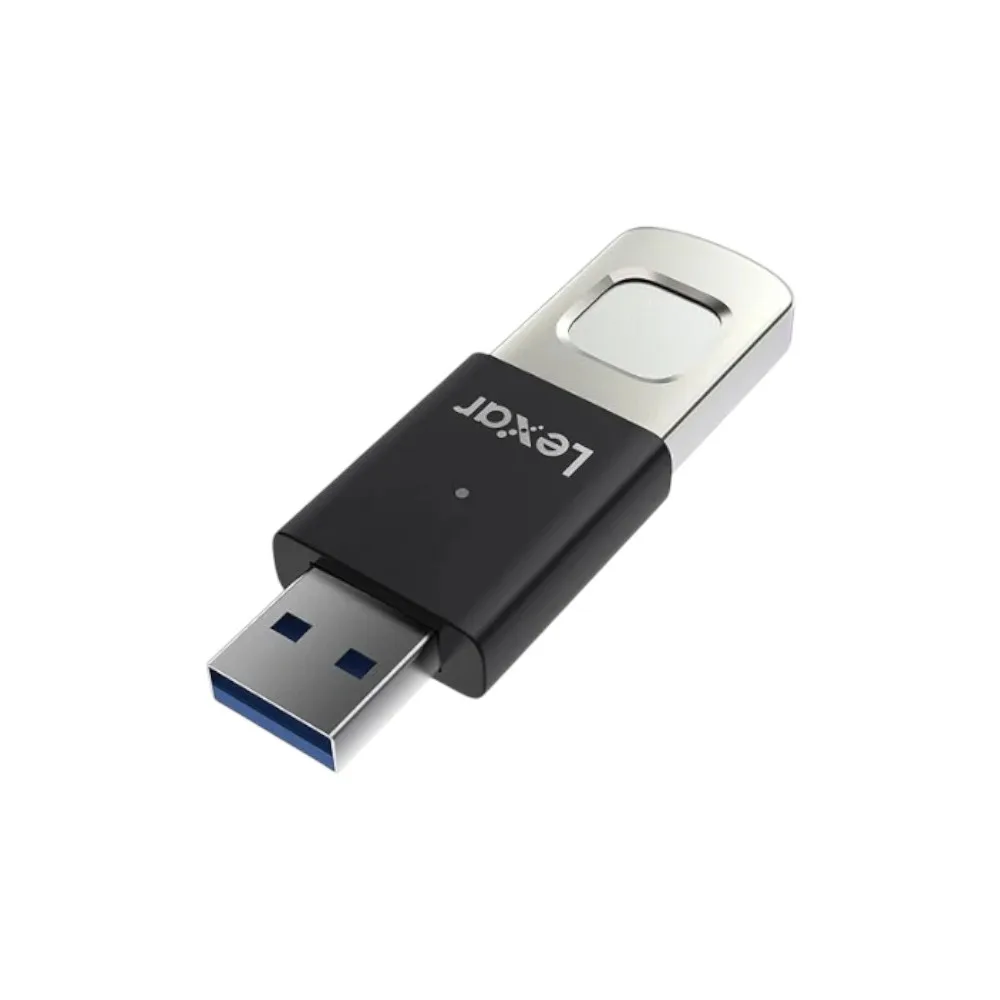
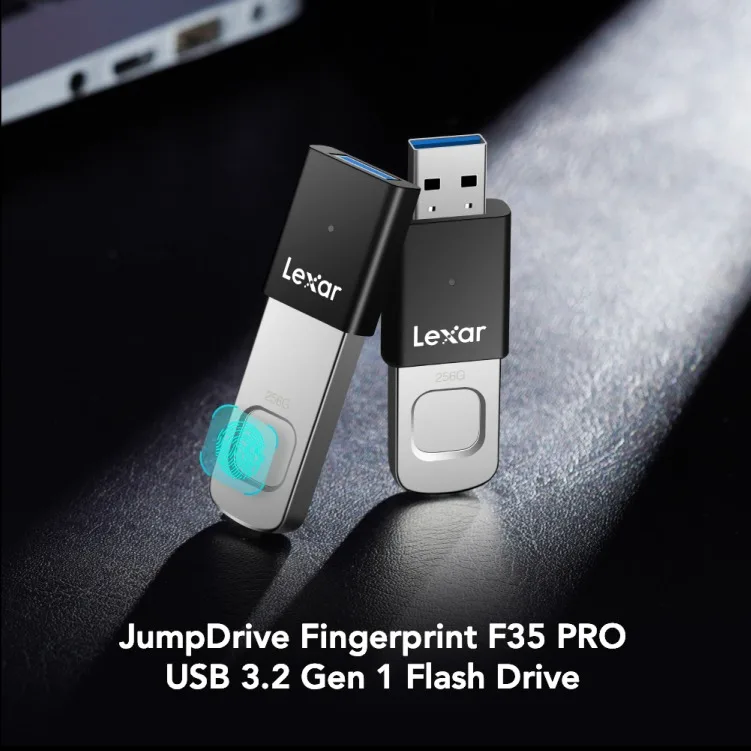
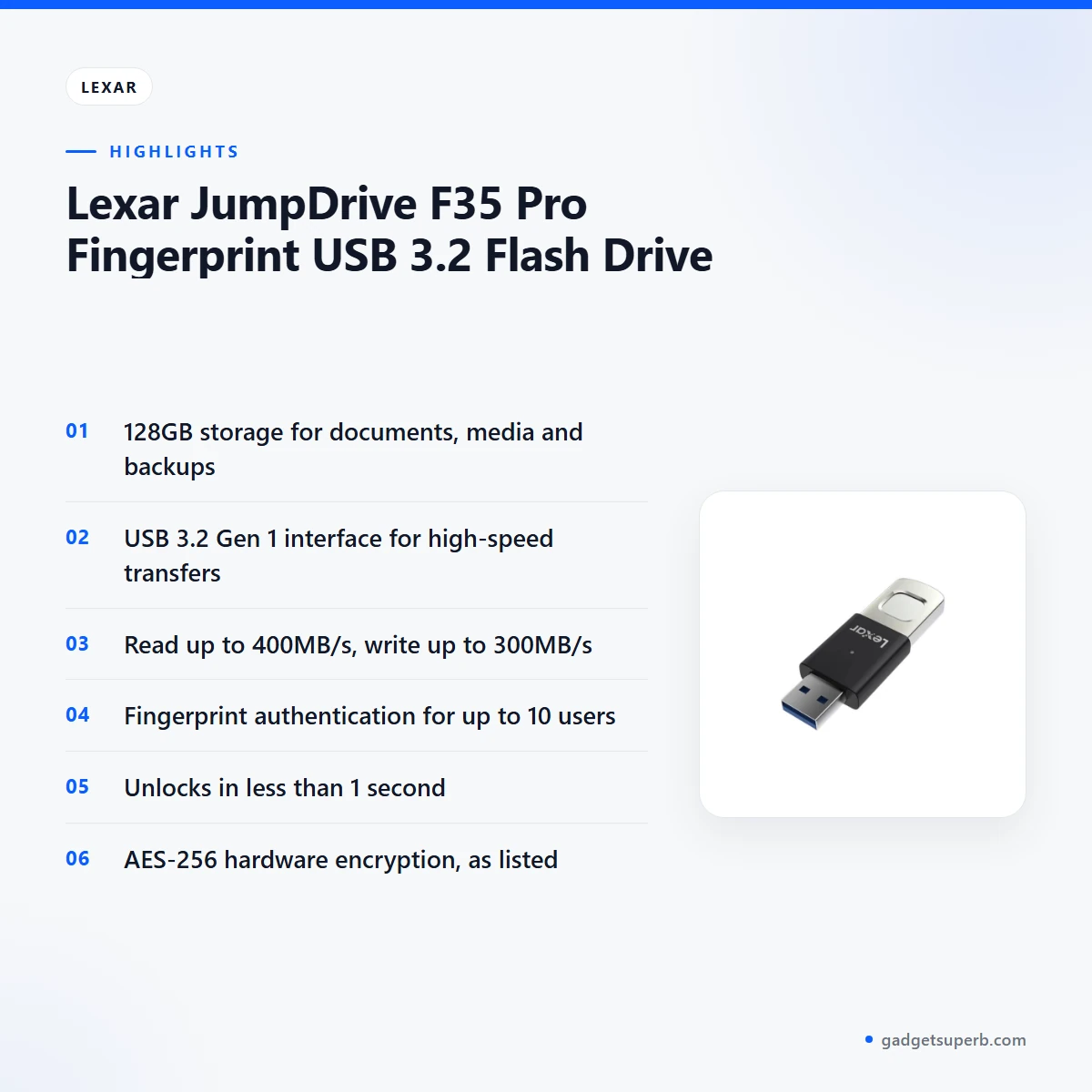
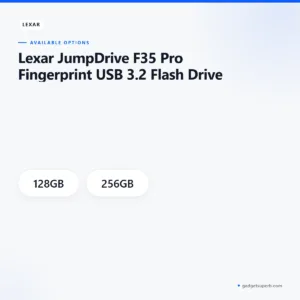
Lexar F35 Pro is a USB 3.2 flash drive with 128GB storage and fingerprint authentication, according to the listing. It is aimed at Dhaka office workers, students and families who want quick, fingerprint-based access to documents, media and backups. Read the specifications below before you order, and ask us if you are unsure which capacity suits you.
- Lexar F35 Pro overview
- Key features
- Specifications
- How to use and set up
- Compatibility and what is in the box
- Who should buy it in Bangladesh
- Alternatives in our store
- Warranty and support
- Delivery, returns and ordering
- Frequently asked questions
Lexar F35 Pro overview
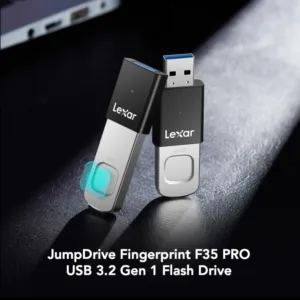
The Lexar F35 Pro is a USB 3.2 flash drive with a fingerprint sensor on the device itself. According to the listing, you register up to 10 fingerprints directly on the drive, so several people in one household or office can each have their own unlock. The listing also gives 128GB as the storage capacity, intended for documents, media and backups.
For Bangladeshi buyers, the practical question is whether the Lexar F35 Pro fits daily work. Many people carry files between a home computer and an office, keep lecture notes and project files on a laptop, or store family photos that they want to back up. The Lexar F35 Pro is aimed at those kinds of everyday tasks, as the listing describes its use for documents, media and backups. A drive is only useful if it matches the way you already work, so think about how often you plug it in, which devices you use it with and how many files you need to carry.
Load-shedding and humid weather are part of life in many Bangladeshi homes and offices, so it is worth building a simple habit around any portable drive. Keep a second copy of important files on another device, avoid unplugging a drive in the middle of a copy, and store the drive somewhere dry when it is not in use. These habits do not depend on any one product, but they matter more when power and weather are unpredictable. For the Lexar F35 Pro, the listing does not describe how it behaves in heat or humidity, so treat that as a general habit rather than a listed feature.
Before you buy, decide how much space you need, check that your computer has a USB 3.2 Gen 1 port, and read the delivery and returns details further down this page. If you are unsure whether the Lexar F35 Pro suits your plan, call 09638054751 or message us on Facebook Messenger before you order. We would rather answer a question before delivery than after it.
Choosing a capacity is a simple exercise. List the files you carry most often, estimate how much space they take, and add room for new work over the next few months. Photos, videos and recordings take far more space than text documents, so a folder of scanned pages needs much less room than a set of films. The listing gives 128GB for the drive it describes, which is a useful starting point for documents, media and backups, but it is not a substitute for checking your own file sizes.
Key features
The listing names several headline features. Each one is described below, using the maker’s wording where it matters, so you can see what is claimed and what is not.
Fingerprint unlock on the Lexar F35 Pro
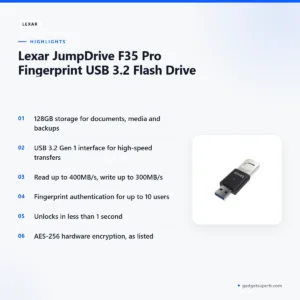
Fingerprint authentication is the feature that sets the Lexar F35 Pro apart in its listing. The maker says you register fingerprints directly on the device, with support for up to 10 users. That means each person who needs the drive can enrol their own finger, instead of relying on one shared access method. Enrol every person who will use the drive and keep a simple note of who is registered, following the maker’s instructions for registration. For a family computer or a shared office desk in Dhaka, that can help you control who opens the drive, although the listing does not describe every possible use case.
Unlock speed listed under one second
According to the listing, the drive unlocks in less than 1 second for instant access, and the specifications give the authentication speed as less than 1 second. In everyday terms, that means you can plug in the drive, place a registered finger on the sensor and begin work without a long wait. This is the maker’s figure, so treat it as a listed value. If a registered finger is not recognised, follow the maker’s instructions for re-registering it. Quick access matters most when you open the same files several times a day, such as a budget sheet, a set of scanned forms or a folder of lecture slides.
USB 3.2 Gen 1 transfer speeds
The listing describes a USB 3.2 Gen 1 interface for high-speed transfers, with read speed up to 400MB/s and write speed up to 300MB/s. These are the maker’s maximum figures. Actual transfer time depends on your computer, the port you use and the files you copy, so a folder of many small documents may behave differently from one large video file. If you plan to move large media between a laptop and a television, check the port type on each device before you order. The Lexar F35 Pro is listed with these figures for both reading and writing, which is useful when you copy files to the drive and back again.
AES-256 hardware encryption
The Lexar F35 Pro listing describes AES-256 hardware encryption for maximum data protection. In the specifications, the encryption is listed as 256-bit AES hardware encryption plus fingerprint security. The listing does not explain how the encryption is implemented, so we do not go beyond its wording. What we can say is that the listing presents the encryption and the fingerprint security together, as two parts of the same protection. Encryption protects the data on the drive, but it does not replace a second copy. Keep a separate backup of any important files, and keep your order records in case you need to check the product details later.
Metal body with a sliding USB connector
The Lexar F35 Pro casing is listed as a metal body with a sliding USB connector, and the listing uses the word durable to describe it. The listing does not describe how the body performs under drops, heavy wear or pressure, so treat the word as the maker’s description. Carrying the drive in a bag with keys, phones and coins is a common habit, so a pouch or a dedicated pocket may reduce scratches, although the listing does not make that claim. Store the drive away from direct heat, as you would any portable storage.
Plug-and-play across computers, TVs and consoles
The listing says the drive is plug-and-play compatible with Windows, macOS, Linux, smart TVs and gaming consoles. That is a wide list, and it fits a Bangladeshi household where one drive may move between a laptop, a family television and a console. The listing does not name specific operating system versions, television brands or console models, so confirm the device you plan to use before relying on the drive for an important task. If you hope to use it with a phone or tablet, the listing does not state that, so ask us first. For the Lexar F35 Pro, the plug-and-play wording is the main compatibility claim we can pass on.
Specifications
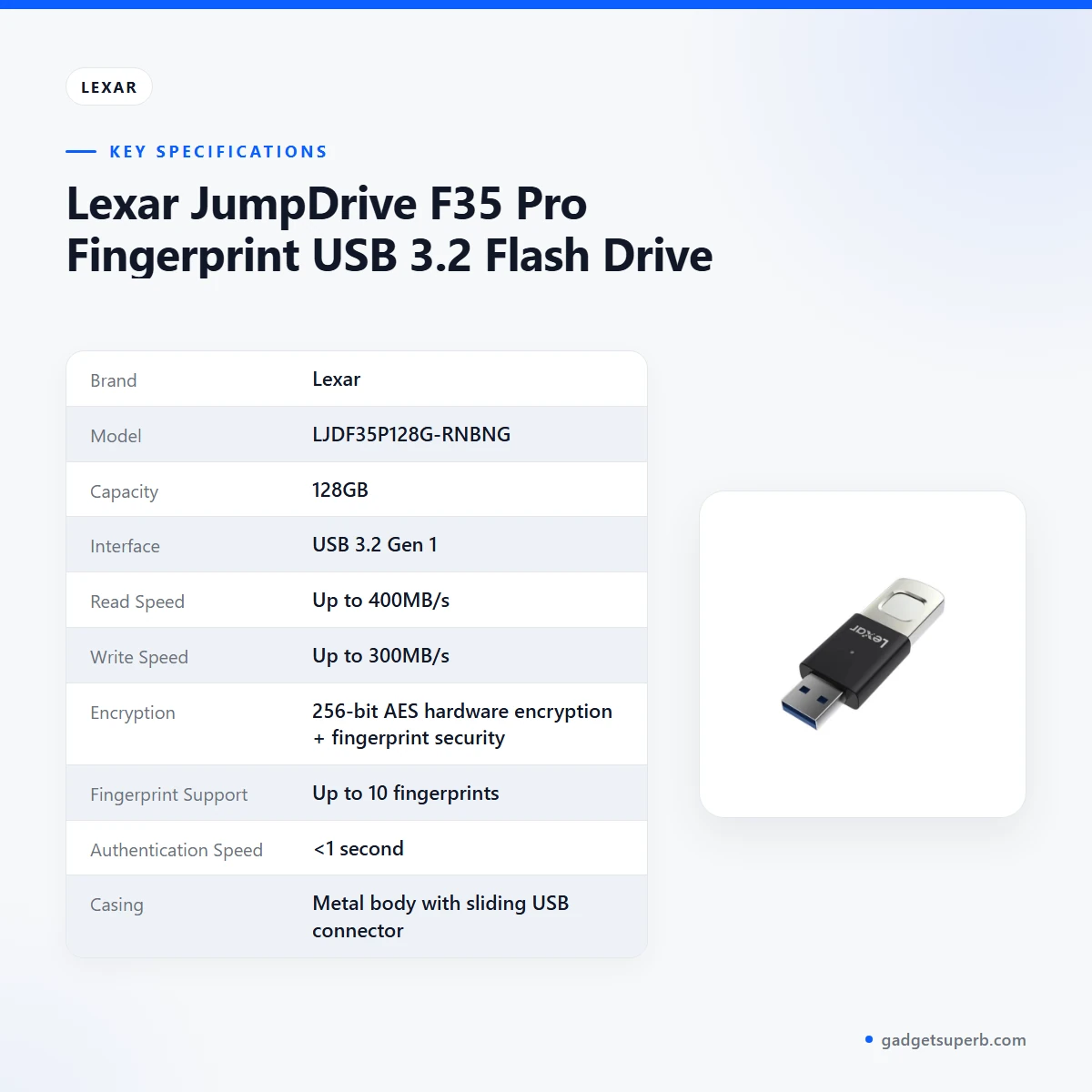
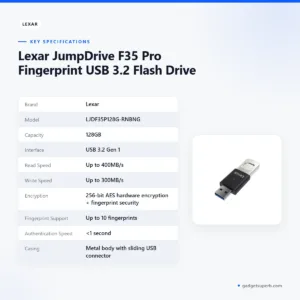
The Lexar F35 Pro specifications below are copied from the product listing, so you can compare the wording with what you see on the listing page. The listed attributes also name a 256GB capacity option. This page covers the 128GB capacity given in the specifications, so confirm the capacity before you order.
| Brand | Lexar |
|---|---|
| Model | LJDF35P128G-RNBNG |
| Capacity | 128GB |
| Interface | USB 3.2 Gen 1 |
| Read Speed | Up to 400MB/s |
| Write Speed | Up to 300MB/s |
| Encryption | 256-bit AES hardware encryption + fingerprint security |
| Fingerprint Support | Up to 10 fingerprints |
| Authentication Speed | <1 second |
| Casing | Metal body with sliding USB connector |
| Compatibility | Windows, macOS, Linux, smart TVs, gaming consoles |
| Warranty | 1 Year |
These are listed specifications from the product listing for the Lexar F35 Pro.
How to use and set up
Setting up the Lexar F35 Pro starts with the listing’s own steps. Plug the drive into any USB 3.2 Gen 1 port, then register fingerprints directly on the device, with up to 10 users. Follow the maker’s instructions for registration, because the listing does not repeat the exact sequence of steps.
Once a finger is registered, the Lexar F35 Pro unlocks with fingerprint authentication in less than 1 second, according to the listing. Copy your files after the drive unlocks, and keep a second copy of anything you cannot replace. When you finish, use your computer’s normal safe-removal option before you unplug the drive.
Before first use, check that the capacity matches your plans and that the computer or television you intend to use is on the compatibility list in the specifications. If you move the Lexar F35 Pro between a laptop, a television and a console, check that each device recognises the drive before relying on it for important files.
Day-to-day care matters in a Bangladeshi climate. Keep the drive away from direct sunlight, heat and damp surfaces, and store it in a dry drawer or pouch when you are not using it. Avoid unplugging the drive during a transfer, especially when load-shedding or a sudden power cut could interrupt a computer. Handle the sliding connector gently, and do not force it. These habits are general advice for any USB drive, not claims the listing makes for the Lexar F35 Pro.
If you use the drive for backups, plan a routine. Copy new files weekly or after each important session, label folders by date and keep one copy on a different device. The Lexar F35 Pro can hold the copy, but it should not be the only place a file lives.
Keeping the drive organised helps as much as the hardware does. Use a small set of top-level folders, such as work, study, family and backup, so that anyone you register on the drive can find files quickly. Review the folders every few months, remove copies you no longer need and check that the most important files still open on your computer.
Compatibility and what is in the box
The listing gives compatibility as Windows, macOS, Linux, smart TVs and gaming consoles. For the Lexar F35 Pro, that is the confirmed list. The listing does not state which Windows release, macOS release, Linux distribution, television brand or console model is covered, and it does not mention phones, tablets or cameras.
The listing does not describe the package contents, so we do not state what comes with the drive. If you need a specific accessory, a cable, a case or any other item, ask us before ordering. We will answer only from the product information we hold.
The Lexar F35 Pro listing shows 128GB in the specifications and lists 128GB and 256GB under attributes, so the capacity on a given page may not match every version a seller offers. Check the capacity on your order before delivery.
Who should buy it in Bangladesh
Office and field workers are a clear fit. If you carry proposals, scanned forms and spreadsheets between a home computer and an office in Dhaka, the Lexar F35 Pro offers a drive that opens for a registered finger. That suits people who want quick access to work files. The listing does not describe password or PIN options, so do not assume them.
Students and researchers may find the drive useful for lecture recordings, project files and reading notes. A fingerprint lock is helpful in shared flats or hostel rooms where several people use the same desk. Students who work across a laptop, a desktop at college and a home television should check the compatibility list and the port type before buying.
Families who share a television or game console can use the drive for holiday photos, school projects or films, with each adult registering a finger. The listing supports up to 10 users, so a larger household can register several people on one drive. The listing names smart TVs and gaming consoles, but it does not name specific models, so check your television before you plan a movie night around the Lexar F35 Pro.
Buyers who need a backup will also find the drive suitable on paper. The listing describes the Lexar F35 Pro for backups, so it can hold a second copy of documents or photos. Still, a backup should always be stored in more than one place, and a single drive is never a complete backup on its own.
Small shop owners and home-based sellers may use the drive to keep records, invoices and product photos in one place. The fingerprint lock can help when a relative or staff member uses the same computer, although the listing does not describe how access is managed beyond registering up to 10 fingerprints. Ask us if you need more detail before you decide.
Who should look elsewhere: if you need a drive for a phone, a camera, a memory card slot or a very large video library, the listing does not confirm fit for those uses. Look at the specifications and ask us before you buy. If you need a microSD card rather than a USB drive, see the alternatives below.
For the maker’s own product information, see the maker’s website.
Alternatives in our store
If the Lexar F35 Pro is not the right fit, you can compare other storage in our range. HOCO UD15 USB3.2 USB & Type -C flash drive(32GB) is another USB flash drive in our range, while HOCO UD15 USB3.2 USB & Type -C flash drive(64GB) is a second option from the same range.
Hoco UD15 Type-C USB 3.2 Dual-Port Flash Drive 256GB is a further USB drive in our store, and Hoco MicroSD Memory Card 256GB is a microSD memory card rather than a USB drive. Browse the full range in our Storage category.
Warranty and support
Warranty: 1 Year seller warranty.
Delivery, returns and ordering
We deliver all over Bangladesh and you pay cash on delivery. When you order the Lexar F35 Pro, you pay when it reaches you.
Delivery usually takes 1–3 days inside Dhaka city and 2–5 days outside Dhaka.
You can return it within 7 days of delivery (see our Delivery & Returns policy). Read the policy page before you order if you want the full details.
Questions before ordering: call 09638054751, message us on Facebook Messenger or email care@gadgetsuperb.com. We are glad to help you choose between the Lexar F35 Pro and the alternatives above.
Frequently asked questions
What is the Lexar F35 Pro?
The Lexar F35 Pro is a USB 3.2 Gen 1 flash drive with 128GB storage and fingerprint authentication, according to the listing. It is intended for documents, media and backups.
How many fingerprints does the Lexar F35 Pro support?
According to the listing, the Lexar F35 Pro supports up to 10 fingerprints, registered directly on the device. Follow the maker’s instructions for registration.
How fast does the Lexar F35 Pro unlock?
The listing states that the Lexar F35 Pro unlocks in less than 1 second. Treat this as the maker’s figure.
Does the Lexar F35 Pro work with smart TVs and gaming consoles?
The listing says the Lexar F35 Pro is compatible with Windows, macOS, Linux, smart TVs and gaming consoles. It does not name specific models, so check your device before ordering.
How fast are transfers on the Lexar F35 Pro?
The listing gives read speed up to 400MB/s and write speed up to 300MB/s. Actual transfer time depends on your computer, port and files.
Is the Lexar F35 Pro encrypted?
The listing describes 256-bit AES hardware encryption together with fingerprint security on the Lexar F35 Pro.
What is the warranty on the Lexar F35 Pro?
Warranty: 1 Year seller warranty.
Can I pay cash on delivery for the Lexar F35 Pro?
Yes. We deliver all over Bangladesh and you pay cash on delivery.
How long does delivery of the Lexar F35 Pro take?
Delivery usually takes 1–3 days inside Dhaka city and 2–5 days outside Dhaka.
Can I return the Lexar F35 Pro?
Yes, you can return it within 7 days of delivery. See our Delivery & Returns policy for details.
Related products
-23%
64 in stock

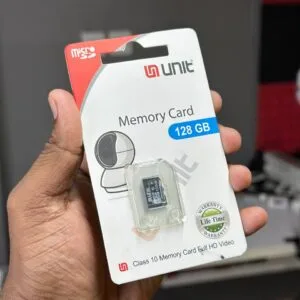
UNIT 128GB Memory Card Class 10 Memory Card Full HD Video
Original price was: ৳ 2,380.৳ 1,830Current price is: ৳ 1,830.

-23%
48 in stock
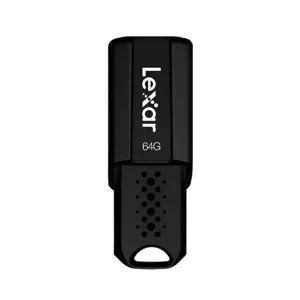

Lexar JumpDrive S80 USB 3.1 Pen Drive – 64GB
Original price was: ৳ 1,950.৳ 1,500Current price is: ৳ 1,500.-21%
80 in stock

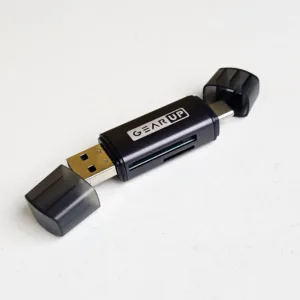
GearUP 4 In 1 Multifunction OTG Card Reader Type-C/USB /SD Card/TF Card Reader
Original price was: ৳ 230.৳ 180Current price is: ৳ 180.-23%
48 in stock
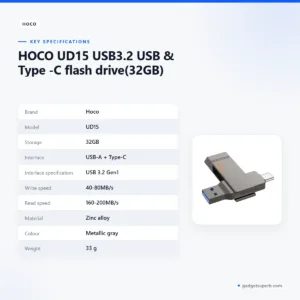

HOCO UD15 USB3.2 USB & Type -C flash drive(32GB)
Original price was: ৳ 1,580.৳ 1,210Current price is: ৳ 1,210.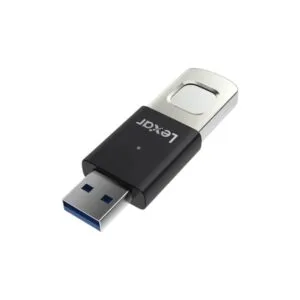 Lexar JumpDrive F35 Pro Finger...
Price range: ৳ 5,770 through ৳ 10,360
Reviews
There are no reviews yet.