No products in the cart.

-23%
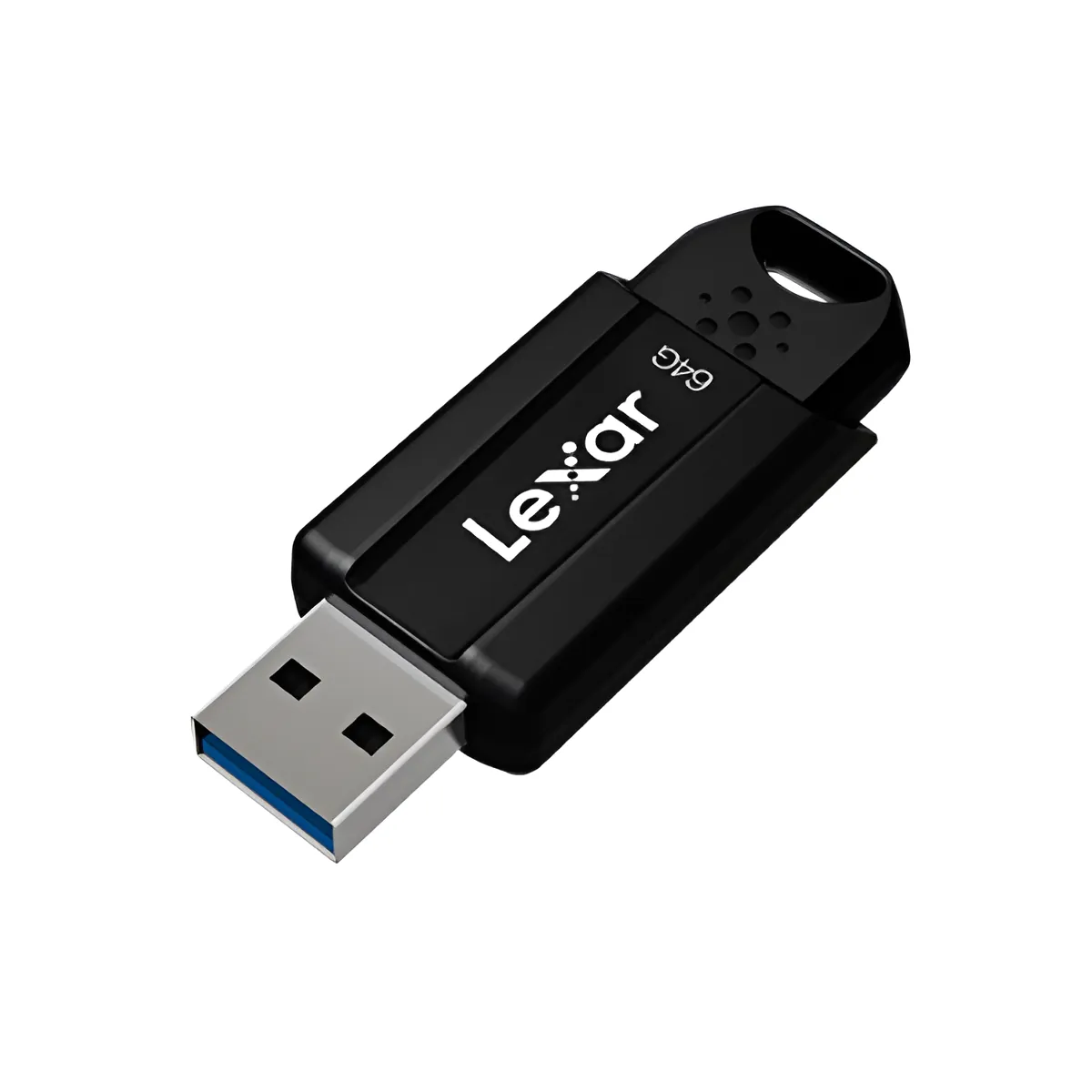


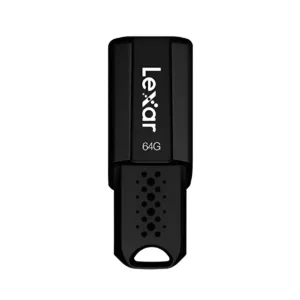
The Lexar S80 is a 64GB USB 3.1 pen drive, listed by the maker for storing documents, images and videos. It suits students, office workers and general users in Bangladesh who need a small drive for files. This page covers the listed specifications, setup guidance, compatibility and our delivery and returns terms.
- Overview
- Key features
- Specifications
- How to use / set up
- Compatibility and what is in the box
- Who should buy it in Bangladesh
- Alternatives in our store
- Warranty and support
- Delivery, returns and ordering
- Frequently asked questions
What Is the Lexar S80 64GB Pen Drive?
The Lexar S80 is a USB 3.1 pen drive with 64GB of listed capacity. According to the listing, it is aimed at documents, images and videos, and the maker lists it for students, professionals and general users. For a buyer in Bangladesh, that usually means a drive for assignments, office files, family photos and short video clips that need to move between machines.
A pen drive like this does a different job from a hard disk or a network storage device. Think of the Lexar S80 as a portable working copy of your files, not a replacement for your main backup. Many people in Dhaka keep the current week’s files on a drive for classes or meetings, and keep another copy at home or in the cloud. If you travel between home, campus and office by bus or rickshaw, a drive that hangs from a keyring is simple to carry.
Before you order, confirm the model and capacity you need. The listing gives one capacity for this product, 64GB, so if you expect to store large video libraries, consider whether a different capacity suits you better. Retail buyers often ask whether a drive is right for photos or video. The honest answer depends on how much you store and how often you need the files on another device. A pen drive suits moving files, while a dedicated device suits long-term keeping. You can read the maker’s own product information on the maker’s website.
Key features
The listing names several features for the Lexar S80. Each one is described below as the maker lists it, with notes on how it may matter to a buyer in Bangladesh. We do not add claims that the listing does not make.
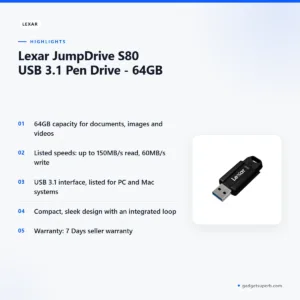
64GB capacity for documents, images and videos
According to the listing, the Lexar S80 offers 64GB of storage for documents, images and videos. For a student, that can mean lecture slides, research PDFs and project files on one drive. For a general user, it can hold a set of holiday photos or a few short clips taken on a phone. If you store phone photos, a single session can produce many images, so check your usual file sizes before you commit to a plan. The listing does not say how much space each file type will use, so check the size of your own folders before you copy them across. Keep a second copy of anything important, because a pen drive is a portable carrying tool and not a complete backup plan.
Transfer speeds of up to 150MB/s read and 60MB/s write
The listing gives transfer speeds of up to 150MB/s read and 60MB/s write for the Lexar S80. Read speed matters when you open files from the drive or copy them to your computer. Write speed matters when you save files onto the drive. The listing does not explain how real-world speed depends on your computer’s port, cable or file size, so treat the figures as the maker’s stated maximums. When you copy a large folder in a busy office or a university lab, a timed check on your own machine will tell you more than any table. Note the difference between the two figures, because a drive can read files faster than it writes them, and the listing gives each one separately.
USB 3.1 interface for PC and Mac systems
The listing says the Lexar S80 uses USB 3.1 technology, and it lists support for PC and Mac systems. USB 3.1 is the interface named for this drive, and the listing names it alongside that system support. Many Bangladeshi offices and labs run a mix of PCs and Macs, so a drive listed for both can help you move files between them. The listing does not describe which ports on a given machine give the full listed speed, so check the port type on your computer before a large copy. If a transfer seems slow, compare the port you used with the one you normally use before you assume a fault.
Durable construction and everyday handling
The listing describes the Lexar S80 as having durable construction that ensures longevity. That is the maker’s claim rather than an independent result, so treat it as a guide rather than a guarantee. Pen drives often travel in pockets, bags and laptop sleeves, where they get knocked and pressed. Keep the drive away from extreme heat, direct sunlight and damp surfaces. The listing gives an operating temperature range and a storage temperature range, which you can find in the specifications section below. Those figures are the most useful guide for how you handle the drive in a hot car, a warm room or a humid monsoon week.
Compact design with an integrated loop
The listing describes a compact and sleek design for easy portability. It also says the drive has an integrated loop for convenient attachment to keychains or backpacks. The listing gives dimensions of 56.5 mm x 20.6 mm x 10.5 mm and a weight of 9 g (USB only). For a student or commuter who carries keys and a bag every day, a loop gives the drive a fixed place to hang. Choose a keyring or strap that suits how you carry your bag, and check the attachment before you rely on it. The listing says the Lexar S80 is ideal for students, professionals and general users, which matches the everyday use cases described on this page.
Specifications
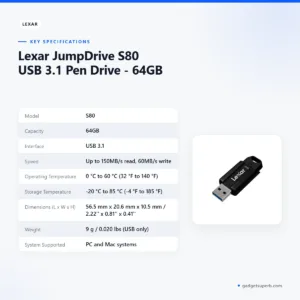
The table below sets out the specifications of the Lexar S80 as they appear in the product listing. Use it to check capacity, interface, speed, temperature ranges and dimensions before you order, and contact us if the listed system support does not match your computer. Temperature ranges appear in Celsius and Fahrenheit, and dimensions appear in millimetres and inches, as the listing shows them.
| Model | S80 |
| Capacity | 64GB |
| Interface | USB 3.1 |
| Speed | Up to 150MB/s read, 60MB/s write |
| Operating Temperature | 0 °C to 60 °C (32 °F to 140 °F) |
| Storage Temperature | -20 °C to 85 °C (-4 °F to 185 °F) |
| Dimensions (L x W x H) | 56.5 mm x 20.6 mm x 10.5 mm / 2.22” x 0.81” x 0.41” |
| Weight | 9 g / 0.020 lbs (USB only) |
| System Supported | PC and Mac systems |
These are listed specifications from the product listing for the Lexar S80.
How to use / set up
Setting up the Lexar S80 is straightforward, and the steps below are general guidance rather than a full manual. Start by checking that your computer has a free USB port, then plug the drive in firmly. Wait for your system to recognise it before you open or copy any files. If it does not appear, try another port on the same machine before you assume a fault. Keep the port free of dust.
Follow the maker’s instructions for first use. The listing does not describe a first-use routine, so the steps on this page should not replace those instructions. If you are unsure about any step, contact us before you connect the drive to an important machine.
Use your system’s safe-removal option before you unplug a drive. This protects the files you have just saved, and it is a habit worth building with any portable storage. Create a folder for each project, use clear file names, and you will find your files more quickly on any PC or Mac you use. A simple folder plan also helps when you move Lexar S80 files between a home computer and an office machine.
Power cuts are common in some parts of Bangladesh, so save your work to the drive only while your computer has power, and never pull the drive out while a file is still copying. If you work from several places, keep one copy on the drive and another in a second location, so a lost or damaged pen drive does not stop your work.
Store the drive in a pocket, pouch or drawer when you are not using it. Humidity in Bangladesh during the monsoon can be high, so keep the drive dry and avoid leaving it on a damp desk or near a window. Clean the drive gently with a dry cloth if it collects dust. On a crowded bus or rickshaw ride, a drive on a keyring can be pulled or pressed, so keep it in a zipped pocket where possible. Good habits matter more than any single feature.
Compatibility and what is in the box
The listing says the Lexar S80 supports PC and Mac systems and uses the USB 3.1 interface. Those are the compatibility points the listing gives, and they are the only compatibility details this page treats as confirmed.
Not confirmed by the listing: use with phones, tablets, smart televisions, game consoles or other devices. If you plan to use the Lexar S80 with any of these, ask us before ordering so that we can help you check what the listing does and does not say.
The listing does not describe the package contents. If you need a list of what comes with the drive before you buy, message us on Facebook Messenger or call 09638054751. This keeps your decision based on confirmed information rather than assumptions.
If you need the drive for a particular operating system version, check the version on your own computer and compare it with the PC and Mac support named in the specifications table.
Who should buy it in Bangladesh
Students in Dhaka, Chattogram, Sylhet or Rajshahi who carry lecture notes, research PDFs and a few project files may find the Lexar S80 a useful small drive. The listing names students as an intended audience, so the drive is aimed squarely at study needs. Keep a second copy of key work elsewhere, so that deadlines do not depend on one device.
Office workers who move presentations and spreadsheets between a desk computer and a laptop can use the drive for short hand-offs. The listing names PC and Mac systems, so the Lexar S80 can serve both types of machine in a mixed office. For a shared office computer, check your office policy before connecting any personal drive.
Families who share photos from a phone or camera can use a drive as a transfer tool for the day’s pictures, then keep the originals in a second place. The listing gives 64GB as the capacity, so estimate the size of your own photo folder before you copy it.
Teachers and trainers who prepare materials at home and present them at school can carry the drive between the two places. The listing names students, professionals and general users as the intended audience for the Lexar S80, so the drive fits common everyday work.
General users who want a simple drive for documents, a few images and occasional video clips will find the basic use case covered by the listing. If you want to store a large video library or a full photo archive, consider a different storage type.
Think about your own pattern before you decide. If you copy files daily, a drive on a keyring is convenient. A second, separate backup is worth having in any case.
Alternatives in our store
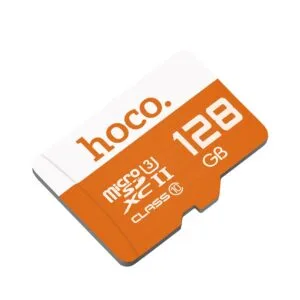
If the Lexar S80 is not the right fit, you can look at other options in our range. Other options include HOCO UD15 USB3.2 USB & Type -C flash drive(32GB) and HOCO UD15 USB3.2 USB & Type -C flash drive(64GB), both flash drives in our range. For another flash drive option, see Hoco UD15 Type-C USB 3.2 Dual-Port Flash Drive 256GB, and for a memory card, see Hoco MicroSD Memory Card 256GB, which is a memory card in our storage range.
Each of these links opens the product page, where you can read the listing for that item and check its details against your needs before you buy. You can browse the whole collection on the Storage category page.
Choosing among our options is simpler when you start with the use you have in mind: documents, photos, video or a memory card. Read the product page for each option, and ask us if you are not sure which one fits.
Warranty and support
Warranty: 7 Days seller warranty.
Delivery, returns and ordering
We deliver all over Bangladesh and you pay cash on delivery. Delivery usually takes 1–3 days inside Dhaka city and 2–5 days outside Dhaka. These are usual timings, so check with us if you need the drive by a particular date.
You can return it within 7 days of delivery. The full terms are on our Delivery & Returns policy page, which you should read before you order the Lexar S80 for a specific purpose.
Questions before ordering: call 09638054751, message us on Facebook Messenger or email care@gadgetsuperb.com. We are happy to answer questions about the Lexar S80 before you order.
Frequently asked questions
What is the Lexar S80 used for?
The listing says the Lexar S80 is for storing documents, images and videos. It suits students, professionals and general users who need a small drive for everyday files.
What capacity does the Lexar S80 come in?
This listing is for the 64GB version, and the listing gives 64GB as the capacity. Confirm your model and size before you order if you are looking for a different capacity.
How fast is the Lexar S80?
According to the listing, the Lexar S80 reads at up to 150MB/s and writes at 60MB/s. Real-world speed depends on your computer and port, which the listing does not describe.
Does the Lexar S80 work with a Mac?
The listing says the Lexar S80 supports PC and Mac systems. Check the USB port on your computer before you plan a large copy.
Is the Lexar S80 a USB 3.1 drive?
Yes. The listing names USB 3.1 as the interface for the Lexar S80, so check that your computer has a matching port.
How long is the Lexar S80 warranty?
The store lists the warranty as 7 Days seller warranty. Ask us before ordering if you need more detail.
Can I return the Lexar S80 if it does not suit me?
Yes, you can return it within 7 days of delivery. See our Delivery and Returns policy for the full terms.
How long does delivery take for a Lexar S80 in Bangladesh?
Delivery usually takes 1–3 days inside Dhaka city and 2–5 days outside Dhaka. You pay cash on delivery.
Is the Lexar S80 suitable for a student?
The listing says the Lexar S80 is ideal for students, professionals and general users. Ask us if you need help choosing between sizes.
How can I contact the store about the Lexar S80?
Call 09638054751, message us on Facebook Messenger or email care@gadgetsuperb.com.
Related products
-25%
50 in stock

-23%
47 in stock


-20%
100 in stock


-20%
50 in stock
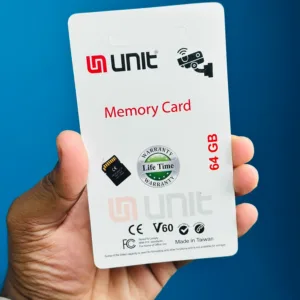
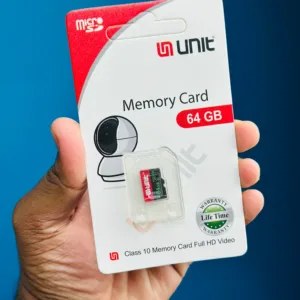
UNIT 64GB Memory Card Class 10 Memory Card Full HD Video
Original price was: ৳ 1,120.৳ 890Current price is: ৳ 890.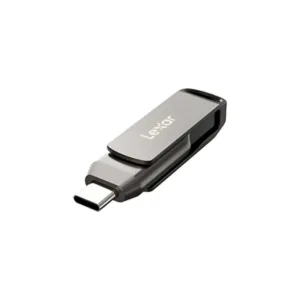

 Lexar JumpDrive S80 USB 3.1 Pe...
 Original price was: ৳ 1,950.৳ 1,500Current price is: ৳ 1,500.
48 in stock
Reviews
There are no reviews yet.