No products in the cart.

-23%



The Lexar V100 is a USB 3.0 pen drive from the Lexar brand, listed with a 64 GB capacity, a retractable connector and support for PC and Mac systems. It suits Bangladeshi students, office workers and home users who need a simple portable drive for documents, photos and everyday file moves. This page covers the listed specifications, setup advice, compatibility and ordering details.
- Lexar V100 overview
- Key features
- Specifications
- How to use and set up
- Compatibility and what is in the box
- Who should buy it in Bangladesh
- Alternatives in our store
- Warranty and support
- Delivery, returns and ordering
- Frequently asked questions
Lexar V100 overview: what it is and who it suits
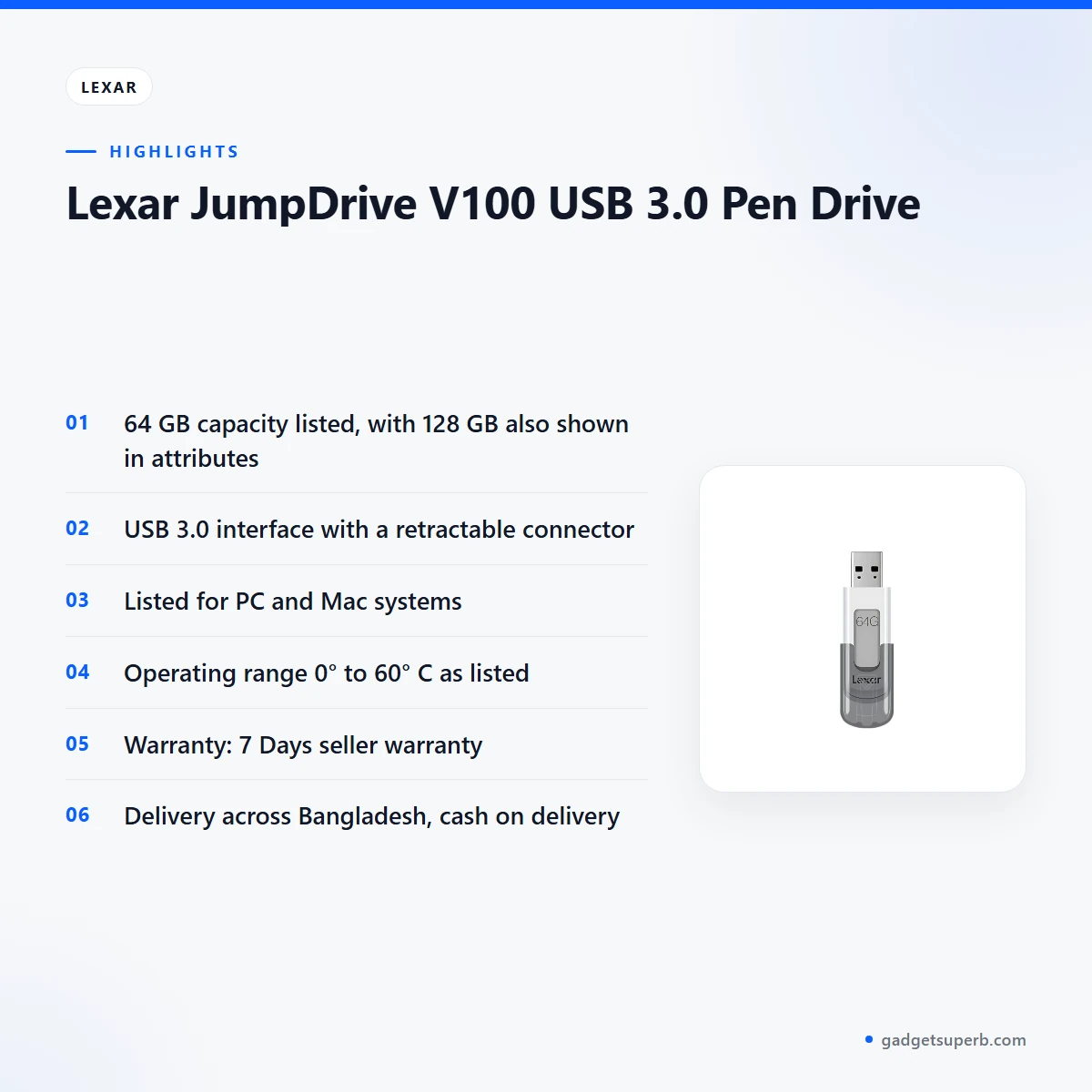
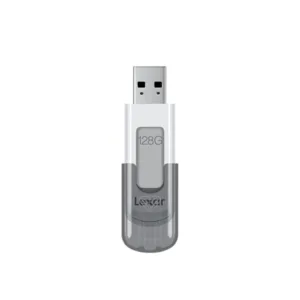
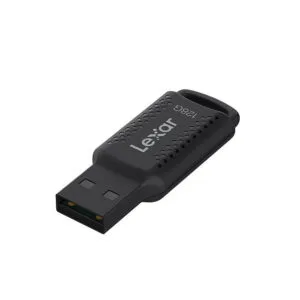
The Lexar V100 is a USB pen drive from the Lexar brand. Its full listed name is Lexar JumpDrive V100 USB 3.0 Pen Drive, and the model is given as V100. According to the listing, the drive has a 64 GB capacity and a USB 3.0 interface. The listing’s attributes also show 64 GB and 128 GB options, so check the capacity on the product page before you order.
A pen drive is a small flash storage device that plugs into a USB port and holds files you can carry between computers. For a Lexar V100 buyer in Bangladesh, the practical question is whether the drive has enough room for the documents, study notes, photos and presentations they move from home to office or college. The listed 64 GB capacity suits many everyday file sets, but the amount you can store depends on how large your files are. Video files fill storage much faster than text documents, so think about your own habits before you buy.
The listing does not give read or write speeds, so this page does not compare speed with other drives. If speed is your main requirement, call us on 09638054751 or email care@gadgetsuperb.com before you order. The Lexar V100 suits buyers who want a straightforward USB 3.0 drive with the capacity, dimensions and connector design listed on this page.
Buyers in Bangladesh often compare USB drives on capacity, port type and the store’s delivery and return terms, so this page follows that order. The listing for the Lexar V100 is short on performance detail, so the guidance here focuses on use, fit and buying steps rather than speed claims. Where a figure is not in the listing, we say so, and you can ask us before you place an order.
When choosing a pen drive, start with the kind of files you move most often. Text documents and small spreadsheets need far less room than video or large photo folders. Count the files you carry in a typical week, add some room for new work, and then compare that total with the listed capacity. This approach works for any drive, so you can apply it to every option on the market and in our store.
Key features
The listing names several features and specifications. Each one is described below as the listing gives it, with practical notes for buyers.
USB 3.0 interface
The listing gives the interface as USB 3.0, and that is the connection type the Lexar V100 is listed with. Before you buy, look at the ports on your laptop or desktop and confirm that one of them is a USB 3.0 port. The listing describes only the interface and does not explain how the drive performs on other port types, so do not assume results from one computer will match another. If you are unsure which port your computer has, ask us before you order, and our team can help you decide which product suits your setup. Many buyers check this first because it decides where the drive can be used.
Retractable connector design
For the Lexar V100, the listing gives the connector design as retractable. Handle the drive by its body, and avoid forcing the connector when you move it. Keep the connector clean and free of dust before you plug the drive into a port. Store the drive in a dry place when it is not in use, and follow the maker’s instructions for handling. Because the listing names the design but gives no further detail, check the product page or contact us if you have a question about how the connector works.
Lexar V100 capacity and storage options
The listing shows a capacity of 64 GB for the Lexar V100. Its attributes also list storage options of 64 GB and 128 GB, so confirm the capacity on the product page before you order. The listing does not explain how the two options differ beyond the stated figures. The space your computer reports can differ from the printed capacity, so check the free space after you connect the drive. Keep a note of how much space your regular files use, so you can judge whether 64 GB is enough for your work.
PC and Mac support
According to the listing, the Lexar V100 supports PC and Mac systems. That is the full compatibility statement in the listing. The listing does not name other device types, so ask us before ordering if you plan to use the drive with a different system. Check your operating system version as well, because the listing does not give version details. The Lexar V100 is a simple choice for households where one PC and one Mac share files, and it suits anyone who moves documents between the two.
Dimensions and weight
The listing for the Lexar V100 gives dimensions of 19.65 mm x 63.16 mm x 11.02 mm (0.774’’ x 2.490’’ x 0.434’’) and a weight of 8 g (0.018 lbs) for the USB only. These are the listed measurements for the product, and they are useful when you decide where the drive will sit. Before you buy, measure the free space in your bag or pocket if the drive will travel with you every day. Measure the space before you order, not after. The weight figure applies to the USB only, so it does not include any other items.
Operating and storage temperature
The listing gives an operating temperature of 0° to 60° C (32°F to 140°F) and a storage temperature of -10° to 70° C (14°F to 158°F). These are the figures the maker lists for the Lexar V100, and the listing does not give further conditions. Summer heat and humidity in Bangladesh can be intense, so avoid leaving the drive in a parked vehicle or on a sunny window ledge. Keep the drive within the listed ranges when you store it between uses, and bring it indoors if the room becomes very hot.
Specifications
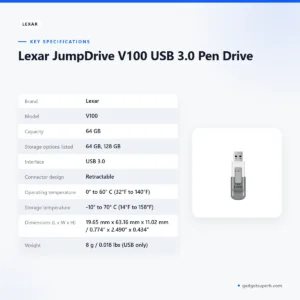
The specifications for the Lexar V100 are set out in the table below.
| Brand | Lexar |
|---|---|
| Model | V100 |
| Capacity | 64 GB |
| Storage options listed | 64 GB, 128 GB |
| Interface | USB 3.0 |
| Connector design | Retractable |
| Operating temperature | 0° to 60° C (32°F to 140°F) |
| Storage temperature | -10° to 70° C (14°F to 158°F) |
| Dimensions (L x W x H) | 19.65 mm x 63.16 mm x 11.02 mm / 0.774’’ x 2.490’’ x 0.434’’ |
| Weight | 8 g / 0.018 lbs (USB only) |
| System supported | PC and Mac systems |
These are listed specifications from the product listing.
How to use and set up
Setting up the Lexar V100 is straightforward, but a few habits help. Start by checking that the computer you plan to use is a PC or Mac, as the listing states. Then confirm that the port you plan to use is a USB 3.0 port, because that is the interface the listing gives.
Follow these general steps. The listing does not give detailed setup instructions, so the steps below stay generic, and you should follow the maker’s instructions where they apply.
- Open the connector following the maker’s instructions, then plug the drive into the USB port.
- Wait until your computer recognises the drive before you open or copy any files.
- Copy your files across, keeping a second copy of anything important on another device.
- Remove the drive using your system’s safe removal option before you unplug it.
- Close the connector, store the drive in a dry place, and keep it away from heat when it is not in use.
Before first use of the Lexar V100, read the listed operating and storage temperatures so you know the ranges. Power cuts are common in some parts of Bangladesh, so save your work often and keep a backup on a second device. During load-shedding, a drive is not a substitute for a regular backup, because any storage can fail.
For most buyers, the Lexar V100 is most useful as a carry drive for files you already keep elsewhere. Use it to move work between a PC at home and a PC at the office, or between a PC and a Mac. Avoid relying on it as the only copy of your photos or documents, and check that the drive is recognised before you rely on it for an urgent job. Plan your transfers in advance so that you are not copying under time pressure.
Compatibility and what is in the box
Compatibility for the Lexar V100 is limited to what the listing states: a USB 3.0 interface and support for PC and Mac systems. The listing does not name other device types, so ask us before you order for any device the listing does not mention.
The listing does not confirm the package contents, so ask us about them before you order. For details that the listing does not cover, check the maker’s website or contact our team by phone, Facebook Messenger or email.
Who should buy it in Bangladesh
The Lexar V100 suits several types of buyer. The scenarios below are realistic examples to help you decide whether the listed figures match your needs.
Students who travel between a home in one district and a college or hostel in another may want a USB drive for notes, slides and assignments. The 64 GB listed capacity can hold a large set of text documents, but large video or photo collections will need more room. A student may find the Lexar V100 useful for coursework that moves between a PC at home and a PC on campus, provided the port and system match the listing.
Office workers who copy presentations between an office PC and a laptop at home will value a drive with a listed USB 3.0 interface and a simple connector. Check that both machines have a USB 3.0 port before ordering, and keep a separate backup for anything your job depends on.
Families sharing one computer, or a household with one PC and one Mac, can use a pen drive for simple transfers of school files and photos. A household with one PC and one Mac can use the Lexar V100 for those transfers, since the listing names both systems. Keep an extra copy of family photos elsewhere, because one drive is not a backup.
Commuters in Dhaka who work across two locations often carry files on a small drive. The dimensions listed above can help you judge whether the drive fits your bag or pocket, and the listed weight can help you decide how it will feel to carry every day. Consider the Dhaka commute as a daily test of your routine rather than a guarantee of fit.
Buyers outside Dhaka should plan for longer delivery times. Delivery usually takes 2–5 days outside Dhaka, so order before you need the files for a deadline. Buyers who want a basic USB 3.0 drive and do not need extra features should look closely at the listed figures. If the listed capacity, interface and system support cover your needs, the Lexar V100 may suit you. If not, the alternatives in our store are listed below.
Alternatives in our store
If the Lexar V100 does not match your needs, you can browse other storage in our range. Each option below is named by its product name and category only, so open the product page to check its details.
When comparing the Lexar V100 with other drives, look at the listed capacity, interface and connector design first, then the warranty and delivery terms. Choose the option whose listed figures match your files, and ask us if you are unsure which one to pick.
Another flash drive in our range is HOCO UD15 USB3.2 USB & Type -C flash drive(32GB). A second flash drive option is HOCO UD15 USB3.2 USB & Type -C flash drive(64GB), and a third flash drive is Hoco UD15 Type-C USB 3.2 Dual-Port Flash Drive 256GB. For a different format, see Hoco MicroSD Memory Card 256GB, which is a microSD memory card. You can also browse the full storage category to compare the Lexar V100 with everything we list.
Warranty and support
Warranty: 7 Days seller warranty.
Delivery, returns and ordering
We deliver all over Bangladesh and you pay cash on delivery. Delivery usually takes 1–3 days inside Dhaka city and 2–5 days outside Dhaka.
You can return it within 7 days of delivery (see our Delivery & Returns policy). Read the full terms on our Delivery & Returns policy page.
Questions before ordering: call 09638054751, message us on Facebook Messenger or email care@gadgetsuperb.com.
When you place an order for the Lexar V100, check the product name, capacity and interface on the product page first. Confirm your model before you order, and confirm your delivery address so the courier can reach you. Pay cash on delivery when the order arrives. If the item does not match the listing, contact us within the return window so that we can check the order with you.
Frequently asked questions
Is the Lexar V100 a 64 GB pen drive?
Yes, the listing gives a capacity of 64 GB for the Lexar V100. Its attributes also show 128 GB, so check the capacity on the product page before you order.
What interface does the Lexar V100 use?
The listing gives the interface as USB 3.0. Confirm that your computer has a USB 3.0 port before you order.
Does the Lexar V100 work with Mac computers?
Yes, the listing says the product supports PC and Mac systems. The listing does not name other device types, so ask us first if you plan to use another system.
What warranty comes with the Lexar V100?
Warranty: 7 Days seller warranty. Ask us about the warranty before ordering if you need more detail.
Can I return a pen drive I have bought?
Yes, you can return it within 7 days of delivery under our Delivery & Returns policy. Read the policy page for the full steps.
How long does delivery of the Lexar V100 take?
Delivery usually takes 1–3 days inside Dhaka city and 2–5 days outside Dhaka. We deliver all over Bangladesh.
Can I pay cash on delivery for the Lexar V100?
Yes, you pay cash on delivery. Confirm your delivery address before you order.
What temperature range does the Lexar V100 list?
The listing gives an operating temperature of 0° to 60° C (32°F to 140°F) and a storage temperature of -10° to 70° C (14°F to 158°F).
Does the Lexar V100 come with a case or cable?
The listing does not confirm the package contents, so ask us before you order.
How can I ask questions about the Lexar V100 before ordering?
Call 09638054751, message us on Facebook Messenger or email care@gadgetsuperb.com before you place an order.
Related products
-23%
64 in stock

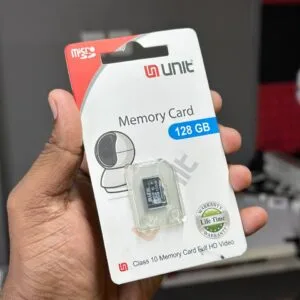
UNIT 128GB Memory Card Class 10 Memory Card Full HD Video
Original price was: ৳ 2,380.৳ 1,830Current price is: ৳ 1,830.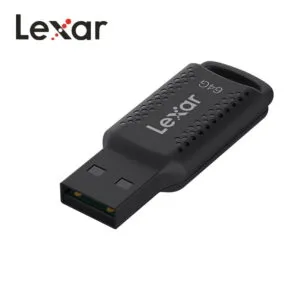
-20%
100 in stock

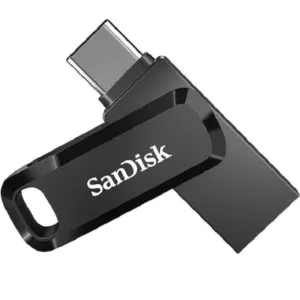
SanDisk Ultra Dual Drive Go USB Type-C Flash Drive-64GB
Original price was: ৳ 1,040.৳ 830Current price is: ৳ 830.-20%
169 in stock
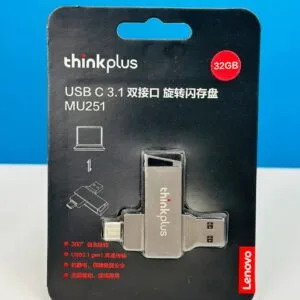
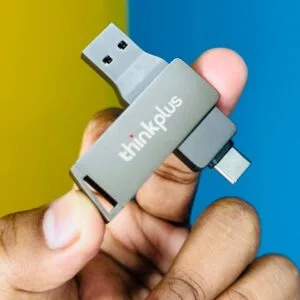
Lenovo thinkplus MU251 USB 3.1 & type-c Dual-port 32GB flash drive
Original price was: ৳ 1,190.৳ 950Current price is: ৳ 950.-23%
47 in stock
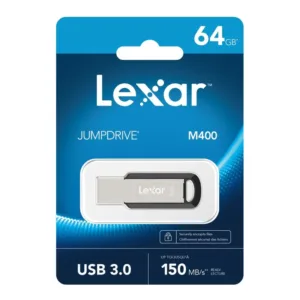
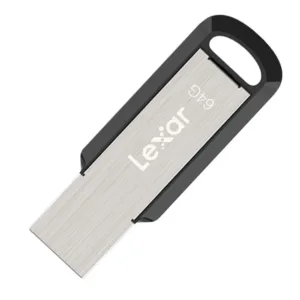
Lexar JumpDrive M400 USB 3.0 Pen Drive- 64GB
Original price was: ৳ 1,950.৳ 1,500Current price is: ৳ 1,500.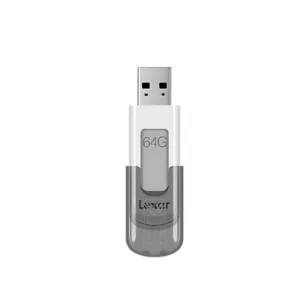 Lexar JumpDrive V100 USB 3.0 P...
 Price range: ৳ 1,500 through ৳ 1,610
Reviews
There are no reviews yet.