No products in the cart.

-27%

The TP-Link Archer C64 Router is a dual-band wireless router that the listing describes as AC1200 at 1200mbps. It suits Bangladeshi homes and small offices where several phones, laptops and smart devices share one connection during the day and evening. This page sets out the listed facts, practical setup advice and the delivery details you need before ordering.
- Overview
- Key features
- Specifications
- How to use and set up
- Compatibility and what is in the box
- Who should buy it in Bangladesh
- Alternatives in our store
- Warranty and support
- Delivery, returns and ordering
- Frequently asked questions
TP-Link Archer C64 Router overview
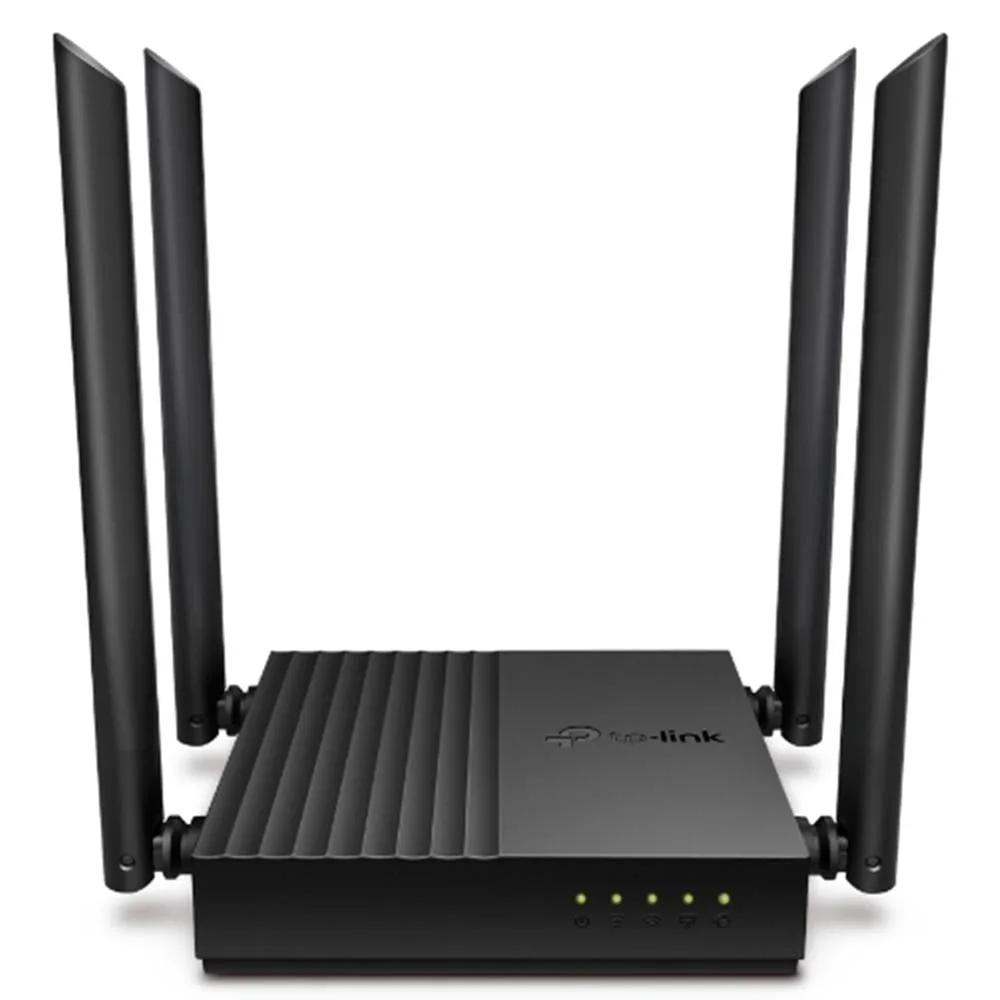
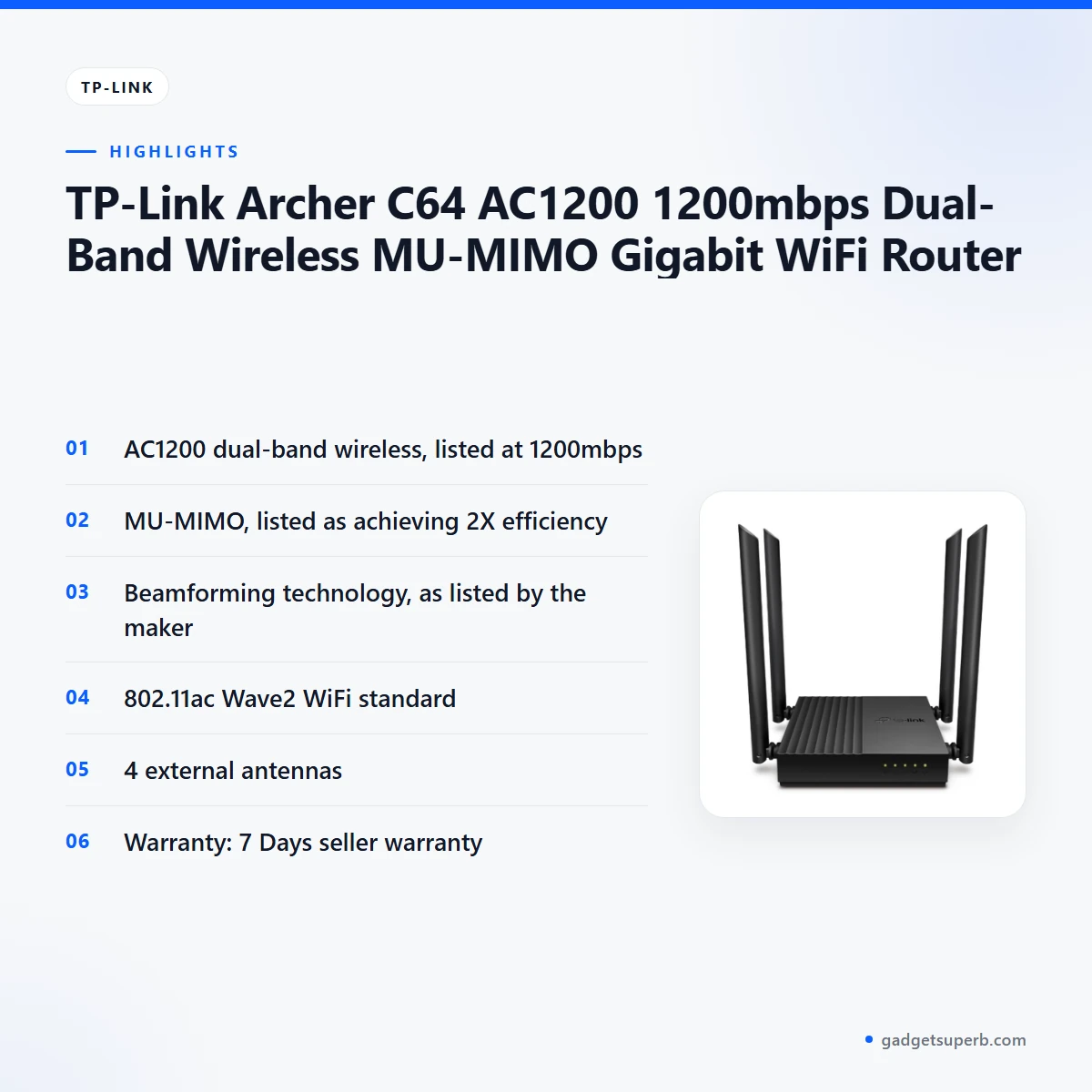
The TP-Link Archer C64 Router sits in our Routers and Pocket WiFi range. According to the listing, it is an AC1200 dual-band router at 1200mbps, with Gigabit in the product name, 802.11ac Wave2 WiFi, MU-MIMO, beamforming technology and four external antennas. Those are the facts we can state from the listing. Everything else on this page is practical advice on use, fit and buying, so you can judge whether this router suits your home.
A TP-Link Archer C64 Router suits a household where several people stream video, join calls and work on laptops during the same evening. The listing says MU-MIMO achieves 2X efficiency, which matters most when more than one device is active at once. Beamforming technology is listed too, and we keep that wording as the maker gives it. Think about your own evening before you decide, because that is when a shared router works hardest.
Bangladeshi buyers often ask whether a router will serve a small flat, a shop or a family home with a mix of phones, televisions and office equipment. The answer depends on your floor plan, the number of walls between your devices and the router, and how many devices you run at the same time. Compare the listing with your own space before you choose. If you are unsure whether the TP-Link Archer C64 Router fits your setup, message us before you order.
Humidity and power cuts are everyday realities in many parts of the country, and they shape how any router performs in practice. Good placement, a stable power arrangement and sensible care matter as much as the model you choose. The rest of this page covers those points in plain language, so you can plan around your own home or office rather than around a headline figure.
Key features
AC1200 dual-band speed
The listing describes the TP-Link Archer C64 Router as AC1200 with 1200mbps dual-band wireless. That figure is the wireless rating the maker lists, so treat it as the listed rating rather than a speed you will see at your desk. Your internet plan, your modem and the position of the router all affect what you notice day to day. Check your plan before you choose any router. Households that mainly browse and message may need less than households that stream and game in several rooms, so match the choice to your daily use.
MU-MIMO for several devices
The listing says MU-MIMO achieves 2X efficiency. We do not add a technical explanation beyond that wording. In a home where phones, laptops, televisions and cameras connect at the same time, this is the feature to look at first. How much you notice depends on how many devices are active together, so count the devices you use each evening before you decide. A TP-Link Archer C64 Router with this listed feature suits busy households, while a single-device user may not need it.
Beamforming technology
Beamforming technology is listed for this model. We keep the description to the listing’s own words and do not claim how far it extends coverage in your home. What you can do is map where your devices sit. Note the bedroom, the balcony and any room behind a thick wall, then compare those spots with the router position you plan to use. Placement is a step you control, whatever the listed features say. Once you know your layout, you can decide whether the TP-Link Archer C64 Router belongs in a central spot.
802.11ac Wave2 WiFi standard
The listing names the 802.11ac Wave2 WiFi standard. We repeat that wording rather than explaining the standard in depth. The practical step is to check the wireless support of the phones, laptops and smart devices you already own. Look in each device’s own settings or documentation. Matching devices to the listed standard helps you set expectations before you order the TP-Link Archer C64 Router. If you are not sure, ask us and we will help you read the details before you buy.
Four external antennas
The listing gives four external antennas as a feature. It does not state a coverage distance, so we cannot say how this changes coverage in your flat. For a sensible approach, keep the router in an open, ventilated spot, away from heat and dust. Humidity in the monsoon months makes ventilation a fair concern for any electronics, so avoid closed boxes and damp corners. Those simple habits protect the router and help you get the most from the listed setup.
Specifications
Below are the listed specifications for the TP-Link Archer C64 Router, with no extra figures added.
| Label | Value |
|---|---|
| Brand | TP-Link |
| Model | Archer C64 |
| Product name | TP-Link Archer C64 AC1200 1200mbps Dual-Band Wireless MU-MIMO Gigabit WiFi Router |
| Category | Routers & Pocket WiFi |
| Wireless standard | 802.11ac Wave2 WiFi |
| Wireless rating | AC1200, 1200mbps |
| Band | Dual-band |
| Multi-user feature | MU-MIMO, listed as achieving 2X efficiency |
| Beamforming | Beamforming technology |
| Antennas | 4 external antennas |
| Network | Gigabit (as named in the listing) |
| Warranty | 7 Days |
These are listed specifications from the product listing.
How to use / set up
Setting up the TP-Link Archer C64 Router is a straightforward job if you plan the steps first. Start by choosing the position, then connect the power and your internet line, and follow the maker’s instructions for the first configuration. Keep your order receipt somewhere safe, in case you need to contact us later.
Place the TP-Link Archer C64 Router in an open, ventilated spot near where you normally use the internet, away from direct sun and heat. Keep cables neat and avoid stacking other electronics on top. Once it is switched on, connect one device first to confirm the link works, then add the rest of your devices one at a time. This makes it easier to spot a problem early.
Bangladesh-specific checks help. Power cuts are common in some areas, so think about how the TP-Link Archer C64 Router behaves when power returns and whether a stable supply or a UPS suits your setup. Check the power requirements in the maker’s documentation rather than relying on guesses. Many households also use a surge protector, but make sure any device you add suits your equipment.
If you are adding the TP-Link Archer C64 Router to an existing network, plan the change before you start. Keep the old connection running until the new one works, and note the settings you change so you can return to them if needed. Tell the people in your home or office when you plan to switch, so nobody loses a video call halfway through.
Keep your admin login details in a safe place, and write them down somewhere private. Do not leave them on a note near the router where anyone can read them. If you change the Wi-Fi name or password later, update each device in your home so the connections stay stable.
Care is simple. Dust the vents, keep the unit dry, and avoid placing it in a damp bathroom or kitchen. In humid months, check the spot every few weeks. Keep the router away from pets and children who might pull on cables, and do not block the air around it with cloth or books. These habits matter for any router in Bangladesh, and they take little effort.
If you move house or store a spare unit, keep it in a dry cupboard at room temperature, away from direct sun. Pack cables loosely so they do not kink. Keep the TP-Link Archer C64 Router in its place until you have confirmed the new setup works, and only then pack the old equipment away.
Compatibility and what is in the box
The listing confirms the 802.11ac Wave2 WiFi standard, AC1200 dual-band wireless and four external antennas. It does not list the modems, internet providers or operating systems it works with, so confirm your model and setup before you order the TP-Link Archer C64 Router.
The listing does not state what is in the box. If you need a specific cable, adapter or accessory, ask us before ordering rather than assuming it comes with the router.
For compatibility checks, look at the wireless support on your existing devices and at the internet connection you already have. Your connection still matters as much as the router itself. A TP-Link Archer C64 Router placed well will not fix a weak line from your provider.
Where the listing is silent, we do not fill the gap with assumptions. That is the honest way to shop, and it protects you from a wrong purchase. If a detail matters to your decision, ask us in writing before you pay.
Who should buy it in Bangladesh
The TP-Link Archer C64 Router suits several realistic buyers. First, a family flat in Dhaka or Chattogram where phones, laptops and a television share one connection in the evening.
Second, a small office or home workspace with several people who need regular access for email, cloud files and video calls. The listed MU-MIMO feature is the reason to consider the TP-Link Archer C64 Router for a shared network.
Third, a shop or home-based business with a few laptops, a computer for billing and a security camera. Check your device list before you buy, because the listing does not confirm compatibility with every system. A shop owner may also want the router placed away from the front counter, where people and dust move most.
Fourth, a student or freelancer in a rented room who wants a steady home connection for online classes and file uploads. The TP-Link Archer C64 Router can serve that role, but a single user with light needs may not use most of the listed features. Think about your monthly use before you decide.
Fifth, a household with an older relative who mainly watches videos and makes calls. Here the main job is reliability and easy placement. Keep the router near the most used room, and ask a family member to help with the first setup so the connection is ready when you need it.
Sixth, a landlord setting up a flat for tenants. The listing describes a shared-use router, so a landlord with several tenants on one line should agree on usage hours and placement in writing. Keep the admin details with the landlord, not with the tenants.
For a mobile option, the TP-Link Archer C64 Router is in the Routers and Pocket WiFi category, but a dedicated pocket model is the better choice for a portable connection. Look at the Vemo option listed in the next section before you decide.
Who should skip it? If you only use one or two devices for light tasks, a simpler router may meet your needs. A household like that gains little from several listed features it will rarely use, and a simpler model may serve well.
Bangladesh-specific buyers should also think about power, humidity and the room layout. Those factors often decide the result more than the model name, so write down your layout before you compare any shortlist. Bring the plan to us if you want help matching your situation to the listing.
Alternatives in our store
If you are comparing options, start with the Cudy WR1200 AC1200 Dual Band Smart Wi-Fi Router, which is another Wi-Fi router in our range. It sits alongside the TP-Link Archer C64 Router in the same kind of home setup.
For a second router choice, see the Ruijie RG-EW1300G 1300M Dual-Band Gigabit WiFi Router, another router in our range. Read its listing next to the TP-Link Archer C64 Router before you decide.
If you need a portable connection instead, look at the Vemo E5783 Plus 4G/5G Portable Pocket WiFi Router – 300Mbps High-Speed Mobile Hotspot with 3000mAh Battery, a pocket WiFi router in our range. Compare it with the TP-Link Archer C64 Router only if mobility matters more to you than a fixed home setup.
For a router accessory, the Metal Router Stand – Black is an accessory in our range that may suit your placement plan for the TP-Link Archer C64 Router.
Decide first whether you need a fixed home router or a portable connection, then compare the listings that match that choice. Writing down your device count and room layout makes the comparison quicker.
To browse the full range, visit the Routers & Pocket WiFi category.
Warranty and support
Warranty: 7 Days seller warranty.
Delivery, returns and ordering
Before you order the TP-Link Archer C64 Router, note how we deliver: we deliver all over Bangladesh and you pay cash on delivery.
Delivery usually takes 1–3 days inside Dhaka city and 2–5 days outside Dhaka. Plan the installation around those windows, especially if you are replacing a router that your family relies on every day.
You can return it within 7 days of delivery, as set out in our Delivery and Returns policy. Keep your order details safe during that time, so you can refer to them if you contact us.
Questions before ordering: call 09638054751, message us on Facebook Messenger or email care@gadgetsuperb.com.
When you order, send us the product name and model number in your message, so we can match the right item to your request. If you are ordering for a family member outside Dhaka, allow the longer delivery window and share a phone number where the right person can be reached.
Read the full terms on our Delivery and Returns policy page before you place your order.
Frequently asked questions
What is the TP-Link Archer C64 Router?
The TP-Link Archer C64 Router is a dual-band wireless router that the listing describes as AC1200 with 1200mbps wireless speed. It is listed in our Routers and Pocket WiFi category.
Who is the TP-Link Archer C64 Router for?
It suits Bangladeshi homes and small offices where several phones, laptops and smart devices share one connection. Check your device list before you order.
Does the TP-Link Archer C64 Router support MU-MIMO?
Yes, the TP-Link Archer C64 Router is listed with MU-MIMO, which the listing says achieves 2X efficiency. We do not add technical detail beyond that wording.
Which wireless standard does the TP-Link Archer C64 Router use?
It is listed as 802.11ac Wave2 WiFi. Check that your phones, laptops and smart devices support this standard before you buy.
How many antennas does the TP-Link Archer C64 Router have?
The listing says four external antennas. It does not state a coverage distance, so we cannot say how far the signal reaches in your home.
Does the TP-Link Archer C64 Router come with a warranty?
Yes, the listing shows a 7 Days seller warranty. Ask us if you want more detail before ordering.
Is the TP-Link Archer C64 Router a pocket WiFi router?
It is listed in our Routers and Pocket WiFi category, and the listing describes it as a router. For a portable option, see the Vemo E5783 Plus in our range.
Can I pay cash on delivery in Bangladesh?
Yes. We deliver all over Bangladesh and you pay cash on delivery.
How long does delivery take in Dhaka and outside Dhaka?
Delivery usually takes 1–3 days inside Dhaka city and 2–5 days outside Dhaka.
Can I return it within 7 days?
Yes, you can return it within 7 days of delivery. See our Delivery and Returns policy for the full terms.
Does the box include a power cable?
The listing does not state what is in the box, so ask us before ordering rather than assuming.
How can I ask questions before ordering?
Call 09638054751, message us on Facebook Messenger or email care@gadgetsuperb.com.
For the maker’s details, see the maker’s website.
Related products
-27%
190 in stock
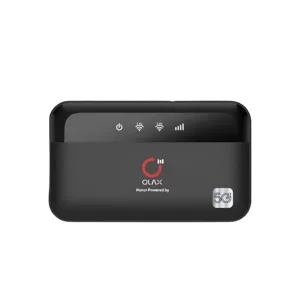
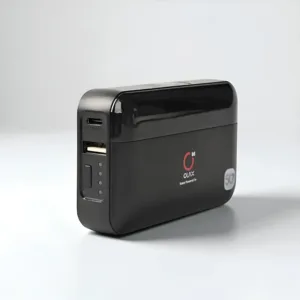
OLAX M100 WiFi 6 10000mah 5G Pocket Router
Original price was: ৳ 4,610.৳ 3,360Current price is: ৳ 3,360.
-28%
61 in stock
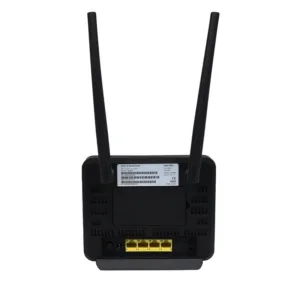

Olax MC60 300Mbps WIFI Speed 4G Router
Original price was: ৳ 7,210.৳ 5,180Current price is: ৳ 5,180.-27%
50 in stock

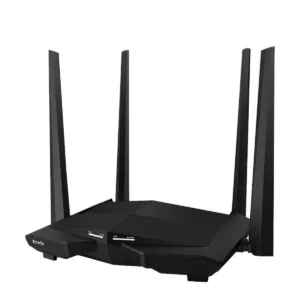
Tenda AC10 AC1200 1200Mbps Dual Band 4 Antenna Gigabit WiFi Router
Original price was: ৳ 4,500.৳ 3,280Current price is: ৳ 3,280.-26%
9 in stock
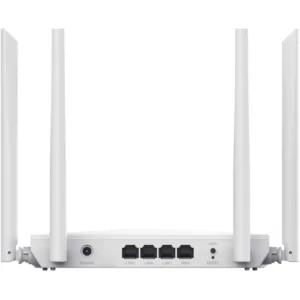
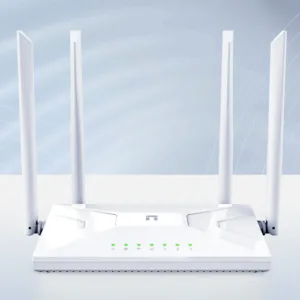
Netis NC21 AC1200 Wireless Fast Gaming Router
Original price was: ৳ 3,110.৳ 2,300Current price is: ৳ 2,300. TP-Link Archer C64 AC1200 1200...
 Original price was: ৳ 4,530.৳ 3,300Current price is: ৳ 3,300.
30 in stock
Reviews
There are no reviews yet.