No products in the cart.

-27%
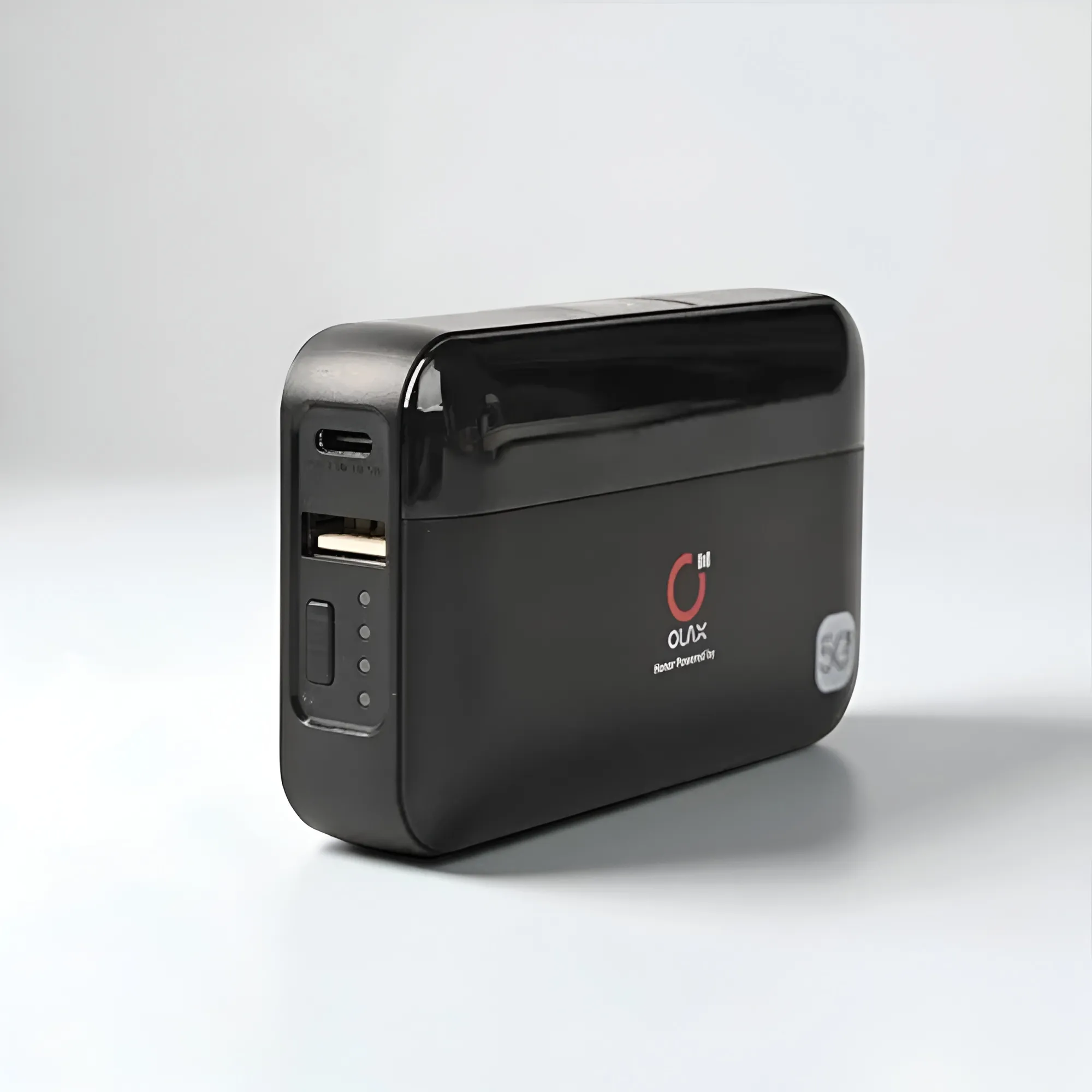
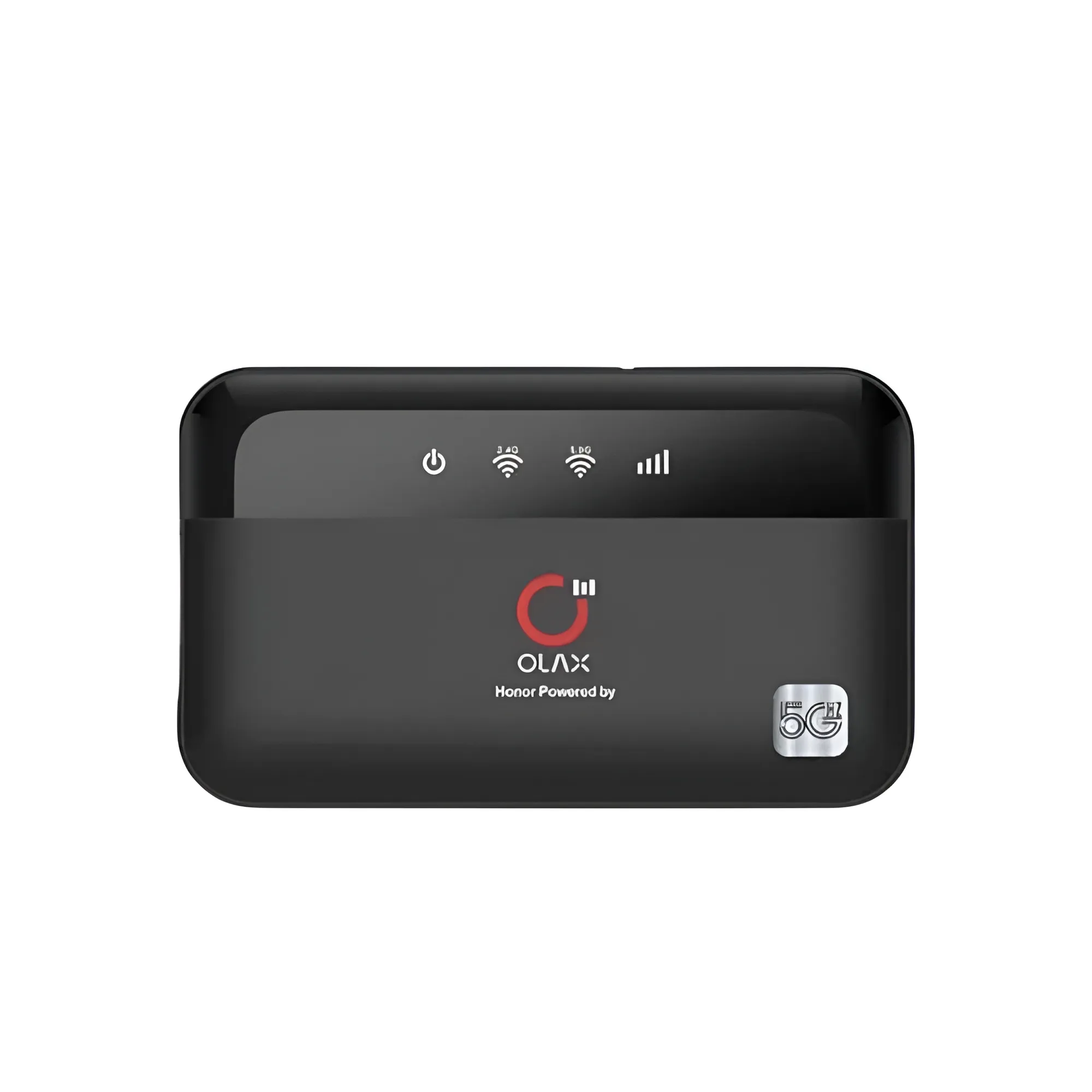


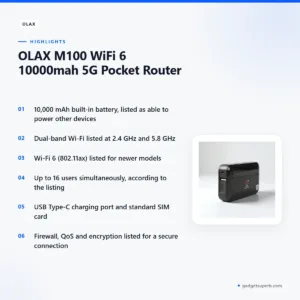
The Olax M100 pocket router is a portable Wi-Fi device that the listing describes with a 10,000 mAh built-in battery, dual-band Wi-Fi and support for up to 16 users at the same time. It suits people who need a mobile connection for a phone, laptop or tablet while travelling, working away from a fixed line, or sharing one data plan with a small group.
- Overview
- Key features
- Specifications
- How to use / set up
- Compatibility and what is in the box
- Who should buy it in Bangladesh
- Alternatives in our store
- Warranty and support
- Delivery, returns and ordering
- Frequently asked questions
Olax M100 pocket router overview: what it is and where it fits
The Olax M100 pocket router is listed in our Routers & Pocket WiFi range. It uses a standard SIM card from your cellular provider, so the connection comes from your mobile plan rather than a fixed home line. The listing says the Wi-Fi network can be joined by up to 16 users at the same time, so one device can serve a phone, a laptop and a tablet during the same working day.
For the Olax M100 pocket router, the useful question is not only what the device is, but where you will use it. If you already have a fixed home or office connection, a pocket router is usually a backup or a second option. If you move between places often, it may become your main link. For background on the general role of these devices, see the general background on wireless routers, which explains the basic idea.
Buyers in Dhaka often look for a connection they can carry in a bag. The Olax M100 pocket router may suit a commuter who needs a connection on a bus or in a rented office, a family that shares one data plan, or a small team that works from a shared desk. The listing does not describe every use case, so read the features below and match them to your daily routine before you order.
Key features
Built-in power bank for other devices
The Olax M100 pocket router has a built-in battery of 10,000 mAh. According to the listing, that battery can provide power to other devices, such as your phone, when you are on the go. For many buyers this is the main reason to consider the device, because one charged unit can support both a connection and a phone during a day out. The listing does not state how long the battery lasts with a phone or laptop connected, so treat runtime as something you learn through your own use. Charge the unit fully before first use, and keep it somewhere cool and dry between trips.
Dual-band Wi-Fi at 2.4 GHz and 5.8 GHz
The listing says the Olax M100 pocket router supports both 2.4 GHz and 5.8 GHz Wi-Fi frequencies. According to the listing, having two frequencies can help reduce interference and improve connection stability. Dual-band support may matter in a building where many networks share the air, but the listing does not say how many nearby networks the device handles or what speeds you will see. Your experience with the Olax M100 pocket router depends on your signal, your SIM plan and where you place the device in the room. Put it where you normally use your phone or laptop, then check the signal on each device after setup.
Wi-Fi 6 standard for newer models
The listing says newer models appear to support the Wi-Fi 6 (802.11ax) standard for faster and more efficient wireless connectivity. The word appear matters here, because the listing does not confirm which units carry this standard. If Wi-Fi 6 support is important to you, ask us before you order the Olax M100 pocket router so we can match your needs to the listing. Your phone or laptop also needs to support the standard to benefit from it. Many people will simply connect their existing devices, so treat Wi-Fi 6 as a possible extra rather than a requirement for the Olax M100 pocket router.
Up to 16 users at a time
According to the listing, the Olax M100 pocket router supports up to 16 users at the same time. That range suits a small family, a group of colleagues in a shared workspace, or friends travelling together. The number is a maximum set by the listing for the Olax M100 pocket router, not a promise of how each user will perform. As more devices join, they share the same connection, so your data plan and signal strength will shape the experience. Agree with the group who will download large files or run video calls.
Firewall, QoS and encryption
The listing mentions firewall and QoS (Quality of Service) functionality. It also says the device uses various encryption types to establish a secure connection. The listing does not name the encryption types, so ask us if you need that detail before you buy. For a shared connection, a strong Wi-Fi password is a sensible step. The listing says you can log in to the router’s settings through a web browser to change the password and adjust other parameters, which is where you should make that change after setup on the Olax M100 pocket router.
USB Type-C charging port
The listing says the Olax M100 pocket router has a USB Type-C charging port. A single cable type can be convenient if you already carry a Type-C cable for your phone. The listing does not state the charger supplied or the charging time, so check your own charger’s output before you plug in. Use a cable and adapter you trust, and avoid charging the device in a very hot or damp place. Keeping the charging area clear and dry suits the humid months in Bangladesh.
Specifications
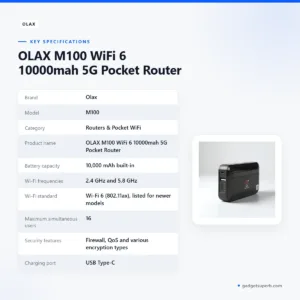
The table below sets out the specifications for the Olax M100 pocket router as they appear in the product listing. Use it to compare the basic facts before you decide whether this Olax M100 pocket router suits your needs.
| Label | Value |
|---|---|
| Brand | Olax |
| Model | M100 |
| Category | Routers & Pocket WiFi |
| Product name | OLAX M100 WiFi 6 10000mah 5G Pocket Router |
| Battery capacity | 10,000 mAh built-in |
| Wi-Fi frequencies | 2.4 GHz and 5.8 GHz |
| Wi-Fi standard | Wi-Fi 6 (802.11ax), listed for newer models |
| Maximum simultaneous users | 16 |
| Security features | Firewall, QoS and various encryption types |
| Charging port | USB Type-C |
| SIM card | Standard SIM card from your cellular provider |
| Warranty | 7 Months |
These are listed specifications from the product listing for the Olax M100 pocket router, and we have not added figures beyond what the listing states.
How to use / set up
Setting up the Olax M100 pocket router is straightforward if you follow the maker’s instructions and work through the steps in order. The steps below follow the listing, with a charging step added at the start as general advice.
- Charge the device fully before first use, following the maker’s instructions.
- Open the back cover and insert a standard SIM card from your cellular provider.
- Press and hold the power button for about three seconds to turn on the device.
- Find the Wi-Fi name (SSID) and password. The listing says these are typically found on a label inside the device, usually near the battery.
- Search for the Wi-Fi network name on your computer, phone or tablet, and enter the password to connect.
- To configure the network, change the password or adjust other parameters, log in to the router’s settings using a web browser.
Once the Olax M100 pocket router is connected, check the connection on each device you plan to use. Move the device a little if the signal drops, and note the Wi-Fi name and password in a safe place. Changing the password early is a good habit for any shared network, and the listing confirms that the settings page allows this.
Care and storage between uses
Good day-to-day care helps any portable device last. Keep the Olax M100 pocket router out of direct sun and away from heaters, and wipe the outside with a dry, soft cloth when it gets dusty. Humidity is common in Bangladesh, so store it in a dry bag or drawer rather than on a damp surface.
Let the unit reach room temperature before you charge it after a hot journey. If you will not use it for a while, charge it to a moderate level and check it again before the next trip. During load-shedding, keep the battery charged while the mains supply is on, because the listing does not say how long the battery lasts.
Keep the SIM card, any charging cable you use with the device and your Wi-Fi details together in one place. If the connection becomes weak after a restart, check the signal and your data balance first, then reconnect your devices. Keep the settings password where you can find it, since you will need it for future changes.
Compatibility and what is in the box
The listing confirms two physical points for the Olax M100 pocket router: it uses a standard SIM card from your cellular provider, and it has a USB Type-C charging port. Those are the items you can plan around before you order.
Several details are not confirmed by the listing. It does not state which mobile networks or SIM plans the device supports beyond the general SIM instruction, which phones and laptops work best with it, or what accessories come with the unit. Because the listing does not say what is in the box, we do not describe any accessories here. Check that your phone and laptop have Wi-Fi support, and keep your receipt and packaging while you decide.
The 5G wording in the product name is another point to clarify. The listing includes 5G in the name but gives no further network detail for the Olax M100 pocket router, so ask us about network support if your provider’s network is important to you.
If you are comparing the Olax M100 pocket router with other pocket routers, use the listed facts in the table above and the questions in our FAQ, and note which points the listing leaves open.
Who should buy the Olax M100 pocket router in Bangladesh
Some buyers have internet needs that move with them. A commuter who works from a flat in one area and a rented desk in another may want one connection for a laptop and phone. The built-in battery, listed as able to power other devices, adds flexibility on long days away from a charger.
A frequent traveller between districts can also benefit from a portable device. The listing supports up to 16 users at the same time, so a travelling group sharing one connection may find this Olax M100 pocket router useful. Agree how the data will be used before the trip, so that large downloads do not use up everyone’s allowance.
A small team that works from a shared desk may find the Olax M100 pocket router useful as a separate connection. It can help when the main line is unavailable. Keep the Wi-Fi password private, review the settings page once a month, and make sure someone knows how to contact us if the connection stops working.
A family that wants one connection for a few phones and a tablet may find the Olax M100 pocket router handy for occasional use. It is less suited to a household that needs a permanent fixed line, because the device depends on your SIM plan and signal.
Households that face load-shedding may consider a battery-equipped device such as the Olax M100 pocket router. The listing says the battery can provide power to other devices, but it does not say how long that lasts, so do not plan around a set number of hours.
If you expect the Olax M100 pocket router to run for many hours with several heavy users, think about how your data plan and signal will hold up before you rely on it. Occasional and mobile use is a more natural fit than a permanent office setup that depends on one connection all day.
A home office with an unreliable fixed line may use a second connection as a backup. The listing does not describe any automatic switching between connections, so plan the switch yourself. Keep the device charged and the SIM plan active so the backup is ready when you need it.
The device is not the right choice for every buyer. If you need a fixed home broadband router with a permanent installation, look at the alternatives below. If you are unsure whether this Olax M100 pocket router fits your setup, contact us with your daily routine and we can help you narrow down the options.
Alternatives in our store
If the Olax M100 pocket router is not the right fit, you can look at Cudy WR1200 AC1200 Dual Band Smart Wi-Fi Router, which is another Wi-Fi router in our range. For another pocket WiFi option, see Vemo E5783 Plus 4G/5G Portable Pocket WiFi Router – 300Mbps High-Speed Mobile Hotspot with 3000mAh Battery, which is another pocket WiFi router in our range. If you want an accessory for your router setup, Metal Router Stand – Black is a router accessory in our networking range. You can also compare Ruijie RG-EW1300G 1300M Dual-Band Gigabit WiFi Router, which is another Wi-Fi router in our range. To browse everything in this area, visit the Routers & Pocket WiFi category.
Each link opens the product page in our store, where you can read the listing details before you decide.
Warranty and support
Warranty: 7 Months seller warranty.
Delivery, returns and ordering
Ordering the Olax M100 pocket router from us is simple. We deliver all over Bangladesh and you pay cash on delivery. Delivery usually takes 1–3 days inside Dhaka city and 2–5 days outside Dhaka. You can return it within 7 days of delivery (see our Delivery & Returns policy), so check the device when it arrives.
Before you order, you can ask questions about the Olax M100 pocket router by phone, Facebook Messenger or email. Questions before ordering: call 09638054751, message us on Facebook Messenger or email care@gadgetsuperb.com. For the full terms, read our Delivery & Returns policy page.
If you are ordering the Olax M100 pocket router for a relative in another district, give us the full delivery address, because the delivery time depends on whether the address is inside or outside Dhaka city. Keep your order details and delivery note with the device, since they help if you need to return it within the 7-day window.
Frequently asked questions
Is the Olax M100 pocket router a 5G device?
The product name in the listing includes 5G, but the listing gives no further network detail for the Olax M100 pocket router. Ask us about network support before you order.
Can the Olax M100 pocket router charge my phone?
According to the listing, its built-in 10,000 mAh battery can provide power to other devices, such as your phone, when you are on the go.
Does the Olax M100 pocket router support Wi-Fi 6?
The listing says newer models appear to support Wi-Fi 6 (802.11ax), and it does not confirm this for every unit.
How many devices can connect to the Olax M100 pocket router?
The listing says it supports up to 16 users simultaneously. Your actual experience depends on your signal and data plan.
Which charging port does this model use?
According to the listing, it has a USB Type-C charging port.
Do I need a SIM card for this router?
Yes, the listing says to insert a standard SIM card from your cellular provider.
Where do I find the Wi-Fi name and password on the Olax M100 pocket router?
The listing says they are typically on a label inside the device, usually near the battery.
What warranty comes with the Olax M100 pocket router?
The warranty value for this product is 7 Months. Ask us about the warranty before ordering if you need more detail.
Can I return it?
Yes, you can return it within 7 days of delivery. See our Delivery and Returns policy for the full terms.
How do I pay for the Olax M100 pocket router and who do I contact?
You pay cash on delivery. Call 09638054751, message us on Facebook Messenger or email care@gadgetsuperb.com.
Can I rely on the battery during load-shedding?
The listing does not say how long the battery lasts, so do not plan around a set number of hours. Keep the device charged while mains power is available.
Can I change the Wi-Fi password on the Olax M100 pocket router?
Yes, the listing says you can log in to the router’s settings using a web browser to change the password and adjust other parameters.
Related products
-27%
48 in stock

Vemo M6 Pro 300Mbps 4G LTE Pocket Router
Original price was: ৳ 5,420.৳ 3,950Current price is: ৳ 3,950.-23%
66 in stock

Vsol V2801SG XPON (G/Epon) Single Port ONU
Original price was: ৳ 1,930.৳ 1,480Current price is: ৳ 1,480.-26%
30 in stock
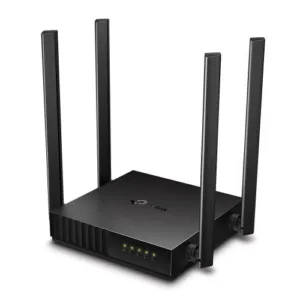
TP-Link Archer C54 AC1200 Dual Band Wi-Fi Router
Original price was: ৳ 3,500.৳ 2,590Current price is: ৳ 2,590.-27%
22 in stock
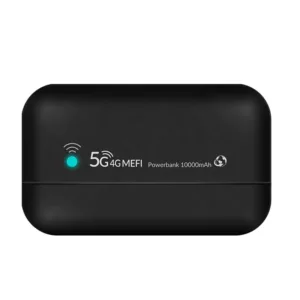
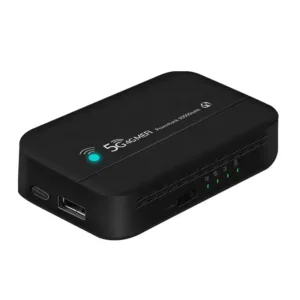
PW100 4G LTE Pocket Wi-Fi Router with 10000mAh Bettery – 300Mbps
Original price was: ৳ 5,440.৳ 3,970Current price is: ৳ 3,970.-26%
44 in stock

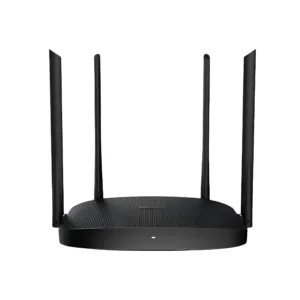
Hikvision DS-3WR12C AC1200 1200Mbps Dual Band WiFi Router
Original price was: ৳ 2,960.৳ 2,190Current price is: ৳ 2,190.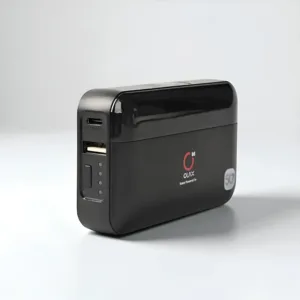 OLAX M100 WiFi 6 10000mah 5G P...
Original price was: ৳ 4,610.৳ 3,360Current price is: ৳ 3,360.
190 in stock
Reviews
There are no reviews yet.